Data engineering tools help you build, manage, and automate data pipelines so you can efficiently collect, transform, and deliver reliable data for analytics and operations.You want to know which are the best data engineering tools for modern workflows in 2025? Here are the best 12 data engineering tools leading the pack:
FineDataLink
Apache Airflow
dbt
Apache Spark
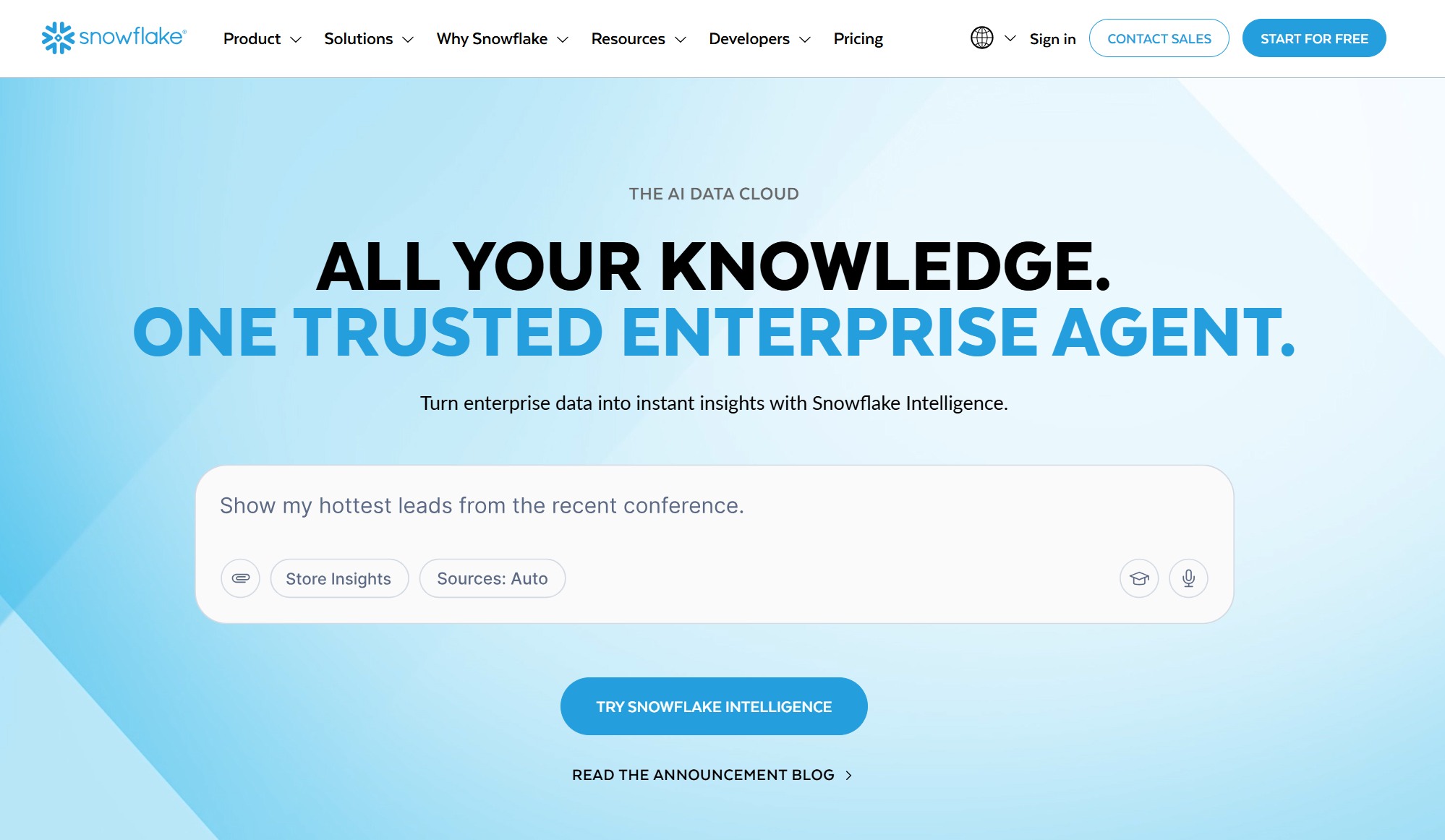
Snowflake
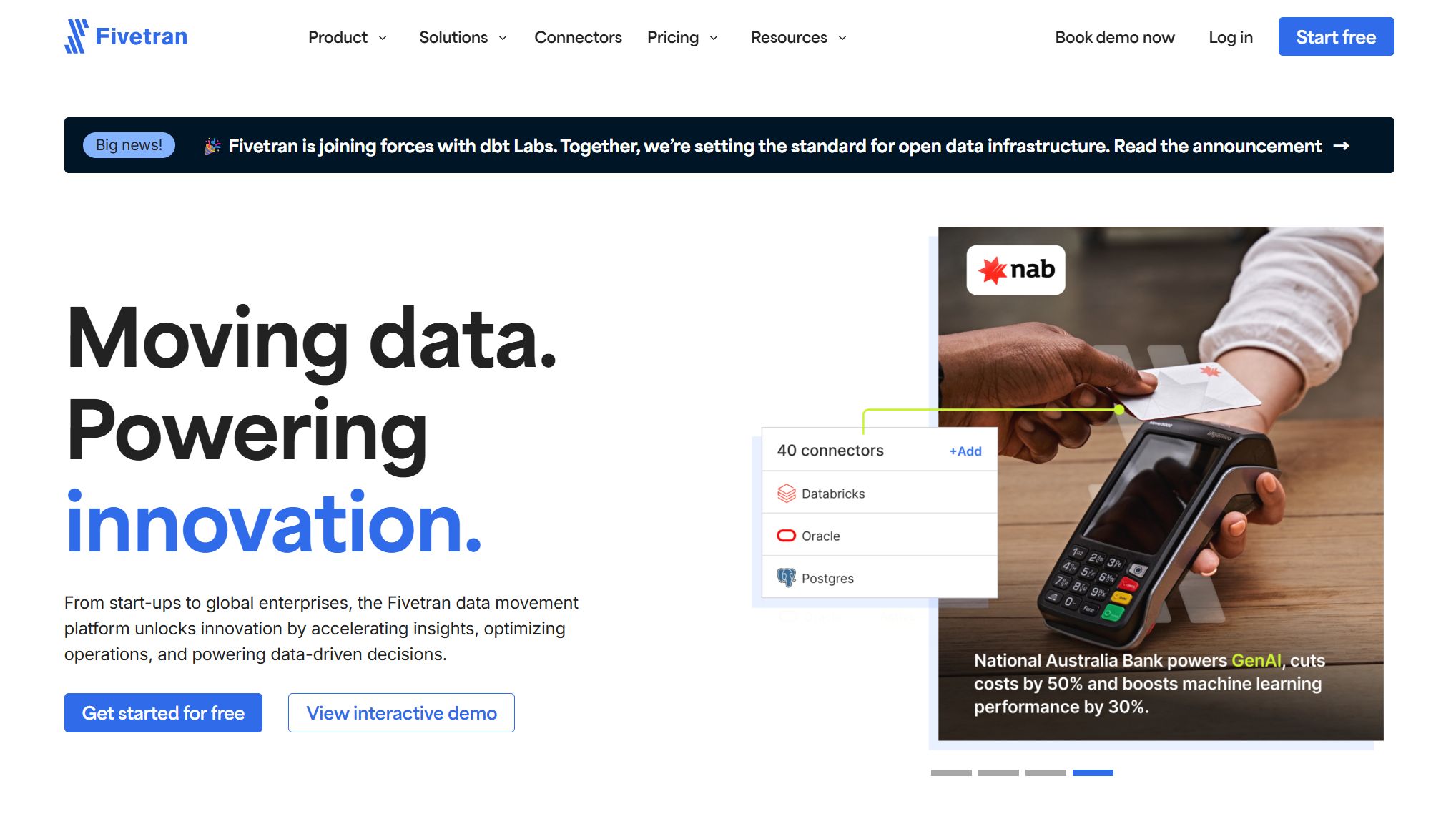
Fivetran
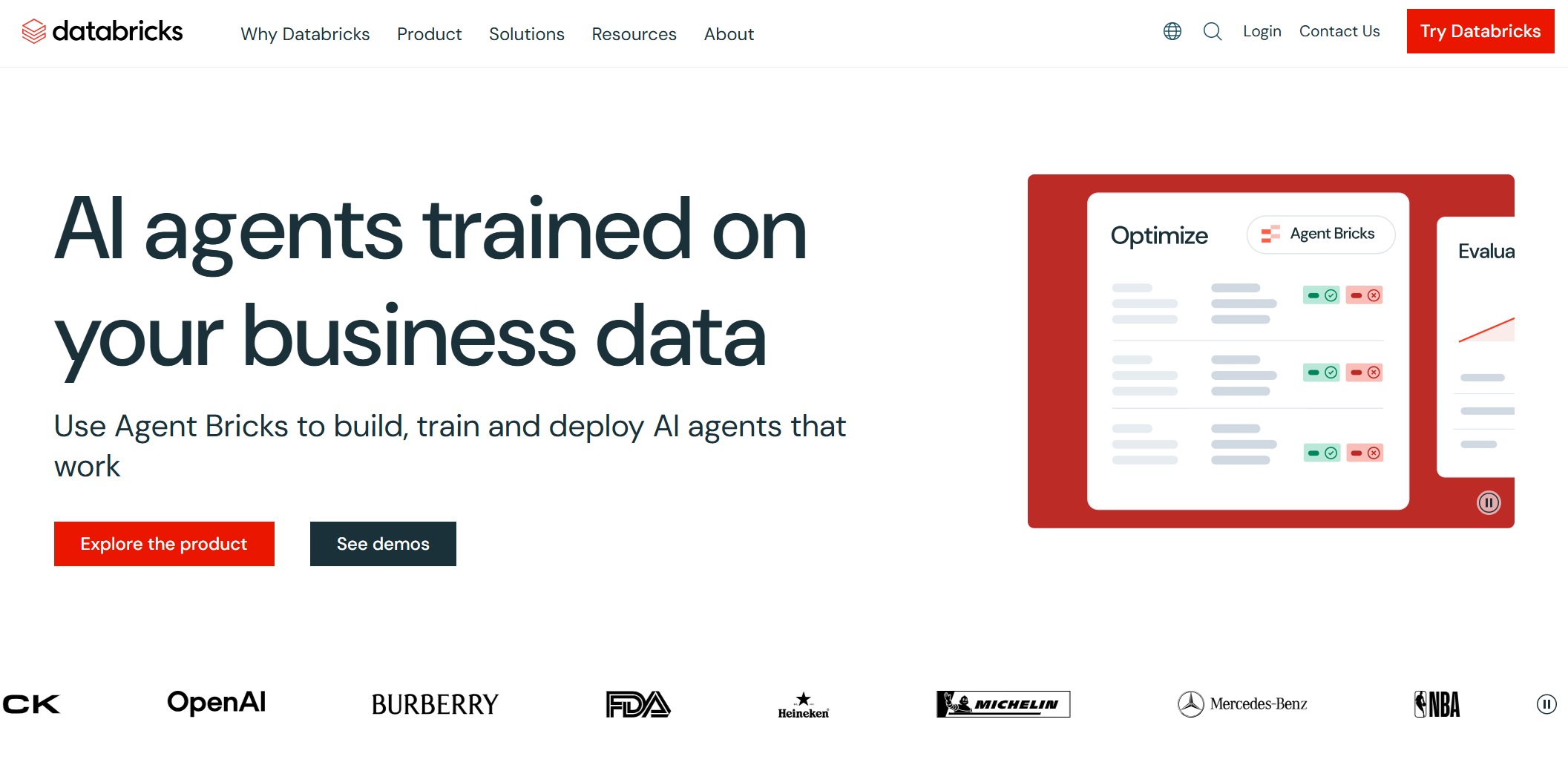
Databricks
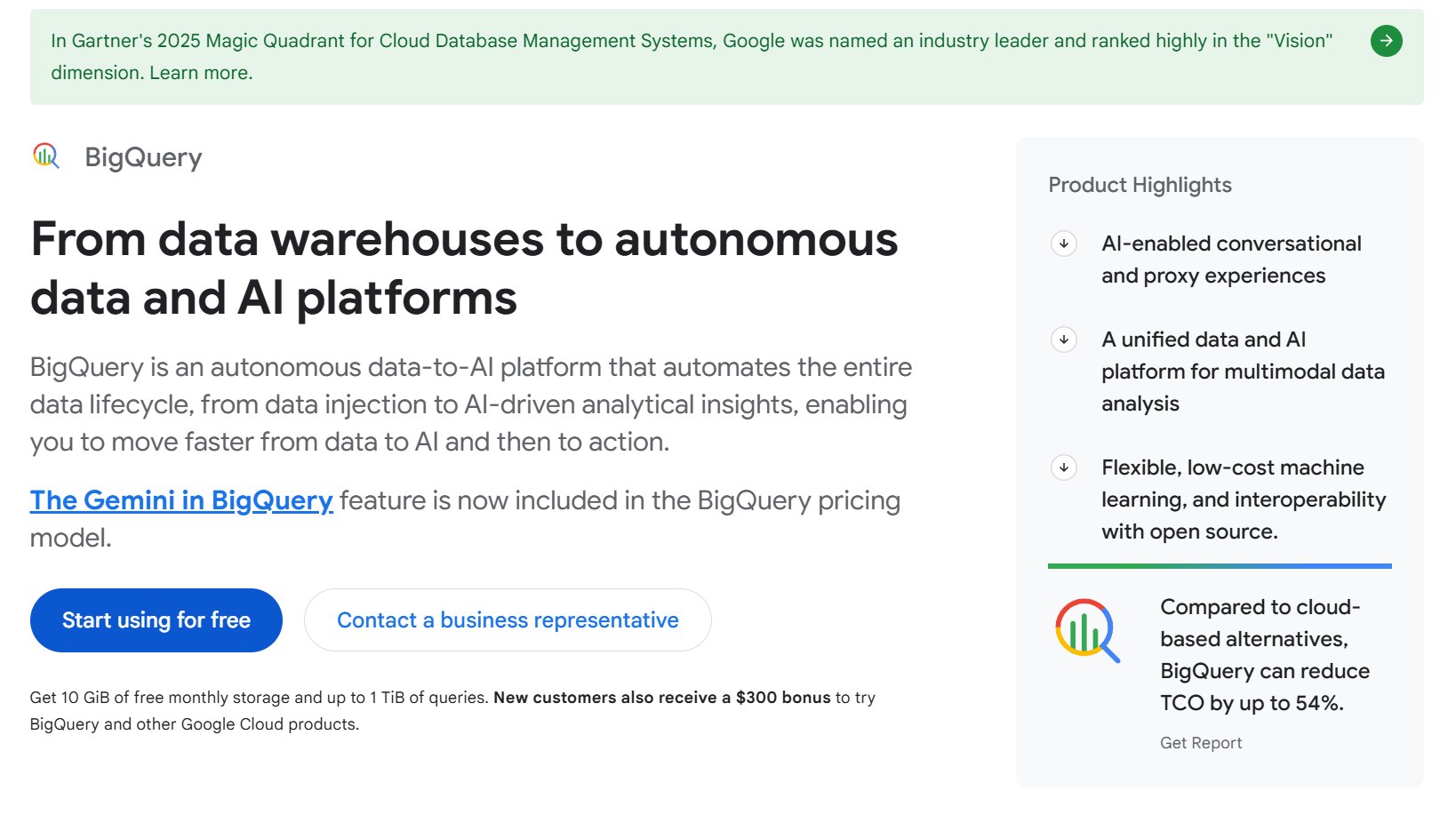
Google BigQuery
AWS Glue
Apache Kafka
Dagster
Matillion
Choosing the right tool helps you handle integration, scale your projects, and keep up with real-time data needs. When you pick the right platform, you get fast responses, accurate reports, and smooth operations. Today, data engineering depends on tools that support real-time integration and cloud scalability, so your business stays ahead.
Top Data Engineering Tools 2025
1.FineDataLink by FanRuan: Data Integration Platform
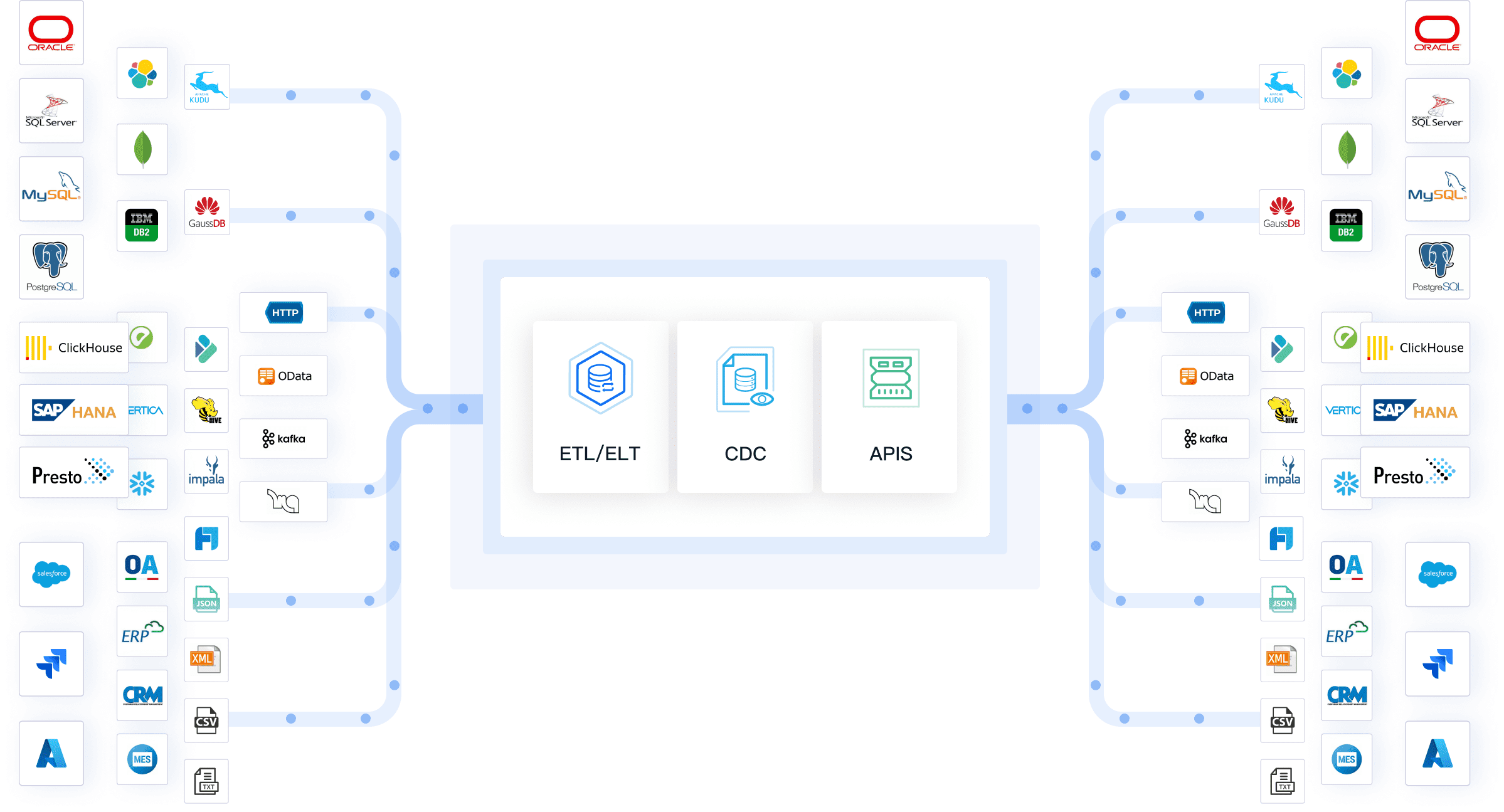
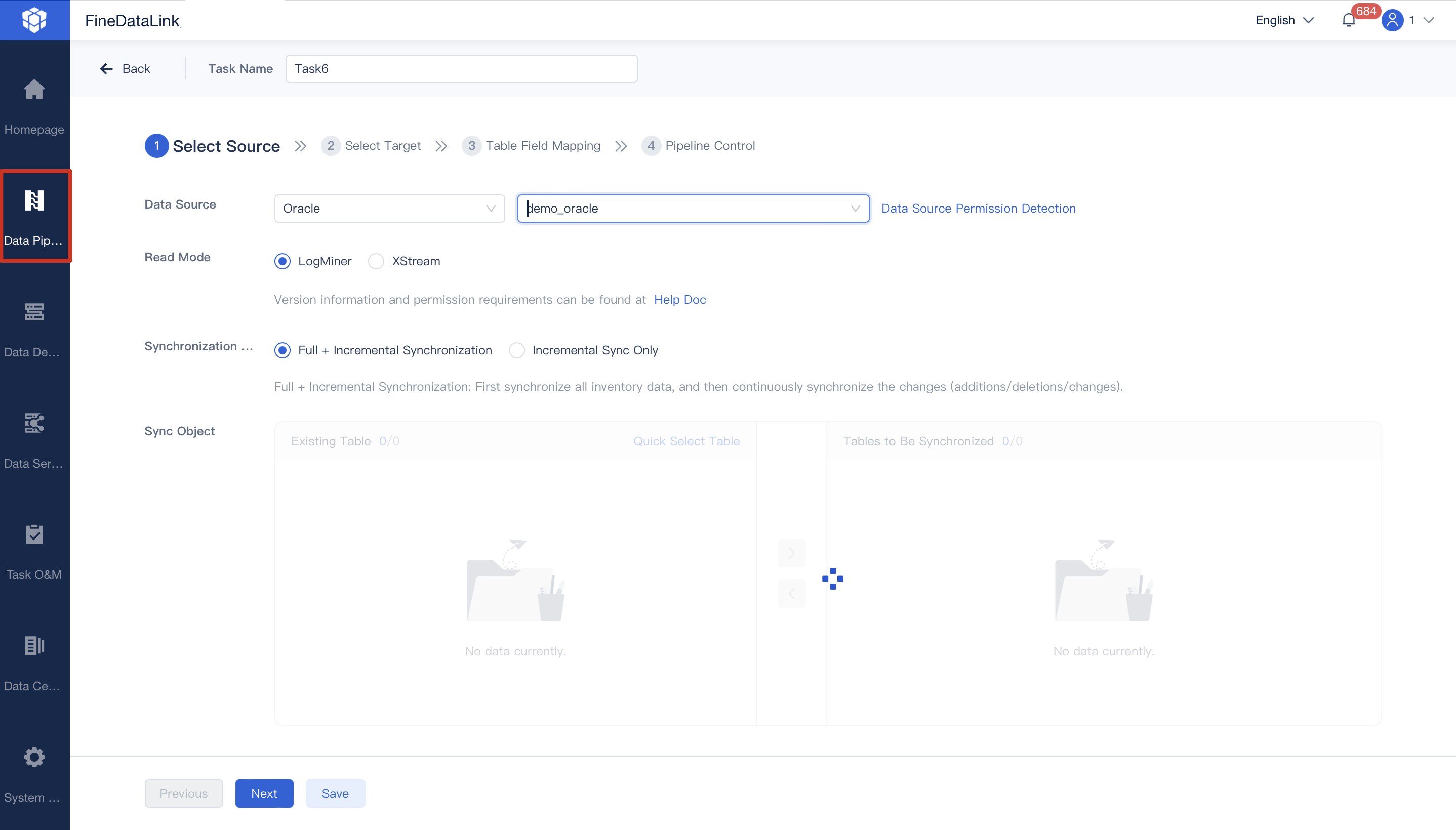
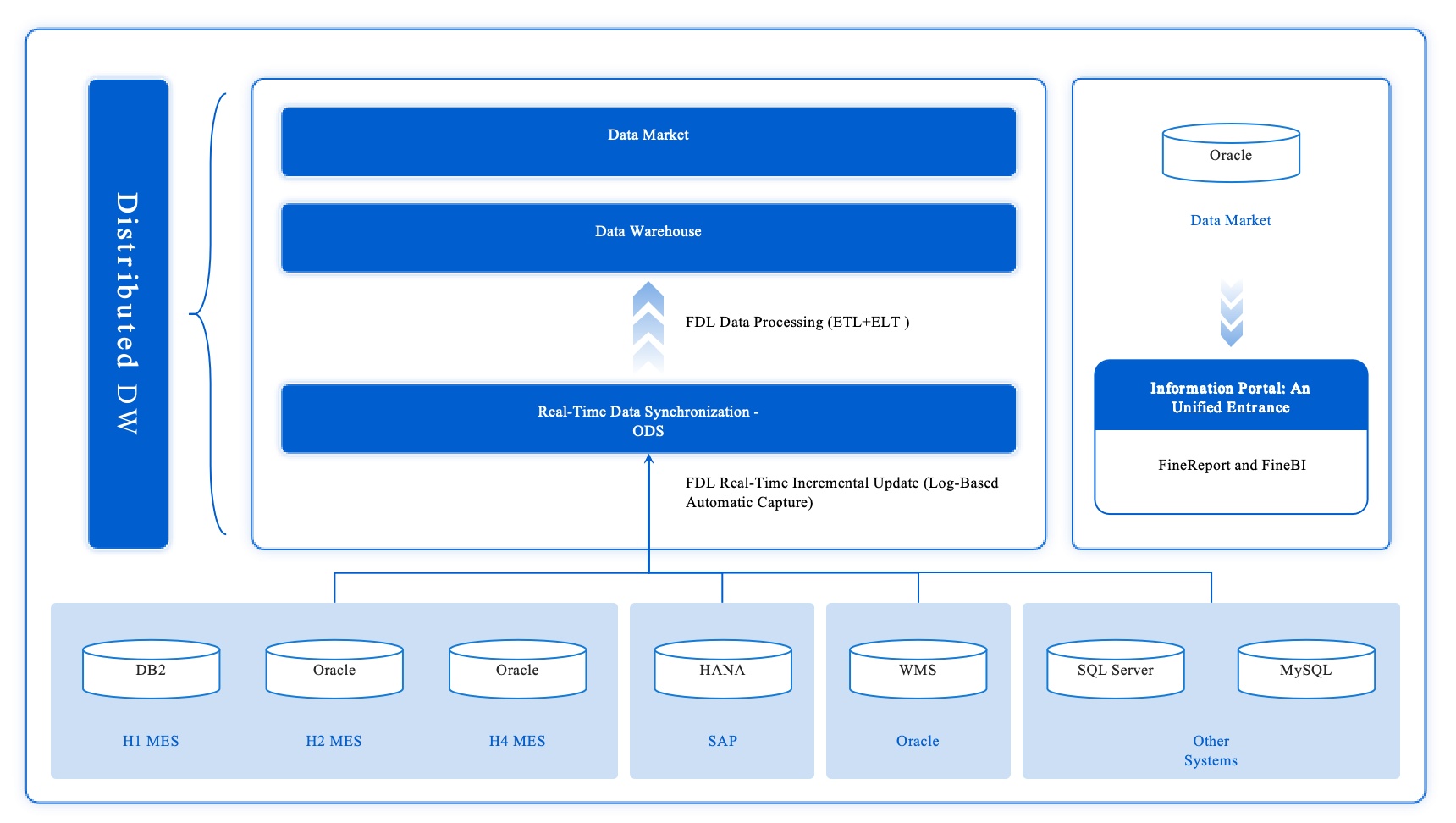
FineDataLink is a modern, scalable data integration platform designed for enterprises that need efficient real-time data integration across diverse sources. You can connect data from over 100 sources, including relational databases, SaaS applications, and cloud storage. FineDataLink stands out as one of the best data engineering tools for building a high-quality data layer for business intelligence.
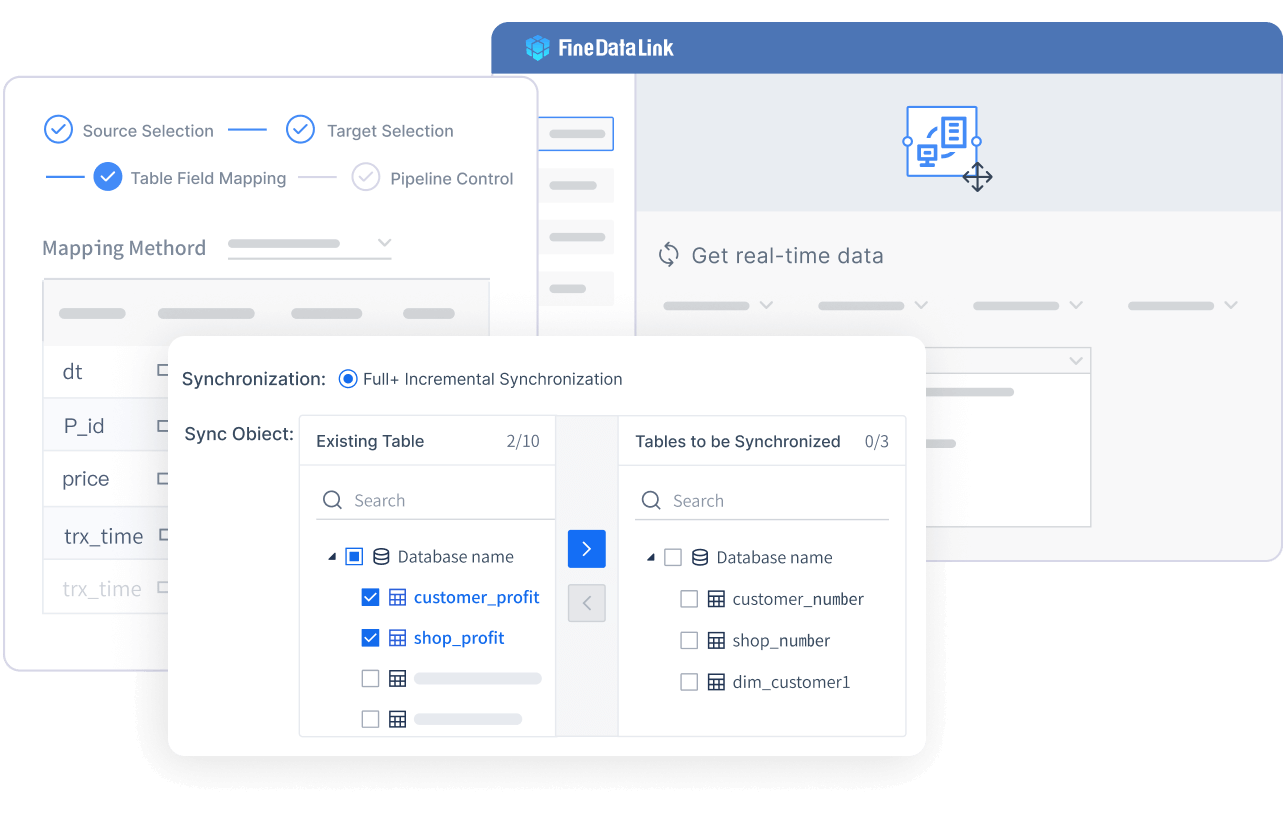
Low-code ETL and ELT for easy data cleaning and transformation.
Visual drag-and-drop interface for rapid development.
Automated data preparation and seamless transformation.
API integration for sharing data between systems in minutes.
Broad connectivity with 100+ data sources.
Why Choose FineDataLink?
You can integrate data from multiple sources and ensure consistency.
The platform automates synchronization, so your BI reports always reflect the latest data.
You can transform and clean data during integration, making it ready for analysis.
FineDataLink supports both offline and real-time data warehouse construction.
It’s a cost-effective, user-friendly solution for enterprises with complex data workflows.
Ideal Use Cases: FineDataLink is perfect for organizations dealing with data silos, complex formats, and the need for real-time feedback. You can use it for database migration, backup, building real-time data warehouses, and managing data governance. It’s also a great fit if you want an ai-driven data integration platform that supports continuous monitoring and data validation.
Tip: If you’re looking for a platform that combines real-time integration, low-code development, and broad connectivity, FineDataLink should be at the top of your list.
2.Apache Airflow: Workflow Orchestration
You want to automate and manage your data workflows? Apache Airflow stands out as one of the best data engineering tools for workflow orchestration. You can use it to manage complex data pipelines using Directed Acyclic Graphs (DAGs). Airflow is perfect for batch ETL jobs, machine learning training, and any process that needs clear task dependencies.
Steep learning curve, especially if you’re new to Python.
Complex setup for advanced features.
Best suited for Linux environments.
Ideal Use Cases: You’ll love Airflow if you need to orchestrate batch ETL jobs, automate data cleaning, or manage end-to-end ML pipeline workflows. It’s a top pick for teams building orchestration frameworks for data engineering.
3.dbt: Data Transformation
If you want a powerful data transformation framework, dbt (data build tool) is a favorite among analytics engineers and data teams. dbt lets you build modular models, test your data, and document everything using SQL. It’s a mature choice for data cleaning and transformation, with strong version control and testing features.
Collaborate on trusted models with engineers using Git workflows.
Data engineers
Modularize transformations and enforce data quality checks.
Data quality teams
Validate assumptions and monitor anomalies with dbt tests.
Business intelligence teams
Standardize transformation logic for metrics and reports.
Cross-functional teams
Use a shared project structure for collaboration.
SQL-first users
Create maintainable models with testing and documentation tools.
Warehouse-native pipelines
Transform data directly in the cloud data warehouse.
Enterprise workflows
Ensure governance and scalability with role-based access and CI/CD integration.
Pros:
SQL-first approach makes it accessible.
Strong community and documentation.
Integrates with cloud warehouses and supports data validation.
Cons:
Focuses on transformation, not orchestration.
Requires SQL knowledge.
Ideal Use Cases: Use dbt for data cleaning, transformation, and preparation in your data warehouse. It’s great for teams standardizing metrics and building trusted data models.
4.Apache Spark: Big Data Processing
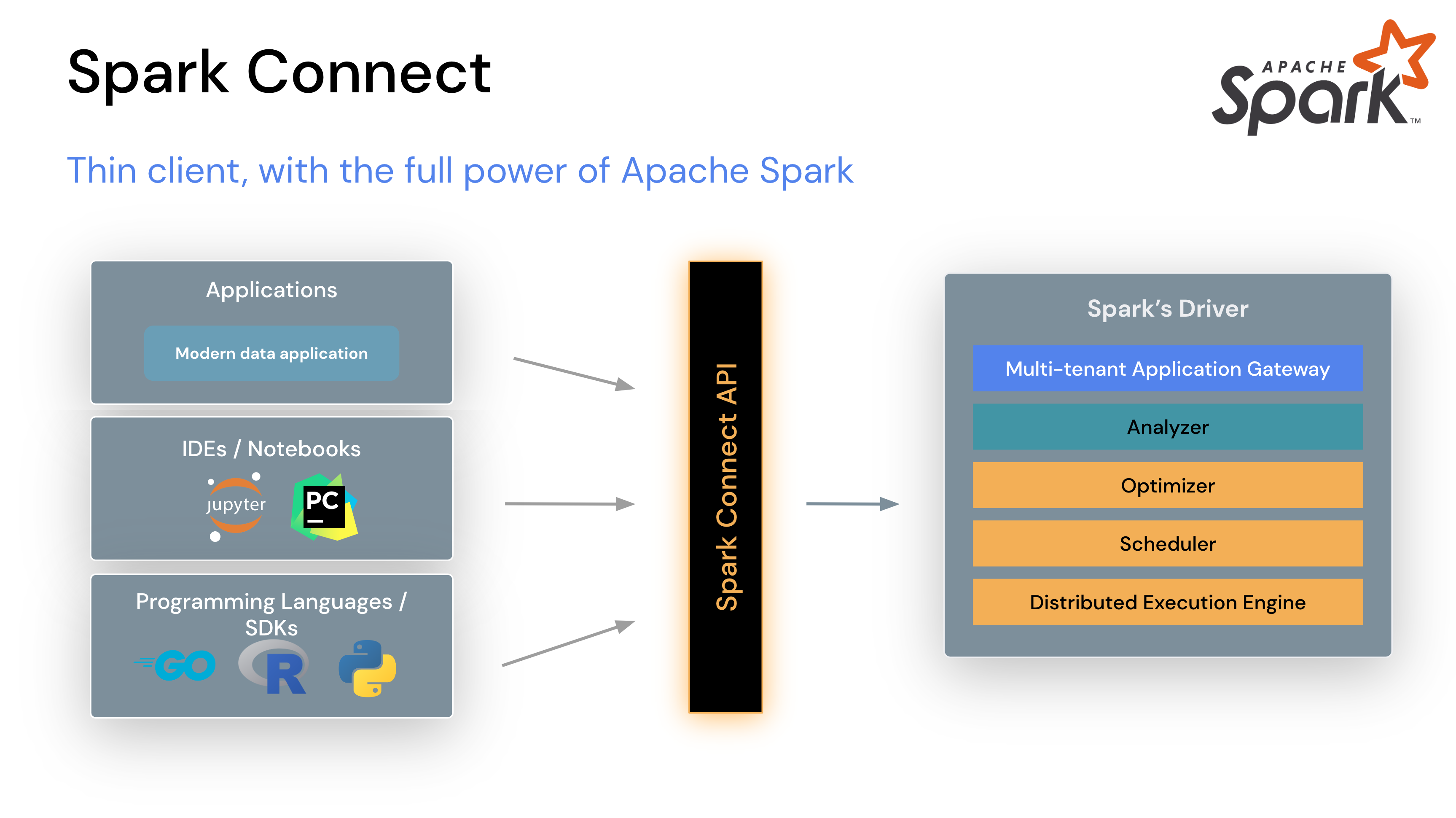
Apache Spark is a powerhouse for big data engineering. You can process massive datasets quickly, thanks to its in-memory computing. Spark supports multiple languages, including Python, Scala, Java, and R, making it flexible for different teams.
Faster execution by storing intermediate data in memory.
Multi-Language Support
Compatible with Scala, Python, Java, and R.
Unified Framework
Handles SQL queries, machine learning, and streaming analytics.
Seamless Scalability
Distributes processing across hundreds or thousands of machines.
Speed
Up to 100x faster than traditional tools.
Versatility
Supports batch processing, real-time streaming, and analytics.
Fault Tolerance
Recovers lost data automatically.
Use Cases:
Big data analytics
Real-time processing
Machine learning and AI
ETL operations
Limitations:
No built-in file management system.
Some limitations in real-time processing and iterative tasks.
Spark is one of the best data engineering tools for teams needing speed, scalability, and versatility in their data workflows.
5.Snowflake: Cloud Data Platform
Snowflake has become a leader among cloud data warehouses and is often called one of the best data engineering tools for modern teams. You can deploy it on your preferred cloud provider and handle structured, semi-structured, and unstructured data. Snowflake’s architecture separates storage and compute, so you can scale resources independently and optimize costs.
Seamless integration with BI tools and cloud services.
Cons:
Usage-based pricing can add up with heavy workloads.
Ideal Use Cases: Snowflake is perfect for building a data warehouse, supporting real-time analytics, and integrating with ai tools for data engineering. You can use it for everything from data cleaning to advanced AI-driven data preparation tool workflows.
6.Fivetran: Data Integration
Fivetran is a go-to for automated data integration. You get a fully managed platform with over 700 pre-built connectors, making it easy to move data from SaaS apps to your data warehouse. Fivetran handles schema changes and API updates, so you spend less time on maintenance.
Ideal Use Cases: Fivetran is best for teams who want to automate data ingestion and focus on analysis, not pipeline maintenance. It’s a strong choice for integrating SaaS data into cloud warehouses.
7.Databricks: Unified Analytics
Databricks brings together data processing, machine learning, and collaboration in one platform. You get optimized Apache Spark performance, Delta Lake for reliable data, and tools for managing data pipelines and analytics.
Great for building and managing complex data workflows.
Supports end-to-end ML pipeline development.
Scales easily for big data and AI workloads.
Cons:
Can be complex for small teams or simple projects.
Ideal Use Cases: Databricks shines in enterprises needing an ai/ml platform for data pipelines, operational excellence, and reliable data orchestration. You can use it for everything from data cleaning to advanced analytics.
8.Google BigQuery: Cloud Data Warehouse
Google BigQuery is a serverless, highly scalable cloud data warehouse. You don’t need to manage infrastructure. BigQuery separates storage and compute, so you can scale each independently and control costs.
Pay-as-you-go pricing with free tiers for storage and querying.
Feature
Google BigQuery
Traditional Cloud Data Warehouses
Architecture
Serverless, decouples storage and compute
Node-based, requires maintaining resources
Pricing
Pay-as-you-go, free storage/querying
Upfront costs for compute resources
Scalability
Horizontal and vertical scaling
Limited by node capacity
Flexibility
High, due to serverless nature
Lower, due to fixed resources
Ideal Use Cases: BigQuery is perfect for teams who want fast, cost-effective analytics in the cloud. It’s one of the best data engineering tools for building a data warehouse, running real-time analytics, and supporting automatic data preparation.
9.AWS Glue: Serverless ETL
AWS Glue is a serverless ETL service that helps you prepare and load data for analytics. You can catalog, clean, and transform data without managing servers.
Ideal Use Cases: AWS Glue is great for teams who want to automate data cleaning and transformation in the AWS ecosystem. It’s a solid choice for building a data warehouse and integrating with other AWS services.
10.Apache Kafka: Real-Time Streaming
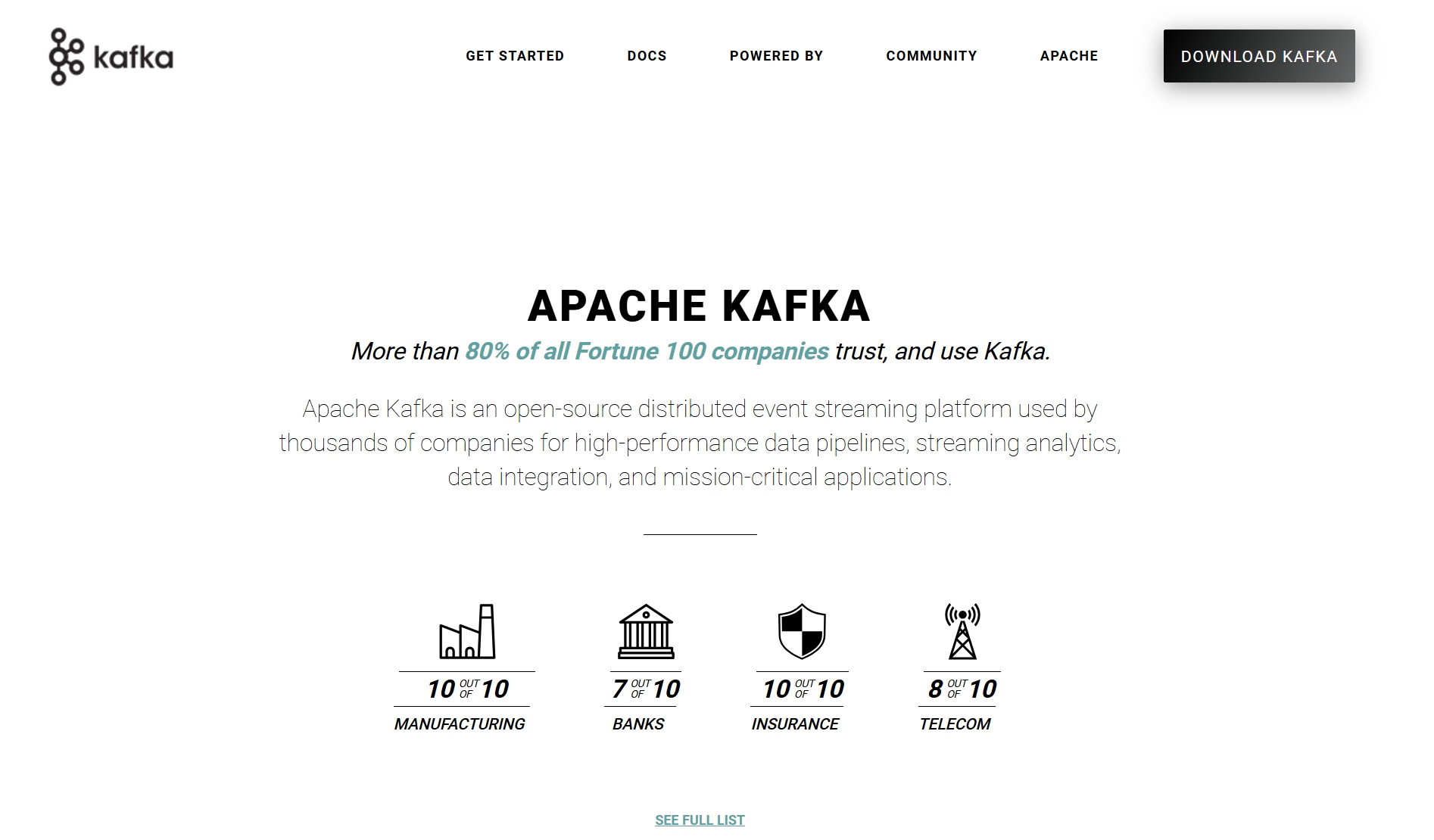
Apache Kafka is your go-to for real-time data integration and streaming. You can move massive amounts of data with low latency, making it ideal for real-time processing, messaging, and log aggregation.
Real-time data processing and operational metrics.
Centralized log aggregation for monitoring.
Advantages
Drawbacks
Scalability
Complexity
Fault Tolerance
Resource Intensive
Real-time Data Processing
Learning Curve
Ideal Use Cases: Kafka is perfect for real-time analytics, continuous monitoring, and building robust data pipelines. You’ll find it in industries needing instant feedback and reliable data orchestration.
11.Dagster: Pipeline Orchestration
Dagster is a modern orchestration tool for data workflows. It uses a declarative programming model, so you can define pipelines based on the data assets they generate. Dagster offers a unified control plane, rich data catalog, and built-in data validation.
Intuitive pipeline definitions based on data assets.
Modular Design
Unified control plane for data processes.
Rich Feature Set
Native support for lineage, observability, and validation.
Type System
Validates data at runtime for reliability.
Composable Integrations
Seamless integration with popular data tools and non-Python workflows.
“Dagster is a new type of workflow engine: a data orchestrator. Moving beyond just managing the ordering and physical execution of data computations, Dagster introduces a new primitive: a data-aware, typed, self-describing, logical orchestration graph.”
Ideal Use Cases: Use Dagster if you want strong data validation, modular pipeline design, and easy integration with other data engineering tools.
12.Matillion: Cloud ETL
Matillion is a cloud-native ETL tool built for cloud data warehouses. You get a low-code, drag-and-drop interface, making it easy to design and deploy ETL jobs. Matillion offers over 100 pre-built connectors and deep integration with platforms like Amazon Redshift, Snowflake, and Google BigQuery.
Drag-and-drop interface for building ETL pipelines.
Pre-Built Connectors
Connects to Salesforce, Google Analytics, and more.
Scalability
Scales with enterprise needs.
Integration with Major Cloud Data Warehouses
Seamless integration with Redshift, Snowflake, BigQuery, and Synapse.
Data Extraction
100+ connectors for various sources.
Data Transformation
Cloud-native ELT architecture.
Data Loading
Pushes transformed data into target systems.
User-Friendly Interface
Rapid development and deployment.
Faster Time-to-Value
Templates reduce design and deployment time.
Integration with DevOps
Supports version control and CI/CD.
Use Cases:
Simplifying complex data workflows.
Moving data from various sources to cloud warehouses.
Automating data cleaning and transformation.
Limitations:
Pricing can escalate with high data volumes.
Fewer options for custom connectors.
Vendor lock-in with specific cloud providers.
Advanced features may require technical expertise.
Manual oversight for complex workflows.
You have a lot of choices when it comes to the best data engineering tools. Each one brings something unique to your data workflows, whether you need orchestration, transformation, real-time processing, or seamless integration with cloud warehouses and data lakes. Pick the tools that match your business needs, team skills, and future goals.
Why Data Engineering Tools Matter
Evolving Data Needs
You probably notice that your data keeps growing and changing. Every year, you see new data types, more sources, and bigger volumes. You need to connect cloud apps, databases, and even IoT devices. Data engineering helps you bring all this information together. With the right data engineering tools, you can break down silos and make sure your team always works with the latest data. You don’t want to waste time on manual tasks or worry about errors from copying and pasting. Instead, you want your data to flow smoothly and update in real time.
Trends in Data Engineering
You see a lot of change in data engineering right now. Many companies use AI-driven features to help with code generation, anomaly detection, and even pipeline management. Serverless platforms are getting popular because you don’t have to worry about infrastructure. Real-time data streaming is now the norm, not the exception. You also hear more about treating data as a product, which means you focus on quality and user experience. Data governance and privacy are bigger priorities, too. You want tools that help you stay compliant and keep your data safe.
Here are some trends shaping the field:
AI and LLMs help automate code and reviews.
Serverless architectures reduce setup and maintenance.
Real-time streaming supports instant insights.
Data-as-a-product mindset improves discoverability and quality.
Open table formats like Apache Iceberg and Delta Lake are becoming standard.
Cloud and Automation Impact
Cloud platforms and automation have changed the way you work with data. You can scale up or down without buying new hardware. Automation lets you build ETL pipelines, monitor data quality, and move data between systems with less effort. You get faster results and fewer mistakes. Modern data engineering tools use automation to handle complex tasks, so you can focus on analysis and decision-making. You don’t have to worry about manual errors or delays. Instead, you get consistent, trusted data that helps your business move faster.
Tip: If you want to keep up with the latest trends, look for data engineering tools that support automation, real-time integration, and cloud-native features.
Choosing the Best Data Engineering Tools
Workflow Requirements
You want your data engineering projects to run smoothly. Start by thinking about your workflow needs. Do you need to automate tasks, handle batch jobs, or process data in real time? Some data engineering tools work best for simple data pipelines, while others shine with complex orchestration. Make a list of your must-have features. Ask yourself if you need visual interfaces, built-in scheduling, or support for different data formats. The right tool will help you build reliable data pipelines that match your business goals.
Scalability and Integration
Your data will grow. You need tools that scale with your organization. Look for data engineering tools that can handle more data and more users as your business expands. Integration is key. The tool should connect easily with your current systems, databases, and cloud platforms. You want seamless data flow between sources. Choose tools that support real-time data processing and automation. Here’s a quick checklist to help you decide:
Can the tool manage increasing data volumes?
Does it integrate with your existing tech stack?
Does it support real-time data streaming?
Is the interface user-friendly?
Does it offer strong security and compliance?
Is it cost-effective?
FineDataLink fits well if you want low-code, real-time integration and broad data source support. You can connect over 100 sources and automate your data pipelines with a drag-and-drop interface.
Think about your team’s skills. Some data engineering tools need advanced coding. Others offer low-code or no-code options. If your team prefers visual interfaces, pick tools that make setup easy. Training and documentation matter. A tool with good support helps your team learn faster and avoid mistakes.
Cost and Support
Budget matters. Compare the cost of each tool with its features. Some tools charge by usage, while others have fixed plans. Look for strong customer support and active communities. Good support means you solve problems quickly and keep your data engineering projects on track.
Tip: Choose data engineering tools that match your workflow, scale with your needs, and help your team succeed. FineDataLink is a smart choice for organizations that want easy integration, real-time processing, and support for many data sources.
Data Engineering Tools Comparison
Feature Overview
You want to see how the top data engineering tools stack up? Here’s a quick table to help you compare their main features:
Tool
Orchestration
Real-Time Integration
Low-Code/No-Code
Cloud-Native
Connectors
API Support
Scalability
FineDataLink
✔️
✔️
✔️
✔️
100+
✔️
High
Apache Airflow
✔️
Many
✔️
High
dbt
✔️
Limited
High
Snowflake
✔️
Many
✔️
High
Fivetran
✔️
✔️
✔️
700+
High
Databricks
✔️
✔️
✔️
Many
✔️
High
You can use this table to match your needs with the right platform. FineDataLink stands out if you want real-time integration, a low-code interface, and broad connectivity.
Pros and Cons
Every tool has strengths and trade-offs. You might love Airflow for orchestration, but it takes time to learn. Fivetran makes integration easy, but costs can rise fast. FineDataLink gives you a friendly interface and real-time sync, so you save time and avoid manual errors. Snowflake and BigQuery offer cloud power, but you pay for what you use. Think about your team’s skills and your project’s needs before you choose.
Tip: Try a free demo or trial before you commit. You’ll see which tool fits your workflow best.
Industry Use Cases
You’ll find these data engineering tools in many industries. Manufacturers use FineDataLink to break down data silos and build real-time data warehouses. For example, BOE improved efficiency by 50% after using FanRuan’s solutions. Financial companies like UnionPay Data Services use data engineering to unify data and boost customer insights. No matter your industry, the right tools help you manage data, automate tasks, and make smarter decisions.
You know how important it is to pick the right data engineering tools for your workflow. When you match your tool to your team’s skills and business needs, you set yourself up for success. Try piloting FineDataLink or talk with your stakeholders to see what fits best. Stay curious and keep learning about new trends.
The right choice helps you work smarter and move faster.
Access a wealth of case studies, industry insights, and solution guides to accelerate digital transformation.
FAQ
What is a data engineering tool?
A data engineering tool helps you collect, clean, move, and organize data. You use these tools to build data pipelines, automate tasks, and make sure your data is ready for analysis.
How do I choose the right data engineering tool?
Start with your workflow needs. Think about your team’s skills, the data sources you use, and your budget. Try a free demo or trial to see what fits best.
Can I use FineDataLink with my existing databases?
Yes! FineDataLink connects with over 100 data sources, including popular databases, SaaS apps, and cloud platforms. You can sync your data in real time with just a few clicks.
Do I need to know how to code to use FineDataLink?
No, you don’t. FineDataLink offers a low-code, drag-and-drop interface. You can build data pipelines visually, so you don’t need advanced coding skills.
What industries use data engineering tools like FineDataLink?
You’ll find these tools in manufacturing, finance, retail, and more. For example, manufacturers use FineDataLink to break down data silos and improve efficiency. Financial companies use it for real-time analytics and better decision-making.