If you want to boost your workflow in 2025, here are the top 10 data ingestion tools you should check out:
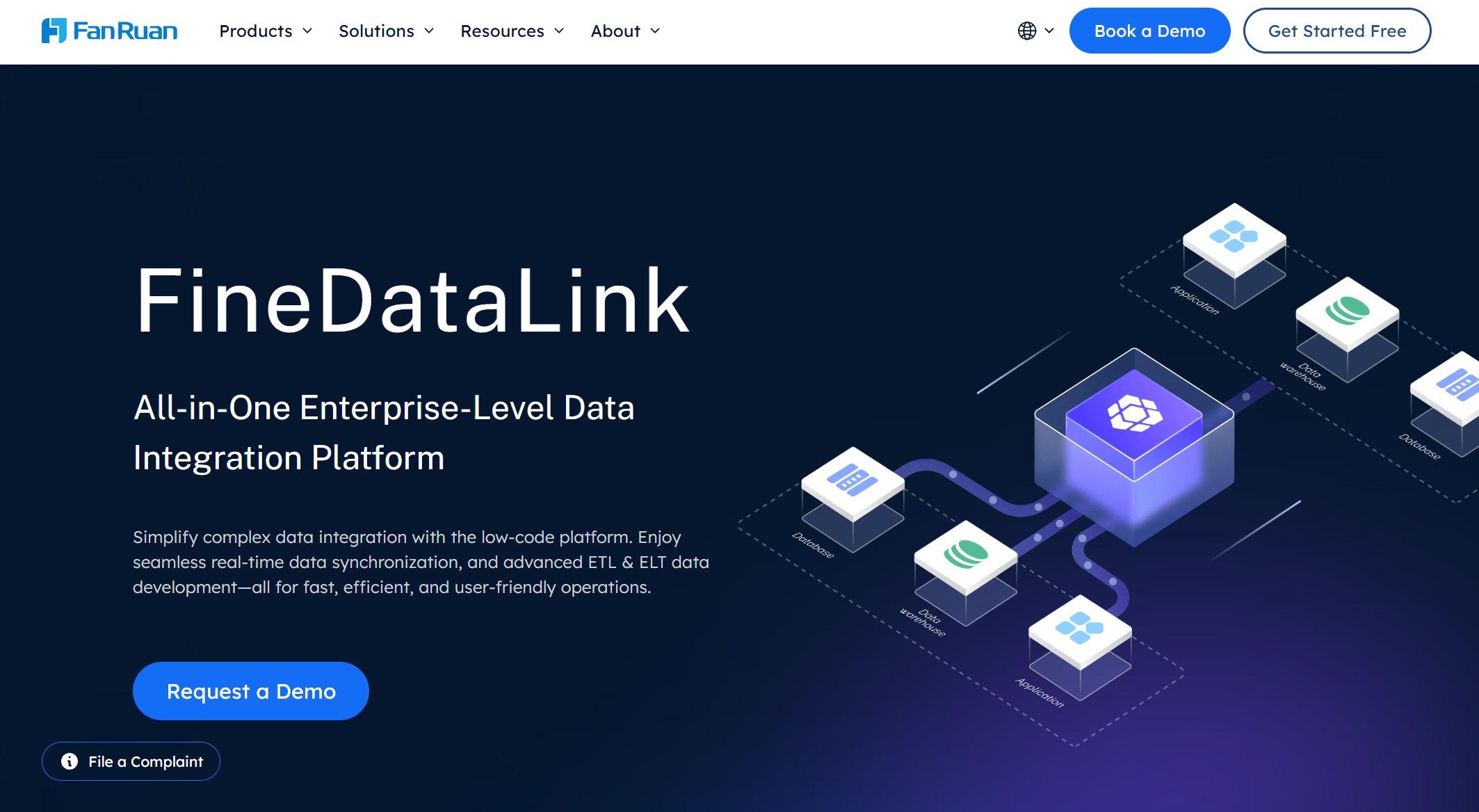
FineDataLink
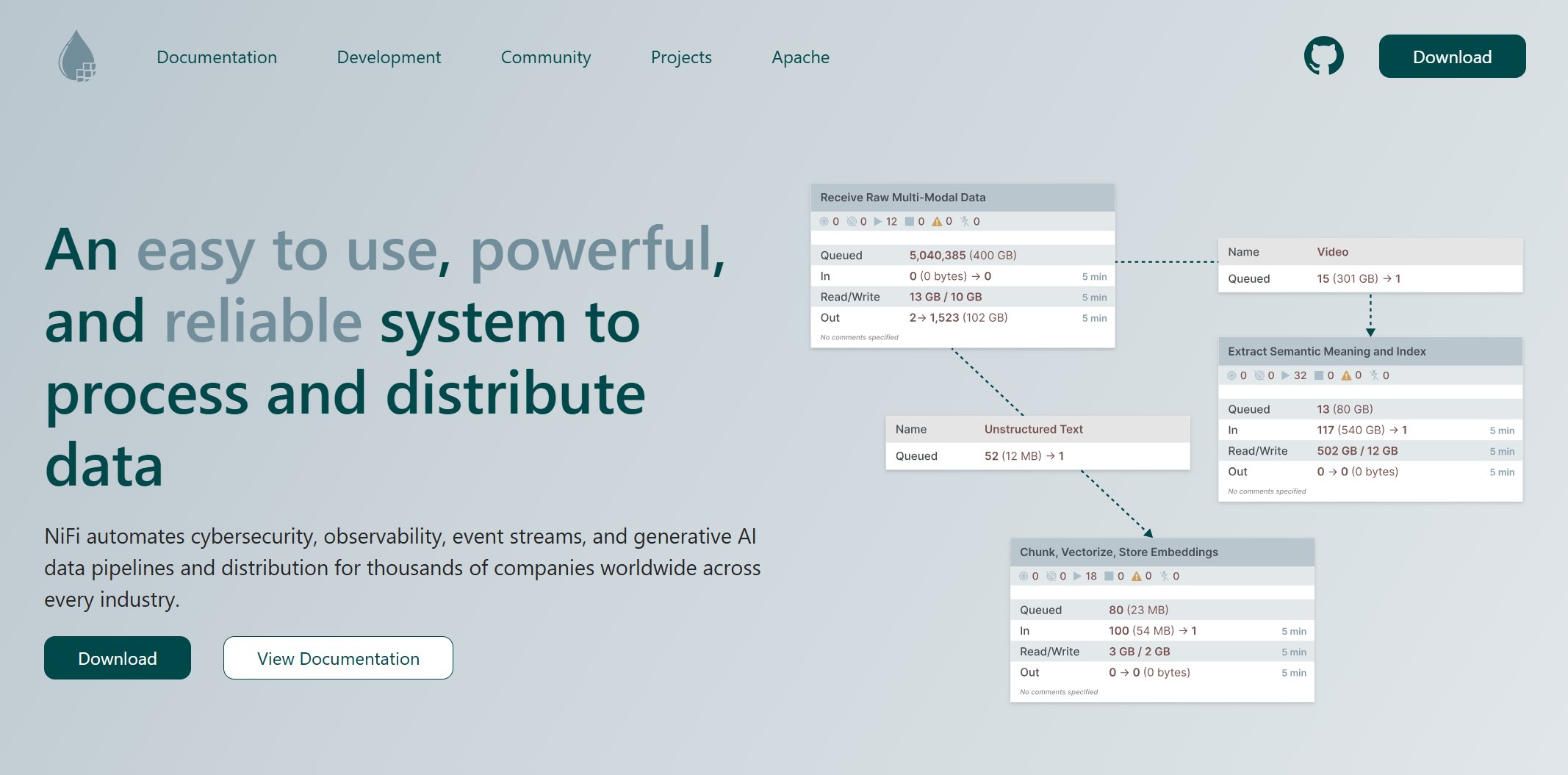
Apache NiFi
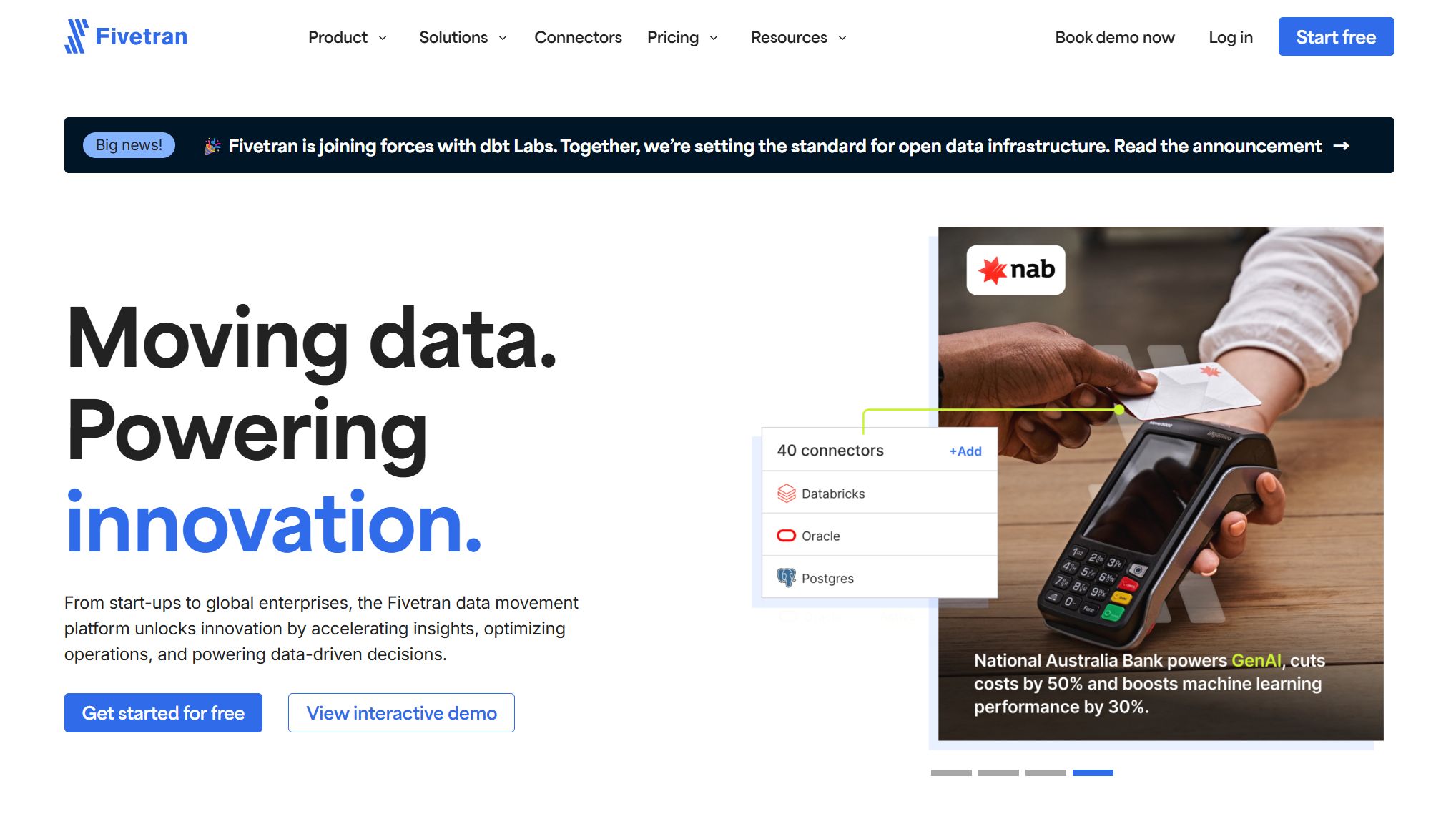
Fivetran
AWS Glue
Google Cloud Dataflow
Talend
Informatica PowerCenter
Domo
Airbyte
Apache Kafka
These data ingestion platforms help you break down data silos, handle integration complexity, and scale up fast. Many businesses struggle with fragmented data, high latency, and isolated systems. You need a tool that fits your workflow and supports data-driven decision-making. Check out the table below to see how these tools impact business efficiency:
Advantage
Description
Improved accuracy and efficiency
AI solutions automate tasks with higher accuracy and speed, reducing manual errors and increasing productivity.
Enhanced decision-making
These solutions analyze data, identify patterns, and provide actionable insights for informed decisions.
Increased flexibility
AI tools adapt to changing circumstances, prioritize tasks, and optimize workflows in real-time.
What Are Data Ingestion Tools
Data Ingestion Platforms Explained
You probably hear a lot about data ingestion tools, but what do they actually do? These tools collect, import, and move data from different sources into one central place. You don’t have to worry about gathering data from databases, files, or cloud apps by hand. Data ingestion tools automate the process for you. They handle extraction, transformation, and loading (ETL), so your data is ready for analysis.
Convert data from any file format, like CSV, JSON, or XML.
Transform data automatically, so it fits your needs.
Automate processes to scale up without extra effort.
Make data accessible for both tech teams and business users.
Customize workflows for your unique use cases.
Handle errors and report issues quickly.
Stay reliable and robust, even as your data grows.
Most data ingestion platforms send your data to data lakes, data warehouses, or document stores. Data lakes keep raw data for big analytics projects. Data warehouses store clean, organized data for fast reporting. Document stores work well for flexible, document-based data. Some platforms even combine these features, giving you the best of both worlds.
Why Data Ingestion Matters in 2025
Data ingestion is more important than ever in 2025. You need to bring together data from many sources if you want to make smart decisions. When you use data ingestion tools, you break down silos and get a complete view of your business. This helps you spot trends, solve problems, and stay ahead of the competition.
Data ingestion supports your analytics and reporting. It lets you automate routine tasks, so your data engineers can focus on bigger challenges. You also avoid the headache of scattered data and security risks. With strong data ingestion, you set the stage for better data integration and real-time insights. That’s how you turn raw information into real business value.
Criteria for Choosing Data Ingestion Tools
When you look for the best data ingestion tools for 2025, you want to make sure they fit your business needs. Let’s break down the main things you should check before making a choice.
Scalability and Performance
You want a tool that grows with your business. Scalability means your data ingestion platform can handle more data as your company expands. Some tools manage thousands of records every second. They keep your data pipeline running smoothly, even when you get sudden spikes in activity. A good design lets the system recover quickly if something goes wrong, so you don’t lose important data.
Handles large data volumes with ease
Adjusts to workload spikes without slowing down
Recovers fast from failures
Integration and Connectivity
Your data comes from many places—databases, cloud apps, and more. The right data ingestion tools connect to all your sources and send data where you need it. You should look for broad connector libraries and real-time integration features. This way, your data pipelines stay flexible and future-proof.
Feature
Description
Real-Time Integration
Keeps data flowing for instant insights
Broad Connector Library
Connects to many systems, old and new
Security & Compliance
Protects your data and meets regulations
Automation
Reduces manual work with smart pipelines
Ease of Use and Automation
You don’t want to spend hours setting up your data integration. Look for platforms with drag-and-drop interfaces and built-in automation. These features save you time and cut down on mistakes. Automated data transformation capabilities help you keep your data clean and ready for analysis. You can focus on insights instead of fixing errors.
Drag-and-drop setup
Automated data flows
Fewer manual steps, fewer errors
Cost and Licensing
Cost matters. Data ingestion tools come with different pricing models. Some charge a monthly fee, others bill you for how much data you use. You might also see one-time licenses or extra costs for scaling up. Always check what’s included, like support or training, so you know the real price.
Licensing Model
What It Means
Pros and Cons
Subscription-based
Pay monthly or yearly
Easy to budget, but ongoing cost
Usage-based
Pay for what you use
Flexible, but watch for surprises
Perpetual license
Pay once, use forever
Big upfront cost, no monthly fees
Total Cost
All costs added up
Shows the full investment needed
Choosing the right data ingestion platform helps you build strong data pipelines and supports your data integration goals.
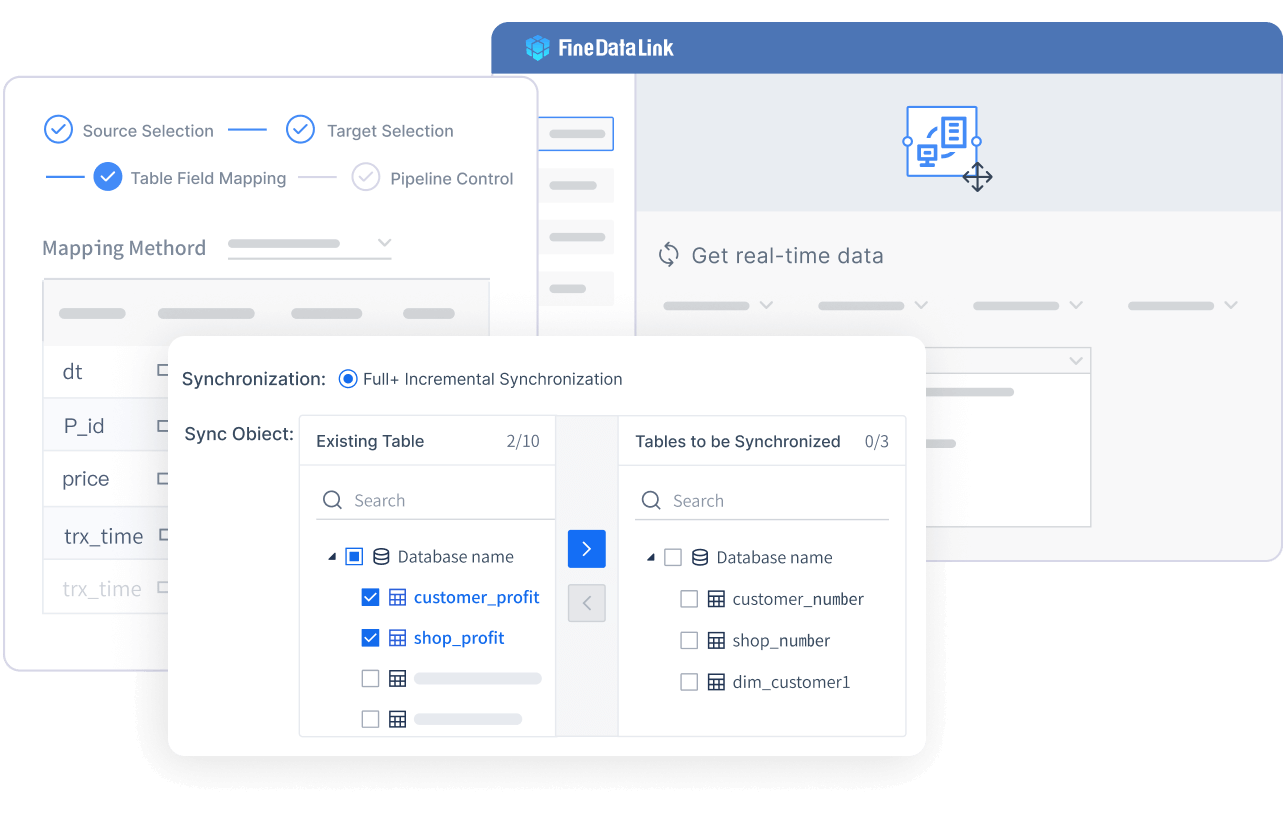
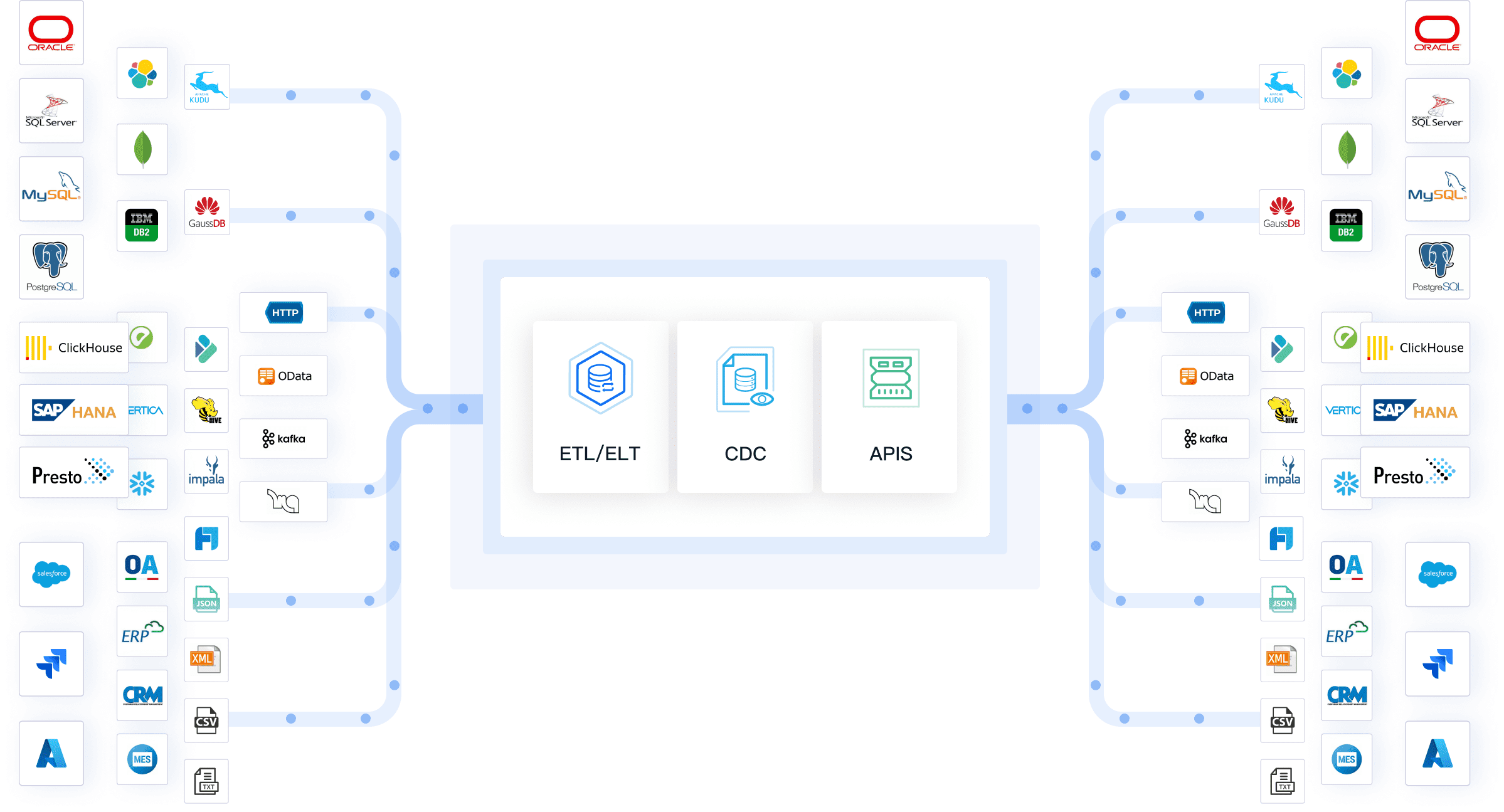
You want a data ingestion tool that makes your life easier. FineDataLink does just that. This platform helps you connect to all kinds of data sources, even if they use different formats. You can break down data silos and get everything in one place. FineDataLink supports both ETL and ELT, so you can choose the best method for your workflow. If you need real-time data ingestion, FineDataLink lets you sync data across entire databases or multiple tables with almost no delay. You can also schedule and manage your data tasks with a flexible system.
Here’s a quick look at what makes FineDataLink stand out:
Feature/Advantage
Description
Integration of heterogeneous data sources
Connects to many types of data, breaking down silos.
Support for ETL and ELT processes
Lets you build strong data pipelines with both ETL and ELT.
Real-time incremental data synchronization
Syncs real-time data from whole databases or tables with low latency.
Flexible task scheduling and management
Gives you control over when and how your data moves.
You also get a modern, visual interface. You can drag and drop to build your data flows. FineDataLink supports over 100 data sources, so you can connect almost anything. If you want to build a real-time data warehouse or manage data integration for business intelligence, this tool has you covered.
Apache NiFi gives you a lot of power and flexibility. You can process huge amounts of data—think trillions of events every day. NiFi works well for both simple and complex data flows. You can monitor storage buckets, pull files based on names, handle compressed data, and filter logs by severity. NiFi also lets you convert logs to JSON and send them wherever you want.
Here’s what you can do with NiFi:
Monitor cloud storage for new files.
Pull and process data based on file names.
Handle compressed files and filter logs.
Convert logs to JSON and send them to other systems.
Use Case Description
Performance Metrics
Processing one billion events/second
A single NiFi cluster can process trillions of events and petabytes of data per day.
Data ingestion from multiple sources
Handles complex transformations and routing, scaling as needed.
If you need a tool that can handle both batch and streaming data, NiFi is a solid pick.
Fivetran makes data pipeline management simple. You don’t need to write code or worry about fixing broken pipelines. Fivetran automates data ingestion, transformation, and loading. It connects to over 150 data sources and adjusts to changes in your data automatically. Built-in error handling catches problems before they cause trouble.
Here’s why Fivetran stands out:
Feature
Description
Automation
Automates data ingestion, transformation, and loading.
Elimination of Manual Coding
No need for scripts or manual fixes.
Seamless Integration
Works with over 150 data sources.
Built-in Error Handling
Catches issues like missing fields or mismatched values.
Schema Change Management
Adjusts to changes in your data without manual work.
Focus on Insights
Lets you spend time on analysis, not pipeline maintenance.
AWS Glue is a cloud-based service that automates your data workflows. You don’t have to worry about scaling or managing servers. Glue grows with your needs and only charges you for what you use. It connects easily with other AWS services like S3, Redshift, and Athena.
Capability
Description
Automation
Automates complex data workflows, reducing manual effort and errors.
Scalability
Scales up or down to handle any workload size.
Cost-Effectiveness
Pay-as-you-go pricing, so you only pay for what you use.
Integration
Works smoothly with AWS services for easy data movement.
If you already use AWS, Glue fits right into your setup.
Google Cloud Dataflow helps you process both real-time and batch data. You can use the same code for both, which makes things easier. Dataflow is built on Apache Beam, so you get a strong foundation for your data pipelines. It scales automatically and balances the workload to save time.
Handles both stream (real-time) and batch processing.
Lets you use one codebase for all your data jobs.
Scales up or down based on CPU use and pipeline needs.
Dynamic Work Rebalancing speeds up processing by shifting work as needed.
You can manage historical data and real-time data ingestion without building separate pipelines.
Talend gives you a full set of tools for complex data integration. You get strong data quality features and support for both ETL and ELT. Talend works well for big projects where you need to clean, transform, and move lots of data.
Strengths
Limitations
Comprehensive capabilities for complex data integration
Significant licensing costs
Robust data quality features
Need for skilled developers
Support for both ETL and ELT processes
Potential complexity in setup and management
If you want advanced data transformation capabilities and don’t mind a learning curve, Talend is a good choice.
Informatica PowerCenter is built for large businesses with complex data needs. It scales both up and out, so you can handle more data as you grow. PowerCenter keeps your data safe with role-based access and encryption. It also makes sure your data pipelines stay up, even if something fails.
Feature
Description
Scalability
Grows with your data, both horizontally and vertically.
High Availability
Keeps running, even if parts of the system fail.
Extensibility
Connects to many data sources, old and new.
Security
Protects your data with strong access controls and encryption.
Streamlined Data Integration
Simplifies complex ETL across different systems.
Enterprise-Ready
Designed for big deployments with high reliability.
Flexibility and Modularity
Adapts to your changing business needs.
You can trust PowerCenter for mission-critical data integration.
Domo brings automation and AI to your data ingestion process. It checks data quality, captures metadata, and uses AI agents to make smart decisions. Domo also shows you how your data flows with automated lineage visualization.
Feature
Description
AI-Powered Quality Checks
Finds data issues and alerts your team right away.
Automated Metadata Capture
Tracks where your data comes from and how it changes.
AI Agents for Decision-Making
Uses AI to make choices and reduce manual work.
Automated Lineage Visualization
Shows how data moves and changes, so you can see dependencies.
You get a clear view of your data and less manual effort.
Airbyte is an open-source platform that lets you build and customize connectors fast. You can use over 600 pre-built connectors or create your own with the Connector Development Kit. The open-source community keeps adding new features and connectors, so you always have options.
Build custom connectors quickly.
Use the Connector Development Kit or Connector Builder.
Share your connectors with the community.
Airbyte does not store or view your data, so you stay in control.
If you want flexibility and open-source extensibility, Airbyte is a top pick.
Apache Kafka is the go-to tool for streaming data ingestion. You can track website activity, collect logs, and process data in real time. Kafka lets you build pipelines that transform and move data as it happens. It also supports event sourcing and acts as a commit log for distributed systems.
Use Case
Description
Website Activity Tracking
Tracks user actions in real time for monitoring and reporting.
Metrics
Aggregates data from many apps for centralized monitoring.
Log Aggregation
Collects logs from different sources for fast processing.
Stream Processing
Lets you build pipelines that transform and move data instantly.
Event Sourcing
Logs state changes as records, perfect for event-driven apps.
Commit Log
Helps with data replication and recovery in distributed systems.
Kafka is perfect if you need real-time data ingestion and want to build fast, reliable data pipelines.
Note: Each of these data ingestion tools brings something special to the table. Think about your business needs, your team’s skills, and your workflow before you choose the right one for 2025.
Data Ingestion Platforms Comparison
Feature Overview Table
You want to see how these platforms stack up side by side. Here’s a quick table to help you compare the most important features. This should make your decision a lot easier.
Platform
Data Quality
Performance
Scalability
Security
User-friendliness
Interoperability
Frequency
FineDataLink
High
High
High
High
Very High
100+ sources
Real-time & Scheduled
Apache NiFi
High
High
High
Medium
Medium
Wide
Real-time & Batch
Fivetran
High
High
High
High
High
150+ sources
Scheduled
AWS Glue
High
High
High
High
High
AWS ecosystem
Scheduled
Google Cloud Dataflow
High
High
High
High
Medium
Google Cloud
Real-time & Batch
Talend
High
High
High
High
Medium
Wide
Scheduled
Informatica PowerCenter
High
High
Very High
Very High
Medium
Wide
Scheduled
Domo
High
High
High
High
High
Wide
Real-time & Scheduled
Airbyte
High
Medium
High
High
High
600+ connectors
Scheduled
Apache Kafka
Medium
Very High
Very High
High
Medium
Wide
Real-time
Workflow Impact Summary
Let’s break down what this means for your daily work. FineDataLink stands out if you want a user-friendly interface and need to connect to many data sources. You can build data pipelines with drag-and-drop tools and handle both real-time and scheduled jobs. This works well for teams that want to move fast and avoid technical headaches.
If you need to process huge streams of data, Apache Kafka and NiFi are strong choices. They shine in event-driven or log-heavy environments. Fivetran and Airbyte make things simple if you want plug-and-play connectors and less manual work.
AWS Glue and Google Cloud Dataflow fit best if you already use their cloud platforms. Talend and Informatica PowerCenter offer deep customization for complex enterprise needs, but you might need more technical skills.
Domo brings AI and automation to the table, which helps you spot issues and track data flow. You get more visibility and less manual checking.
Tip: Think about your team’s skills, your data volume, and how often you need updates. The right platform will help you build reliable data pipelines and keep your business running smoothly.
Selecting the Right Data Ingestion Tool
Assessing Business Needs
You want to pick a tool that fits your business, not just the latest trend. Start by looking at your data volume and the types of data you handle. Do you need real-time updates or just daily reports? Check if your current systems work well with new platforms. Think about how much your data will grow in the next few years. Make sure your choice can scale up. Focus on data quality and automation. Set clear goals, like improving data accuracy or speeding up data retrieval.
Here’s a simple checklist to help you get started:
Review your data volume and variety.
Decide if you need real-time or batch processing.
Check compatibility with your existing systems.
Plan for future growth and scalability.
Make data quality and automation a priority.
Set measurable goals for success.
Matching Features to Workflows
Every business has unique workflows. You need features that match your daily tasks. Automation saves you time by scheduling jobs and handling retries. Scalability lets you handle busy periods without extra work. Data quality tools help you keep your information accurate. Choose the right ingestion method for your needs—batch jobs for reports or streaming for instant updates. Monitoring keeps your pipelines healthy. Good documentation helps you maintain and improve your setup.
Strategy
Description
Automation
Schedule jobs and handle retries automatically.
Scalability
Manage bursts in data volume without manual effort.
Data Quality
Validate data for accuracy and consistency.
Ingestion Method
Pick batch for reports or streaming for real-time needs.
Monitoring
Watch pipeline health to catch issues early.
Documentation
Keep records for easy maintenance and compliance.
FineDataLink stands out for its ease of integration. You get a visual interface, support for over 100 data sources, and real-time synchronization. If you deal with complex systems or need to connect many platforms, FineDataLink makes the process smooth.
Choosing the right tool can feel overwhelming. Many teams struggle with manual processes, high costs, and unreliable data. You can solve these problems by automating your workflows and picking cost-effective solutions. Always check for strong security features to protect your data. Prioritize tools that offer data validation and quality assurance.
Tip: Look for platforms that simplify setup and maintenance. FineDataLink offers drag-and-drop design and quick API development, making it a smart choice for businesses with complex integration needs.
If you focus on your business requirements and match features to your workflow, you’ll find a tool that helps you grow and adapt.
You want to transform your workflow in 2025, so picking the right data ingestion tool matters. When you evaluate platforms, focus on these key benefits:
Efficiency boosts your speed with large data volumes.
Data quality improves with validation and cleansing.
Real-time insights help you make quick decisions.
Centralized access gives you a unified view.
Scalability supports your growth.
Security keeps your information safe.
FineDataLink and other leading solutions offer these advantages. Stay curious about new trends. Here’s what’s shaping the future:
Trend/Development
Description
Real-time data access
Immediate data for fast decisions.
AI integration
Smarter data use with artificial intelligence.
Market growth projection
Demand for these platforms keeps rising.
Keep exploring new platforms and features to stay ahead.
Access a wealth of case studies, industry insights, and solution guides to accelerate digital transformation.
FAQ
What is a data ingestion tool?
A data ingestion tool helps you collect, import, and process data from multiple sources into a central system. You use it to automate data movement and prepare information for analysis.
How do you choose the best data ingestion tool for your business?
You should compare scalability, integration options, security, cost, and user experience. Make sure the data ingestion tool matches your data sources, volume, and business goals.
Can a data ingestion tool handle both real-time and batch processing?
Yes. Many data ingestion tools support both real-time and batch workflows. You can select the mode that fits your business needs for speed and data freshness.
Why is data quality important in a data ingestion tool?
High data quality ensures accurate analysis and reliable decisions. A good data ingestion tool validates, cleanses, and monitors data during the ingestion process.
What makes FineDataLink a strong data ingestion tool?
FineDataLink offers low-code integration, real-time synchronization, and support for over 100 data sources. You benefit from a user-friendly interface and robust documentation.