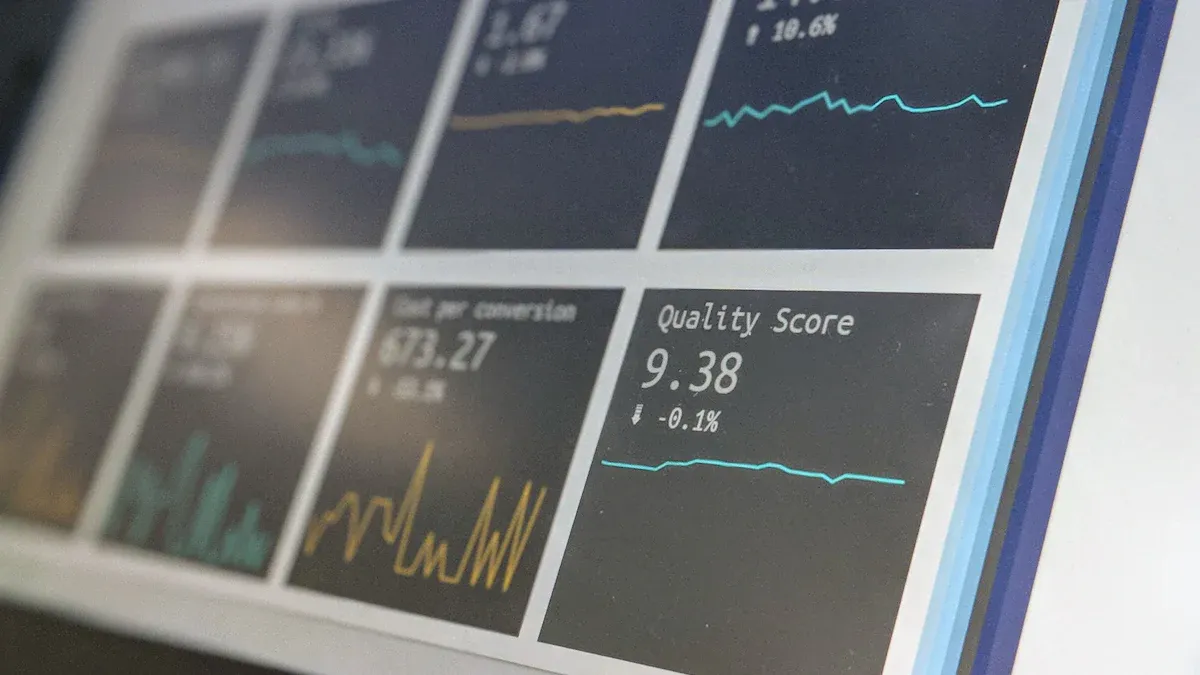
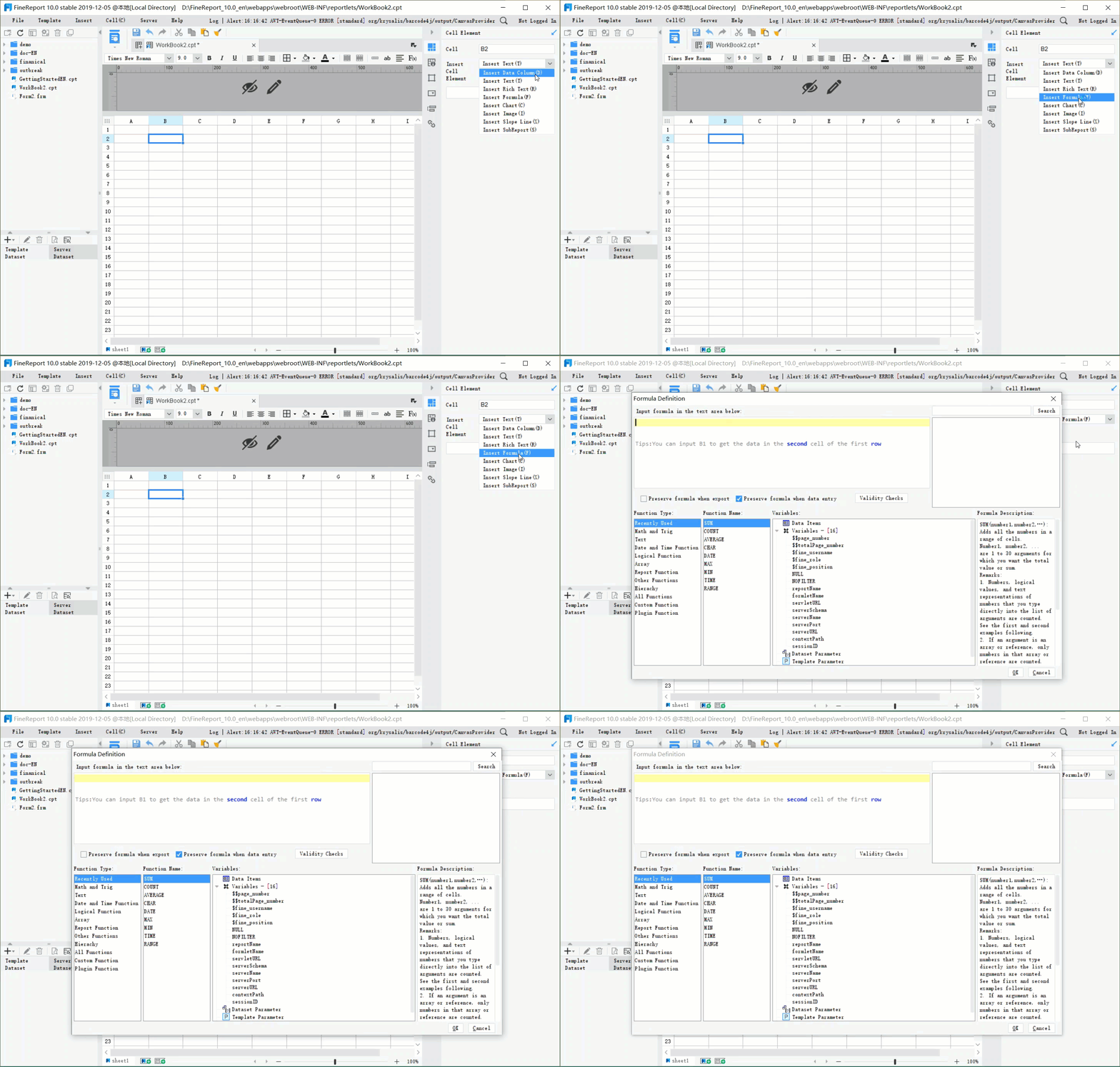
You want to watch your website in real time. You can fix problems before they get bigger. First, pick a tool that lets you make a dashboard fast. FineReport by FanRuan is a good choice. This platform connects to many log sources. It makes integration easy. When you build a log dashboard, you get clear benefits. FineReport lets you make a dashboard. It helps you act fast and make smarter choices.
Prerequisites for a Log Dashboard
Tools and Access Needed
To watch website logs, you need the right tools. FineReport by FanRuan is a good choice. It connects to many data sources. It also updates in real time. Other tools like Grafana, Kibana, and MetricFire work too. Each tool has special features for web monitoring. The table below lists some popular tools:
Tool
Description
Best For
Highlights
FineReport
Flexible reporting and dashboard software.
Teams needing easy integration and visualization.
Connects to multiple databases and file formats, drag-and-drop dashboard creation, real-time sync.
You must have access to your website log data. These logs can come from Windows Event Logs, Syslog, Webhook Events, AWS Logs, Azure Logs, Google Cloud Provider Logs, or Okta Logs. These sources help you see what happens on your website.
Preparing Website Logs
Before making your dashboard, get your website logs ready. Make sure your data is clean and easy to use. Logs from different systems may look different. You need to make them all the same format. This helps your dashboard show correct information.
ETL processes can help you change and combine your data. Staging areas help clean and improve your logs before you use them. You should find things like emails or phone numbers to match records. Automated workflows keep your data the same as new logs come in.
FineReport’s plugin lets you sync log data to many databases. It works with different database types and versions. You can change field names to stop problems. This makes it easier to watch website logs and build dashboards that show real-time activity.
Integrating Website Logs in Log Dashboard
Connecting Data Sources
You start by connecting your web logs to FineReport. FineReport gives you built-in connectors that link to many types of databases and files. You can use FineDataLink if you want to bring in logs from different systems or cloud services. FineDataLink helps you move data in real time, so your dashboard always shows the latest web activity.
To connect your logs, open the FineReport Designer. Choose the data source you want, such as MySQL, SQL Server, or even a CSV file. FineReport supports over 100 data sources, so you can pick the one that matches your web logs. If your logs are in the cloud, use FineDataLink to sync them with your database. This setup lets you see all your web data in one place.
Structuring and Parsing Logs
After you connect your data, you need to make sure your logs are easy to use. Logs often come in different formats. You should organize them so your dashboard can show clear results. FineReport lets you map fields, rename columns, and filter out extra details. You can use the drag-and-drop tools to arrange your data for log analysis.
Parsing means breaking down each log entry into useful parts. For example, you can pull out the time, IP address, or web page visited. FineReport helps you set up these rules without complex steps. You can preview your data and check if everything looks right before you build your dashboard.
With FineReport, you turn raw logs into clear, organized data. This makes your web dashboard powerful and easy to use.
Designing the Log Dashboard
Time Range Filters for Monitoring
You want to focus on the most important events in your log dashboard. Dynamic time range filters help you do this. These filters let you choose the exact period you want to see. You can look at the last hour, day, or week. This makes it easy to spot trends and sudden changes in your website.
You can quickly adjust the dashboard to see different time periods.
You do not need to build many dashboards for each team or account. One dashboard with filters does the job.
You can focus on the data that matters most for your monitoring needs.
FineReport lets you add these filters with a simple drag-and-drop. You can create visualization panels that update as you change the time range. This helps you keep your monitoring sharp and your log dashboard flexible.
Summary Panels for Website Metrics
Summary panels give you a quick look at your website’s health. You can see key metrics at a glance. These panels show you if your web traffic is normal, if errors are rising, or if visitors are having problems.
Here are some important metrics you should include:
Latency: See how fast your website responds to visitors.
Traffic: Track how many visitors come to your web pages.
Errors: Watch for failed requests or non-2XX responses.
Saturation: Check if your system is getting overloaded.
Business metrics: Count sign-in attempts, failures, or special actions.
Dependencies: Monitor calls to outside services.
Connection pools: Watch thread and connection usage.
JVM and infrastructure: Track memory, CPU, and queue sizes.
Platform metrics: See data from Kubernetes or service mesh platforms.
You can create visualization panels for each of these. FineReport lets you build summary panels that update in real time. You can save the dashboard and share it with your team. This helps everyone stay on top of performance monitoring and react fast.
Visualizing Top URIs and IPs
You need to know which web pages get the most visitors and where your traffic comes from. You can create visualization charts that show the top URIs and IP addresses. This helps you spot popular pages and find unusual activity.
Panel Type
Title
Purpose
Bar Chart
Top Requested URIs
Shows the most visited web pages or endpoints.
Bar Chart
Top Users by IP Address
Helps you find strange IP activity or brute-force attempts.
Choropleth Map
Web Traffic by Client IP
Lets you see where your visitors come from around the world.
FineReport makes it easy to create visualization charts like bar charts and maps. You can drag and drop fields to build these panels. You can save the dashboard and update it as your data changes. This gives you a clear view of your visitors, your web traffic, and your website’s performance.
You can use FineReport’s interactive dashboard features to drill down into details. You can click on a bar or map area to see more about your visitors or traffic. This helps you find problems and improve your website.
Advanced Analytics and Real-Time Monitoring
Geographic Mapping of Logs
FineReport lets you put client IPs on a map. You can see where your website visitors come from. This helps you notice patterns and strange activity in different places. First, connect your log data to FineReport. The platform shows traffic on a map. You can see which countries or cities send the most people to your site. If you see more traffic from a new place, you can check why.
FineReport’s mapping tools help you follow web traffic. You drag fields like IP address and location onto your dashboard. The map changes right away when new data comes in. You can filter traffic by time or event type. This helps you learn how your website works in different areas.
Enabling Live Updates and Alerts
You want your dashboard to show live data and send alerts if something is wrong. FineReport gives you real-time updates, so you always see the newest web activity. You set alert rules for things like slow speed, errors, or traffic spikes. When a rule is met, FineReport sends a message by email, SMS, or push.
Good alert plans help you act quickly. You watch metrics that matter to users, like slow pages or lots of errors. You set alert levels based on how much users are affected. If the problem gets worse, you send alerts to more people.
Strategy
Description
Best Practices
Use good alerts to lower risk and stop too many alerts.
Trigger Conditions
Set rules for strange web activity.
Alert Generation
Get messages when rules are met, so you can fix things fast.
Notifications
Change alerts by how bad they are and send them different ways.
You can watch user actions, API speed, and real-time data. For example, you check for rage clicks, error clicks, and dead clicks to find problems. Fast alerts help you stop issues before they grow.
You get lots of good things when you use a log dashboard for real-time website monitoring. The table below lists the main benefits:
Advantage
Description
Real-Time Insights
You can see live data and change things fast.
Enhanced Decision-Making
You make better choices because you have up-to-date info.
Immediate Action
You can act quickly when something happens and work better.
Operational Agility
You can adjust fast when your business changes.
FineReport gives you tools to change dashboards and grow them as you need. For your next steps, you can do these things:
Add more data sources to see everything in one place.
Set up reports to send out by themselves.
Use alerts to find problems early.
Try AI or machine learning to find important patterns.
Watching your website closely helps your business work well and get ready to grow.
Product Trial
FineReport
Pixel-perfect reports · Interactive dashboards · Easy data entry · Digital twins
Access a wealth of case studies, industry insights, and solution guides to accelerate digital transformation.
FAQ
How do you connect your website logs to FineReport?
First, open FineReport Designer. Pick the data source you want. You can use built-in connectors or FineDataLink. You do not need to write any code. Just follow the steps. Your logs will show up on your dashboard.
What types of logs can you monitor with FineReport?
You can watch web server logs, application logs, cloud logs, and security logs. FineReport works with many formats like CSV, JSON, and database tables.
How do you set up alerts for website issues?
You make alert rules in FineReport. If something strange happens, like too many errors, FineReport sends you a message. You can get alerts by email, SMS, or app notification.
Is it possible to share dashboards with your team?
Yes, you can share dashboards with your team. FineReport lets you choose who can see the data. You can also set up reports to send out by themselves.