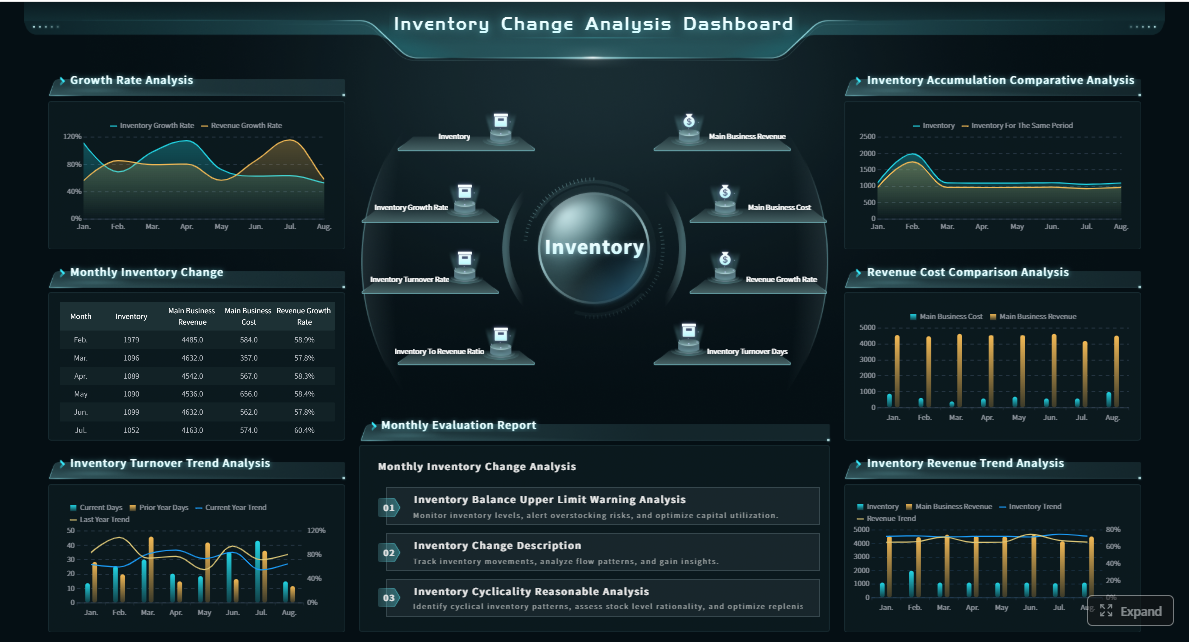
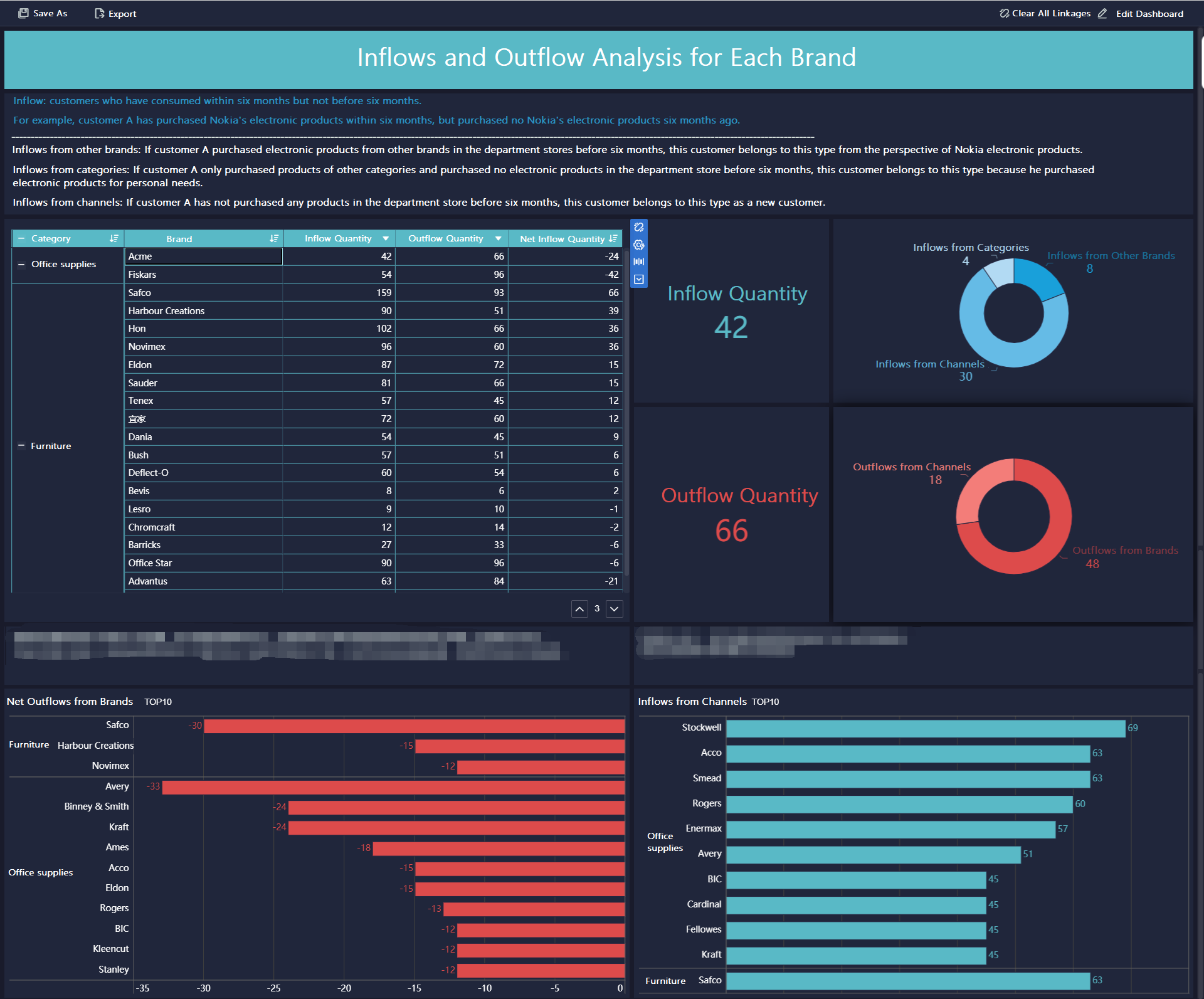
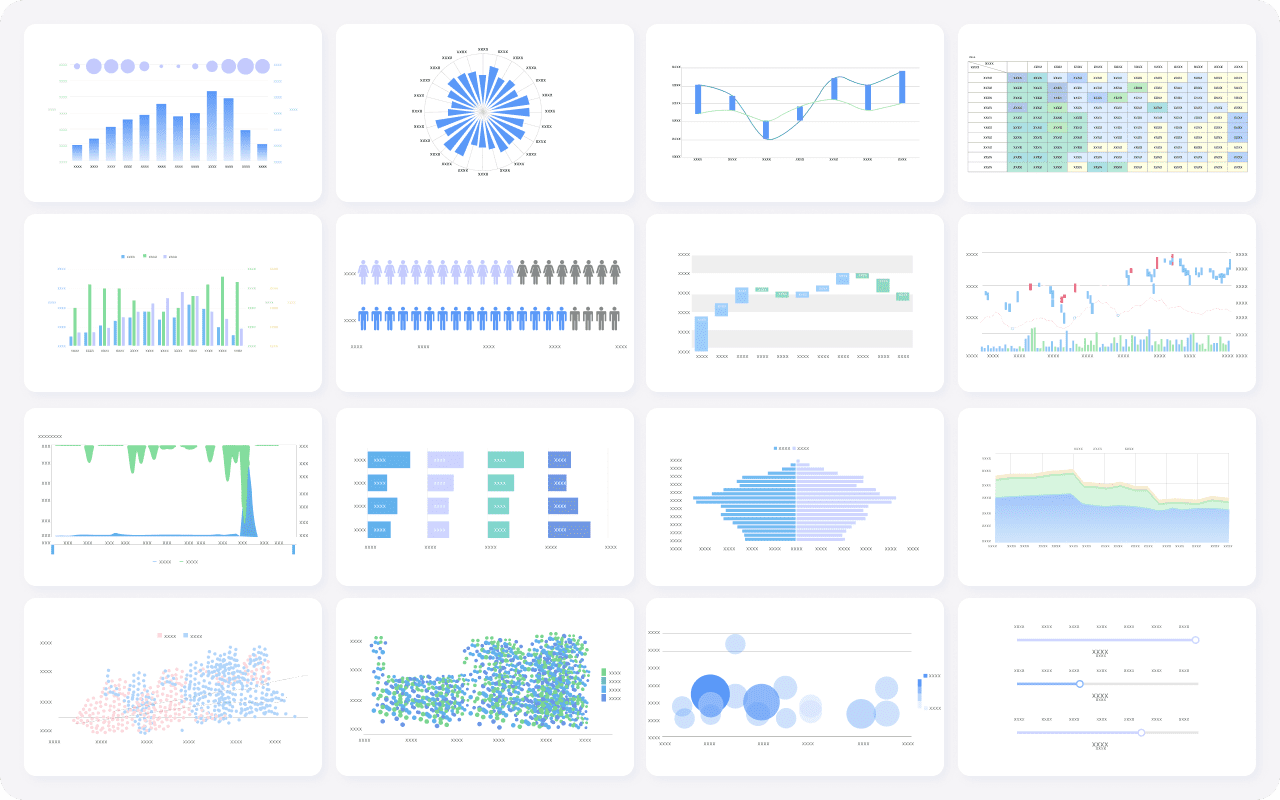
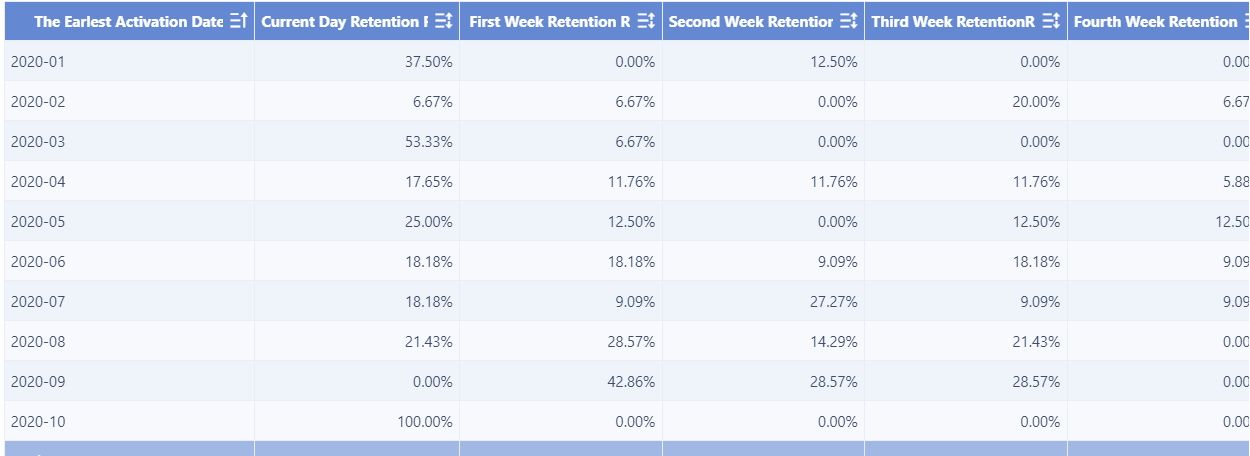
A compensation dashboard gives HR, finance, and business leaders one operational view of pay decisions, budget impact, market competitiveness, and equity risk. If your team is still stitching together spreadsheets from HRIS, payroll, survey vendors, and manager inputs, you already know the pain: slow approvals, inconsistent decisions, poor visibility into pay gaps, and leadership questions that take days to answer.
For HR leaders, total rewards teams, compensation analysts, and finance partners, the business value is straightforward. A well-designed compensation dashboard helps you make faster, more defensible decisions on merit increases, promotions, offers, retention adjustments, and workforce cost planning.
Click To Try The Dashboard
What a Compensation Dashboard Is and Why It Matters
In practical HR terms, a compensation dashboard is a centralized reporting and analysis environment that combines internal pay data, workforce attributes, performance inputs, and external market benchmarks into one decision-ready view.
Instead of reviewing salary structures in one file, payroll costs in another, and benchmark data in a third, HR teams can use a compensation dashboard to see:
Current pay versus salary range
Pay by grade, level, function, or geography
Budget utilization for merit and bonus cycles
Internal equity patterns across comparable employee groups
Market competitiveness by role and location
Talent outcomes linked to compensation decisions
This matters because compensation is rarely just an HR issue. It sits at the intersection of talent strategy, financial control, retention, compliance, and manager effectiveness.
A compensation dashboard is commonly used by:
CHROs and HR leaders to guide pay strategy and executive reporting
Compensation and total rewards teams to monitor structure integrity and market positioning
Finance partners to track labor cost, budget variance, and scenario impacts
People managers to support more consistent pay recommendations
Talent acquisition leaders to align offers with market movement and hiring realities
The biggest advantage is speed with consistency. When compensation data is unified and visualized properly, organizations can move from reactive pay decisions to governed, evidence-based action.
The 12 Metrics Every Compensation Dashboard Should Track
The best compensation dashboard does not try to show everything. It shows the metrics that drive actual decisions.
Key Metrics (KPIs)
Compa-ratio: Measures employee pay against the midpoint or market reference for the role. Useful for identifying underpayment or overpayment.
Range penetration: Shows where an employee’s pay sits within the assigned salary range. Helps assess progression and range health.
Pay distribution by grade or level: Reveals how compensation is spread across job architecture layers. Useful for structure calibration.
Internal pay equity gaps: Highlights pay differences among comparable employees or demographic groups after accounting for role and level.
Market position versus benchmark data: Compares internal pay to external salary benchmarks by job and geography.
Offer acceptance rate tied to compensation: Measures whether pay competitiveness is helping or hurting hiring outcomes.
Total compensation cost: Tracks aggregate cost across base pay, bonus, incentives, and other compensation components.
Merit increase distribution: Shows how annual increases are allocated across teams, performance levels, or business units.
Bonus attainment and payout mix: Monitors variable pay outcomes and the split between target, actual, and exceptional payouts.
Voluntary turnover in critical roles: Identifies attrition patterns in roles where compensation may be a material retention factor.
Time to fill for compensation-sensitive roles: Measures hiring speed for roles where pay competitiveness strongly affects close rates.
Promotion and pay progression trends: Tracks how pay changes over time with internal movement and career progression.
Core pay structure metrics
Compa-ratio
Compa-ratio is one of the most important metrics in any compensation dashboard because it shows whether employee pay is aligned to a salary range midpoint or market benchmark.
Use it to answer questions like:
Which employee groups are consistently below range midpoint?
Where are managers making above-policy pay decisions?
Which business units may be exposed to retention risk due to low market alignment?
A practical dashboard view should allow filtering compa-ratio by department, level, location, tenure, and manager.
Range penetration tells you how far an employee has progressed within their assigned pay band. This is especially useful for identifying pay compression, stalled progression, and cases where long-tenured employees remain too low in range.
In planning cycles, range penetration helps compensation teams separate legitimate development-stage pay from structural issues that require correction.
Pay distribution by grade or level
A compensation dashboard should also display pay distribution by grade, level, or job family. This reveals whether your pay architecture is functioning as intended.
Look for patterns such as:
Too many employees clustered near range minimum
Unusual pay overlap between adjacent levels
Compression between experienced incumbents and newer hires
Outliers sitting above band maximum without clear justification
Equity and competitiveness metrics
Internal pay equity gaps
Internal pay equity analysis should not be treated as a once-a-year legal exercise. A compensation dashboard makes it operational.
This metric can show differences in pay across comparable employees by gender, ethnicity, tenure group, or manager population, depending on your governance model and jurisdiction.
The objective is not only compliance. It is also to reduce unmanaged bias, strengthen trust, and catch issues before they become costly escalation points.
Market position versus benchmark data
Market competitiveness is where many compensation programs fail quietly. Pay structures may look clean internally while becoming stale relative to the market.
A compensation dashboard should compare current pay and range midpoints to trusted benchmark data by:
Job family
Role
Level
Geography
Industry segment
This gives HR and finance a shared basis for deciding whether to adjust ranges, target retention actions, or revise offer strategies.
Offer acceptance rate tied to compensation
This metric connects compensation policy to recruiting outcomes. If offer acceptance drops for specific roles or markets, compensation may be part of the problem.
A strong dashboard can help answer:
Are we losing candidates because our offers sit below market?
Which roles require more flexible pay positioning?
Where are hiring delays tied to outdated ranges?
This is especially valuable for engineering, sales, specialized operations, and executive hiring.
Total compensation cost gives leadership a single view of salary, variable pay, allowances, and other major compensation components.
For enterprise decision-makers, this is where the compensation dashboard becomes a financial management tool, not just an HR report.
Track this by:
Business unit
Cost center
Geography
Function
Workforce segment
Actual versus budget
This allows compensation conversations to stay grounded in affordability and workforce strategy.
Merit increase distribution
During review cycles, HR teams need visibility into how increases are being distributed before approvals are locked.
A compensation dashboard should show merit increases by:
Performance rating
Department
Manager
Grade
Demographic group
Budget pool
This helps identify “peanut butter” allocations, where managers give similar increases regardless of performance or market need.
Bonus attainment and payout mix
Variable pay is often poorly understood until payout season. A dashboard should clarify target bonus, actual attainment, and payout mix across units and employee groups.
This helps teams evaluate:
Whether incentive design is differentiating performance
Whether payouts are staying within policy and budget
Whether variable pay is aligned to business outcomes
If critical-role turnover is rising, compensation may not be the only cause, but it is often a contributing factor.
A compensation dashboard should tie attrition patterns to pay position, market competitiveness, recent increase history, and bonus outcomes. This allows HR to identify populations where retention action is more likely to matter.
Time to fill for compensation-sensitive roles
Some hiring bottlenecks are really compensation bottlenecks. Time to fill becomes more actionable when viewed alongside pay range, offer position to market, and acceptance outcomes.
This helps recruiting and compensation teams coordinate rather than operate as separate functions.
Promotion and pay progression trends
Promotion activity without appropriate pay progression creates long-term trust and equity problems. This metric tracks whether internal movement is supported by consistent compensation action over time.
A compensation dashboard is only as reliable as the data model behind it. Many projects fail not because the dashboard looks bad, but because the underlying job mapping, payroll records, or benchmark logic is inconsistent.
Internal HR and payroll systems
The core internal systems usually include:
HRIS for employee master data, organization structure, and job details
Payroll systems for base pay, bonus, allowances, and actual payouts
Performance systems for ratings and calibration results
Headcount or workforce planning systems for approved roles and future cost scenarios
You also need foundational fields such as:
Job title
Job family
Grade
Level
Department
Business unit
Location
Manager
Hire date
Employment type
Without clean job architecture and consistent employee segmentation, compensation reporting quickly becomes misleading.
External market and benchmark inputs
Reliable market comparison depends on disciplined use of external inputs. Typical sources include:
Salary surveys
Compensation benchmark providers
Geographic differential tables
Industry-specific pay datasets
These sources should be mapped to your internal job architecture, not layered on top of loosely matched titles. If your benchmark mapping is weak, your compensation dashboard will create false confidence.
For example, comparing a niche senior technical specialist to a generic market title can distort compa-ratio, offer strategy, and pay range design.
Data quality and governance checks
This is the part most teams underestimate. A compensation dashboard must have governance, not just visualization.
Best-practice controls include:
Standardized job titles and normalized role mapping
Clear definitions for employee segments and eligibility groups
Refresh cadence rules for payroll, HRIS, and benchmark data
Role-based access controls for sensitive compensation views
Audit logs for data changes and dashboard usage
Agreed rules for outliers, retro adjustments, and off-cycle changes
If compensation data is sensitive, and it is, governance is not optional.
How HR Teams Use a Compensation Dashboard to Make Better Decisions
A compensation dashboard should not just describe pay. It should improve decision quality.
Annual planning and compensation review cycles
This is the most obvious use case. During annual planning, HR and finance need one view of:
Merit budget allocation
Promotion increase modeling
Bonus pool assumptions
Range movement scenarios
Approval progress by manager or business unit
A strong compensation dashboard helps leaders spot budget pressure early, calibrate manager recommendations, and enforce policy guardrails before decisions are finalized.
This reduces the usual cycle chaos: conflicting spreadsheets, delayed approvals, uneven manager behavior, and last-minute funding corrections.
Equity, retention, and hiring decisions
Outside annual cycles, the dashboard becomes a diagnostic tool.
HR teams use it to:
Flag pay compression between new hires and existing employees
Identify inequities among comparable employee populations
Prioritize retention adjustments for high-risk talent
Validate offer strategy before extending compensation-sensitive roles
Compare current pay structures against market movement
This is where the compensation dashboard creates measurable operational value. Instead of relying on anecdotal manager escalations, teams can act on patterns backed by data.
Executive and cross-functional reporting
Executives do not want a compensation data dump. They want clear answers to business questions.
A compensation dashboard helps HR translate trends into leadership language, such as:
Where workforce cost is rising faster than plan
Which talent segments are under market and at higher retention risk
Whether merit spend is differentiating top performers
How pay equity exposure is changing over time
Which tradeoffs exist between affordability, competitiveness, and fairness
This aligns HR, finance, and business leaders around facts instead of assumptions.
How to Build or Choose the Right Compensation Dashboard
Not every organization needs the same dashboard maturity. The right design depends on workforce complexity, compensation philosophy, system landscape, and stakeholder needs.
Must-have dashboard features
At minimum, an enterprise-ready compensation dashboard should include:
Interactive filters by department, function, level, location, manager, and demographic group
Drill-down capability from enterprise summary to team and employee-level details
Clear visuals for trends, outliers, distributions, and benchmark comparisons
Budget views for merit, bonus, and promotion spend
Secure access controls for confidential compensation data
Refresh transparency so users know how current the data is
The dashboard should also support decision workflows, not just static reporting. If users still need to leave the tool to validate a pay decision, the design is incomplete.
Build versus buy considerations
Some organizations can build an effective compensation dashboard using existing BI tools if they already have:
Strong data engineering support
Clean HRIS and payroll data
Clear job architecture
Stable benchmark integration
Mature HR analytics governance
In these cases, a custom dashboard may be enough.
But if your organization is dealing with fragmented data, frequent planning cycles, limited analytics bandwidth, or growing demand from managers and executives, buying a more purpose-built solution may be the better long-term choice.
A practical rule:
Use spreadsheets or basic BI when the scope is narrow and decision complexity is low
Use compensation management software or advanced BI workflows when scale, auditability, governance, and speed become critical
Common mistakes to avoid
The most common dashboard failures are predictable.
1. Tracking too many metrics without decision context
More charts do not create more value. If a metric does not support a decision, it should not dominate the dashboard.
2. Using outdated market data or inconsistent job mapping
This is one of the fastest ways to lose leadership trust. Market insights are only useful when benchmark matches are disciplined and refresh rules are clear.
3. Ignoring stakeholder training and adoption
Even a strong compensation dashboard fails if managers, HRBPs, and finance users do not understand how to interpret the metrics. Adoption needs enablement, not just deployment.
4. Treating compensation and talent data as separate worlds
Pay decisions should be connected to performance, turnover, promotion, and hiring outcomes. Otherwise, the dashboard remains descriptive instead of strategic.
From Manual Reporting to a Scalable Compensation Dashboard Strategy
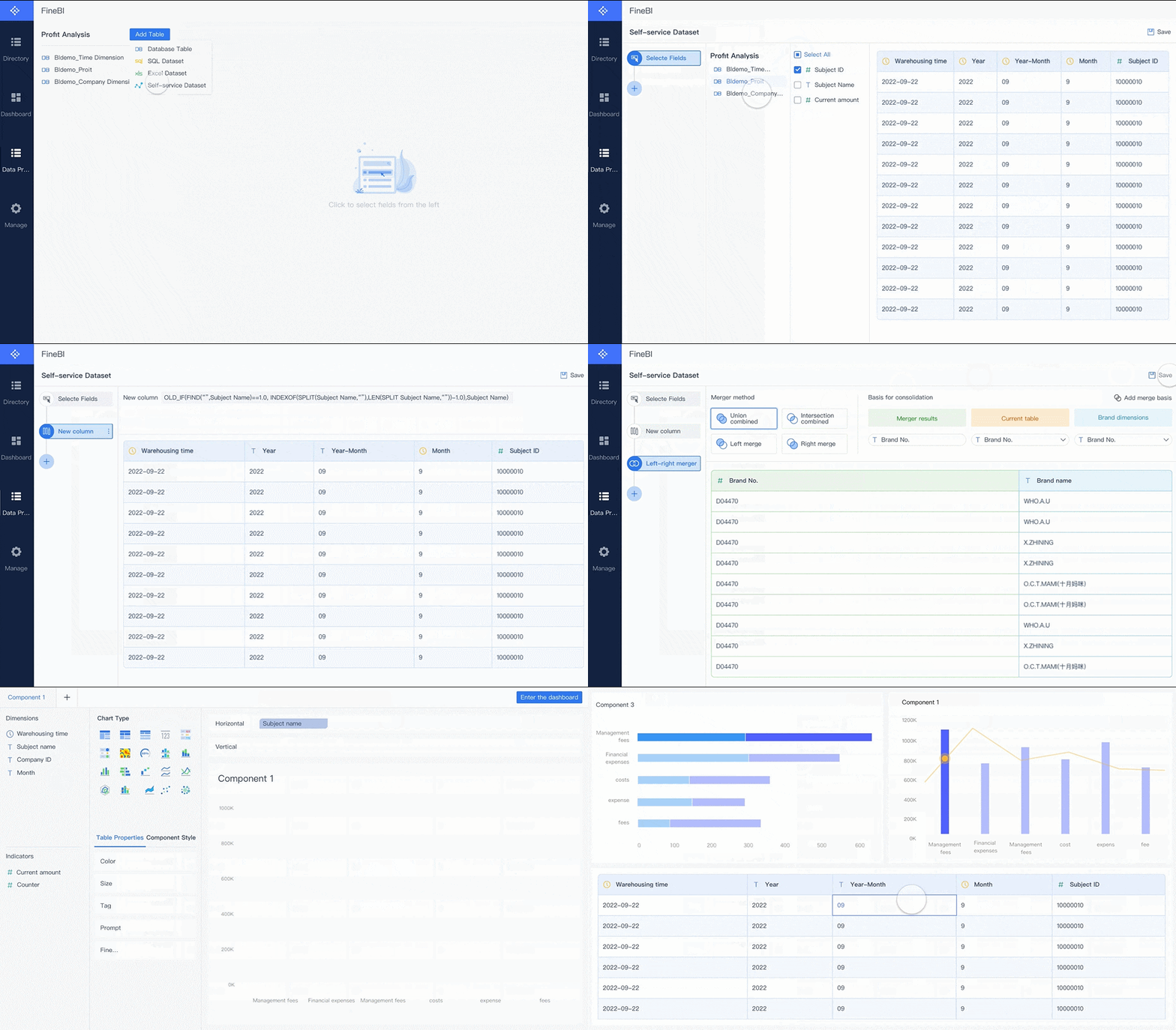
Building this manually is complex; use FineBI to utilize ready-made templates and automate this entire workflow.
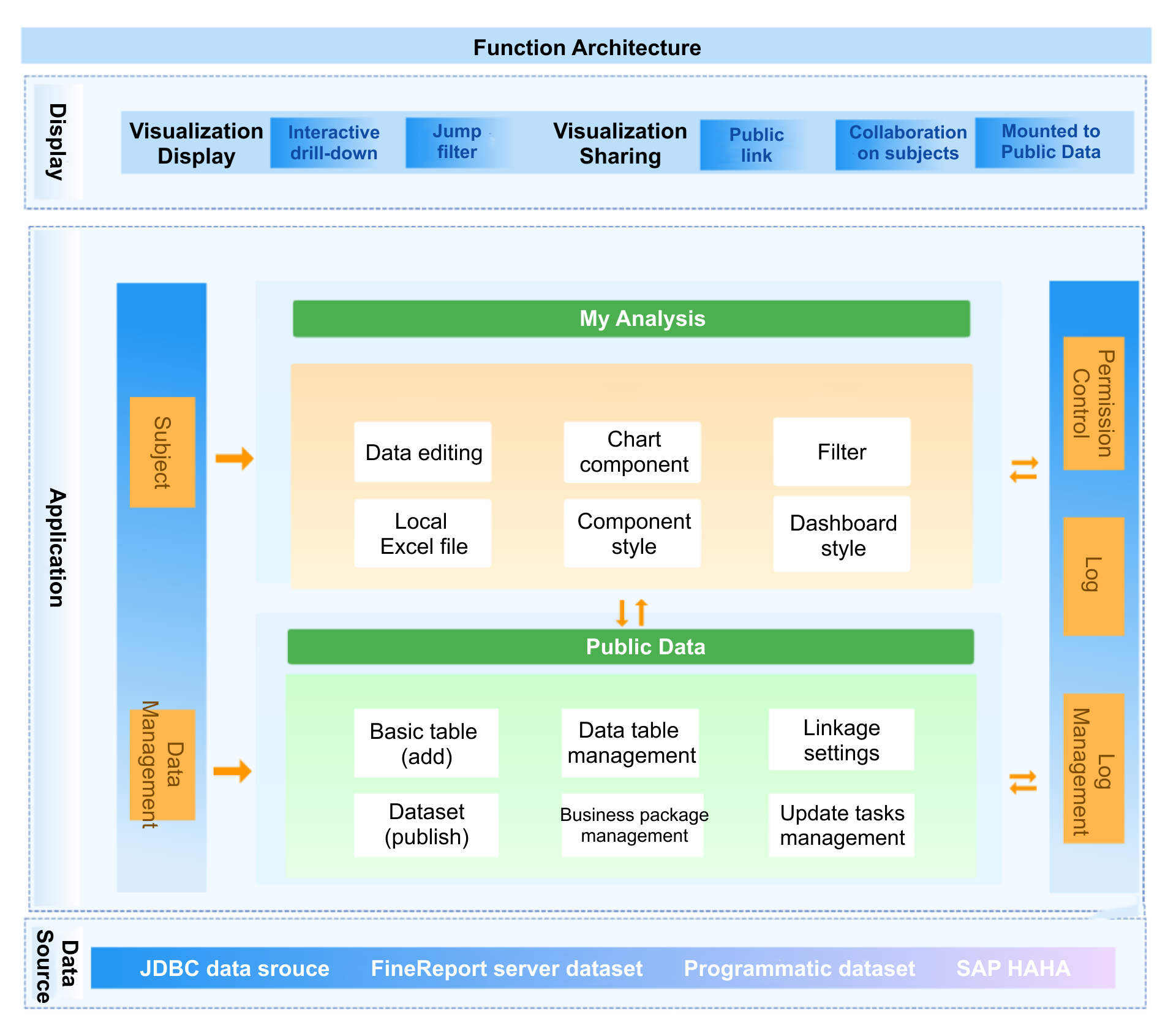
For enterprise HR and finance teams, the challenge is not just creating charts. It is integrating HRIS, payroll, performance, and benchmark data into a governed, interactive environment that leaders can trust. FineBI helps organizations accelerate that process with self-service analytics, flexible dashboard design, and scalable data connectivity.
With FineBI, teams can:
Consolidate compensation-related data from multiple systems
Build interactive compensation dashboard views for HR, finance, and executives
Apply filters for department, level, location, and workforce segment
Create drill-down analysis for enterprise, team, and employee-level insights
Standardize recurring reporting with reusable templates
Reduce manual spreadsheet work during compensation cycles
The practical advantage is speed with control. Instead of rebuilding compensation reports every cycle, HR teams can operationalize a repeatable dashboard framework that supports pay planning, benchmarking, equity analysis, and executive reporting from one platform.
If your organization is still managing compensation through disconnected files and ad hoc reporting, that is usually the signal that the process has outgrown manual methods. A modern compensation dashboard built on FineBI gives decision-makers the structure, visibility, and automation needed to make pay decisions with more confidence and less friction.
FAQs
A strong compensation dashboard should include core pay structure, equity, market, budget, and talent outcome metrics. Common examples include compa-ratio, range penetration, pay equity gaps, market position, merit budget use, turnover, and offer acceptance rate.
It brings salary, payroll, performance, and market data into one view so HR and finance can make faster, more consistent decisions. This improves visibility into fairness, affordability, and competitiveness before approvals are finalized.
Most teams pull data from HRIS, payroll, performance management, job architecture, and external salary benchmark providers. Some dashboards also use recruiting and attrition data to connect pay decisions with hiring and retention outcomes.
For pay equity, organizations usually focus on internal pay gaps, pay by comparable groups, and range placement. For competitiveness, the most useful metrics are compa-ratio, market position by role and geography, and offer acceptance tied to pay levels.
Compensation dashboards are commonly used by HR leaders, total rewards teams, compensation analysts, finance partners, and business managers. Each group uses the dashboard differently, from executive reporting and budget control to manager guidance during merit and promotion decisions.
Product Trial
FineReport
Pixel-perfect reports · Interactive dashboards · Easy data entry · Digital twins