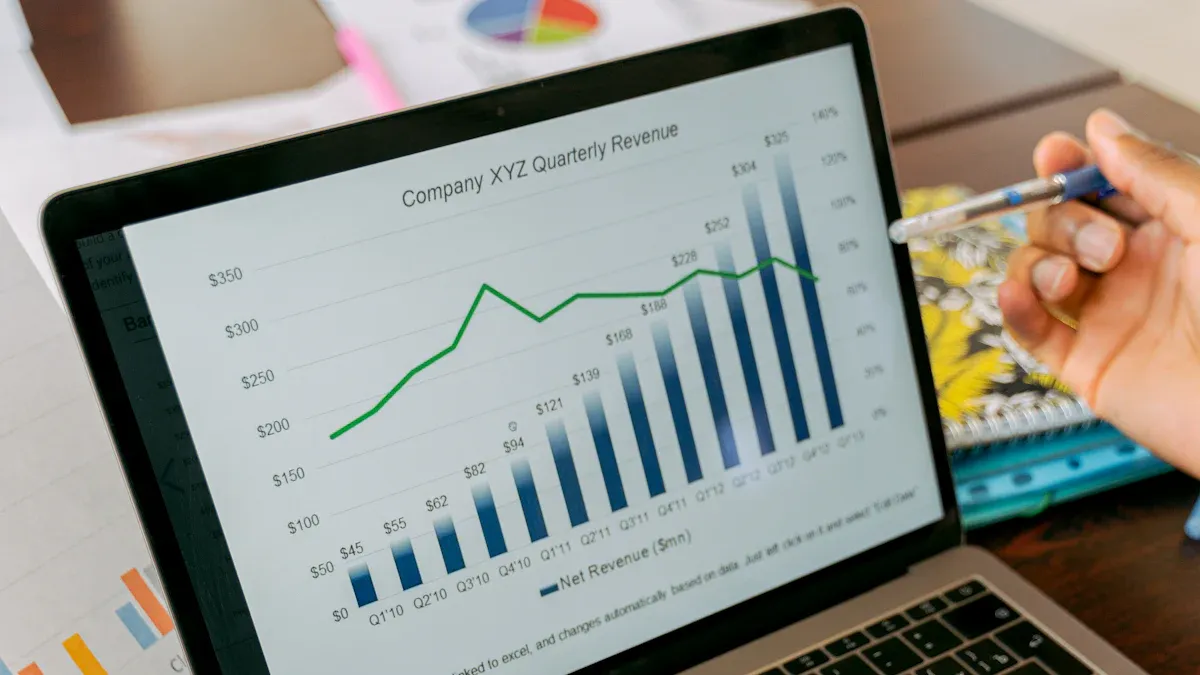
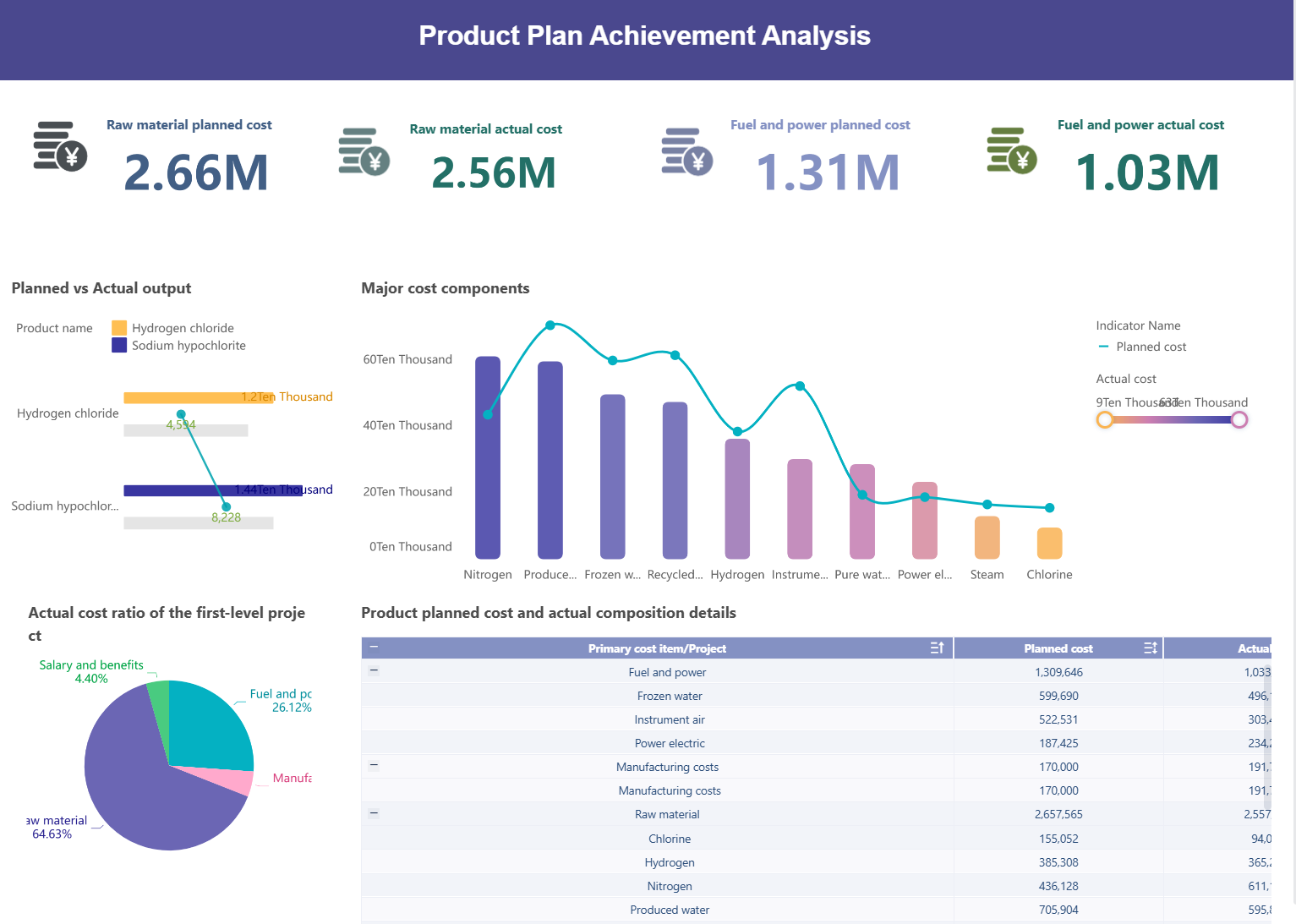
You can make an observability dashboard by using a simple guide. An observability dashboard lets you see your systems in real time. Many companies notice big changes after they use one.
You can find performance problems fast.
You feel more sure about your infrastructure.
You see business effects right away.
The right guide helps you make dashboards that fix real issues. Each step in the guide gets you closer to a dashboard that helps your team.
Why Observability Dashboard Matters
Business Impact of Real-Time Dashboards
You need a real-time dashboard to see what happens in your business right now. In industries like semiconductor manufacturing, a real-time dashboard gives you the power to watch every part of your system. You can spot problems before they grow. You can also see how your machines and people work together. A real-time dashboard helps you make better choices every day.
Here is how a real-time dashboard can change your business:
Enhances system health monitoring and application behavior understanding.
Proactive issue detection
Allows for faster troubleshooting and improved production stability.
Visibility into system activity
Helps detect abnormal behavior early and address bottlenecks before they affect production.
Understanding user behavior
Optimizes performance and user experience by identifying UI bottlenecks and slow screens.
Monitoring database performance
Ensures critical MES processes remain reliable by detecting degradation early.
Distributed traces
Reduces time to root cause during incidents by revealing latency issues and service dependencies.
IoT component behavior
Detects issues at the edge before they lead to production disruptions.
Common Challenges in Dashboard Design
You may face problems when you build a real-time dashboard. Many people find it hard to work together. Some teams use too many tools. This makes it hard to share data. You may find it hard to grow your real-time dashboard as your business grows. You may have trouble connecting all your data.
Here are some common problems:
Teams have trouble working together.
It is hard to make a real-time dashboard bigger.
You may have problems joining all your data.
Too many tools can make things confusing.
It is hard to see how data connects.
You may not know where a problem starts.
You can fix these problems by using one real-time dashboard for your team. You can use real-time analytics to keep your data in one place. You can make sure everyone uses the same real-time dashboard. You can train your team to use real-time analytics. You can check your real-time dashboard often. You can ask your team what works and what does not. You can use real-time analytics to make your real-time dashboard better.
You can also measure how well your real-time dashboard works. You can look at your costs. You can see if you save money. You can check if your data is better. You can use real-time analytics to see if your team works faster. You can use a real-time dashboard to see if your business grows.
A real-time dashboard is a tool you need. You can use real-time analytics to make your business strong. You can use a real-time dashboard to see everything in real time.
To build an observability dashboard, you need clear goals. You should know what you want to see. You also need to know who will use the dashboard. If you follow the right steps, your dashboard helps your team. It solves real problems and helps you make better choices.
Define Objectives and Users
Set clear objectives before you start your dashboard. Think about what questions you want to answer. Decide if you want to check system health, track user activity, or find performance issues. When you know your goals, you can pick the right data.
You also need to know who will use the dashboard. Some people want to see big trends. Others want details about errors or slowdowns. Talk to your team and other groups. Make sure everyone agrees on the goals and their roles.
Here are some tips for this step:
Write your main goals.
List the users for the dashboard.
Ask users what they need to see.
Make sure everyone agrees on the goals.
Identify Key Metrics and KPIs
After you set your goals, pick the right metrics. Metrics show how your system works. KPIs help you measure success. Choose metrics that answer your main questions.
Industry experts suggest these steps:
Set the dashboard’s goal to answer important questions.
Find and rank data sources like metrics, logs, and traces.
Pick key metrics such as average query time and CPU usage.
You can use a table to organize your metrics:
Metric Name
Why It Matters
Who Needs It
CPU Usage
Shows system health
IT Team
Average Query Time
Finds slow database queries
Database Admins
Error Rate
Spots problems early
Developers
Inventory Turnover
Tracks business performance
Operations Managers
BOE Technology Group had trouble with messy data and different metrics. They fixed this by using FineBI to make metric definitions the same. BOE made 257 metrics clear across departments. This helped everyone use the same data and make better choices. You can do what BOE did by making your metrics clear and consistent.
Prioritize Actionable Metrics
Focus on metrics that help you take action. Actionable metrics show where to fix problems or improve things. Do not add too many metrics. Too much data can make your dashboard hard to use.
Here are ways to pick actionable metrics:
Choose metrics that show system health and performance.
Pick metrics that help you spot issues fast.
Use visual alerts to show important changes.
Organize metrics by themes like health or performance.
You can use a checklist for this step:
Pick metrics that help you make choices.
Remove metrics that do not help.
Group metrics by context.
Add visual alerts for key metrics.
If you follow these steps, you build a dashboard that helps your team act fast. You see what matters most. You avoid clutter. You make your dashboard easy to use.
Data Integration for Real-Time Observability Dashboards
Connecting Multiple Data Sources
You need to connect lots of data sources to build a strong real-time dashboard. FineBI and FineDataLink make this easy for you. FineDataLink lets you connect to databases, cloud platforms, and files. You can break down data silos and bring all your information together. This makes real-time data processing simple and fast.
FineDataLink lets you sync data in real time. You can sync whole databases or just a few tables. You can also set tasks to run when you want. FineBI gives you two ways to get your data. You can use Direct Connection to run calculations in your database. You can also use Extraction to save data in FineBI’s engine for real-time data processing. This flexibility helps you handle dashboard parts from many sources.
Here is a quick look at what these tools offer:
Feature
Description
Data Integration from Multiple Sources
Connects to many sources for complete real-time data processing.
Data Consistency
Keeps your data reliable and reduces errors.
Automated Data Synchronization
Updates your dashboard with the latest information automatically.
Seamless Data Transformation
Changes data into the right format for real-time data visualization and analysis.
Ensuring Data Quality and Consistency
You want your dashboard to show accurate and useful information. Good data quality and consistency are very important. FineDataLink processes data all the way, making sure your real-time data stays reliable. FineBI supports ETL and ELT workflows, so you can clean, change, and organize your data before it gets to your dashboard.
Follow these best practices to keep your dashboard strong:
Best Practice
Description
Dashboard Consistency
Use shared templates and variables for uniform dashboards.
Provide Context
Show metrics with trends and clear thresholds for better understanding.
Regularly Prune and Refine
Remove unused widgets to keep your dashboard focused.
Optimize for Performance
Reduce extra queries and set good refresh times for real-time data processing.
Use Consistent Layouts
Organize panels and use similar visuals for related data.
You can use variables for dynamic filtering and add notes for important events. This helps you link changes in your real-time data to real-world actions. When you follow these steps, your dashboard will give you clear, up-to-date insights. You will see the benefits of real-time data visualization in every part of your business.
Setting Up Alerts and Automation in Your Observability Dashboard
Defining Alert Rules and Thresholds
You want your observability dashboard to help you act quickly. Real-time alerts make this happen. You need to set clear rules and limits for your alerts. Start by picking the best alerting method for your needs. You can use static alerting, dynamic alerting, customized alerts, or SLO integration. Each method works for different real-time situations.
Alerting Technique
Description
Key Considerations
Static Alerting
Uses fixed limits for metrics.
Needs careful setup for each real-time environment.
Dynamic Alerting
Changes limits using past real-time data.
Helps stop too many alerts by learning normal patterns.
Customized Alerts
Made for your platform and real-time setup.
Can use machine learning for better accuracy.
SLO Integration
Checks performance against real-time goals.
Matches real-time alerts with business goals and user needs.
You should send alerts based on how important they are. This makes sure the right team gets the alert. Group similar alerts so you do not get too many messages. Set rules so only real-time issues that last trigger alerts. This stops alerts from short glitches.
FineBI’s data alert module lets you set real-time limits for any metric. You can choose to get notified by email or message when a value goes past a limit. You can also set up alerts for trends, not just single points. This helps you find problems before they get worse.
Automating Notifications and Actions
You can save time and make fewer mistakes by automating notifications and actions. Automation helps you respond to incidents faster. It also means you do not need to watch everything yourself. You can spot problems quickly.
Here are ways to automate real-time alerts:
Set the scope, owner, and importance for each alert.
Decide where alerts go and how they move up.
Use notification rules to build a routing tree for your service.
FineBI lets you connect alerts to email, chat, or incident tools. This means your team gets updates wherever they are. You can also link alerts to CI/CD pipelines, incident response systems, and business reports. This keeps your data moving across your company.
Integration Opportunity
Description
CI/CD pipelines
Check observability during deployments.
Incident response
Send real-time data into your workflows.
Development tools
Show insights in your coding environment.
Business reporting
Add metrics to your business reports.
FineBI’s alerting and automation features help you stay ahead. You can act on real-time data, not just look at it. This makes your dashboard a tool for action, not just watching.
Testing and Iterating Your Observability Dashboard
Gathering User Feedback
You should test your real-time dashboard with real users. Their feedback shows what works and what does not. Start by asking users for their thoughts after they use the dashboard. You can use surveys, interviews, or quick polls to get answers. Real-time feedback helps you find problems right away. You can set up a feedback loop to collect comments and see how people use the dashboard. This loop lets you make the dashboard better with each update and custom change.
Many groups use feedback loops to improve their dashboards. These loops help everyone see what is happening and make changes. You can watch what users do in real time and see how updates change the dashboard. When you use feedback loops, you build trust and give users more power. For example, FanRuan’s customers finished 30% more tasks and followed rules 25% better after adding real-time feedback.
Continuous Improvement Steps
You need to keep your real-time dashboard fresh and helpful. Making small changes all the time keeps your dashboard working well. Use these best practices to help you:
Best Practice
Description
Continuous Monitoring and Feedback
Get real-time user input and check how the dashboard works often.
Training and Documentation
Teach users and keep easy guides for using the dashboard.
Cross-Department Collaboration
Share real-time ideas and match goals with other teams.
Implementing Automation
Use real-time tools to watch and improve dashboard performance.
Watch real-time feedback and see how the dashboard works.
Teach users and update guides when things change.
Meet with other teams to share real-time tips.
Use automation to check performance and fix problems fast.
FanRuan’s customer stories show that real-time feedback and updates make dashboards better. You can use these steps to make your dashboard strong and ready for anything.
Product Trial
FineReport
Pixel-perfect reports · Interactive dashboards · Easy data entry · Digital twins
Access a wealth of case studies, industry insights, and solution guides to accelerate digital transformation.
FAQ
What is an observability dashboard?
An observability dashboard shows you real-time data from your systems. You can see key metrics, spot problems, and track performance. This tool helps you make better decisions fast.
How do I choose the right metrics for my dashboard?
You should pick metrics that match your business goals. Focus on data that helps you act quickly. Ask your team what information they need most.
Can I connect different data sources to one dashboard?
Yes! FineBI and FineDataLink let you connect many data sources. You can bring together databases, cloud platforms, and files. This gives you a complete view.
What should I do if my dashboard feels cluttered?
Remove extra metrics and widgets. Group related data together. Use clear labels and simple visuals. This makes your dashboard easier to read and use.