You want tools that offer real-time inventory tracking, accurate stock visibility, and easy integration. These picks help retailers and SMBs handle both in-store and online operations with ease. Choose the one that fits your size, industry, and business goals.
Top Retail Inventory Management Software List
Quick Overview of the 10 Best Solutions
Let’s take a quick look at the best inventory management software you can use in 2025. Here’s a handy table to help you compare your options at a glance:
Software Name
What It Does
Key Features
FineBI
Self-service BI for unified data, real-time dashboards, and analytics
Real-time tracking, visual dashboards, ETL
NetSuite Inventory
Cloud-based inventory for multi-location and demand-based reordering
Multi-location, cycle counting, forecasting
Katana
Smart manufacturing and inventory for growing businesses
Live inventory, order management, integrations
Ordoro
Shipping and inventory for multichannel sellers
Kitting, dropshipping, barcode scanning
Finale Inventory
Flexible inventory for warehouses and e-commerce
Barcode, multi-warehouse, order management
Odoo
Open-source ERP with advanced inventory tools
Multi-warehouse, smart rules, barcode
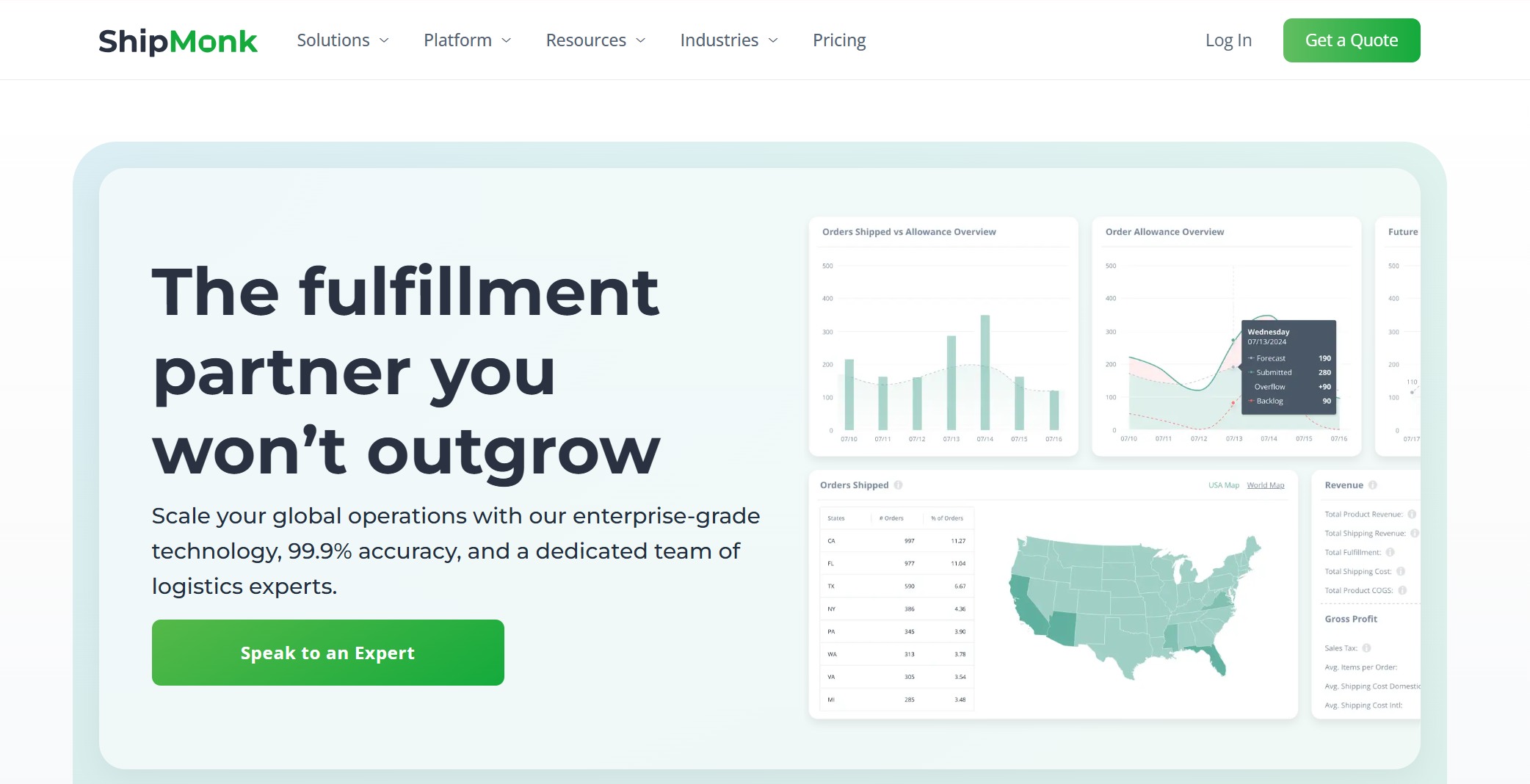
ShipMonk
Fulfillment and inventory for e-commerce brands
Order sync, returns, analytics
ShipBob
Global fulfillment network with inventory visibility
Real-time tracking, distributed inventory
Square for Retail
POS and inventory for retailers and SMBs
Bulk import, vendor management, low-stock alerts
EZOfficeInventory
Asset tracking for retail and office equipment
Barcode, maintenance, reporting
Tip: You can find a solution for every business size, from small shops to large chains. Each platform supports both in-store and online operations.
Why These Software Stand Out
You want tools that do more than just count stock. These platforms help you see what’s happening in real time, so you never run out of bestsellers or overstock slow movers. FineBI gives you real-time dashboards and self-service analytics, making it easy to spot trends and act fast. NetSuite offers multi-location visibility and demand-based reordering, which is perfect if you manage several stores or warehouses.
Odoo stands out with instant tracking across warehouses and smart replenishment rules. Square for Retail makes setup simple and keeps you updated with low-stock alerts. ShipBob and ShipMonk shine for e-commerce brands, offering real-time inventory tracking and seamless order sync. Katana and Finale Inventory help you manage production and warehouse needs with live updates and barcode support.
If you run a small business, EZOfficeInventory and Ordoro keep things simple with easy asset tracking and shipping tools. Every software on this list supports integrations, so you can connect your favorite apps and keep your workflow smooth.
Choosing the right retail inventory management software means you get accurate stock visibility, save time, and grow your business—whether you’re selling in-store, online, or both.
Selection Criteria for Best Inventory Management Software
Choosing inventory control tools for your store or online business can feel overwhelming. You want a system that makes your life easier, not harder. Let’s break down the main factors you should look for when picking inventory tracking software for retailers and SMBs.
Key Features to Consider
You need core inventory features that help you stay on top of your stock. Here’s what matters most:
Inventory tracking with barcode scanning for quick updates and fewer mistakes.
Inventory tracking across locations so you always know what’s in each store or warehouse.
Inventory tracking with variants to manage different sizes, colors, or styles.
Automated inventory alerts to warn you before you run out.
Smarter forecasting for better reordering decisions.
Multi-channel selling support to keep everything in sync.
Tip: Real-time inventory tracking and accurate stock visibility are must-haves. These features help you avoid stockouts, reduce overbuying, and speed up pick-and-pack cycles.
Pricing and Value
You want inventory control software for small businesses that fits your budget. Prices range from $39 to $299 per month, depending on the system and features. Look for time savings through automation and make sure you get good value for your money.
System Name
Pricing Range
Zoho Inventory
$39–$249/month
Cin7
Starting at $299/month
Square for Retail
$60/month
Scalability and Flexibility
Your business will grow. Pick inventory control tools that scale with you. The best systems use cloud computing and AI to adapt. They offer robust integrations so you can add new sales channels or locations without hassle.
Feature
Description
Scalability
Grows with your business, from small to enterprise.
Advanced functionalities
AI and cloud computing for flexibility.
Integration capabilities
Connects with other tools as you expand.
Integrations and Compatibility
Robust integrations are key. You want software that connects with your POS, ERP, CRM, and e-commerce platforms. This keeps your workflow smooth and supports multi-channel selling.
Software
Integration Capabilities
Target Users
Cin7
Multi-channel sales, automatic stock syncing, accounting and e-commerce integrations.
You need a system that’s easy to use. Look for inventory control tools with a simple interface and strong customer support. Free training and ongoing help make onboarding easier. Good support means you spend less time troubleshooting and more time selling.
Type of Support/Training
Description
Free Customer Training
Training sessions help you learn the software quickly.
Support
Ongoing help for smooth transitions and daily use.
Customer Testimonials
Positive feedback shows the support team is effective.
When you focus on these criteria, you’ll find inventory tracking software that delivers accuracy, saves time, and helps your business grow.
Reviews of Top Retail Inventory Management Software
1.FineBI
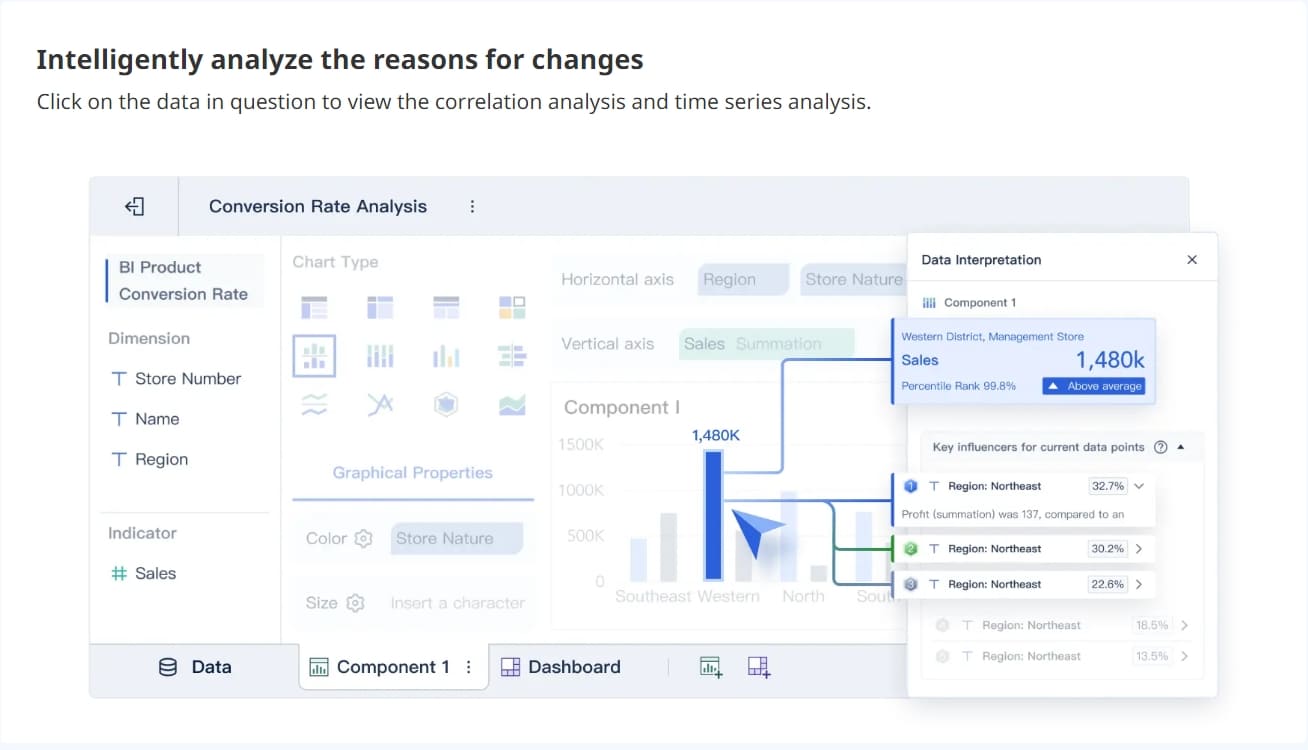
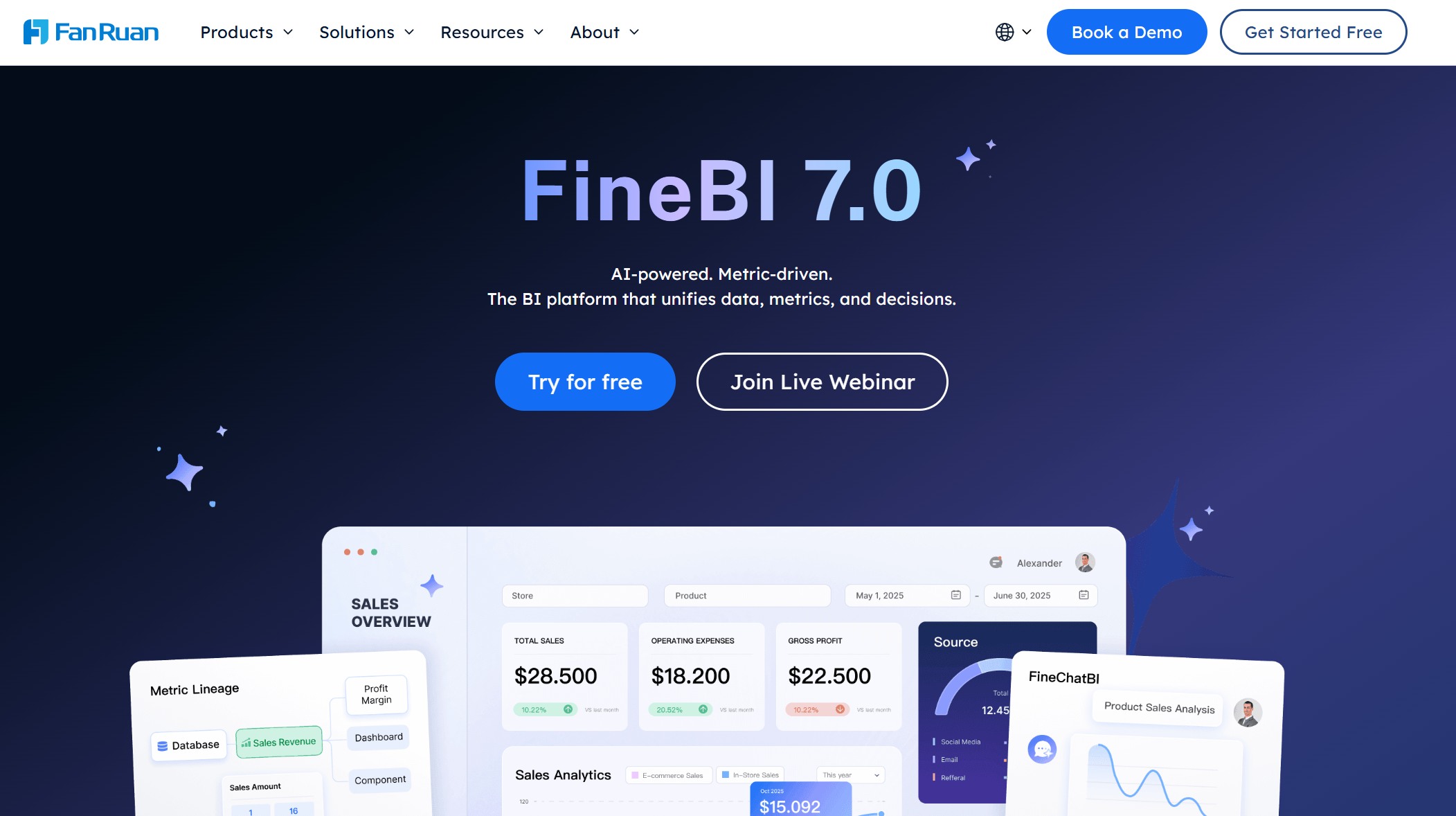
If you want a retail inventory management software that puts data at your fingertips, FineBI stands out. You can connect to over 30 big data platforms and SQL sources, plus Excel files, so you never miss a detail. FineBI lets you build dashboards and run reporting in real time. You get a clear view of your inventory, sales, and trends, all in one place.
You can use FineBI to track inventory, spot trends, and make smarter reordering decisions. The reporting tools help you see what’s selling and what’s not, so you can act fast. FineBI works well for both retailers and SMBs who want to unify data from multiple sources and get real-time insights.
Tip: FineBI’s self-service analytics and real-time dashboards make it easy for anyone on your team to run reporting and share insights.
2.NetSuite Inventory Management
NetSuite Inventory Management gives you a single, real-time view of your stock across all locations. You can track inventory by lot, serial number, bin, or location. This helps you avoid costly mistakes and keeps your inventory accurate.
You get up-to-date stock levels for every warehouse and store.
NetSuite connects inventory activity across your business, so you don’t have to worry about manual updates.
The system automates reordering and fulfillment, which saves you time and reduces errors.
Feature
Description
Real-time inventory visibility
See inventory across all channels and locations instantly.
Integration
Connects inventory with sales, purchasing, and finance for smooth operations.
Cost management
Keeps inventory costs low while making sure products are always available.
NetSuite works well for businesses that want to automate inventory control and improve reporting. You can use it to support multi-channel selling and keep your online and in-store operations in sync.
3.Katana
Katana is a favorite for growing businesses that need smart inventory tracking. You get a user-friendly interface and affordable pricing. Katana connects with popular e-commerce and accounting tools, so you can manage orders and inventory in one place.
Katana helps you track inventory in real time and manage production with ease. If you want simple reporting and easy integrations, Katana is a solid choice for SMBs and retailers.
4.Ordoro
Ordoro makes inventory and shipping easy for businesses that sell across multiple channels. You can manage inventory, shipping, and even dropshipping from one dashboard. Users love the reporting features and the way Ordoro simplifies multi-channel selling.
Top-tier for growth. Great for managing inventory across channels.
Aug 4, 2024
Noemi G
Life-saving for dropshipping and order fulfillment.
Jul 29, 2024
Alice M
Surpassed expectations. User-friendly and excellent support.
Jul 22, 2024
Andrea Williams
Insightful reporting for business decisions.
Jul 15, 2024
Frances Rodriguez
Outstanding support, but advanced features can be pricey for small users.
Jul 7, 2024
Jonathan Martinez
Simplifies multi-channel selling with integrations.
Jul 2, 2024
Greta S
Exceptional for order and inventory management.
Jun 24, 2024
Wiley G
Efficient for e-commerce with flexible pricing.
Jun 15, 2024
Thaddeus S
Delivers as promised, but kit/bundle totals need improvement.
Ordoro is a great pick if you want inventory control software for small businesses that supports reporting, shipping, and multi-channel selling.
5.Finale Inventory
Finale Inventory is built for flexibility. You can use it to manage inventory in warehouses, track orders, and scan barcodes. Finale Inventory supports multi-location tracking and works well for e-commerce and wholesale businesses.
You get real-time updates and reporting tools that help you avoid stockouts and overstocking. Finale Inventory also integrates with popular e-commerce platforms, so you can keep your online and offline sales in sync.
Note: Finale Inventory is a good fit if you need advanced barcode support and want to scale your operations.
6.Odoo
Odoo offers a modular approach to retail inventory management software. You can add apps for accounting, e-commerce, and more without disrupting your workflow. Odoo connects your online and offline sales, syncing product listings and stock automatically.
Syncs online and offline sales with automatic updates.
Third-party Compatibility
Integrates with payment, shipping, and marketing tools.
Scalability
Handles multiple branches, currencies, and languages for global growth.
Odoo’s reporting features help you track sales, inventory, and customer data. You can scale up as you grow, making it a smart choice for retailers with big plans.
7.ShipMonk
ShipMonk is perfect for businesses that need fulfillment and inventory management in one place. You can use ShipMonk if you run a subscription box, crowdfunding campaign, or a small business that wants flexible fulfillment.
Custom fulfillment, kitting, and automated order processing.
Crowdfunding Campaigns
Logistics for pre-orders and bulk shipments.
Small Businesses and Startups
Affordable, flexible options with custom packaging.
ShipMonk gives you real-time inventory tracking and reporting, so you always know what’s in stock. You can focus on growing your business while ShipMonk handles the logistics.
8.ShipBob
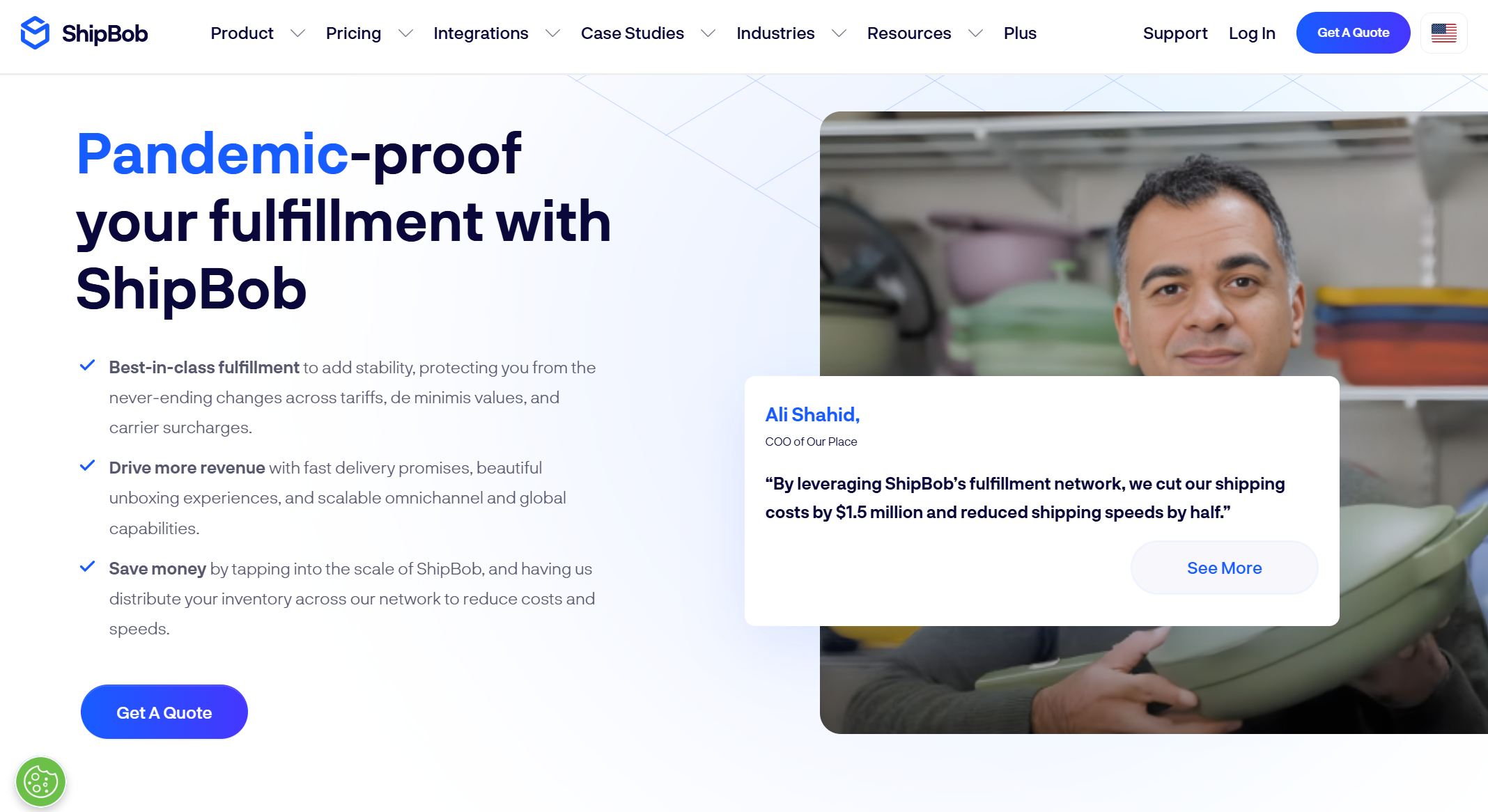
ShipBob stands out for its speed and accuracy. You get access to over 50 fulfillment centers worldwide. ShipBob reports a 99.95% order accuracy rate and a 99.99% on-time delivery rate. If you need fast, reliable shipping for your online store, ShipBob is a top pick.
ShipBob’s reporting tools help you track inventory, orders, and shipping performance. You can use it to support multi-channel selling and keep your customers happy.
9.Square for Retail
Square for Retail is designed for small and medium-sized businesses. You can track stock in real time, set up low-stock alerts, and manage product variants. Square lets you print custom barcode labels and scan them at checkout.
Real-time stock tracking, low-stock alerts, and product variant management.
Barcode scanning and label printing
Print and scan custom barcodes for fast checkout.
Customer relationship management
Save customer info and track purchase history.
Square for Retail makes reporting simple. You can see what’s selling, manage vendors, and keep your inventory under control. It’s a great choice if you want easy setup and strong support.
10.EZOfficeInventory
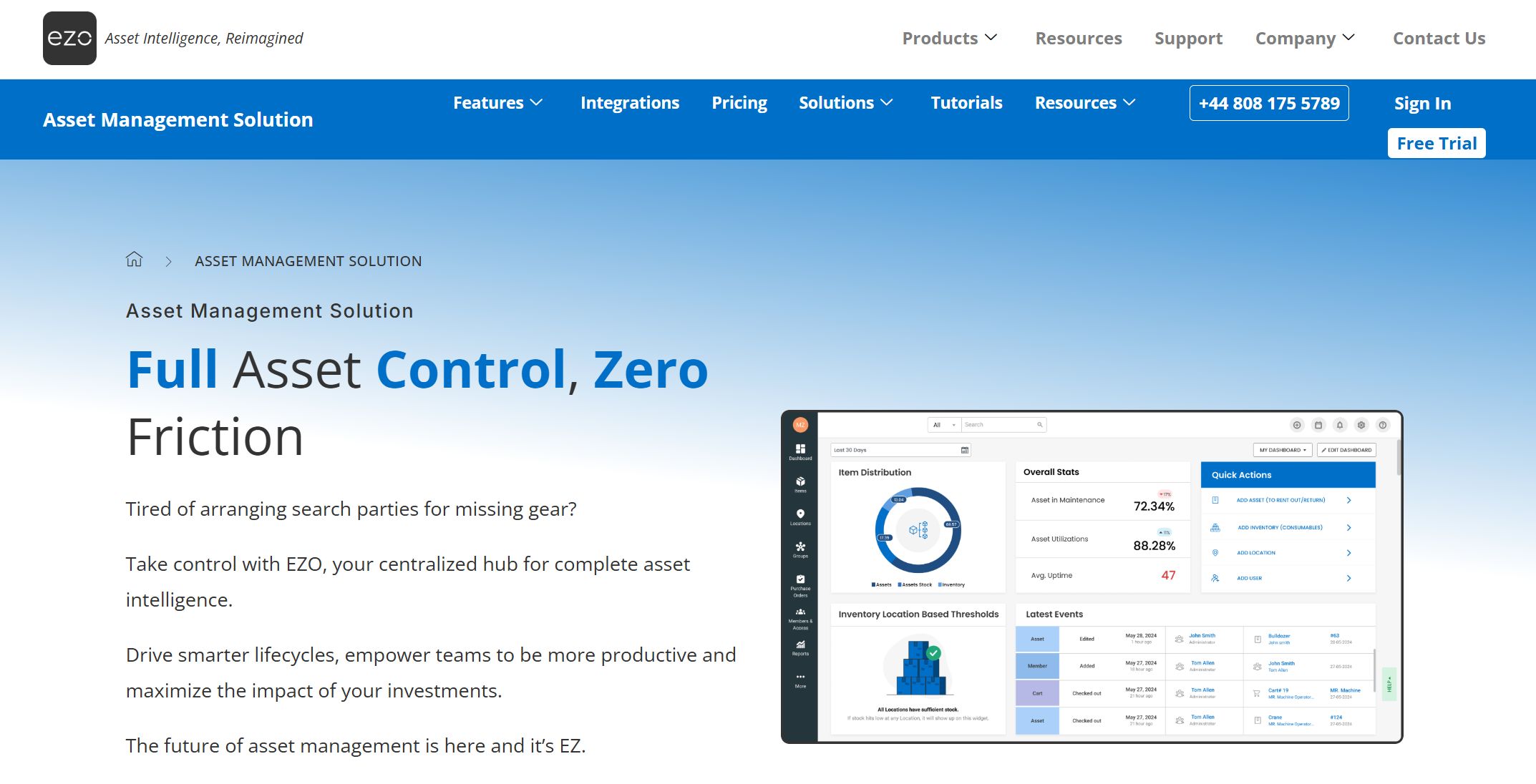
EZOfficeInventory helps you track assets and inventory for retail and office equipment. You can use barcodes, schedule maintenance, and run detailed reporting. EZOfficeInventory is easy to use and works well for SMBs that want to keep things organized.
You get real-time updates and can manage inventory from anywhere. EZOfficeInventory supports integrations with other business tools, so you can streamline your workflow.
Tip: EZOfficeInventory is a smart pick if you want simple asset tracking and reporting without a steep learning curve.
Comparison Table: Best Inventory Management Software
Feature Comparison
You want to see how these top inventory management tools stack up. Here’s a quick table to help you compare the most important features:
Software
Real-Time Tracking
Accurate Stock Visibility
Integrations
Barcode Support
Reporting & Analytics
Best For
FineBI
✅
✅
60+ data sources
✅
Advanced
Retailers, SMBs
NetSuite Inventory
✅
✅
ERP, CRM, e-comm
✅
Advanced
Multi-location stores
Katana
✅
✅
E-comm, accounting
✅
Standard
Growing businesses
Ordoro
✅
✅
Shipping, e-comm
✅
Standard
Multi-channel sellers
Finale Inventory
✅
✅
E-comm, shipping
✅
Standard
Warehouses, e-comm
Odoo
✅
✅
Modular apps
✅
Advanced
Scaling businesses
ShipMonk
✅
✅
E-comm, shipping
✅
Standard
E-comm brands
ShipBob
✅
✅
E-comm, shipping
✅
Standard
Fast fulfillment
Square for Retail
✅
✅
POS, e-comm
✅
Standard
SMBs, retail shops
EZOfficeInventory
✅
✅
Asset tools, APIs
✅
Standard
Asset-heavy SMBs
FineBI, NetSuite, and Odoo stand out for real-time inventory tracking and accurate stock visibility. You get advanced analytics and deep integrations, which help you make smarter decisions.
Pricing Comparison
You want to know how much these tools cost before you commit. Here’s a quick look at the pricing models:
Most platforms offer flexible plans. You can start small and upgrade as your business grows.
Best Fit by Business Size and Industry
Not every tool fits every business. Here’s a quick guide to help you pick the right one:
FineBI: Best for retailers and SMBs who want unified data and real-time dashboards.
NetSuite Inventory: Great for multi-location stores and businesses needing ERP integration.
Katana, Ordoro, Square for Retail: Perfect for SMBs and shops selling online and in-store.
Finale Inventory, ShipMonk, ShipBob: Ideal for warehouses, e-commerce brands, and fast fulfillment.
Odoo: Works well for scaling businesses that want modular apps.
EZOfficeInventory: Good for SMBs with lots of assets to track.
Tip: If you run both online and physical stores, choose a platform that supports multi-channel inventory and integrates with your favorite sales tools.
How to Choose Retail Inventory Management Software
Assessing Business Needs
Start by looking at your business from the inside out. Every retailer has unique needs, so you want to make sure your software fits your daily challenges. Here’s a quick checklist to help you get started:
Evaluate your business size and type.
Identify key inventory challenges.
Create a list of must-have features.
Think about what slows you down. Maybe you struggle with tracking stock across locations or need better reporting. Make a wish list of features like 24/7 support, real-time tracking, automated workflows, and multistore management. This step helps you focus on what matters most.
Matching Software to Industry and Size
Not all inventory tools work for every business. You want software that matches your industry and company size. For example, if you run a clothing store, you might need features like partial receiving or backorder management. If you handle seasonal products, demand forecasting and cycle counting will help you stay ahead.
Partial Receiving: Track inventory that arrives in batches.
Backorder Management: Manage orders by supplier, product type, or season.
Demand Forecasting: Set stock levels by season and automate replenishment.
Cycle Counting: Get reminders for inventory counts and keep safety stock.
Retailers and SMBs should look for solutions that offer exceptional value for smbs and support both in-store and online sales.
Budget and Implementation
Budget matters. Most inventory management systems take about 12 to 16 weeks to implement. Some businesses go live in just over seven weeks. Costs can range from under $1,000 for basic onboarding to $40,000 for a full rollout with a third-party partner. Plan for both the upfront investment and ongoing costs.
Support and Training
Training makes all the difference. You want your team to feel confident using the new system. Look for software that offers:
AI adaptive learning for custom training paths.
Dynamic support with refresher lessons.
Gamified training to keep staff engaged.
Mobile access for learning on the go.
Ongoing feedback with quizzes and surveys.
Regular training on best practices, data entry, and loss prevention helps your team handle stock like pros. Well-trained staff keep your inventory accurate and your business running smoothly.
Real-Time Inventory Tracking and Accurate Stock Visibility
Importance for Retail Success
You want your shelves stocked and your customers happy. Real-time inventory tracking helps you do just that. When you know exactly what you have, you avoid costly mistakes. You keep your bestsellers available and prevent overstocking slow movers. Here’s why it matters:
You minimize stock discrepancies and prevent miscounts. This means fewer errors and more accurate records.
You reduce stockouts, which frustrate customers and lead to missed sales.
You improve order accuracy for delivery apps. Current stock data prevents cancellations and keeps customers coming back.
You provide a reliable shopping experience. Customers know what’s available and when they’ll get their orders.
You avoid lost sales and keep customers satisfied.
Retailers who use real-time tracking see better results. You build trust with shoppers and keep your business running smoothly.
How FineBI Enables Real-Time Tracking
FineBI gives you the tools to track inventory in real time. You connect to over 60 data sources, including POS, ERP, and online sales platforms. You build dashboards that show live stock levels, sales trends, and alerts for low inventory. You don’t need to wait for reports or rely on manual updates.
With FineBI, you:
See inventory changes as they happen.
Get instant alerts when stock runs low.
Analyze sales and inventory together for smarter decisions.
Share dashboards with your team so everyone stays informed.
You can manage multiple stores and channels with ease. FineBI helps you spot problems early and act fast.
Case Study: YangGuoFu’s Digital Transformation
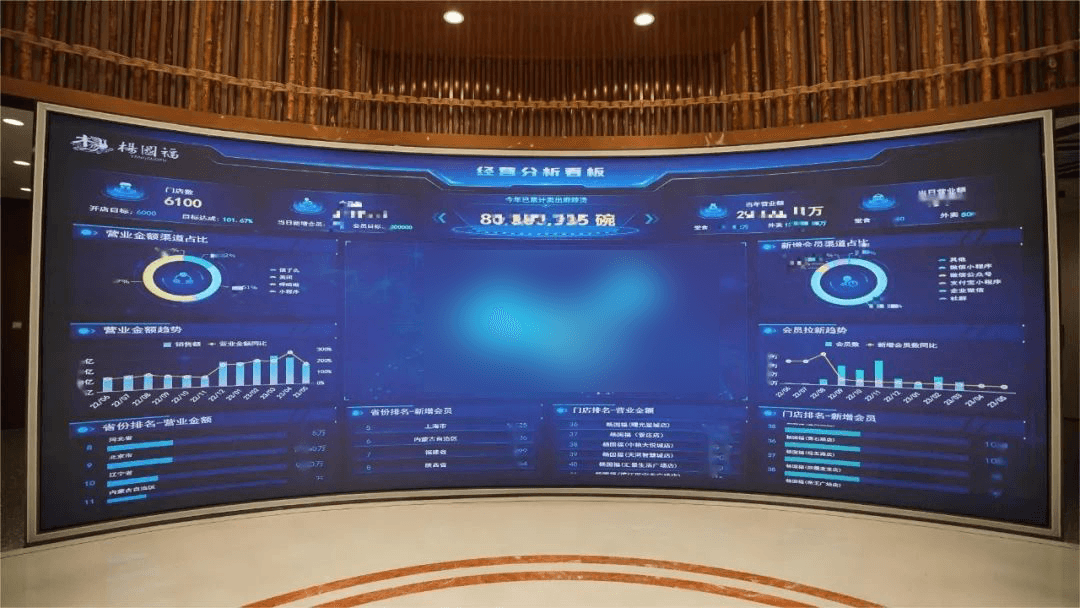
YangGuoFu, a leading malatang brand, wanted to improve its operations. The company used FineBI to unify data from 47 systems. Now, managers see real-time inventory and sales data across 6,000 stores. They adjust menus based on regional preferences and keep popular items in stock.
With FineBI, YangGuoFu:
Improved supply chain management.
Increased revenue and membership growth.
Reduced delays and made faster decisions.
You can learn from their success. Real-time tracking and accurate stock visibility help you grow your business and keep customers happy.
You want your business to run smoothly, whether you sell in-store or online. The right inventory management software helps you fix inventory accuracy first and close execution gaps. Technology is now accessible to retailers of all sizes. Practical AI tools give you insights that matter. Use the comparison table and selection criteria to find your best fit. Try a demo or start a free trial to see how real-time tracking and accurate stock visibility can boost your growth.
Fix inventory accuracy first.
Technology is now accessible to everyone.
Consistent processes matter.
Choose AI tools that work for you.
Product Trial
FineReport
Pixel-perfect reports · Interactive dashboards · Easy data entry · Digital twins
Smarter product, pricing, and inventory management across retail sectors.
FAQ
How do I know which inventory management software is right for my business?
Start by listing your must-have features. Think about your business size and industry. Try free demos or trials. See which tool feels easy to use and fits your workflow.
Can I use these tools for both in-store and online sales?
Yes! Most top inventory management software supports both in-store and online sales. You can sync inventory across all your channels and keep everything up to date.
Do I need technical skills to set up inventory management software?
No, you don’t. Most platforms offer step-by-step guides and customer support. You can get started quickly, even if you’re not a tech expert.
How often does inventory data update in these systems?
You get real-time updates with most leading tools. This means your stock levels change instantly as you make sales or receive shipments.
What if I need help after I buy the software?
You can reach out to customer support. Many companies offer live chat, phone help, or email support. Some even provide training videos and user communities.