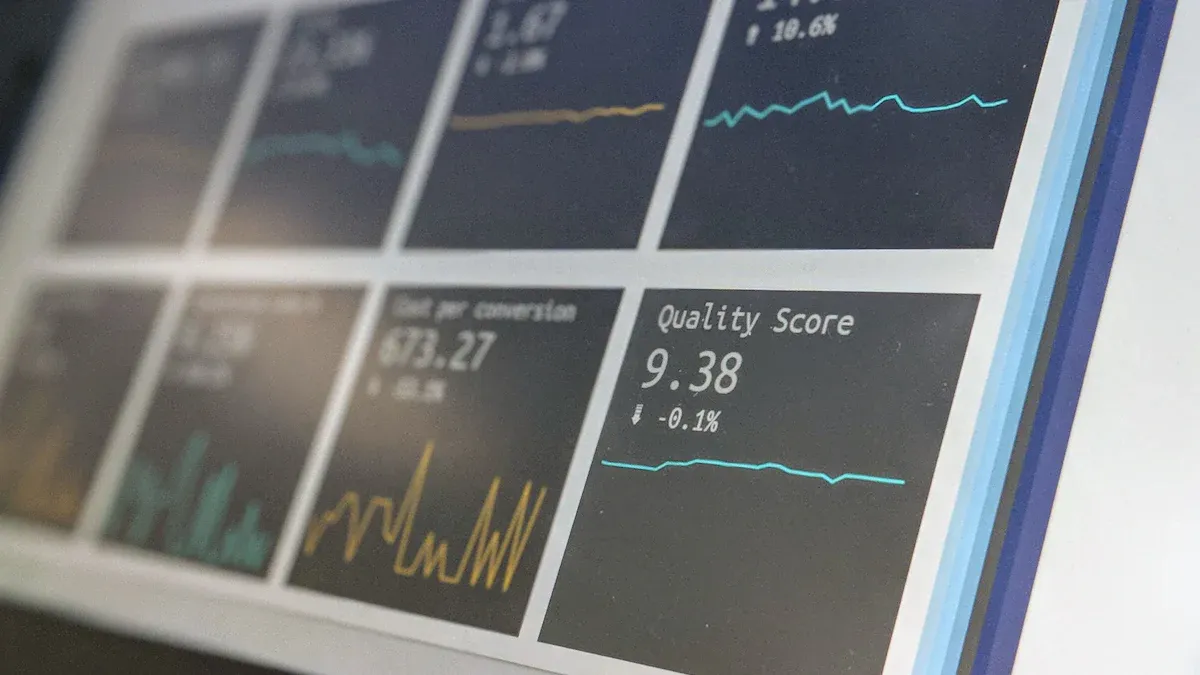
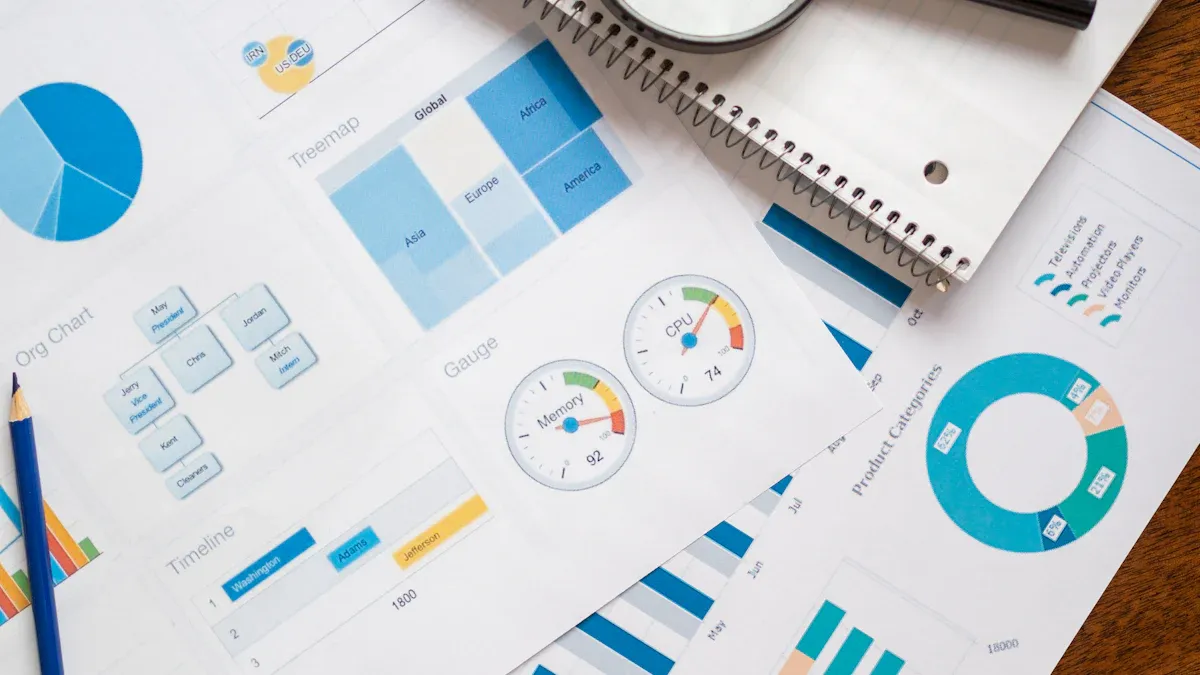
Automated reporting for clients only works when two things stay stable as reporting volume grows: metric meaning and access control. Without those controls, teams may send reports faster, but they also scale inconsistency, confusion, and risk.
For agencies, consulting teams, customer success groups, and enterprise service organizations, the challenge is rarely just building a dashboard. The harder part is turning recurring performance data into governed, client-ready reporting with the right KPI definitions, the right permissions, and the right delivery workflow. With FineReport + Dora, teams can ask for a report summary in chat, generate structured narratives from trusted report assets, receive scheduled briefings, and push exceptions to the right owner.
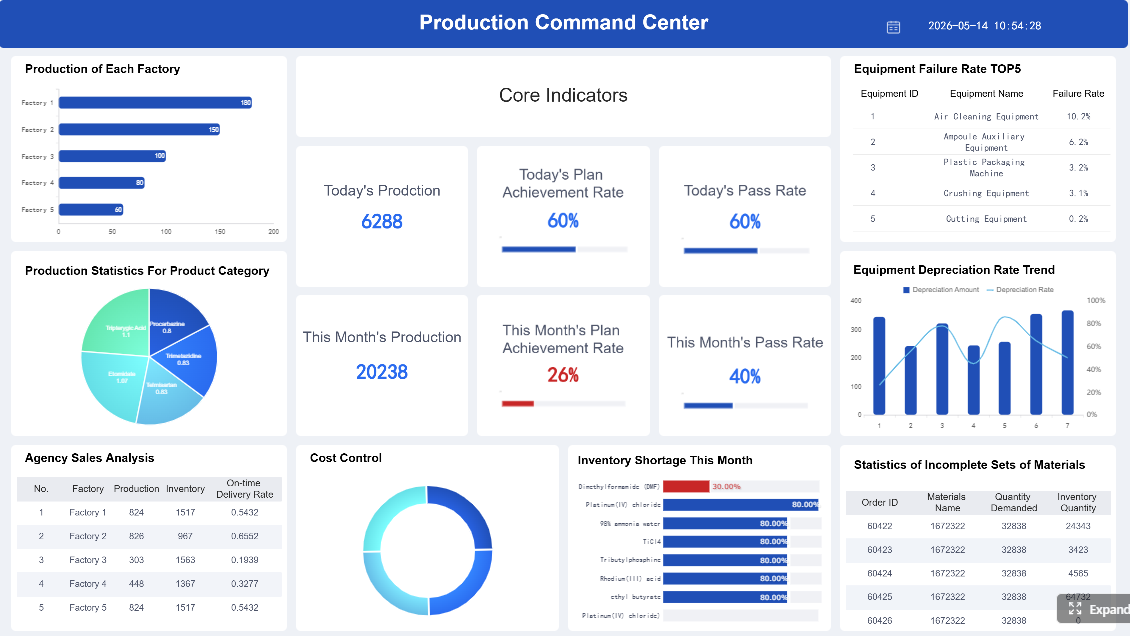
Click To Try The Dashboard
All reports in this article are built with FineReport
Automated Reporting for Clients: what it solves and where control usually breaks down
Automated reporting for clients means creating a repeatable process that pulls trusted data into a formatted report, applies client-specific filters and branding, and distributes the output on a defined schedule. It is not the same as sending a one-time dashboard link or manually exporting charts at month-end.
delivery through dashboards, PDFs, portals, or periodic summaries
The problem is that many teams automate the delivery step before they standardize the logic behind the report. That is where control starts to break down.
Why KPI definitions are often the first failure point
A report may look polished while still being unreliable. As more clients, account managers, or analysts get involved, KPI names begin to drift. One team calculates retention differently from another. A “qualified lead” changes definition after a CRM workflow update. A revenue figure excludes refunds for one client but includes them for another.
This is why automated reporting for clients is not just a formatting problem. It is a governance problem.
Why data access gets messy as reporting scales
Permissions usually start simple. Then the client base grows, stakeholder lists change, and more people need visibility. Soon, teams are copying reports, creating exceptions, and manually sending files because role structures were never designed for scale.
reports sent before sensitive metrics are reviewed
no clear audit trail for access changes
Why delivery rules also lose consistency
Even when metrics and permissions are mostly under control, reporting cadence often becomes chaotic. Some clients get weekly exports, others monthly dashboards, and others only receive updates when someone remembers to send them. Delivery preferences become tribal knowledge instead of managed workflow.
The business value of fixing this is straightforward:
faster reporting cycles because teams stop rebuilding the same outputs
fewer manual errors because definitions and templates are standardized
more predictable client communication because schedules, recipients, and commentary are controlled
For executives, this matters because reporting quality directly affects retention and trust. Dora is not an AI experiment. It is a landed digital employee for recurring reporting work such as monthly client updates, service reviews, performance summaries, risk alerts, and follow-up coordination.
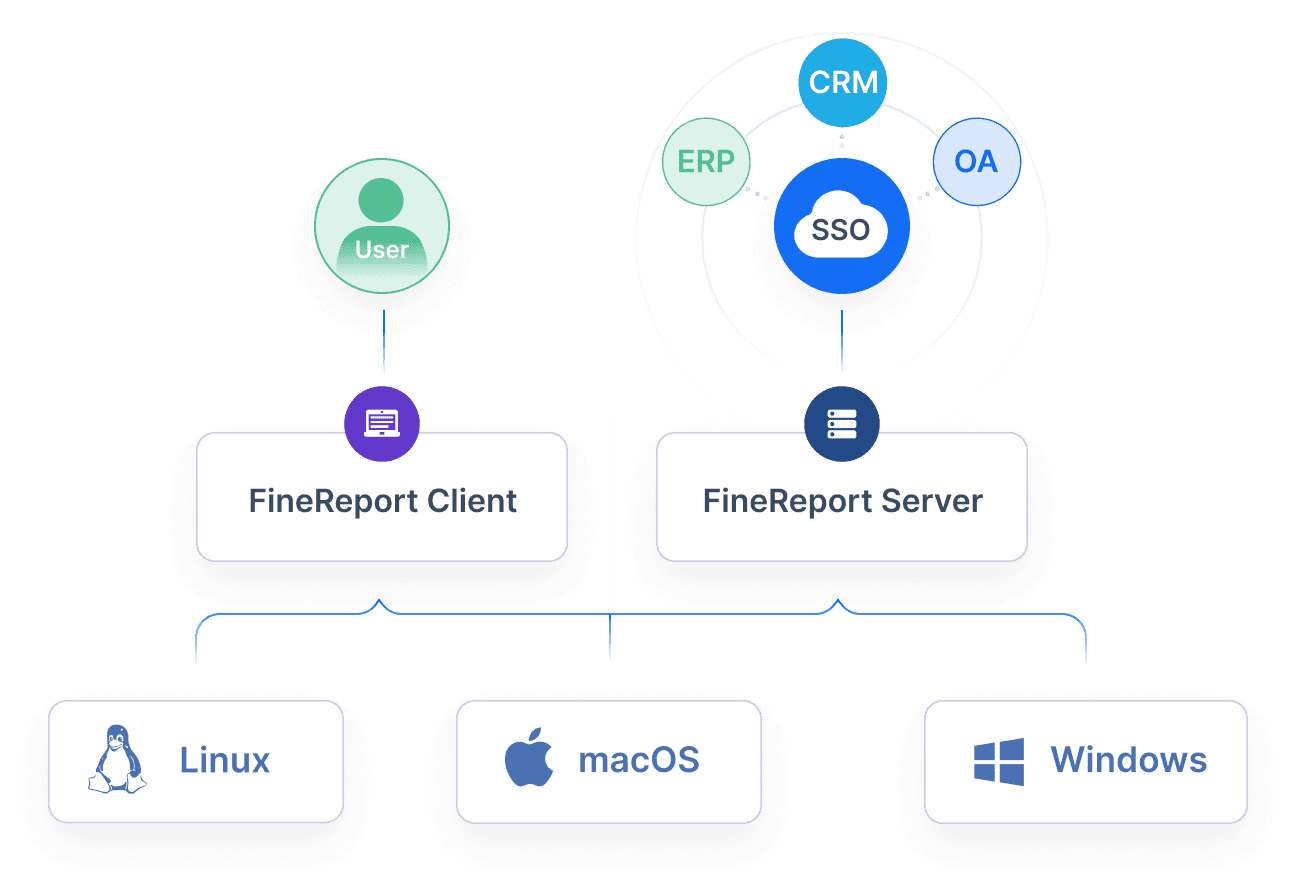
Automation should sit on top of a trusted reporting framework, not replace it. FineReport provides the reporting foundation: formatted reports, management-style outputs, operational cockpits, report distribution workflows, and permission-controlled access. Once that structure exists, Dora can act as the AI assistant layer that helps users query, summarize, alert, and follow up on those assets.
Standardize KPI definitions across clients and teams
The first step in automated reporting for clients is a shared KPI dictionary. This dictionary should define not only what a metric is, but how it behaves inside the reporting process.
A strong KPI definition should include:
formula or business logic
source system or source table
refresh cadence
filter rules
ownership
exception notes
change history
Core KPI/report elements to standardize
Report Element: KPI name and formula Business value: Prevents different teams from explaining the same performance result in different ways. AI use:Dora can explain the KPI in natural language, summarize it in a management briefing, and answer chart-based questions using the approved definition.
Report Element: source system and refresh timing Business value: Helps users understand whether a report is current, delayed, or dependent on upstream refresh windows. AI use:Dora can include freshness context in a structured report summary and warn users if a data source did not refresh on time.
Report Element: exception logic Business value: Makes anomaly review more consistent across accounts and periods. AI use:Dora can flag threshold breaches, highlight out-of-range KPI shifts, and push exception alerts to the right owner.
Report Element: version history Business value: Preserves comparability when definitions change over time. AI use:Dora can explain why current-period values may not be directly comparable with older periods if KPI rules changed.
A good practice is to separate universal metrics from client-specific metrics. Universal metrics maintain comparability across the business. Client-specific metrics allow customization without corrupting the base model. That distinction is critical when one reporting team serves multiple business units or accounts.
Version control also matters. If a KPI definition changes, teams should know:
what changed
when it changed
who approved it
which reports are affected
whether historical values were restated
Without that, automation simply reproduces hidden inconsistency faster.
Map data sources, owners, and refresh expectations
The next control layer is source mapping. Every client-facing report should have a clear list of upstream systems and named owners.
This is especially important for mixed reporting environments where client reporting may draw from CRM, ERP, support systems, advertising platforms, spreadsheets, or manually uploaded files.
Why ownership matters
If a number looks wrong, someone must know whether to pause, annotate, or release the report. Automation without operational ownership leads to one of two bad outcomes: either reports go out with questionable data, or reporting stops because no one knows who can approve an exception.
For IT teams, this is where the AI era changes the job. IT no longer needs to manually assemble every client report. Instead, IT can focus on data connections, semantic layers, data quality, permission governance, report templates, and reusable agent Skills that make AI workflows more controllable and scalable.
In client reporting, permission errors are more damaging than formatting issues. A late report creates frustration. A cross-client exposure creates a trust problem.
FineReport helps establish governed access to reports, cockpits, and scheduled outputs. Dora operates on top of that trusted access framework, so AI-generated summaries and answers still follow enterprise permission boundaries.
Define role-based access and approval paths
The cleanest model is role-based access. Instead of maintaining permissions one user at a time, define what each role can do.
Common roles include:
report viewer
report editor
data validator
approver
distributor
external client stakeholder
executive reviewer
Each role should specify whether the user can:
view raw data
view client-specific output only
edit templates
change KPI definitions
approve sensitive figures
distribute reports externally
This protects against accidental exposure of cross-client data and reduces the maintenance burden as accounts grow.
Where approval checkpoints are most important
Approval workflows are especially useful for:
executive summaries
billing-related numbers
service-level metrics tied to contracts
sensitive financial or operational KPIs
any report containing exception commentary or recommendations
Report Element: approval checkpoint Business value: Prevents premature distribution of unreviewed or sensitive data. AI use:Dora can remind approvers, summarize pending issues, and push follow-up notices if a scheduled report is blocked by missing approval.
Create client-facing access rules that are easy to maintain
Many teams confuse account-level access with stakeholder-level access. They give too many people broad access because the model is too hard to manage granularly.
A better approach is to separate:
account-level access: which client account data a person can see
stakeholder-level access: what kind of content they can receive or open
delivery-level access: whether they receive dashboard access, scheduled PDF, email summary, or exception alert
This makes onboarding and offboarding cleaner. It also helps with temporary access for consultants, regional managers, or executive sponsors.
Key controls to maintain:
new stakeholder provisioning workflow
temporary access expiration rules
offboarding checklist
audit trail for permission changes
report delivery history by recipient
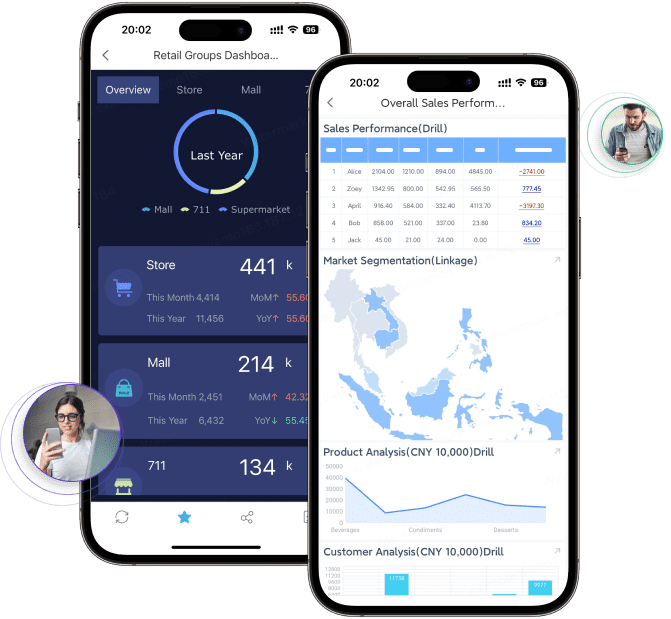
For business users, simpler access governance reduces friction. They should not have to search through multiple folders or wait for analysts to locate the correct report version. Dora can help them retrieve the right trusted report asset through chat while still respecting FineReport permissions.
Design an automated reporting workflow your team can govern
A scalable workflow needs more than scheduled sending. It needs template standards, delivery rules, exception handling, and usable context.
Choose templates, schedules, and escalation rules
Templates should be standardized by client type, service line, or lifecycle stage. That keeps structure consistent while still allowing controlled variation.
Not every client needs every metric every week. Reporting cadence should reflect how often a decision can realistically be made.
Examples:
weekly for campaign pacing or service operations
monthly for account performance review
quarterly for strategic trend discussion
ad hoc exception pushes for material KPI shifts
Escalation rules should also be explicit. Define what happens when:
a refresh fails
a source is delayed
a KPI exceeds a threshold
a report misses approval deadline
a scheduled delivery bounces or fails
Report Element: escalation rule Business value: Ensures anomalies and delivery failures are acted on rather than ignored. AI use:Dora can monitor exceptions, send timely alerts, identify the responsible owner, and create a follow-up summary for review.
Add context so automated reports still feel useful
Clients do not want raw numbers alone. They want numbers with meaning. That means the reporting workflow should include space for context.
Useful context blocks include:
commentary on material changes
threshold explanations
known tracking updates
seasonality notes
scope-change annotations
next-step recommendations
This is where many automated reporting projects stall. Teams either over-automate and send sterile reports, or keep everything manual because they think explanation cannot be scaled.
That is exactly where Dora as an enterprise Data Agent adds value. Dora can generate structured report summaries, explain charts in business language, and prepare draft management narratives based on trusted FineReport report assets. Users can then review, approve, and send.
Automated reporting for clients does not end when the report is delivered. The next challenge is consumption: understanding what changed, what matters, and who needs to act.
This is where Dora extends FineReport from reporting automation into fourth-generation Agentic BI. Instead of forcing users to open multiple reports and interpret each chart manually, Dora acts as a scenario-specific AI assistant on top of governed reporting assets.
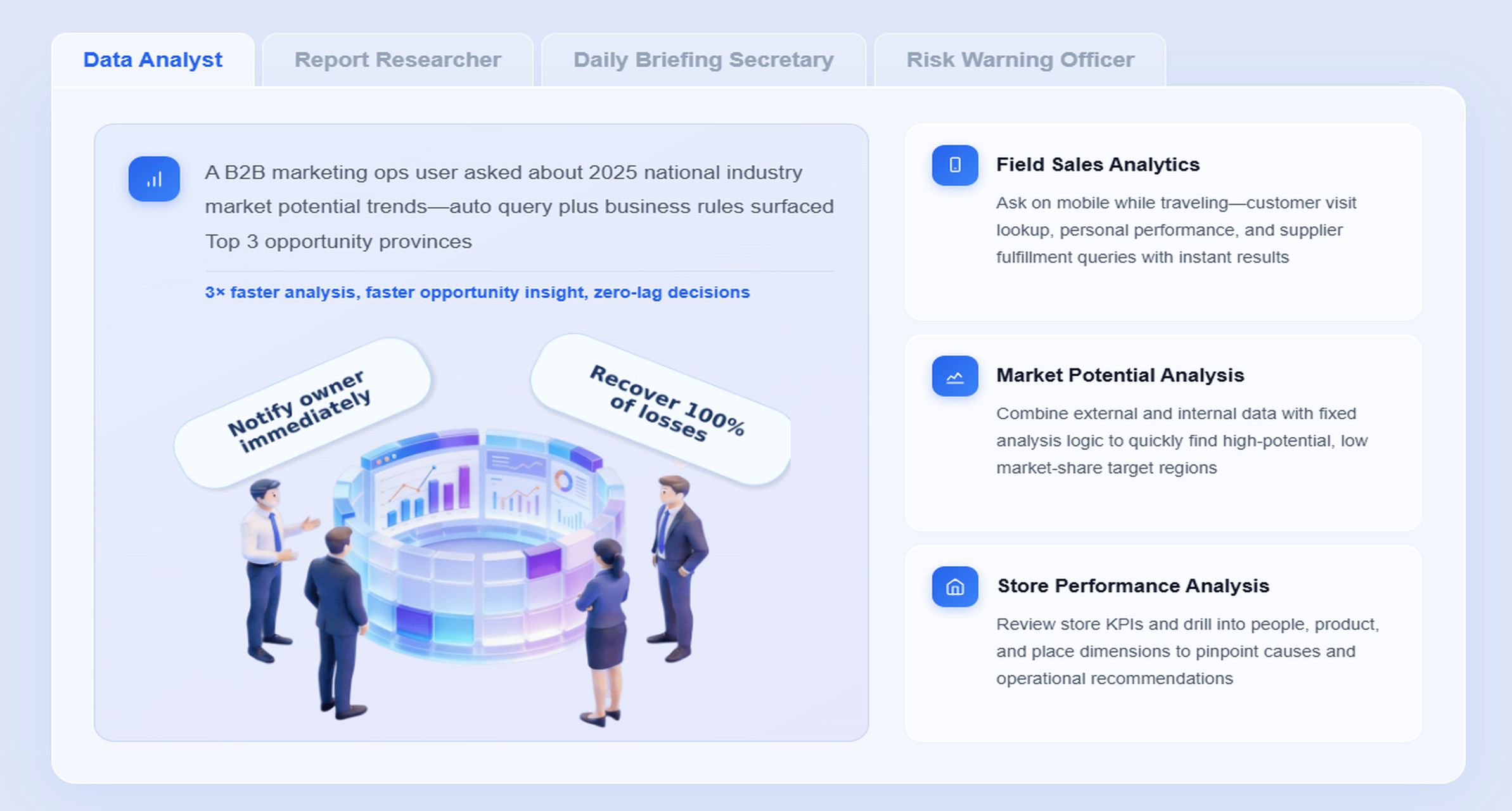
For client reporting, the most relevant Dora digital employees are:
Report Researcher for structured report generation and chart explanation
Daily Briefing Secretary for scheduled summaries and recurring delivery
Risk Alert Officer for threshold monitoring and owner notification
Data Analyst digital employee for natural-language report query and follow-up analysis
“Summarize this month’s client performance report for Acme Retail, explain why conversion rate dropped while spend increased, and list any KPIs that need approval before external delivery.”
This is not a generic chatbot interaction. It is a governed AI workflow over trusted reporting assets.
A practical Dora workflow for client reporting
Retrieve the trusted FineReport report or client operational cockpit for the correct account, period, and template.
Understand KPI definitions, business terms, filters, permission rules, and exception thresholds from the governed semantic setup.
Generate a structured report summary with chart explanations, management narrative, and commentary draft tailored to the reporting scenario.
Detect exceptions or workflow blockers, such as abnormal KPI shifts, stale data, missing approvals, or breached thresholds.
Push summaries, alerts, and pending-action reminders to responsible internal users before external distribution.
Create follow-up records or periodic briefing outputs for account managers, operations leads, or executive review.
How FineReport provides the trusted foundation
Dora works best when the reporting layer is already trustworthy. FineReport provides that foundation through:
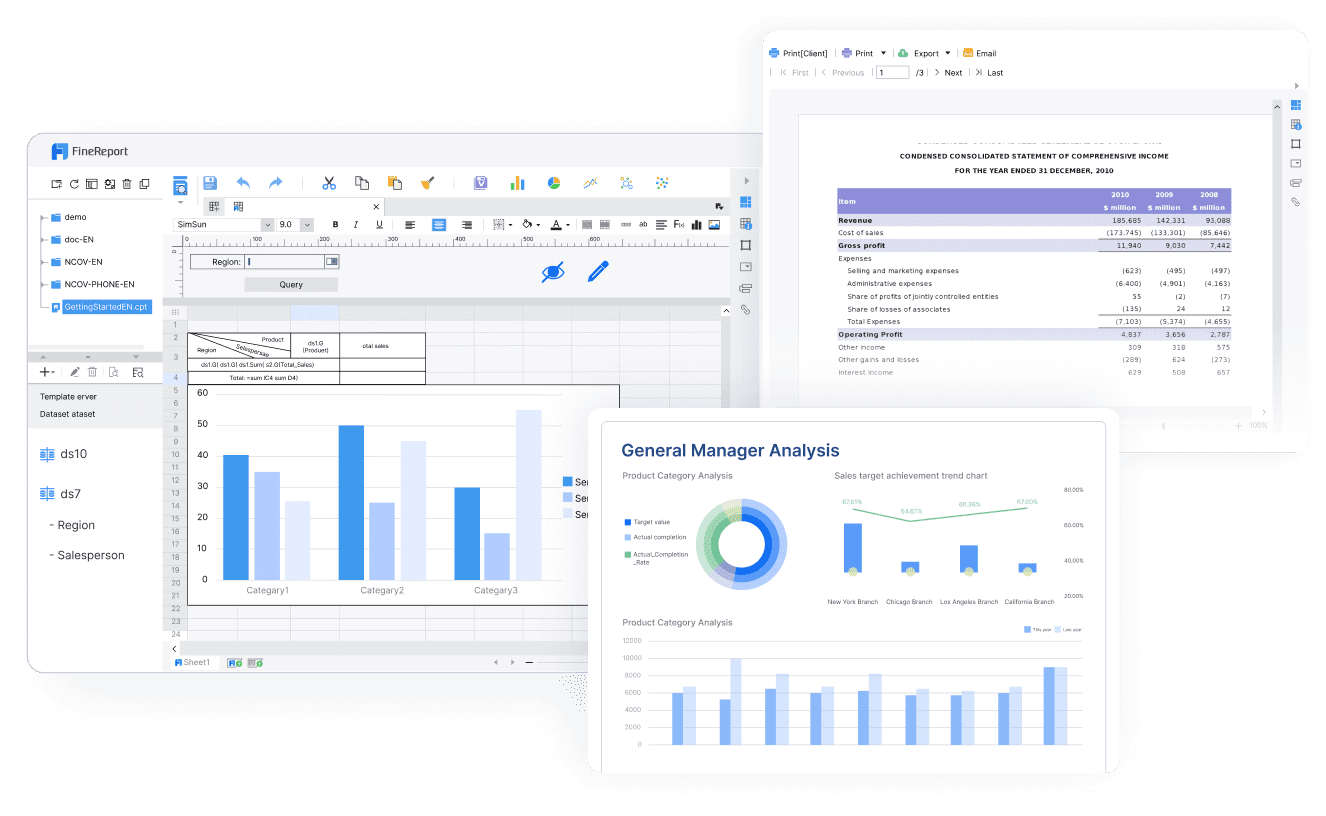
formatted client-ready reports
complex and multi-section reporting templates
operational cockpits
reporting workflows
role-based permission control
standardized KPI presentation
managed report distribution
This matters because AI output quality depends on source quality. Dora should not be asked to invent meaning from fragmented spreadsheets or inconsistent dashboards. It should operate on trusted, governed report assets.
How Dora improves execution after the report exists
Once FineReport standardizes the report, Dora helps teams consume and act on it more efficiently:
answer report questions in natural language
retrieve client-specific metrics from trusted assets
generate structured report summaries and chart-based answers
prepare scheduled daily, weekly, or monthly briefings
push exception alerts when thresholds are breached
remind approvers and owners to complete follow-up tasks
produce review-ready narratives instead of forcing manual note writing
This gives teams better landing capability than feature-only agent comparisons. Dora is designed for governed AI workflow, using Skills-based execution for more controllable and auditable outcomes. Compared with raw prompt-only agents, that means lower token waste, faster execution paths, and more stable workflows for enterprise reporting scenarios.
For executives, the ROI is concrete: less manual assembly, more timely communication, and better consistency in how the organization explains performance to clients.
Select tools and implementation steps that fit your reporting maturity
Tool selection should follow reporting maturity, not the other way around. A team with unstable metric definitions and weak access control should not expect software alone to solve governance issues.
What to evaluate in client reporting tools
When evaluating platforms for automated reporting for clients, focus on the controls that matter at scale:
integration coverage across source systems
report template flexibility
permission controls and role hierarchy
audit logs
scheduling and delivery options
exception handling
white-label capability
support for approval workflows
support for client portals and formatted exports
Also evaluate how clients actually consume information. Some prefer dashboard access. Others want a scheduled PDF or formal management-style report. Many want both.
FineReport is particularly strong when the reporting requirement goes beyond simple dashboard sharing and into formatted, governed, enterprise-grade reporting workflows.
When AI becomes part of the evaluation, ask additional questions:
Can the AI assistant query trusted reporting assets rather than raw data only?
Does it respect permission boundaries?
Can it generate structured summaries instead of generic free-form answers?
Can it monitor exceptions and push follow-up?
Can it run repeatable Skills for stable enterprise workflows?
These are the differences between consumer-style AI interaction and an enterprise Data Agent.
Roll out automation in phases
A phased rollout is safer and usually faster in the long run.
Recommended rollout path
Start with one client segment or one recurring report type.
Validate KPI governance and permission rules.
Test report refresh, approval, and delivery workflow.
Add Dora for summary generation, exception push, and chat-based report consumption.
Measure time saved, error reduction, and stakeholder satisfaction.
Expand only after definitions, permissions, and exception handling are proven.
This approach avoids a common mistake: automating too many report variants before the governance model is stable.
Scaling automated reporting for clients is not a one-time project. It requires recurring operational discipline.
Audit KPI definitions and permissions regularly
Review KPI design on a fixed schedule. Look for:
outdated metrics
duplicated formulas
inconsistent naming conventions
undocumented calculation changes
broken comparability across periods
Permission reviews should happen regularly as well. Confirm:
current stakeholder lists
unnecessary access removal
expired temporary permissions
correct recipient mapping
accurate report delivery history
Report Element: audit trail Business value: Supports accountability, change review, and client trust. AI use:Dora can summarize recent permission changes, identify reports affected by KPI definition updates, and prepare a briefing for governance review.
Turn reporting discipline into client retention
The long-term value of governance is not administrative neatness. It is client confidence.
When clients see consistent definitions month after month, they trust the conversation more. When reports arrive on schedule with clear commentary and accurate access control, teams spend less time defending the numbers and more time discussing decisions.
Reliable automation also frees capacity for higher-value work:
analysis
strategic recommendations
proactive communication
exception follow-up
account expansion discussions
For business teams, this is the real win. Dora helps them get timely report summaries, chat-based answers, scheduled briefings, and exception pushes without waiting for analysts or hunting through report folders.
Here are practical ways to keep automated reporting for clients accurate, secure, and scalable.
1. Standardize KPI definitions before scaling template automation
Build a KPI dictionary with formulas, source systems, refresh timing, owner, and exception notes. Separate universal metrics from client-specific metrics to preserve comparability.
2. Build a semantic layer inside the reporting workflow
Do not rely on informal knowledge to explain what a metric means. FineReport should provide the governed reporting structure, and Dora should use approved metric definitions, business terms, and filters to produce reliable summaries and answers.
3. Treat data quality as part of the AI implementation
AI does not fix weak source data. If a source is delayed, incomplete, or inconsistent, Dora should help flag the issue, but the governance process still needs data owners, review checkpoints, and clear pause-or-annotate rules.
4. Start with high-value recurring reports, not every report
The best first use cases are repeatable, important, and structured: monthly client performance reports, quarterly reviews, executive summaries, service-level reports, and exception alerts.
5. Preserve permission governance when adding AI automation
Make sure AI outputs respect FineReport access boundaries. Dora should retrieve and summarize only the data each user is allowed to see. Use human review for high-stakes client narratives and expand reusable Skills gradually as confidence grows.
Building this manually is complex. FineReport helps teams standardize trusted reports, operational cockpits, templates, and reporting workflows. Dora turns those assets into an AI assistant that can answer report questions in chat, generate structured summaries, push scheduled briefings, monitor exceptions, and follow up with responsible owners.
That combination is what makes automated reporting for clients practical in real enterprises. FineReport handles the reporting foundation: report layout, KPI presentation, permissions, workflow, and distribution. Dora adds the enterprise Data Agent layer: natural-language query, governed summary generation, briefing automation, alerting, and follow-up execution.
FineReport + Dora is not only a reporting upgrade; it is a practical fourth-generation Agentic BI path. FineReport provides governed reports and operational cockpits. Dora provides the AI assistant layer for scenario execution, with more controlled Skills, lower token waste, faster execution paths, and more stable workflows than prompt-only agents.
Get Ready-to-Use Dashboard Templates in Fine Gallery
The strongest Dora pitch is scenario + product + service: FineReport provides the trusted reporting foundation, Dora provides the AI digital employee, and implementation service connects data, governance, semantic setup, Skills, report templates, permissions, and rollout.
Simple checklist for keeping client reporting under control
Use this checklist as a final governance review:
Are KPI definitions documented and version-controlled?
Are universal and client-specific metrics clearly separated?
Are source systems, refresh windows, and owners mapped?
Are permission roles defined for viewing, editing, approving, and distributing?
Are client-facing access rules easy to maintain during onboarding and offboarding?
Are report templates standardized by scenario or client type?
Are escalation rules defined for failed refreshes, anomalies, and missing approvals?
Are commentary and annotation fields included for context?
Are Dora workflows using trusted FineReport assets and governed semantic rules?
Are KPI definitions and permissions audited on a recurring schedule?
If the answer to most of these is yes, your automated reporting for clients is not just faster. It is more trustworthy, more scalable, and more valuable to the client relationship.
It is a repeatable process that refreshes trusted data, fills a standardized report template, applies client-specific filters, and sends the report on a defined schedule. The goal is to reduce manual work without losing control over accuracy, branding, or delivery.
If teams use different formulas or meanings for the same metric, automation only spreads confusion faster. A shared KPI dictionary keeps reports consistent, explainable, and easier to trust across clients and teams.
Start with role-based access, controlled recipient lists, and clear approval workflows instead of copying reports manually. This helps prevent cross-client exposure, outdated access, and weak audit trails.
Teams should standardize KPI logic, source systems, refresh timing, exception rules, report templates, and delivery cadence. Building these controls first makes automation more reliable and easier to scale.
FineReport provides the controlled reporting foundation with formatted reports, workflows, and permission management. Dora adds an AI layer for querying trusted assets, generating summaries, sending scheduled briefings, and routing exceptions to the right owner.
Product Trial
FineReport
Pixel-perfect reports · Interactive dashboards · Easy data entry · Digital twins