An expense report template gives employees, managers, and finance teams one shared structure for documenting reimbursable spending. That matters because inconsistent submissions create avoidable delays: missing receipts, unclear business purposes, duplicate entries, wrong categories, and approval bottlenecks. If your goal is faster reimbursement, cleaner audit trails, and better policy compliance across departments, a standardized template is one of the simplest operational fixes you can make.
What an expense report template does for team-wide consistency
An expense report template is a standardized form used to record business-related spending for reimbursement, accounting, and compliance purposes. It typically captures who spent the money, when the expense happened, what it was for, how much was spent, and whether supporting documentation is attached. When every department uses the same format, finance no longer has to interpret different spreadsheets, emails, or handwritten notes.
For operations leaders and finance managers, the real value is not the form itself. It is the process control the template creates. A shared format reduces ambiguity, improves data quality, and makes it easier to compare spending across teams, projects, and locations.
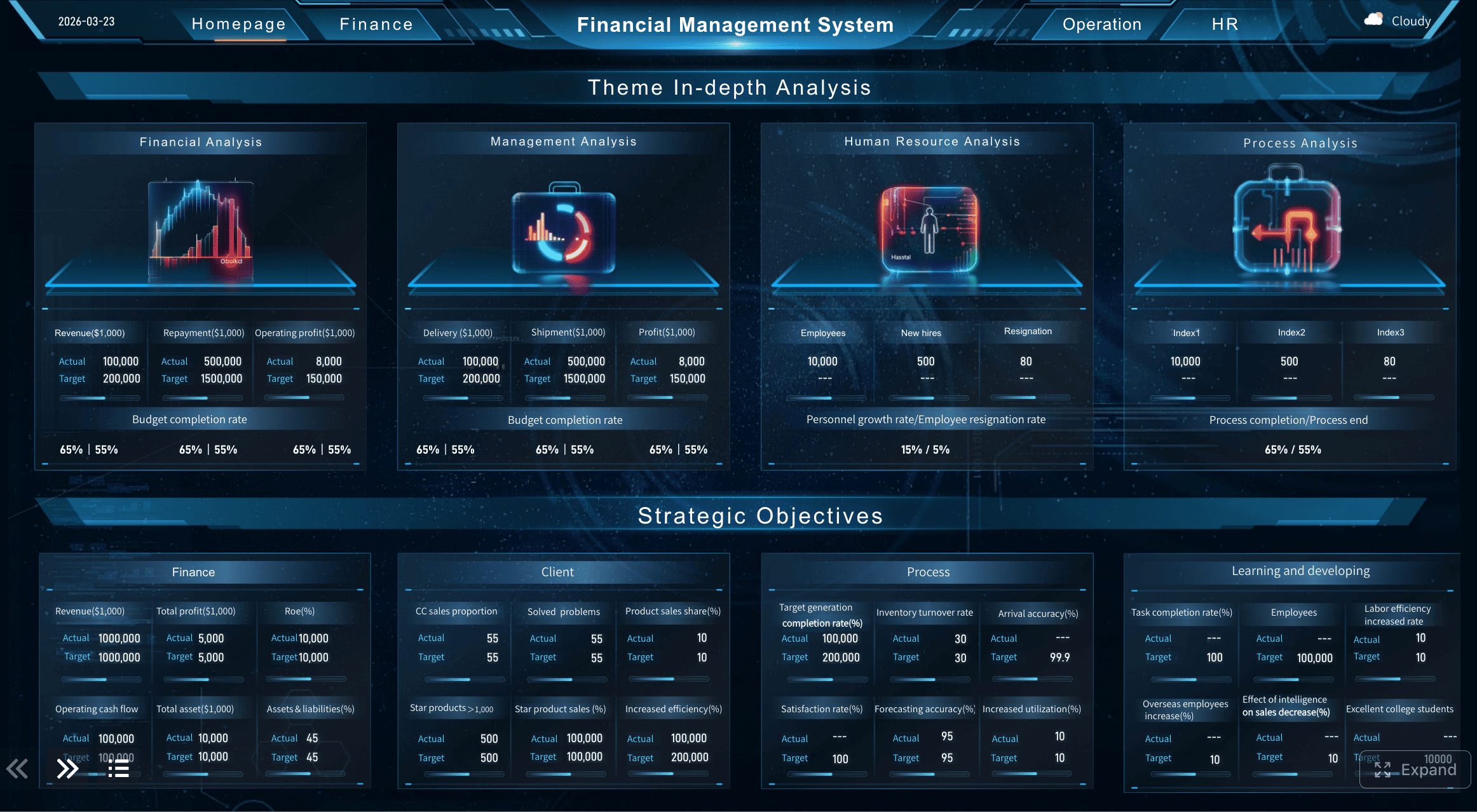
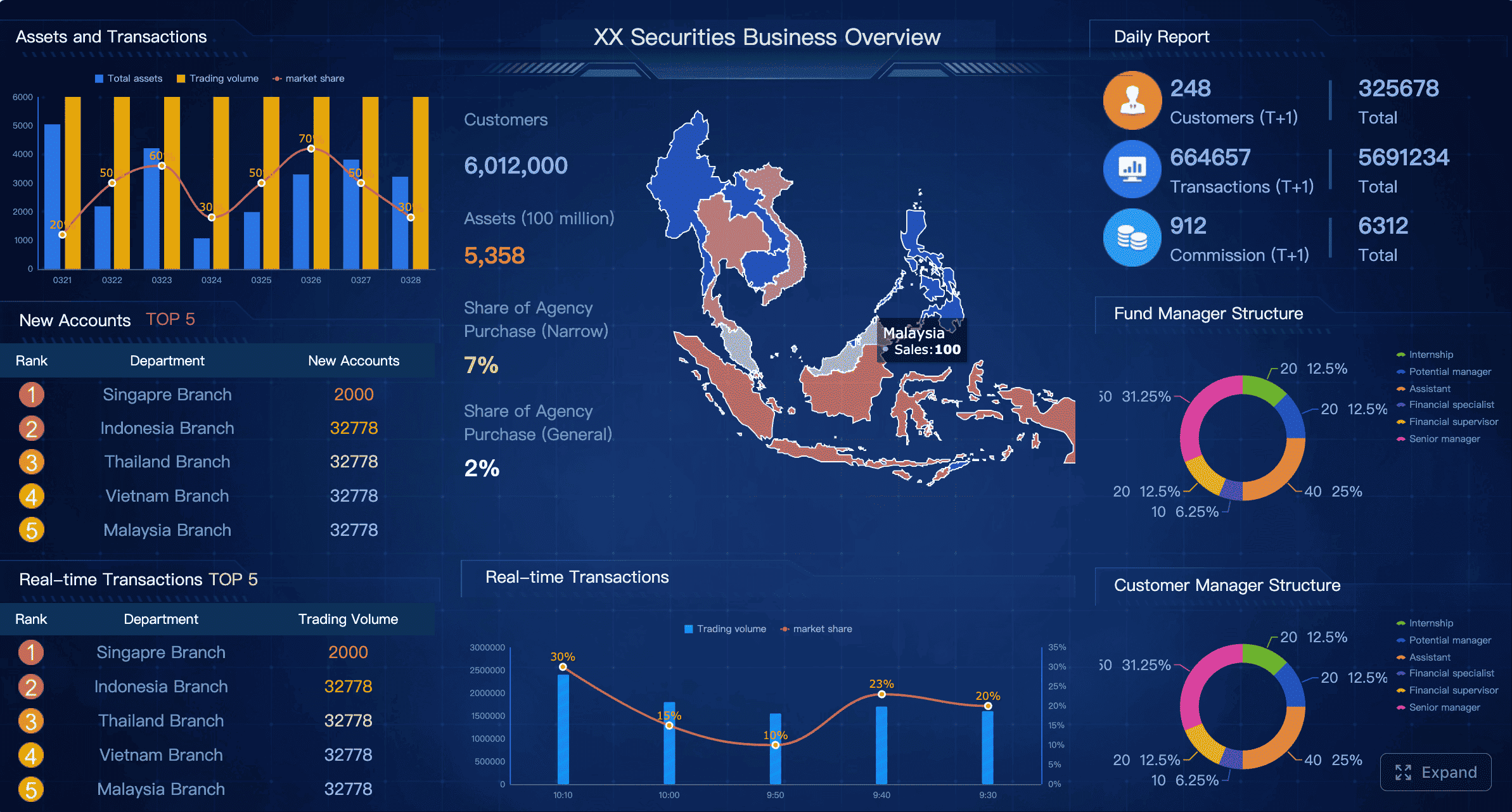
All reports in this article are built with FineReport
A standard submission process also improves three outcomes that enterprise teams care about most:
Accuracy: Required fields reduce omitted information and calculation errors.
Speed: Managers and finance reviewers can process reports faster when every submission looks the same.
Policy compliance: Standard categories and receipt rules make out-of-policy spending easier to detect.
This template is useful for multiple stakeholders:
Employees need a clear, simple way to submit reimbursable expenses correctly.
Managers need a quick review format to approve or reject reports without chasing details.
Finance teams need complete, categorized, and auditable records for reimbursement and reporting.
Department heads need visibility into team spending trends and budget alignment.
Key Metrics (KPIs) for standardized expense reporting
If you want the template to support operational improvement, track these KPIs from the start:
Submission accuracy rate: Percentage of reports submitted without missing or incorrect fields.
Receipt attachment rate: Share of expense lines with valid supporting documentation.
Approval cycle time: Average time from employee submission to manager approval.
Reimbursement turnaround time: Average time from final approval to employee payment.
Policy exception rate: Percentage of expense lines flagged as out of policy.
Duplicate claim rate: Frequency of repeated or overlapping submissions.
Category consistency rate: Degree to which employees use approved expense categories correctly.
Finance rework rate: Percentage of reports returned for correction.
Cost per processed report: Internal processing cost across employee, manager, and finance time.
Spend visibility by department: Ability to aggregate and compare expenses across teams in real time.
What to include in a free downloadable expense report template
A strong expense report template should collect enough detail to support reimbursement, compliance, and reporting without overwhelming users. The right design balances completeness with usability.
Core fields every team submission should contain
At minimum, every team expense submission should include these fields:
Employee name
Department
Reporting period
Manager or approver name
Expense date
Expense category
Vendor or payee
Business purpose
Amount
Payment method
Reimbursement status
Approval details
These fields create the baseline record finance needs to review and process a claim efficiently. They also allow organizations to summarize expenses by person, department, category, and time period.
A practical way to structure the template is to separate it into two layers: report-level information and line-item detail.
Section
Recommended Fields
Why It Matters
Report header
Employee, department, manager, reporting period, submission date
Total claimed, reimbursable total, company card total, cash advance deduction
Simplifies final review and payment
Approval section
Manager approval, finance review, reimbursement date, status
Supports control and accountability
Supporting details that reduce back-and-forth
Most delays do not come from the big fields. They come from the missing supporting details. Add these to reduce avoidable follow-up:
Receipt tracking for each line item
Mileage logs for vehicle reimbursement
Tax information where VAT, GST, or sales tax needs to be recorded separately
Project or client codes for chargebacks and project accounting
Exception notes for out-of-policy or unusual spending
Shared team expense notes when one employee paid on behalf of multiple colleagues
These fields are especially important in consulting, field services, construction, manufacturing, and client-facing teams where expenses often need to be allocated beyond a single employee or cost center.
How to standardize expense report template submissions across departments
A template alone does not standardize the process. Standardization happens when the form, policy, and workflow are aligned. This is where many companies struggle: they issue a spreadsheet but never define how it should be used.
Set one policy for timing, documentation, and approvals
Start with one enterprise-wide policy that answers the questions employees ask most often:
When are expense reports due?
Which expenses require receipts?
What categories should be used?
Who approves first?
Which expenses need finance review?
How are exceptions handled?
Your policy should define:
Submission deadlines such as weekly, monthly, or within a set number of days after travel
Receipt requirements by amount threshold or category
Approval paths based on department, amount, or project
Category definitions that apply across all teams
Naming conventions for files, attachments, and report titles
If Sales calls something “client lunch,” Operations calls it “meals,” and Consulting calls it “business hospitality,” finance loses reporting consistency immediately. One taxonomy matters more than most teams realize.
Build a step-by-step workflow everyone can follow
Once policy is set, define a repeatable workflow. A simple, scalable model looks like this:
Employee completes the template
Enter all required header information.
Itemize each expense line clearly.
Attach receipts and supporting notes.
Check totals before submission.
Manager reviews for completeness and business relevance
Confirm the expense supports business activity.
Validate category selection and policy fit.
Approve or return incomplete reports quickly.
Finance verifies and processes
Check totals, duplicates, taxes, and documentation.
Flag exceptions or out-of-policy items.
Post approved expenses and trigger reimbursement.
Reporting and audit trail are updated
Archive the final submission.
Track cycle times, exception rates, and reimbursement status.
Use the data for budget monitoring and trend analysis.
A workflow only becomes durable when every stakeholder knows their role and turnaround expectations.
How to customize the expense report template for different team needs
The best expense report template is standardized at the core but flexible at the edges. Different teams may need slightly different fields, but the underlying logic should remain consistent.
Adjust the format for small business, project-based, or multi-location teams
Here is the right way to customize without losing control:
Small business teams: Keep the form lean, but preserve the essential fields and approval steps.
Multi-location teams: Include office location, local tax fields, and currency conversion details.
Travel-heavy teams: Add mileage, lodging, transport, per diem, and trip reference fields.
Department budget owners: Include cost center and budget line references.
The key is to keep the submission logic stable: same definitions, same category structure, same approval controls.
You should also decide which reporting cadence fits the work pattern:
Monthly reports: Best for recurring operational expenses and standard reimbursement cycles.
Weekly reports: Best for fast-moving field teams or high-volume submissions.
Trip-based reports: Best for travel-intensive roles with concentrated expense activity.
Choose the best tool for sharing and collaboration
The template format affects adoption and control. Here is a practical comparison:
Tool Option
Best For
Strengths
Limitations
Spreadsheet template
Small teams, simple workflows
Easy to launch, flexible, familiar
Higher manual error risk, weak control
Shared cloud document
Cross-functional collaboration
Accessible, easy updates, version sharing
Can become messy without permissions
Finance software export/import
Larger teams with formal processes
Better control, structured data
Requires setup and training
BI/reporting platform
Enterprise visibility and automation
Dashboards, approval tracking, auditability
More advanced implementation needed
Google Sheets or Google Drive can work well in the early stages because employees can access the latest version from anywhere. But as volume grows, spreadsheet-based processes often create version control issues, inconsistent formulas, and limited approval tracking. That is usually the point where companies need a more governed reporting environment.
Common mistakes to avoid when using an expense report template
Even a well-designed template fails if usage is inconsistent. Most problems come from predictable operational gaps.
Submission issues that slow down approvals
These are the most common causes of delay:
Missing receipts
Unclear business purpose descriptions
Duplicate entries
Incorrect totals
Wrong expense categories
Unlabeled shared expenses
Incomplete approval information
Each one adds friction to the review process. Finance either returns the report, manually corrects it, or spends time chasing employees and managers. None of those outcomes scale well.
Process gaps that weaken standardization
Template inconsistency is usually a governance issue, not a user issue. Watch for these breakdowns:
Allowing departments to create their own formats without approval
Changing category definitions informally
Failing to communicate policy updates
Not training new employees and approvers
Relying on manual review without exception alerts
Treating reimbursement data as an administrative task instead of an operational data source
If you want standardization, you need ownership. Usually that means Finance sets the policy, Operations supports adoption, and managers enforce submission quality.
How to roll out the expense report template and improve adoption over time
Rolling out an expense report template successfully requires more than sending a file by email. Adoption improves when teams understand the purpose, the process, and the expected quality level.
Launch the template with training and examples
Use a simple rollout plan:
Publish one official template
Store it in a controlled location.
Lock core fields and category definitions where possible.
Share a completed sample
Show what a correct submission looks like.
Include examples for travel, meals, mileage, and project expenses.
Train employees and approvers
Give employees a short form-completion guide.
Give managers a review checklist focused on speed and completeness.
Communicate deadlines and escalation rules
Clarify submission windows.
Explain how rejected or late reports are handled.
Start with a feedback loop
Let finance track recurring errors.
Refine instructions before issues become habitual.
Review results and refine the process
After launch, measure adoption and improve the workflow over time. Focus on these operational indicators:
Error rates
Approval times
Reimbursement delays
Receipt compliance
Exception frequency
Department-level submission consistency
As policies, tax requirements, and team structures evolve, update the template and workflow deliberately. Avoid constant ad hoc edits. Controlled revisions preserve trust in the process and keep reporting data usable over the long term.
Building this manually is complex; use FineReport to utilize ready-made templates and automate this entire workflow.
For enterprise teams, the challenge is rarely creating a basic expense report template. The challenge is maintaining consistency across departments, locations, approvers, and reporting periods while still giving finance clean, analyzable data. FineReport helps solve that by turning static templates into governed, trackable, and visual workflows.
Standardize expense submission forms across the organization
Build approval dashboards for managers and finance reviewers
Track reimbursement status in real time
Monitor missing receipts, policy exceptions, and duplicate claims
Consolidate data from spreadsheets, ERP systems, and finance platforms
Use ready-made templates to speed implementation
Create role-based access for employees, approvers, and finance teams
Get Ready-to-Use Dashboard Templates in Fine Gallery
This is where the business case becomes clear. A manual spreadsheet may work for a handful of users, but enterprise-scale expense reporting requires visibility, control, and automation. FineReport gives decision-makers a way to reduce processing friction while improving compliance and reporting quality.
If your organization is still relying on scattered files, inconsistent categories, and slow reimbursement cycles, now is the time to standardize. Start with a clear expense report template, then move toward automated reporting and dashboard-driven oversight with FineReport.
FAQs
A strong expense report template should capture employee details, reporting period, expense date, category, vendor, business purpose, amount, payment method, and approval status. It should also leave room for receipts, totals, and any exception notes.
A standardized template helps every employee submit expenses in the same format, which reduces missing information and review delays. It also improves policy compliance and makes finance reporting more consistent.
When required fields, categories, and receipt tracking are built into the template, managers and finance teams can review claims faster. That means fewer correction requests and shorter approval cycles.
Yes, most teams customize templates by adding fields for mileage, trip purpose, project codes, tax details, or client billing. The best version keeps the core structure consistent while adapting to specific expense types.
Common problems include missing receipts, unclear business purposes, duplicate entries, wrong categories, and incomplete approval details. A well-designed template reduces these errors by making key fields mandatory and easy to review.
Product Trial
FineReport
Pixel-perfect reports · Interactive dashboards · Easy data entry · Digital twins