When you choose a solution, you should focus on features, scalability, integration, innovation, and user feedback. Analysts also look at data uniformity, accuracy, stewardship, and the completeness of records. In 2025, the master data management market will reach about USD 7.55 billion. You will see a strong impact on business performance as 73% of organizations using these tools feel confident in their data governance. Master data management helps you organize and control your core business data, making your operations more efficient and trustworthy.
Master Data Management Solutions Overview
What Is Master Data Management?
You need to understand what master data management means before you choose a solution. Master data management helps you create a single, trusted view of your most important business data. This process makes sure that everyone in your company uses the same information for customers, products, suppliers, and more. Here are some definitions from leading organizations:
Source
Definition
SAP
Master data management is the process of creating and maintaining a single master record – or single source of truth – for each person, place, and thing in a business. Through MDM, organizations gain a trusted, current view of key data that can be shared across the business and used for better reporting, decision-making, and process efficiency.
Profisee
Master Data Management (MDM) is the technology, tools and processes that ensure master data is coordinated across the enterprise. MDM provides a unified master data service that provides accurate, consistent and complete master data across the enterprise and to business partners.
Teradata
Master data management (MDM) provides a unified view of data across multiple systems to meet the analytic needs of a global business. MDM creates singular views of master and reference data, whether it describes customers, products, suppliers, locations, or any other important attribute.
Key Benefits in 2026
When you use master data management solutions, you unlock many advantages for your business. Here are the top five benefits you can expect in 2026:
Increase operational and business process efficiency
Simplify compliance
These benefits help you stay competitive and make better choices every day.
Industry Trends
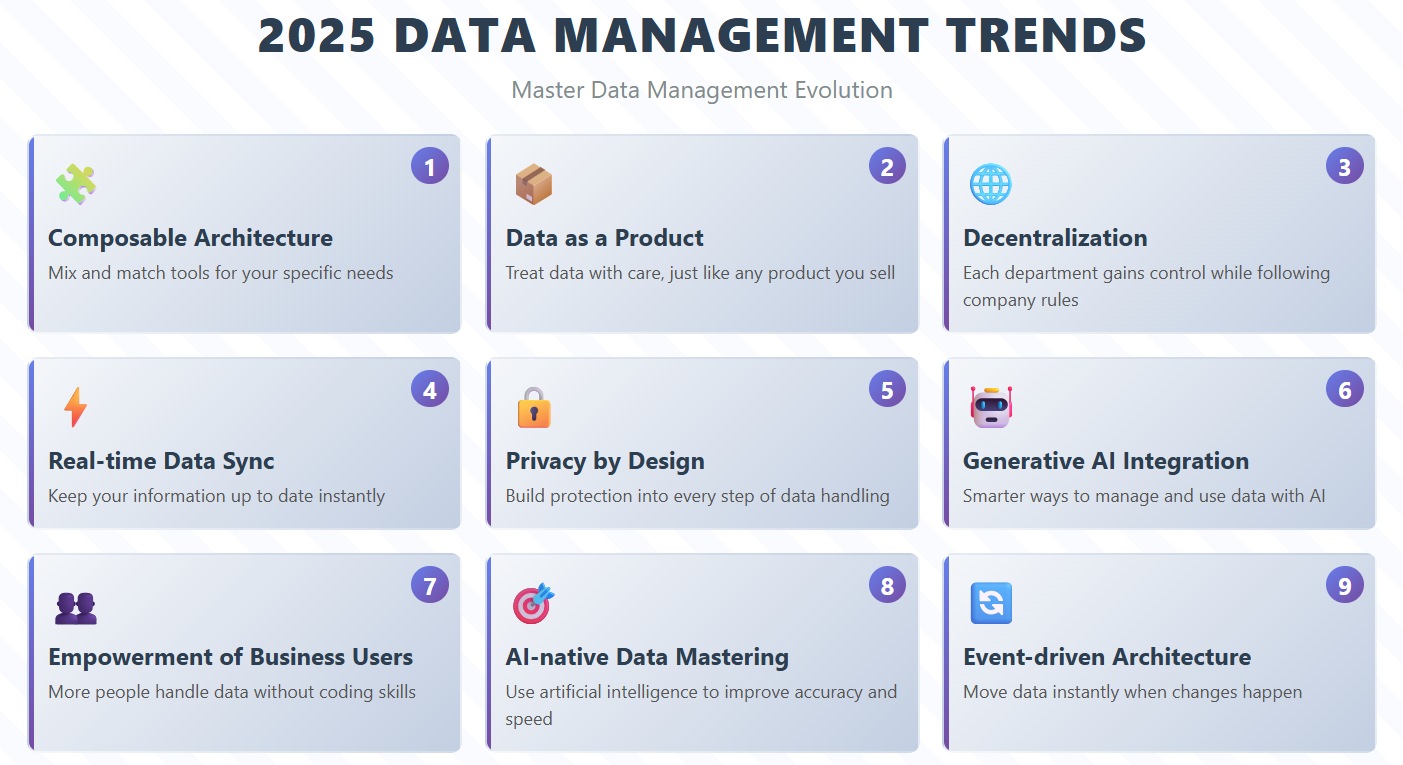
The world of data management solutions keeps changing. In 2025, you will see several important trends:
Composable architecture lets you mix and match tools for your needs.
Data as a product means you treat data with care, just like any product you sell.
Decentralization gives each department more control while following company rules.
Real-time data sync ensures your information stays up to date.
Privacy by design builds protection into every step.
Generative AI integration brings smarter ways to manage and use data.
Empowerment of business users allows more people to handle data without coding.
AI-native data mastering uses artificial intelligence to improve accuracy and speed.
Event-driven architecture moves data instantly when changes happen.
You need to keep up with these trends to get the most from master data management solutions in 2026.
Best Master Data Management Software: Top 15 Reviews
1.Informatica MDM
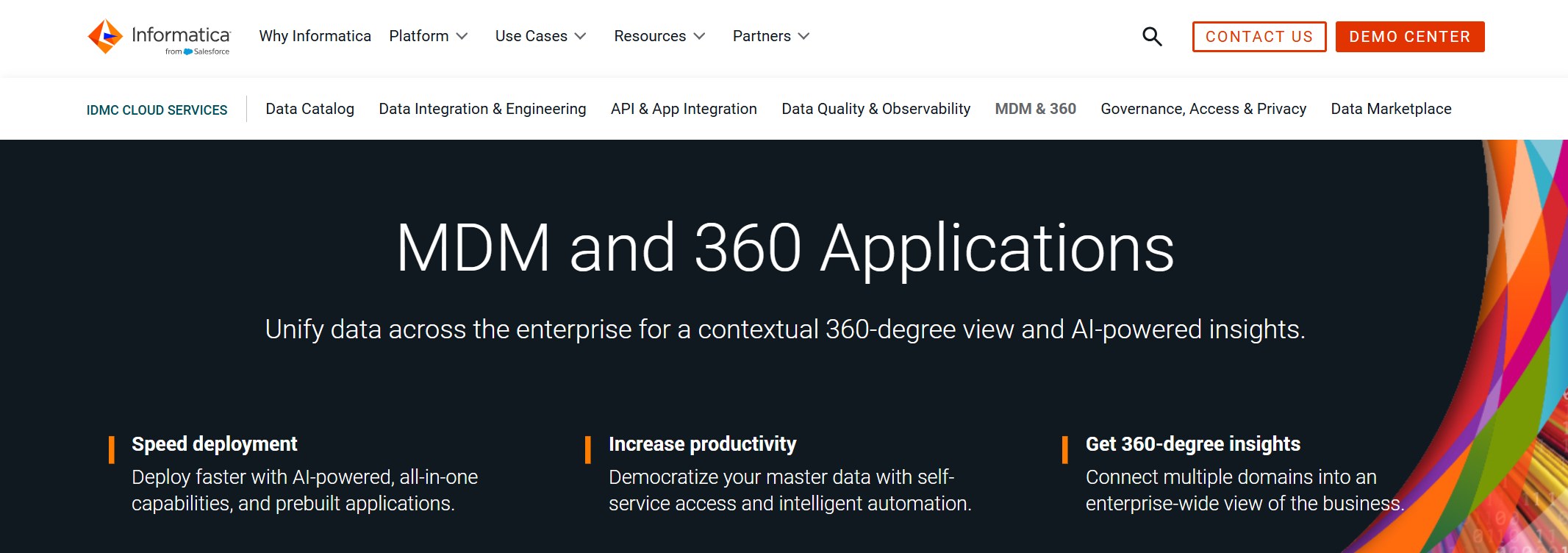
Informatica MDM stands out as one of the most comprehensive master data management solutions. You can use it to manage data quality, governance, and integration across your organization. Informatica uses robust matching and merging algorithms to improve data accuracy. The user-friendly interface makes it accessible for both technical and business users. Large enterprises often choose Informatica for its strong compliance support.
Licensing costs may be high for smaller businesses
Ideal Use Cases: You should consider Informatica MDM if you need a solution that manages multiple data domains and ensures high data quality in a regulated industry.
2.SAP Master Data Governance
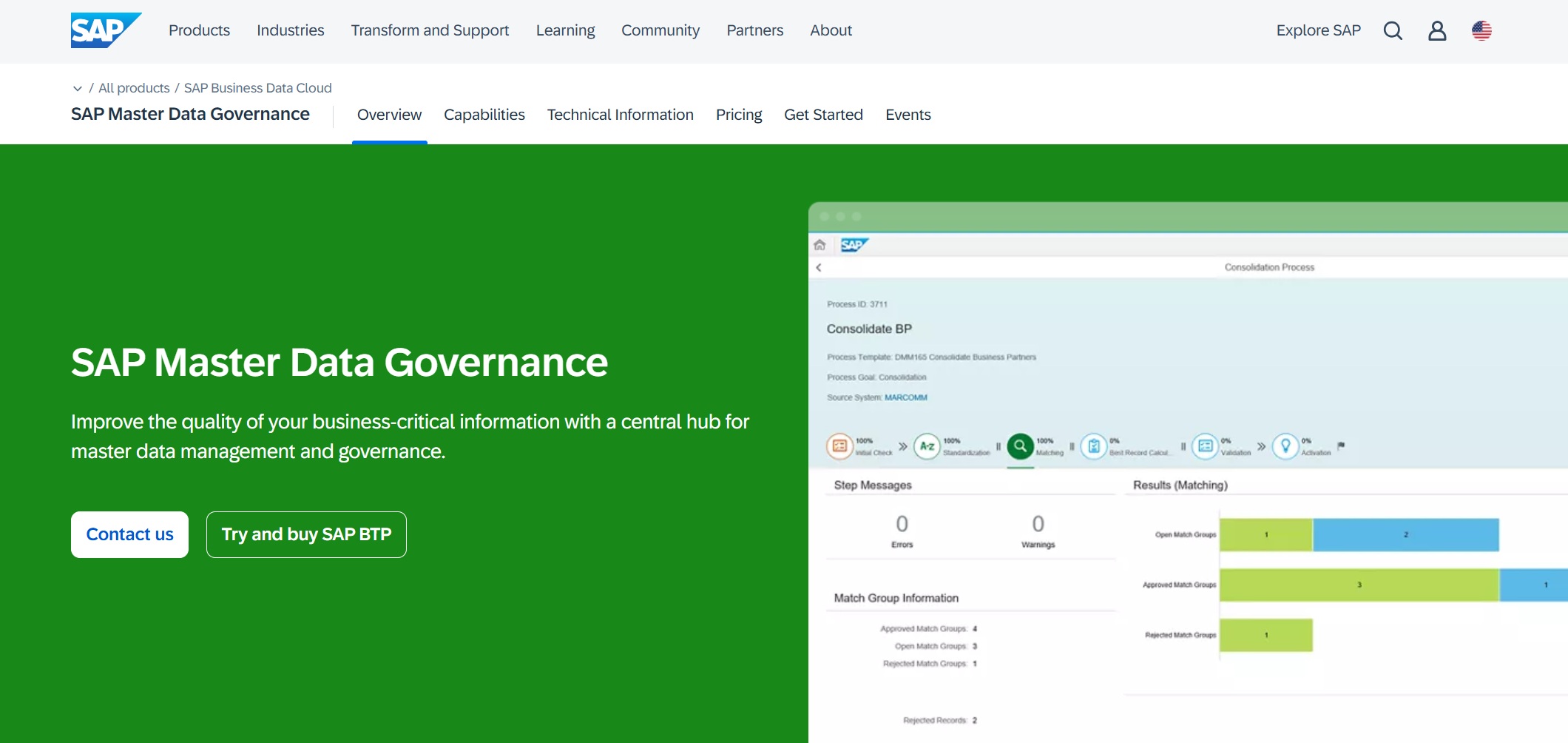
SAP Master Data Governance (MDG) provides centralized control over your master data. You can maintain a single source of truth across departments and regions. SAP MDG includes built-in validation and duplication checks to maintain data quality. Automated workflows streamline processes and reduce manual effort.
Ensures one source of truth across departments and regions.
Superior Data Quality
Built-in validation and duplication checks maintain data quality.
Compliance
Tracks changes for compliance and provides an audit trail.
Automated Workflows
Streamlines processes and reduces manual effort.
Reduced Operational Costs
Integrates seamlessly with various systems, leading to cost savings.
Data-Driven Decision-Making
Enables organizations to make informed decisions based on accurate data.
Future-Ready Foundation
Prepares organizations for future data management challenges.
Cons:
You may encounter data inconsistency issues, such as duplicate vendor entries or mismatched material codes, if not configured properly.
Incorrect customer details can lead to business inefficiencies and compliance risks.
Ideal Use Cases: SAP MDG works best for large enterprises that need centralized data governance and compliance across global operations.
3.Oracle Enterprise Data Management
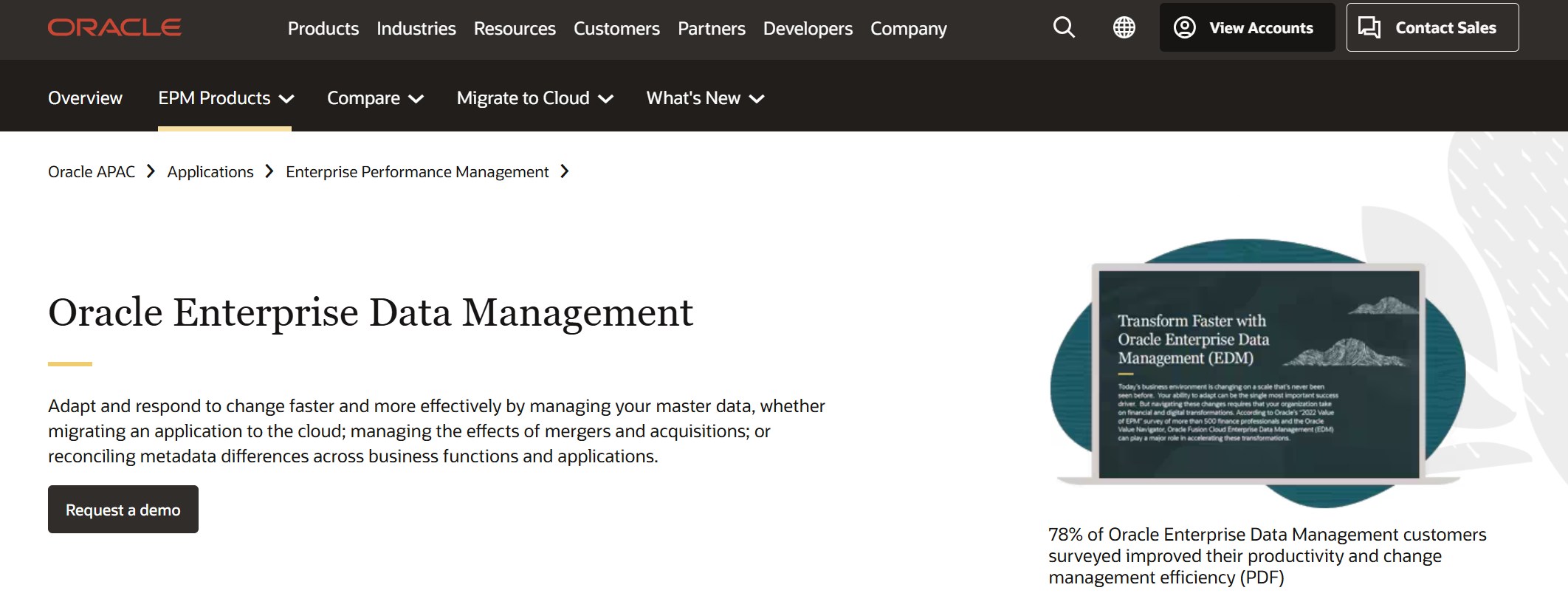
Oracle Enterprise Data Management helps you govern and integrate data across multiple domains. You can use adaptive inference workflows to engage stakeholders and configure policies for governance. Oracle makes it easy to compare and reconcile data using drag-and-drop tools.
Combine permissions and policies with data context to infer workflow steps.
Policy-driven Governance
Configure policies for stakeholder participation in approvals.
Compliance Assurance
Ensure compliance with governance principles using a no-code approach.
Side-by-Side Comparisons
Visually identify and reconcile differences across business perspectives.
Drag and Drop Reconciliation
Harmonize hierarchies and resolve differences intuitively.
Subscriptions for Change Propagation
Automatically propagate changes across applications.
Reporting and Data Extraction
Generate reports and perform mass updates efficiently.
Automated Integrations
Use REST APIs for scripting automated integrations.
Pros:
Strong multi-domain governance
Visual tools for reconciliation
Automated integration options
Cons:
May require training for advanced features
Complex configurations for large-scale deployments
Ideal Use Cases: Oracle Enterprise Data Management suits organizations that need policy-driven governance and automated integration across business units.
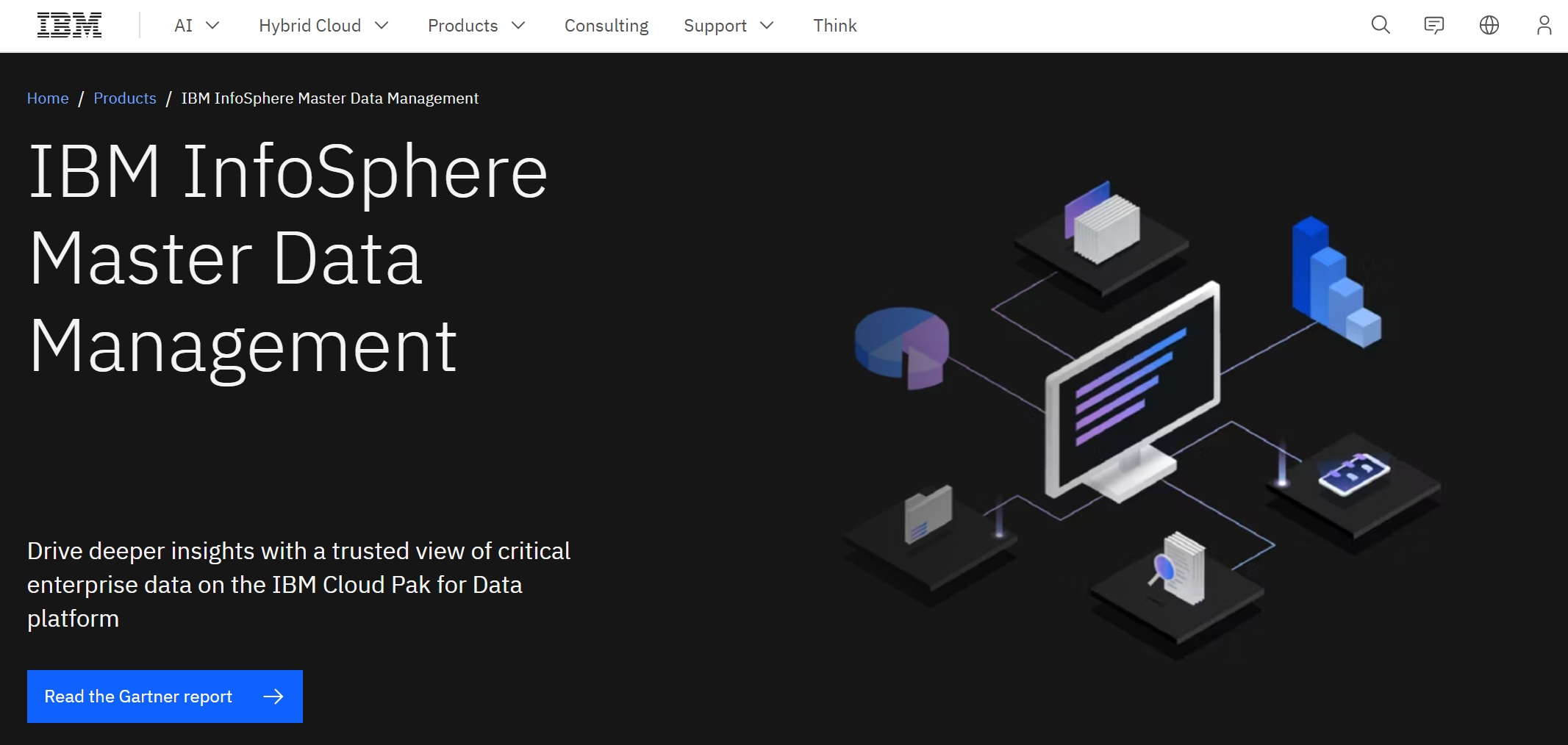
4.IBM InfoSphere MDM
IBM InfoSphere MDM gives you flexible deployment options, either on-premises or in the cloud. You can consolidate data in near real-time and use role-based access control for security. InfoSphere integrates well with analytics and AI services, making it suitable for large companies with complex ecosystems.
Flexible deployment on-premises and on IBM-managed cloud services
Limited data intelligence
Complements data management, analytics, data science, and AI services
Complicated pricing due to a mix of consumption, storage, and compute
Accelerates insights with near real-time data consolidation
Limited reference data sources for data enrichment
Offers role-based access control
Limited traceability of data transformations
Suitable for large companies with complex ecosystems
Lack of automation
Ideal Use Cases: IBM InfoSphere MDM is ideal if you need to manage master data in a hybrid environment and want to leverage IBM’s analytics and AI capabilities.
5.Microsoft Master Data Services
Microsoft Master Data Services (MDS) empowers you to manage and maintain your critical business data. You can let data owners make changes directly, reducing IT workload. MDS helps you move unmanaged data from spreadsheets into a structured system. Data stewards play a key role in governance and ongoing maintenance.
Limited advanced features compared to enterprise solutions
Best suited for organizations already using Microsoft technologies
Ideal Use Cases: MDS works well for mid-sized organizations that want to bring order to scattered data and empower business users.
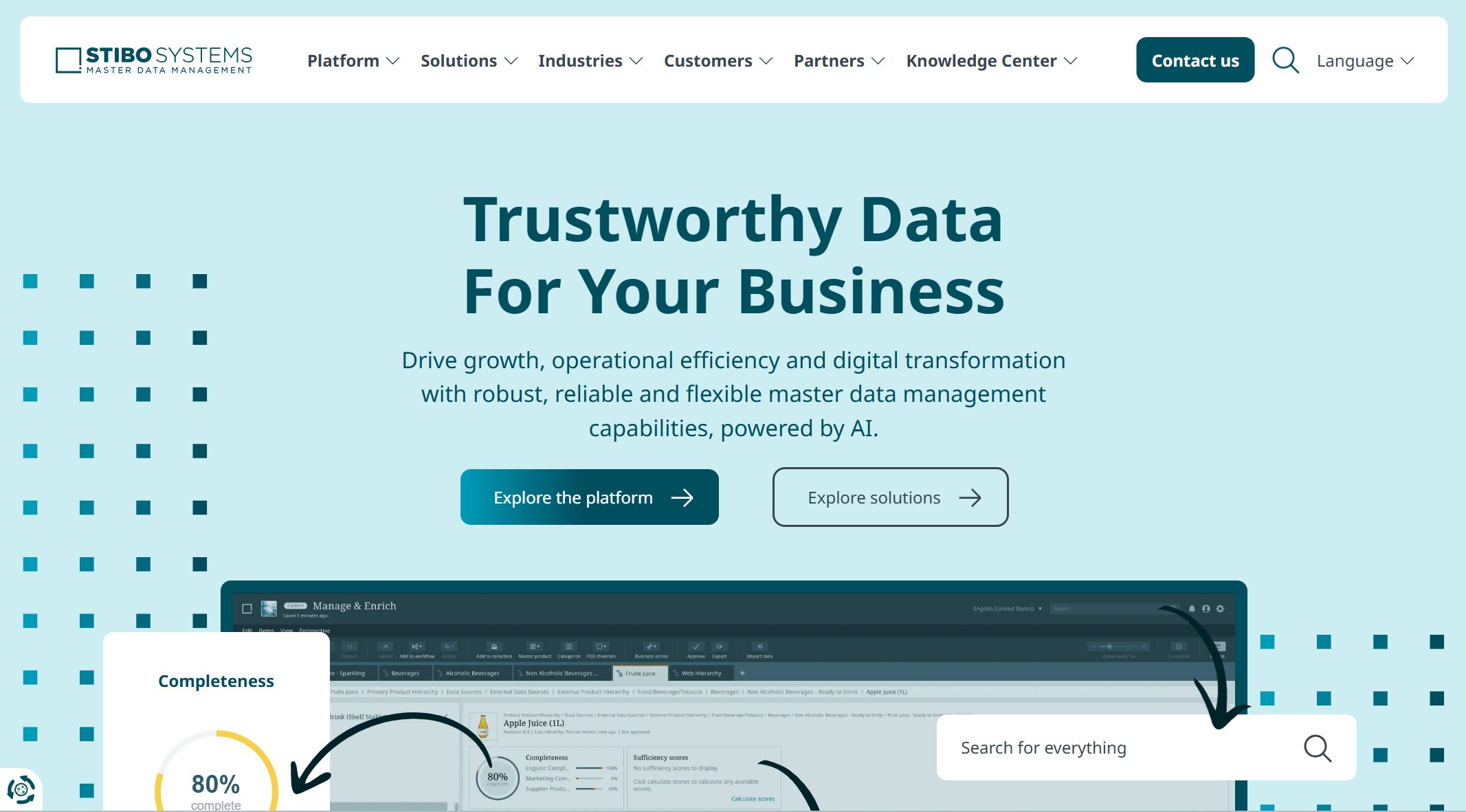
6.Stibo Systems MDM
Stibo Systems MDM specializes in product and supplier master data management. You can use industry-specific accelerators for manufacturing, retail, and consumer goods. Stibo offers comprehensive data modeling and supports complex hierarchies. Pre-configured templates help you deploy quickly.
Focuses on product and supplier master data management.
Industry-Specific Solutions
Offers accelerators for manufacturing, retail, and consumer goods.
Scalability
Supports complex hierarchies and relationships.
Rapid Deployment
Uses pre-configured templates and best practices.
Pros:
Tailored for specific industries
Scalable for large data sets
Quick to implement
Cons:
Less flexible for non-product data domains
May require customization for unique business needs
Ideal Use Cases: Stibo Systems MDM is a strong choice for companies in manufacturing or retail that need scalable, industry-focused solutions.
7.TIBCO EBX
TIBCO EBX offers flexible deployment models, including on-premises, cloud, and hybrid options. You can integrate EBX with various applications using APIs and connectors. This flexibility allows you to tailor the deployment to your organization’s needs.
Installed and managed within your own infrastructure.
Cloud
Hosted on cloud platforms for scalability and flexibility.
Hybrid
Combines on-premises and cloud solutions for tailored deployment.
Key Features:
APIs for application integration
Connectors for seamless database integration
Pros:
Flexible deployment options
Strong integration capabilities
Scalable for growing businesses
Cons:
May require technical expertise for setup
Interface can be complex for new users
Ideal Use Cases: TIBCO EBX fits organizations that need flexible deployment and strong integration with existing systems.
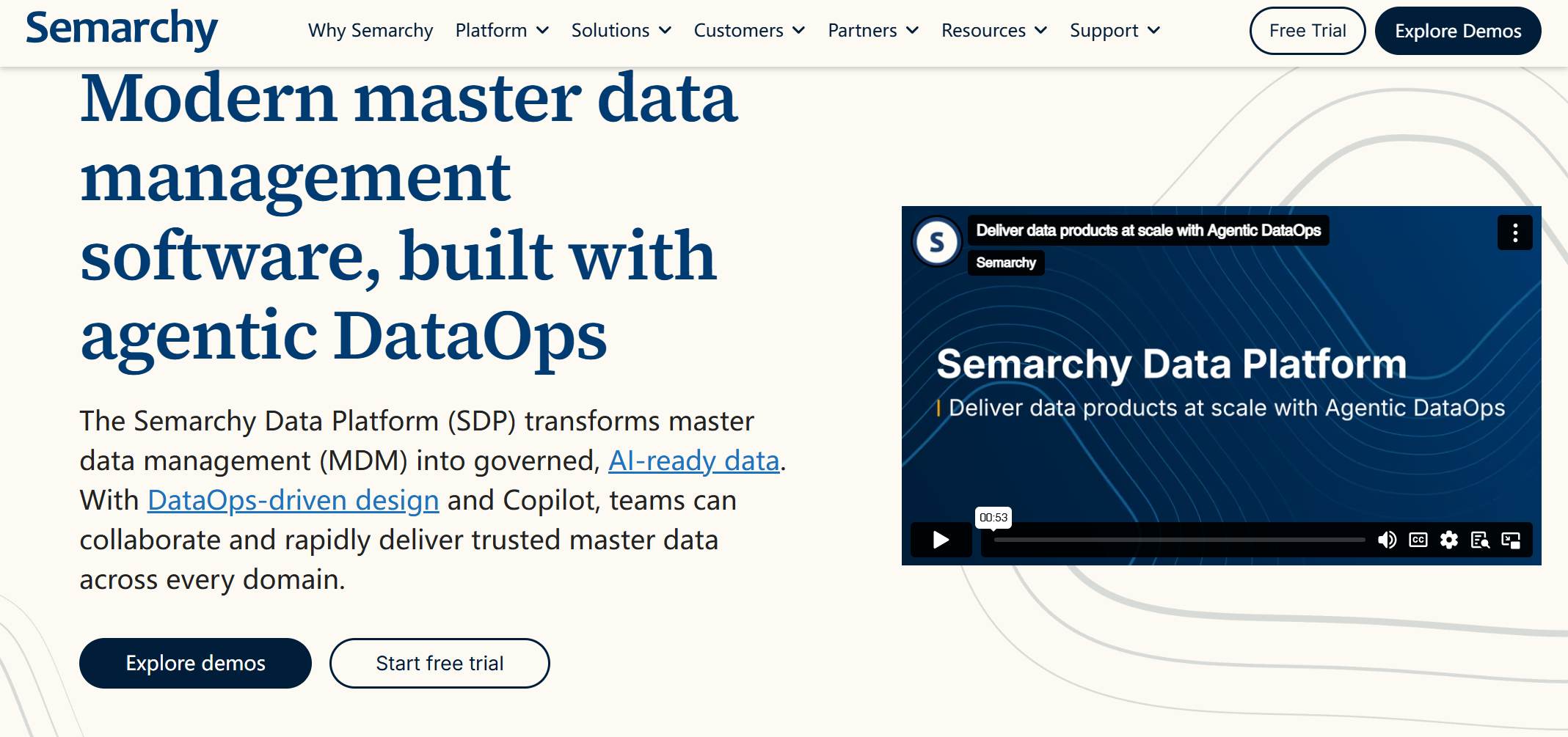
8.Semarchy xDM
Semarchy xDM helps you integrate data smoothly with various systems. You can synchronize data across platforms and achieve a unified view of your business information. Semarchy offers unparalleled flexibility in data modeling and allows for custom workflows. The intuitive design and user-friendly interface make it easy to use.
High customer satisfaction and product functionality
Lower total cost of ownership
Affordable implementation and maintenance
Intuitive and user-friendly interface
Cons:
May require expert guidance for complex integrations
Some advanced features may need additional configuration
Ideal Use Cases: Semarchy xDM is ideal for organizations seeking flexible, affordable, and user-friendly master data management solutions.
9.Profisee MDM
Profisee MDM is known for its ease of use, cost-effectiveness, and rapid deployment. You can use the Business Impact Roadmap to focus on outcomes. Profisee supports real-time eventing and offers a comprehensive API for integration. Customers report significant reductions in manual effort and improved data governance.
Strong support for hierarchy management and data governance
Pros:
Rapid implementation
High-quality support and customer engagement
Flexible and scalable
Cons:
May lack some advanced features of larger platforms
Best suited for organizations with straightforward MDM needs
Ideal Use Cases: Profisee MDM works well for businesses that want quick results and strong support without a large upfront investment.
10.Reltio Cloud MDM
Reltio Cloud MDM uses a cloud-native architecture to deliver secure and compliant data management. You can synchronize data in real time, thanks to NoSQL database technology. Reltio automatically scales to handle demand spikes, ensuring performance for large volumes of trusted data.
Secure and compliant platform for data management.
Real-time Updates
Pushes updates instantly for real-time synchronization.
NoSQL Database Technology
Enables horizontal scalability for large data workloads.
Auto-scaling Capabilities
Automatically adjusts to demand spikes for consistent performance.
Pros:
Real-time data synchronization
Scalable for large enterprises
Multi-model data management
Cons:
May require cloud expertise for optimal use
Subscription costs can add up for high-volume users
Ideal Use Cases: Reltio Cloud MDM is best for organizations that need real-time, scalable, and cloud-native master data management.
11.Ataccama ONE
Ataccama ONE consolidates your critical data and provides side-by-side record comparison. You can implement tailored workflows for data changes and maintain valid reference data for analytics. Ataccama supports both cloud and on-premise deployments and offers two-way synchronization for enhanced data availability.
Compare, merge, or split records and view essential metadata.
Workflow and change approvals
Tailored workflows for data changes and stakeholder notifications.
Reference data
Maintains valid reference data for analytics and operations.
Provision
Provides cleansed and deduplicated data to downstream systems.
Deployment options
Supports cloud or on-premise environments.
Integration pattern
Two-way synchronization for data availability.
Embedded data quality
300+ built-in quality functions for data standardization.
AI-powered suggestions
Uses AI for additional matching proposals.
Ultimate flexibility
Integrates with existing landscapes and processes data where it resides.
Pros:
High ROI and productivity gains
Flexible deployment and integration
Embedded data quality and AI features
Cons:
May require initial investment in training
Advanced features may need customization
Ideal Use Cases: Ataccama ONE is a great fit for enterprises seeking flexible, AI-powered master data management with strong data quality controls.
12.Syniti MDM
Syniti MDM focuses on delivering trusted data for business transformation. You can use it to manage data migration, governance, and quality. Syniti supports complex data environments and offers expert guidance for seamless implementation.
Ideal Use Cases: Syniti MDM is best for organizations undergoing digital transformation or large-scale data migration.
13.Riversand (Syndigo) MDM
Riversand (Syndigo) MDM provides a single, trusted source of master data. You can define workflows and rules for onboarding, reviewing, and approving data. Riversand ensures compliance through audits and risk assessments.
Single, trusted source of master data for business operations.
Data Governance/Workflow
Role-based permissions for data access and modifications.
Compliance Assurance
Audits and compliance checks to meet security standards.
Pros:
Strong data governance and compliance
Role-based access controls
Ongoing audits for security
Cons:
May require customization for unique workflows
Implementation can be complex for large organizations
Ideal Use Cases: Riversand MDM is ideal for businesses that prioritize data governance and compliance in regulated industries.
14.SAS MDM
SAS MDM offers advanced analytics and data quality tools. You can use it to manage customer, product, and supplier data. SAS integrates with other SAS analytics products, making it a good choice for organizations already using SAS.
Best suited for organizations with existing SAS infrastructure
May require specialized training
Ideal Use Cases: SAS MDM works well for enterprises that need advanced analytics and already use SAS products.
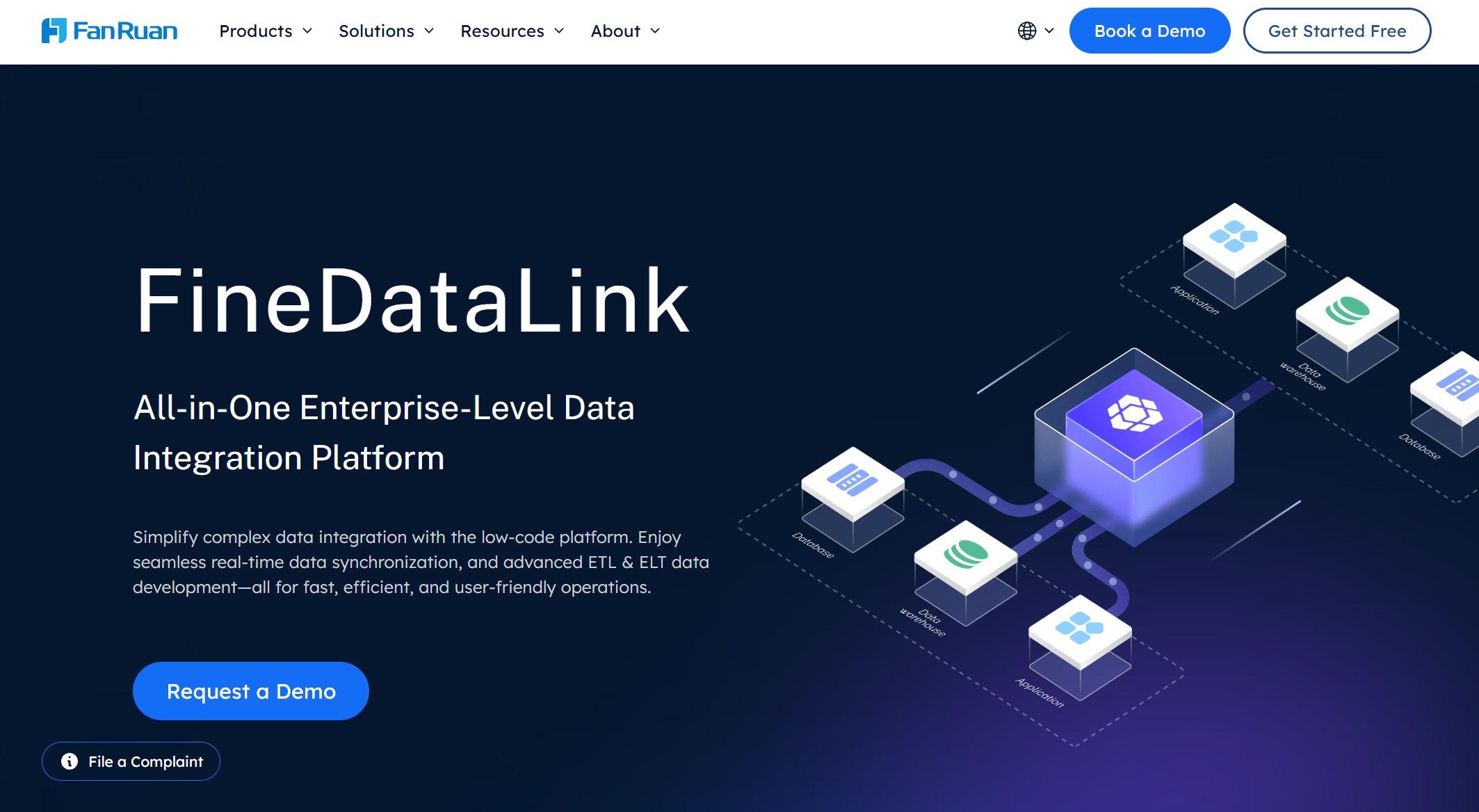
15.FanRuan FineDataLink
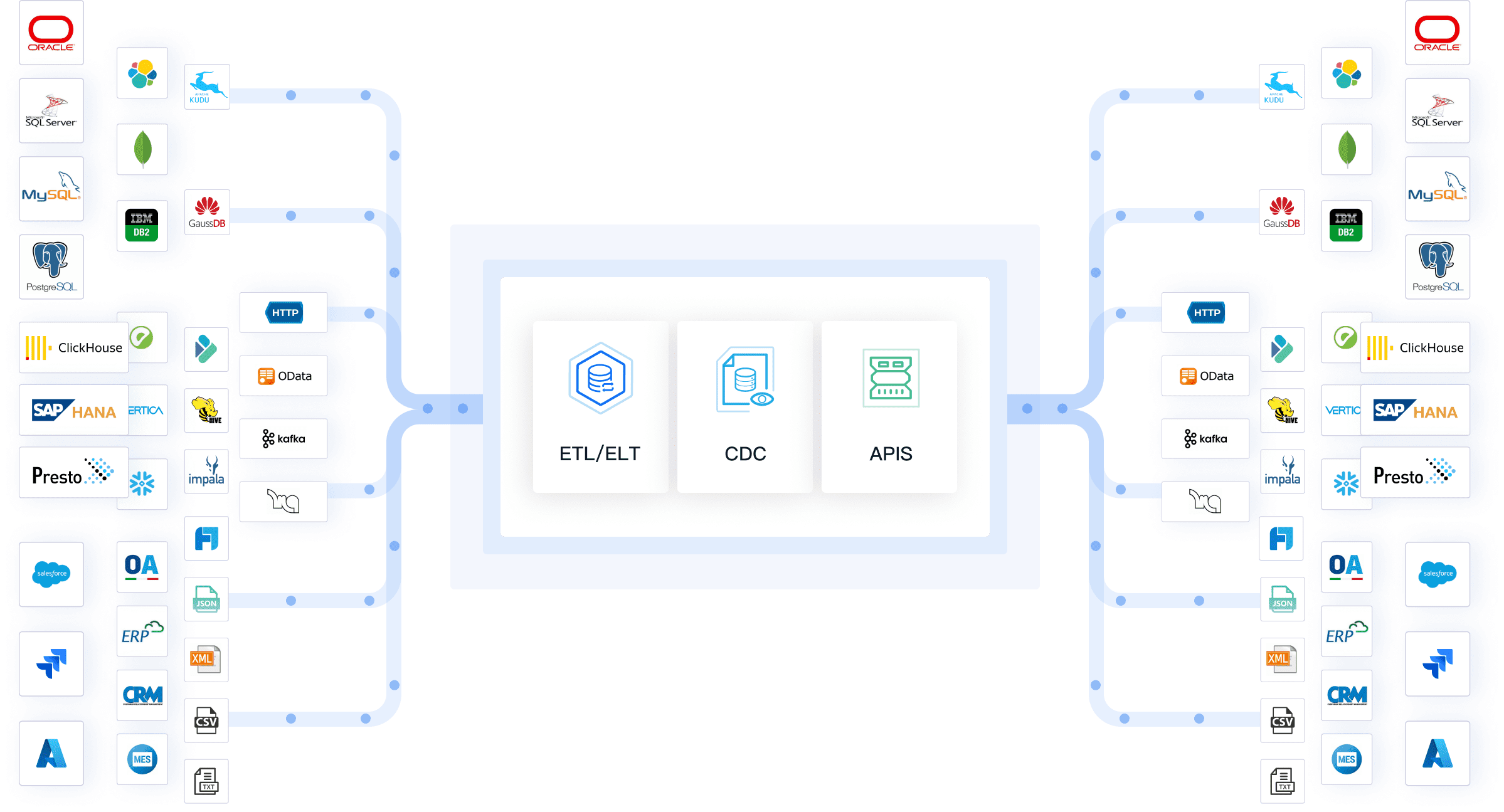
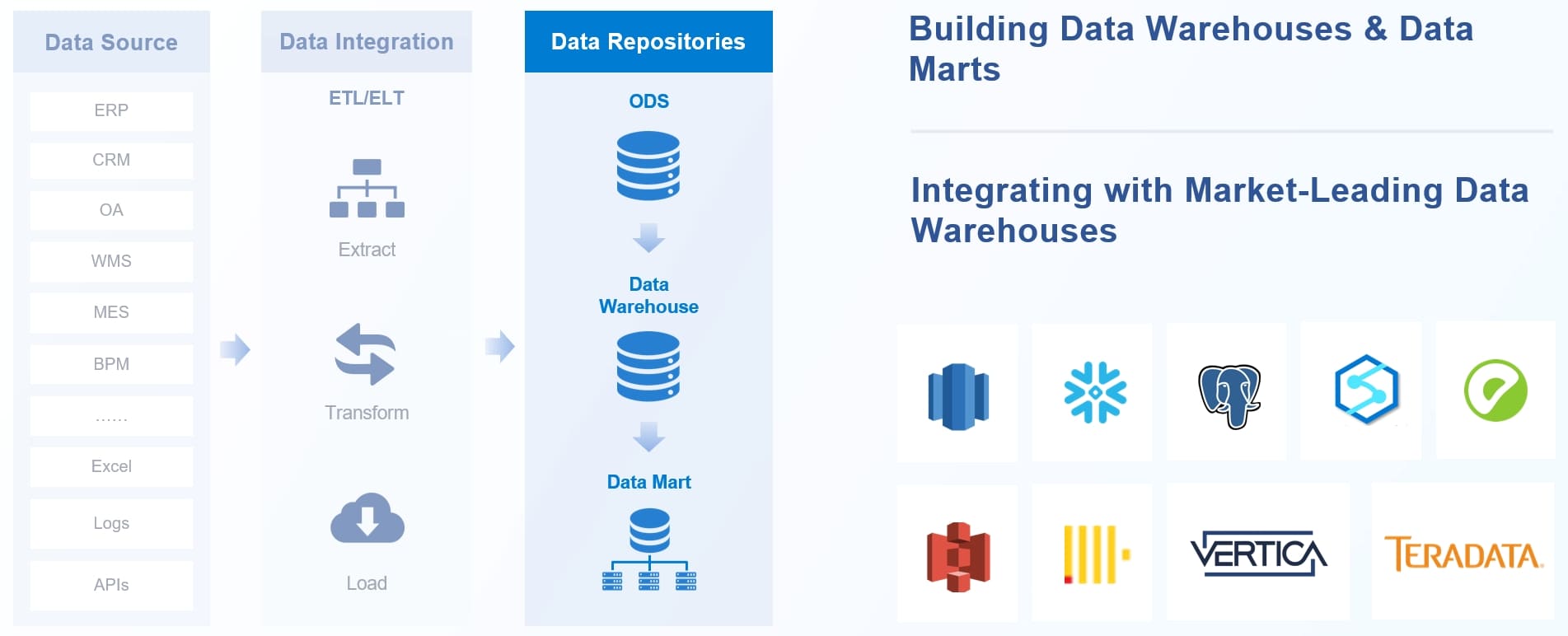
FineDataLink stands out as a modern and scalable solution for data integration and real-time synchronization. You can connect over 100 common data sources, including relational, non-relational, interface, and file databases. FineDataLink synchronizes data across multiple tables or entire databases with minimal latency, ensuring your business data remains up to date.
Excels in real-time data integration and synchronization
User-friendly and cost-effective
High extensibility and security features
Ideal Use Cases: You should choose FineDataLink if you need to integrate data from multiple sources, build real-time or offline data warehouses, or require efficient data management for business intelligence. FineDataLink is especially valuable for organizations that want a user-friendly, low-code platform to streamline data integration and support rapid business growth.
FineDataLink data warehouse
MDM Tools Comparison Table
Feature Matrix
You want to compare master data management tools by their features. The table below shows the most common features you should look for. Each tool offers a mix of these features, helping you manage your business data more effectively.
Feature
Informatica
SAP MDG
Oracle EDM
IBM InfoSphere
Microsoft MDS
Stibo Systems
TIBCO EBX
Semarchy xDM
Profisee
Reltio Cloud
Ataccama ONE
Syniti
Riversand
SAS MDM
FineDataLink
Data integration
✓
✓
✓
✓
✓
✓
✓
✓
✓
✓
✓
✓
✓
✓
✓
Data cleansing
✓
✓
✓
✓
✓
✓
✓
✓
✓
✓
✓
✓
✓
✓
✓
Data governance
✓
✓
✓
✓
✓
✓
✓
✓
✓
✓
✓
✓
✓
✓
✓
Custom workflows
✓
✓
✓
✓
✓
✓
✓
✓
✓
✓
✓
✓
✓
✓
✓
Role-based access
✓
✓
✓
✓
✓
✓
✓
✓
✓
✓
✓
✓
✓
✓
✓
Real-time processing
✓
✓
✓
✓
✓
✓
✓
✓
✓
✓
✓
✓
✓
✓
✓
Data profiling
✓
✓
✓
✓
✓
✓
✓
✓
✓
✓
✓
✓
✓
✓
✓
Multidomain support
✓
✓
✓
✓
✓
✓
✓
✓
✓
✓
✓
✓
✓
✓
✓
Data visualization
✓
✓
✓
✓
✓
✓
✓
✓
✓
✓
✓
✓
✓
✓
✓
Workflow automation
✓
✓
✓
✓
✓
✓
✓
✓
✓
✓
✓
✓
✓
✓
✓
Tip: You should focus on tools that offer strong data integration and real-time processing if your business needs instant updates and unified views.
Pricing & Deployment
You need to consider pricing and deployment options before you choose a solution. Most enterprise-grade tools offer cloud, on-premises, or hybrid deployments. Pricing often depends on the number of users, data volume, and required features.
Tool
Pricing Model
Deployment Options
Informatica
Subscription-based
Cloud, On-premises
SAP MDG
License + Support
Cloud, On-premises
Oracle EDM
Subscription-based
Cloud, On-premises
IBM InfoSphere
License + Usage
Cloud, On-premises
Microsoft MDS
Included with SQL
On-premises
Stibo Systems
License + Support
Cloud, On-premises
TIBCO EBX
Subscription-based
Cloud, On-premises
Semarchy xDM
Subscription-based
Cloud, On-premises
Profisee
Subscription-based
Cloud, On-premises
Reltio Cloud
Subscription-based
Cloud
Ataccama ONE
License + Support
Cloud, On-premises
Syniti
License + Support
Cloud, On-premises
Riversand
Subscription-based
Cloud, On-premises
SAS MDM
License + Support
Cloud, On-premises
FineDataLink
Subscription-based
Cloud, On-premises
Best Fit by Business Size
You want to match the right tool to your company size. Here are some recommendations:
Oracle Enterprise Data Management works best for large enterprises that need reliable and compliant operations.
IBM InfoSphere Master Data Management fits organizations that want a single, trusted view of critical data and AI-powered accuracy.
Profisee is a smart choice for smaller companies seeking affordable and user-friendly solutions.
Talend suits mid-sized businesses that want versatility and usability.
FineDataLink supports companies of all sizes, especially those needing scalable data management solutions with real-time integration.
Note: You should always review your business needs and growth plans before you select a tool.
How to Choose Master Data Management Tools
Selection Criteria
When you select master data management tools, you need to focus on what matters most for your business. The right choice helps you manage data efficiently and supports your growth. Review the table below to see the most important criteria:
Criteria
Description
Flexibility
The tool should adapt to your changing business needs and allow easy updates to the data model.
Scalability
Make sure the solution can handle more data as your business grows.
Deployment Options
Look for tools that offer cloud, on-premises, or hybrid deployments to fit your needs.
Total Cost of Ownership (TCO)
Consider both the upfront price and long-term costs to get the best value.
Technical Capabilities
The tool must support integration, registration, and provide a complete view of your data.
You should also check for strong data integration and connectivity, identity resolution, and robust data quality features. If your business handles multi-domain master data management, make sure the tool supports multiple data types and sources.
Common Pitfalls
Many organizations face challenges when they implement master data management tools. Watch out for these common pitfalls:
Lack of executive support can slow down your project.
Poor integration with existing systems often leads to failure.
Absence of a clear strategy makes it hard to reach your goals.
Treating master data management as a one-time project limits long-term value.
You can avoid these mistakes by planning ahead and involving key stakeholders from the start.
Implementation Tips
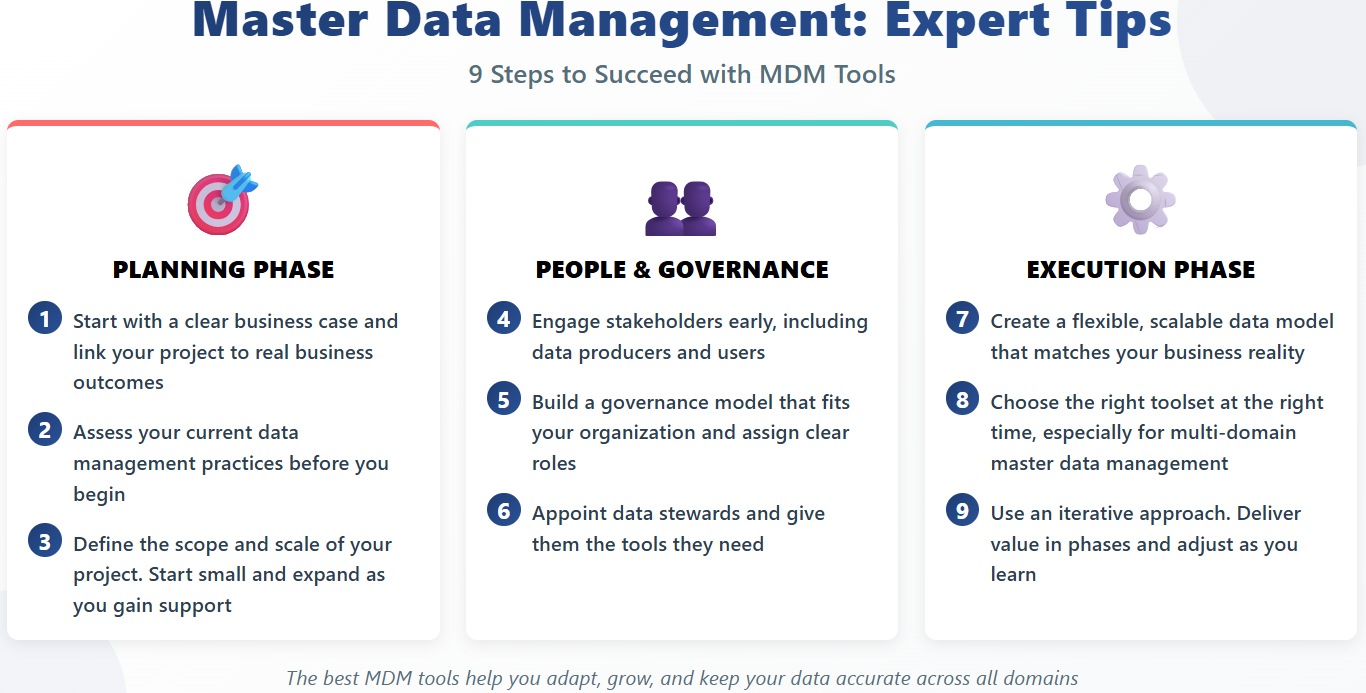
To succeed with master data management tools, follow these expert tips:
Start with a clear business case and link your project to real business outcomes.
Assess your current data management practices before you begin.
Define the scope and scale of your project. Start small and expand as you gain support.
Engage stakeholders early, including data producers and users.
Build a governance model that fits your organization and assign clear roles.
Appoint data stewards and give them the tools they need.
Create a flexible, scalable data model that matches your business reality.
Choose the right toolset at the right time, especially for multi-domain master data management.
Use an iterative approach. Deliver value in phases and adjust as you learn.
Tip: The best master data management tools help you adapt, grow, and keep your data accurate across all domains.
Selecting the right master data management solution in 2026 will help you improve data quality and reduce operational costs, as shown below:
Benefit
Improvement Percentage
Data Quality Improvement
Up to 20%
Reduction in Operational Costs
Average 10%
You should assess your unique needs and use the comparison table to guide your choice. Take these steps to move forward:
Make a strong business case.
Create a strategic master data roadmap.
Select the best MDM technology for your needs.
Staying updated with MDM trends will help you achieve data-driven decision-making and maintain a competitive edge as technology evolves.
Continue Reading About Master Data Management Solutions
Track energy and carbon in real time to reduce cost, meet disclosures, and prove ESG impact.
FAQ
What are mdm tools and why do you need them?
You use mdm tools to manage your business’s core data. These tools help you keep information accurate and up to date. You need mdm tools to avoid errors, improve decision-making, and make sure everyone uses the same data.
How do mdm tools improve data quality?
Mdm tools clean, organize, and match your data. You can use mdm tools to remove duplicates and fix mistakes. These tools help you trust your data and use it for reports, planning, and daily work.
Can small businesses use mdm tools?
Yes, small businesses can use mdm tools. You find many mdm tools that fit different company sizes. Some mdm tools offer simple features and easy setup. You do not need a big IT team to start using mdm tools.
What features should you look for in mdm tools?
You should look for mdm tools with strong data integration, real-time updates, and easy workflows. Good mdm tools let you connect many data sources. You want mdm tools that help you manage, clean, and share your data quickly.
How do you choose the right mdm tools for your business?
You should compare mdm tools based on your needs. Make a list of what you want. Check if mdm tools offer the features you need. Try demos and ask for advice. The best mdm tools fit your goals and budget.