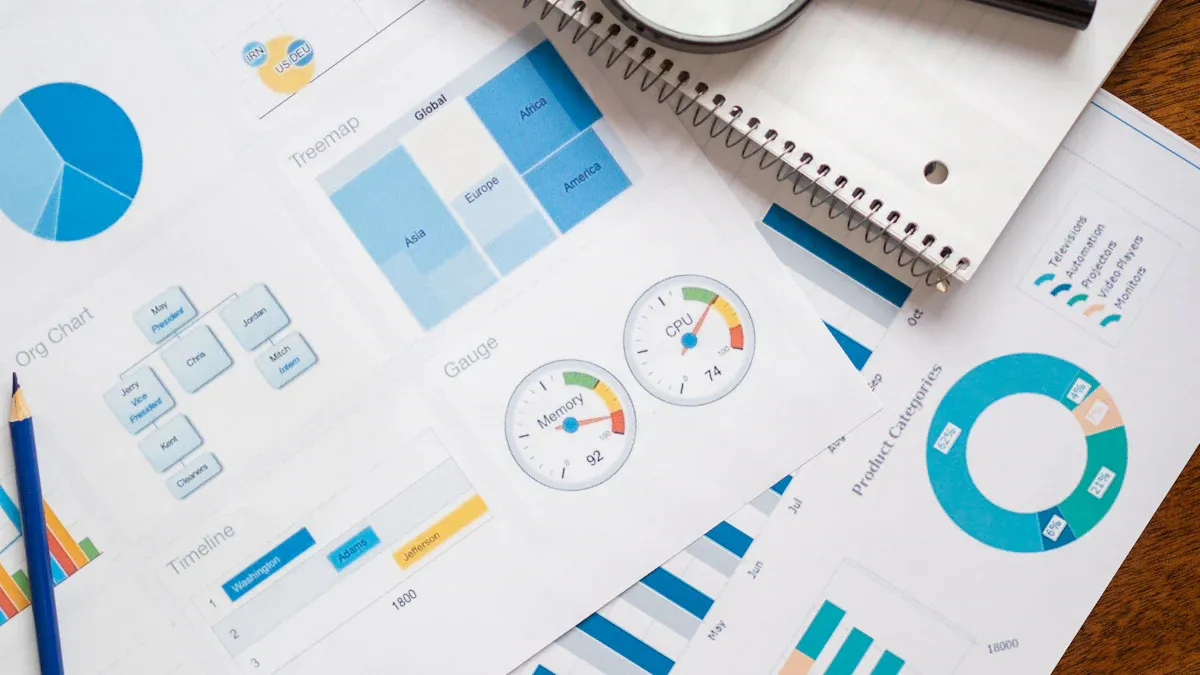
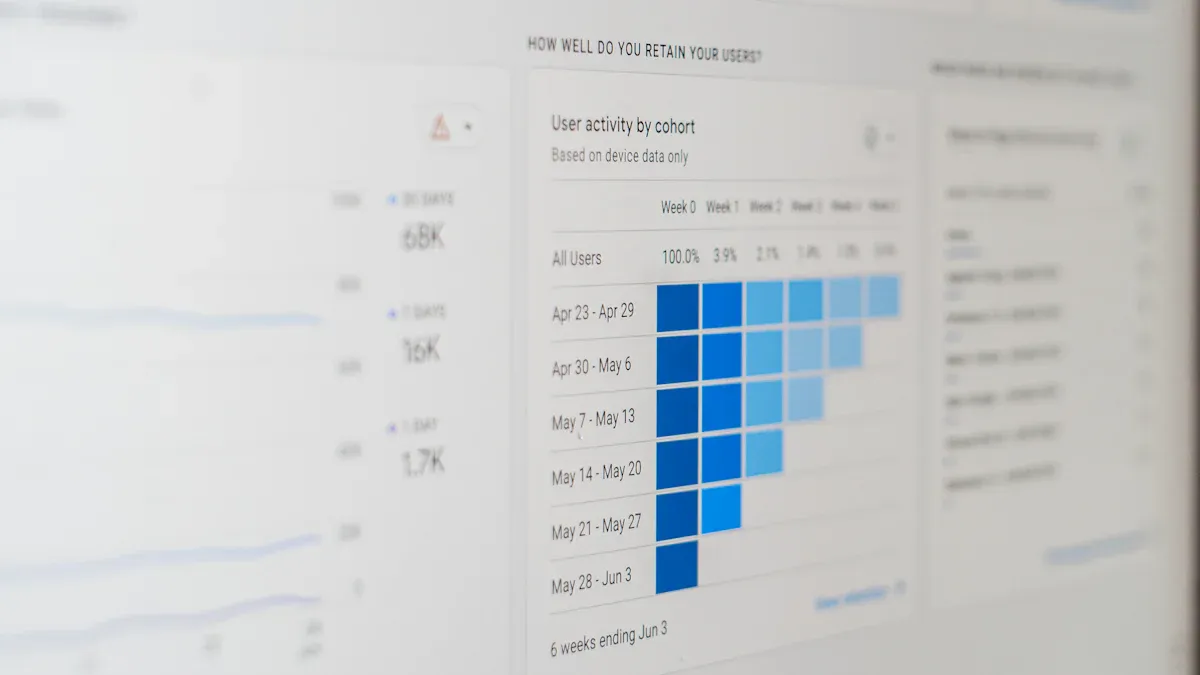
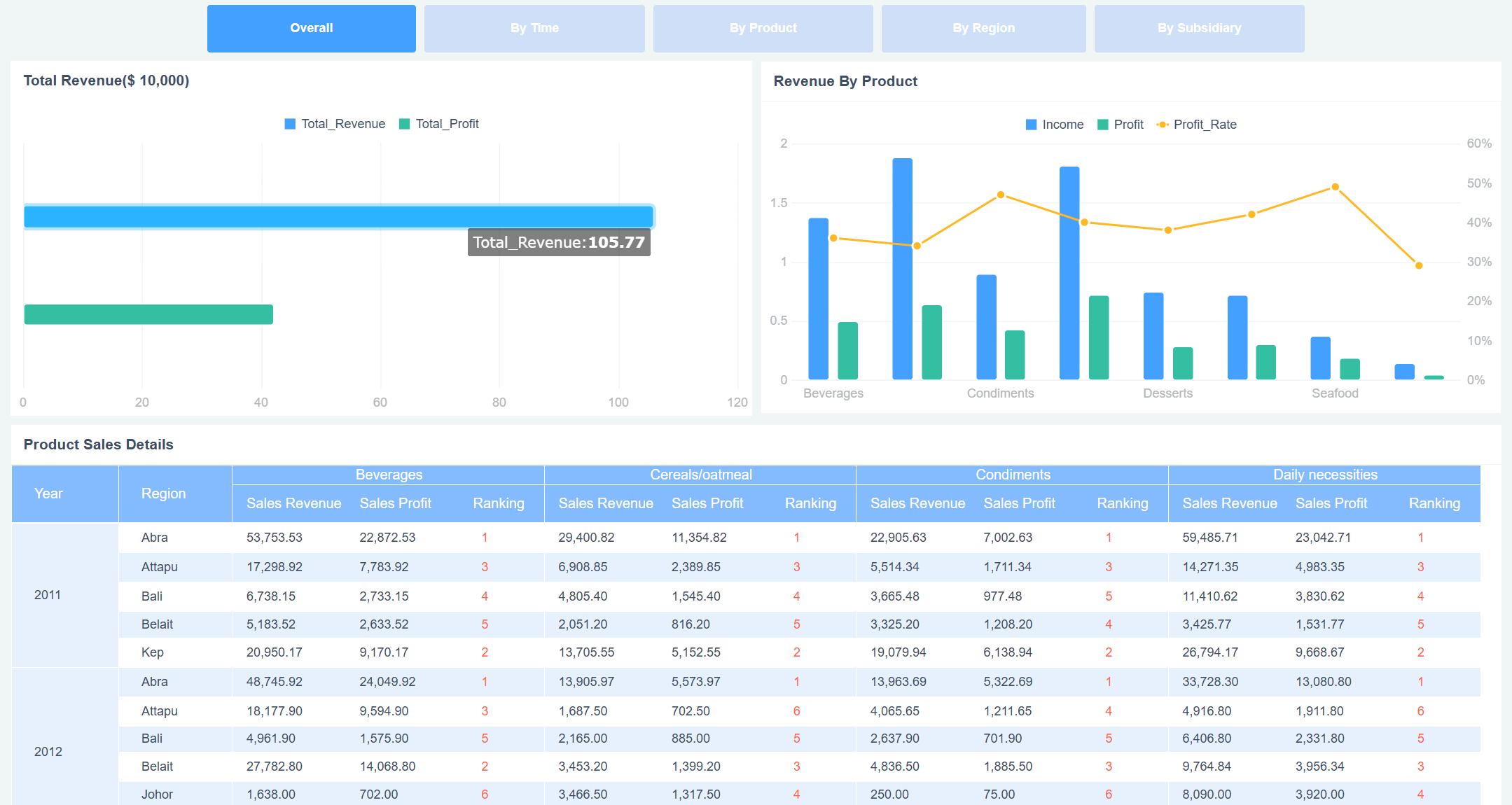
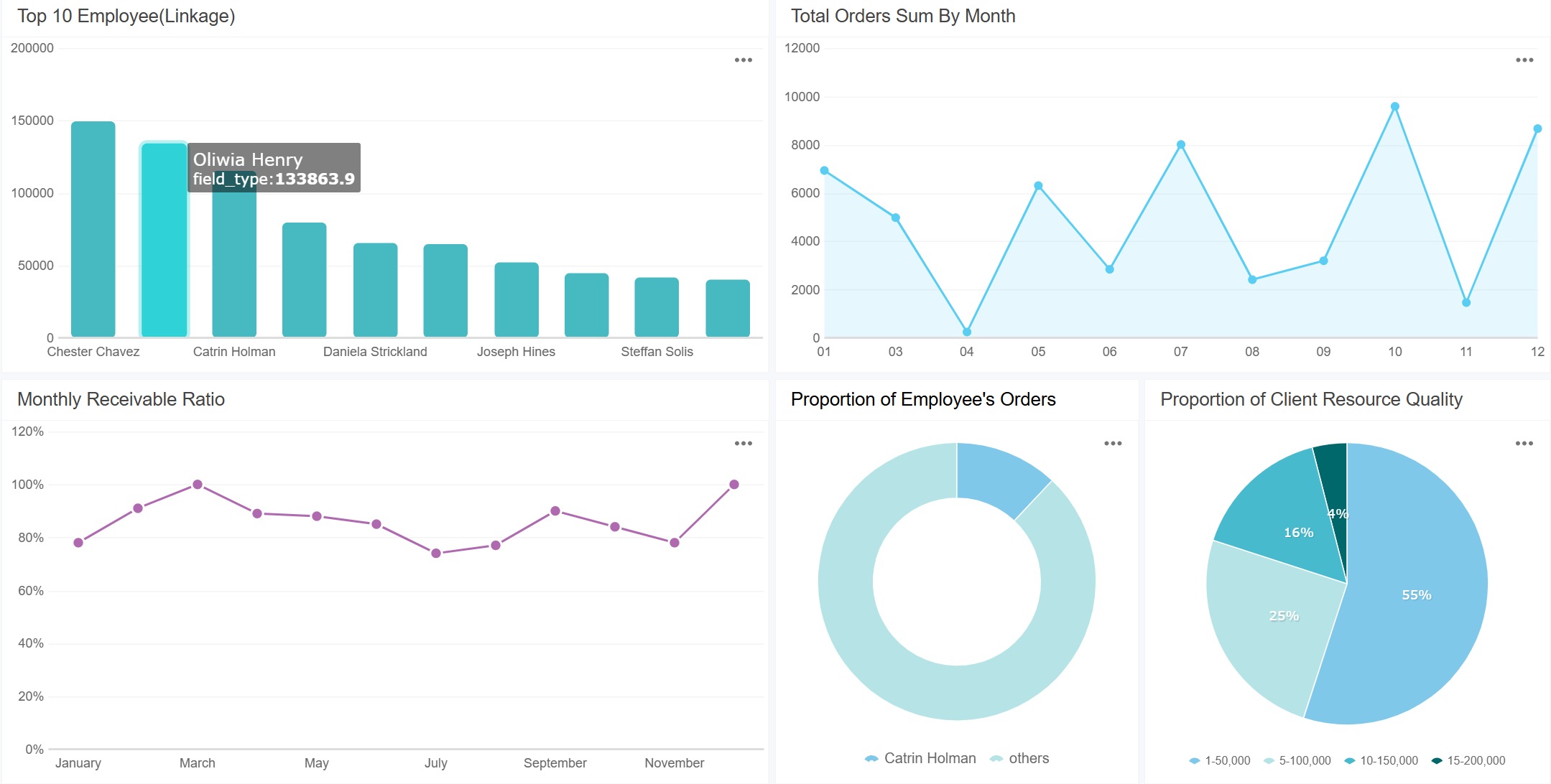
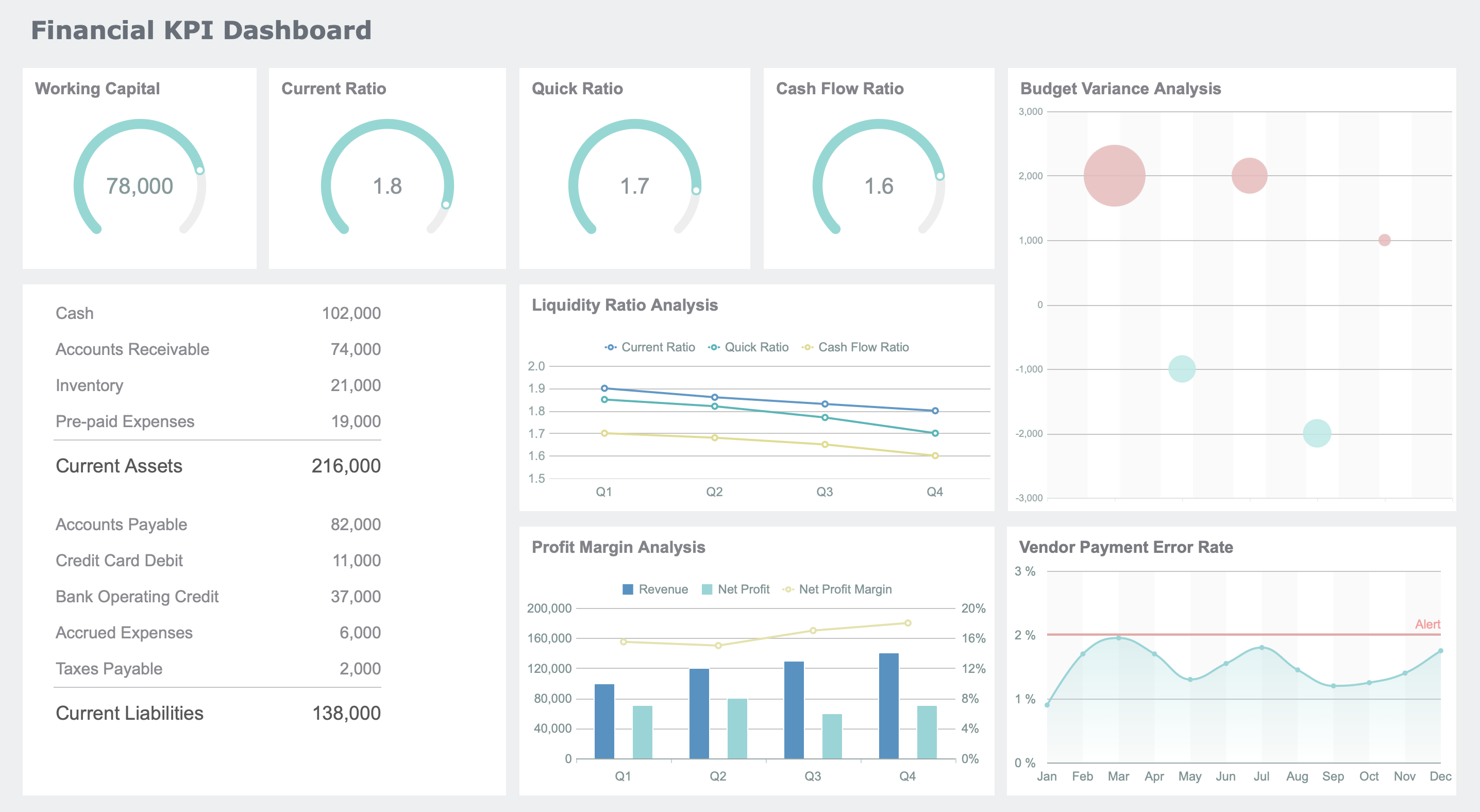
A sales dashboard is a visual tool that tracks and displays key sales metrics in real time. If you want to boost your team’s results, choosing the right sales performance dashboard can make all the difference. Take a look at how dashboards impact productivity:
Dashboard Type
Benefit
Sales Activities Dashboard
Shows how reps spend time and which actions drive results.
Time-Tracking Sales Dashboard
Highlights time spent on activities, revealing inefficiencies.
Real-Time CRM Dashboards
Delivers up-to-the-minute insights into team performance.
Dashboards give you data for smarter decisions.
You spot trends, coach better, and see who’s excelling.
Think about your current sales tracking. Are you getting the insights you need? FineReport helps you turn data into action.
Sales Performance Dashboard Essentials
What Is a Sales Performance Dashboard?
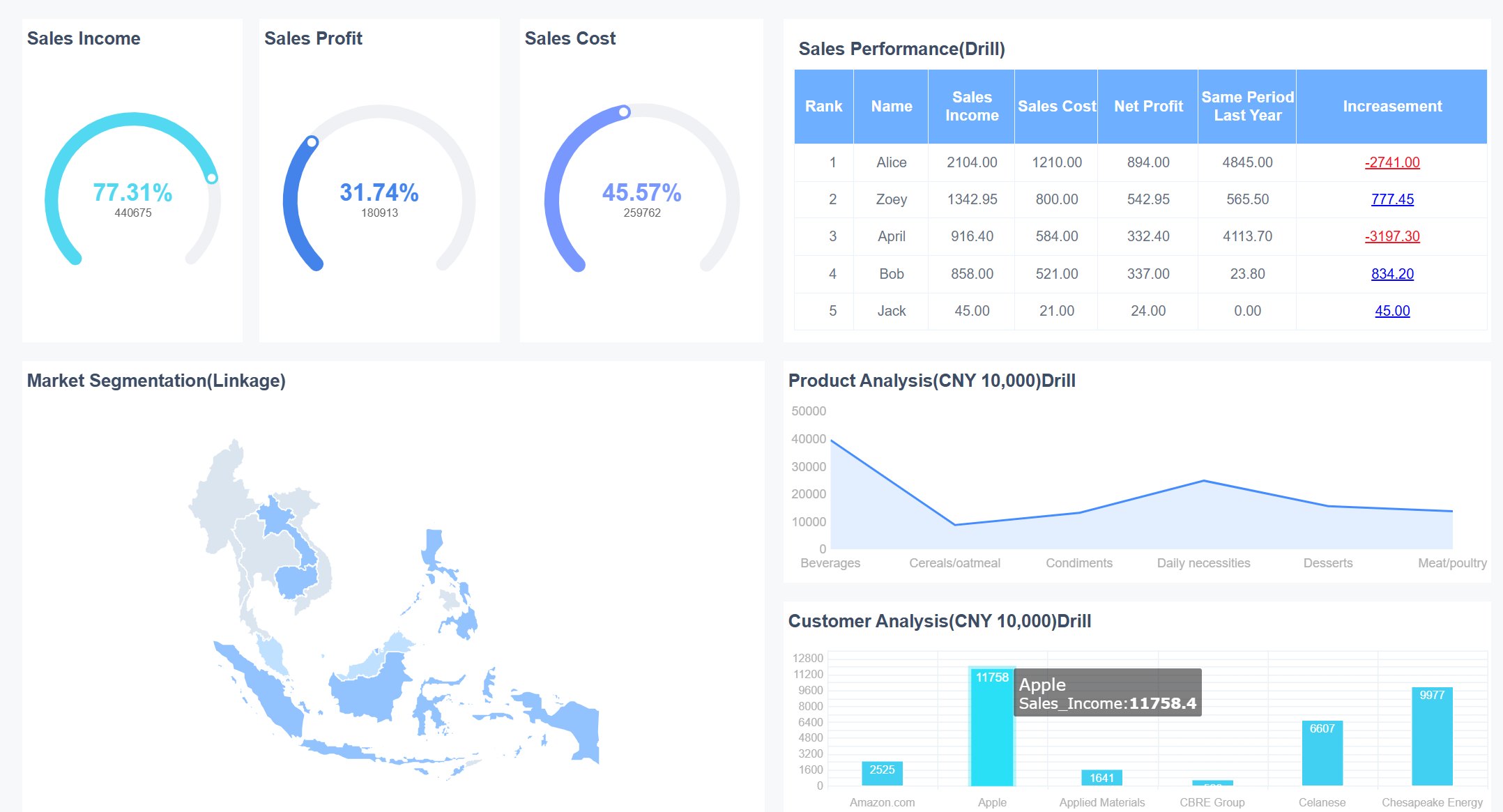
A sales dashboard is a visual tool that brings together your most important sales metrics, giving you a real-time snapshot of your team’s progress toward sales goals, pipeline health, and overall performance—all in one place, so you can make smarter decisions faster.
When you use a sales performance dashboard, you get more than just numbers on a screen. You see the story behind your sales analytics. These dashboards pull in data from different sources and show you what matters most. Here are the core features you’ll find in effective dashboards:
Core Feature
Description
Real-time tracking
Visualizes key sales metrics to enhance decision-making and productivity.
KPI consolidation
Integrates metrics like revenue, pipeline health, conversion rates, and quota attainment.
Customizable views
Tailors the dashboard for different users, such as sales reps and executives.
Essential KPIs
Focuses on 5–7 key metrics to ensure clarity and avoid information overload.
Visual storytelling
Provides tailored insights for various stakeholders, highlighting trends and risks.
You can track revenue, activities, conversions, customer health, and pipeline movement—all in one dashboard. FineReport makes this easy with drag-and-drop design and templates you can customize for your team.
Sales performance dashboards help you hit your sales goals by giving you instant visibility into what’s working and what’s not. You can spot top-performing products, see which reps are crushing their targets, and find out where deals get stuck. With real-time sales analytics, you can adjust your strategy on the fly.
Here’s how these dashboards drive revenue growth:
They show you up-to-the-minute sales performance.
You can identify high-performing products and track customer retention.
Dashboards help you align your team’s activities with your revenue goals.
They improve forecasting and keep everyone accountable.
FineReport takes this to the next level. You get real-time reporting, customizable templates, and an interface that anyone can use—no coding needed. This means you spend less time building reports and more time closing deals.
Picking the right sales dashboard can feel overwhelming, but you can simplify the process by focusing on a few key factors. Start by thinking about who will use the dashboard and what they need to see. Do you want a quick daily snapshot or a deep dive into trends? Here’s a handy table to help you compare:
Criteria
Description
Target Audience
Who will use the dashboard and what do they need?
Frequency of Viewing
How often will your team check the dashboard?
Volume of Data
Does the dashboard show just the essentials or lots of details?
Type of Charts
Are you using bar charts, line graphs, or something more advanced?
Purpose
What is the main goal—tracking, forecasting, or motivating your team?
FineReport stands out because you can customize dashboards for any team, connect to almost any data source, and design reports with a simple drag-and-drop interface. You don’t need to code, and you can even access dashboards on your phone. This flexibility means you get exactly what you need, when you need it.
Tip: Define your most important sales metrics and KPIs first. Then, check where your data lives and how often you’ll review it. This helps you avoid information overload and keeps your dashboard focused.
Aligning Dashboards with Roles
Not every team member needs the same dashboard. Sales reps, managers, and executives all look for different insights. Here’s how you can match dashboards to each role:
Type of Dashboard
Focus Area
Sales Representatives
Individual performance metrics and daily activities
Managers and Executives
Team performance, trends, and strategic insights
Sales reps want to track their own numbers and daily tasks.
Managers need to see how the whole team is doing and spot coaching opportunities.
Executives look for big-picture trends and forecasts.
When you use FineReport, you can easily create dashboards for each role. You can set up permissions so everyone sees only what matters to them. This keeps your team focused and helps everyone work toward the same goals.
12 Sales Dashboard Examples to Boost Revenue
A sales dashboard is a visual tool that brings together your most important sales data, helping you track progress, spot trends, and make smarter decisions—all in one place, so you can boost sales performance and drive growth.
1.Sales Rep Activity Dashboard
You want to know what your sales reps do every day. The sales rep activity dashboard tracks calls, emails, meetings, and demos. This dashboard helps you see which activities lead to results. You can spot high performers and find gaps in engagement. When you use this dashboard, you make sure your team stays consistent and focused on the right actions.
Metric
Description
Number of Calls Made
Tracks outreach efforts and call quality.
Emails Sent
Monitors email volume and response rates.
Meetings Scheduled
Measures meeting-to-deal conversion rates.
Demos/Proposals Submitted
Shows engagement with qualified leads.
FineReport lets you build this dashboard with drag-and-drop tools. You can access it on your phone, so you always know what’s happening. This approach boosts sales productivity and helps you coach your team for better results.
The sales pipeline dashboard gives you a clear view of every deal in progress. You see open opportunities, deal sizes, and where each prospect sits in the pipeline. This dashboard helps you find bottlenecks and focus on deals that matter most. Sales managers use it to spot which activities close deals, while reps can zero in on tasks that move opportunities forward.
With FineReport, you can visualize your pipeline in real time and drill down into each stage. This dashboard encourages healthy competition and keeps everyone focused on sales growth.
3.Sales Manager Performance Dashboard
If you lead a team, you need a dashboard that shows the big picture. The sales manager performance dashboard tracks total pipeline value, open opportunities, average deal size, sales cycle length, and win rate. You get live visibility into your team’s progress and can make quick decisions to keep deals moving.
Metric
Description
Total Pipeline Value
Reveals revenue potential.
Number of Open Opportunities
Shows sales activity and possible revenue.
Average Deal Size
Helps forecast revenue and measure efficiency.
Sales Cycle Length
Measures how fast deals close.
Win Rate
Shows how effective your sales process is.
Sales Manager Performance Dashboard (Click to Engage)
FineReport’s dashboards make it easy to coach your team. You can focus on the sales kpis that matter most and help your reps improve their performance.
4.Executive Sales Summary Dashboard
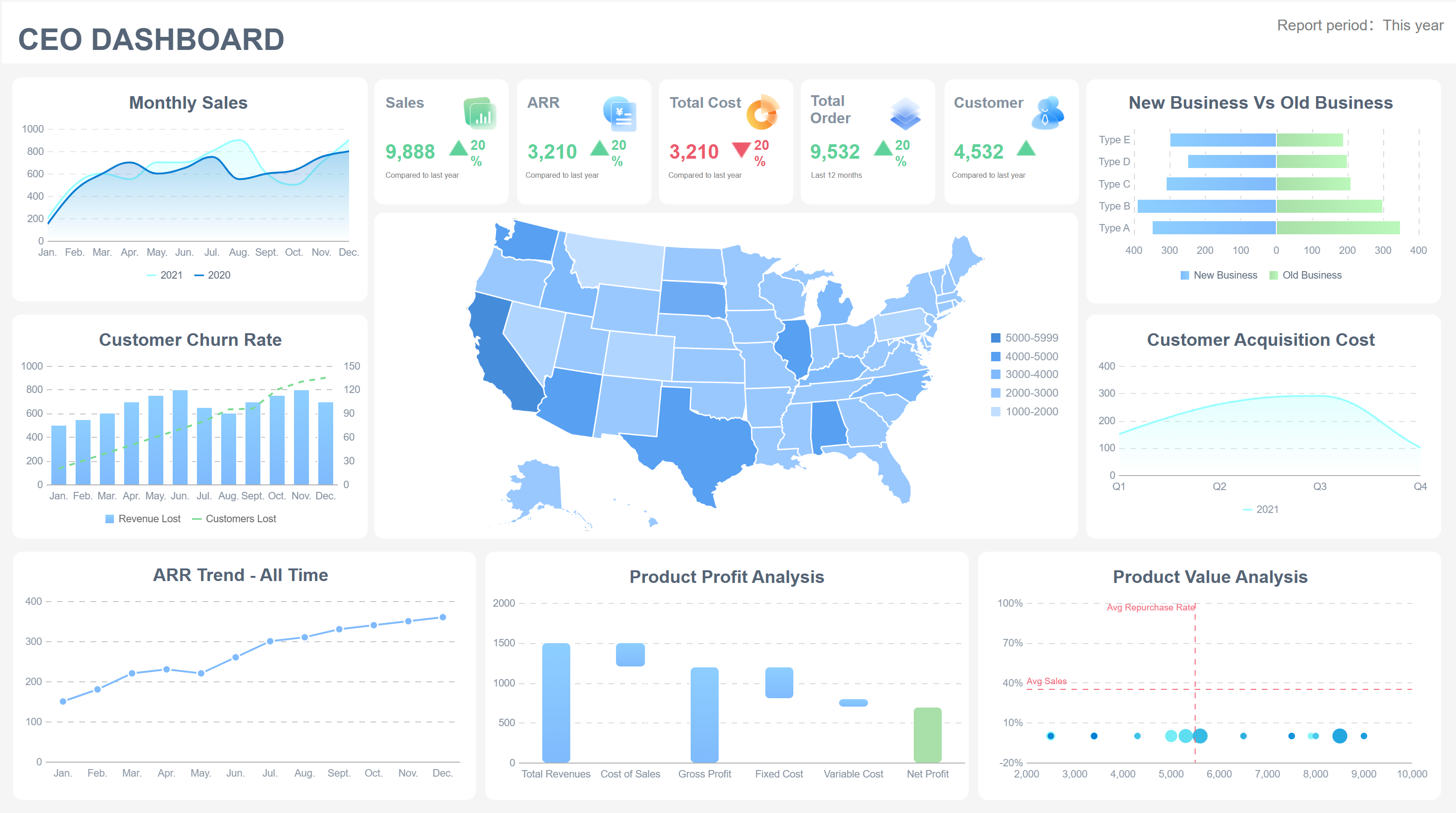
Executives want a high-level view. The executive sales summary dashboard brings together real-time revenue tracking, pipeline visualization, geographic heatmaps, and trend analysis. You can compare sales rep performance, spot trends, and plan ahead with predictive forecasting.
FineReport’s 3D dashboards and mobile access make it easy for executives to get insights anywhere. You can make strategic decisions that drive sales growth.
5.Lead Conversion Dashboard
You want to know how well your team turns leads into customers. The lead conversion dashboard tracks lead conversion rate, lead-to-sale rate, and lead-to-opportunity rate. You can see which sources bring the best leads and where you lose prospects.
Metric Name
Description
Calculation Example
Lead Conversion Rate
Measures how well you turn visitors into leads.
(Number of Leads / Total Visitors) * 100%
Lead-to-Sale Conversion Rate
Shows how many leads become customers.
(Number of Converted Leads / Total Leads) * 100%
Lead-to-Opportunity Conversion Rate
Tracks leads that become opportunities.
(Leads Converted to Opportunities / Total Leads) * 100%
FineReport’s sales conversion rate dashboard helps you spot trends and improve your sales kpis. You can adjust your strategy to boost sales performance and revenue.
6.Regional Sales Dashboard
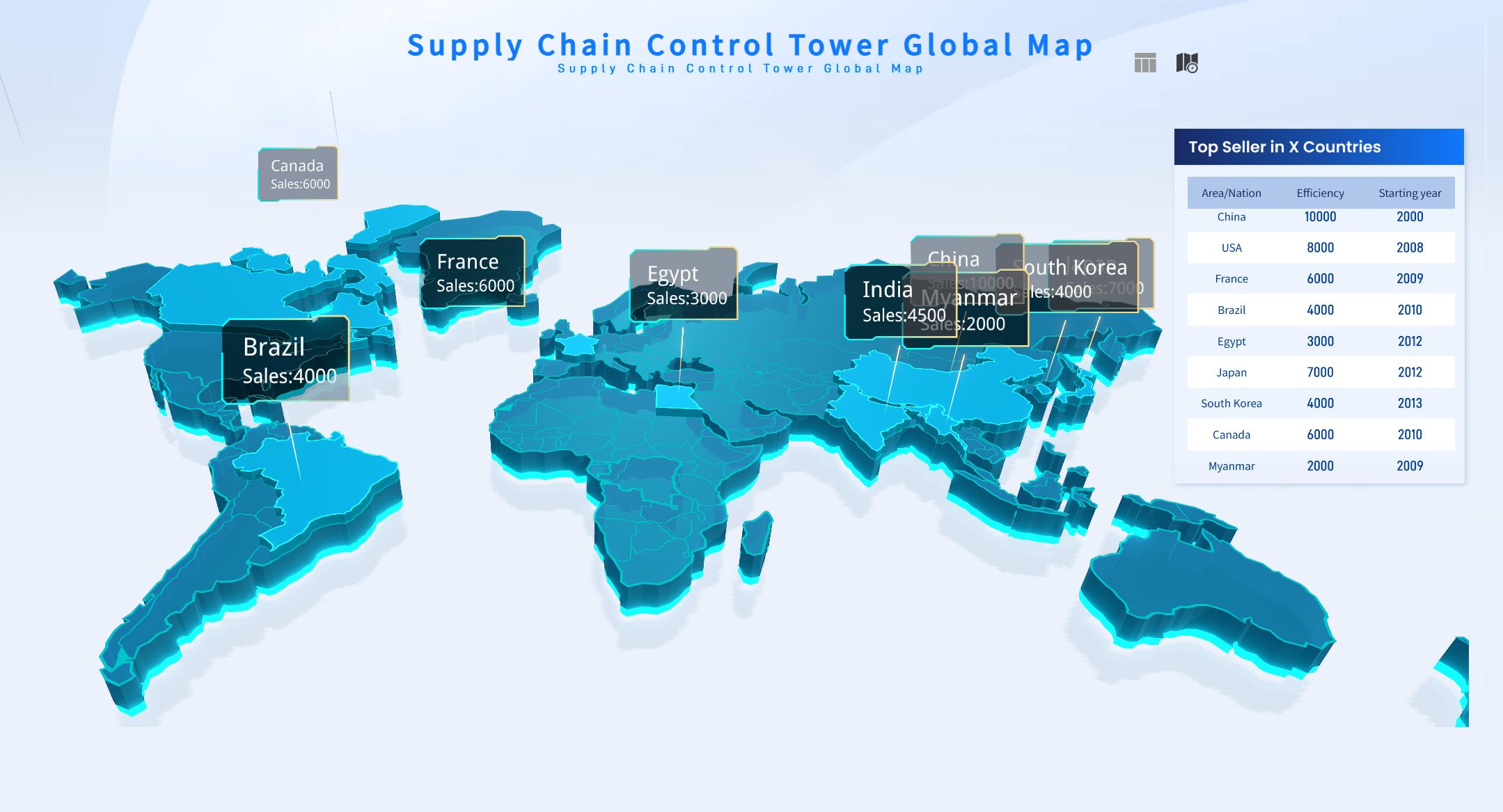
The regional sales dashboard helps you compare performance across territories. You can see which regions bring in the most sales, where opportunities are strongest, and where you need to invest more resources.
Evidence Type
Description
Identify high-performing regions
Monitor opportunities and leads by stage in each region.
Allocate resources effectively
Compare lead volume and quality across areas.
Spot trends early
Detect shifts in customer behavior or market conditions.
FineReport’s dashboards let you visualize this data with maps and charts. You can quickly spot trends and make decisions that drive sales growth in every region.
7.Product Performance Dashboard
You need to know which products drive revenue. The product performance dashboard tracks conversion rates, churn rates, customer lifetime value, and user engagement. You can see which products perform best and where to focus your efforts.
Metric
Importance
Real-time data
Understand customer preferences and market changes.
FineReport’s sales dashboard examples let you customize metrics and integrate data from multiple sources. You can optimize your product strategy and boost sales opportunities.
8.Customer Acquisition Dashboard
The customer acquisition dashboard tracks how you gain new customers. You can analyze acquisition by region, campaign ROI, and spend efficiency. This dashboard helps you spot growth opportunities and balance speed with efficiency.
Metric Type
Description
Geographic Acquisition Analysis
See which regions bring in the most new customers.
Campaign ROI and Spend Efficiency
Track marketing spend against results.
FineReport’s dashboards visualize this data, making it easy to spot trends and adjust your strategy for better sales growth.
9.Sales Forecast Dashboard
You want to predict future sales. The sales forecast dashboard uses methods like regression analysis, time series forecasting, and AI-powered models. You can see how likely you are to hit your targets and plan resources accordingly.
Forecasting Method
Description
Regression Analysis
Uses historical data to predict future sales.
Time Series Forecasting
Finds patterns and trends over time.
AI-Powered Forecasting
Uses machine learning for more accurate predictions.
Opportunity Stage Forecasting
Predicts deal closures based on pipeline stage.
Weighted Forecast Planning
Assigns probabilities to each stage for better forecasts.
Lead-Driven Forecasting
Focuses on lead quality and quantity.
FineReport’s sales kpi dashboard gives you real-time forecasts and helps you make data-driven decisions.
10.Quota Attainment Dashboard
The quota attainment dashboard tracks how close your team is to hitting targets. You can monitor individual and team performance, give feedback, and reward success. This dashboard creates transparency and motivates your team.
FineReport’s dashboards automate tracking and make it easy to share results with your team. You can boost sales productivity and keep everyone focused on sales growth.
11.Win/Loss Dashboard
You want to know why you win or lose deals. The win/loss dashboard gives you transparency and real-time insights. You can see patterns, act on feedback, and improve your sales process.
Benefit
Description
Transparency
Everyone sees the same data and works toward the same goals.
Focus on Improvement
Get immediate insights to fix problems.
Real-time Decision-making
Respond quickly to new challenges or competitors.
FineReport’s sales opportunity dashboard lets you analyze this data and make changes that improve your win rate.
12.Sales Cycle Dashboard
The sales cycle dashboard tracks how long it takes to close deals. You can see where delays happen and find ways to speed up the process. Shorter sales cycles mean faster revenue and more predictable results.
Visualizing the average sales cycle length helps you spot inefficiencies.
Monitoring this KPI lets you streamline your process.
Optimizing the sales cycle helps you close deals faster and allocate resources better.
FineReport’s sales dashboard examples let you track this data in real time. You can set goals, monitor progress, and drive sales performance.
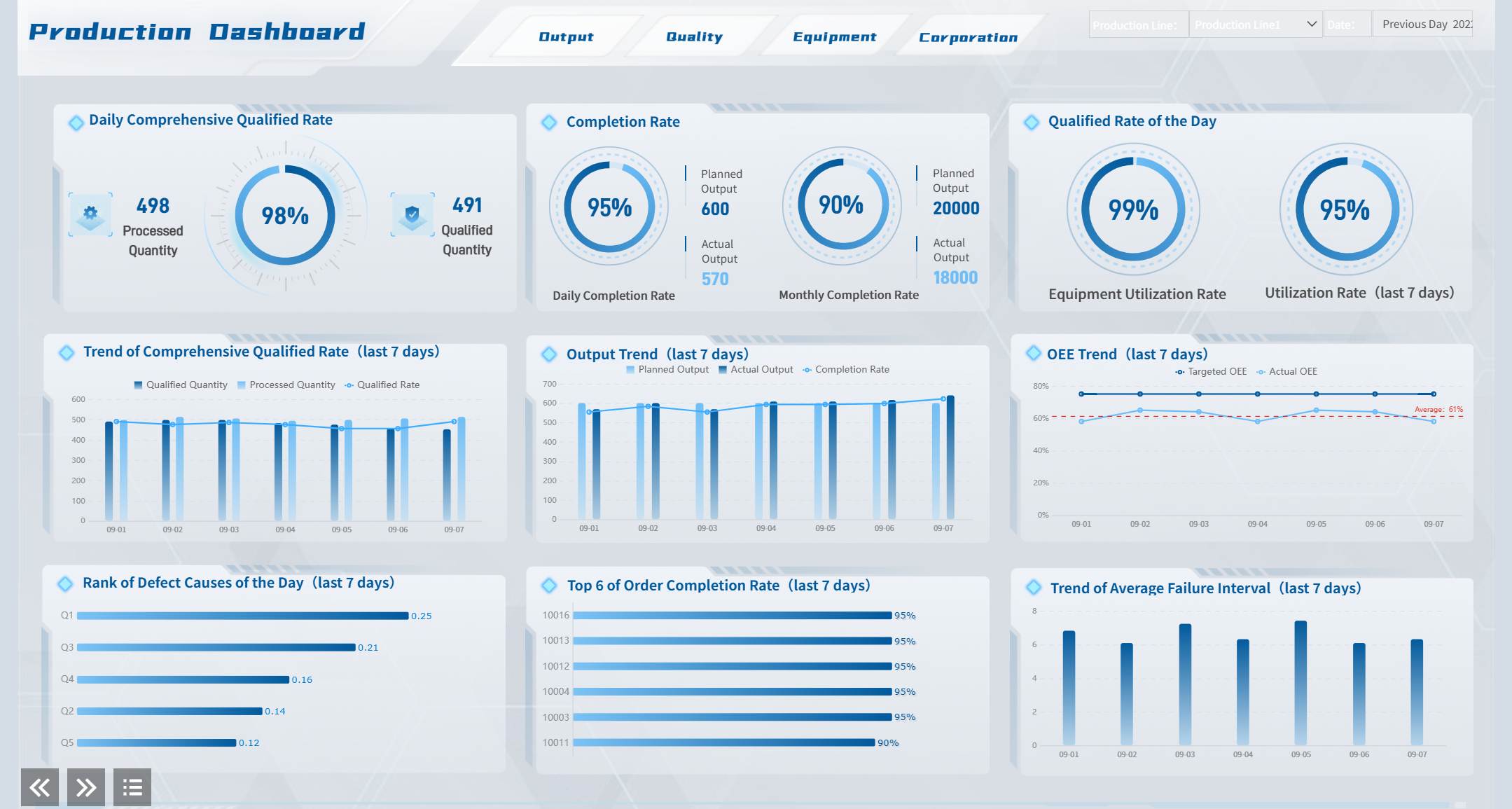
Real-World Impact: Companies like BOE use dashboards built with FineReport to unify data, standardize metrics, and boost operational efficiency. In manufacturing, sales opportunity dashboards help teams spot trends, compare performance across factories, and drive continuous improvement. With FineReport, you get mobile dashboards, 3D visualizations, and seamless data integration—everything you need to turn insights into action.
Implementing Sales Performance Dashboards with FineReport
Setup and Customization Best Practices
Getting started with FineReport is simple. You can connect your data sources, drag and drop charts, and build dashboards that fit your team’s needs. FineReport offers a variety of visualization techniques to help you tell your sales story. Here’s a quick look at some options:
Visualization Technique
Description
Best Use Case
Bullet Map
Shows rich data in a compact, linear format
Tracking KPIs and targets
Flowchart
Visualizes business processes for better understanding
Sales process optimization
Dynamic Water Balloon
Displays progress as a percentage
Quota attainment and goals
Scrolling Report Graph
Updates data dynamically for large screens
Real-time sales monitoring
Mini Figure
Offers a quick view of trends
Spotting sales spikes or dips
Combination Chart
Merges bar and pie charts for deeper insights
Comparing sales metrics
You can also customize dashboards for different roles and automate content delivery. FineReport’s mobile access lets you check dashboards on your phone or tablet, so you never miss an update.
Training and Adoption Tips
To help your team get the most from your dashboards, focus on hands-on learning and teamwork. Here are some effective training methods:
Training Method
How It Helps Your Team
Hands-on practice
Lets users solve real problems and build confidence
Collaboration and sharing
Encourages teamwork and knowledge sharing
Simplified content
Keeps training clear and avoids overwhelming new users
Interactive activities
Boosts engagement and helps users remember key features
Skip lengthy manuals
Uses visuals and real examples for faster learning
You can also integrate dashboards with your CRM to centralize data and reduce manual entry errors. Track adoption by setting KPIs and using dashboards to monitor usage patterns.
Measuring Dashboard Success
You want to know if your dashboards are making a difference. FineReport makes it easy to track success with clear KPIs and automated updates. Here’s how you can measure impact:
KPI Type
What It Shows
High-level Status
Gives executives a quick overview
Deal-based Dashboards
Lets reps track their own deals and progress
Automation pulls data directly into your dashboards, so you always see the latest numbers. When you monitor sales performance, you turn data into action and keep your team aligned with revenue goals.
Sales Activities Dashboard for Continuous Improvement
A sales dashboard is a visual tool that shows your team’s key sales metrics in real time, helping you track progress and make quick decisions.
Sales Activities Dashboard for Continuous Improvement
Tracking Daily Sales Activities
You want to know what drives results for your sales team. Tracking daily actions helps you spot patterns and improve performance. When you use a sales activities dashboard, you see exactly how your reps spend their time. You can check which activities lead to more deals and which ones need attention.
Here are some important metrics to track every day:
Metric
Description
Number of calls made
The total number of outbound calls made by sales reps in a given period.
Email open rates
Measures the percentage of sent emails that are opened by prospects.
Email response rate
The percentage of sent emails that receive a response from prospects.
Meetings booked
The total number of meetings scheduled with prospects.
FineReport makes it easy to monitor these metrics. You can set up dashboards that update in real time. This helps you coach your team and keep everyone focused on the right actions.
You want your team to keep improving. The sales activities dashboard gives you a clear view of what works and what doesn’t. When you see all your data in one place, you make better decisions and help your team grow.
Check out how using data from your dashboard helps you:
Provides a comprehensive overview of sales processes, helping identify what works and what doesn’t.
Free up time to focus on selling
Reduces manual processes, allowing sales reps to concentrate on selling activities.
Centralized data for informed decisions
Ensures reliable data is accessible in one place, facilitating better decision-making.
Common KPIs and goals
Promotes transparency in performance metrics, aligning team efforts towards shared objectives.
FineReport supports continuous improvement by letting you review and adjust your sales process. In manufacturing, teams use the PDCA cycle—Plan, Do, Check, Act—to optimize sales management. You can apply this method with your dashboard, making small changes and tracking results. Over time, you build a stronger, more efficient sales team.
A sales dashboard gives you a real-time view of your team’s key sales metrics in one place. When you use dashboards, you make smarter decisions and drive revenue growth.
Teams that simplify metrics see decision-making speed up by 30%.
Dashboards turn raw data into insights, helping you spot trends and improve sales.
Think of it like a pilot’s cockpit—quick, clear, and always in control.
Try FineReport to build your own dashboard and unlock the power of data-driven sales.
Continue Reading About Sales Performance Dashboard
Access a wealth of case studies, industry insights, and solution guides to accelerate digital transformation.
FAQ
What is a sales dashboard?
A sales dashboard is a visual tool that shows your key sales metrics in one place. You can track goals, spot trends, and see your team’s progress at a glance. It helps you make quick, smart decisions every day.
Can I customize dashboards for different roles?
Yes! You can create dashboards for sales reps, managers, or executives. FineReport lets you set permissions so each person sees only what matters to them. This keeps everyone focused and working toward their goals.
Does FineReport work with my existing data sources?
Absolutely. FineReport connects to most databases, spreadsheets, and cloud services. You can pull in data from multiple places and see everything together in your dashboard.
Can I view dashboards on my phone?
You sure can. FineReport dashboards work on smartphones and tablets. You can check your sales numbers anytime, anywhere—even when you’re on the go.
How do I know if my dashboard is helping my team?
Watch for faster decisions, better sales results, and more team engagement. FineReport lets you track usage and see which metrics drive the most action. If your team hits goals faster, your dashboard is working.