A best dashboard software is a tool that transforms complex data into intuitive, interactive visualizations that enable users to monitor key metrics, make informed decisions, and share insights across their organization in real-time.Looking for the best dashboard software for 2026? You’ll want to check out these top 10 picks:
These dashboard tools stand out with powerful data visualization, interactive dashboards, and advanced analytics. You can connect your data, uncover fresh insights, and streamline reporting. When you choose dashboard software, think about performance, customer support, user reviews, and cost. Use the table below for a quick comparison before you dive into the details.
Criteria
Description
Performance
Speed of data processing, responsiveness under heavy loads, and reliability over time.
Customer Support
Responsiveness, knowledge, and availability of support through various channels.
User Reviews
Insights into real-world performance, common issues, and customer satisfaction.
Cost
Consideration of upfront costs and long-term value of the investment.
Top 10 Best Dashboard Software for 2026
Dashboard Software Quick Summary
Let’s break down what makes each of these dashboard software solutions a top pick for 2026:
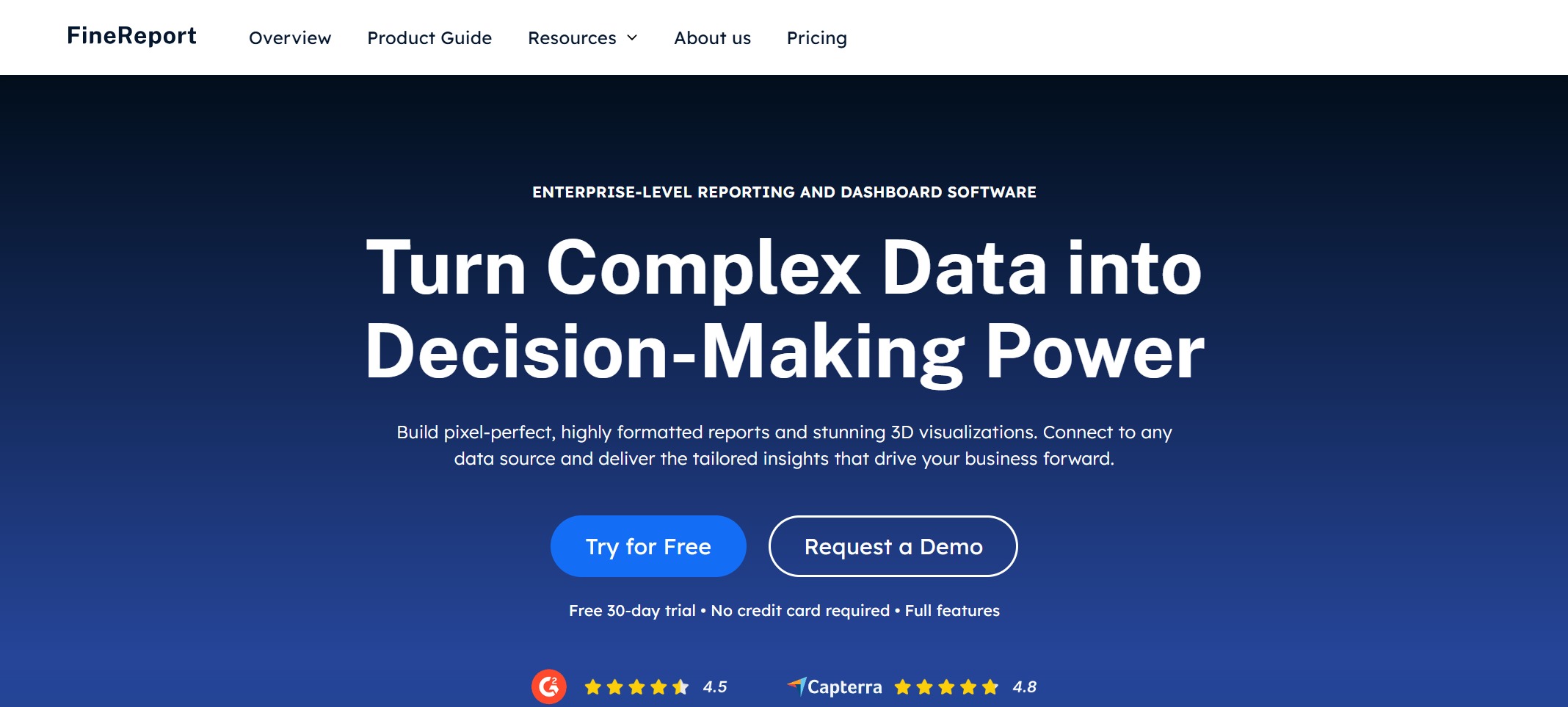
FineReport by FanRuan: You get a flexible dashboard platform with pixel-perfect reporting, interactive data visualization, and seamless integration with multiple data sources. FineReport stands out for its 3D dashboards, mobile access, and robust analytics.
Tableau: You’ll love Tableau’s drag-and-drop interface and powerful analytics. It’s great for deep data exploration and custom visualization.
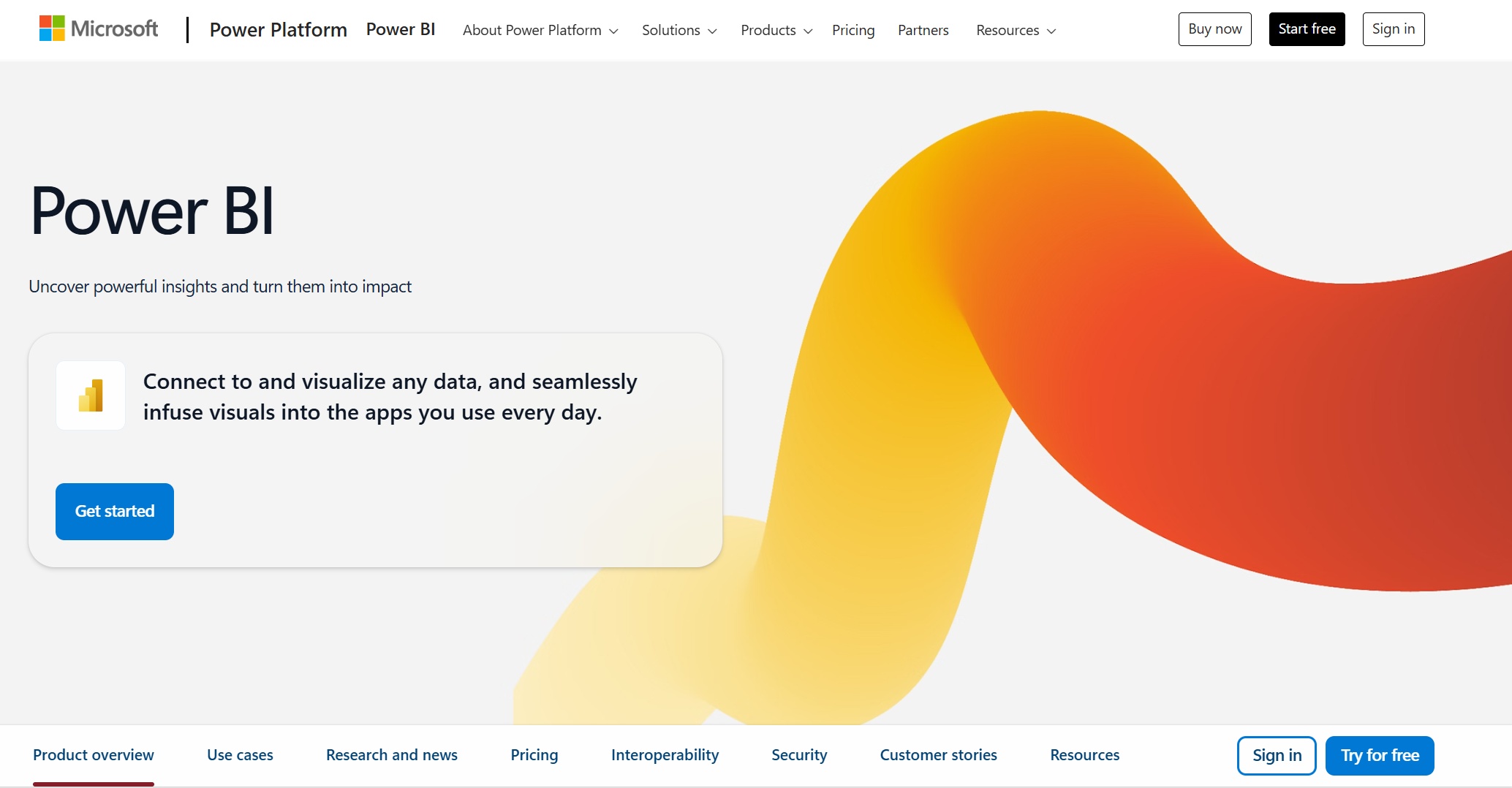
Microsoft Power BI: If you use Microsoft products, Power BI connects easily and offers cost-effective dashboard software with real-time analytics and strong reporting.
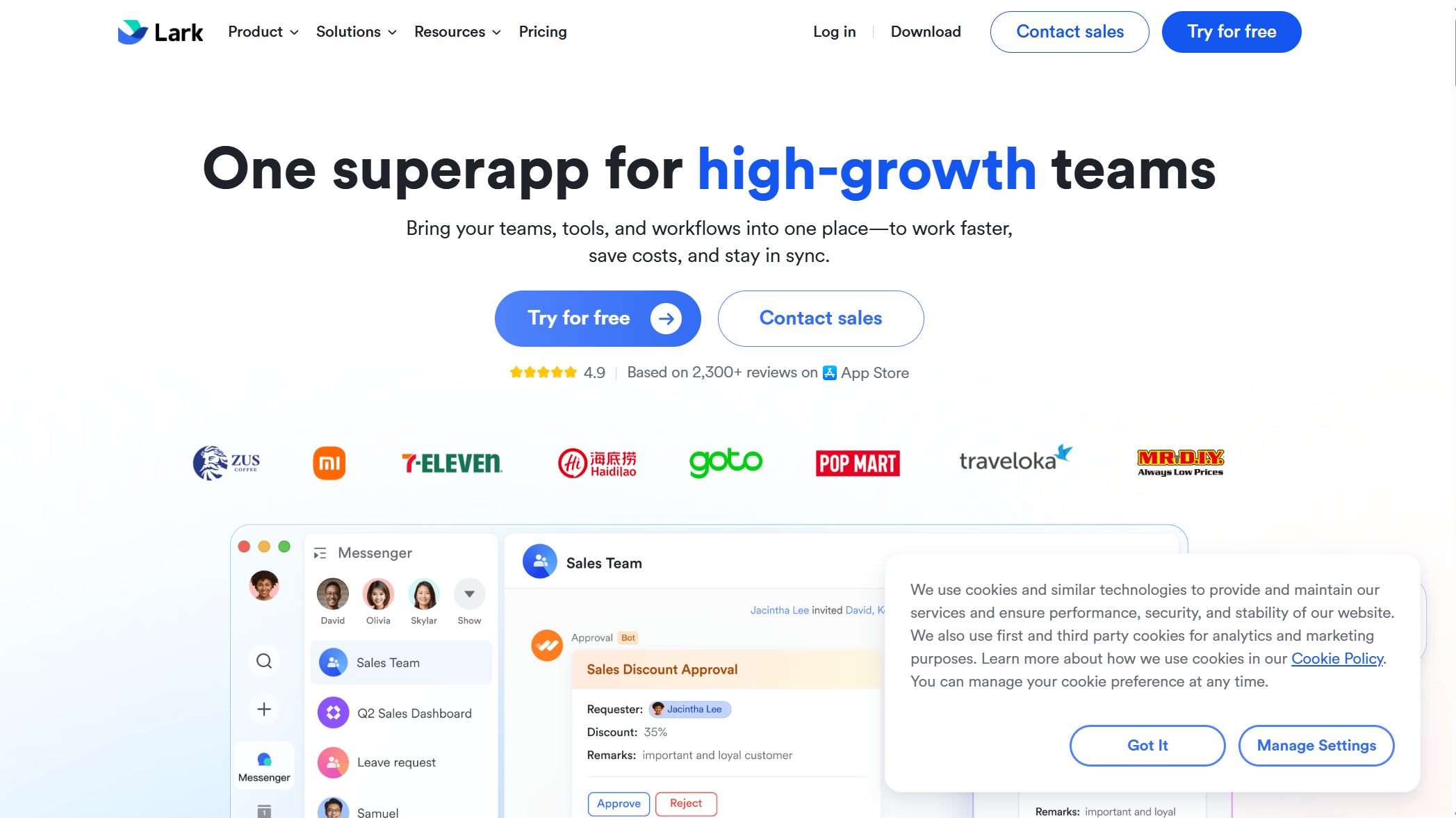
Lark: Lark combines collaboration with dashboard features, making it easy to share insights and manage data-driven projects.
Klipfolio: Klipfolio shines with its pre-built dashboard templates and automation. You can quickly visualize data from many sources.
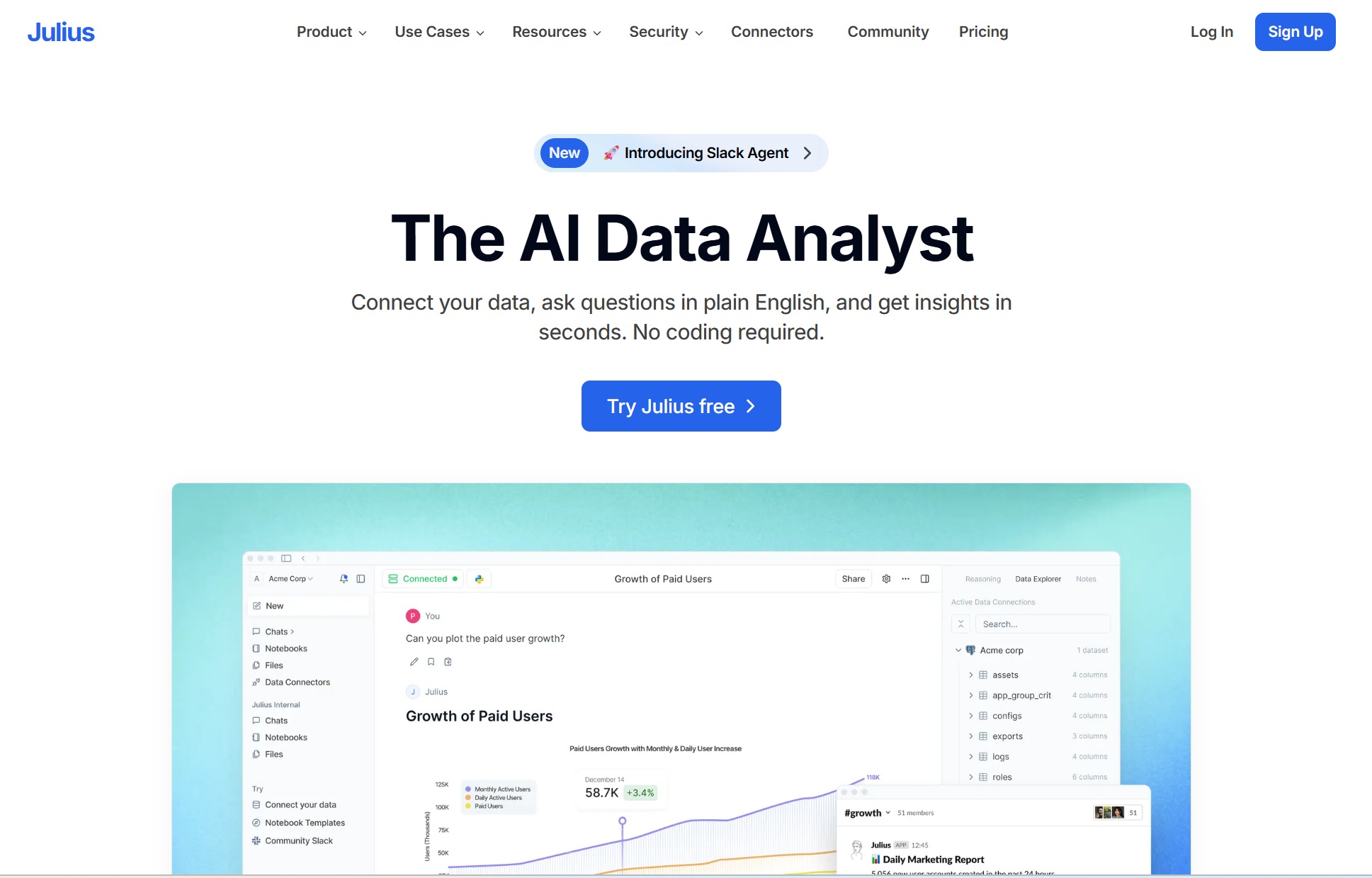
Julius: Julius focuses on marketing analytics, helping you track campaigns and visualize performance metrics.
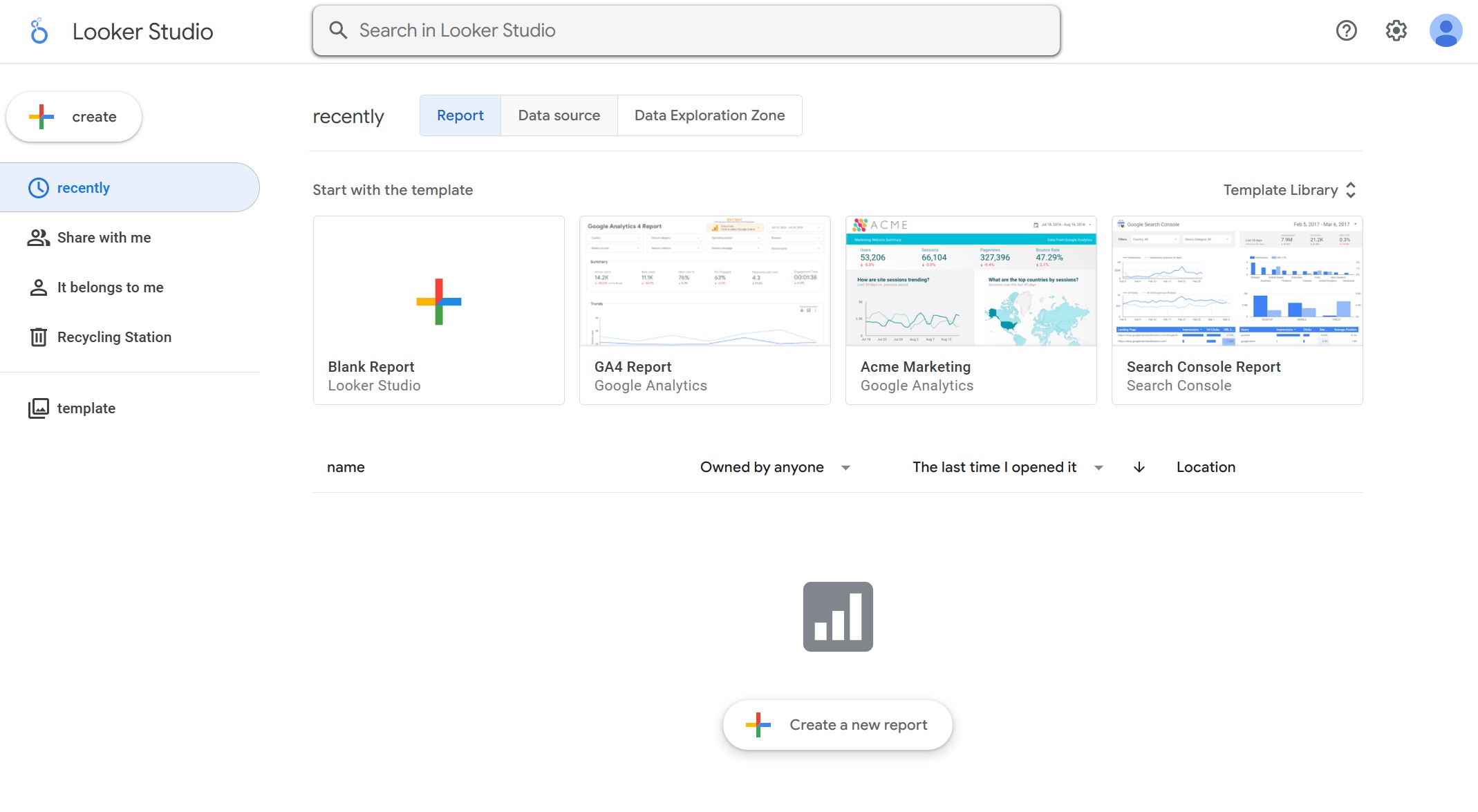
Google Looker: Looker gives you advanced analytics and flexible dashboards, perfect for teams that need custom data modeling.
Qlik Sense: Qlik Sense offers strong ETL capabilities and interactive dashboards. You can create custom reports and automate workflows.
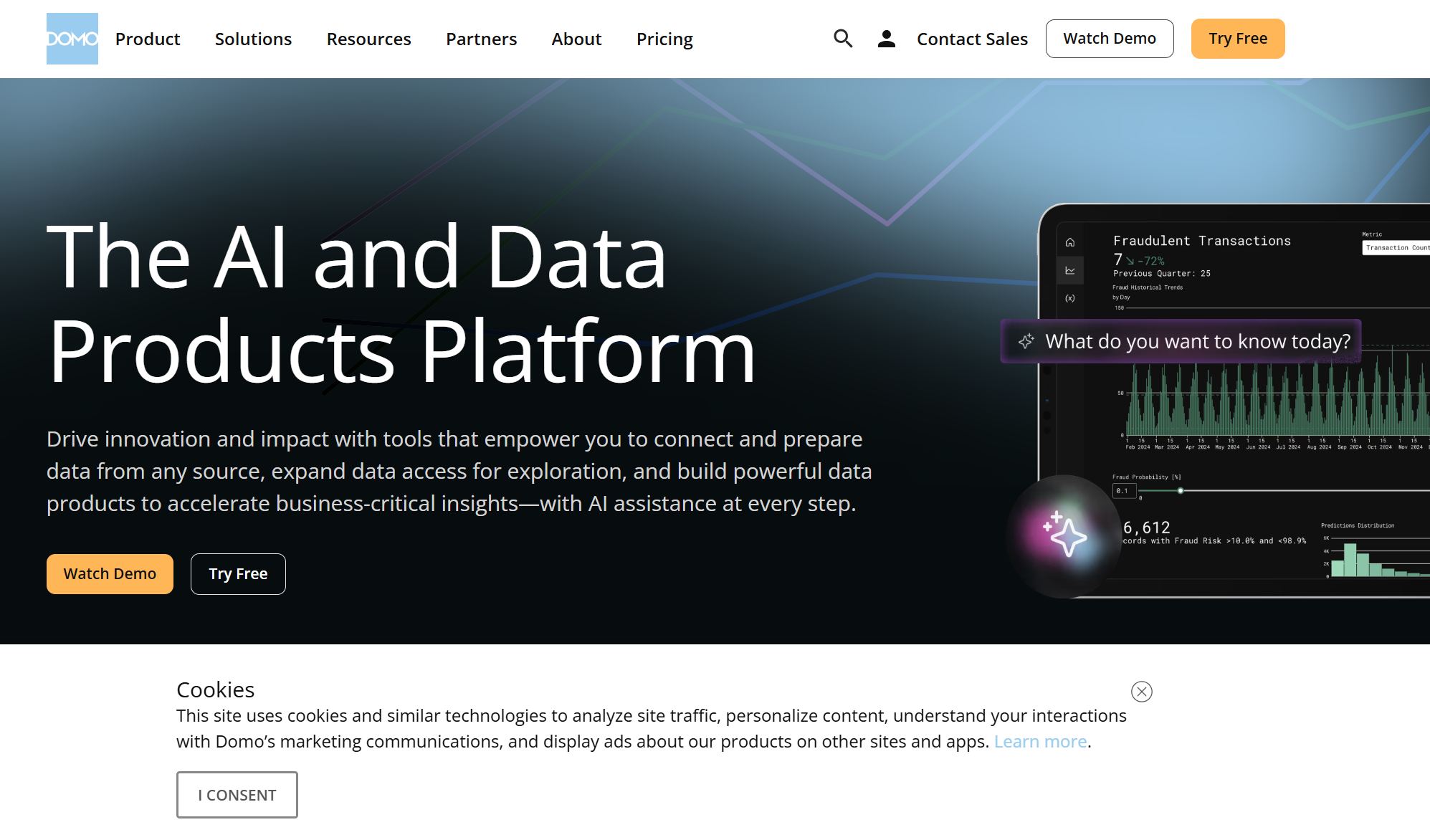
Domo: Domo brings all your data together in one place. It’s known for real-time dashboards and easy sharing across your organization.
Sisense: Sisense lets you embed analytics into your apps and dashboards. It’s a solid choice for businesses that want to customize their data experience.
You can see that each dashboard software brings something unique to the table. Whether you want advanced analytics, easy reporting, or beautiful data visualization, you’ll find a solution that matches your needs.
Dashboard Software Reviews
1.FineReport by FanRuan
If you want a dashboard software that makes business reporting easy, FineReport by FanRuan is a top choice. You can create interactive dashboards and kpi dashboards with pixel-perfect reporting and advanced data visualization. FineReport connects to many data sources, so you can pull in data from databases, files, and cloud services. You get a drag-and-drop designer that feels like Excel, which helps you build dashboards and reports quickly.
FineReport stands out for its 3D dashboards and mobile access. You can view dashboards on your phone, tablet, or desktop. The platform supports embedded analytics, so you can add dashboards and reports to your own apps or portals. You also get self-service analytics, which means you can explore data and create visualizations without needing IT help.
FineReport works well for many industries and use cases. Here’s a quick look:
Use Case/Industry
Description
Large Enterprises
Focus on communication and sales document management.
Government Sectors
Utilized for various reporting and management tasks.
Financial Analysis
Supports financial reporting and analysis.
Sales Operations
Aids in sales tracking and operational monitoring.
Business Management
Facilitates overall business management processes.
Production Management
Helps in managing production-related data.
IT Departments
Used for self-service analytics and system integration.
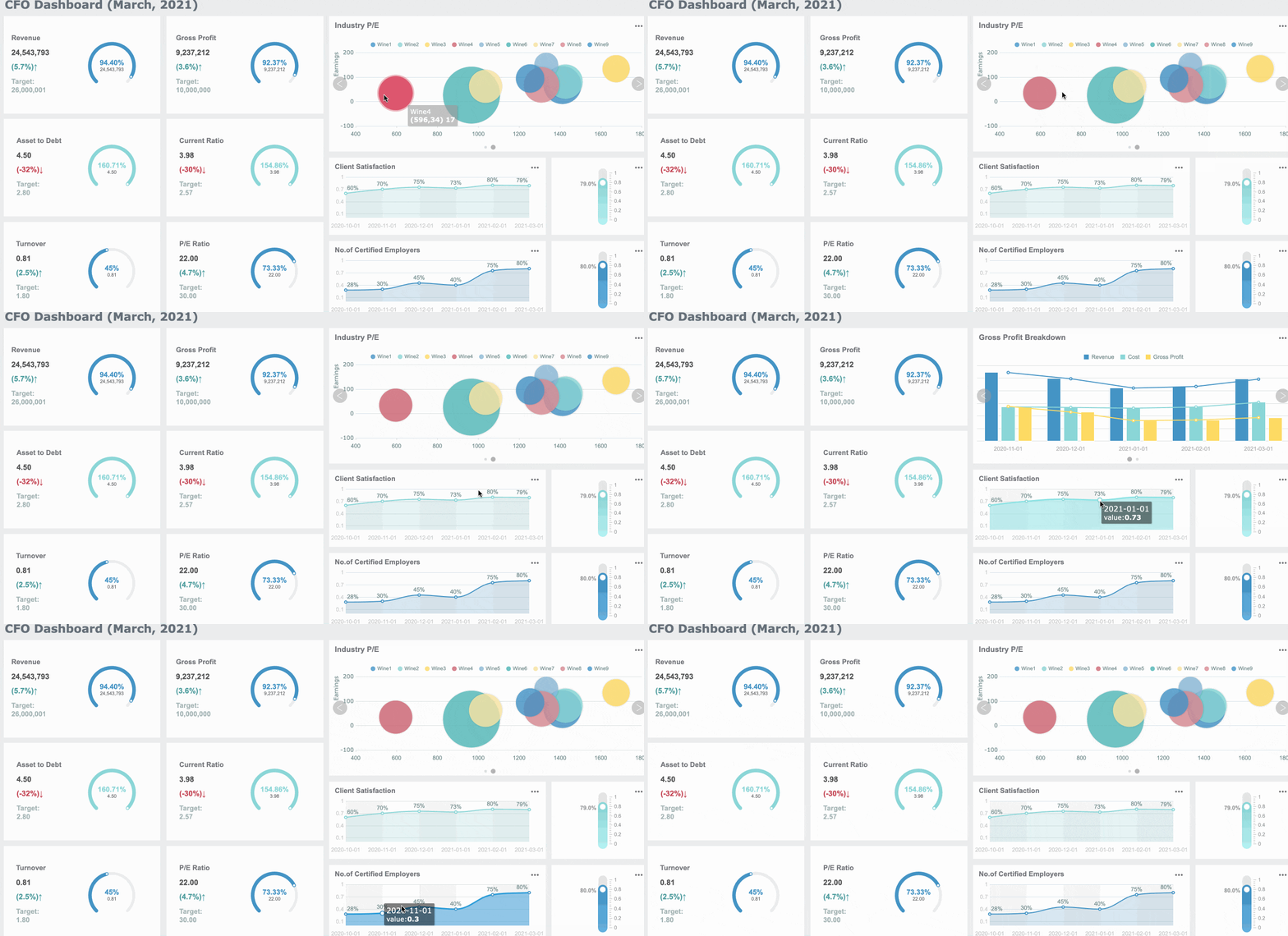
You can automate reporting, schedule tasks, and manage permissions for secure data access. FineReport supports kpi dashboards for tracking sales, finance, and production metrics. You get interactive reporting and embedded analytics for deeper data insights. If you want the best dashboard software for business intelligence, FineReport gives you flexibility, scalability, and strong integration options.
Tip: FineReport’s dashboards help you turn raw data into actionable insights for smarter decisions.
2.Tableau
Tableau is a popular dashboard software for data visualization and analytics. You can build interactive dashboards with drag-and-drop tools. Tableau lets you connect to many data sources and create custom visualizations. You get kpi dashboards for tracking business performance and reporting.
Tableau is known for its strong visualization features, but you might notice a steeper learning curve if you’re new to dashboard software. Here’s how Tableau compares to other tools:
Aspect
Tableau
Competitors (e.g., Power BI, ThoughtSpot)
Data Processing Times
Slow
Faster
Data Preparation Capabilities
Limiting
More robust
Learning Curve
Steeper for non-technical users
More user-friendly
Licensing Costs
High
More competitive pricing
Customer Support
Limited
More responsive
You may face some challenges when you start using Tableau. Here are common issues and solutions:
Challenge
Solution
Steep Learning Curve
Use tutorials, webinars, and community forums; join training programs.
Performance Issues
Optimize data sources, use extracts, and limit dashboard visuals.
Data Integration Difficulties
Use Tableau Prep and data warehouses for easier integration.
Limited Advanced Analytics
Connect Tableau with R or Python for advanced analytics.
Licensing and Cost
Review licensing options and try free versions for small projects.
User Collaboration and Sharing
Use Tableau Server or Online for better sharing.
Data Security and Governance
Set up governance policies and use Tableau’s security features.
You get embedded analytics and interactive dashboards, but you may need extra training to unlock all features. Tableau is a strong choice for business intelligence and kpi dashboards if you want deep data insights and custom visualizations.
3.Microsoft Power BI
Microsoft Power BI is a dashboard software that works well with other Microsoft products. You can create dashboards, kpi dashboards, and business reporting with real-time data updates. Power BI makes it easy to connect to Excel, SQL Server, and cloud services.
You get embedded analytics and interactive dashboards for business intelligence. Power BI integrates with Microsoft services, so you can explore data and build reports without switching platforms. Here are some integration and scalability features:
Power BI integrates with other Microsoft services for seamless data exploration and reporting.
It uses DirectQuery to create reports over large datasets without caching.
Power BI supports large model sizes, up to 400 GB with compression.
Hybrid Tables and Automatic Aggregations optimize dashboard performance.
Service Principal Profiles help you manage organizational content and capacities.
Power BI is also known for its competitive pricing. Here’s a quick comparison:
Tool
Entry Point
10 Users
100 Users
Enterprise
Power BI Pro
$10/mo
$1,200/yr
$12,000/yr
Premium required
Tableau
$75/mo
$9,000/yr
$90,000/yr
$145,000/yr
Looker
Custom
$36,000+/yr
$180,000+/yr
$500,000+/yr
Qlik Sense
Custom
$30,000+/yr
$150,000+/yr
Custom
You get embedded analytics, kpi dashboards, and business reporting at a lower cost. Power BI is a great choice if you want scalable dashboards and strong integration with Microsoft tools.
4.Lark
Lark is a dashboard software that combines collaboration and analytics. You can create dashboards and share data insights with your team. Lark’s dashboard tools are easy to use, and you get a user-friendly interface for building kpi dashboards and business reporting.
Users rate Lark highly for ease of use and customization. You can set up dashboards quickly and adjust visualizations to fit your needs.
Lark’s dashboard software is user-friendly and easy to customize.
You get robust functionality for building dashboards and sharing insights.
Some users mention a learning curve and limited customization options.
Lark is a good pick if you want simple dashboards and embedded analytics for team projects. You can track kpi metrics and share interactive dashboards for better collaboration.
5.Klipfolio
Klipfolio is a dashboard software designed for small and medium-sized businesses. You get cost-effective dashboards, kpi dashboards, and business reporting with easy setup. Klipfolio’s interface is simple, so you can build dashboards and visualizations without coding.
Cost-effectiveness: Flexible pricing plans help you stay within budget.
User-friendliness: You get an easy-to-navigate dashboard builder.
Quality onboarding: Rich training resources and strong customer support.
Customizability: You can white-label dashboards and adjust visuals for your brand.
Klipfolio connects to almost any data source. You get real-time dashboards, beautiful visuals, and helpful support. Leaders can check dashboards on TV, desktop, or mobile. Klipfolio offers strong value for money and embedded analytics for small teams.
Klipfolio also takes data security seriously:
Obligation Type
Description
Customer's Obligation
Ensure lawful instructions and disclosures of Customer Personal Information.
Klipfolio's Obligation
Process Customer Personal Information only as instructed by the Customer.
Security Measures
Use technical and organizational safeguards for data protection.
Data Breach Notification
Notify customers within 72 hours of any security breach.
You get SSL/TLS for secure connections, password controls, and regular security assessments. Klipfolio is a solid choice for small businesses that want reliable dashboards and embedded analytics.
6.Julius
Julius is a dashboard software that focuses on advanced analytics and real-time data processing. You can build customizable dashboards for different industries, including finance, retail, and healthcare. Julius helps you create kpi dashboards and business reporting with predictive modeling and compliance features.
Provides insights to optimize operations and improve strategies.
Real-Time Data Processing
Enables instant data analysis for timely decision-making.
Customizable Dashboards
Tailored insights based on specific industry needs.
Predictive Modeling
Forecasts future trends using historical data.
Compliance and Reporting
Strong focus on meeting regulatory requirements.
Industry Versatility
Integrates seamlessly into finance, retail, and healthcare.
Enterprise users like Julius for its strong performance and usability. You get efficient data analysis, plug-and-play dashboards, and easy visualization. Julius bridges the gap between data analysis and storytelling, making it easier to share insights.
Julius handles large datasets and generates insights quickly.
The platform is user-friendly, even for non-technical users.
Visualization features help you interpret data and share findings.
Julius is a good fit if you want embedded analytics, interactive dashboards, and advanced business intelligence.
7.Google Looker
Google Looker is a dashboard software that integrates with Google Cloud for enhanced analytics. You can build dashboards, kpi dashboards, and business reporting with secure data access and semantic modeling. Looker helps you maintain data consistency and accuracy, creating a single source of truth for your organization.
Powerful analytics for data exploration and sharing.
Secure Environment
Governed and secure data access.
Semantic Modeling Layer
Maintains data consistency and accuracy.
Data-Driven Decision Making
Informed decisions based on reliable data insights.
Operational Efficiency
Optimizes data usage and insights across sectors.
You get Looker Blocks for pre-built analytics, custom visualizations, and seamless integration with other services. Looker is great for embedded analytics and interactive dashboards.
Some limitations include:
Limitation
Description
Data Blending is Tough
Looker Studio lacks native support for blending data from different sources.
UI/UX Hiccups
The interface can be slow with large datasets.
Customer Support Challenges
Less responsive support and limited learning resources.
Visualization is the Only Core Focus
Focuses on data visualization, but lacks depth in analytics.
Real-Time Data Constraints
No support for real-time data integration.
GA4 API Quota Limit
Restrictions on data requests when using Google Analytics 4.
You may notice slow performance with large datasets and limited support. Looker is best for organizations that want embedded analytics and secure dashboards for business intelligence.
8.Qlik Sense
Qlik Sense is a dashboard software that offers advanced analytics and interactive dashboards. You can explore data with an associative data model, which helps you find hidden relationships and insights. Qlik Sense supports self-service analytics, so you can build dashboards and reports without IT help.
Flexible, non-linear data exploration for deeper insights.
Self-Service Analytics
Create and modify dashboards independently.
Data Visualization
Many visualization options for clear data insights.
Smart Search
Natural language queries for easy data exploration.
Responsive Design
Dashboards optimized for any device.
Data Integration
Connects to multiple data sources for unified analysis.
Collaboration and Sharing
Share insights and discuss data within the app.
Qlik Sense uses in-memory data processing for real-time analytics. You can manipulate large datasets instantly and refine your dashboards as you go.
Qlik’s architecture loads entire datasets into memory for fast queries.
You can filter, aggregate, and analyze data in real time.
This helps you generate insights quickly and respond to market changes.
Qlik Sense is a strong choice for embedded analytics, business intelligence, and kpi dashboards.
9.Domo
Domo is a dashboard software built for large organizations. You get dashboards, kpi dashboards, and business reporting with real-time and historical data. Domo helps you improve client experience, streamline business processes, and gain a competitive edge.
Domo’s mobile dashboard experience is user-friendly and effective for business teams. You can access dashboards on the go, making it easy to check kpi metrics and business reporting. Domo focuses on embedded analytics and integration with SaaS apps, which is great for marketing and operations teams.
Domo is a top pick if you want the best dashboard software for large-scale embedded analytics and business intelligence.
10.Sisense
Sisense is a dashboard software that specializes in embedded analytics. You can integrate dashboards and analytics into your own apps, keeping your brand consistent. Sisense supports connections to many data sources, including traditional warehouses, NoSQL stores, and Hadoop data lakes.
Add analytics to apps while keeping your brand identity.
Diverse Data Connections
Connect to warehouses, NoSQL, and Hadoop data lakes.
Enhanced User Experiences
Extend analytics to Office 365, Teams, Google Workspace, and Slack.
Sisense helps you create interactive dashboards and kpi dashboards for business reporting. You get embedded analytics for business intelligence and data-driven decision-making. Sisense is a great choice if you want flexible dashboards and advanced analytics in your own applications.
Note: Sisense’s embedded analytics features make it easy to deliver insights to users wherever they work.
How to Choose the Best Dashboard Software
Key Selection Criteria
When you start looking for the best dashboard software, you want to focus on what matters most for your business. Here’s a simple table to help you compare the top factors:
Factor
Description
Identify Your Primary Use Case
Decide if you need dashboards for internal monitoring, embedded analytics, or financial reporting.
Assess Your Team's Technical Skills
Make sure your team can use the dashboard software easily.
Consider Your Data Stack and Scalability
Check if the dashboard software works with your current systems and can grow with your data needs.
You should also think about how easy it is to use the dashboard, how well it handles data visualization, and if it supports customizable dashboards for your team.
Matching Features to Business Needs
Every business has unique needs. You want dashboard software that matches your goals. Here’s how features align with business needs:
Feature
Benefit
Business Need Alignment
Real-time decision making
Enables immediate reaction to trends
Essential for agile business operations
Unified view of KPIs
Ensures all team members work from the same data
Improves accountability and collaboration
Automation
Reduces time spent on data management
Enhances efficiency in reporting processes
Real-time dashboards help you manage cash flow and track profitability.
Automation in reporting drives growth and saves time.
Unified dashboards improve collaboration and accountability.
Dashboards give you quick access to key data. You can make decisions faster and stay agile in a changing market.
Pricing and Budget
You want dashboard software that fits your budget. Some dashboard tools offer flexible pricing for small teams, while others provide enterprise analytics for large organizations. Look for transparent pricing and consider long-term value. Free trials and demos can help you test features before you commit.
Integration and Compatibility
Check if the dashboard software connects with your existing data sources. You need smooth integration with databases, cloud services, and business intelligence tools. Compatibility with your current tech stack ensures you get accurate insights and seamless reporting. Good integration means you can use analytics and visualization without extra effort.
Tip: Choose dashboard software that grows with your business and supports your data-driven decision making.
Must-Have Dashboard Features for 2026
Interactive Data Visualization
You want dashboard software that brings your data to life. Interactive dashboards let you click, filter, and drill down into details. With the best dashboard software, you can use data visualization tools to create charts, graphs, and maps that respond to your actions. These dashboards help you spot trends and patterns fast. Real-time data visualization means you see updates as they happen, so you never miss important changes. When you use customizable dashboards, you can adjust layouts and colors to match your brand or workflow. Dashboard templates make it easy to get started, saving you time on reporting and analytics.
Real-Time Analytics
Real-time dashboards give you instant access to data. You can track sales, monitor operations, and respond to changes right away. Dashboard software with real-time analytics lets you make decisions based on the latest information. You get alerts when something important happens, so you can act quickly. Data visualization tools show you what’s happening now, not just what happened last week. This helps you stay ahead and find new insights. You can use dashboard templates to set up reporting for different teams, making sure everyone gets the data they need.
Customization and User Experience
Customizable dashboards let you build the perfect workspace. You can choose dashboard templates, add widgets, and move things around. The best dashboard software makes it easy for you to create dashboards that fit your needs. You don’t need to be a tech expert. Drag-and-drop features and simple menus help you design dashboards fast. A good dashboard software gives you a smooth experience, whether you’re on your computer or mobile device. You can personalize your dashboards to show the data and analytics that matter most to you.
Security and Compliance
Security matters more than ever. Dashboard software in 2025 must protect your data and keep you compliant with regulations. You need tools that monitor vendor access and run regular security checks. Strong access controls and user behavior tracking help stop insider threats. Here’s what you should look for:
Pick solutions that show proof of compliance.
Make sure you can see how data moves and how policies work.
Use automation for reporting and compliance tasks.
Proactive compliance measures help you stay ahead of new rules. Automation cuts down on manual errors and boosts efficiency. Real-time monitoring lets you respond to issues right away.
Feature
Description
Centralized Compliance Management
One place for all compliance activities, no more manual trackers.
Audit Readiness by Design
Keeps records of policies and approvals, so you’re ready for audits.
End-to-End Risk Oversight
Finds and fixes risks with automated checks and real-time dashboards.
Streamlined Policy Management
Draft, review, and share policies from one dashboard.
Integrated Case & Incident Management
Logs and solves incidents with full visibility, helping with investigations.
Collaboration Tools
You need dashboard software that helps your team work together. Collaboration tools let you share dashboards, comment on data, and assign tasks. You can send reports to teammates or set up shared dashboards for group projects. Data visualization tools make it easy for everyone to understand the data. With interactive dashboards, your team can explore analytics together and find new insights. Customizable dashboards and dashboard templates help you set up spaces for each department. When everyone has access to the right data, you get better reporting and smarter decisions.
FanRuan Solutions and Customer Success
Manufacturing Dashboard Solution (OEE Efficiency)
If you work in manufacturing, you know how important it is to keep equipment running smoothly. FineReport gives you a dashboard that tracks OEE (Overall Equipment Effectiveness) in real time. You can see equipment performance, downtime, and production rates at a glance. The dashboard software helps you spot problems fast and make smart decisions. You get visualized data from MES and other systems, so you always know what’s happening on the shop floor.
Tip: Use FineReport’s 3D dashboard to dive deeper into production data and find ways to boost efficiency.
Financial Management Dashboard Solution
Managing finances can get complicated. FineReport makes it simple with a dashboard that pulls data from multiple sources. You can track budgets, expenses, and revenue in one place. The dashboard software lets you drill down into financial data, so you find trends and spot issues quickly. You can automate reporting and share insights with your team. This helps you make better decisions and keep your business on track.
UnionPay Data Services wanted to improve their credit card business. They used FineReport to unify their data and build a dashboard for revenue analysis. The dashboard helped them identify high-value customers and boost engagement. With better data visualization, they increased system efficiency by 5% and improved customer targeting accuracy to 90%.
TXC Corporation needed a way to make data accessible to everyone. They chose FineReport for its easy-to-use dashboard software. Employees now create their own dashboards and analyze data without IT help. This change improved decision-making and made the company more agile. TXC saw faster reporting and better business insights.
Note: FineReport’s dashboards help you turn complex data into clear, actionable insights. You get the best dashboard software for manufacturing, finance, and risk management.
You’ve seen the top picks for best dashboard software in 2025. FineReport stands out with its flexible dashboards and strong data integration. If you want to turn data into insights, choose dashboard software that matches your business goals. Explore product demos, customer stories, and solution guides. You’ll find the right dashboard to help your team make smarter decisions with data every day.
Product Trial
FineReport
Pixel-perfect reports · Interactive dashboards · Easy data entry · Digital twins
Access a wealth of case studies, industry insights, and solution guides to accelerate digital transformation.
FAQ
What is dashboard software used for?
Dashboard software helps you see your data in charts, graphs, and tables. You can track business performance, spot trends, and make decisions faster. It turns raw numbers into clear, visual insights.
Can I connect dashboard software to my existing data sources?
Yes! Most dashboard tools let you link to databases, spreadsheets, and cloud services. You just pick your source, connect, and start building dashboards with your data.
Is dashboard software easy to use on mobile devices?
Absolutely. You can view and interact with dashboards on your phone or tablet. Many dashboard platforms offer mobile apps or responsive web designs for quick access anywhere.
How does dashboard software keep my data secure?
Dashboard software uses strong security features like user permissions, encryption, and regular audits. You control who sees your data. Some platforms even send alerts for suspicious activity.