Weekly portfolio reporting should help executives answer three questions fast: Are we delivering the right initiatives, are we putting outcomes at risk, and what decisions need leadership this week? For PMOs, that means building a dashboard that goes beyond project updates and turns scattered status inputs into portfolio-level visibility.
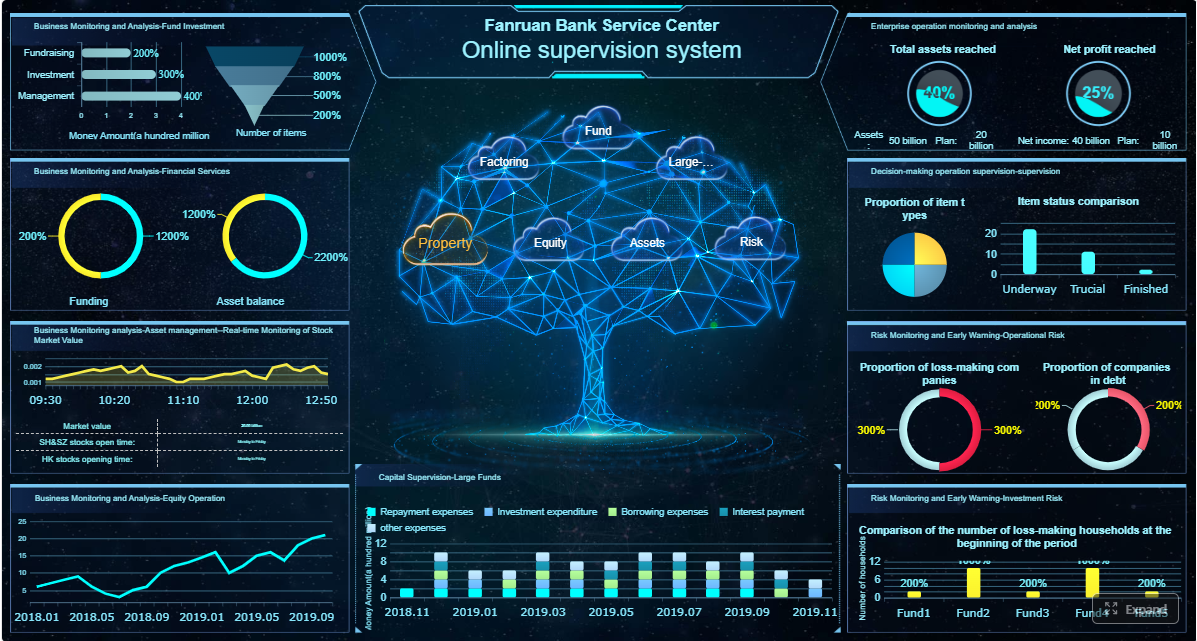
A strong weekly dashboard should combine trusted reporting and operational cockpit views with an AI assistant upgrade. With FineReport + Dora, teams can ask for a report summary in chat, generate structured narratives from trusted report assets, receive scheduled briefings, and push exceptions to the right owner. That makes portfolio reporting more useful for executives and less manual for PMO teams.
Click To Try The Dashboard
All reports in this article are built with FineReport
Why portfolio reporting matters in a weekly PMO dashboard
A weekly PMO dashboard is not just a roll-up of project traffic lights. Effective portfolio reporting helps leaders assess delivery health, investment alignment, and decision urgency across the full initiative landscape. It tells executives whether the portfolio is supporting strategic goals and where intervention is required before issues become expensive.
Project-level status updates usually focus on individual scope, milestones, and team activity. Portfolio-level reporting is different. It is built for enterprise oversight. It synthesizes patterns across programs and projects so executives can evaluate tradeoffs, priority conflicts, funding pressure, resource constraints, and escalating dependencies.
This distinction matters because leaders do not need more raw detail. They need a concise view of:
Trends across delivery, budget, benefits, and resource pressure
Risks that threaten strategic outcomes
Priorities that deserve executive attention now
Actions required to unblock progress
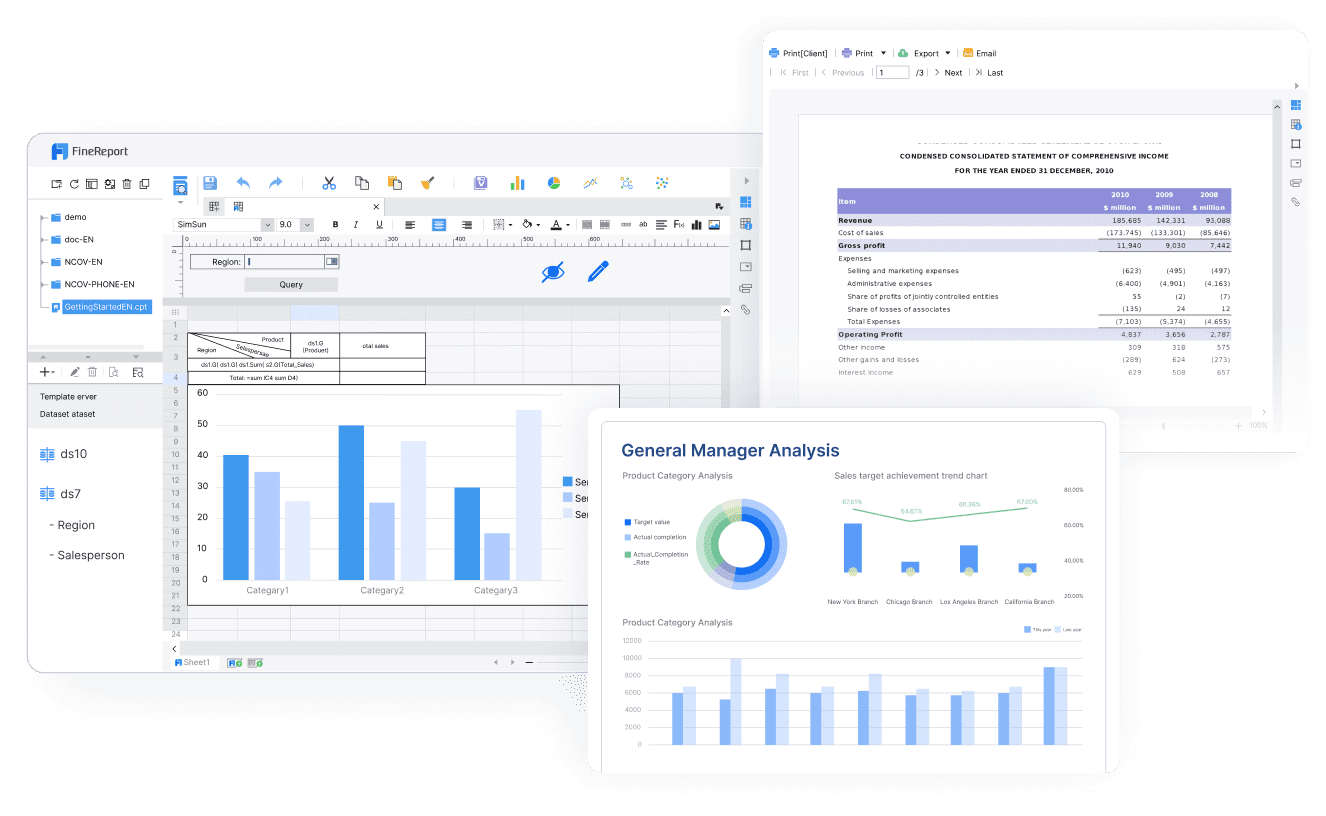
For PMOs, the weekly dashboard becomes the operating layer between strategy and execution. FineReport provides the governed reporting structure, formatted management reports, and operational cockpit views needed to standardize that layer. Dora then turns those trusted assets into a scenario-specific enterprise Data Agent that helps executives and PMO leaders consume reports through chat, summaries, alerts, and follow-up.
The 9 executive metrics every weekly portfolio dashboard should include
The best portfolio dashboards do not try to show everything. They focus on the metrics most likely to drive prioritization, escalation, or executive decision-making. Below are the nine metrics every weekly portfolio reporting view should include.
1. Strategic alignment
Executives need to see whether active initiatives still map to business goals, strategic themes, or OKRs. A portfolio can look busy while still drifting away from strategy.
Report Element: Strategic alignment score or mapping view showing each active initiative against strategic themes, corporate objectives, or OKRs. Business value: Helps leaders confirm that funding, capacity, and management attention are going to the highest-value work. It also supports reprioritization when new business conditions emerge. AI use:Dora can summarize which initiatives support each strategic goal, identify initiatives with weak alignment, and include them in a scheduled management briefing.
A practical dashboard view might show the number of initiatives by strategic theme, percentage of spend by objective, and a list of projects with unclear or outdated alignment tags.
2. Overall portfolio health
Leaders need one simple portfolio-level health indicator, but it must be grounded in clear and consistent rules. A red-amber-green summary works only when thresholds are well defined.
Report Element: Portfolio health index with red, amber, and green criteria based on schedule, budget, risk, dependency, and benefits signals. Business value: Gives executives a fast read on whether the portfolio is stable, under pressure, or in need of intervention. AI use:Dora can generate a structured report summary explaining why the overall portfolio health changed week over week, rather than only showing a color status.
This metric should not be based on subjective judgment alone. FineReport helps PMOs standardize the logic behind health scoring so portfolio reporting remains credible across business units.
3. Schedule performance
Schedule reporting should highlight milestone movement, delayed programs, and timeline risk across the entire portfolio. Executives care less about every task and more about delivery confidence and slippage patterns.
Report Element: On-time milestone rate, delayed initiative count, critical milestone movement, and timeline risk trend. Business value: Reveals whether delivery execution is weakening and where intervention is needed to protect launch dates, transformation programs, or regulatory deadlines. AI use:Dora can explain which delays matter most, summarize the likely business impact, and identify the projects driving portfolio schedule deterioration.
A useful weekly view includes current delayed milestones, newly slipped milestones since last week, and initiatives at risk of missing the next major gate.
4. Budget and forecast variance
Portfolio reporting must compare approved budget, actual spend, and forecast at completion. This is how executives spot financial pressure before overruns become unavoidable.
Report Element: Approved budget vs actual spend vs forecast at completion, along with variance percentage and trend. Business value: Supports financial control, early escalation, and faster decisions on scope reduction, investment shifts, or funding increases. AI use:Dora can summarize overspend drivers, highlight programs with deteriorating forecast trends, and generate chart-based answers for leadership reviews.
Budget reporting is far more useful when tied to thresholds. FineReport can standardize financial report templates and make sure every portfolio view uses the same approved formulas and reporting structure.
5. Capacity and resource utilization
One of the most common portfolio problems is hidden delivery bottlenecks. Capacity reporting should surface overallocated teams, critical skill gaps, and constrained delivery areas.
Report Element: Resource utilization by team, role, or capability, plus overallocated areas and forecast demand hotspots. Business value: Helps executives understand whether the portfolio is realistically deliverable with current staffing and where additional hiring, outsourcing, or reprioritization is needed. AI use:Dora can identify the teams under the most pressure, summarize cross-project resource conflicts, and push alerts when utilization passes agreed thresholds.
This metric is especially valuable for PMOs managing digital, engineering, or transformation portfolios where the same scarce roles are reused across multiple initiatives.
Too many PMO dashboards stop at project delivery. Executives want to know whether expected value, outcomes, or savings are still on track to materialize.
Report Element: Benefits target vs actual or forecast realization, by initiative and by strategic theme. Business value: Shifts the conversation from activity to business value and helps leadership challenge initiatives that consume resources without delivering meaningful outcomes. AI use:Dora can generate a management narrative on whether benefits are on plan, identify lagging value realization areas, and include follow-up items in executive briefings.
When benefits metrics are not available weekly, PMOs can still include confidence indicators, milestone-linked realization checkpoints, or forecast confidence ranges.
7. Dependency exposure
Cross-project dependencies are a classic source of hidden delay. Portfolio reporting should make dependency exposure visible, especially when multiple programs rely on the same teams, vendors, platforms, or business readiness events.
Report Element: Dependency map, count of critical dependencies, blocked initiatives, and unresolved cross-project handoff risks. Business value: Helps executives identify timing, scope, and readiness threats that cannot be seen in isolated project reports. AI use:Dora can summarize the highest-risk dependencies, explain which downstream programs are exposed, and alert owners when unresolved items exceed the tolerance window.
FineReport can structure this as a heatmap or exception table, while Dora adds narrative explanation and owner-focused push notifications.
Weekly executive dashboards should show the most significant portfolio-level risks, issue owners, and mitigation status. The goal is not to list every risk. It is to spotlight the ones that require leadership support or cross-functional action.
Report Element: Top risk register, issue severity, owner, mitigation due date, and escalation status. Business value: Enables timely intervention and keeps critical issues from being buried inside individual project updates. AI use:Dora can produce a ranked exception summary, explain why a risk is rising, and push a follow-up note to the responsible owner.
This is where portfolio reporting becomes operationally valuable. Executives should be able to see what is at risk, who owns it, and whether mitigation is on track in one glance.
9. Decision and action pipeline
Every weekly dashboard should end with the executive decisions needed that week. If the dashboard does not clarify what leadership must decide, it is not doing enough.
Report Element: Decision log showing required executive actions, due dates, impacted initiatives, consequence of delay, and recommended path. Business value: Converts reporting into governance action. It ensures portfolio reviews lead to timely decisions instead of passive observation. AI use:Dora can generate a concise decision brief, explain the impact of delaying each ask, and send scheduled reminders before governance meetings.
For many PMOs, this becomes the highest-value section in the whole dashboard because it links status directly to leadership action.
How to structure the dashboard so executives can scan it in minutes
Even the right metrics can fail if the dashboard is hard to read. Executive portfolio reporting must be designed for fast scanning and fast judgment.
Lead with a one-screen summary
The top of the dashboard should function as a management cockpit. Put the most important trends, exceptions, and asks on the first screen. A good summary includes:
Portfolio health
Strategic alignment snapshot
Top schedule and budget exceptions
Priority risks
Decisions needed this week
FineReport is particularly effective here because it can deliver formatted management reports and operational cockpits in one governed environment, instead of forcing PMOs to piece together multiple disconnected views.
Use consistent definitions and thresholds
If different teams define “at risk” differently, the dashboard will create confusion instead of clarity. Standardize:
Health status rules
Budget variance calculations
Milestone delay thresholds
Capacity utilization bands
Escalation triggers
Benefits realization definitions
This semantic consistency is also what makes AI reporting work in an enterprise setting. Dora performs best when the underlying KPI definitions, report templates, filters, and business terms are governed rather than improvised.
Show trends, not just snapshots
A weekly dashboard should reveal movement. Executives need to know not only current status but whether the portfolio is improving or deteriorating.
Use week-over-week indicators for:
Health movement
New vs resolved risks
Budget variance trend
Milestone slippage trend
Capacity pressure trend
Decision backlog trend
Trend lines help leadership identify where intervention is urgent and where pressure is stabilizing.
Keep visuals simple and actionable
Use scorecards, exception tables, line charts, and heatmaps only when they make decisions easier. Avoid visuals that look impressive but do not clarify action. Good executive visuals answer questions like:
Traditional portfolio reporting still leaves PMO teams doing manual work after the dashboard is published. Someone has to interpret the numbers, prepare meeting notes, explain exceptions, send reminders, and chase owners. This is where Dora adds practical value as an enterprise Data Agent on top of FineReport.
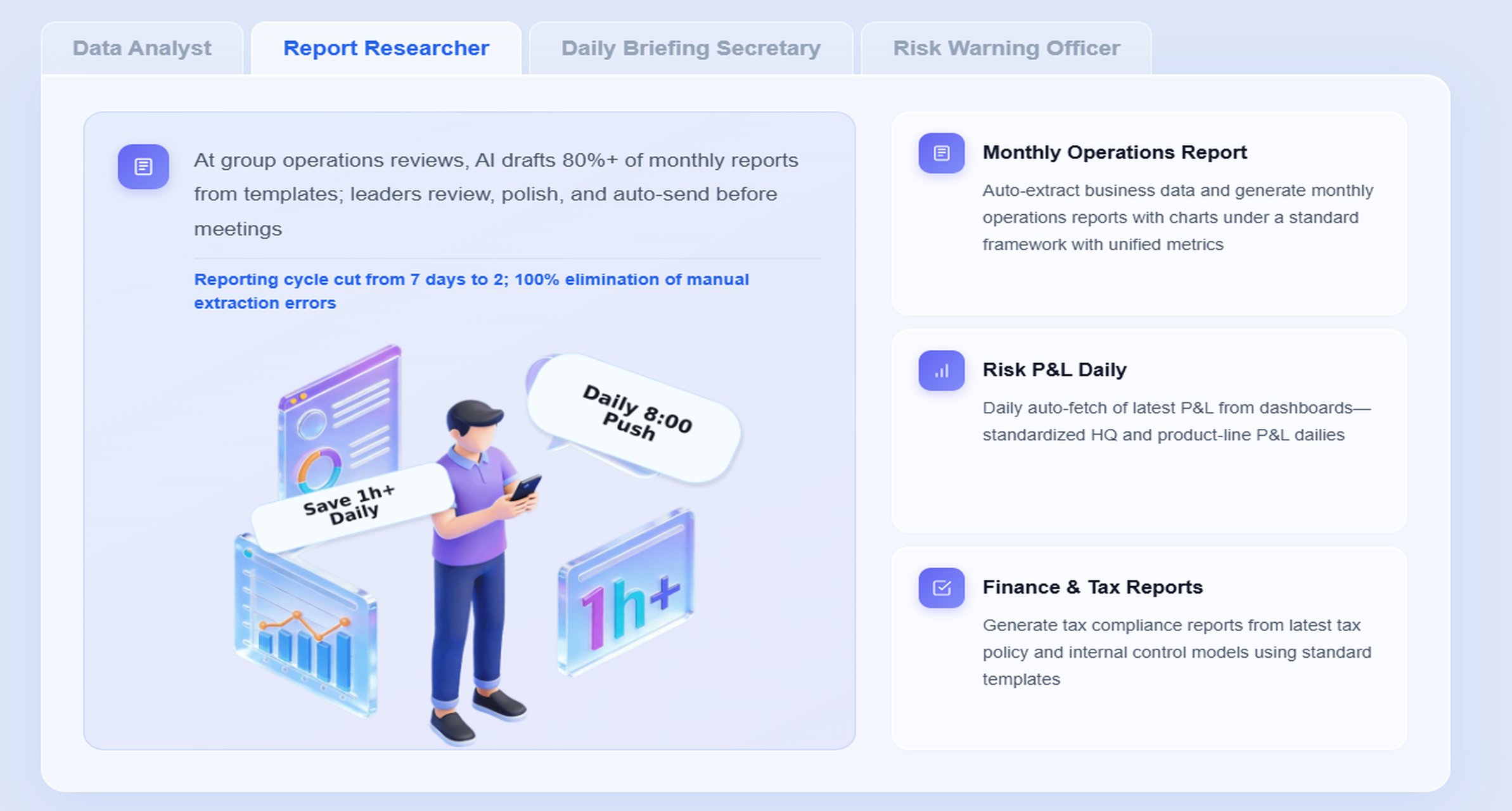
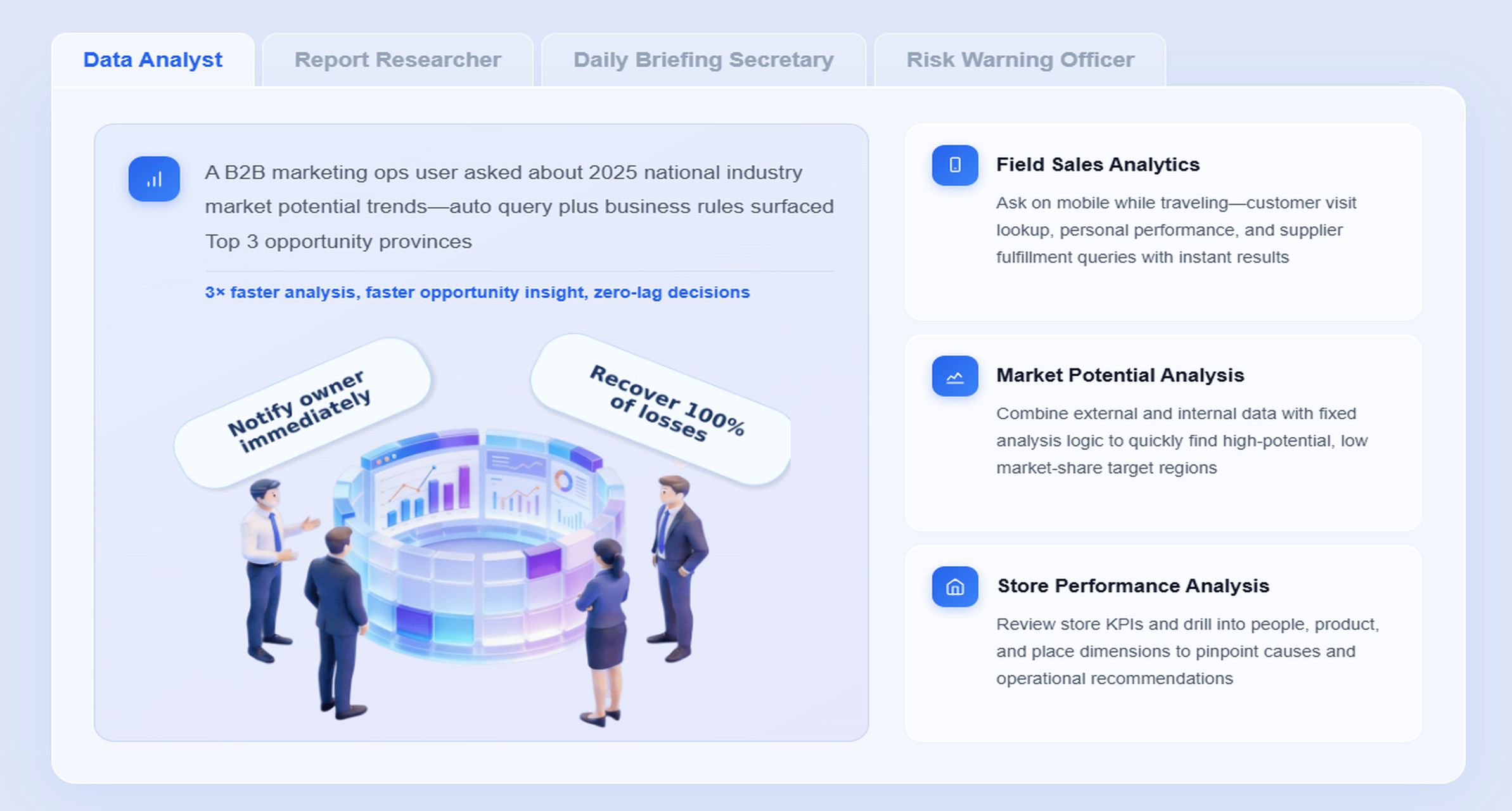
For this scenario, the most relevant Dora digital employee is the Daily Briefing Secretary, often working together with the Risk Alert Officer and Report Researcher for deeper follow-up.
A scenario-specific executive chat query might look like this:
“Summarize this week’s portfolio reporting dashboard, highlight any new red-status programs, explain the biggest budget variance changes, and list the executive decisions that need approval before Friday.”
Dora does not replace the reporting foundation. FineReport remains the trusted source for formatted portfolio reports, cockpit views, KPI definitions, portfolio filters, permissions, and management templates. Dora adds the governed AI workflow layer that helps leaders consume those assets faster and act on them more consistently.
A typical Dora workflow for weekly portfolio reporting
Understand KPI definitions and reporting logic Dora uses the trusted semantic layer, including business terms such as health status, forecast variance, milestone slippage, and escalation thresholds.
Generate a structured report summary through chat
It produces a concise management narrative, chart explanation, and exception summary tailored for executives, PMO leaders, or delivery owners.
Detect abnormal changes and decision urgency Dora flags new red statuses, budget deterioration, unresolved dependencies, overdue mitigations, or delayed executive decisions.
Push summaries and alerts to the right users
The Daily Briefing Secretary can distribute scheduled weekly briefings, while the Risk Alert Officer pushes exception alerts to responsible owners.
Create follow-up records for review Dora can support auditable follow-up by summarizing open actions, owner commitments, and items that should reappear in the next reporting cycle.
This matters because executives rarely want to open five tabs and interpret every chart themselves. They want a timely, trustworthy summary with supporting links back to the source report. Dora supports exactly that workflow through natural-language query over trusted reporting assets.
Why this AI reporting scenario can actually land in real enterprises
Many AI reporting ideas fail because they start with a generic prompt layer and no governed reporting foundation. Enterprise PMOs need more than a chatbot-like interface. They need:
That is why FineReport + Dora is a practical fit. FineReport gives the PMO the governed reporting foundation. Dora turns that foundation into Agentic BI for weekly report consumption. Compared with raw prompt-only approaches, this model is better suited for enterprise rollout because it supports more controlled Skills, less token waste, faster execution paths, and more stable workflows.
For executives, Dora is not an AI experiment. It is a landed AI digital employee for recurring reporting work such as weekly portfolio summaries, decision briefings, exception pushes, and follow-up reminders.
For IT teams, the role changes as well. Instead of manually building one-off status views for every request, IT can focus on data connections, report models, permission governance, semantic rules, and reusable agent Skills.
For business users and PMO leaders, the benefit is simple: faster answers, lower friction, timely briefings, and fewer delays waiting for analysts to interpret the dashboard.
Common portfolio reporting mistakes PMOs should avoid
Even mature PMOs often weaken their portfolio reporting by overloading dashboards or under-defining metrics. The most common mistakes include the following.
Reporting too much project detail instead of synthesizing portfolio insights
Executives do not need every workstream update. They need portfolio-level signals, major exceptions, and leadership actions.
Including metrics without ownership, context, or recommended next steps
A number alone is not enough. Good reporting makes it clear who owns the issue and what should happen next.
Hiding data quality issues or inconsistent status definitions across teams
If one program marks amber aggressively and another waits until failure is imminent, the dashboard becomes misleading.
Focusing on activity instead of outcomes, risks, and executive decisions
Busy delivery activity is not the same as strategic progress. Weekly dashboards should prioritize value, exposure, and required intervention.
These mistakes also reduce AI effectiveness. Dora can only provide reliable structured report summaries when PMOs maintain reasonable data quality, KPI governance, and reporting consistency.
Great portfolio reporting is usually built iteratively. PMOs should aim for a dashboard that is trusted first, then expanded.
Start with a small set of trusted metrics
Do not try to automate every metric or build the perfect enterprise dashboard in phase one. Start with the measures executives use most often for decisions:
Strategic alignment
Portfolio health
Schedule performance
Budget variance
Top risks
Decisions needed
Once these are stable, expand to benefits, capacity, and dependency analytics.
Review whether each metric drives a decision, escalation, or resource adjustment
A useful test is simple: if a metric never changes a decision, it may not belong on the executive dashboard. Every KPI should support one of these outcomes:
Governance action
Escalation
Funding decision
Resource shift
Priority change
Risk response
This is also where Dora can help PMOs see which sections get the most executive queries and follow-up, improving dashboard design over time.
Improve data collection, governance, and reporting cadence
Reliable portfolio reporting requires better operating discipline, not just better visualization. PMOs should improve:
Data collection timing
Mandatory field completion
Report template consistency
KPI governance
Exception classification rules
Permission and access management
Treat data quality as part of the AI implementation as well. Dora’s output quality depends heavily on the quality of the FineReport reporting foundation beneath it.
Benchmark your dashboard format against proven portfolio reporting practices
Compare your dashboard against common executive needs:
Can leadership scan it in minutes?
Are trends visible?
Are thresholds defined?
Are risks clearly owned?
Are decisions explicit?
Can teams explain changes confidently?
If not, refine the structure before adding more complexity.
Actionable best practices
Below are practical steps PMOs can use to improve portfolio reporting and make AI-assisted consumption more effective.
1. Standardize report templates, KPI definitions, and business terms
This is the foundation. Define exactly how health, variance, benefits, utilization, and escalation are measured. FineReport can enforce standardized report structures so every business unit contributes data in a consistent format.
2. Build a semantic layer inside the reporting workflow
AI works better when it understands the meaning of terms such as “critical dependency,” “forecast at completion,” or “executive decision required.” Dora relies on governed semantics to generate more controllable and auditable outputs.
3. Start with high-value recurring reports, not every report
Weekly executive portfolio reporting is an ideal starting point because it is repeatable, time-sensitive, and heavily dependent on structured summaries and exception pushes. This is a stronger use case than trying to automate every ad hoc request at once.
4. Define alert thresholds, owner rules, and escalation paths
For AI-driven exception monitoring to be useful, thresholds must be explicit. Decide what triggers a push notification, who receives it, and when escalation moves to executive review. This makes Dora’s Risk Alert Officer role far more practical.
5. Preserve permission governance and human review
AI-generated report narratives should respect FineReport access boundaries. Keep permission governance intact, use human review for important management summaries in the early stages, and gradually expand reusable agent Skills as trust grows.
Building this manually is complex. FineReport helps teams standardize trusted reports, operational cockpits, templates, and reporting workflows. Dora turns those assets into an AI assistant that can answer report questions in chat, generate structured summaries, push scheduled briefings, monitor exceptions, and follow up with responsible owners.
For PMOs, this means the weekly portfolio dashboard becomes more than a static report. It becomes a governed reporting workflow:
FineReport builds the trusted portfolio reporting foundation
Dora enables natural-language query over trusted reporting assets
Dora retrieves reports, cockpits, metrics, and exceptions from FineReport
Dora generates structured report summaries and chart explanations
Dora pushes scheduled briefings, alerts, and owner follow-up
PMO teams gain better landing capability than feature-only agent comparisons
FineReport + Dora is not only a reporting upgrade; it is a practical fourth-generation Agentic BI path.FineReport provides governed reports and operational cockpits. Dora provides the AI assistant layer for scenario execution, with more controlled Skills, lower token waste, faster execution paths, and more stable workflows than prompt-only agents.
Get Ready-to-Use Dashboard Templates in Fine Gallery
The strongest Dora pitch is scenario + product + service: FineReport provides the trusted reporting foundation, Dora provides the AI digital employee, and implementation service connects data, governance, semantic setup, Skills, report templates, permissions, and rollout.
For PMOs that want weekly portfolio reporting to drive faster decisions, cleaner escalations, and lower reporting friction, that combination is what makes the solution practical at enterprise scale.
It should show whether initiatives still support strategy, where delivery or budget risks are growing, and which issues need leadership action this week. The goal is fast portfolio-level decisions, not a long list of project updates.
The most important metrics usually include strategic alignment, overall portfolio health, schedule performance, budget and forecast variance, resource capacity, risk exposure, dependency issues, benefits tracking, and executive actions required. These measures help leaders assess value, pressure, and priority across the portfolio.
Project status reporting focuses on individual initiatives, milestones, and team activity. Portfolio reporting rolls data up across programs and projects so executives can spot trends, tradeoffs, and risks that affect business outcomes.
A weekly cadence works well for most PMOs because it balances timeliness with decision-making needs. It gives leaders regular visibility into changes without overwhelming them with constant noise.
FineReport helps standardize trusted dashboards and management reports, while Dora adds AI-driven summaries, briefings, and exception follow-up. Together they reduce manual reporting work and make insights easier for executives to consume.
Product Trial
FineReport
Pixel-perfect reports · Interactive dashboards · Easy data entry · Digital twins