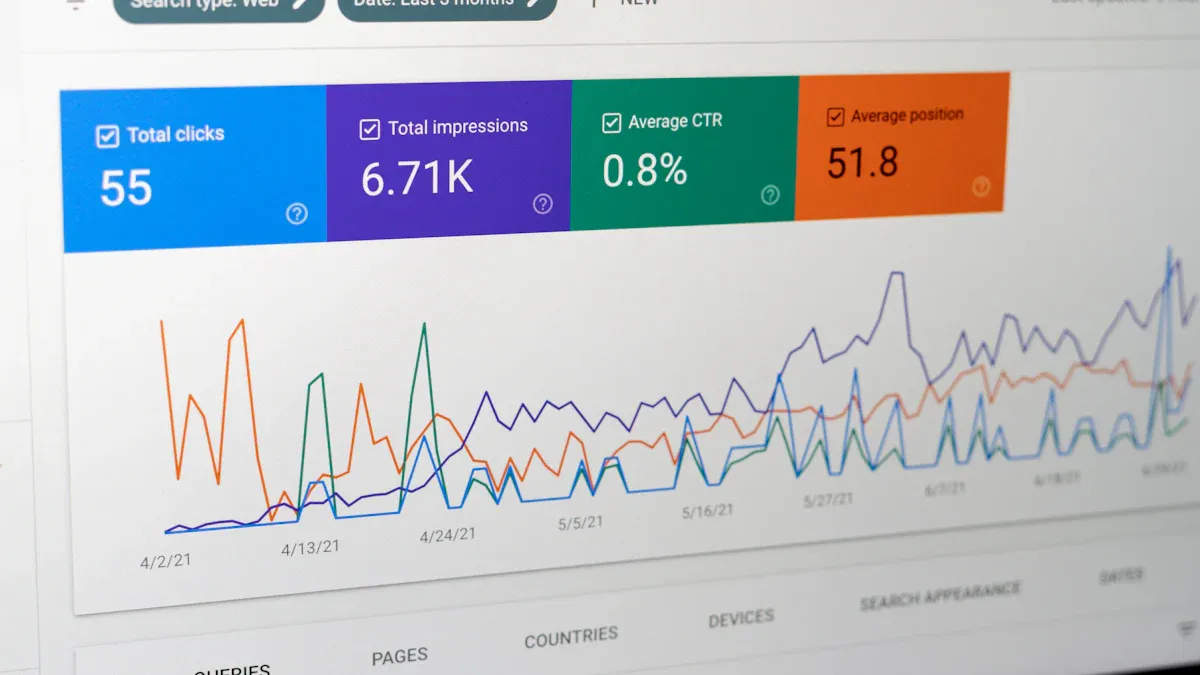
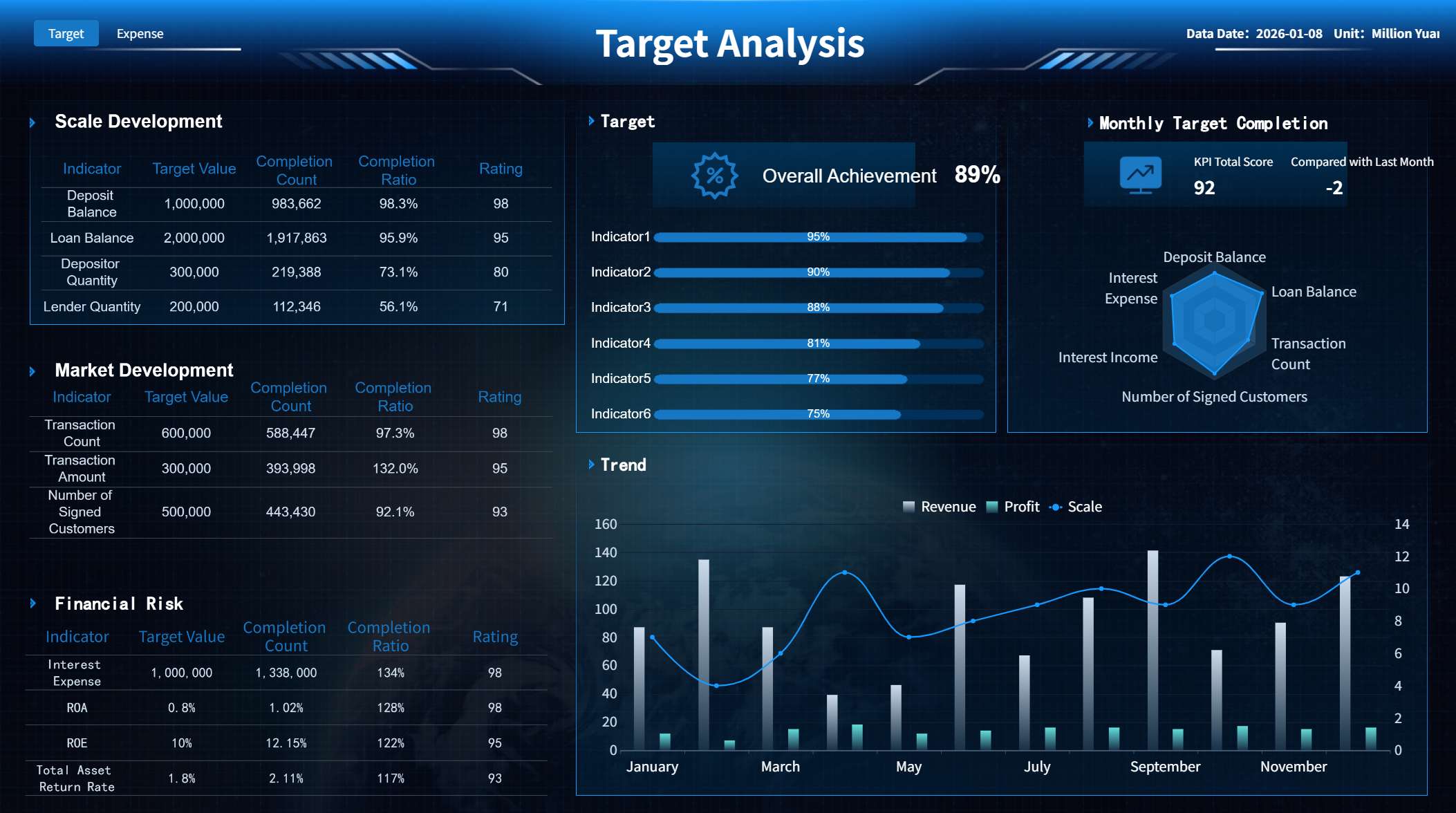
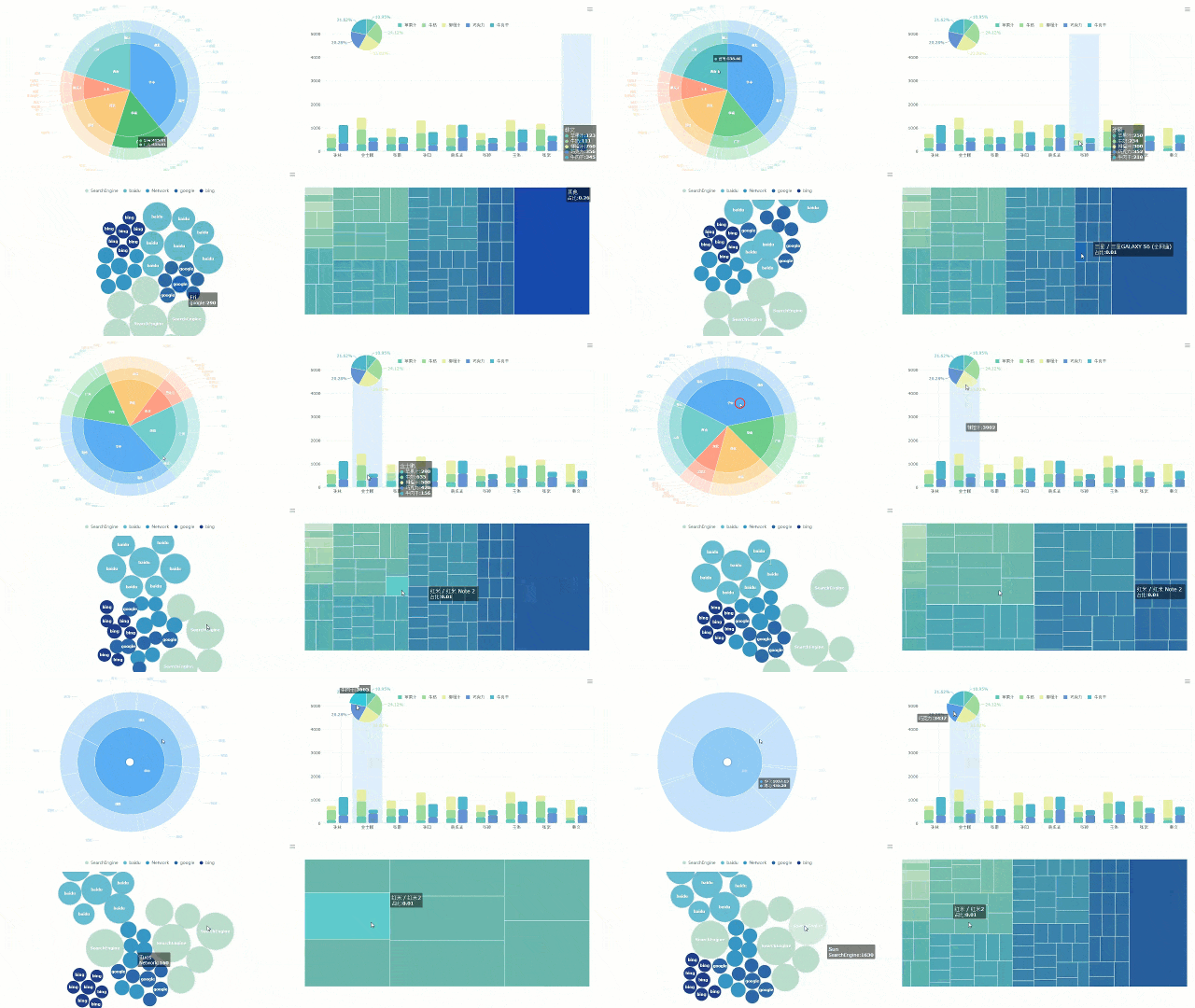
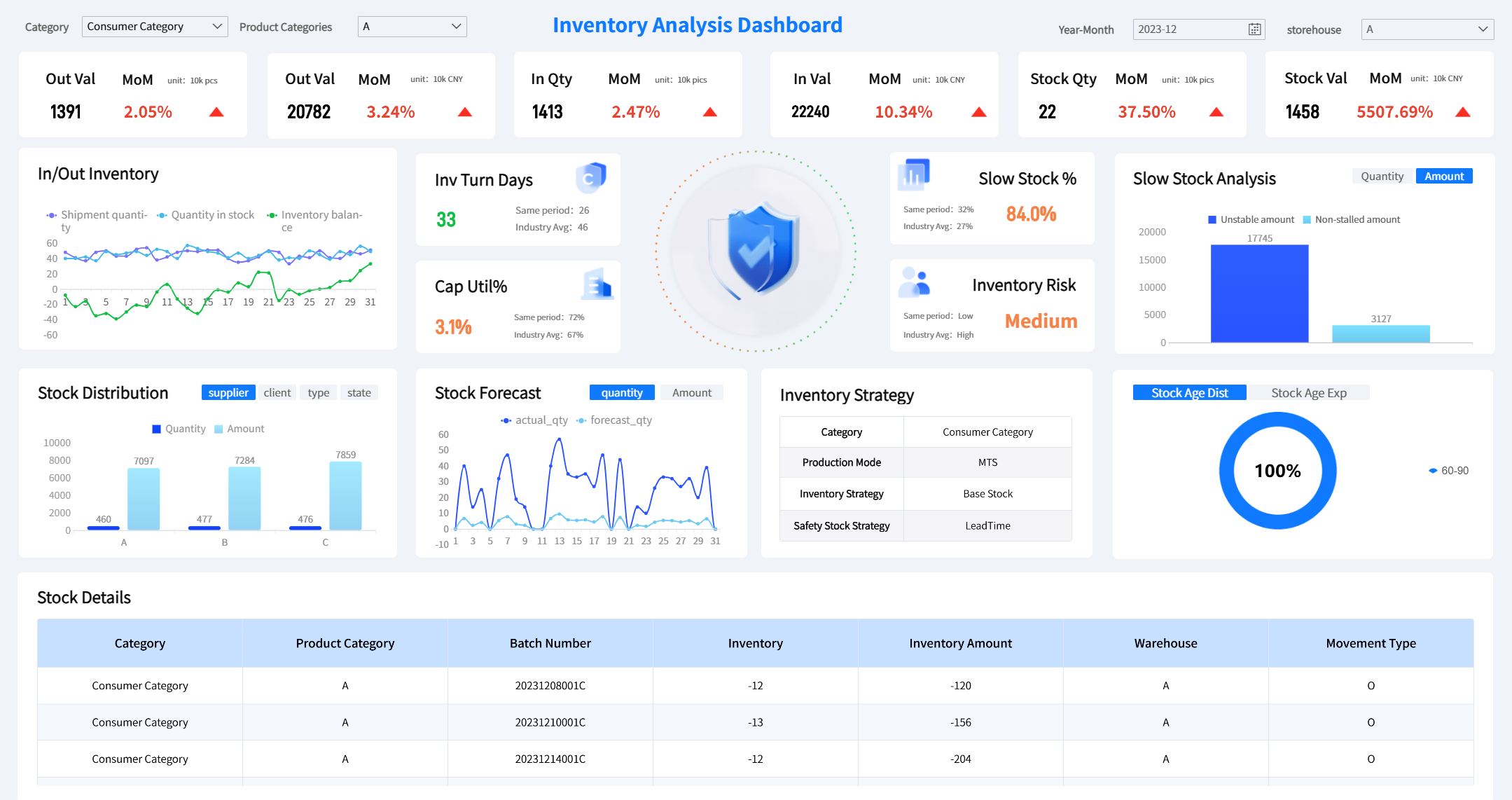
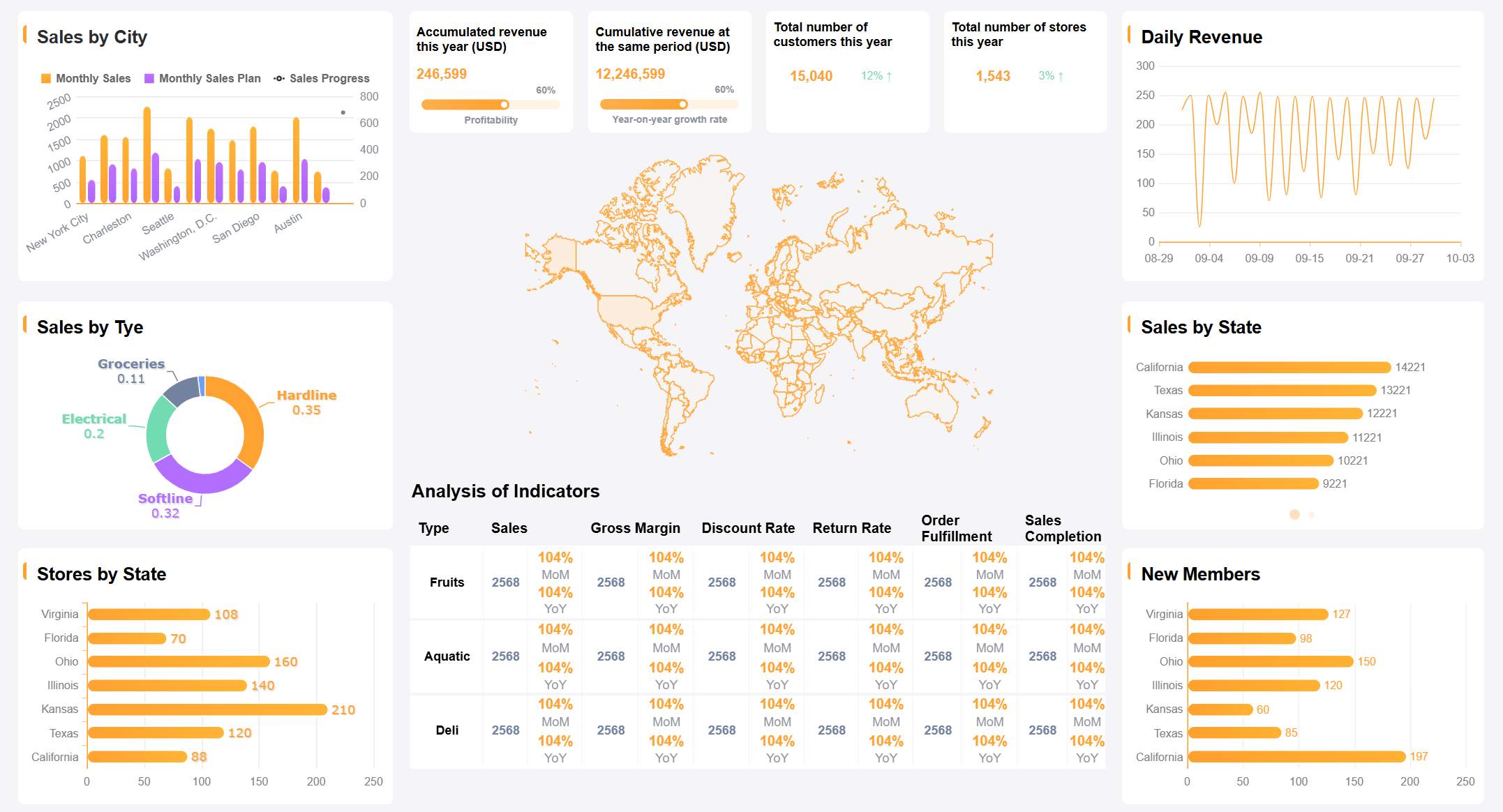
An application dashboard is a visual tool that lets you track key metrics and performance indicators from different data sources in one place, helping you monitor business activities and make smarter decisions quickly. You see patterns and trends as soon as they happen. About 20% of organizations now use dashboards for business intelligence.
Real-Time Dashboard Features
Impact on Decision-Making
Provides real-time insights
Accelerates decision-making
Allows focused analysis of key metrics
Improves accuracy in identifying trends and anomalies
FineReport stands out as a leading solution, giving you the power to manage your data and drive success in a data-driven world.
Application Dashboard Overview
What Is an Application Dashboard
An application dashboard is a centralized visual interface that lets you monitor, analyze, and interact with key business metrics from multiple data sources in real time. You use it to track performance, spot trends, and make informed decisions quickly.
You rely on application dashboards to support business intelligence. These dashboards bring together data from different systems, giving you a clear view of your organization’s performance. You see important numbers, charts, and tables all in one place. This helps you respond to changes and challenges as they happen.
Tip: You can access dashboards from your computer, tablet, or phone, making it easy to stay updated wherever you are.
Here is a table showing the main components and functions of an application dashboard in business intelligence:
Component
Function
Connections to data sources
Connects to various data stores for up-to-date information.
Data visualizations
Displays performance metrics through various graphical formats.
Data tables
Provides a quick overview of relevant data values, often enhanced with color coding.
Drill-down capabilities
Allows you to access detailed data by clicking on visualizations.
Data filters
Enables you to customize views based on specific parameters.
Text boxes and tooltips
Offers explanations and additional context for the visualized data.
Application dashboards play a vital role in business intelligence. You use them to consolidate information from multiple sources into a single interface. This makes it easier to track performance and analyze data. Dashboards enable real-time monitoring and help you respond to changing trends. You can view and analyze data from various devices at any time. Dashboards also foster better communication and teamwork across your organization.
FineReport is a modern dashboard solution that makes these tasks simple. You do not need coding skills to design or customize your dashboard in application. FineReport connects to many databases and offers a user interface similar to Excel, which makes it easy for you to get started. You can choose from over 50 visualization styles across 19 categories, giving you plenty of options to display your data.
Here is a comparison table to show how FineReport stands out from other dashboard tools:
Feature
FineReport
Other Tools
User-Friendliness
No-code solution
Requires coding knowledge
Customization of Reports
Easy customization
Varies by tool
Database Connectivity
Connects to various databases
Limited in some tools
User Interface
Similar to Excel
Varies widely
Data Visualization Styles
Over 50 styles across 19 categories
Limited options
Dashboard in Application: Core Functions
You use dashboards in application to perform several core functions that drive business success. These functions help you monitor operations, analyze data, and improve efficiency.
You gain insights into production output, inventory levels, and logistics, which helps you identify bottlenecks and improve efficiency.
IT teams use dashboards to track system performance, ticket resolution times, and cybersecurity threats.
In retail, dashboards present real-time sales data, customer traffic, and stock levels, enabling you to make informed decisions about staffing and inventory.
Dashboards facilitate cross-department coordination by breaking down information silos, allowing teams to share a unified view of performance metrics.
You enhance employee ownership of results by providing a real-time perspective on how individual contributions align with broader business goals.
FineReport implements these core dashboard functions through different dashboard types:
Strategic dashboards help you understand company operations and make decisions based on past data. You use them to summarize results and set future goals.
Analytical dashboards allow you to investigate the causes behind trends and patterns. You can drill down and filter data to find answers.
Operational dashboards focus on real-time information reporting. You monitor daily progress and ensure alignment with strategic goals. These dashboards feature KPI monitoring and threshold warnings.
Application dashboards give you the tools to manage your business more effectively. You see the big picture and the details, all in one place.
How Application Dashboards Work
An application dashboard is a centralized visual interface that lets you monitor, analyze, and interact with key business metrics from multiple data sources in real time. You use dashboards to track performance, spot trends, and make informed decisions quickly.
Data Integration and Sources
You can connect your dashboard to a wide range of data sources. This flexibility allows you to unify information from different systems and get a complete view of your business. Common sources include:
Internal databases that store business operations, financial records, and personnel information.
Cloud services that provide scalable and accessible data for business intelligence dashboards.
CRM systems that offer insights into customer behaviors and sales trends.
Social media and web analytics that help you understand consumer engagement.
FineReport makes integration simple. You can connect and unify data from over 70 different sources, including databases, spreadsheets, and APIs. The low-code, Excel-like interface helps you create reports and dashboards quickly. You can deploy FineReport as a web application, making it easy to integrate with your existing business systems.
Feature
Description
Data Sources
Connects and unifies data from over 70 heterogeneous sources
Interface
Low-code, Excel-like interface for report creation
Deployment
Web application for seamless integration with business systems
Real-Time Data Dashboards
You benefit from real-time dashboard features that keep your information current. FineReport supports real-time updates by monitoring background data and refreshing the dashboard instantly when changes occur. You can set intervals for updates or trigger refreshes based on specific conditions. This ensures you always see the latest data.
Achieves real-time push refresh based on data changes
Monitor Refresh
Initiates refresh requests at set intervals for timely updates
Component Refresh
Enables instant refresh of dashboard components when conditions are met
Real-time data dashboards offer several advantages:
Improved decision-making with instant insights.
Enhanced system reliability through real-time monitoring and alerts.
Competitive advantage by gaining early market insights.
Better customer experience with immediate data processing.
Greater operational efficiency and rapid identification of threats.
Interactive Dashboard Features
You interact with dashboards using features that make data exploration easy and engaging. Modern dashboards let you customize views, drill down into details, and filter data dynamically. You can select specific data points, use advanced filters, and explore information at different levels.
Feature
Description
Customization
Select specific data points and visualizations to display
Drill-downs
Explore data at different levels of detail
Advanced dashboard filters
Filter data dynamically for tailored insights
Real-time data processing
Dashboard visuals and metrics update immediately as data changes
Agile decision-making
Make quicker and more informed business decisions
Empowered business users
Interact with data without technical support
Increased productivity
Access relevant data instantly
FineReport enhances your experience with optimized data alerts, improved visual effects, and intuitive dashboard setup. You can navigate data easily, zoom in on content, and receive timely alerts tailored to your role or department. These interactive features help you stay engaged and productive while using dynamic dashboards.
Key Features of FineReport Dashboards
An application dashboard is a centralized interface that displays key metrics and data visualizations, helping you monitor business performance and make informed decisions.
Customizable Dashboard Layouts
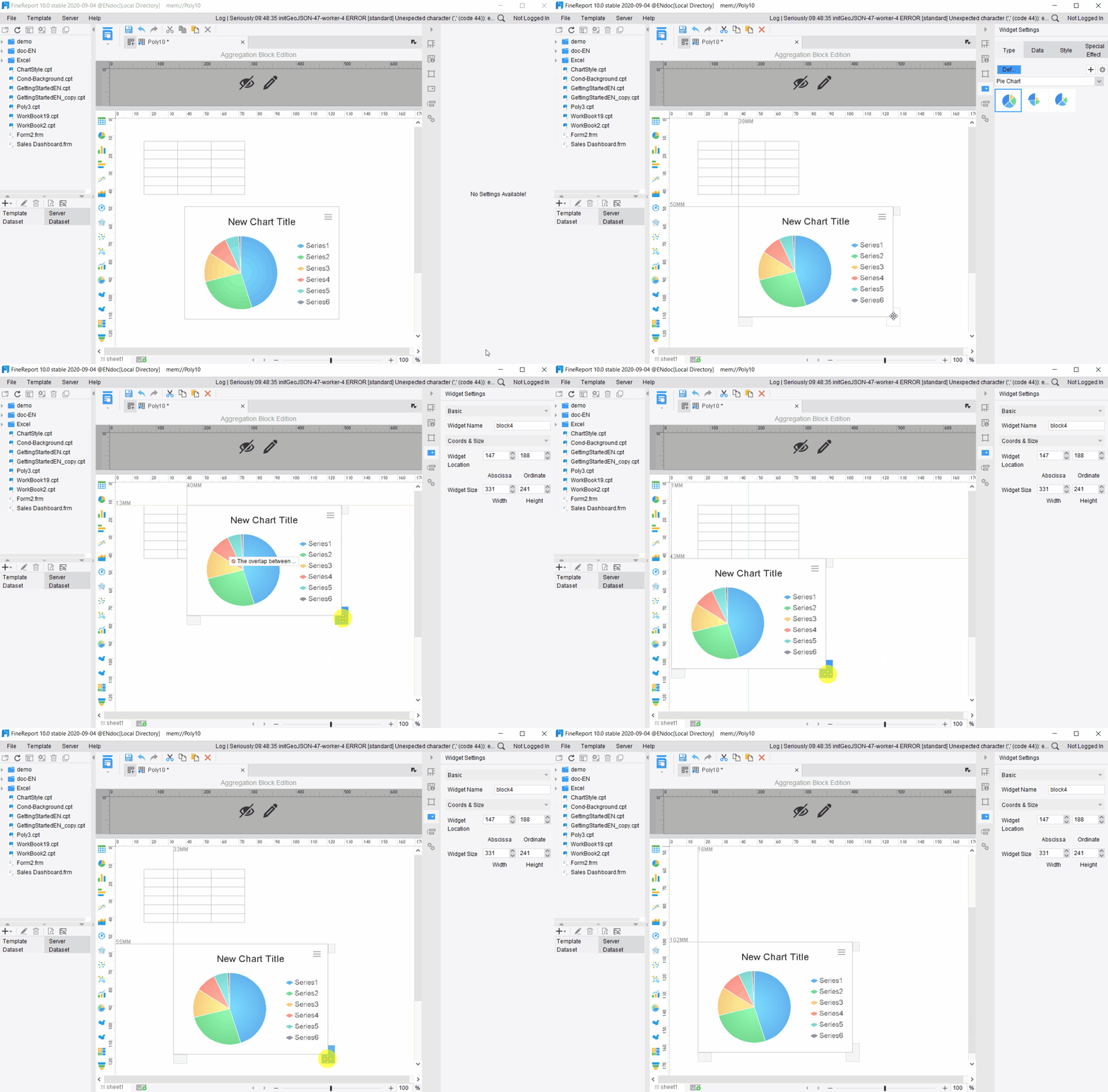
You can create custom dashboards in FineReport that fit your business needs. The platform gives you flexible layout options, such as Adaptive Layout and Absolute Layout, so you can organize your data in the most effective way. You set adaptive attributes for the entire dashboard, which means you do not need to adjust each component individually. You also control report zooming settings, font size, and content display modes. These customization options let you focus on the metrics that matter most, improving workflow efficiency and productivity.
Set for the whole dashboard, not just individual components
Layout Methods
Choose Adaptive or Absolute Layout for different effects
Report Zooming Settings
Options like Bidirectional Adaptive and Horizontal Adaptive
Font Settings
Adjust font size based on zooming
Content Display Modes
Select how content appears in report blocks
Tip: Custom dashboards help your team access relevant insights quickly, reducing time spent searching for information.
Visualizations and Data Display
FineReport supports a wide range of data visualizations. You can use charts to compare differences, show distributions, highlight proportions, and reveal associations. You also visualize processes, intervals, time, and trends. Interactive data visualizations allow you to manipulate data and view different perspectives in real time. By integrating multiple visualizations into one business dashboard, you gain deeper insights and make faster decisions.
Interactive dashboards let you explore data from different angles.
Presenting data in an easy-to-understand format helps you act quickly.
Data Entry and Parameter Query
You can enter data directly into your dashboards and use parameter queries to filter information. FineReport lets you set parameters to interact with data in real time. For example, you can query sales by region or link data between report blocks. You define dataset parameters in SQL statements, such as ${region}, to filter results based on user input. This feature supports dynamic filtering and enhances interactivity.
FineReport gives you mobile dashboard access, so you can view insights on any device. Dashboards adapt to tablets, phones, TVs, and large screens. You use abundant visual elements, multiple layout types, and component reuse for quick dashboard creation. Features like data monitoring, timed refresh, and auto carousel keep your information current. Mobile dashboards provide real-time data access, interactive visualizations, personalization, offline capabilities, and seamless integration with your business systems.
Dashboards fit tablets, phones, TVs, and large screens
Real-time data access
Make instant decisions with up-to-date information
Interactive visualizations
Understand trends and patterns quickly
Personalization features
Customize dashboards for your role and needs
Offline capabilities
Access critical data even without a network
Seamless integration
Connect dashboards with existing systems for unified insights
You use these features to create business dashboards that deliver actionable insights, support collaboration, and drive better decisions.
Types and Use Cases for Data Dashboards
An application dashboard gives you a single interface to monitor, analyze, and interact with key business metrics from multiple sources in real time.
Common Dashboard Types in FineReport
You can choose from several dashboard types in FineReport, each designed for specific business needs. Here is a table that summarizes the main types and their functions:
You can also use dashboards for different purposes:
Strategic dashboards help you track company performance and strategic goals.
Operational dashboards let you monitor project progress and daily activities.
Tactical dashboards support in-depth analysis of business processes.
Analytical dashboards help you explore historical data for trends and insights.
Industry Use Cases: Manufacturing, Retail, Logistics
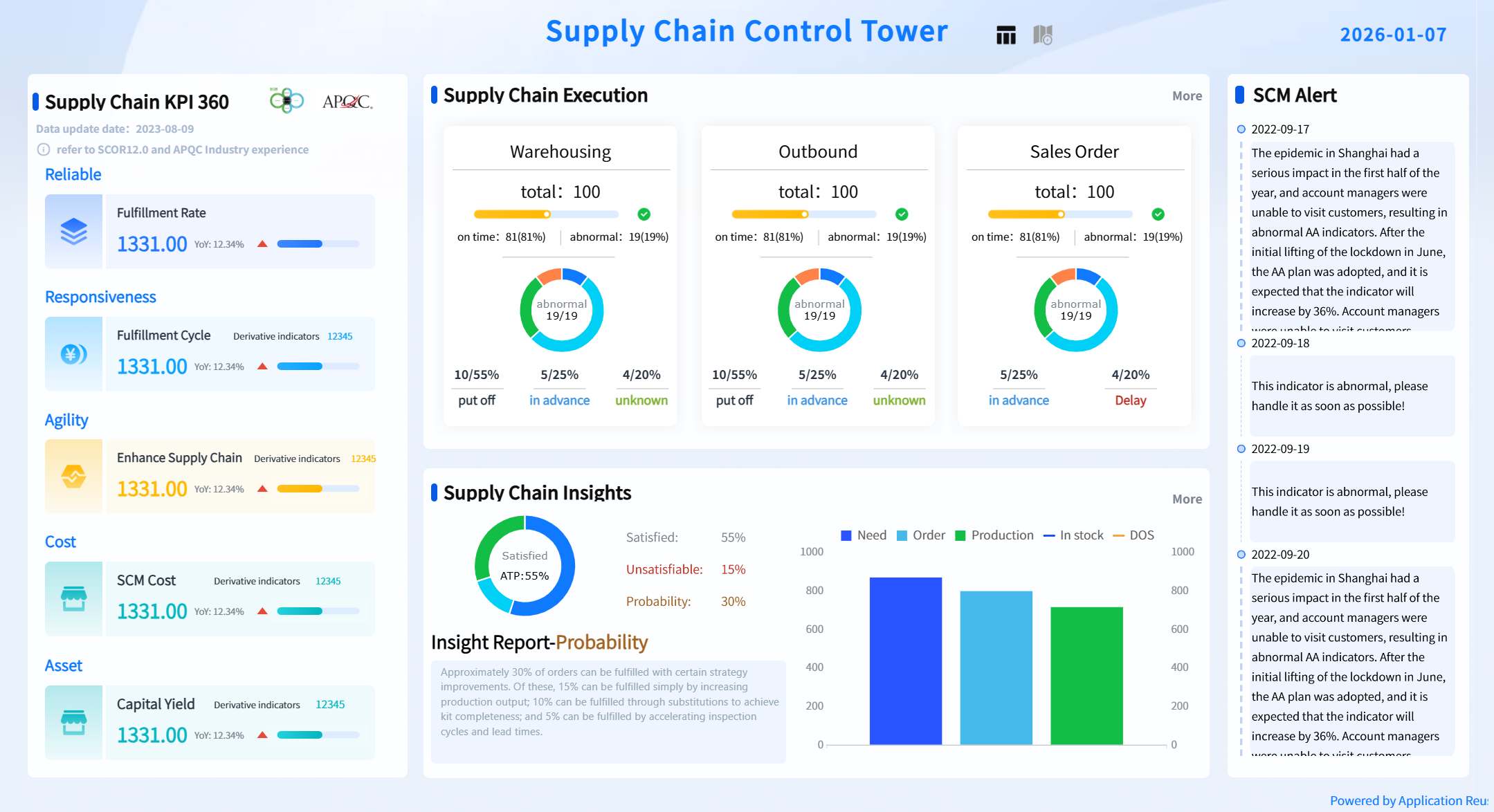
You can apply FineReport dashboards across many industries. In manufacturing, you track supply chain indicators and production efficiency with real-time data visualization. In retail, you monitor sales performance, inventory, and customer behavior. In logistics, you oversee shipment status and optimize delivery routes.
FineReport improves operational efficiency by reducing communication costs and consolidating information into a single dashboard. You receive AI-driven risk alerts and recommendations, which help you respond quickly to changes. The low-code integration feature lets you connect data from different systems, removing silos and making analysis easier.
Tip: You can use mobile dashboards to access key metrics anywhere, keeping you informed on the go.
Customer Story: Kintetsu’s Real-Time Dashboard
Kintetsu World Express (China) uses FineReport to manage logistics data. You can see how their sales teams now access real-time dashboards that show customer visits and cargo volumes. This system integrates multiple data sources, giving you a complete view of operations. As a result, Kintetsu improved information management and operational efficiency. You can use similar dashboards to streamline reporting and make better decisions in your own organization.
Benefits of Application Dashboards
An application dashboard is a visual interface that lets you monitor, analyze, and interact with key business metrics from multiple sources in real time, helping you make faster, smarter decisions.
Informed Decision-Making
You use dashboards to see important data at a glance. This helps you make decisions based on facts, not guesses. Dashboards present visualizations that show trends and risks, supporting public health and business efforts. For example, in Rwanda, dashboards helped teams understand project performance and identify areas needing more support.
Evidence Description
Key Findings
Dashboards display data visually
They inform decisions in health, business, and community projects
Dashboards influence choices for specific groups
They provide evidence-based support for communities
Dashboards help you draw conclusions about activities and spot areas for improvement.
You gain data clarity, which leads to better decisions.
Tip: Dashboards give you the power to act quickly when you see changes in your data.
Performance Monitoring and Efficiency
You track performance using dashboards that update in real time. This means you do not wait for monthly reports to find problems. You see issues as they happen and can fix them right away. Dashboards highlight crucial data and let you dive deeper into specifics, making your work more interactive.
Dashboards provide instant updates on key performance indicators.
You simplify complex business data with graphs and charts, making information easy to understand.
Real-time visual data helps you spot and solve problems fast.
You track market trends and customer feedback, giving you a reliable way to measure performance.
Dashboards reveal bottlenecks and inefficiencies, so you can take immediate action.
Comparison: Dashboard vs. Traditional Reports
You notice big differences between dashboards and traditional reports. Dashboards offer real-time insights, while reports often show outdated information. Dashboards use visual aids for better clarity, but reports rely on static tables and text.
Feature
Dashboard (FineReport)
Traditional Reports
Data Updates
Real-time
Periodic
Visualization
Interactive charts and graphs
Static tables and text
User Engagement
High (drill-down, filters)
Low
Analytics
Immediate, actionable
Delayed, less dynamic
Data Clarity
Strong, visual
Limited, text-heavy
You interact with dashboards to explore data and run analytics.
Dashboards improve collaboration by letting teams share insights instantly.
Note: FineReport dashboards help you stay ahead by providing up-to-date information and easy-to-use analytics tools.
An application dashboard is a visual tool that helps you track and analyze key business metrics in real time. You use dashboards to make smarter decisions and improve efficiency. FineReport gives you powerful features for data integration, visualization, and mobile access.
You can explore FineReport to create dashboards that fit your needs and drive better results.
Access a wealth of case studies, industry insights, and solution guides to accelerate digital transformation.
FAQ
What is the main purpose of an application dashboard?
You use an application dashboard to monitor important data, spot trends, and make quick decisions. It brings together information from different systems, helping you stay informed and improve business performance.
How do you connect data sources to an application dashboard?
You link your application dashboard to databases, spreadsheets, or cloud services. FineReport makes this process simple with built-in connectors, allowing you to unify data and create a complete view of your business.
Can you customize the layout of your application dashboard?
You can adjust the layout of your application dashboard to fit your needs. FineReport offers flexible options, letting you organize charts, tables, and metrics for easy viewing and better workflow.
Is it possible to access your application dashboard on mobile devices?
You can view your application dashboard on smartphones, tablets, and other devices. FineReport supports mobile access, so you stay updated and make decisions wherever you are.
What makes FineReport different from other application dashboard tools?
FineReport stands out for its user-friendly design, drag-and-drop features, and strong data integration. You create and manage your application dashboard without coding, making it easier to analyze and share insights.