If you are searching for the best KPI reporting tools, you are likely trying to solve a practical problem: how to track the metrics that matter, present them clearly, automate recurring updates, and turn performance data into decisions.
For some teams, that means building executive dashboards. For others, it means creating departmental scorecards, automated weekly reports, or structured reports that can be shared across finance, operations, sales, and management. The challenge is that not all KPI tools do all of these jobs equally well. Some are excellent for visual dashboards. Some are stronger in automation. Others are better for formal reporting workflows with scheduled distribution, printable layouts, and governed access.
This guide is designed for operations leaders, BI teams, department managers, and growing businesses that need to compare KPI platforms in a practical way. Rather than focusing only on chart variety, we will look at what actually matters in day-to-day reporting: dashboard flexibility, reporting depth, automation, integrations, governance, usability, and budget fit.
How We Evaluated the Best KPI Reporting Tools for 2026
Choosing a KPI platform is not just about finding the prettiest charts. The right tool depends on how your organization uses metrics operationally.
We evaluated these tools using seven practical criteria:
Dashboard flexibility: Can teams build executive summaries, department scorecards, and drill-down views without heavy custom work?
Reporting depth: Does the platform support more formal reporting, including exports, printable layouts, recurring stakeholder reports, and role-based views?
Automation: Can it schedule refreshes, send alerts, distribute reports, and reduce manual reporting work?
Integrations: How easily can it connect to core systems such as ERP, CRM, databases, spreadsheets, and cloud apps?
Ease of use: Can business users adopt it, or does it depend heavily on technical specialists?
Governance and security: Can it scale with permissions, centralized definitions, and controlled access?
Pricing position: Is it realistic for small teams, scaling companies, or enterprise rollouts?
It is also important to separate three related but different needs:
KPI tracking is about monitoring targets and trends.
Dashboarding is about visualizing those KPIs interactively.
Formal reporting workflows involve scheduled reports, stakeholder distribution, parameterized views, printable outputs, and sometimes write-back or data entry processes.
Many buyers assume one tool will handle all three equally well. In practice, some tools are optimized for dashboard exploration, while others are better for repeatable business reporting.
12 Best KPI Reporting Tools Compared at a Glance
What to look for before choosing a platform
Before choosing a KPI reporting platform, clarify what type of reporting you actually need.
Executive dashboards: Best for high-level KPI visibility and fast decision-making.
Team-level scorecards: Best for departmental performance reviews and operational tracking.
Scheduled reports: Best when stakeholders expect weekly, monthly, or daily report delivery in consistent formats.
All three together: Best for organizations with cross-functional reporting needs.
Then check these practical requirements:
Data-source coverage: Can it connect to your systems on day one?
Refresh frequency: Are near-real-time updates necessary, or are daily refreshes enough?
Alerting: Can it notify teams when KPIs cross thresholds?
Permissions: Can leaders, analysts, and managers each see the right version of the data?
Export and sharing options: Do you need PDF, Excel, email subscriptions, or portal access?
A final consideration is trade-off. Faster setup usually means less flexibility. Deep customization usually means more design and admin effort. The best KPI tool is the one that fits both your current maturity and your likely growth.
These platforms are typically chosen by organizations with larger data environments, cross-functional stakeholders, and stronger governance requirements.
1. FineReport
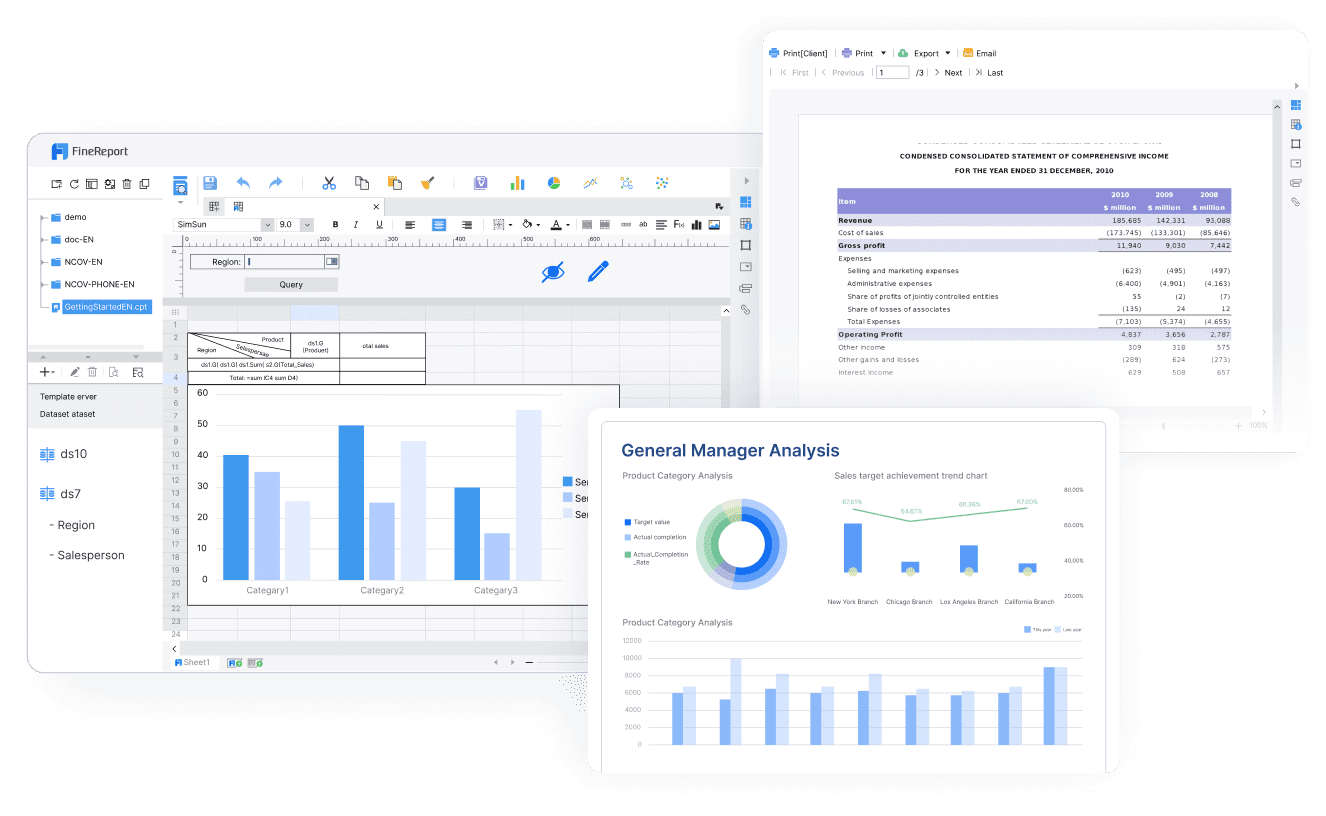
FineReport is best understood as an enterprise reporting platform that also supports dashboards, making it especially relevant for teams that need more than KPI visualization alone. It is commonly used in scenarios where organizations need KPI dashboards, parameterized reports, scheduled delivery, printable layouts, and operational reporting workflows in one environment.
Strengths
Supports pixel-perfect and paginated reporting for formal business reporting
Combines dashboards with detailed structured reports
Strong report scheduling and automated distribution
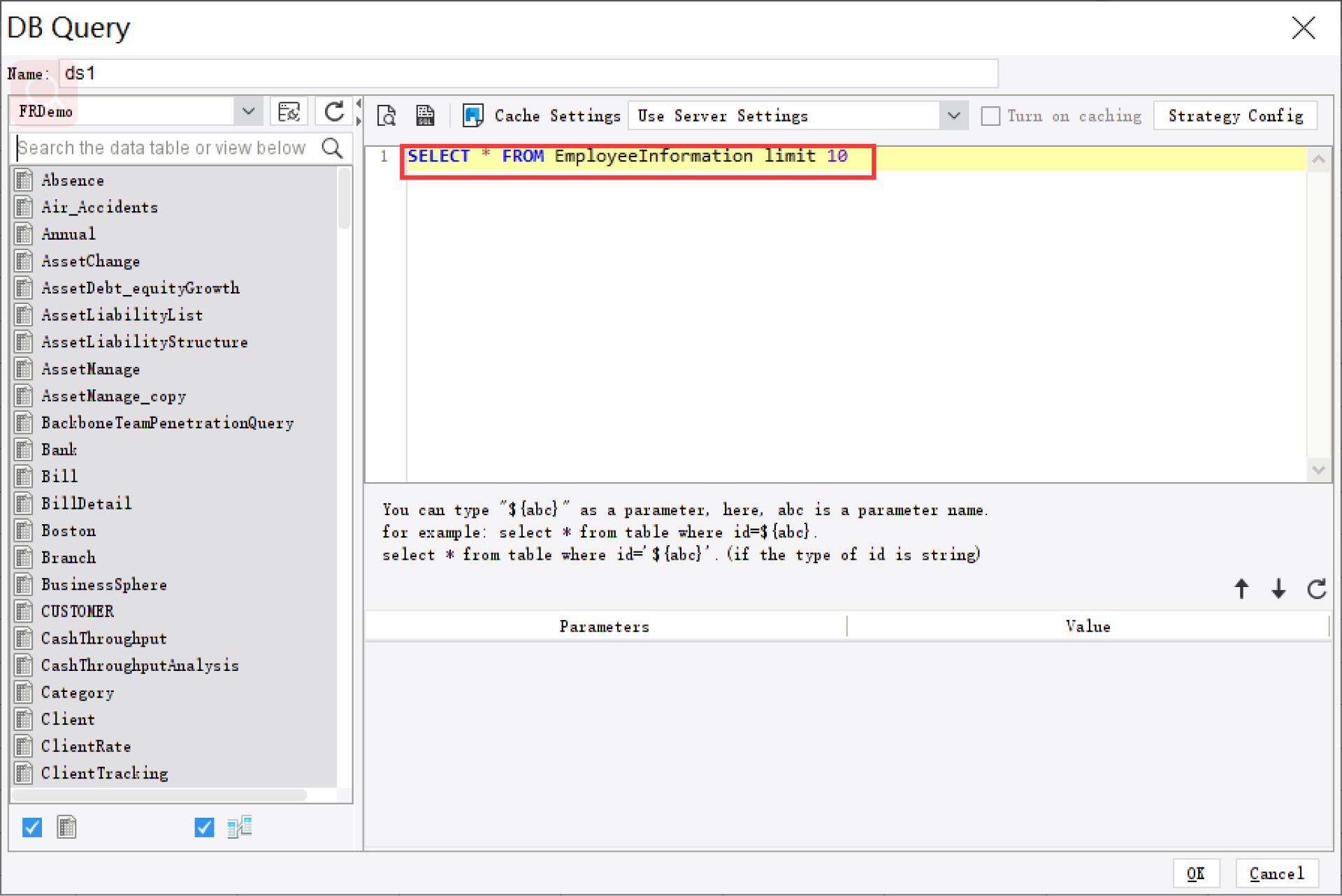
Supports parameter queries for users who need to filter by date, department, region, product, or other business dimensions
Useful for operational reporting in finance, manufacturing, logistics, management, and sales contexts
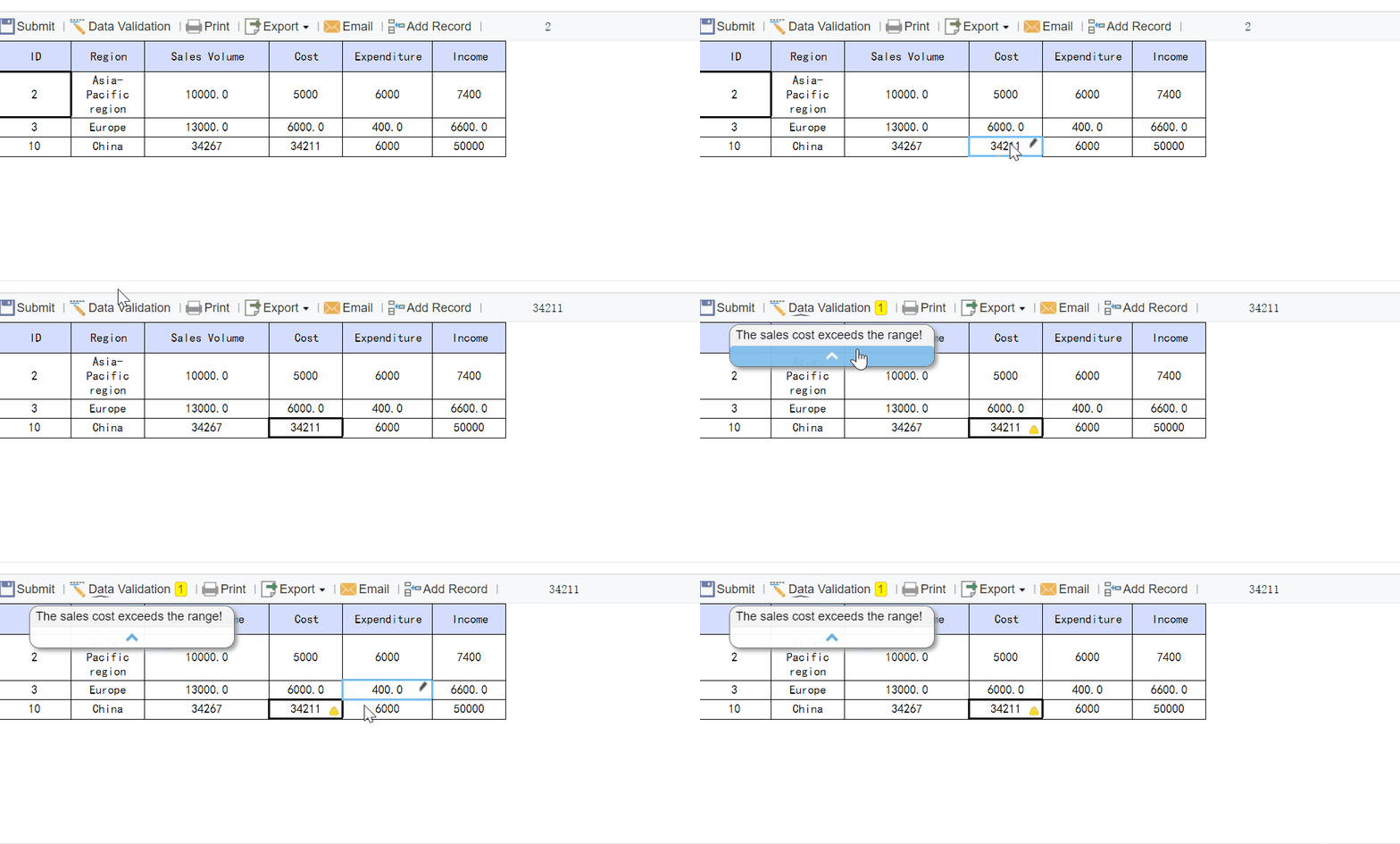
Can support data entry and form-based workflows where reporting is part of a broader business process
Trade-offs
More reporting-oriented than lightweight KPI apps
Best fit when reporting depth matters, not just quick charts
Teams looking only for very simple dashboard setup may prefer lighter tools
This makes FineReport especially relevant for companies that need KPI monitoring plus repeatable, governed reporting workflows.
Power BI is a common choice for businesses already invested in Microsoft 365, Excel, Azure, and related services. It combines data modeling, dashboarding, and report development in one ecosystem.
Strengths
Strong value for organizations already using Microsoft tools
Flexible dashboarding with drill-down and filtering
Broad adoption among analysts and business teams
Good fit for financial, sales, and operations KPI tracking
Trade-offs
Advanced modeling and governance can require specialist support
Formal pixel-perfect reporting may require additional setup or companion approaches
Self-service can become messy without strong data governance
Tableau is widely used for visual analytics and interactive executive dashboards. It is often favored by analyst teams that want flexibility in visual storytelling and exploratory analysis.
Strengths
Excellent dashboard customization and interactivity
Strong support for visual exploration and drill-down analysis
If your priority is analytical dashboarding and visual exploration, Tableau remains a strong contender.
4. Looker
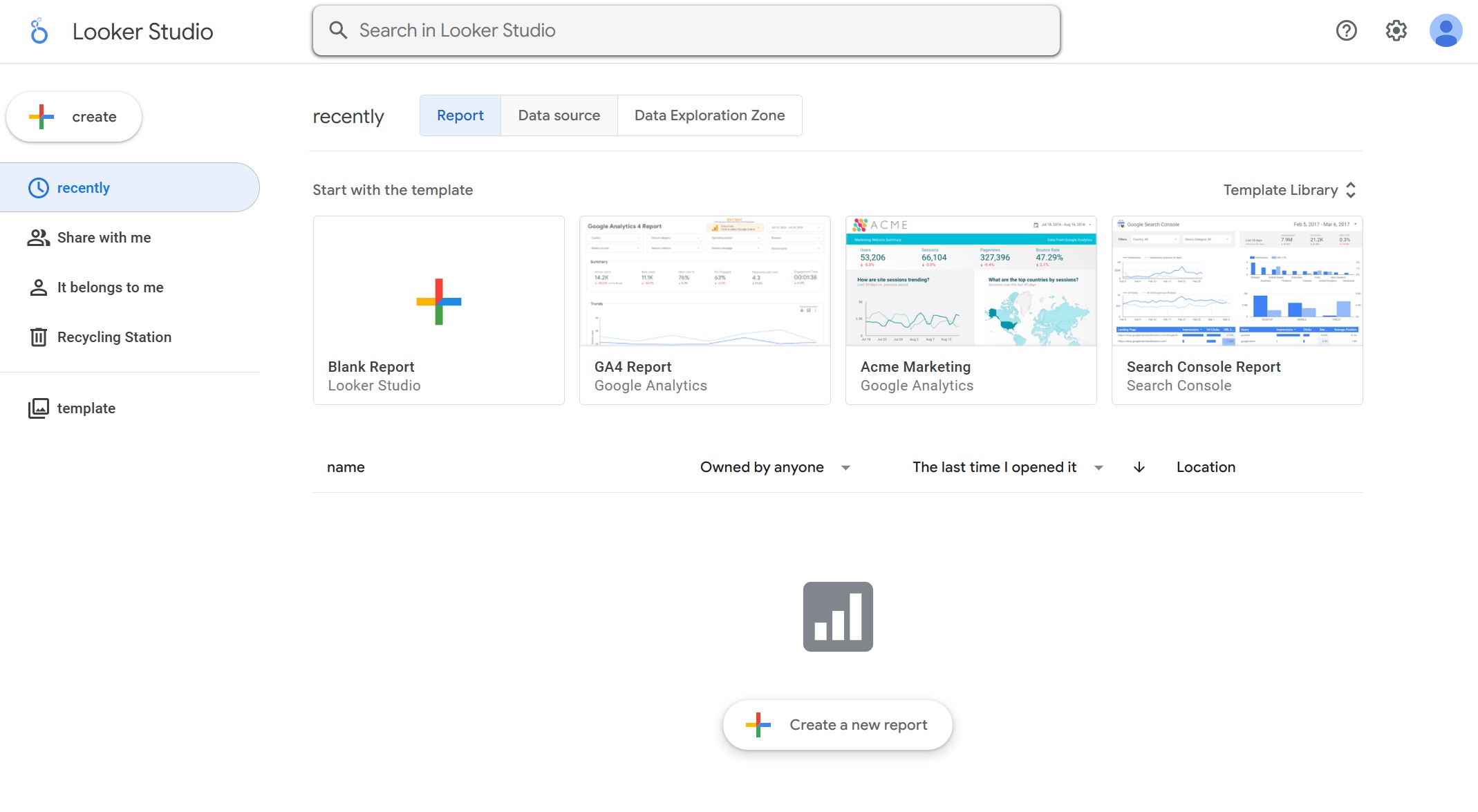
Looker is often selected by organizations that want governed metrics built on a centralized semantic layer. It can be a strong choice when consistency in KPI definitions matters across teams.
Less oriented toward traditional printable reporting layouts
Setup can be more involved than dashboard-first tools
Looker is a good fit for mature data teams focused on metric consistency and governed analytics.
5. Qlik Sense
Qlik Sense is known for associative exploration, helping users move through related data without rigid query paths. That can be useful for KPI analysis across multiple dimensions.
Strengths
Strong exploratory analysis
Flexible interaction with large datasets
Good for discovering relationships behind KPI changes
Suitable for cross-department analysis
Trade-offs
May require experienced authors for best results
Some business users may need guidance to use its exploration model effectively
Formal reporting may not be its primary strength compared with dedicated reporting tools
Qlik Sense is a strong option for organizations that want discovery-oriented KPI analysis.
Mid-market KPI software and business dashboard tools
These tools are usually easier to deploy and are often designed for teams that want quick KPI visibility without a full enterprise BI rollout.
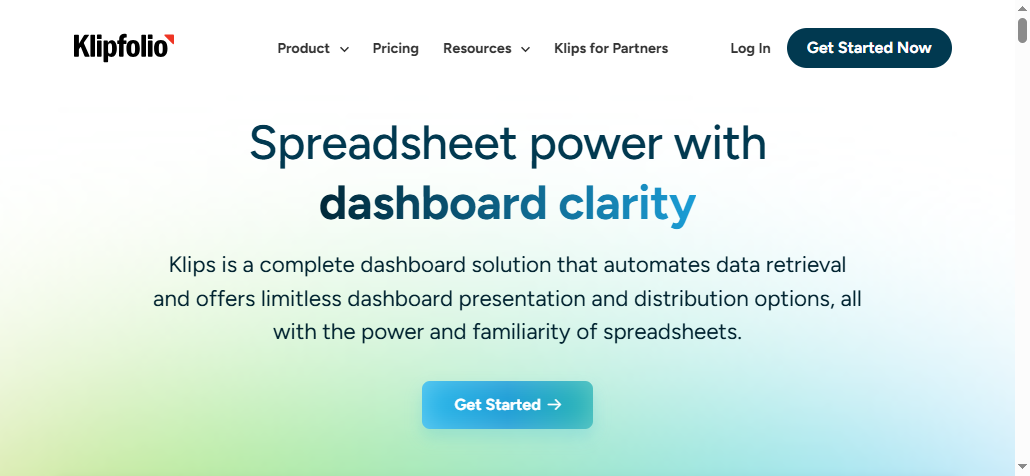
6. Klipfolio
Klipfolio is often used by growing businesses that want cloud-based KPI dashboards from multiple sources without heavy implementation.
Strengths
Quick to get KPI dashboards up and running
Useful for consolidating cloud business metrics
Good selection of KPI-focused templates and widgets
Suitable for mid-market reporting needs
Trade-offs
Deep analytics may be more limited than enterprise BI tools
Formal reporting workflows may need workarounds
Complex governance requirements may outgrow the platform
Klipfolio is a practical mid-market choice when speed matters more than enterprise complexity.
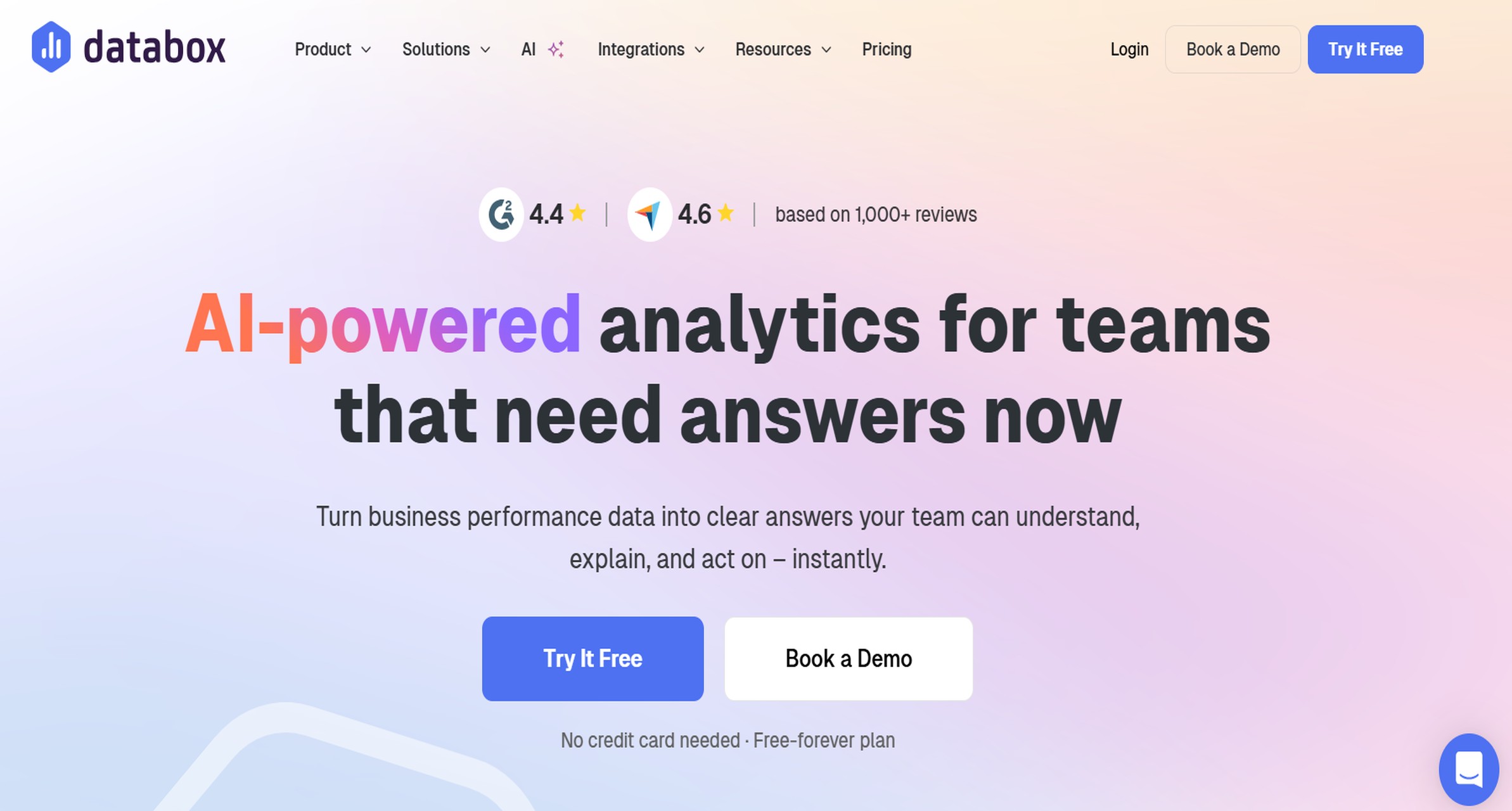
7. Databox
Databox is especially popular among sales, marketing, and SMB teams that need straightforward KPI tracking and mobile visibility.
Better for teams consuming KPI dashboards than building highly customized analytics systems
Databox works well for businesses that want quick adoption and accessible KPI summaries.
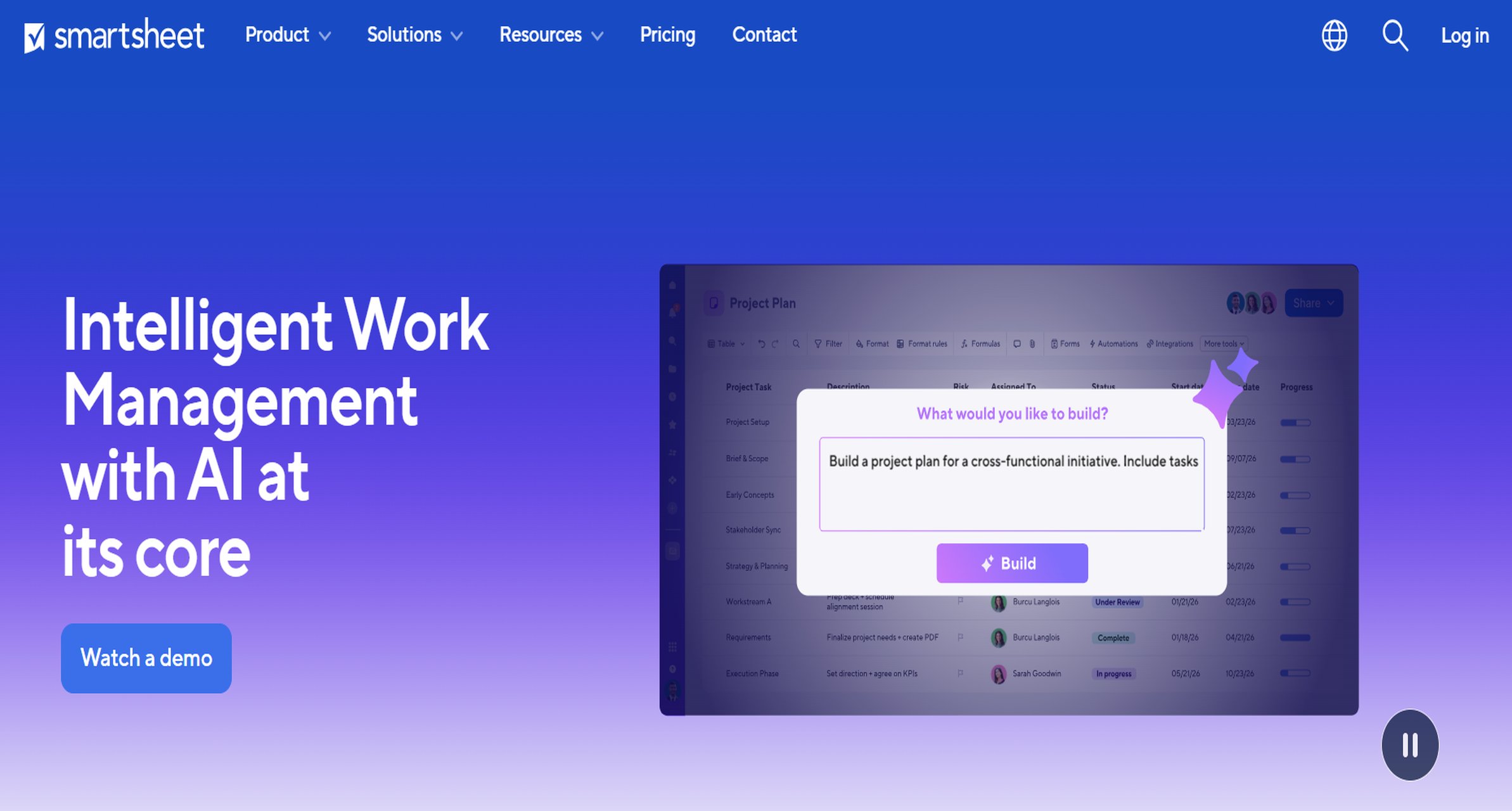
8. Smartsheet
Smartsheet sits closer to work management than traditional BI, but it can be useful where KPI tracking is tightly linked to project execution and operations.
Strengths
KPI visibility tied to workflows and project status
Strong workflow automation in operational use cases
Familiar spreadsheet-style experience
Useful for teams that want action tracking alongside KPIs
Trade-offs
Not as deep as dedicated BI platforms for analysis
Dashboards are practical rather than highly analytical
May not satisfy advanced reporting teams
Smartsheet is a good fit when process management and KPI monitoring need to live together.
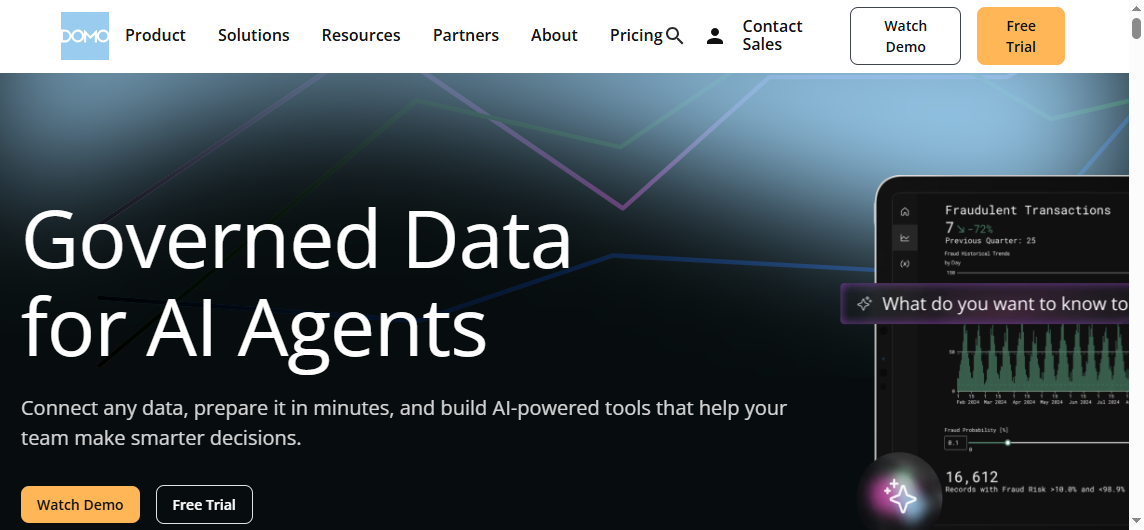
9. Domo
Domo positions itself as a cloud analytics platform that blends dashboards, alerts, and broad business access.
Strengths
Strong cloud dashboarding experience
Broad support for business-facing KPI use cases
Good alerts and automation capabilities
Useful for mixed technical and business audiences
Trade-offs
Can be more than smaller teams need
Cost and implementation may be heavier than lighter KPI tools
Fit depends on how much of its broader platform value you intend to use
Domo suits organizations that want a cloud-native KPI platform with broad reach.
10. Zoho Analytics
Zoho Analytics is often attractive to smaller or budget-conscious businesses that want reporting and dashboarding without enterprise-level cost.
Strengths
Accessible pricing position
Good enough dashboarding for many common KPI needs
Useful reporting features for SMB environments
Broad appeal for businesses already using Zoho tools
Trade-offs
Advanced analytics depth may not match enterprise BI platforms
Large-scale governance needs may stretch the platform
Custom report sophistication can be more limited
Zoho Analytics is a reasonable choice for businesses that need affordability and broad usability.
Lightweight and specialized reporting tools
These platforms are often best for focused KPI monitoring, executive snapshots, or departmental reporting where simplicity is the main goal.
11. Geckoboard
Geckoboard is built for simple, visible KPI tracking, especially on office screens or shared displays.
Strengths
Very easy to set up and understand
Great for real-time visibility in operations or sales teams
Strong for TV dashboards and wallboards
Useful for top-line metric awareness
Trade-offs
Limited depth for formal reporting
Not built for complex analytics workflows
Better for monitoring than for detailed analysis
Geckoboard is often enough when your goal is visibility rather than reporting depth.
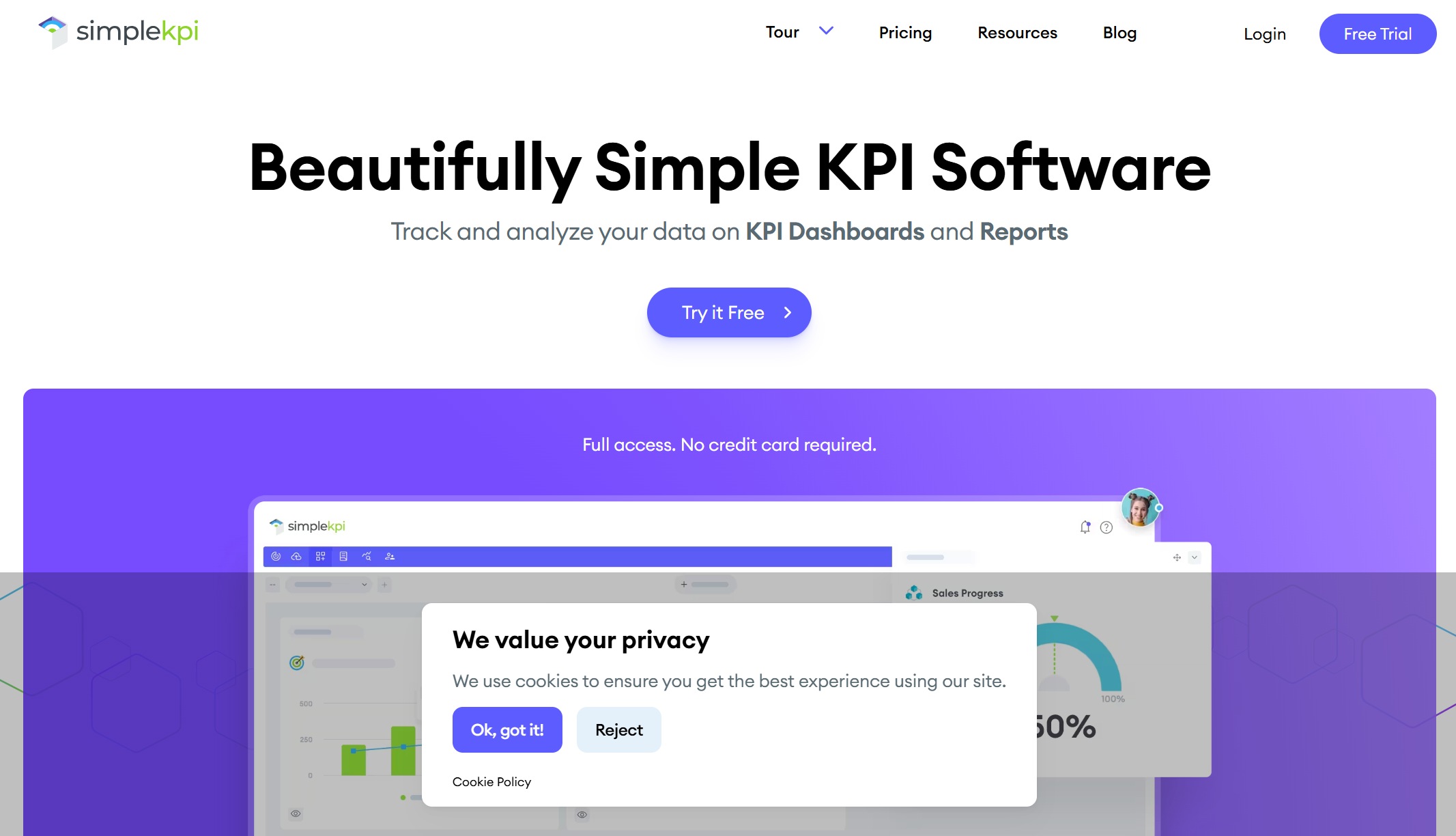
12. SimpleKPI
SimpleKPI focuses on making KPI dashboards and reports straightforward for smaller teams and businesses.
Strengths
Easy-to-use KPI setup
Dashboard and report functionality in one place
Good for small teams needing quick business visibility
Useful exports and report sharing for practical use
Pros and Cons by Dashboarding, Automation, and Reporting Depth
Which tools are strongest for dashboarding
If dashboarding is your top priority, these tools stand out:
Tableau: Strong for visual storytelling, executive dashboards, and interactive analysis
Power BI: Strong for flexible dashboards and widespread business use
Qlik Sense: Strong for exploratory dashboarding and associative analysis
Domo: Strong for cloud dashboards and broad business access
Databox and Geckoboard: Strong for simple, fast KPI visibility
For executive overviews, Geckoboard, Databox, Tableau, and Power BI are often effective. For analyst-led exploration, Tableau, Power BI, Qlik Sense, and Looker typically offer more depth.
Which tools are strongest for automation
Automation matters when KPI reviews are recurring and teams cannot afford manual updates.
Tools that stand out here include:
FineReport: Strong for scheduled reports, automated distribution, and parameterized reporting workflows
Power BI: Good refresh and subscription capabilities
Looker: Strong governed delivery of scheduled data and dashboard views
Domo: Strong alerts and cloud automation workflows
Smartsheet: Strong workflow automation when KPIs connect to operational tasks
Databox and Geckoboard: Useful alerts for threshold-based metric monitoring
Automation saves time in weekly leadership packs, monthly operational reviews, daily KPI summaries, and exception-based reporting.
Which tools are strongest for reporting depth
There is a meaningful difference between tools that visualize KPIs well and tools that support formal reporting processes.
The strongest for reporting depth include:
FineReport: Best suited here when teams need paginated reports, printable outputs, scheduled delivery, parameter queries, and dashboard-plus-report workflows
Power BI: Good reporting depth, especially for organizations comfortable with the Microsoft stack
Looker: Strong when governed KPI logic and controlled reporting matter
Tableau: Good for interactive reporting, though less centered on traditional print-style reporting
SimpleKPI and Zoho Analytics: Adequate for smaller-scale reporting needs
If your KPI process includes commentary, presentations, auditability, stakeholder-specific versions, and recurring operational documents, reporting depth should weigh heavily in your decision.
Who will build dashboards and reports, and who will maintain them?
How often do KPIs need to refresh?
How widely do reports need to be shared?
Do executives need summaries while managers need detailed operational views?
Do you need printable, exportable, or scheduled reports?
What level of customization, security, and governance is realistic for your team?
What budget can you support not just now, but after scale-up?
A tool that looks simple in a demo may become limiting later. A tool that looks powerful may become underused if the team cannot maintain it.
Practical Recommendations for Choosing KPI Reporting Tools
Here are five practical recommendations from a reporting and BI perspective:
Decide whether dashboards alone are enough.
If your organization runs weekly business reviews, board packs, operational summaries, or department-specific reports, you likely need more than dashboarding.
Evaluate automation early, not later.
Manual KPI reporting creates long-term friction. Prioritize scheduling, distribution, alerts, and recurring refresh workflows from the start.
Check how the tool handles stakeholder variation.
Executives, department managers, analysts, and frontline teams often need different KPI views. A good tool supports that without duplicating work.
Test reporting depth with a real use case.
Do not judge a platform only by chart demos. Build one real KPI workflow: dashboard, scheduled report, export, permissions, and exception alerting.
Match complexity to team capability.
A highly flexible platform only adds value if your team can operate it sustainably.
Here is a practical way to think about the best fit by scenario.
Best option for small teams that need quick setup and simple KPI visibility: Databox or Geckoboard
Best option for companies that want balanced dashboarding and reporting: Power BI or Zoho Analytics, depending on budget and ecosystem
Best option for automation-heavy reporting workflows: FineReport, especially when scheduled reports, parameter-driven outputs, and formal reporting matter
Best option for enterprises that need governance and advanced analytics: Looker, Power BI, Tableau, or Qlik Sense, depending on data maturity and analytics style
Best option for teams prioritizing ease of use over deep customization: SimpleKPI or Databox
When FineReport Is a Good Fit
Tools like Tableau and Power BI are widely used for visualization and BI analysis, but teams with complex reporting workflows may also need a dedicated enterprise reporting platform like FineReport.
That is especially true when KPI reporting includes not just dashboards, but also:
Data entry and form-based workflows tied to reporting processes
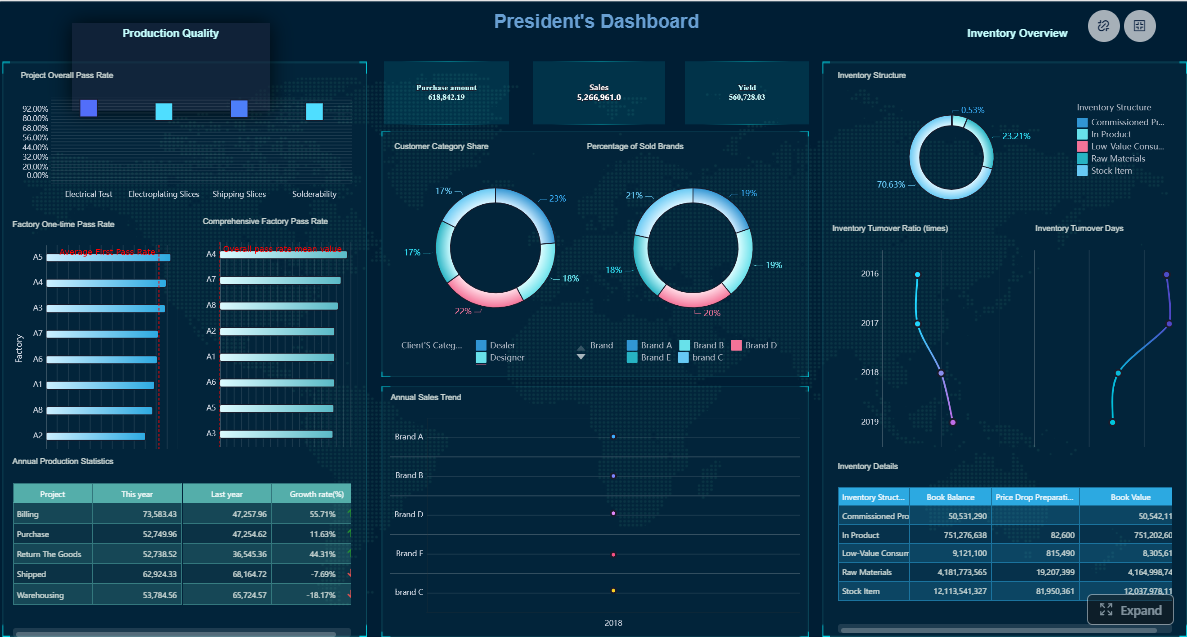
For example, if an operations team needs an executive KPI dashboard, a daily production summary, a regional manager report, and a parameterized exception report delivered automatically, a dashboard-only approach may not be enough. This is where FineReport can be a practical fit.
Get Ready-to-Use Dashboard and Report Templates in Fine Gallery
For teams evaluating KPI reporting tools in 2026, the right choice depends less on hype and more on workflow fit. If you mainly need visual exploration, platforms like Tableau, Power BI, and Qlik Sense are strong candidates. If you need fast KPI visibility for small teams, tools like Databox, Geckoboard, and SimpleKPI are often enough. If you need a combination of dashboards, structured reports, automation, and enterprise reporting discipline, FineReport deserves a closer look.
KPI tracking focuses on monitoring specific metrics against targets over time. Dashboarding emphasizes interactive visual views, while KPI reporting is usually more structured and includes scheduled delivery, exports, and stakeholder-ready formats.
Start by defining whether you need executive dashboards, departmental scorecards, formal reports, or all three. Then compare tools based on automation, integrations, ease of use, governance, and budget fit.
Small businesses often prefer tools like Databox, Geckoboard, SimpleKPI, Klipfolio, or Zoho Analytics because they are generally easier to set up and more budget-friendly. The best option depends on whether you prioritize simplicity, templates, or broader BI features.
The most important features usually include flexible dashboards, scheduled reporting, data integrations, alerts, role-based access, and export options. If you need formal business reporting, printable and paginated report design can also be important.
Some platforms can cover all three, but many are stronger in one area than another. Tools like FineReport, Power BI, Looker, and Domo are often considered when teams need a broader mix of dashboarding, automation, and reporting depth.
Product Trial
FineReport
Pixel-perfect reports · Interactive dashboards · Easy data entry · Digital twins





 Geckoboard is built for simple, visible