If your data pipeline keeps getting slower, the answer is not always a redesign, a migration, or more compute. In many cases, etl process optimization comes down to finding one or two wasteful patterns and fixing them with targeted changes.
That matters because slow ETL jobs do more than delay dashboards. They increase cloud costs, create SLA risk, and make failures harder to recover from. The good news is that you can often improve runtime significantly without rebuilding the pipeline from scratch.
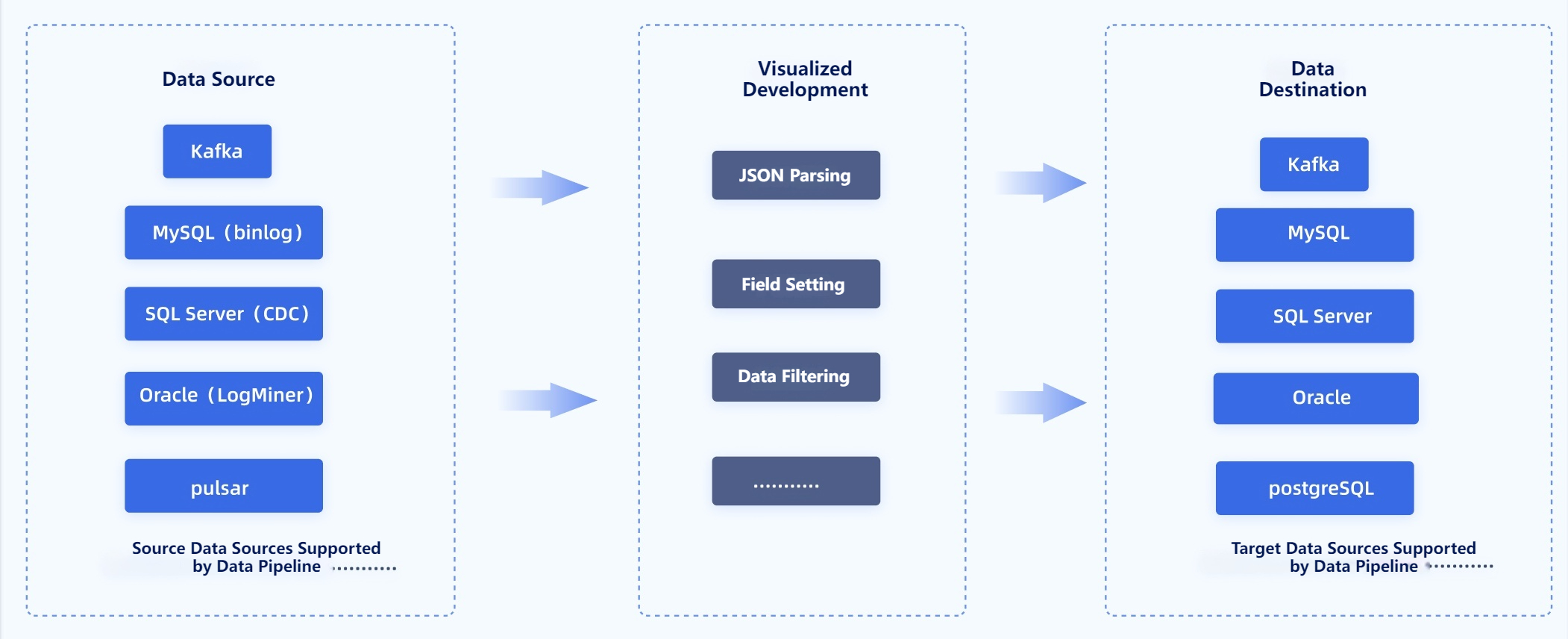
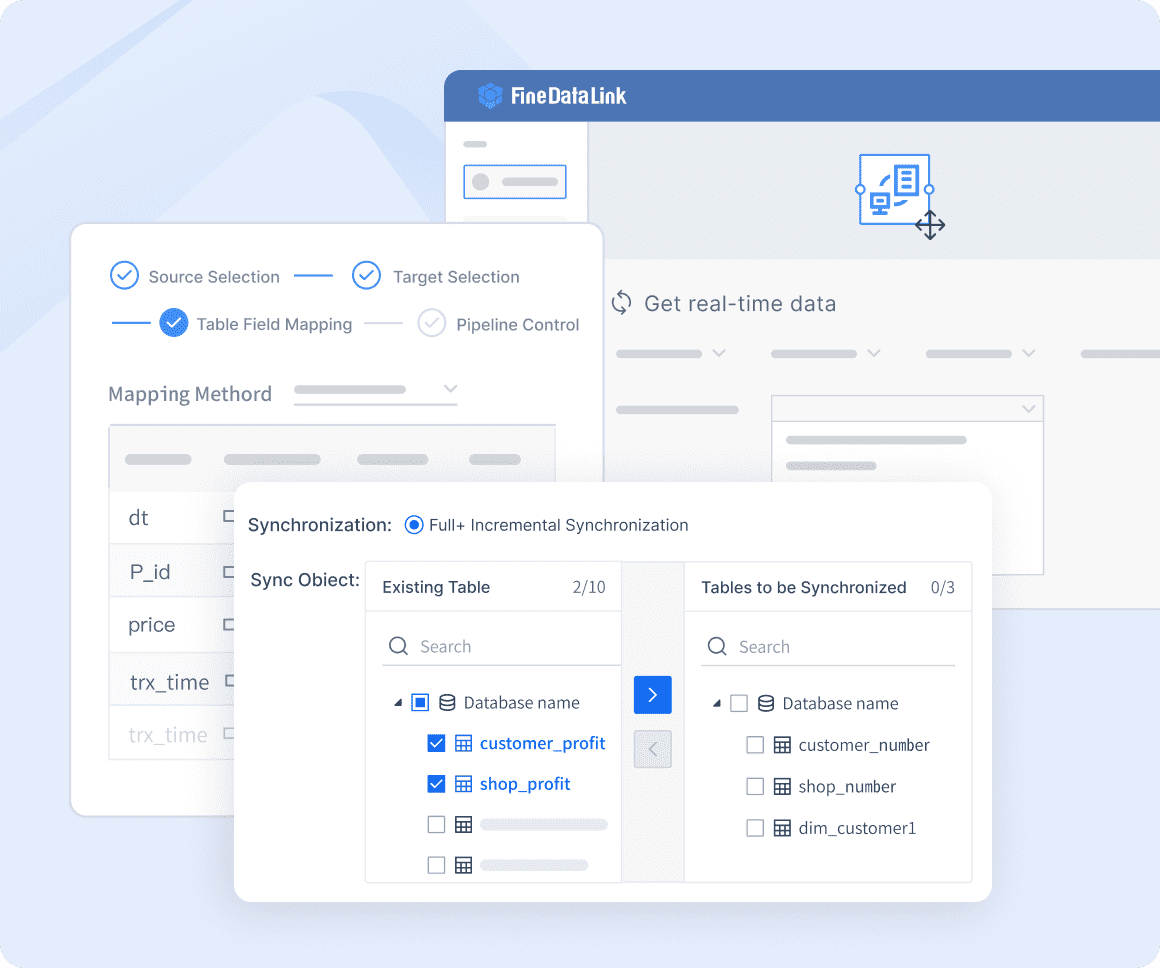
This checklist focuses on practical fixes you can apply to existing workflows. It is especially useful for teams that need faster runs now, but do not have the time or appetite for a full platform overhaul. If you are also looking for a faster way to modernize integrations, orchestrate data movement, and reduce pipeline friction, FineDataLink is a strong solution for accelerating ETL and data integration without unnecessary complexity.
ETL process optimization checklist: where to look first
Before changing anything, define what you are trying to improve. “Slow” can mean different things in different environments.
For one team, it means the entire nightly workflow takes too long. For another, it means a single stage has high peak latency. In other cases, the real problem is queue time before jobs start, or the long recovery time after failures. If you do not define the issue clearly, you may optimize the wrong part of the pipeline.
Next, identify the highest-impact bottleneck before making changes. ETL performance issues usually come from one of five places:
Extraction
Transformation
Loading
Orchestration
Infrastructure
A pipeline that spends most of its time waiting on source APIs needs a different fix than one that is overwhelmed by shuffle-heavy joins or slow target writes.
Finally, set a simple baseline. You do not need a perfect observability program to begin. Track a few core metrics consistently:
One of the fastest ways to improve ETL runtime is to move less data.
Filter rows as early as possible. Select only the columns you need. Avoid copying full datasets across stages when downstream logic only uses a small subset. A wide table with dozens of unused columns creates needless network, storage, and memory overhead.
This is often the simplest form of etl process optimization, and it pays off immediately because every later stage handles less work.
Practical examples include:
Replacing SELECT * with explicit columns
Applying date or status filters at extraction time
Skipping large text or blob fields unless they are required
Passing only curated subsets into transformation jobs
If your team manages many source-to-target flows, FineDataLink can help streamline selective data movement and reduce over-transfer across connectors and environments.
2. Switch full loads to incremental processing where possible
Full refreshes are expensive. If your pipeline repeatedly pulls and reprocesses entire tables, runtime will grow as source data grows.
Incremental processing cuts that cost by handling only new or changed records. Common approaches include:
Incremental logic reduces extract time, transformation cost, and target write volume. It also makes recovery easier, because you are processing smaller windows instead of replaying everything.
This change usually brings one of the highest returns in etl process optimization, especially for large operational tables.
3. Push work down to the database or warehouse
Many ETL jobs are slow because they pull data out of a platform that could have processed it faster internally.
Modern databases and warehouses are often better at joins, aggregations, filtering, and partition pruning than an external application layer. If the source or target engine can do the work efficiently, let it.
Pushdown opportunities include:
Filtering in SQL instead of after extraction
Aggregating before export
Running set-based merges inside the warehouse
Using native partition elimination
This reduces data movement and takes advantage of platform-level query optimization. It is one of the most reliable ways to improve runtime without changing business logic.
4. Optimize joins, sorts, and aggregations
Joins, sorts, and aggregations are frequent runtime hotspots because they are computationally heavy and often trigger expensive shuffles or temporary storage use.
To improve them:
Reorder transformations so filtering happens first
Join smaller, reduced datasets instead of raw large ones
Pre-aggregate where possible before merging into bigger tables
Avoid unnecessary sorts that do not affect final output
Review join keys for skew and cardinality problems
A common mistake is performing enrichment too early. If you can reduce data volume before a major join, you lower the cost of every downstream operation.
For teams dealing with recurring performance issues across many pipelines, FineDataLink helps centralize and simplify data flow design, which can make transformation logic easier to standardize and tune.
5. Tune partitioning and file sizes
Poor partitioning can make a decent ETL design run badly.
Two common problems appear again and again:
Too many small files
Skewed partitions
Too many small files create overhead in scanning, metadata operations, and task startup. Skewed partitions create imbalance, where one worker processes far more data than the others.
Improve this by:
Rebalancing partitions after large filters or joins
Using partition keys that match common query and load patterns
Compacting tiny files into larger, efficient units
Avoiding over-partitioning on high-cardinality values unless necessary
Partitioning is not just about reads. It also affects write speed, concurrency, and downstream maintenance.
6. Add or refine indexing for load targets
Indexing can speed up lookups, updates, and merge operations on the target side, but it must be used carefully.
Helpful cases include:
Matching incoming records during upserts
Supporting merge keys used repeatedly
Speeding post-load validation queries
But too many indexes can hurt bulk load performance because every insert or update has more maintenance overhead. In some cases, it is faster to reduce nonessential indexes during large loads and rebuild them afterward.
Treat this as a measured optimization, not a default rule. The right index can help a lot. The wrong indexing strategy can slow everything down.
Parallel execution can reduce wall-clock runtime, but only when the environment can support it.
Good candidates for more concurrency include:
Independent extracts from separate sources
Non-dependent transformation branches
Loads into separate target tables or partitions
However, more parallelism is not automatically better. It can create:
CPU and memory contention
Locking issues on targets
Network saturation
Source throttling
Orchestrator queue pressure
This is why etl process optimization should be metric-led. If the bottleneck is a serial dependency, concurrency may help. If the bottleneck is target locking, it may make things worse.
8. Improve memory and batch settings
Default runtime settings are often conservative or poorly matched to the workload.
Tune the settings that shape how data flows through the job:
Batch size
Commit frequency
Cache usage
Executor or worker memory
Buffer sizes
Larger batches may improve throughput, but they can also increase rollback cost or memory pressure. Smaller commits may improve resilience, but they can slow down target writes. The goal is to fit the workload shape, not chase a universal best practice.
This is one of the most practical ETL tuning areas because it often requires configuration changes rather than structural redesign.
9. Remove repeated transformations
A surprising amount of ETL waste comes from recomputing the same logic multiple times.
Examples include:
Rejoining the same dimension table in several branches
Reapplying the same cleansing logic in multiple jobs
Rebuilding identical intermediate datasets every run
If an intermediate result is reused, consider materializing it once and reusing it. If logic is shared, centralize it so every pipeline does not repeat the same work.
This reduces runtime and also improves consistency. Repeated transformations are not just slow; they are harder to maintain and validate.
FineDataLink is especially useful here because it helps teams unify integration logic and reduce duplicate pipeline behavior across systems.
10. Optimize connectors and network paths
Sometimes the code is fine, but the connectors are slow.
Review the details around data transfer:
JDBC or driver configuration
Compression settings
Serialization format
Fetch size and write batch parameters
Cross-region traffic
VPN or private link routing
A pipeline moving data across distant regions or through inefficient connector defaults can lose a lot of time outside the transformation engine.
This area is often overlooked because the ETL logic looks correct on paper. But transfer overhead, protocol choices, and connector tuning can materially affect runtime. FineDataLink can help reduce this friction by providing more efficient, manageable connectivity across diverse data environments.
Some ETL pipelines are slow because they spend too much time waiting.
The problem may not be extraction or transformation at all. It may be orchestration logic that introduces:
Idle gaps between stages
Overlapping run windows
Fragile dependencies
Unnecessary retries
Long blocking chains for tasks that could start earlier
Review your schedule design and dependency graph. Remove avoidable waits, tighten handoffs, and make retries smarter. Better orchestration can reduce runtime without changing data logic at all.
If your current stack makes scheduling and cross-system coordination difficult, FineDataLink can simplify operational flow and help reduce orchestration overhead across ETL processes.
12. Add targeted monitoring and alerts
You cannot keep ETL fast if you only notice issues after SLAs break.
Add monitoring that shows performance at the stage level, not just job success or failure. Watch for:
Stage runtimes
Throughput shifts
Memory pressure
Spill or temp storage growth
Retry frequency
Queue time
Target write slowdown
Then set alerts for meaningful regressions. This lets you catch performance drift after schema changes, source growth, or infrastructure shifts.
Good monitoring turns etl process optimization from a one-time project into an ongoing operational discipline.
How to prioritize fixes by effort and impact
Not every optimization deserves immediate attention. The best approach is to rank changes by expected payoff and implementation effort.
Low effort, fast payoff
Start with changes that are simple and often effective:
Filtering earlier
Trimming unused columns
Tuning batch sizes
Removing duplicate work
These tend to be low-risk and easy to measure. They are ideal first steps when you need quick wins.
Medium effort, structural payoff
Next, focus on improvements that require some redesign but do not demand a full rebuild:
Incremental loads
Partition tuning
Pushdown logic
Smarter orchestration
These changes often create lasting benefits because they address structural inefficiencies in how the pipeline operates.
Higher effort, use selectively
Reserve more invasive tuning for bottlenecks that metrics clearly confirm:
Indexing changes
Concurrency increases
Connector-level tuning
These can deliver strong gains, but they are easier to get wrong if you have not already validated the root cause.
Even experienced teams fall into patterns that hurt performance.
Common mistakes include:
Scaling compute before confirming the real bottleneck
Over-partitioning data and creating excessive small files
Running full refreshes when change-based processing is available
Ignoring data skew, lock contention, or downstream write limits
Making multiple changes at once, which hides which fix actually improved runtime
The theme is simple: optimization fails when it is driven by assumptions instead of evidence.
Final checklist before and after each optimization
Use this checklist every time you make an ETL performance change:
Confirm the bottleneck with metrics, not assumptions
Change one variable at a time
Compare runtime, cost, and reliability against the baseline
Validate data quality after every performance change
Keep only optimizations that improve both speed and operational stability
The most effective etl process optimization is not about heroic rewrites. It is about disciplined diagnosis, targeted fixes, and repeatable measurement. If you want to speed up pipelines without rebuilding them from scratch, start with the checklist above, fix the biggest waste first, and scale what works.
And if you need a practical platform to simplify integration, reduce data movement overhead, and modernize ETL operations faster, FineDataLink is a smart solution to evaluate.
FAQs
Start by identifying the biggest bottleneck and reducing unnecessary work in that stage. In many cases, early filtering, column pruning, or switching from full loads to incremental processing delivers the quickest gains.
Set a simple baseline for job duration, throughput, data volume, and failure rate, then compare those metrics by stage. This shows whether the real issue is slow source reads, heavy joins and sorts, target write contention, or orchestration delays.
You should switch when the same tables are repeatedly reprocessed even though only a small portion changes between runs. Incremental ETL is especially useful for large operational datasets where timestamps, CDC, or version columns can track changes reliably.
These operations are compute-intensive and can trigger large data shuffles, temporary storage use, and skewed workloads. Performance usually improves when you filter earlier, reduce datasets before joining, and remove sorts that do not affect the final result.
Yes, FineDataLink can help simplify data movement, streamline integrations, and reduce friction across ETL workflows. It is useful for teams that want faster pipelines and easier modernization without taking on a full rebuild.
Product Trial
FineReport
Pixel-perfect reports · Interactive dashboards · Easy data entry · Digital twins