Creating a Concur expense report is one of the most important routine tasks for employees who travel, entertain clients, or submit reimbursable business costs. Done correctly, it speeds up reimbursement, reduces back-and-forth with finance, and keeps your company compliant with internal policy. Done poorly, it leads to rejected claims, approval delays, and extra admin work for both employees and managers.
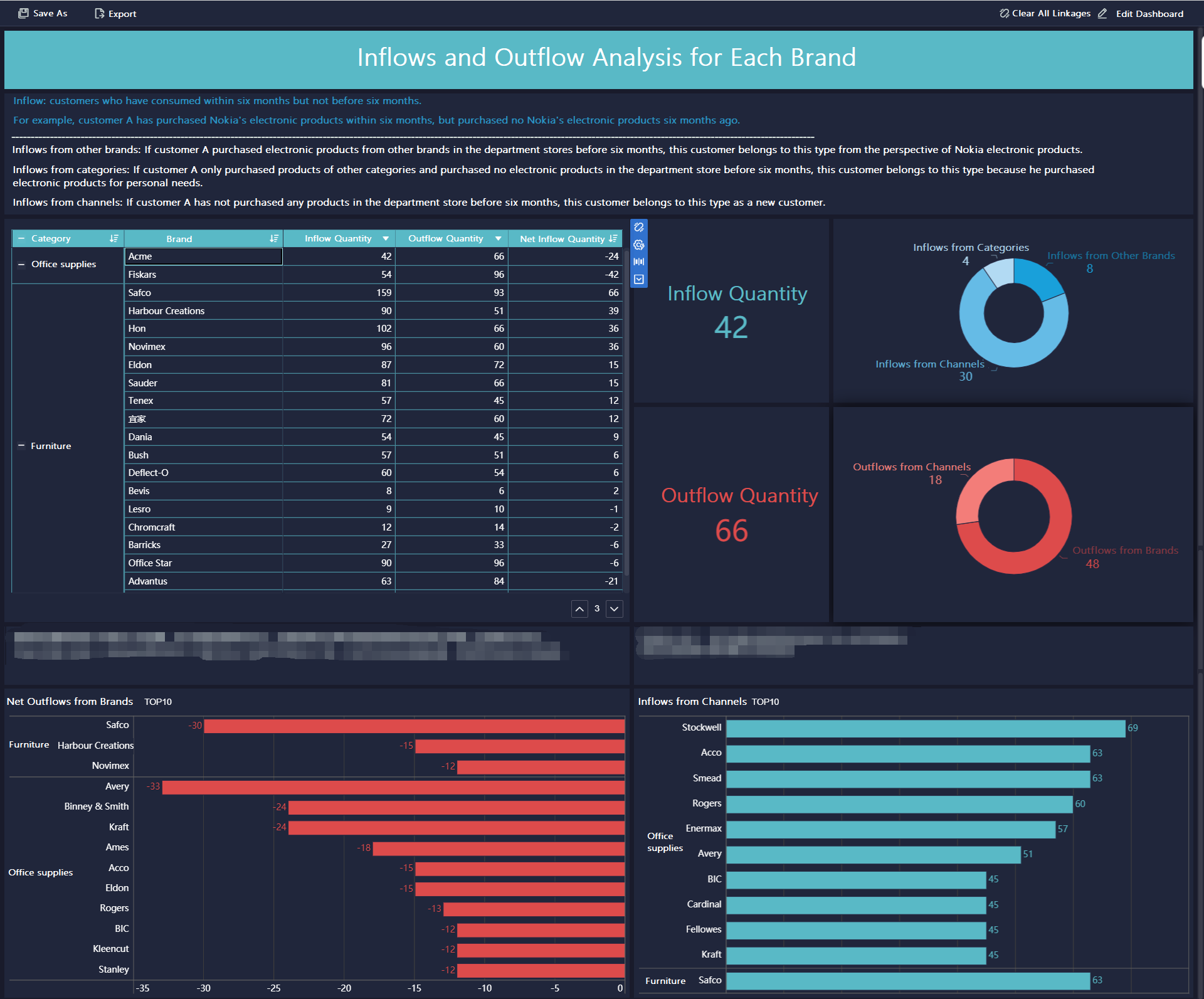
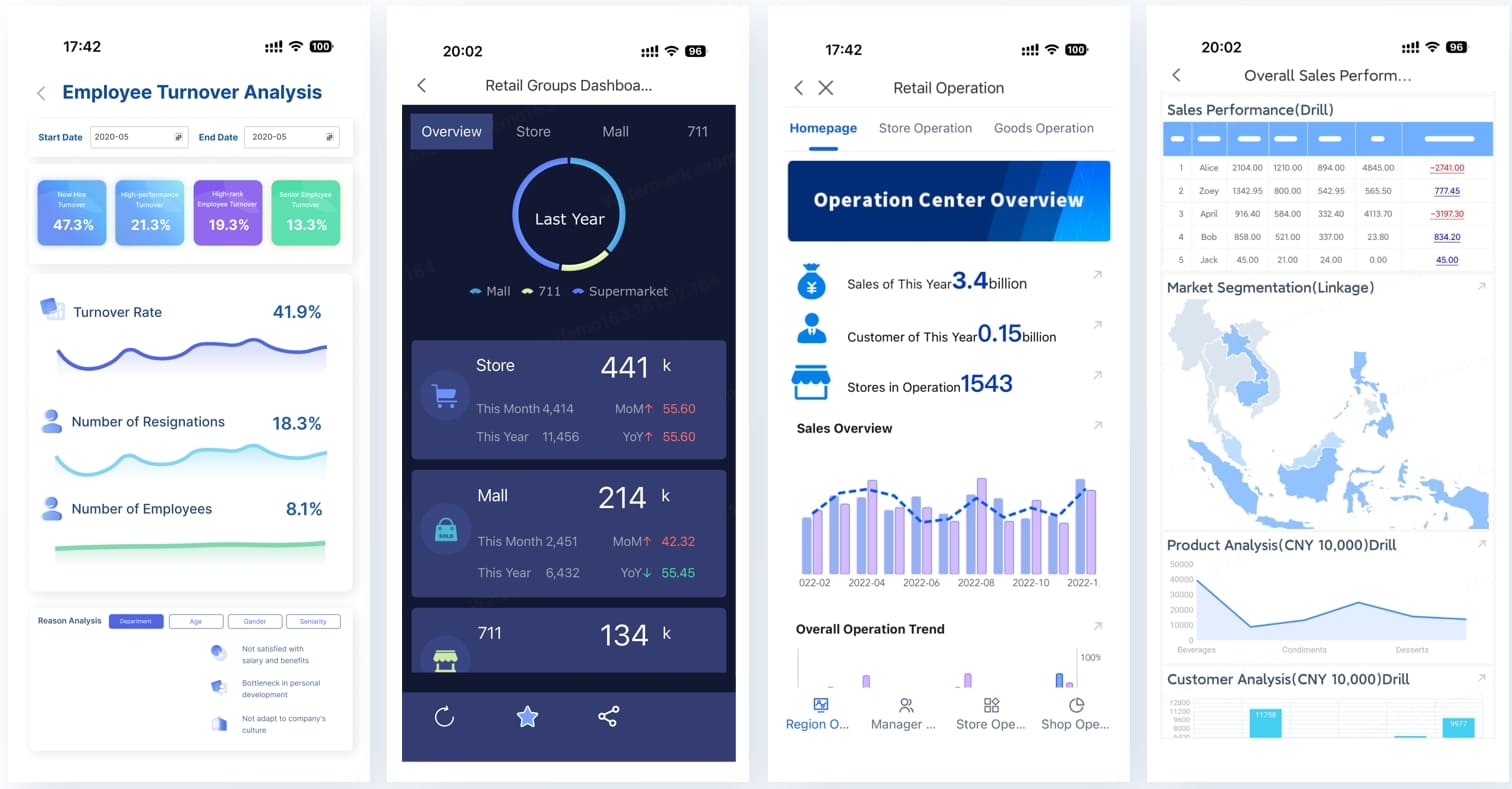
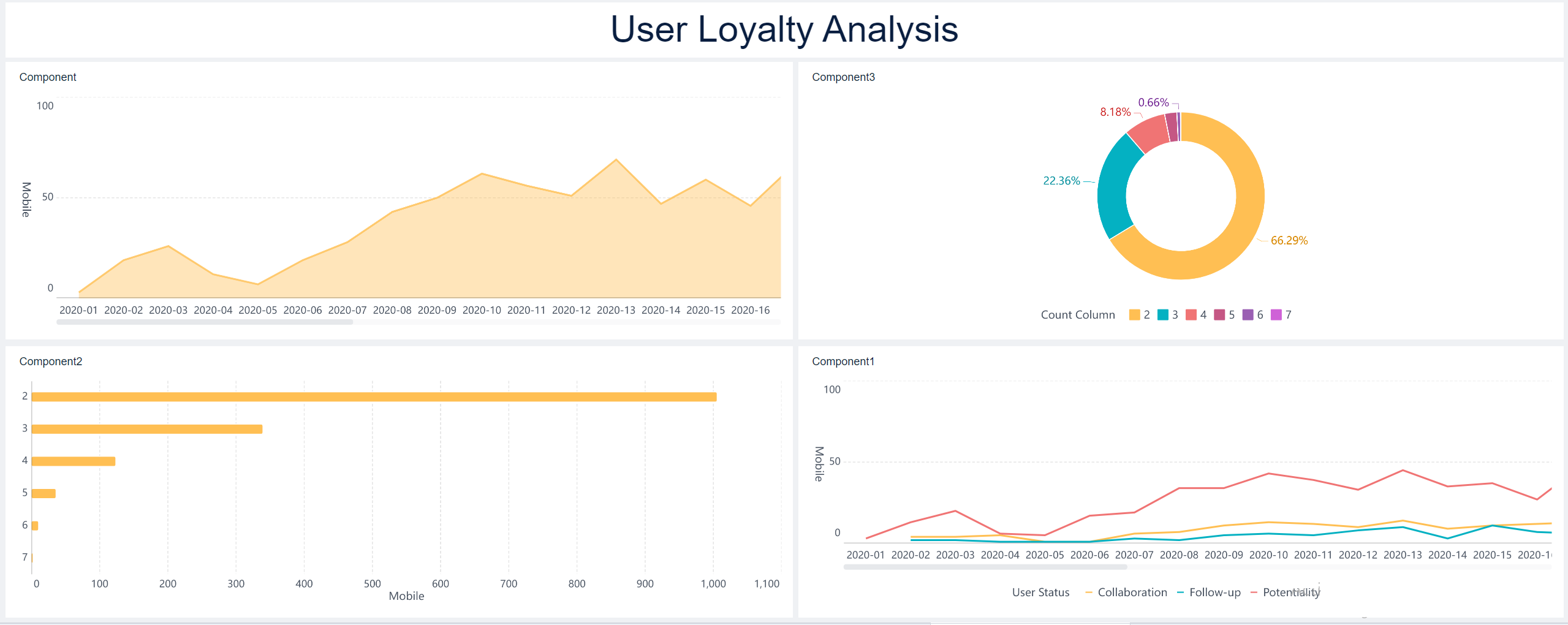
All reports in this article are built with FineReport
What a Concur Expense Report Is and When You Need One
A Concur expense report is the formal record you create in SAP Concur to group together business-related expenses for review, approval, and reimbursement. Instead of submitting expenses one by one, employees typically organize multiple charges into a single report tied to a business trip, client meeting, project, or reporting period.
In practical terms, the report acts as the container for your expense transactions. It holds essential details such as the report name, business purpose, expense dates, receipts, cost allocation, and notes required by company policy.
When employees should create a new report
You should usually create a new report when:
You have completed a business trip
You need reimbursement for out-of-pocket expenses
Your company requires monthly or periodic submissions
You need to separate expenses by project, department, event, or client
Your previous report has already been submitted and approved
In many organizations, employees create the report first and then attach expenses to it. In others, card transactions may appear automatically in Concur and can be added later. The right timing depends on company workflow, but the core principle is simple: create a new report when the expenses belong to a distinct business purpose or reporting cycle.
When to add expenses later instead of creating another report
You may not need a new report if:
The expense belongs to an open report for the same trip or purpose
Additional card transactions are still feeding into the system
You are waiting on a receipt for an expense already associated with that report
Your finance team wants all related expenses grouped together
This helps avoid fragmented submissions, duplicate approvals, and confusion during reconciliation.
What information to prepare before you begin
Before creating your Concur expense report, have the following ready:
Business purpose: Why the expense was incurred
Travel or transaction dates: Start and end dates for the report
Receipts: Digital copies or photos of required receipts
Expense details: Merchant, amount, currency, tax, and category
Cost center or department: If your company requires charge allocation
Project or client code: If expenses must be tied to billable work
Approver information: If manual approver selection is required
Key Metrics (KPIs) and Core Elements to track in an expense reporting process
For employees and finance teams, these are the most important operational elements behind an effective Concur expense report workflow:
Report submission cycle time: The time from expense incurred to report submission. Shorter cycles reduce missing receipts and forgotten details.
Approval turnaround time: The number of days it takes for managers or finance to approve a report.
Exception rate: The percentage of reports flagged for policy violations, missing data, or receipt issues.
Receipt compliance rate: The percentage of expense lines with valid supporting documentation attached.
Rework rate: How often reports are returned for correction before approval.
Expense categorization accuracy: Whether expenses are assigned to the correct type, such as meals, lodging, transportation, or mileage.
Policy adherence rate: The percentage of submitted expenses that align with internal travel and reimbursement rules.
Reimbursement speed: The time from final approval to employee reimbursement.
Creating a Concur expense report typically follows a straightforward sequence: start a new report, enter report details, add expenses, review for issues, and submit for approval. The exact labels may differ slightly by company configuration, but the process remains largely the same.
Start a New Report in Concur
After logging into Concur, navigate to the Expense section or your expense dashboard. Most users will see a button or menu option labeled something like Create New Report, New Expense Report, or Create Report.
Once selected, Concur opens a new report form where you can enter the header details.
Common fields you may need to complete include:
Report name
Business purpose
Start date and end date
Report or trip type
Department or cost center
Employee ID or organizational unit
Travel destination, if relevant
Custom company fields, depending on policy
If your company uses a corporate card feed, you may also see available card transactions waiting to be assigned after the report is created.
This step matters more than many employees realize. Accurate report details are one of the biggest factors in preventing approval delays.
Pay special attention to the following fields:
Report name: Use a clear naming convention, such as "Chicago Client Visit - March 2026" or "April Field Travel Expenses"
Business purpose: Briefly explain the reason for the expenses
Date range: Ensure it matches the actual travel or spending period
Cost center or department: Select the correct organizational owner of the expense
Project, client, or event code: Add these if your organization requires cost tracking
A vague report name like "Travel Expenses" may create confusion for approvers. A precise report description gives finance and managers enough context to approve quickly and audit later if needed.
Add Expenses to the Report
Once the report header is saved, add your individual expense lines. In a typical Concur expense report, there are two primary ways to do this:
Import card transactions
If you used a corporate card connected to Concur, eligible transactions may appear automatically in your available expenses. You can then:
Select the imported transactions
Move or assign them to the current report
Review the merchant, date, and amount
Confirm or update the expense type
Attach receipts if required
Add out-of-pocket expenses manually
For personal card purchases or cash expenses, you usually need to enter them manually. This often includes:
Clicking Add Expense
Choosing the correct expense type
Entering the transaction date
Inputting the amount and currency
Adding the vendor or merchant
Attaching a receipt
Including a business note if company policy requires explanation
Typical expense categories include:
Airfare
Hotel
Meals
Taxi or rideshare
Mileage
Parking
Office supplies
Entertainment
Internet or communication charges
Accuracy here is critical. Misclassified expenses are one of the main reasons reports are flagged by finance teams.
Before you submit your Concur expense report, take a few minutes to review system alerts and validate the supporting information. This step saves time and reduces the chance of the report being sent back.
Check Policy Warnings and Missing Information
Concur typically identifies issues through alerts, warnings, or error messages. These may appear at the report level or on individual expense lines.
Common issues include:
Missing receipts
Incomplete required fields
Invalid expense type selection
Out-of-policy meal or hotel amounts
Duplicate expense entries
Missing business purpose notes
Incorrect tax or allocation fields
It is important to understand the difference between warnings and errors:
Warnings usually indicate a policy concern or something unusual, but they may still allow submission
Errors usually block submission until the required information is corrected
If an expense is flagged, open the line item and review every field carefully. In many cases, the fix is simple: attach the receipt, update the category, or complete the missing comment.
Verify Totals and Expense Categories
Before moving forward, confirm that:
Each expense is in the correct category
Receipt amounts match the entered values
Dates align with the actual transaction or trip
Currency conversions, if any, are accurate
Business justification is clear and complete
The total report amount looks correct
This final validation is especially important when a report contains multiple expense types or transactions imported from different sources.
Once the report is complete and free of blocking errors, the next step is submission. This is where your report officially enters the approval workflow.
Complete the Final Review
Before clicking submit, perform one last check:
Confirm all expenses are attached to the right report
Make sure required receipts are uploaded
Verify notes for exceptions or unusual expenses
Review totals one more time
Check cost center, department, or project coding
Confirm the approver if your company allows or requires approver selection
For employees who submit reports infrequently, this final review is often the difference between same-day approval and a returned report.
Submit and Track Report Status
After submission, your Concur expense report typically moves through one or more workflow stages:
Submitted
Manager approved
Finance under review
Sent back to employee
Approved for payment
Reimbursed or processed
You can usually monitor this in the report list or status dashboard inside Concur. If the report is returned, open the comments or audit notes, make the requested corrections, and resubmit promptly.
For smoother processing, do not wait too long after the report is returned. Delays can affect month-end close timelines, reimbursement cycles, and policy deadlines.
Tips to Make Future Concur Reports Easier
Employees who handle expenses regularly can dramatically reduce reporting time by building better habits. As a consultant, I recommend focusing on a few disciplined practices rather than trying to fix everything at submission time.
1. Save receipts immediately
Capture receipts the moment you receive them. Waiting until the end of a trip often leads to missing documentation and inaccurate entries.
Best practice:
Photograph receipts on the same day
Store digital copies in one folder
Match receipts to card transactions as they appear
2. Create reports regularly
Do not let expenses pile up for weeks or months. Frequent reporting improves accuracy and reduces forgotten details.
A practical rhythm is:
After each business trip
Weekly for frequent travelers
Monthly for low-volume users
3. Follow company expense policy closely
Many report delays are caused by avoidable policy issues. Know your company’s rules for:
Receipt thresholds
Daily meal limits
Travel class restrictions
Required approvals
Non-reimbursable categories
Employees who understand policy submit faster and get reimbursed faster.
4. Use consistent naming and categorization
Clear report names and accurate categories help managers approve quickly and help finance teams reconcile data later.
For example:
Good report name: "Q2 Regional Sales Visit - Dallas"
Weak report name: "Business Expenses"
5. Review before you submit, not after it is rejected
A one-minute self-audit before submission prevents much larger delays later. Check totals, receipts, policy alerts, and business purpose every time.
Build a Smarter Expense Reporting Workflow with FineReport
If your organization only needs to know how to create a Concur expense report, the steps above will get employees through the process. But if you are an operations leader, finance manager, or IT decision-maker, the bigger issue is not just report entry. It is visibility, compliance, and workflow control at scale.
Building this manually is complex; use FineReport to utilize ready-made templates and automate this entire workflow.
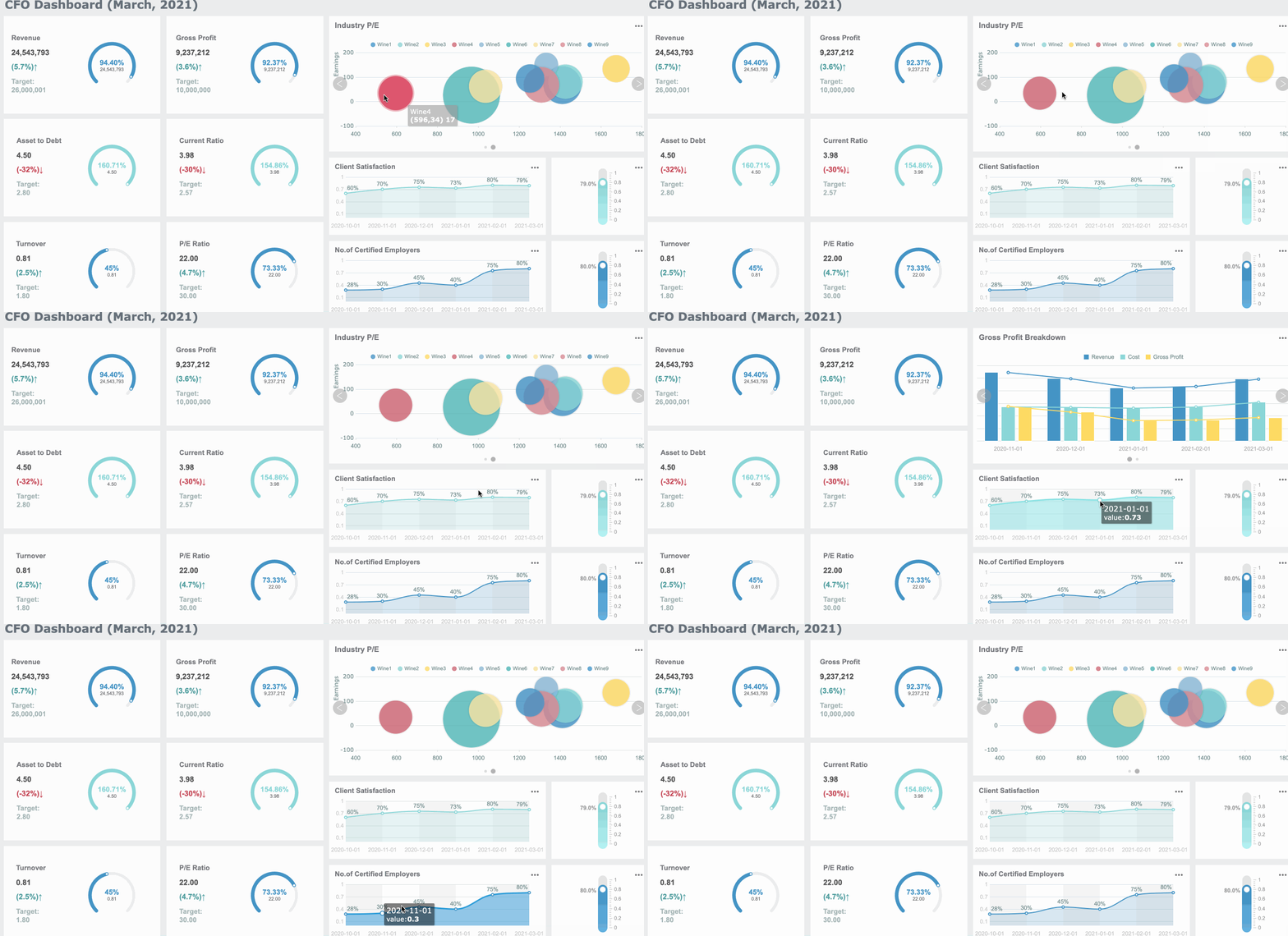
With FineReport, enterprises can build dashboards and reporting layers around expense operations to monitor:
Report submission volume by department
Approval bottlenecks by manager
Returned report frequency
Receipt compliance trends
Out-of-policy expense patterns
Reimbursement turnaround time
Employee adoption and reporting behavior
That means instead of reacting to delayed or inaccurate reports, you can proactively identify where the process is breaking down and improve it.
FineReport is especially valuable when companies want to turn scattered expense data into operational insight. Finance teams can standardize reporting logic, managers can track approval workload, and leadership can see where process delays affect employee satisfaction and close efficiency.
For enterprise teams, that is the real upgrade: not just submitting expense reports, but running a measurable, optimized expense management process.
Create a new report when your expenses relate to a separate trip, business purpose, project, client, or reporting period. If the expenses still belong to an open report, you can usually add them there instead of starting another one.
You should have your business purpose, travel or transaction dates, receipts, expense amounts, and any required cost center or project codes ready. Having these details prepared helps you complete the report faster and avoid corrections later.
Yes, in most workflows you can create the report first and attach expenses afterward. This is common when card transactions appear later or when you are still collecting receipts.
Reports are often returned because of missing receipts, incorrect expense categories, incomplete business purpose details, or policy violations. Reviewing the report carefully before submission can reduce delays.
Enter accurate report details, attach all required receipts, categorize each expense correctly, and check for warnings before submitting. Following company policy closely usually leads to faster approval and reimbursement.
Product Trial
FineReport
Pixel-perfect reports · Interactive dashboards · Easy data entry · Digital twins