FineReport is a Java-based reporting and dashboard platform designed for enterprises that need pixel-perfect reports, self-service analytics, and flexible embedding.
8 best Java report tools compared
FineReport
One-sentence overview:FineReport is a designer-friendly Java reporting platform that combines enterprise reporting, dashboard creation, scheduling, permissions, and embedding capabilities in one system.
Strong support for complex reporting layouts, forms, and dashboards
Java-based architecture with flexible integration and embedding options
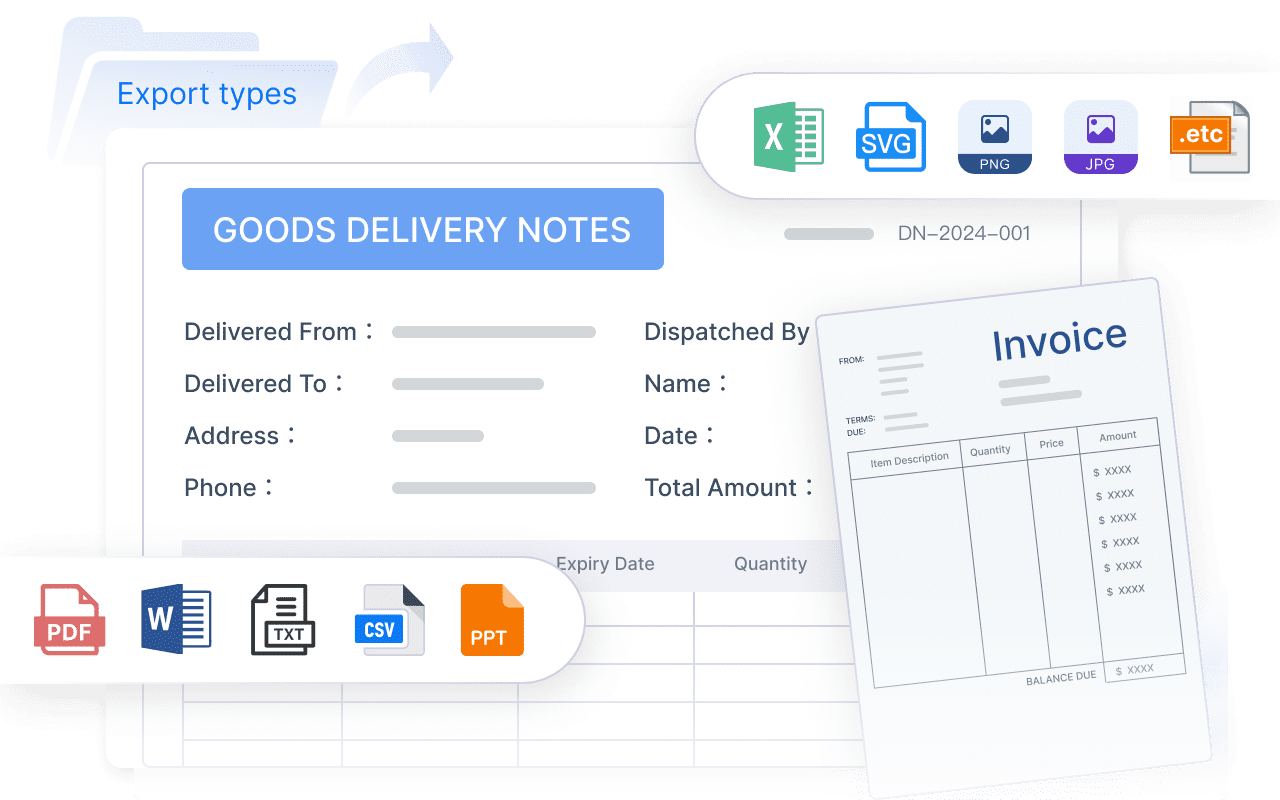
Export to PDF, Excel, Word, HTML, and other common formats
Scheduling, distribution, role-based permissions, and data entry workflows
Supports both developer-led deployment and business-friendly design workflows
Pros:
Easier report creation for teams that want less code-heavy design
Strong balance between enterprise control and usability
Well suited for operational reporting, management dashboards, and distributed reporting
Helpful option for organizations that need both formatted reports and broader reporting workflows
Cons:
Commercial licensing may not suit very small projects
Advanced enterprise deployment still requires planning
Teams focused purely on code-defined reports may prefer lighter libraries
Best For: Enterprises and product teams that need designer-friendly reporting, governance, dashboarding, and scalable Java integration without relying entirely on developer-built templates.
Pricing considerations: Best evaluated based on enterprise reporting needs, number of users, deployment scope, and the value of reduced report development effort.
JasperReports
One-sentence overview: JasperReports is one of the most established Java report tools for teams that need highly customizable, pixel-perfect reporting embedded into Java applications.
Key Features:
Java library for report generation inside custom applications
Support for pixel-perfect report layouts
Broad export options including PDF, Excel, HTML, CSV, and XML
Parameterized reports, subreports, templates, and scripting support
Commonly used with JasperSoft Studio for report design
Pros:
Mature ecosystem with strong Java alignment
Highly flexible for complex layouts and formatted documents
Good fit for embedded reporting use cases
Large user base and long-term market presence
Cons:
Can require significant developer involvement
Report template maintenance can become complex at scale
Business-user self-service capabilities are limited compared with newer platforms
Advanced deployment and optimization may require experience
Best For: Java teams building operational reports, invoices, statements, and other formatted documents directly into enterprise applications.
Pricing considerations: The core engine is open source, but enterprise features, support, and server capabilities typically involve commercial licensing.
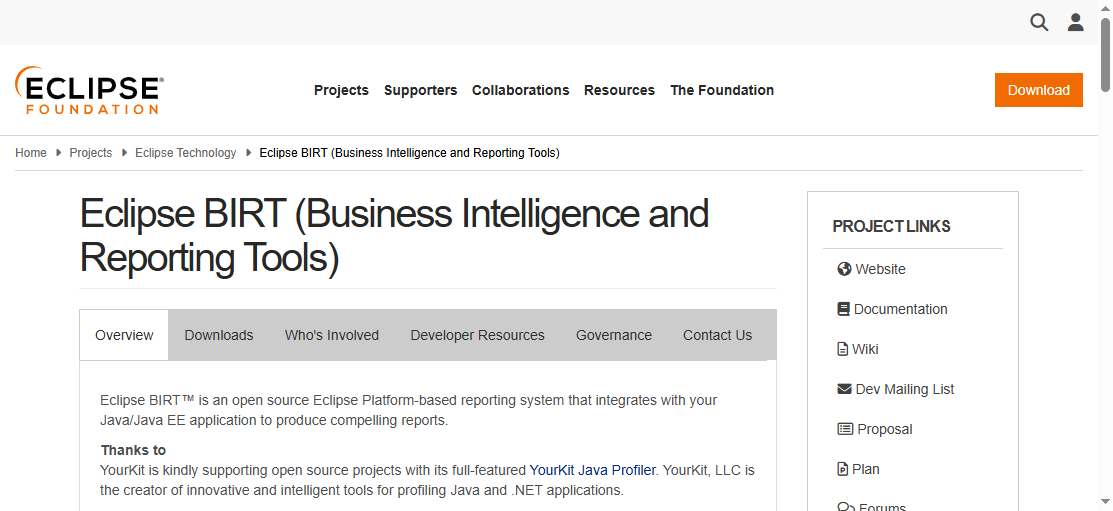
BIRT
One-sentence overview: BIRT is a long-standing open-source reporting platform often chosen by Eclipse-oriented teams for embedded reporting and data-driven visual documents.
Integration with Java applications and web environments
Support for tabular reports, charts, and scripted data handling
Multiple export formats such as PDF, HTML, Word, and Excel
Open-source core with commercial distributions available through some vendors
Pros:
Familiar environment for teams already using Eclipse-based tooling
Good balance between traditional reporting and basic visual analytics
Flexible for embedded reporting scenarios
Strong appeal for teams seeking open-source Java report tools
Cons:
User interface and workflow can feel dated
Performance tuning may be needed for large-scale report execution
Community momentum is not as strong as some modern BI tools
Business-user friendliness is limited
Best For: Development teams that want open-source embedded reporting and are comfortable working in Java and Eclipse-centric environments.
Pricing considerations: Open-source adoption can lower entry cost, but implementation, maintenance, and support should be factored into total cost of ownership.
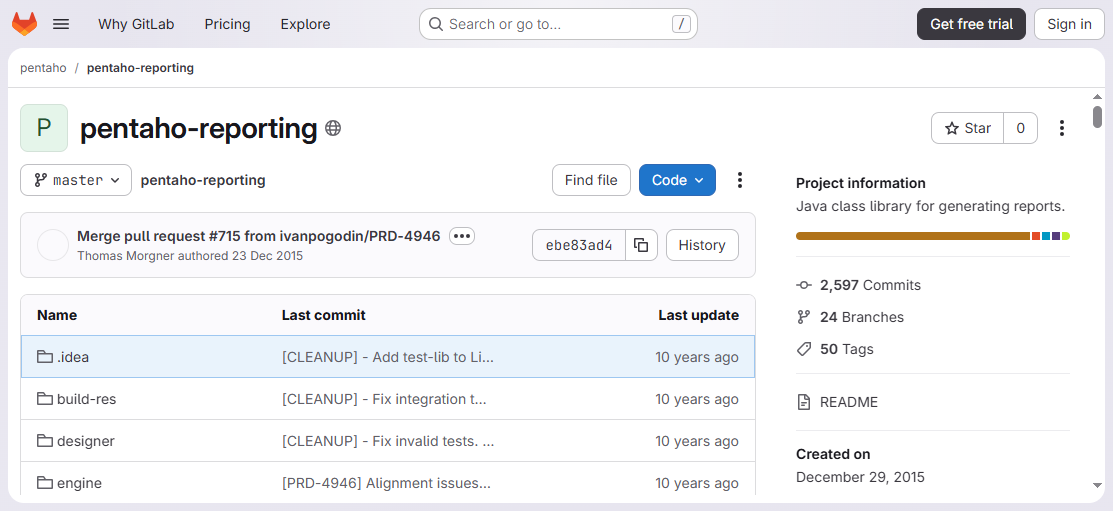
Pentaho Reporting
One-sentence overview: Pentaho Reporting is a reporting component within the wider Pentaho ecosystem, making it a practical choice for organizations that want reporting tied to broader BI and data integration capabilities.
Key Features:
Pixel-perfect report authoring
Integration with Pentaho BI, ETL, and analytics workflows
Scheduling and distribution through broader platform capabilities
Best value often depends on using more of the broader ecosystem
Setup and administration can be heavier than lightweight Java reporting libraries
Report authoring experience may not suit every non-technical user
Commercial direction and product evolution may influence long-term planning
Best For: Enterprises that need reporting as one layer of a larger BI, analytics, and data integration platform.
Pricing considerations: Evaluate both standalone reporting needs and full-platform licensing or operational overhead before choosing.
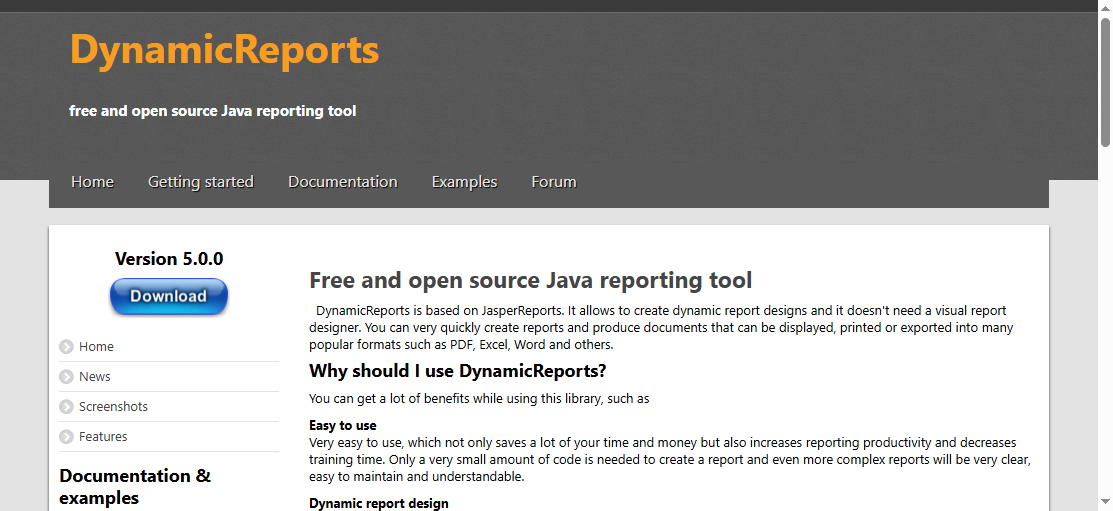
DynamicReports
One-sentence overview: DynamicReports is a Java reporting library built on top of JasperReports and is ideal for developers who prefer defining reports directly in Java code.
Key Features:
Fluent Java API for programmatic report creation
Built on JasperReports for generation and export
Support for charts, groups, styles, crosstabs, and subreports
Reduced dependence on visual report designers
Strong fit for code-driven templates and automation
Pros:
Excellent for developer-first workflows
Easier version control and code review than binary design files
Efficient for dynamic report generation logic
Good option for teams standardizing report definitions in code
Cons:
Less approachable for business users and report designers
Still inherits some JasperReports complexity underneath
Not ideal if visual drag-and-drop design is a priority
Smaller ecosystem than larger commercial platforms
Best For: Engineering teams that want code-centric control over report layouts, logic, and automation inside Java applications.
Pricing considerations: Typically attractive for teams favoring open-source and internal engineering ownership, but developer time remains a real cost.
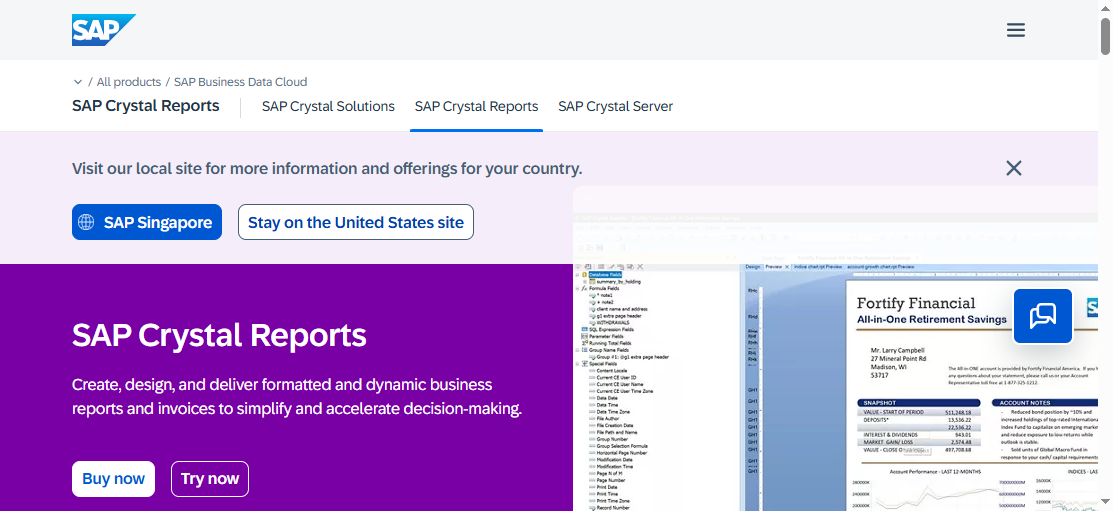
Crystal Reports for Java environments
One-sentence overview:Crystal Reports remains relevant mainly for enterprises with legacy SAP or Crystal-based reporting workflows that still need Java-compatible delivery paths.
Pixel-perfect output for forms, financial statements, and operational documents
Familiarity for teams with existing Crystal report assets
Pros:
Useful for preserving prior reporting investments
Strong formatted report capabilities
Well known in traditional enterprise IT environments
Can reduce migration pressure for legacy systems
Cons:
Less attractive for greenfield Java projects
Modern developer experience may feel limited
Integration and maintenance can be more complex in newer architectures
Licensing and platform dependency may increase total cost
Best For: Large organizations maintaining legacy Crystal or SAP reporting workflows while supporting Java-based enterprise systems.
Pricing considerations: Usually better justified when reusing existing report assets rather than starting from scratch.
JFreeChart
One-sentence overview: JFreeChart is a Java charting library rather than a full reporting platform, but it is highly useful for chart-heavy reporting components and custom visual output inside Java applications.
Key Features:
Wide variety of chart types for Java applications
Strong customization for labels, themes, rendering, and visuals
Embeddable into desktop, server-side, and web-based Java systems
Suitable for custom dashboards and report visualizations
Often paired with other libraries for full report generation
Pros:
Excellent for teams that need charting flexibility
Developer-friendly for custom visualization logic
Lightweight compared with full reporting suites
Useful building block for bespoke reporting interfaces
Cons:
Not a complete reporting solution by itself
Lacks out-of-the-box scheduling, report governance, and document workflows
Requires additional development for full reporting use cases
Less suitable for pixel-perfect business documents
Best For: Developers building custom charting, analytics widgets, or report visual components inside Java applications.
Pricing considerations: Cost profile is generally lower than enterprise reporting suites, but additional tooling may be needed for end-to-end reporting.
ReportServer
One-sentence overview: ReportServer is a reporting platform focused on centralized report management and is especially useful for organizations running multiple reporting engines in one environment.
Key Features:
Centralized scheduling, distribution, and report administration
Support for multiple reporting engines in some deployments
Role-based access control and organizational management features
Web-based execution and report delivery
Useful for standardizing enterprise report operations
Pros:
Good fit for organizations managing many reports across departments
Helps centralize governance and distribution
Practical for mixed reporting environments
Can reduce operational fragmentation
Cons:
May be more platform-centric than developer-library-centric
Configuration and administration can be involved
Best value depends on organizational scale
UI and workflow preferences vary by team
Best For: Enterprises that need centralized report scheduling, access control, and management across different reporting workloads.
Pricing considerations: Consider infrastructure, administration effort, and any commercial support requirements in addition to licensing.
Why Java report tools still matter in 2026
Modern enterprises still rely on Java across banking, manufacturing, telecom, healthcare, government, and SaaS platforms. That is why java report tools remain important in 2026. Many organizations are not just looking for a way to render PDFs. They need reporting systems that fit secure Java application stacks, scale across high-volume environments, and support both developers and business teams.
What teams expect from modern reporting has also expanded. A capable reporting tool now needs to handle:
Embeddability into Java web applications, portals, and SaaS products
Scalability for thousands of scheduled jobs or concurrent users
Export flexibility across PDF, Excel, HTML, CSV, and Word
Developer control through APIs, scripting, templates, and automation
Security and governance through permissions, auditing, and role management
It is also important to separate different reporting needs before selecting a platform:
Operational reporting: Repetitive, structured reports such as invoices, statements, shipping documents, or compliance forms
Ad hoc reporting: User-driven report creation where users explore data and build their own views
Dashboards: Visual monitoring interfaces focused on KPIs, trends, and performance metrics
Pixel-perfect documents: Highly formatted reports where layout precision matters for printing, filing, or external delivery
This comparison is designed for:
Java developers integrating reports into applications
Solution architects evaluating reporting architecture and scalability
Product teams embedding customer-facing reporting into SaaS products
Enterprise buyers balancing governance, usability, and long-term support
Choosing among the best java report tools is not just about feature lists. The right option depends on whether your reports are developer-built, business-user-driven, customer-facing, or governed centrally across the enterprise.
Core evaluation criteria
We compared each tool using the following criteria.
Ease of Java integration and API flexibility
A reporting product should fit naturally into a Java environment. We looked at how well each tool supports:
Java APIs and SDKs
Embedding into web applications and portals
Parameter passing and automation
Integration with existing authentication, data sources, and deployment pipelines
Developer-oriented libraries such as JasperReports, DynamicReports, and JFreeChart score well here, while platforms like FineReport and ReportServer add stronger out-of-the-box management features.
Report design experience for developers and business users
Some teams want engineers to own every template in code. Others want analysts or operations staff to build and maintain reports themselves. We considered:
Visual design tools
Drag-and-drop authoring
Code-first report building
Template maintainability
Accessibility for non-developers
This is where the difference between pure Java libraries and full reporting platforms becomes clear.
Export formats, scheduling, security, and deployment options
Reporting rarely ends with on-screen viewing. Most teams also need:
PDF and Excel export
Scheduled delivery
Access control
Multi-user deployment
On-premises or cloud-friendly architecture
Enterprise-ready tools such as FineReport, Pentaho Reporting, and ReportServer typically offer broader operational capabilities in this area.
Performance, scalability, and support for large data volumes
High-volume reporting can expose bottlenecks quickly. We reviewed each option in terms of:
Large dataset handling
Batch report generation
Concurrent execution
Resource management
Suitability for enterprise workloads
For organizations with heavy reporting needs, architecture and administration matter as much as design features.
What to keep in mind before choosing
Before choosing among java report tools, align the tool with your team structure and reporting strategy.
Whether you need open-source flexibility or commercial support
Open-source tools can offer lower entry cost and more customization freedom. They are often preferred by development teams that want direct control over implementation. Commercial tools, on the other hand, usually provide:
Vendor support
Faster onboarding
Enterprise governance
More polished design environments
Predictable release and maintenance paths
If reporting is mission-critical, support quality may matter more than license price alone.
The importance of self-service reporting versus developer-led report creation
A key decision is who owns reporting after rollout.
If developers own reports, code-based tools like DynamicReports and JasperReports can work well.
If business users need to design or modify reports, platforms like FineReport are often a better fit.
If both groups need to collaborate, hybrid platforms offer better long-term efficiency.
Total cost of ownership, including licensing, maintenance, and training
The cheapest license is not always the lowest-cost choice. Total cost of ownership should include:
Initial setup time
Template development effort
Training for designers or admins
Infrastructure needs
Ongoing report maintenance
Support and troubleshooting overhead
For many organizations, a tool that reduces report development time and operational complexity can deliver better value than a lower-cost but more labor-intensive option.
Which Java report tool is best for different use cases
There is no single best answer for every team. The best java report tools vary by project type, governance requirements, and who will build the reports.
Best for open-source projects
For open-source projects, the strongest options are typically:
JasperReports for mature, highly customizable formatted reporting
BIRT for Eclipse-friendly embedded reporting
DynamicReports for code-driven report creation
JFreeChart for visualization-focused custom development
These tools offer strong customization freedom and lower licensing barriers. JasperReports is often the most versatile open-source choice for structured reporting, while DynamicReports stands out when engineers want report definitions in Java code.
If your priorities include governance, permissions, scalability, scheduling, and support, enterprise platforms usually outperform lightweight libraries. FineReport is especially strong when teams need both pixel-perfect reporting and user-friendly design.
Best for embedded reporting in SaaS products
For SaaS and product teams, important requirements usually include embedding, white-labeling, API control, and manageable maintenance.
Strong candidates include:
JasperReports for flexible embedded reporting inside Java applications
BIRT for embedded open-source reporting in Java environments
FineReport for teams that need embedded reporting plus a richer enterprise feature set
JFreeChart when the need is custom charting rather than full reporting workflows
If customer-facing reporting needs to look polished while remaining maintainable by non-developers, FineReport can be especially attractive. If engineering wants full control and can manage report complexity directly, JasperReports remains a strong option.
Best for developer-first report building
For developer-first teams, these tools stand out:
DynamicReports for fluent Java-based report creation
JasperReports for maximum control and extensibility
JFreeChart for custom visual components
BIRT for embedded development with report scripting options
DynamicReports is often the clearest choice when teams want report templates in source code rather than in separate visual design files.
Final verdict: how to choose the right tool for your team
The best java report tools depend on how complex your reporting needs are, who will own report creation, and how much operational support your organization requires.
Start by matching the tool to your environment:
Choose JasperReports if you want a proven Java reporting engine with high layout flexibility
Choose BIRT if your team prefers open-source reporting with Eclipse-oriented workflows
Choose Pentaho Reporting if reporting is part of a larger BI strategy
Choose DynamicReports if engineers want code-first report creation
Choose JFreeChart if charting is the primary requirement
Choose ReportServer if centralized report management is the top priority
Choose FineReport if you want a Java reporting platform that combines designer-friendly authoring, enterprise controls, dashboards, and scalable deployment
From there, shortlist based on:
Integration needs
Report ownership model
Security and governance requirements
Export and scheduling expectations
Long-term maintenance effort
Budget and support expectations
The most practical next step is to run a trial or proof of concept. Test real report templates, realistic data volumes, export quality, user roles, and deployment fit. A short hands-on evaluation will reveal far more than a feature checklist alone.
If your team wants an option that is easier for business users than code-heavy libraries while still supporting serious enterprise Java reporting, FineReport deserves a close look in 2026.
FAQs
JasperReports is a strong choice for pixel-perfect reporting, especially for invoices, statements, and embedded enterprise documents. FineReport is also suitable for organizations that want polished layouts plus dashboards and self-service analytics.
JasperReports and BIRT are both widely used for embedded reporting in Java applications. DynamicReports also fits well if your team prefers building reports directly in Java code instead of using a visual designer.
Yes, JasperReports, BIRT, and DynamicReports are popular open-source or open-core options in the Java reporting space. They can reduce licensing costs, but implementation time and maintenance still matter.
Focus on report design flexibility, embedding needs, export formats, performance, and how much developer involvement is required. You should also compare self-service features, scalability, and total cost of ownership.
Tools with self-service analytics and easier visual design are generally better for business users than code-heavy libraries. FineReport is positioned more toward enterprise users who need reporting, dashboards, and broader usability beyond developer-only workflows.
Product Trial
FineReport
Pixel-perfect reports · Interactive dashboards · Easy data entry · Digital twins