If you need a small business printable expense report template, the goal is simple: capture every business expense clearly enough to speed up reimbursements, support bookkeeping, and make tax prep less painful. For owners, office managers, bookkeepers, and employees, the wrong template creates avoidable friction—missing receipts, vague categories, approval delays, and messy records that become a problem at month-end or during tax season.
Click To Try The Dashboard
All reports in this article are built with FineReport
Why the Right Small Business Printable Expense Report Template Matters
A strong expense report template does more than collect numbers. It creates a repeatable system for documenting spending, routing approvals, and organizing records in a way your finance process can actually use. That matters whether you run a five-person business or manage multiple teams with recurring reimbursements.
When the template is well designed, employees know exactly what to submit, reviewers can approve faster, and bookkeepers can code expenses with fewer follow-up questions. At tax time, that same consistency helps you pull cleaner records by category, period, or employee without sorting through incomplete forms.
A vague or overly simple form creates hidden costs. If it lacks business purpose fields, receipt references, or reimbursement status, you end up chasing details after the fact. If categories are unclear, bookkeeping becomes slower and more error-prone. If totals are hard to verify, approvals stall. These breakdowns waste time across the whole workflow, not just at submission.
This matters most for:
Small business owners who want cleaner tax records and better spending visibility
Office managers who need a consistent process for collecting employee expenses
Bookkeepers and accountants who rely on accurate categories and supporting details
Employees and contractors who want faster reimbursements with fewer revisions
The Core Framework: What the Best Expense Template Must Capture
The best template is not necessarily the prettiest one. It is the one that captures the right information, fits your reporting rhythm, and reduces cleanup work later.
Key Metrics (KPIs)
Total expense amount: The full dollar amount submitted on the report.
Expense by category: Spending grouped by type, such as meals, travel, supplies, or software.
Reimbursable amount: The portion the business will repay to the employee or contractor.
Non-reimbursable amount: Costs that are recorded but not eligible for repayment.
Tax-deductible amount: Expenses that may qualify for deduction based on your bookkeeping and tax rules.
Missing receipt count: Number of transactions without supporting documentation.
Approval turnaround time: How long it takes for a report to move from submission to approval.
Submission error rate: Frequency of incomplete or incorrect entries that require rework.
Mileage total: Total business miles submitted when vehicle reimbursement applies.
Expense frequency by period: Weekly, monthly, trip-based, or project-based volume of submitted expenses.
Core Elements Every Template Should Include
A reliable small business printable expense report template should include these fields as a baseline:
Employee reimbursement template: Best for routine team submissions and manager approvals.
Owner expense template: Useful for documenting owner-paid business purchases clearly.
Trip-based template: Ideal for travel, lodging, meals, mileage, and client meetings.
Project-based template: Better when expenses must be tracked to a job, department, or client.
Monthly expense template: Good for recurring operational review and bookkeeping handoff.
Tip 1: Start With a Small Business Printable Expense Report Template That Matches Your Workflow
Before downloading anything, define the actual use case. A template for employee reimbursements is different from one used for owner-paid expenses or client bill-backs. If the format does not match your process, your team will either stop using it correctly or start editing it into something inconsistent.
You should first determine whether expenses are submitted by employee, by trip, by week, by month, or by project. That one decision shapes the layout. For example, a monthly template works well for recurring office expenses, while a trip-based format is much better for travel-heavy roles.
Printability matters too. A template might look fine on screen but fail when printed. Make sure it remains readable on paper, leaves enough room for handwriting if needed, and stores cleanly in digital or physical files.
Questions to Ask Before Choosing a Template
Use these questions to narrow your choice:
Who fills it out and who approves it?
How often will reports be submitted?
Which expense types must be tracked every time?
Will the form be filled out by hand, digitally, or both?
Does your process require client names, project codes, or department codes?
Are receipt references mandatory on every line item?
A template that aligns with your real workflow gets used consistently. That is more valuable than a generic form with dozens of fields nobody fills out.
Tip 2: Look for the Core Fields Every Good Expense Report Should Include
At minimum, each expense line should tell a complete story: when the expense happened, who was paid, why it was business-related, how it was paid, how much it cost, and whether it should be reimbursed. If any of that is missing, someone will need to chase the detail later.
A better template also includes room for notes, receipt tracking, mileage, and approval sign-off. Those extra fields are not administrative clutter. They are what turn a basic list of purchases into an audit-friendly business record.
The Must-Have Fields Checklist
Prioritize templates with:
Date for each transaction
Vendor or merchant name
Business purpose for context
Expense category for bookkeeping
Payment method such as cash, card, or personal card
Amount per line item
Reimbursement status such as pending, approved, or not reimbursable
Receipt reference or attachment note
Mileage field if staff drive for work
Notes section for exceptions or unusual charges
Approval field for review and authorization
Total calculation for quick verification
Red Flags in Weak Templates
Weak templates usually fail in predictable ways:
Missing category columns that make bookkeeping harder
No area for business purpose or client/project detail
No receipt tracking field
No place for approval
Confusing formatting that increases data entry mistakes
Totals that must be added manually without a clear structure
If a form cannot support both review and accounting, it is not saving time. It is just moving the work downstream.
Tip 3: Choose a Format That Is Easy to Edit, Print, and Share
The best format depends on how your business actually works. Some teams still rely on paper and PDFs. Others need spreadsheets they can reuse every week. Some businesses want cloud-based files that multiple people can access without version confusion.
Printable PDFs are useful when you want a fixed layout and a consistent submission format. Spreadsheets are better when you need formulas, recurring use, or easy customization. Cloud-based files work well when collaboration, shared access, and remote review matter most.
When a Spreadsheet May Be Better Than a Static Form
A spreadsheet is often the better choice when:
You want totals and subtotals to calculate automatically
You want to reduce manual math mistakes
You need recurring reports with the same structure
You want separate tabs for months, teams, or projects
You need to customize categories for different departments or clients
That said, static printable forms still have a place. They are useful for field teams, simple reimbursement cases, or businesses that require signed paper records. The key is choosing one format intentionally, not by default.
Tip 4: Make Sure the Template Supports Bookkeeping and Tax Prep
An expense report is not just an internal reimbursement tool. It is also a record that should support bookkeeping accuracy and year-end tax organization. If your template categories do not align with how you record expenses in your books, your team will spend extra time reclassifying transactions later.
A better setup uses categories that mirror your chart of accounts or at least map cleanly to it. It should also distinguish between reimbursable, non-reimbursable, and potentially tax-deductible costs. That separation matters when reconciling payments and preparing financial records.
Features That Help at Tax Time
Look for a template that provides:
Consistent category naming across every report
Clear totals by week, month, trip, or reporting period
Space to note whether receipts are attached or missing
A business purpose field for audit support
Room for project, client, or department references
Mileage tracking when vehicle expenses apply
If the template cannot help you trace a transaction from submission to bookkeeping entry to tax file support, it is too weak for serious business use.
Tip 5: Review Free Template Sources Carefully Before You Download
Free templates can be useful, but many look polished while leaving out critical fields. A nice design does not mean it fits a small business reimbursement process. The smartest move is to test one report from start to finish before rolling it out across the business.
Check whether the file is actually downloadable, whether it can be edited without breaking the layout, and whether it prints cleanly. Also verify that the categories and approval fields match your actual review process.
What to Check in a Free Template Library
Before choosing from a free template source, verify:
The file is truly downloadable and editable
It comes in the format your team needs, such as PDF or spreadsheet
The print layout is readable and practical
It includes all required fields for reimbursement and bookkeeping
It supports your review and approval process
It can be reused without requiring major cleanup every time
Do not judge a template by the sample data alone. Run a real-world test with receipts, approval steps, and final entry into your bookkeeping workflow.
Tip 6: Pick a Template You Can Use Consistently Across the Business
The best small business printable expense report template is the one your team will use correctly every time. Standardization is what creates faster approvals, cleaner records, and less confusion for employees and reviewers.
If every department uses a different layout, finance ends up normalizing inconsistent data. If submission rules are unclear, employees guess what to include. A single approved format solves both problems.
Simple Implementation Tips
Use these practical steps to roll it out effectively:
Run a short pilot first
Test the template with one team or one month of expenses before full adoption.
Gather feedback from every role involved
Ask submitters, approvers, and bookkeepers where friction shows up.
Add clear instructions to the template
Include submission deadlines, receipt requirements, and approval rules.
Store the final version in one easy-to-find location
Put it in a shared drive, HR portal, or operations folder so people always use the latest version.
Review the template periodically
Update it when reimbursement policies, tax handling, or reporting needs change.
When comparing options, use a simple checklist instead of relying on preference alone. The right choice should fit your workflow, support clean bookkeeping, and reduce correction work.
Final Decision Checklist
Choose the template if it checks these boxes:
It is printable and easy to read
It is editable if your process requires customization
It is easy for employees and managers to understand
It captures all required reimbursement details
It includes fields needed for bookkeeping and tax prep
It fits your reporting frequency
It supports your approval workflow
It works with your filing and recordkeeping habits
It is realistic for your team to use consistently
If one template is slightly less polished but much easier to complete correctly, that is usually the better business choice.
Build a Better Expense Reporting Process With FineReport
Manually building and maintaining a dependable expense reporting workflow is more complex than it looks. You need standardized forms, clean calculations, approval visibility, record retention, and reporting that supports both reimbursement operations and financial control. For a growing business, that quickly becomes hard to manage with disconnected spreadsheets and ad hoc printable forms.
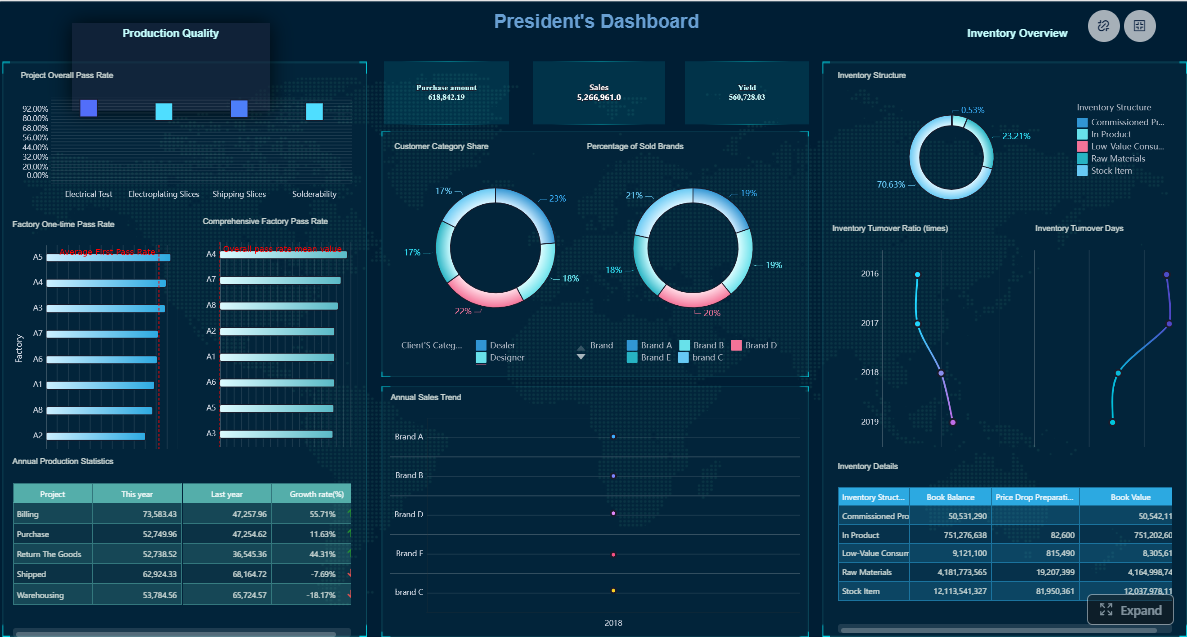
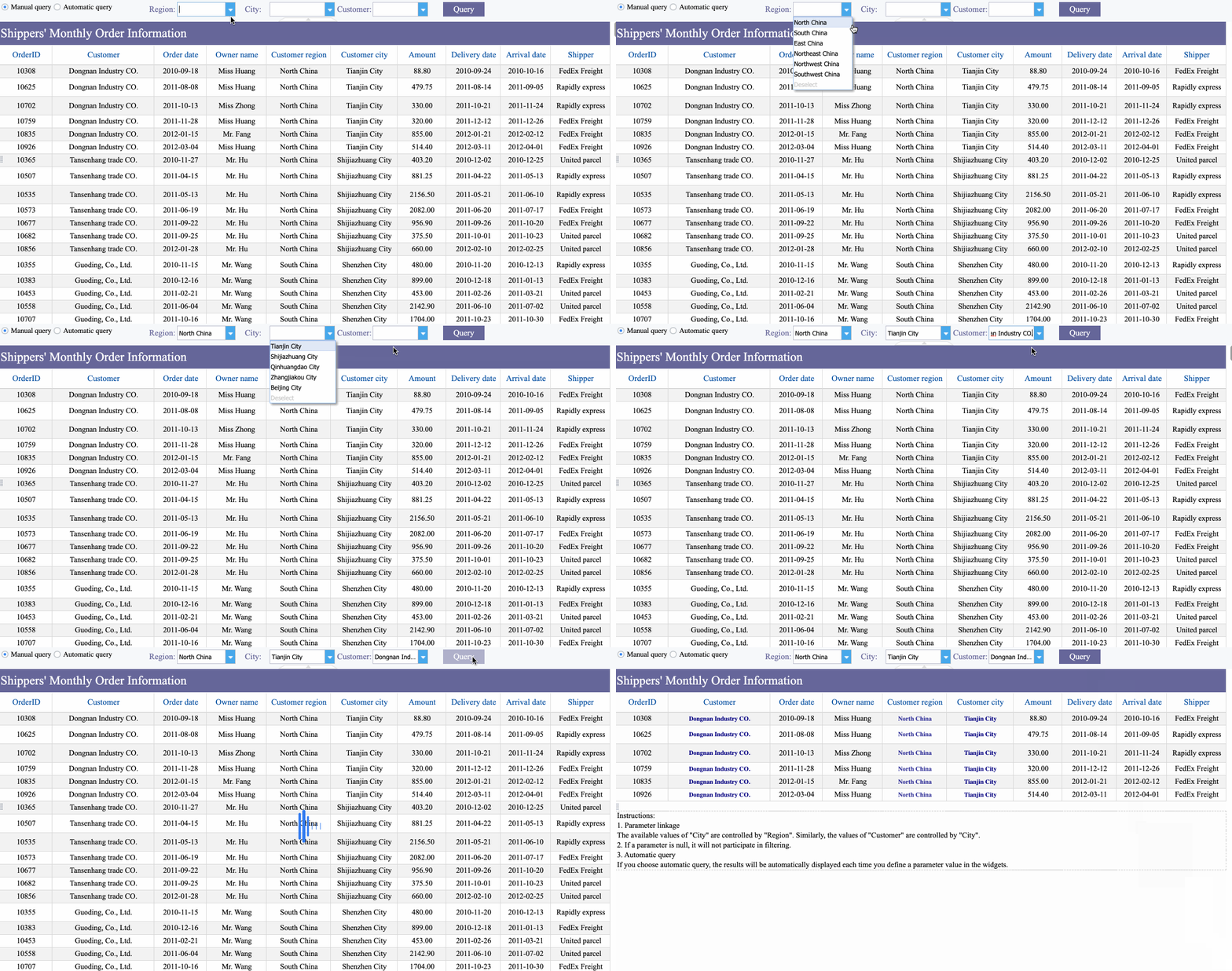
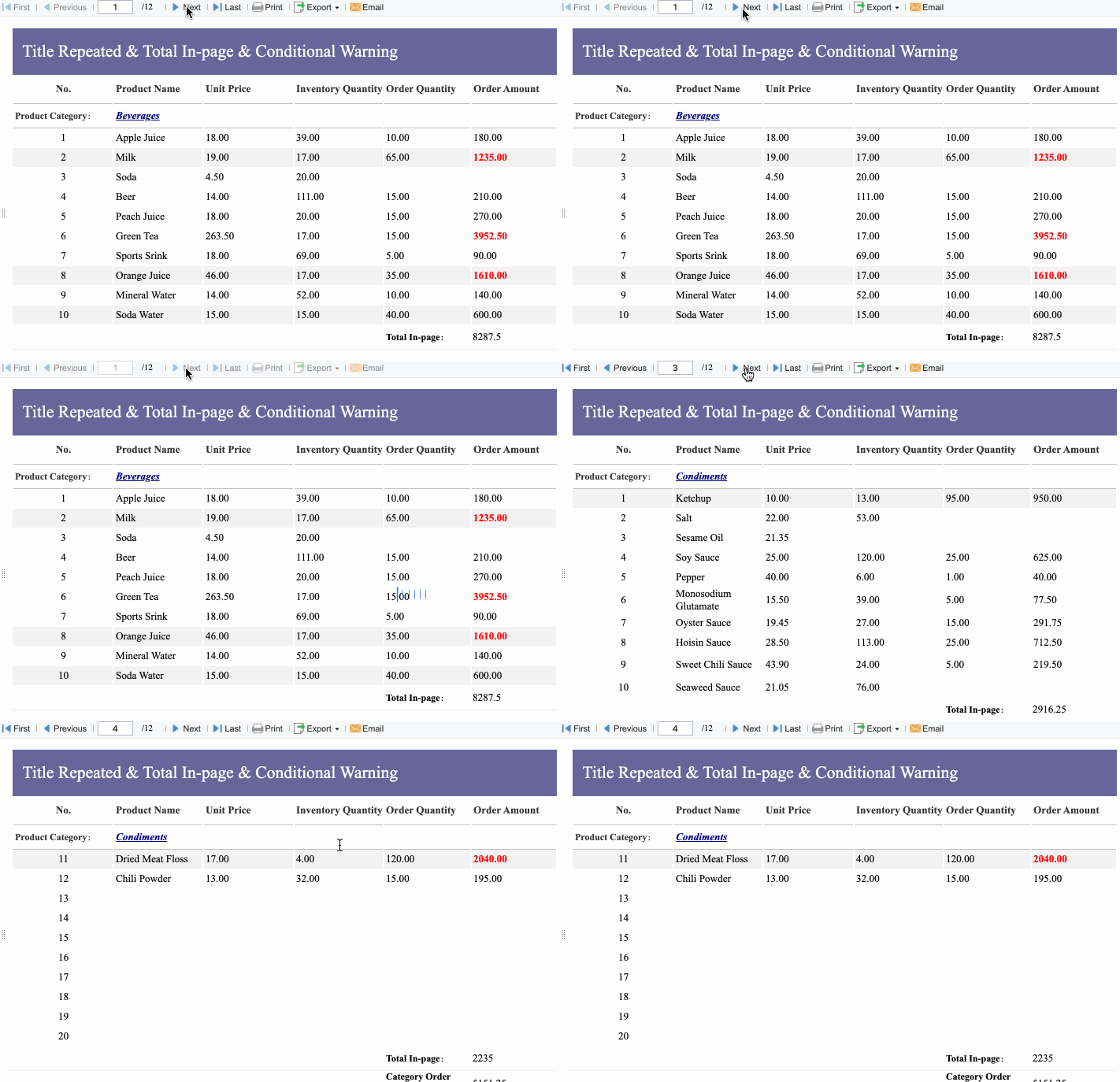
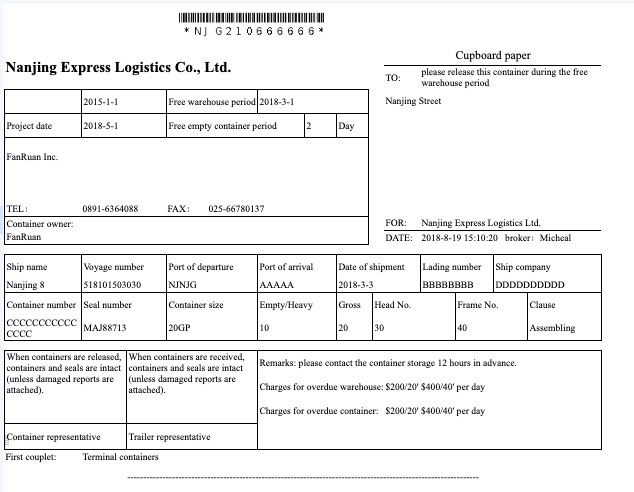
That is where FineReport becomes the practical next step. Building this manually is complex; use FineReport to utilize ready-made templates and automate this entire workflow. Instead of relying on static files alone, you can create printable expense forms, approval dashboards, category summaries, tax-ready reports, and reimbursement tracking views in one system.
Build dashboards for reimbursement trends and category control
Generate print-friendly reports for recordkeeping and review
Connect reporting outputs to broader financial operations
If your current process depends on emailing forms, checking formulas manually, and chasing missing details, it is time to simplify the workflow with a reporting platform designed for operational clarity.
A useful template should capture the submitter name, reporting period, expense date, vendor, business purpose, category, amount, payment method, receipt reference, and approval details. It should also include subtotals and a clear total so reimbursements and bookkeeping are easier to verify.
The best option depends on how expenses are submitted in your business. Monthly templates work well for recurring operations, while trip-based, project-based, or employee reimbursement templates are better when spending needs more detailed tracking.
A good template keeps expenses organized by date, category, and business purpose, which makes records easier to review at tax time. It also helps support deductions by tying each expense to receipts and consistent documentation.
Use a template with clear field labels, simple categories, and space for receipt references and notes. Adding approval fields and basic submission rules can reduce missing information and speed up reimbursement.
Yes, if employees or contractors use personal vehicles for work, mileage fields are important. A strong template should include trip date, business purpose, miles driven, reimbursement rate, and total mileage amount.
Product Trial
FineReport
Pixel-perfect reports · Interactive dashboards · Easy data entry · Digital twins