Choosing business expense report software is not only about scanning receipts. The right platform should reduce manual work, improve policy compliance, speed up month-end close, and give finance teams better visibility into spend.
Evaluation criteria
We compared each platform across the areas buyers care about most:
Receipt capture: OCR quality, email forwarding, mobile upload, and e-receipt support
Approval workflows: Multi-step approvals, delegation, exceptions, and routing logic
Reimbursement speed: Employee reimbursement options, timing, and automation
Card and accounting integrations: Native integrations with ERP, accounting, payroll, and corporate cards
Analytics: Prebuilt dashboards, export flexibility, and support for deeper BI analysis
Total cost: Subscription fees, implementation effort, admin overhead, and dependency on related financial products
What matters most for different buyers
Different teams will rank the same product differently.
Finance teams usually prioritize control, audit trails, ERP sync, and reporting accuracy.
Founders often want fast setup, low cost, and reduced back-office workload.
Operations leaders care about scalability, approval logic, and consistency across teams.
Traveling employees value mobile apps, quick receipt capture, and fast reimbursements.
Ease of use vs. automation depth
There is a real trade-off in this category.
If your company is small and has simple policies, a lightweight tool can outperform a more powerful enterprise suite because rollout is faster and adoption is higher.
If your company has multiple entities, international reimbursements, or strict approval chains, deeper automation often justifies added complexity.
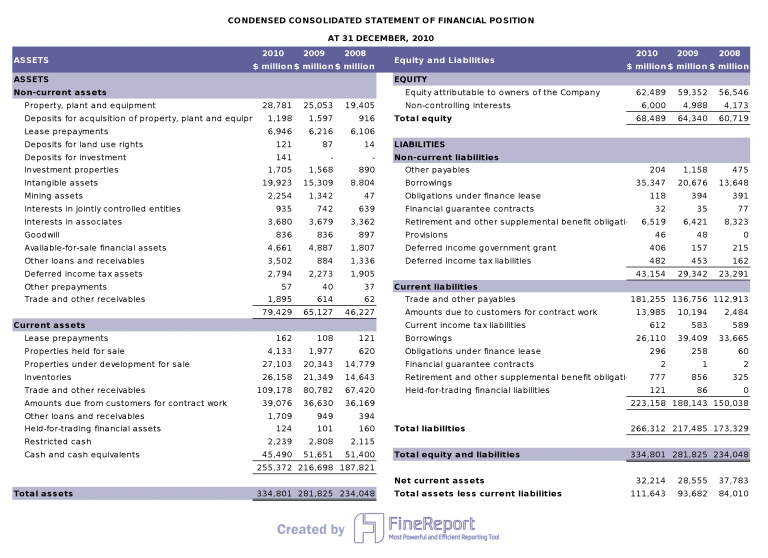
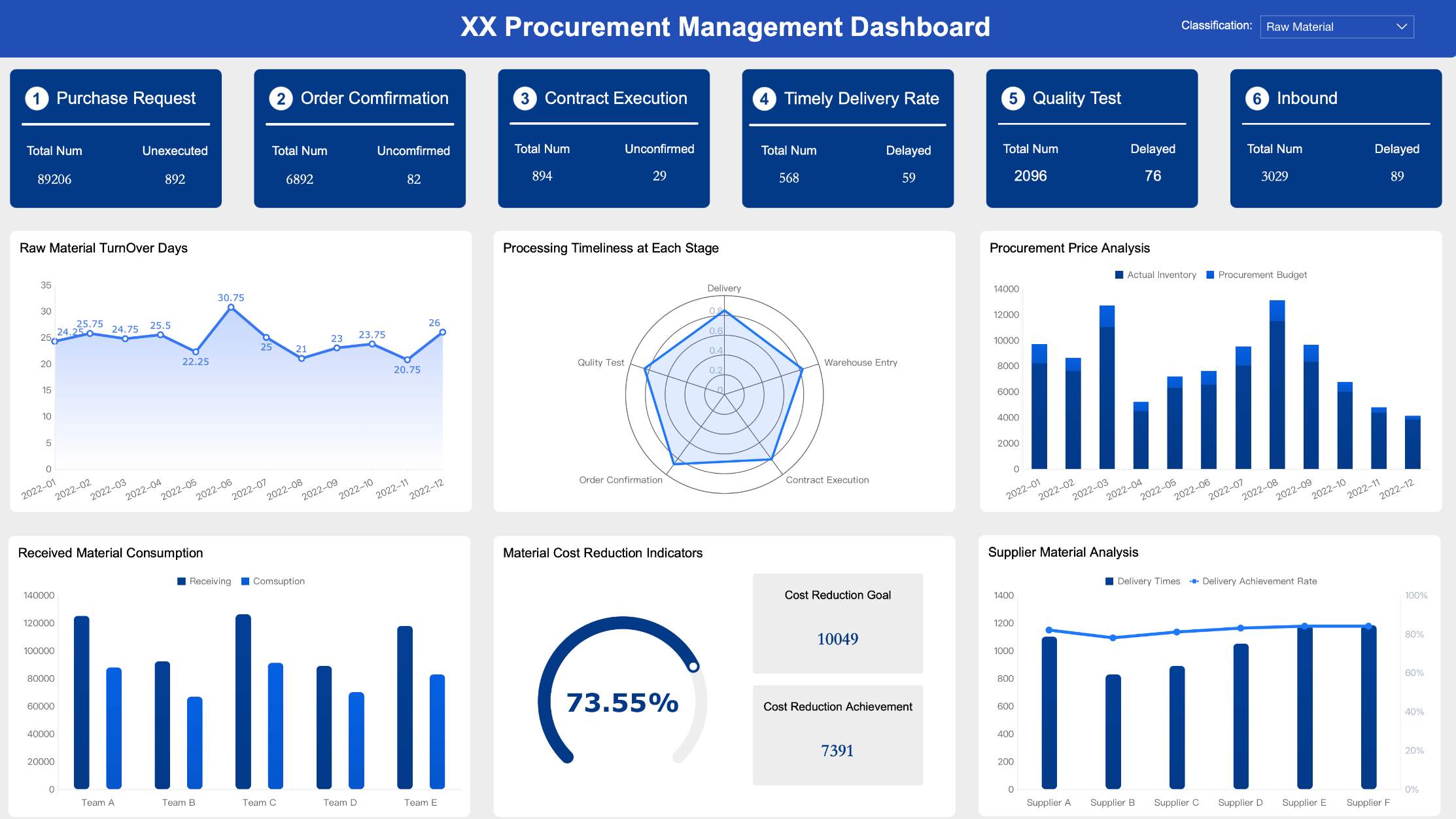
If reporting is a weak point in your current stack, pairing an expense platform with FineReport can help centralize spend analysis across departments, entities, and systems without relying only on default dashboards.
10 best business expense report software platforms compared
Expensify
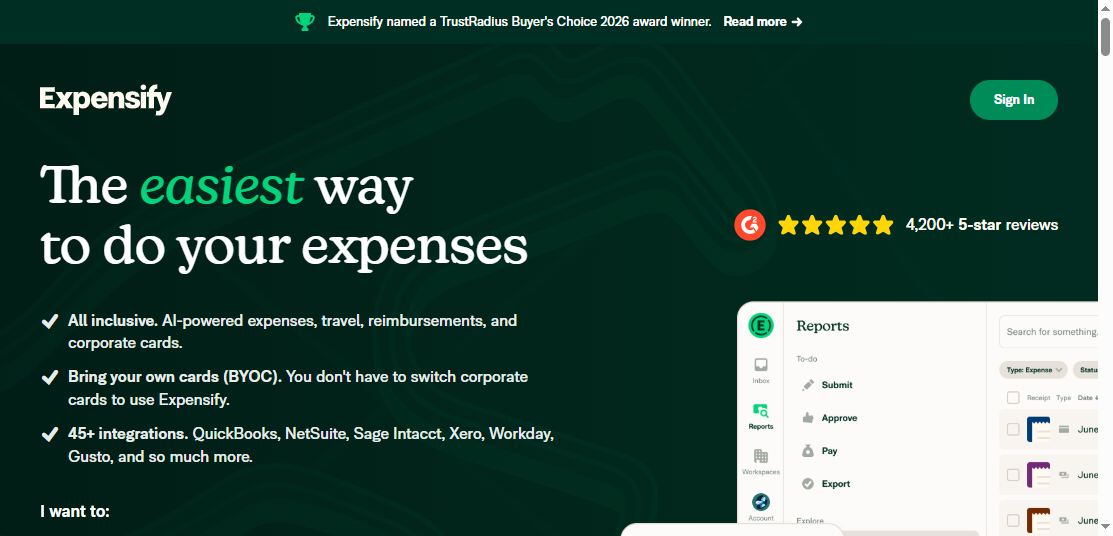
One-sentence overview: Expensify is a user-friendly business expense report software platform built for fast receipt capture and simple reimbursement workflows.
Key Features:
Mobile receipt scanning and email receipt forwarding
Automated expense categorization
Approval workflows and policy checks
Reimbursement support
Corporate card and accounting integrations
Pros & Cons:
Pros: Easy for employees to learn, fast report submission, broad integration support, good fit for standard expense processes
Cons: Advanced spend controls are lighter than some card-first competitors, enterprise customization may be less extensive than top-tier enterprise suites
Best For: Small businesses, SMBs, and teams that want to replace spreadsheets and manual reimbursement with a straightforward tool
Expensify remains one of the most recognizable names in business expense report software because it solves the most common pain point first: getting receipts into the system quickly. Employees can snap a photo, forward an email receipt, or upload transactions without much training.
For finance teams, the appeal is speed. Expensify is often a strong fit when the main goal is reducing manual entry and accelerating employee reimbursement. It is especially useful for businesses that do not need a full procurement or spend orchestration platform.
Pricing considerations: Pricing is usually accessible at the lower end of the market, but total value depends on user count, required controls, and whether your team wants broader spend management features later.
Ramp
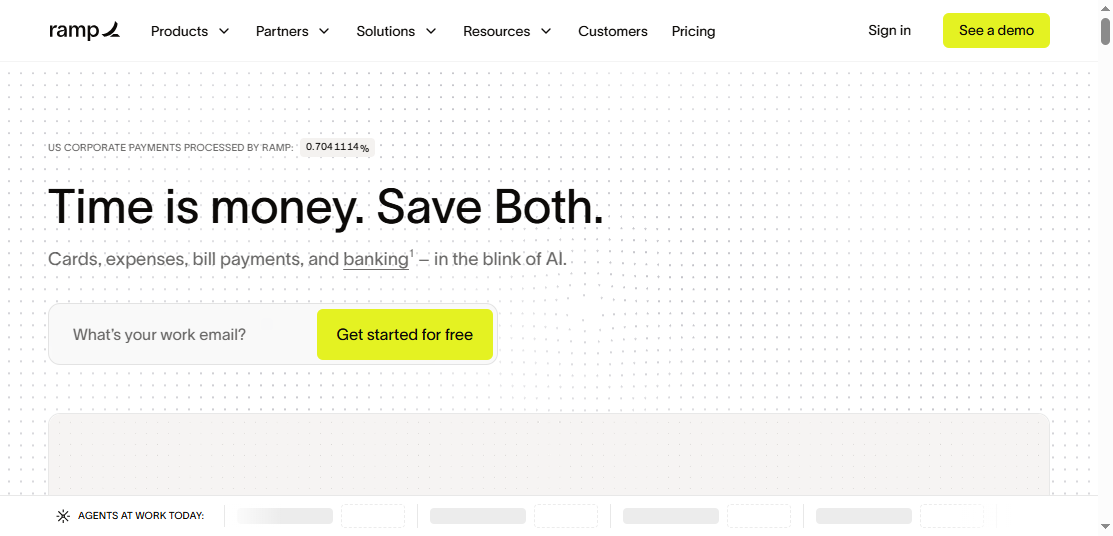
One-sentence overview: Ramp is a spend management platform that connects expense reporting tightly with corporate card controls and real-time policy enforcement.
Key Features:
Corporate cards with spend limits
Real-time transaction visibility
Automated receipt matching
Approval workflows
Accounting automation and ERP sync
Pros & Cons:
Pros: Strong control before spend happens, strong automation for card-based spending, good visibility for finance teams
Cons: Best experience often depends on adopting Ramp’s card ecosystem, less ideal if you want a standalone reimbursement-first tool
Best For: Startups and growing businesses that want to prevent out-of-policy spend instead of correcting it afterward
Ramp is best understood as a spend control platform first and a business expense report software option second. That distinction matters. Instead of mainly focusing on after-the-fact reimbursement, Ramp pushes companies toward controlled card-based spend with automated policy enforcement.
That model is highly attractive for companies trying to reduce rogue spending, tighten approvals, and shorten close cycles. Finance teams usually benefit from better real-time visibility because card transactions flow into the system immediately.
Pricing considerations: Ramp is often competitively priced, but buyers should assess the full commercial model, including expected use of corporate cards and how much of the finance workflow they want to centralize within one vendor.
Brex
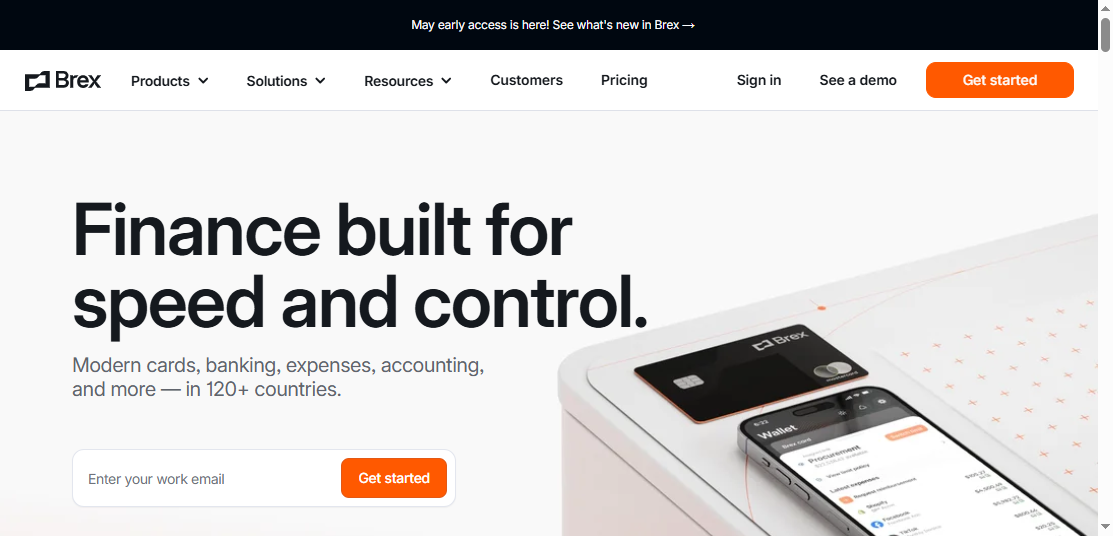
One-sentence overview: Brex combines cards, expense management, reimbursements, and entity-level controls for fast-growing companies.
Key Features:
Corporate and virtual cards
Spend policies and approval flows
Reimbursements and expense tracking
Multi-entity and global capabilities
Integrations with accounting and ERP systems
Pros & Cons:
Pros: Strong fit for scaling businesses, useful controls for distributed teams, broader finance stack than basic expense apps
Cons: May be more than smaller companies need, feature set can feel platform-centric rather than purely expense-centric
Best For: Venture-backed startups, mid-market companies, and finance teams managing growth across departments or entities
Brex is often shortlisted by companies that have moved beyond simple reimbursements and now need more structured spend governance. Its strength lies in combining employee spend, cards, and finance controls in one environment.
For companies expanding internationally or operating multiple business units, Brex can offer more flexibility than entry-level expense tools. It is also a reasonable fit when finance leaders want one platform to handle cards, approvals, reimbursements, and visibility across teams.
Pricing considerations: Pricing tends to vary by product scope and company profile. Buyers should review not just seat cost, but also implementation effort and how well Brex fits existing accounting and treasury workflows.
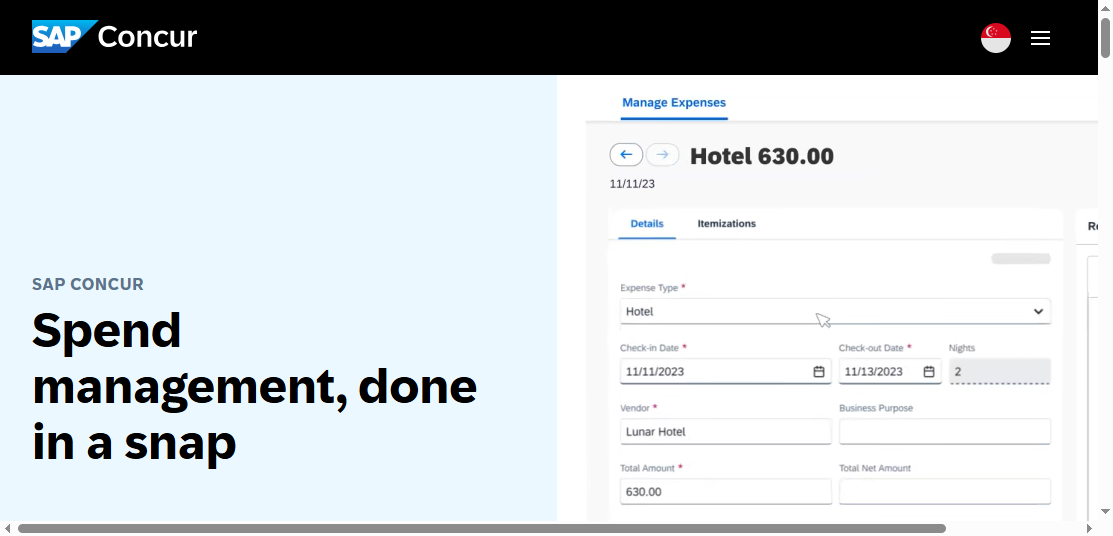
SAP Concur
One-sentence overview: SAP Concur is an enterprise-grade expense management and travel platform built for organizations with complex compliance and approval requirements.
Key Features:
Configurable approval chains
Travel and expense integration
Receipt capture and e-receipt support
Audit and compliance controls
Global tax, currency, and ERP capabilities
Pros & Cons:
Pros: Deep workflow sophistication, strong enterprise governance, mature ecosystem, robust support for complex policies
Cons: Can be costly, implementation may be lengthy, user experience may feel heavier than newer tools
Best For: Large enterprises, global organizations, and regulated businesses with advanced travel and expense needs
SAP Concur is often the benchmark for large-scale travel and expense management. If your business needs highly structured approval paths, strong audit readiness, and extensive policy enforcement, it remains one of the safest enterprise choices.
Its strongest use case is not simplicity. It is complexity managed at scale. Enterprises with regional policies, tax handling requirements, delegated approvals, and integration needs across ERP environments often favor Concur despite the heavier rollout.
Pricing considerations: Pricing is usually quote-based and can rise with modules, services, and implementation complexity. Buyers should evaluate long-term admin effort, not only initial licensing.
More top tools worth shortlisting
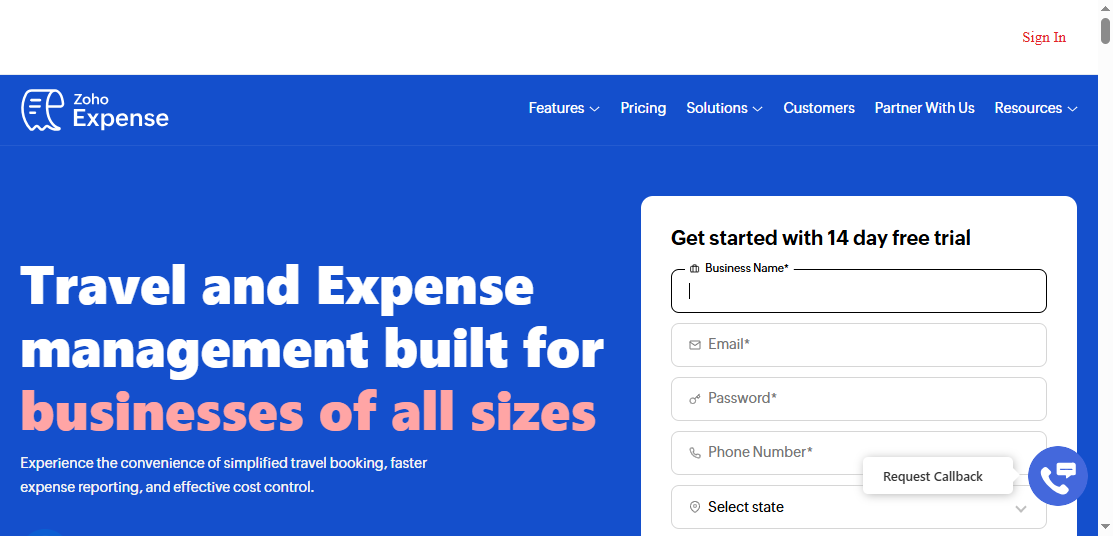
Zoho Expense
One-sentence overview: Zoho Expense is an affordable expense management tool that works especially well for small businesses and teams already using Zoho products.
Key Features:
Receipt scanning
Mileage and per diem tracking
Multi-level approvals
Corporate card reconciliation
Integrations across the Zoho ecosystem and common finance apps
Pros & Cons:
Pros: Cost-effective, easy to deploy, strong value for smaller teams, good ecosystem connectivity
Cons: Less enterprise depth in policy complexity and large-scale controls
Best For: Small businesses and cost-conscious SMBs that want practical automation without enterprise pricing
Zoho Expense is frequently one of the strongest value picks in the category. It covers the essentials well and is especially attractive for businesses that already use Zoho Books, Zoho CRM, or other Zoho applications.
For smaller finance teams, the appeal is straightforward: enough automation to replace manual expense reporting, without paying for enterprise complexity they may never use.
Pricing considerations: Generally affordable, with good feature-to-cost value. Still, larger teams should validate limits around advanced approval routing and analytics depth.
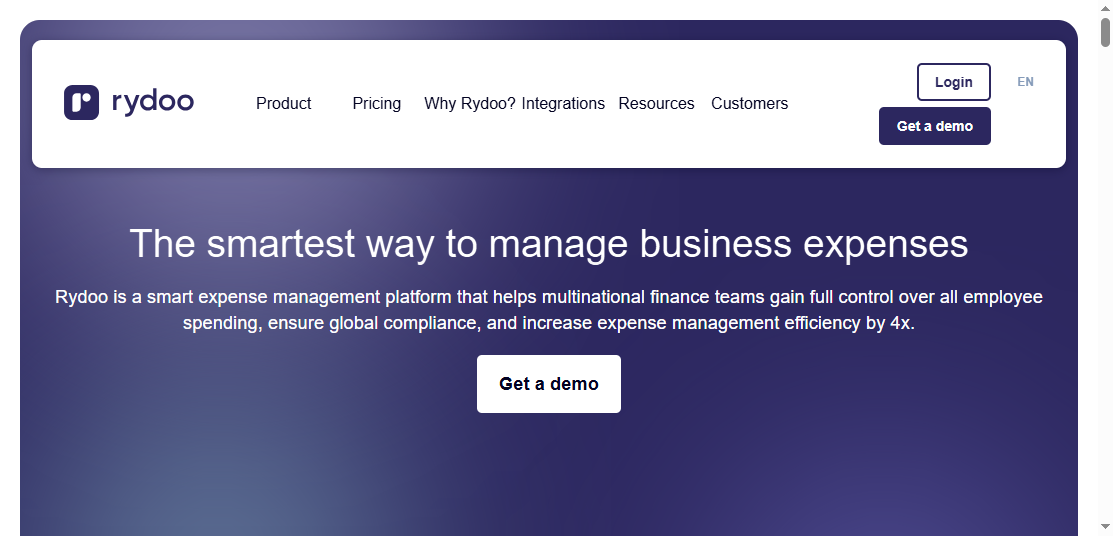
Rydoo
One-sentence overview: Rydoo is a mobile-first business expense report software solution designed for fast expense submission and international usability.
Key Features:
Strong mobile app experience
Receipt scanning and OCR
Mileage and per diem support
Multi-currency expense handling
Approval workflows and policy controls
Pros & Cons:
Pros: Good employee experience, strong travel-related workflows, useful for international teams
Cons: Less comprehensive than all-in-one spend management suites, analytics may require supplementation
Best For: Mobile workforces, distributed teams, and companies with frequent travel or cross-border expenses
Rydoo stands out when employee adoption is critical. If a tool is hard to use on the go, expense submission gets delayed, receipts go missing, and finance teams end up chasing people. Rydoo addresses that problem well.
It is often a good middle ground between lightweight SMB tools and heavier enterprise suites, particularly for businesses operating across countries.
Pricing considerations: Tiered pricing can work well for growing teams, but companies with very advanced finance workflows may eventually need a broader platform.
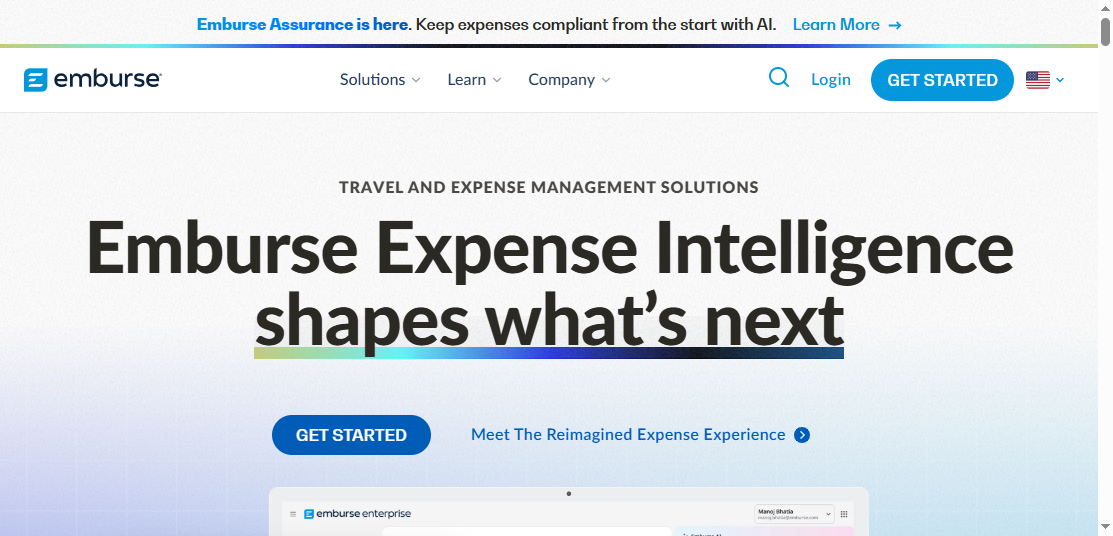
Emburse
One-sentence overview: Emburse offers configurable expense and spend workflow tools for organizations that need more finance control and process flexibility.
Key Features:
Configurable policy and approval controls
Expense reporting and audit workflows
Virtual card support in certain product lines
AP and finance workflow options
Integration support for accounting systems
Pros & Cons:
Pros: Strong configurability, suitable for finance-led process design, good for organizations with nuanced controls
Cons: Product selection can be complex, implementation scope needs clear planning
Best For: Mid-market and enterprise organizations that need tailored expense workflows rather than a one-size-fits-all app
Emburse is often chosen by finance teams that care deeply about workflow nuance. If your company has department-specific approval rules, stronger audit requirements, or a need to map expense controls closely to internal finance processes, Emburse deserves a close look.
It may not feel as simple as entry-level tools, but that is often the point. It is designed for organizations where finance process maturity matters.
Pricing considerations: Typically quote-based. Buyers should evaluate which Emburse product modules they actually need to avoid overbuying.
Navan and Airbase
Navan
One-sentence overview: Navan combines travel booking and expense management in one system for companies where travel is a major spending category.
Key Features:
Travel booking and policy enforcement
Expense capture linked to trips
Corporate card options
Approval workflows
Reporting for travel and expense spend
Pros & Cons:
Pros: Strong travel-expense connection, streamlined T&E visibility, good for managed travel programs
Cons: Less compelling if your company has minimal travel, broader non-travel spend management may not be the primary strength
Best For: Organizations that want travel and expense management in one workflow
Navan is worth shortlisting when travel is not incidental but central to employee spend. In those environments, integrating booking, policy, and expense reconciliation can materially reduce admin work and improve compliance.
Pricing considerations: Best assessed based on total travel program value, not only software subscription cost.
Airbase
One-sentence overview: Airbase is a broader spend management platform covering accounts payable, employee expenses, and card-based controls.
Cons: Broader scope can mean longer deployment and more change management than simple expense apps
Best For: Businesses that want to unify expenses, cards, and AP under one operating model
Airbase is a strong option when the core buying goal is finance process consolidation. Instead of solving expense reports alone, it helps standardize how company money moves across employee spend and payable workflows.
Pricing considerations: Typically better justified for teams replacing multiple point solutions.
FineReport
One-sentence overview:FineReport is a reporting and dashboard platform that helps businesses analyze expense data from multiple systems with more flexibility than standard in-app reports.
Key Features:
Custom expense dashboards and drill-down reports
Multi-source data integration across ERP, accounting, and expense platforms
Pixel-perfect report design for finance and management reporting
Pros: Strong for custom analytics, useful for finance leaders needing cross-system visibility, ideal for standardized management reporting
Cons: Not a standalone receipt capture or reimbursement app, best used alongside expense platforms
Best For: Organizations that already have expense systems but need stronger reporting, executive dashboards, or multi-entity spend analysis
FineReport is different from the other tools in this list because it is not competing to be the employee-facing expense submission app. Instead, it solves a common next-stage problem: default reports in many expense systems are not enough for finance leadership, auditors, controllers, or regional management teams.
If your business uses one or more business expense report software platforms and still struggles to create executive-ready reporting, budget variance views, department-level spend dashboards, or consolidated multi-system analytics, FineReport can add significant value. It is especially useful when expense data needs to be combined with ERP, accounts payable, payroll, or budget data for deeper decision-making.
Pricing considerations: Best evaluated as part of your reporting and BI stack. For businesses with complex finance reporting demands, it can reduce manual spreadsheet work and improve reporting consistency.
Which tool fits your business best?
Best for startups and small businesses
When budget, speed, and ease of rollout matter most, prioritize:
Fast employee adoption
Simple receipt capture
Low admin overhead
Reliable accounting sync
Affordable pricing
Best-fit options:
Zoho Expense for affordability and practical feature coverage
Expensify for easy receipt capture and reimbursement workflows
Ramp for startups that want card-driven controls from day one
If your finance reporting needs quickly outgrow native dashboards, FineReport can later add a stronger reporting layer without forcing a full rip-and-replace of your expense software.
Best for companies focused on spend management automation
If the real goal is not just submitting expenses but controlling spend before it happens, look for:
Corporate card issuance
Pre-spend policy controls
Automated receipt matching
Real-time transaction visibility
Centralized approval routing
Best-fit options:
Ramp for proactive card-based control
Brex for growing teams with broader finance requirements
Airbase for businesses centralizing cards, AP, and expenses
These platforms are especially valuable when finance wants to reduce after-the-fact policing and shift toward embedded controls.
Best for global or complex organizations
For multi-entity, multi-currency, or highly regulated businesses, prioritize:
Brex for scaling companies with international and entity needs
For reporting across regions, legal entities, or multiple source systems, FineReport is especially relevant because it can unify expense data into standardized dashboards and board-ready reports.
Many companies switch business expense report software after outgrowing a tool that originally seemed sufficient. The most common trigger is not that receipt capture stopped working. It is that the broader finance process became more complex than the software could support.
Common reasons buyers switch platforms
They need stronger policy enforcement
They want corporate cards linked to expense controls
Month-end reconciliation still depends on spreadsheets
Questions to ask before choosing a vendor in 2026
Before signing, ask:
How well does the platform handle both card-based spend and out-of-pocket reimbursement?
Are approval workflows configurable enough for future growth?
What accounting, ERP, payroll, and HRIS integrations are truly native?
Does the best pricing depend on adopting the vendor’s card product?
How strong is multi-currency and global reimbursement support?
What reporting is available out of the box, and what still requires spreadsheets?
How difficult is implementation and policy setup?
What level of audit trail and compliance support is included?
Can employees use the app easily with minimal training?
If native reports fall short, can tools like FineReport extend analytics without replacing the expense platform?
A practical shortlist framework
Use this simple framework:
Choose Expensify or Zoho Expense if you want easy deployment and core expense automation.
Choose Ramp, Brex, or Airbase if your priority is broader spend management and card-based control.
Choose SAP Concur or Emburse if you need advanced enterprise workflows and compliance depth.
Choose Navan if travel is tightly tied to your expense process.
Choose FineReport if your main gap is reporting, dashboarding, and expense analytics across systems.
The best business expense report software is the one that matches your company’s finance maturity, not just your current receipt workflow. For many teams, the right answer is a combination: an expense platform for capture and control, plus FineReport for deeper analysis, management reporting, and scalable finance visibility.
FAQs
For many small businesses, Expensify and Zoho Expense are strong choices because they are easier to set up and more budget-friendly. The best fit depends on whether you value simplicity, low cost, or tighter spend controls.
Start with your company size, approval complexity, reimbursement needs, and accounting integrations. If you manage multiple entities or stricter policies, you may need a more configurable platform than a lightweight app.
The most important features usually include receipt capture, approval workflows, reimbursement automation, policy controls, and accounting sync. Many buyers also prioritize reporting quality and mobile usability.
Yes, expense management software mainly handles employee expenses, receipts, approvals, and reimbursements. Spend management platforms usually go further by adding cards, accounts payable, budgets, and broader control over company spending.
FineReport is better used as a reporting and analytics layer alongside an expense platform rather than as a standalone expense capture tool. It helps finance teams unify spend data, build custom dashboards, and improve governance across systems.
Product Trial
FineReport
Pixel-perfect reports · Interactive dashboards · Easy data entry · Digital twins