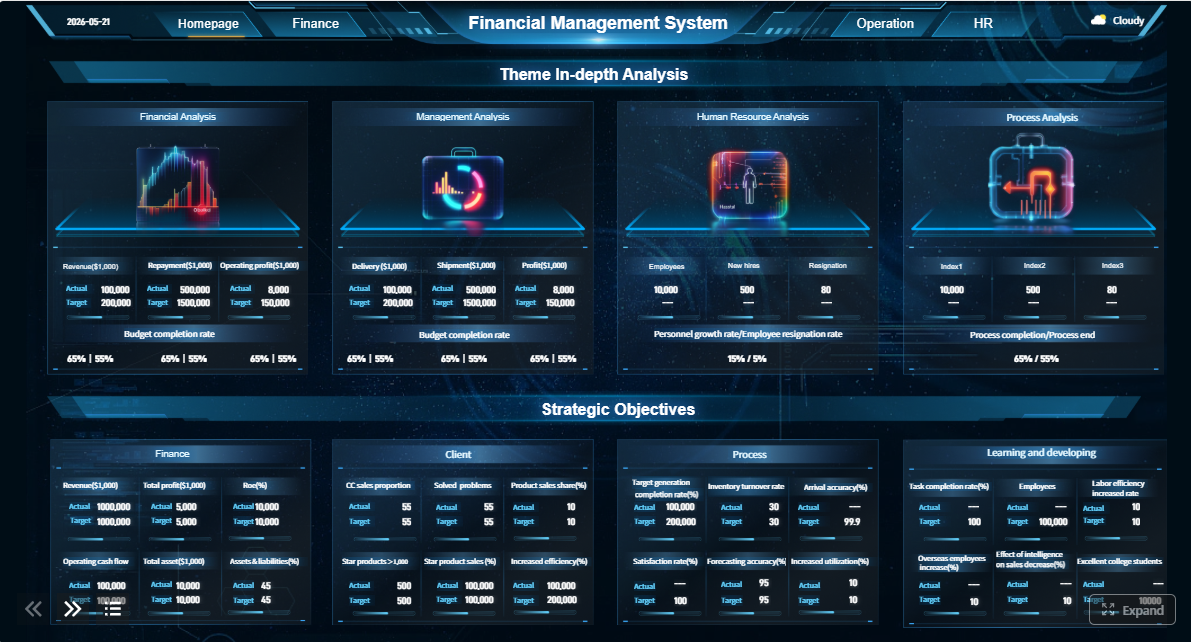
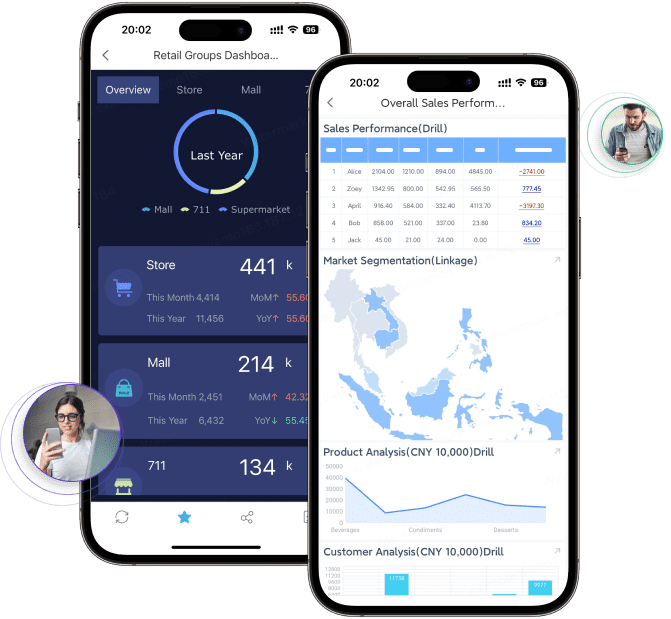
FineReport is an enterprise reporting and analytics platform that helps businesses turn expense and operational data into dashboards, pixel-perfect reports, and better finance decisions.
Best Expense Report App for Small Businesses in 2026: What Matters Most
The best expense report app for a small business is not always the one with the longest feature list. It is the one your team will actually use consistently, with enough automation to reduce manual work and enough control to keep spending accurate and compliant.
For most small businesses, an effective expense workflow depends on five core needs:
Receipt capture: Employees should be able to snap a photo, email a receipt, or upload documents from mobile devices.
Approvals: Managers need clear review flows so expenses are checked before reimbursement or posting.
Reimbursements: Teams should be able to submit out-of-pocket expenses and get paid back quickly.
Card syncing: Corporate card transactions should flow in automatically to reduce manual entry.
Accounting integrations: Expense data should sync cleanly with tools like QuickBooks, Xero, NetSuite, or other accounting systems.
Ease of use matters because small businesses usually do not have time for long onboarding cycles or extensive admin training. If employees find the app confusing, receipts pile up, reports get delayed, and finance loses visibility. A simple mobile experience often drives more adoption than advanced back-end functionality.
Automation matters because lean teams need to save time. Features like OCR receipt scanning, auto-categorization, duplicate detection, and approval routing can cut admin work significantly. Even basic automation can make a noticeable difference when the same small team is handling bookkeeping, payroll, reimbursements, and month-end close.
Total cost matters because pricing in this category can become misleading. Some tools look affordable at first, then get expensive when you add more users, cards, approval features, reimbursements, or integrations. The real question is not just monthly cost per user. It is whether the platform delivers enough value to justify the ongoing spend.
It is also important to separate simple expense trackers from full spend management platforms:
Simple expense trackers focus on receipt capture, categorization, and basic reporting.
Expense management tools add approvals, reimbursements, and accounting sync.
Spend management platforms go further with corporate cards, controls, budgets, policy enforcement, and broader finance oversight.
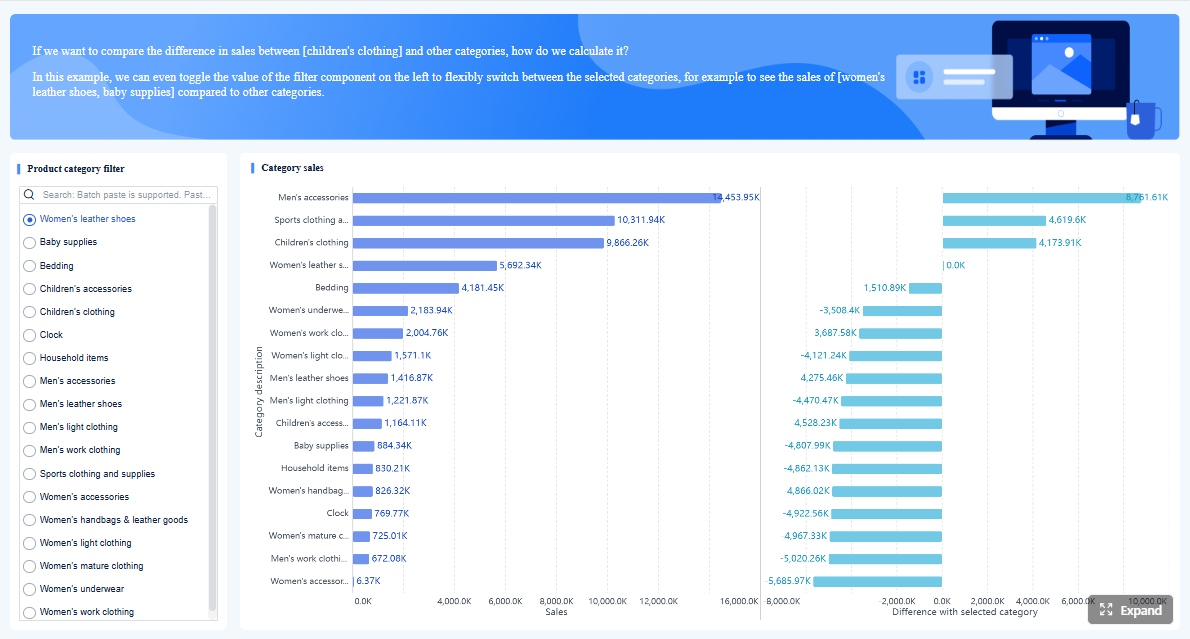
That distinction matters because a freelancer or tiny team may only need lightweight tracking, while a growing business with multiple cardholders may need tighter controls and richer reporting. If you also want to analyze expense patterns across departments, projects, or business units, pairing your expense tool with a reporting platform like FineReport can help finance teams build more flexible dashboards and management reports than many native app reports allow.
Click To Try The Dashboard
How We Compared the 8 Tools
To identify the best expense report app options for small businesses in 2026, we compared each tool across the criteria that matter most in real-world use.
Setup time and day-one usability
Small businesses usually need fast deployment. We looked at:
How quickly a company can get started
Whether employees can learn the app with minimal training
How intuitive the mobile and desktop interfaces feel
How much admin effort is required to configure policies and approvals
Tools that offer quick setup and a clean employee experience generally perform better in small teams where there is no dedicated system administrator.
Mobile experience and receipt scanning
Expense reporting often happens on the go. We evaluated:
Mobile app quality
Receipt photo capture flow
OCR accuracy
Email forwarding support
Real-time submission convenience
Apps that reduce friction at the moment of purchase tend to improve compliance and reduce end-of-month catch-up.
Approval controls and reporting depth
Approvals are essential once a team grows beyond a founder or solo operator. We reviewed:
Multi-step approval options
Policy rule enforcement
Duplicate and exception flags
Audit trail visibility
Reporting quality for managers and finance teams
For businesses that need deeper analytics after expenses are captured, tools with export flexibility work especially well with external BI and reporting layers such as FineReport, which can combine expense data with budgeting, project, or ERP data for broader financial oversight.
Pricing, reimbursement support, and integrations
Pricing can vary widely depending on plan design, card requirements, and feature gating. We compared:
Entry-level pricing structure
Free plan or free trial availability
Reimbursement support
Corporate card support
Integration breadth with accounting and finance systems
Best-fit use cases
Not every platform serves the same buyer. We considered where each tool fits best:
Freelancers and solopreneurs
Budget-conscious small teams
Growing businesses with multiple approvers
Multi-card organizations
Travel-heavy companies
Startups needing cards plus expense controls
8 Best Expense Report App Options for Small Businesses
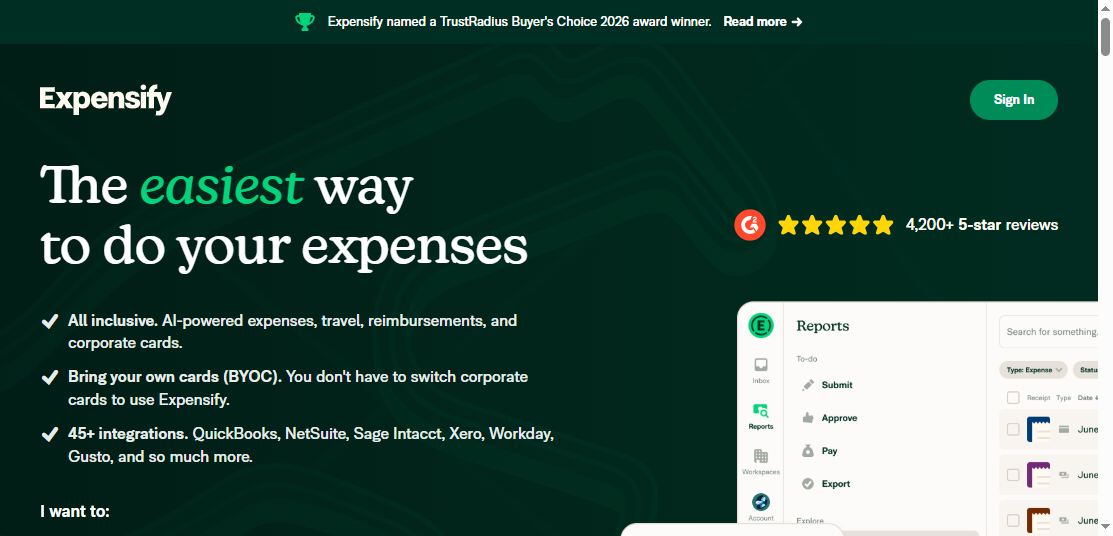
Expensify
One-sentence overview: Expensify is a well-known expense management platform that stands out for fast receipt capture, travel-friendly workflows, and broad integration support.
Key Features
Smart receipt scanning and OCR
Mobile expense submission
Email receipt forwarding
Mileage tracking
Reimbursements
Corporate card support and card syncing
Travel booking and travel expense workflows
Accounting integrations with common finance systems
Pros
Very strong brand recognition and broad market adoption
Easy for employees to use on mobile
Good receipt capture options, including photo and email workflows
Suitable for both reimbursements and card-based expense processes
Helpful for travel-related expense management
Cons
Pricing can feel less attractive for very small teams depending on required features
Some businesses may find the platform broader than they need
Advanced spend management capabilities may be unnecessary for simple expense tracking
Best For
Small businesses that want a mature, easy-to-understand platform with strong receipt capture
Teams with regular travel or reimbursement volume
Companies that value a familiar product with a broad ecosystem
Expensify remains one of the strongest all-around choices in this category because it balances usability with automation. For small businesses, its biggest advantage is that employees generally understand how to use it quickly. Receipt capture is flexible, and approval plus reimbursement workflows are mature enough for finance teams that need more than a basic tracker.
The main consideration is cost relative to complexity. If your business only needs lightweight tracking inside accounting software, Expensify may be more platform than necessary. But if your team travels often or submits receipts regularly, it remains a top contender for the best expense report app title.
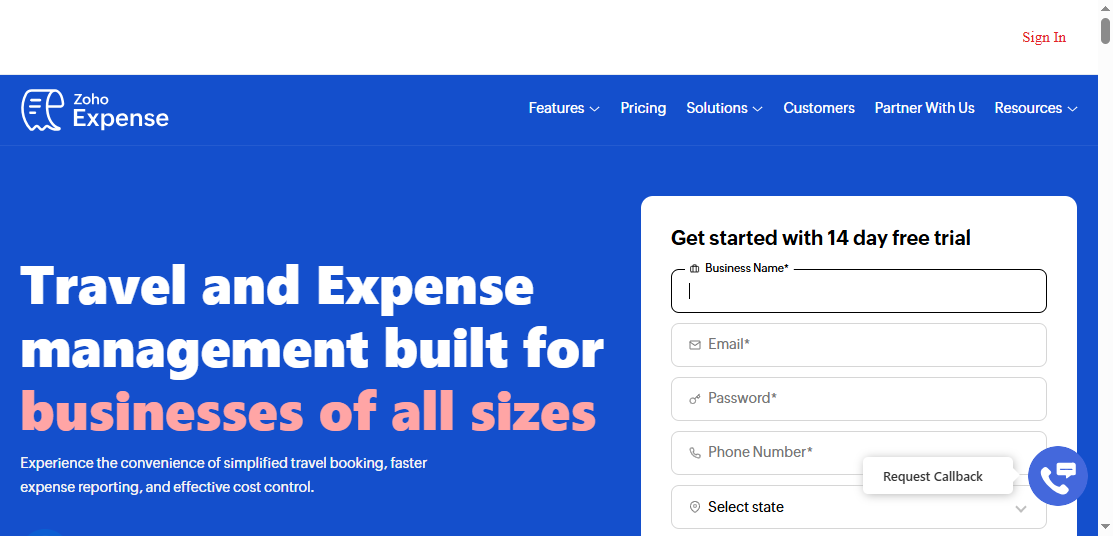
Zoho Expense
One-sentence overview: Zoho Expense is a cost-conscious expense management tool that offers useful automation, policy controls, and tight fit within the wider Zoho software ecosystem.
Key Features
OCR receipt scanning
Automated expense creation
Approval workflows
Policy configuration
Mileage tracking
Multi-currency support
Reimbursement handling
Integrations with Zoho apps and popular accounting tools
Pros
Strong value for budget-sensitive businesses
Solid feature set for small and midsize teams
Good fit for companies already using Zoho products
Helpful policy and workflow controls for the price
Often easier to justify for growing teams than premium enterprise tools
Cons
Best experience often comes when used within the Zoho ecosystem
Some businesses may prefer a more polished UI from higher-priced competitors
Advanced reporting may still require export to a dedicated reporting layer
Best For
Small businesses seeking affordability without giving up core automation
Teams already using Zoho Books, Zoho CRM, or other Zoho applications
Cost-sensitive companies that still need approvals and reimbursement workflows
Zoho Expense is one of the most practical options for small businesses that want automation without overspending. It covers the essentials well: receipt capture, approval routing, reimbursements, and policy enforcement. For many growing businesses, that is the sweet spot.
Its value becomes even stronger if your company already runs on Zoho. If not, it still compares well on price-to-feature ratio. For finance leaders who want more customized management reporting, exported data can be layered into FineReport dashboards to track spend trends by employee, department, vendor, or project more flexibly.
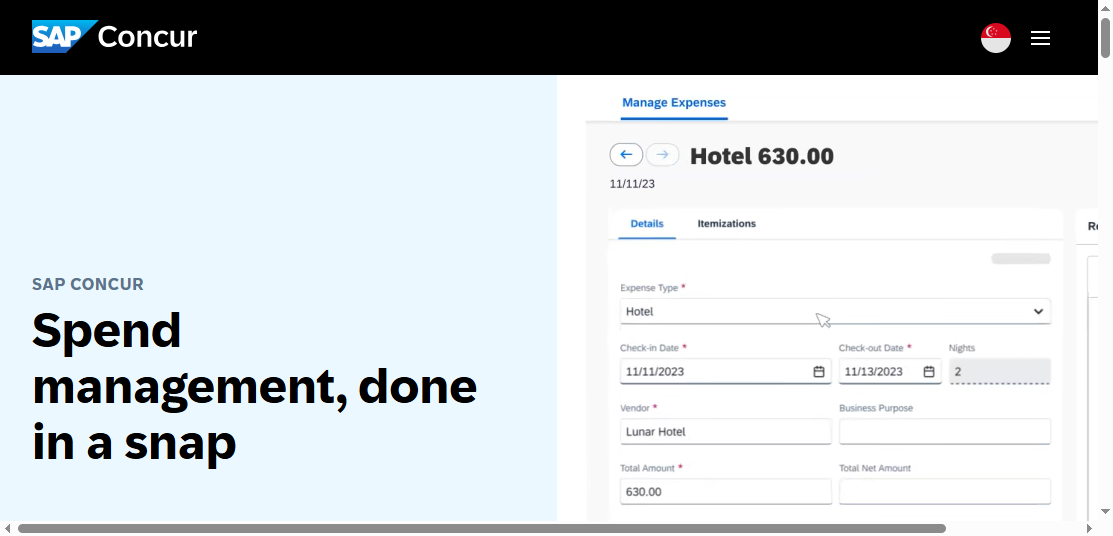
SAP Concur
One-sentence overview: SAP Concur is a powerful travel and expense platform built for complex approval structures, policy-heavy workflows, and enterprise-grade reporting.
Key Features
Advanced expense reporting
Deep approval chains
Travel booking and itinerary management
Policy enforcement
Audit support
Mileage and travel expense handling
ERP and enterprise integration options
Pros
Strong controls for complex organizations
Mature travel and expense capabilities
Good fit for businesses with strict compliance requirements
Deep reporting and workflow configuration
Cons
Often too heavy for very small businesses
Can require more setup and training than lighter tools
Pricing may be difficult to justify for lean teams
User experience can feel enterprise-first rather than small-business-first
Best For
Companies with more complex finance processes
Travel-heavy organizations with formal policies
Businesses already aligned with larger enterprise systems
SAP Concur is undeniably capable, but small businesses should assess it carefully. If your approval flows are simple and your reimbursement volume is low, Concur may feel oversized. Its strengths show up in organizations that have multiple approvers, formal travel policies, and a need for stronger compliance governance.
For a typical small business, the trade-off is straightforward: high power, higher complexity. Unless you expect rapid process complexity or already operate in an enterprise-style environment, there are usually simpler and more affordable options.
Rydoo
One-sentence overview: Rydoo is a mobile-first expense management tool designed for fast receipt submission, efficient approvals, and cross-border usability.
Key Features
Mobile receipt capture
AI-assisted scanning
Fast approval workflows
Mileage support
Travel-related expense functions
Multi-currency capabilities
Integrations with accounting and ERP tools
Pros
Clean mobile experience
Fast for employees and approvers
Good option for international or distributed teams
Strong focus on reducing submission friction
Useful for travel and reimbursement use cases
Cons
May not offer the same breadth of spend controls as card-centric platforms
Can be less compelling if you want an all-in-one finance stack
Some advanced oversight needs may require external reporting
Best For
Mobile-first teams
Businesses with remote or international employees
Companies that want simpler, faster expense submission and approvals
Rydoo performs well when speed matters. Employees can capture receipts quickly, submit claims from mobile devices, and move approvals forward without waiting for a desktop session. That makes it attractive for field teams, remote workers, and travel-heavy businesses.
It is especially useful for companies operating across currencies or geographies. While it may not replace a broader spend management stack, it is a strong fit for businesses focused on efficient expense reporting rather than full procurement or card program control.
Ramp
One-sentence overview: Ramp is a spend management platform that combines corporate cards, expense automation, and spending controls into one finance workflow.
Key Features
Corporate cards
Automated expense matching
Receipt collection
Approval policies
Spend controls and limits
Accounting sync
Real-time transaction visibility
Vendor and spend insights
Pros
Strong automation tied directly to card spend
Good visibility for finance teams
Helpful controls for preventing out-of-policy purchases
Attractive for companies that want to reduce manual reconciliation
Can replace multiple disconnected tools
Cons
Better viewed as a spend platform than a basic expense app
Best value often depends on willingness to use its card-based model
May not be ideal for businesses focused mainly on reimbursements
Traditional small businesses may prefer a simpler standalone tool
Best For
Companies wanting cards plus expense automation
Businesses with multiple cardholders
Finance teams focused on controlling spend before it happens
Ramp is one of the strongest options if your business wants to go beyond reporting expenses and move into active spend control. The platform is especially effective when card transactions are central to your purchasing model. Instead of chasing receipts after the fact, finance teams can monitor and shape spend in real time.
That said, Ramp is not simply an expense report app. It is a broader spend management system. If your business mostly reimburses occasional employee purchases, a lighter tool may be easier and cheaper. If you want visibility, card-based automation, and controls at scale, Ramp becomes much more compelling.
Brex
One-sentence overview: Brex combines corporate cards, expense controls, and finance visibility in a platform aimed primarily at startups and fast-scaling companies.
Key Features
Corporate cards
Expense tracking
Spend controls
Approval workflows
Reimbursements
Real-time visibility
Accounting integrations
Budget and policy management
Pros
Strong finance oversight for scaling companies
Helpful controls across cards and employee spend
Good visibility into company spending patterns
Suitable for fast-moving teams that want centralized finance workflows
Cons
Best fit is narrower than general small business software
Traditional small businesses may not need the full platform approach
Card-centric structure may not suit every organization
Pricing and qualification can be less ideal for very small firms
Teams that want cards and expense visibility in one place
Brex is often strongest in startup environments where finance leaders want speed, control, and centralized oversight. It offers a compelling combination of card management and expense visibility, which can help growing teams standardize spend quickly.
However, not every small business operates like a startup. Owner-led service firms, local businesses, and small agencies may find Brex less natural than a simpler reimbursement-focused app. It is powerful, but the fit depends heavily on the company’s financial operating model.
Which App Is Best for Different Small Business Needs?
Best for easiest employee adoption
If employee adoption is the top priority, the strongest options are:
Expensify
Rydoo
Zoho Expense
These tools stand out for straightforward mobile capture, clear interfaces, and low training burden. Expensify is especially strong for intuitive receipt submission. Rydoo is excellent for mobile-first use. Zoho Expense offers a good balance of ease and admin controls.
If you want the least disruption to an existing accounting workflow, QuickBooks Online also deserves consideration, especially for teams already familiar with the platform.
Best for automation and policy control
For businesses prioritizing automation, compliance, and finance oversight, the top options are:
Ramp
Brex
SAP Concur
Expensify
Ramp and Brex are strongest when card-driven spending is a major part of the business. SAP Concur offers the deepest enterprise-style workflow control, though it may be more than a small business needs. Expensify offers a more balanced path with strong automation and better accessibility for smaller teams.
If your organization wants to analyze policy exceptions, approval delays, or spend by business unit beyond native app reporting, FineReport can extend these workflows by turning exported expense data into more tailored finance dashboards.
Best for low-cost and value
For affordability and overall value, the best picks are:
Zoho Expense
Wave
QuickBooks Online
Zoho Expense offers the best combination of dedicated expense functionality and reasonable cost for many small businesses. Wave is appealing when budget is extremely tight and needs are basic. QuickBooks Online delivers value mainly when it helps you avoid paying for a separate expense platform.
Be careful with tools that appear affordable but become expensive once you add users, cards, reimbursements, or premium controls. Total cost usually rises with operational complexity.
For businesses with frequent travel, regular reimbursements, or increasing approval complexity, the strongest fits are:
Expensify
Rydoo
SAP Concur
Ramp
Expensify is excellent for travel-related expense capture and reimbursement speed. Rydoo works well for mobile and international teams. SAP Concur makes sense if your travel policies are formal and layered. Ramp is useful when travel spend is tied closely to corporate card usage and broader spend controls.
Final Verdict and How to Choose the Right App
For most small businesses, Expensify is the best overall expense report app in 2026 because it combines ease of use, strong receipt capture, practical automation, and enough depth to support growth without becoming too complex too early.
The best alternatives depend on your priorities:
Best for budget-conscious teams: Zoho Expense
Best for card-based spend control: Ramp
Best for startups and scaling finance oversight: Brex
Best for accounting-native simplicity: QuickBooks Online
Best for solopreneurs and microbusinesses: Wave
Best for mobile-first international teams: Rydoo
Best for highly complex policies and travel workflows: SAP Concur
Use this short decision checklist before choosing:
Team size: How many employees will submit expenses or approve reports?
Reimbursement volume: Are most expenses out-of-pocket, card-based, or mixed?
Travel frequency: Do employees travel often enough to need stronger mobile and itinerary support?
Approval complexity: Do you need one approver or multiple policy-based approval layers?
Accounting stack: Which accounting or ERP system must the tool sync with?
Reporting expectations: Will native reports be enough, or do you need custom dashboards across finance data?
Before committing, test three things carefully:
The mobile app: Can employees capture and submit receipts in seconds?
The reporting workflow: Can managers and finance teams review, approve, and export data without friction?
The integration quality: Does the sync to accounting work cleanly and consistently?
If your team also needs stronger analysis after implementation, pairing your chosen app with FineReport can be a smart next step. It helps small and growing businesses create more flexible finance reports, monitor expense trends, and connect expense data with broader business performance metrics.
Choosing the best expense report app is ultimately about fit. The right tool should save time, improve visibility, and remain easy enough that your team actually uses it every day.
FAQs
The best option depends on your size, budget, and workflow complexity. Most small businesses should prioritize ease of use, receipt capture, approvals, reimbursements, card syncing, and accounting integrations over a long feature list.
The most important features are mobile receipt scanning, approval workflows, fast reimbursements, corporate card syncing, and clean integration with accounting software like QuickBooks or Xero. Basic automation such as OCR and duplicate detection can also save significant time.
Expensify is often a strong fit for small businesses that want simple receipt capture, mobile expense submission, reimbursements, and broad integration support. It is especially useful for travel-heavy teams and companies that want to automate routine expense tasks.
A simple tracker works for freelancers and very small teams that only need receipt capture and basic reporting. Growing businesses with multiple approvers, company cards, or policy controls usually benefit more from a full expense management or spend platform.
Many teams export expense data into a reporting platform to analyze trends by department, project, or business unit. FineReport can help combine expense data with budgeting, ERP, or operational data for deeper finance reporting.
Product Trial
FineReport
Pixel-perfect reports · Interactive dashboards · Easy data entry · Digital twins