Data visualization tools are software platforms that turn raw data into charts, dashboards, maps, and interactive visual stories for analysis and decision-making.
12 best data visualization tools for 2026 at a glance
Here is a quick comparison of the top data visualization tools covered in this guide, including who they suit best and where they stand out.
Best for journalists and publishers: Flourish, Datawrapper
Best for designers and custom chart exploration: RAWGraphs, Flourish
Best for budget-conscious teams: Power BI, Looker Studio, Zoho Analytics, RAWGraphs
What is data visualization and why it matters in 2026
Data visualization is the process of converting raw data into visual formats such as charts, dashboards, maps, scorecards, and interactive reports so people can understand patterns faster.
In 2026, data visualization matters more because teams are dealing with:
Higher data volumes across cloud apps, databases, and operational systems
Faster decision cycles that require near real-time reporting
More non-technical users who need self-service access to insights
Greater pressure to communicate findings clearly across departments
Common use cases now span:
Business intelligence: KPI dashboards, executive reporting, sales analysis
Operations: supply chain monitoring, service performance, exception tracking
Do you need cloud-only deployment, or is on-premises still required?
How important are branding, design control, and presentation quality?
What budget do you have for licenses, rollout, and training?
Can the tool scale without creating reporting bottlenecks later?
Detailed comparison of the top 12 data visualization tools
1. FineBI
One-sentence overview:FineBI is a self-service analytics and data visualization platform designed for teams that need flexible dashboard building, broad data access, and governed business reporting.
Key Features:
Drag-and-drop dashboard creation for business users
Companies evaluating alternatives to traditional BI stacks
Pricing overview: Custom pricing based on deployment, scale, and organizational needs
Among the data visualization tools in this list, FineBI stands out for organizations that want to give business users more control without forcing every dashboard request through analysts or IT. Its strength is not just chart creation, but the combination of reusable data assets, interactive exploration, and governed dashboard publishing. For teams building recurring operational dashboards, executive views, or departmental analytics, FineBI is one of the most practical options to evaluate in 2026.
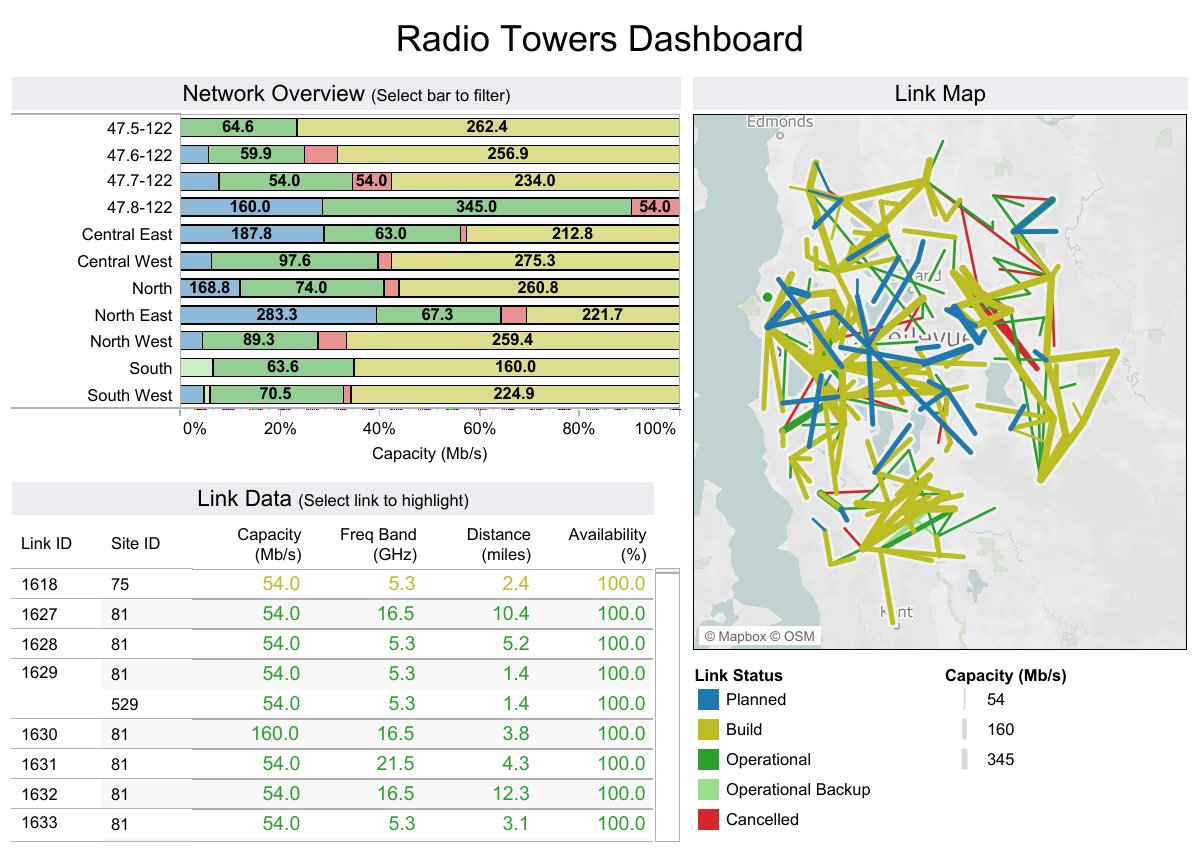
One-sentence overview: Tableau is a leading data visualization platform known for rich dashboarding, advanced analytics, and broad enterprise adoption.
Key Features:
Extensive charting and visual exploration capabilities
Strong drag-and-drop analysis experience
Advanced calculations, geospatial analysis, and forecasting
Broad connectivity to databases, spreadsheets, and cloud platforms
Sharing via Tableau Cloud and Tableau Server
Integration with Python and R for advanced analytics
Pros & Cons:
Pros:
Excellent visual depth and analytical flexibility
Strong ecosystem, community, and training availability
Governance and content sprawl may require stronger administration
Best For (Target user/scenario):
Enterprises with experienced analysts
Teams needing advanced exploration and polished dashboards
Organizations with diverse data environments
Pricing overview: Subscription-based pricing with different creator, explorer, and viewer tiers
Tableau remains one of the strongest choices when visual sophistication and analytical depth are top priorities. It is especially effective for analyst-led environments where teams need more than standard dashboard templates.
3. Power BI
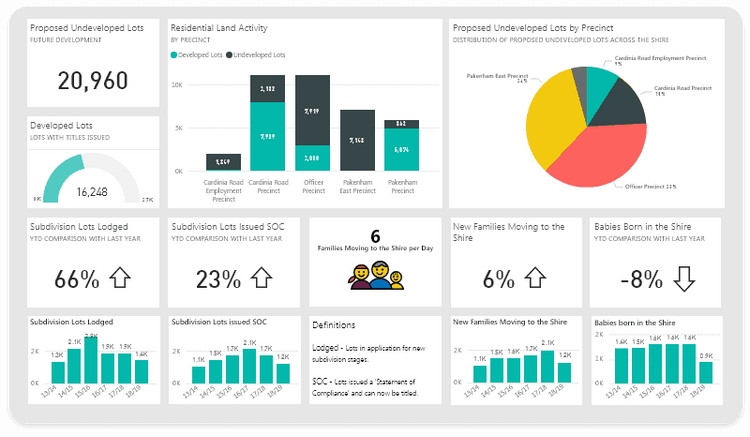
One-sentence overview: Power BI is a cost-effective BI and data visualization platform that fits especially well in Microsoft-based organizations.
Key Features:
Tight integration with Excel, Azure, Teams, and the Microsoft ecosystem
Interactive dashboards and drill-through reporting
AI-assisted insights and natural language query features
Desktop plus cloud workflow
Pros & Cons:
Pros:
Strong value for money
Familiar environment for Microsoft users
Powerful modeling and reporting capabilities
Large user base and partner ecosystem
Cons:
Advanced modeling can become complex
Interface and licensing structure can be confusing for new buyers
Best experience often depends on broader Microsoft stack adoption
Best For (Target user/scenario):
Organizations already using Microsoft 365 or Azure
Budget-conscious teams scaling BI across departments
Analysts who need strong modeling and dashboard distribution
Pricing overview: Low-cost per-user entry tiers, with premium capacity options for larger deployments
Power BI is still one of the most attractive options for teams that want capable dashboards at a relatively accessible cost. If your organization already relies on Microsoft infrastructure, it is often the fastest path to scaled reporting.
4. Flourish
One-sentence overview: Flourish is a no-code visualization platform focused on interactive storytelling, embeddable graphics, and audience-facing content.
Key Features:
Template-driven creation for charts, maps, and stories
Strong support for interactive and animated visual content
Embedding across websites and digital publishing environments
Scrollytelling and presentation-style sequences
Collaboration and branding options for teams
Pros & Cons:
Pros:
Excellent for storytelling and public-facing visuals
Very approachable for non-coders
Strong embed experience for publishers and marketers
Newsrooms, content teams, research communications, and marketers
Teams that want polished, interactive visual stories
Pricing overview: Free tier available, with paid team and business plans
5. Datawrapper
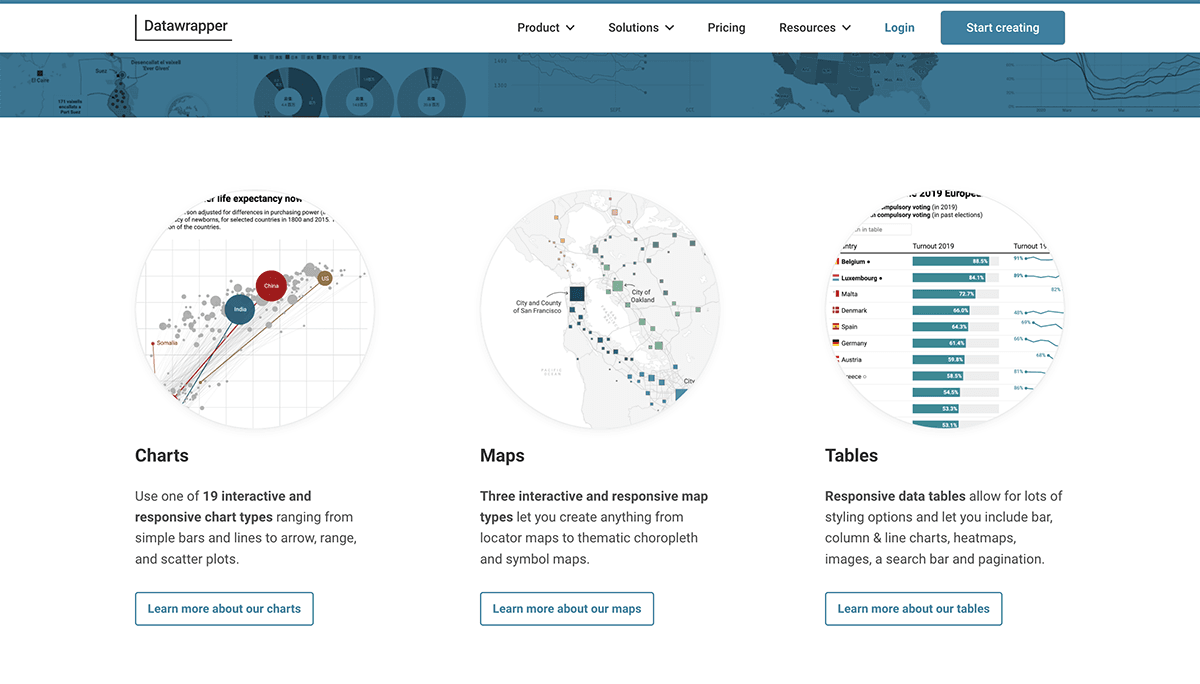
One-sentence overview: Datawrapper is a web-based tool for creating clean, publish-ready charts, maps, and tables with minimal friction.
Key Features:
Fast workflow for charts, maps, and tables
Strong defaults for typography, accessibility, and layout
Easy embedding and responsive outputs
Team collaboration and custom themes
Useful for editorial and public reporting workflows
Pros & Cons:
Pros:
Very easy to use
Excellent output quality for publishing
Strong accessibility and presentation defaults
Cons:
Less depth for internal BI and advanced analytics
Limited compared with broader dashboarding platforms
Best For (Target user/scenario):
Journalists, policy teams, communications teams, and public institutions
Users who need fast, professional charts without complex setup
Pricing overview: Free tier, with paid plans for teams and advanced features
6. Looker Studio
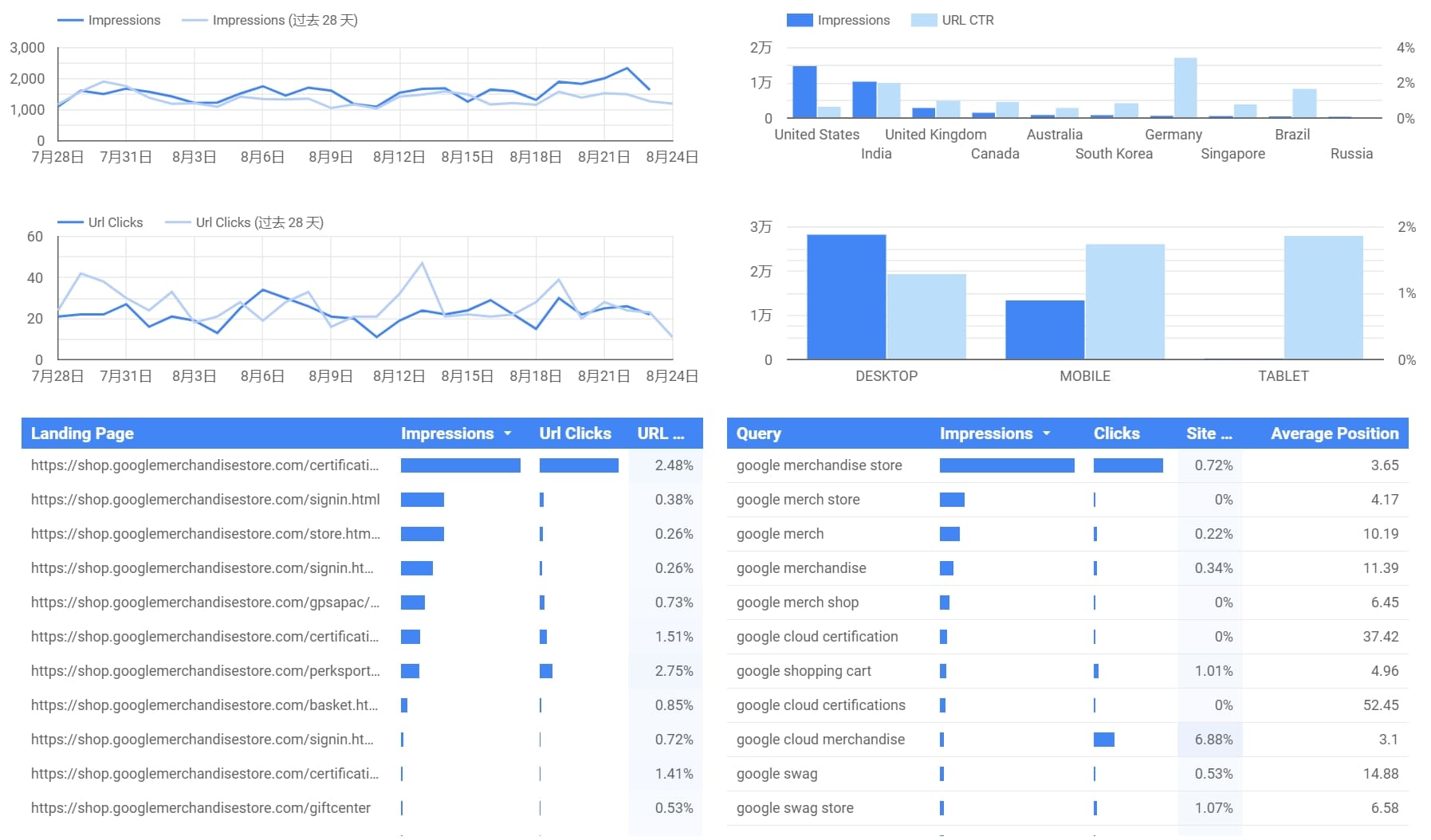
One-sentence overview: Looker Studio is a lightweight reporting and dashboard tool that works well for teams invested in Google products.
Key Features:
Free dashboard creation for many common reporting needs
Connectors for Google Analytics, BigQuery, Sheets, and more
Performance varies depending on data connectors and report design
Best For (Target user/scenario):
Small teams, marketers, and Google-centric reporting workflows
Pricing overview: Core product is free; broader costs depend on connected Google services
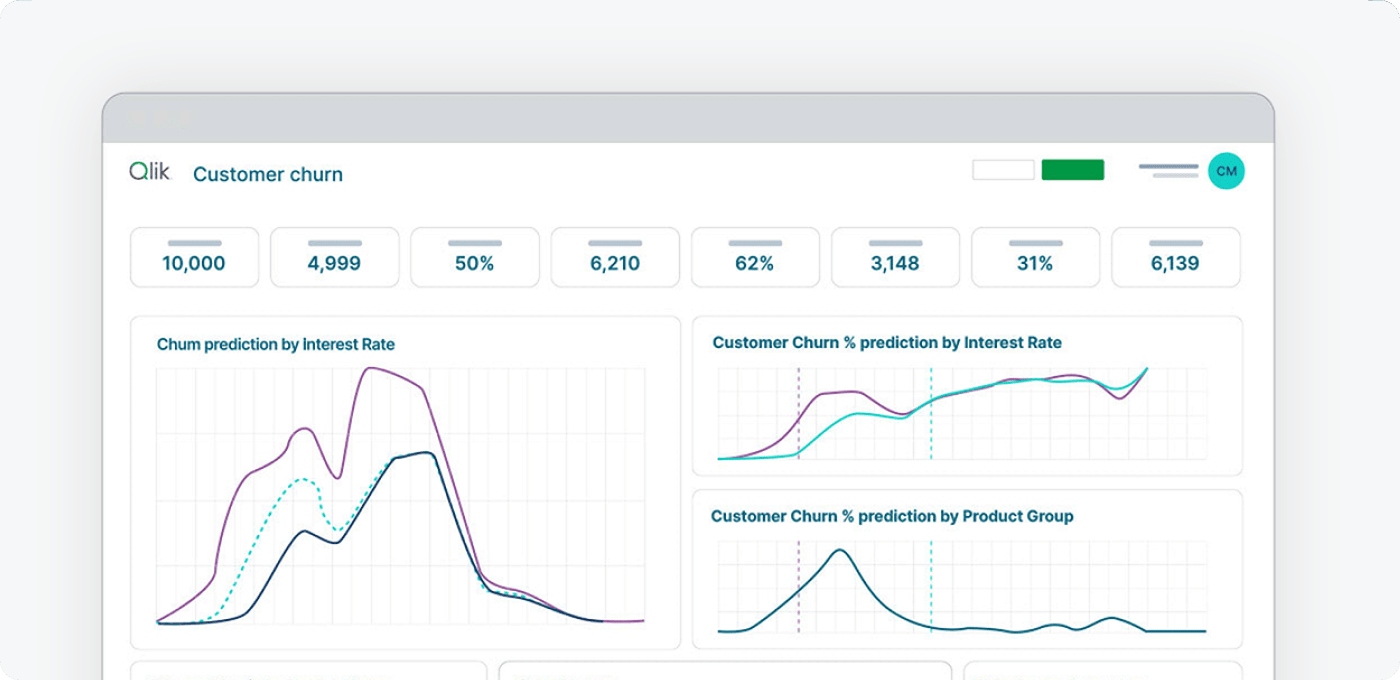
7. Qlik Sense
One-sentence overview: Qlik Sense is an analytics platform known for associative exploration, governed self-service, and enterprise-ready deployment.
Key Features:
Associative data engine for flexible discovery
Interactive dashboards and guided analysis
AI-assisted insights
Strong governance and enterprise administration
Cloud and on-premises options
Pros & Cons:
Pros:
Powerful exploration model
Strong enterprise controls
Good for complex multi-source analysis
Cons:
Can require more onboarding than beginner-oriented tools
Pricing may be better suited to larger organizations
Best For (Target user/scenario):
Enterprises that want governed self-service and deeper exploration
Pricing overview: Typically quote-based, depending on environment and scale
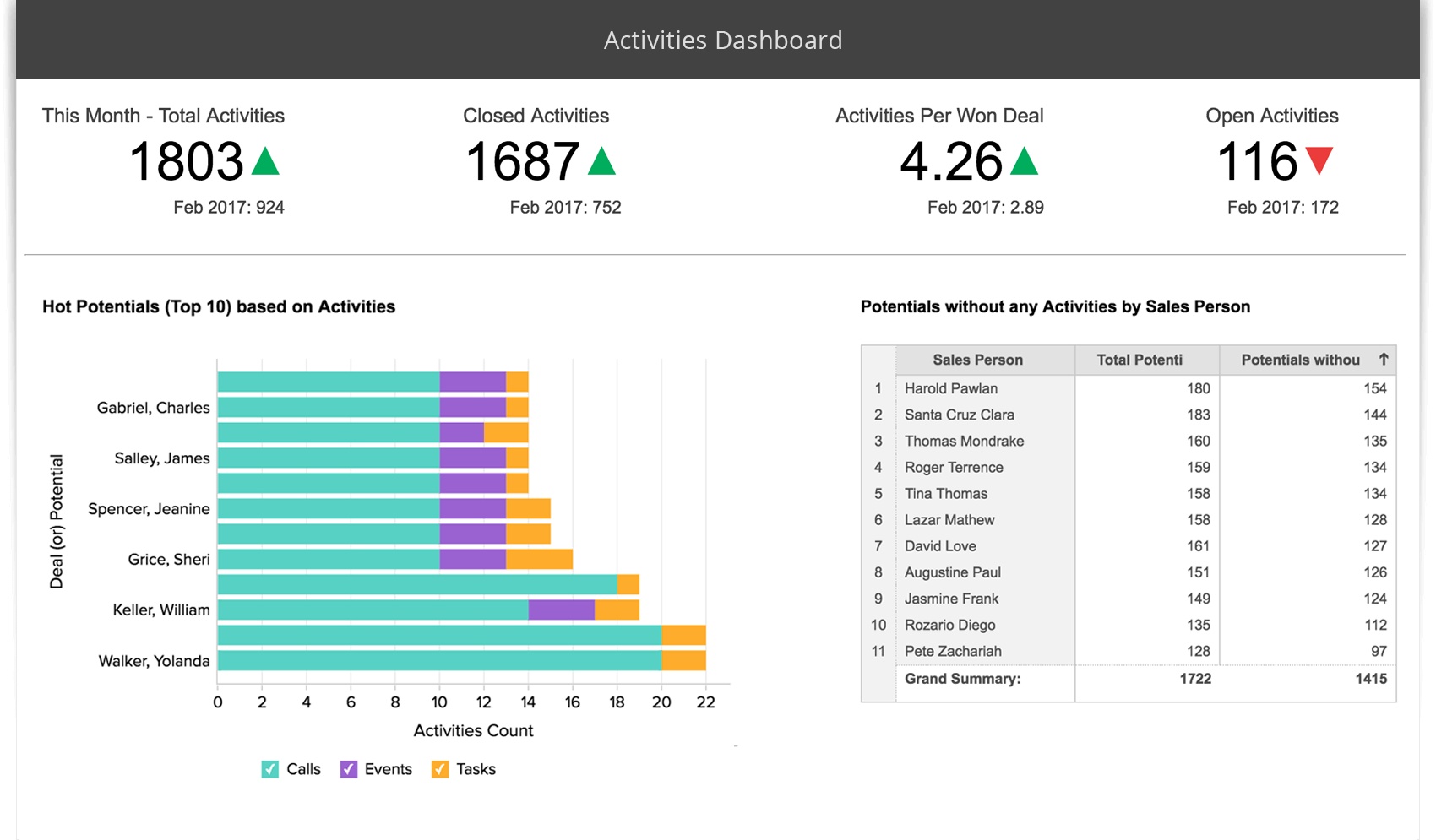
8. Zoho Analytics
One-sentence overview: Zoho Analytics is a value-focused BI and visualization tool for small and mid-sized businesses that want accessible reporting.
Key Features:
Drag-and-drop dashboard builder
Data preparation and blending
Scheduled reporting and sharing
Integrations across business apps
AI-assisted query features
Pros & Cons:
Pros:
Affordable for smaller teams
Broad functionality for the price
Relatively easy to deploy
Cons:
Less powerful than top enterprise platforms in advanced scenarios
Visualization depth may feel more limited for expert analysts
Best For (Target user/scenario):
SMBs, startups, and teams seeking a practical BI entry point
Pricing overview: Lower-cost subscription tiers compared with many enterprise tools
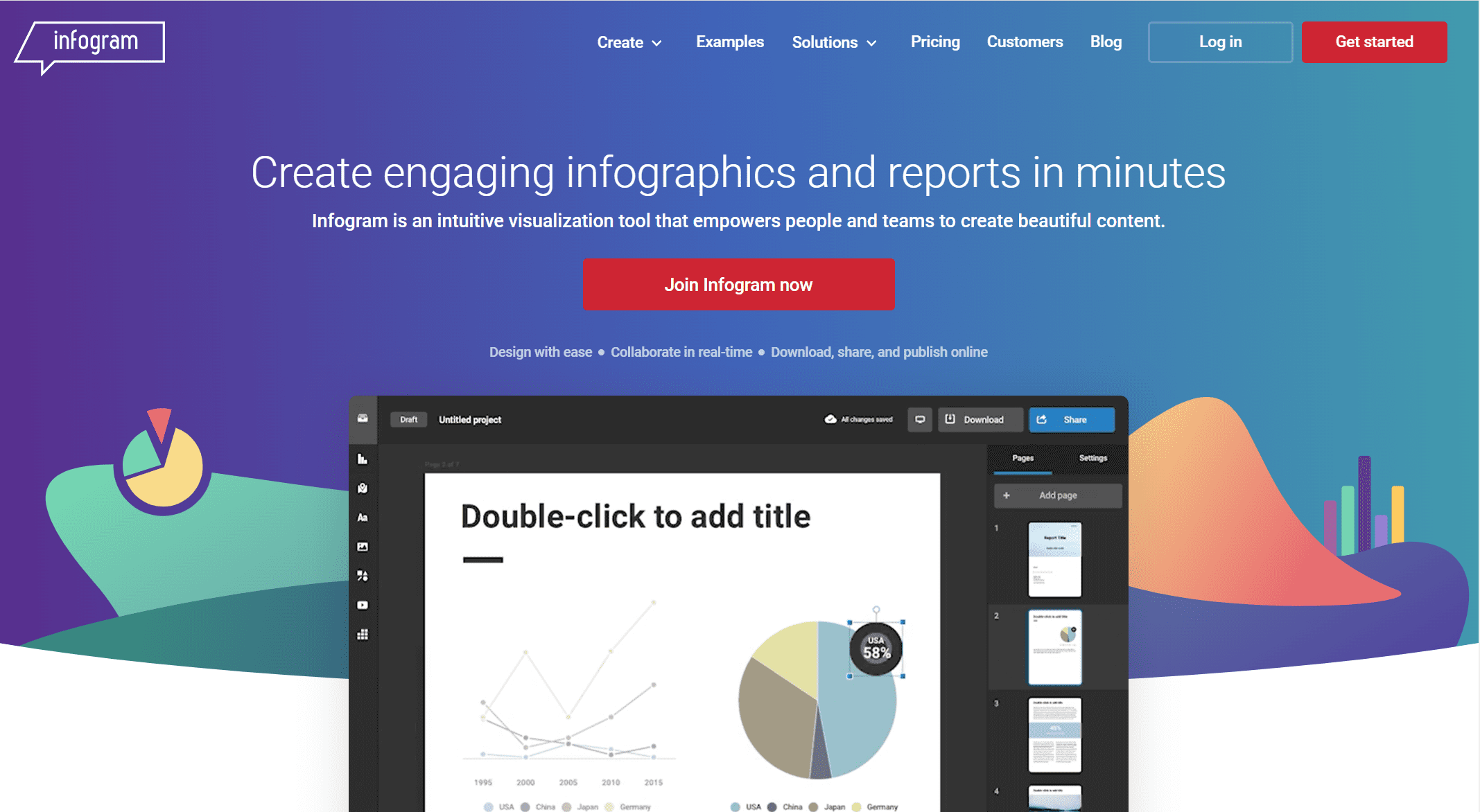
9. Infogram
One-sentence overview: Infogram is a user-friendly visualization platform for creating business visuals, infographics, reports, and presentation assets quickly.
Key Features:
Templates for charts, infographics, reports, and slides
Collaboration and brand controls
Embeddable content
Fast visual creation for non-specialists
Pros & Cons:
Pros:
Easy for non-technical users
Useful for marketing, education, and internal communication
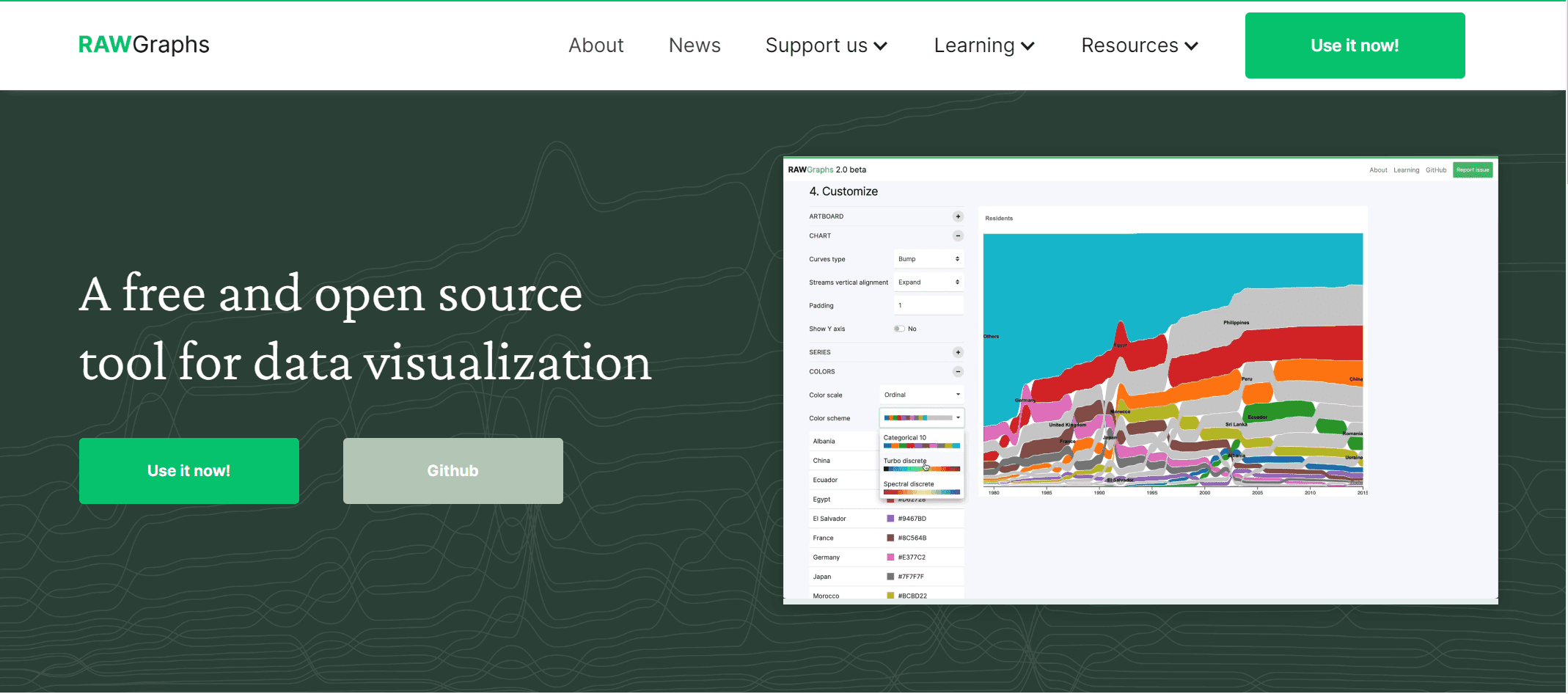
Designers, data storytellers, and users exploring uncommon chart forms
Pricing overview: Free
11. The Data Visualisation Catalogue
One-sentence overview: The Data Visualisation Catalogue is not a dashboard tool, but a valuable reference for choosing the right chart type for a dataset or story.
Key Features:
Searchable library of chart types
Helpful reference for chart selection
Good educational resource for teams improving data communication
One-sentence overview: Domo is a cloud-based BI platform that combines dashboards, data connectivity, and collaboration in a business-facing environment.
Key Features:
Power BI for scalable reporting in Microsoft-based environments
Qlik Sense for associative exploration and controlled self-service
For many organizations, FineBI is the most balanced option if the goal is to expand dashboard access across departments while keeping reporting structured and manageable.
Best for interactive storytelling and publishing
If presentation quality, embeds, and audience engagement are the priority, choose:
Flourish for interactive stories, animated visuals, and embeddable explainers
Datawrapper for clean, editorial charts, maps, and tables
Infogram for fast, presentation-friendly visuals
RAWGraphs for experimental and custom visuals
These tools are better for communication and publishing than for full-scale BI governance.
Best for beginners, small teams, and budget-conscious buyers
If ease of use, fast setup, and value matter more than deep customization, consider:
Power BI for low entry cost and strong capabilities
For public charts and media content: Flourish, Datawrapper
For Google-based reporting: Looker Studio
For small business analytics: Zoho Analytics
For uncommon chart types: RAWGraphs
For infographic-style outputs: Infogram
For chart selection guidance: The Data Visualisation Catalogue
If you are unsure where to start, narrow the field by asking:
Do I need BI or storytelling?
Will non-technical users build reports?
Do I need governance and permissions?
Is public embedding important?
What is my realistic budget over 12 months?
Final verdict and buying tips for data visualization tools
The best data visualization tools for most teams in 2026 are FineBI, Tableau, Power BI, Flourish, and Datawrapper, but the right choice depends on whether your main goal is business intelligence, self-service reporting, or public storytelling.
Best overall for balanced self-service BI:FineBI Best for advanced analytics:Tableau Best value for Microsoft users:Power BI Best for interactive storytelling:Flourish Best for editorial publishing:Datawrapper
How to balance features, pricing, and long-term adoption
Use this simple framework:
Start with the use case: internal dashboards, executive reporting, or public-facing stories
Match the user type: analysts, business users, or content creators
Datawrapper for clean public-facing charts and maps
The final decision should come from live trials, not feature pages alone. If your team needs a platform that supports self-service analytics, flexible dashboard creation, and governed reporting in one environment, FineBI deserves a place near the top of your shortlist.
For beginners, tools like Power BI, Looker Studio, Zoho Analytics, and FineBI are often the easiest to learn because they offer drag-and-drop interfaces and faster setup. The best choice depends on your data sources, budget, and whether you need business dashboards or simpler reports.
Start by checking where your data lives, who will build dashboards, and whether you need self-service analytics, governance, or public sharing. Then compare pricing, integrations, deployment options, and how well the tool can scale with your team.
BI tools focus on dashboarding, analysis, governance, and ongoing reporting for internal decision-making. Data storytelling tools like Flourish and Datawrapper are more geared toward interactive, presentation-ready visuals for publishing, embedding, and audience engagement.
Yes, free options like Looker Studio, RAWGraphs, and free tiers from Flourish, Datawrapper, and Infogram can work well for lightweight projects or early-stage teams. They are useful for testing needs before moving to a paid platform with more control and scalability.
Tableau, Power BI, FineBI, and Qlik Sense are strong choices for interactive dashboards and business analysis. For interactive charts, maps, and visual stories aimed at websites or media, Flourish and Datawrapper are especially effective.
Product Trial
FineReport
Pixel-perfect reports · Interactive dashboards · Easy data entry · Digital twins


 Key Features:
 Key Features:
 Key Features:
 Key Features:
 Key Features:
 Key Features:
 Key Features:
 Key Features:
 Key Features:
 Key Features: