An expense report template free download is usually the fastest way for finance teams, operations managers, office admins, and small business owners to standardize reimbursements without building a process from scratch. The business value is simple: faster submissions, cleaner approvals, fewer reimbursement disputes, and better visibility into employee spending. But not every free template is useful. If the structure is too basic, your team will still chase receipts, correct totals manually, and struggle at month-end close.
Click To Try The Dashboard
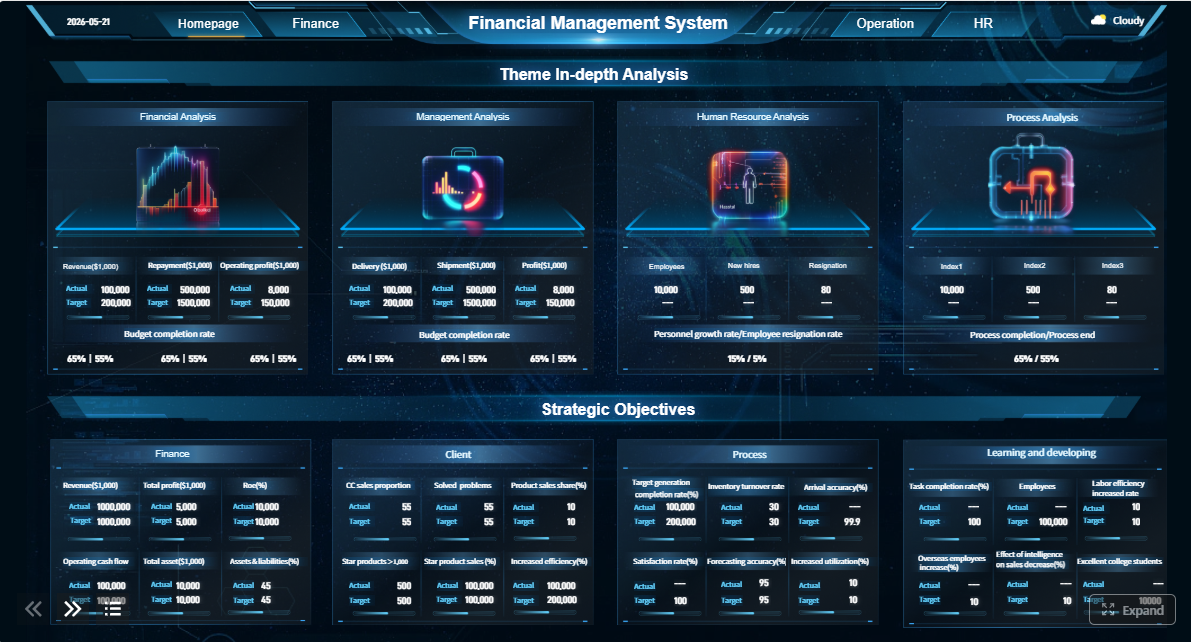
All reports in this article are built with FineReport
What a free expense report template should include
An expense report is a document used to record business-related spending for reimbursement, accounting, policy review, and audit support. It is commonly used by employees, contractors, field teams, traveling staff, department managers, and finance teams that need a consistent way to submit and review expenses.
Teams usually start with an expense report template free option because it is quick, familiar, and low-risk. A printable form, spreadsheet, or shared cloud sheet can be deployed in minutes. That makes templates appealing for startups, small businesses, and teams with low expense volume.
But there is an important distinction between a basic form and a real workflow. A simple reimbursement form captures expenses. A full reporting workflow also manages submission rules, receipt matching, manager approval, exception handling, reimbursement status, and reporting for accounting.
Why free templates are a practical starting point
For many organizations, templates solve three immediate problems:
Consistency: Everyone submits expenses in the same format.
Visibility: Managers can review line items and totals faster.
Affordability: No software investment is needed at the beginning.
The difference between a form and a workflow
A free template helps you collect data. A workflow helps you control the process.
A basic reimbursement form usually includes a list of expenses and a total amount due. A full workflow adds:
approval routing
receipt validation
policy checks
tax handling
duplicate detection
payment tracking
reporting dashboards
That difference matters more as the business grows. What works for five employees often breaks at fifty.
The 7 must-have fields in every expense report
If you are choosing or customizing an expense report template free file, start with the fields that finance and approvers actually need. These seven fields are non-negotiable if you want the template to be useful beyond a one-off reimbursement.
Key Metrics (KPIs)
Before diving into the fields, track these operational KPIs to judge whether your template is working:
Submission cycle time: How long employees take to complete and submit reports.
Approval turnaround time: Time from submission to manager approval.
Receipt attachment rate: Percentage of expense lines supported by receipts.
Policy exception rate: Share of expenses that violate internal rules.
Reimbursement processing time: Time from approval to employee repayment.
Error correction rate: Number of reports returned for missing or inaccurate data.
Duplicate expense rate: Frequency of repeated or overlapping claims.
The first group of fields identifies who is submitting the report and what period it covers.
The template should include:
Employee name — identifies the claimant.
Department — helps route review and allocate cost correctly.
Reporting period — defines the date range covered by the report.
Manager — identifies the approver.
Submission date — supports tracking, compliance, and payment timing.
These fields sound simple, but they prevent a surprising amount of confusion. Without them, finance teams spend time asking who owns the report, what month it belongs to, and who should approve it.
Expense line items
This is the operational core of the report. Each line should capture enough detail for reimbursement and audit review.
The template should include:
Expense line items with:
Date — when the expense occurred
Merchant — vendor or payee
Category — such as meals, travel, lodging, office supplies, mileage
Business purpose — why the expense was necessary
Payment method — personal card, company card, cash, transfer
Amount — value claimed for reimbursement or reconciliation
A weak line-item section is where most free templates fail. If your team cannot classify expenses cleanly, you will struggle with budgeting, GL coding, and audit preparation later.
Receipt and policy tracking
The final layer separates a usable template from a risky one.
Receipt and policy tracking should include:
Receipt status — attached, missing, exempt
Tax information — VAT, GST, sales tax, or deductible amount
Policy notes — flags for limits, exceptions, or justification
Approval status — pending, approved, rejected, returned
Reimbursement total — final amount due after exclusions or company-card deductions
These fields allow managers and finance staff to review reports faster and with fewer email follow-ups.
How to customize free expense report templates for your workflow
A free template only becomes operationally useful when it matches your policy, approval path, and reporting needs. This is where many teams either overcomplicate the form or leave it too generic to enforce anything.
Match the template to your expense policy
Start by aligning the template with actual policy rules. If your reimbursement policy includes mileage, per diem, or category caps, those rules must be visible in the template.
Add the specific fields your business needs, such as:
spending categories aligned to your chart of accounts
mileage start, end, and reimbursement rate
per diem limits by city or trip type
cost center or project code
approval steps by department or spend threshold
fields for client-billable versus non-billable expenses
This makes the template more than a form. It turns it into a first-level control mechanism.
Choose the right format for your team
Different formats fit different levels of complexity.
Printable and editable forms
Printable forms work well when:
the team is very small
field staff submit occasional claims
contractors or temporary workers need simple reimbursement
internet access is limited
travel claims are infrequent
Their weakness is that calculations, versioning, and reporting usually remain manual.
Spreadsheet-based templates
Spreadsheets are better when:
expenses recur monthly
totals need formulas
categories need summaries
managers want sortable data
teams need quick edits without redesigning the form
Google Sheets is especially useful for lightweight collaboration, while Excel often gives stronger formula control for finance users.
Shared cloud files
Shared cloud files help when several people review the same report and need current visibility. They are better than emailed attachments, but they still require discipline around permissions, locking, and naming conventions.
The best template is not the most detailed one. It is the one employees can complete correctly and managers can review in minutes.
Use these design choices:
Dropdowns for categories, departments, and payment methods
Locked cells for formulas and protected headings
Automatic totals to reduce calculation errors
Clear instructions at the top of the form
Conditional formatting to flag missing receipts or over-limit amounts
Separate tabs only when necessary, not by default
If reviewers must decode the template every time, adoption will drop and errors will rise.
Best free template formats and where they fit best
Choosing the right expense report template free format is less about design preference and more about operational fit.
Printable and editable templates
Editable and printable files are useful for small teams, one-off claims, and travel reimbursements where the process is still semi-manual. They work especially well for:
owner-managed small businesses
independent contractors
field employees with occasional claims
conference and travel reimbursement requests
The main benefit is simplicity. The main limitation is low visibility after submission.
Spreadsheet-based templates
Spreadsheet templates are the most common choice because they add formulas, recurring use, and basic analysis.
They fit best when you need:
category totals
monthly summaries
mileage calculation
reimbursement amount formulas
recurring employee submissions
a familiar tool for both employees and finance
A budget-style spreadsheet layout can also help finance teams compare planned versus actual spending by category.
Small business-friendly options
Small businesses should not start with the most complex template available. They should prioritize:
simplicity so employees actually use it
approval visibility so reports do not get lost
reimbursement tracking so finance knows what has been paid
category consistency so accounting can close faster
receipt management so audits are not painful later
When a free expense report template stops scaling
Templates are useful at the beginning. They become expensive when the hidden manual work starts multiplying.
Common signs the process is breaking down
Watch for these warning signs:
too many manual approvals in email
missing or unreadable receipts
duplicate entries across files
slow reimbursements frustrating employees
multiple versions of the same spreadsheet
inconsistent categories between departments
frequent back-and-forth for corrections
These are not just annoyances. They are process indicators showing that your team has outgrown the template.
Risks of relying on spreadsheets for too long
Spreadsheets are powerful, but they are not a controlled expense management system.
The risks include:
Calculation errors from broken formulas
Weak audit trails with unclear edits and approvals
Limited policy enforcement because rules are mostly manual
Poor integration with ERP, HR, payroll, or accounting systems
Version-control issues from email attachments and local copies
Harder month-end close due to manual reconciliation
As expense volume rises, finance teams spend more time cleaning data than analyzing spending.
When to move beyond a template
The right time to move beyond a template is when automation saves more time than manual reporting costs.
That threshold usually appears when:
expense volume increases every month
approval routing becomes multi-level
tax treatment becomes more complex
reimbursement delays affect employee experience
finance needs real-time reporting
management wants tighter spend controls
audit and compliance requirements increase
At that stage, building everything manually is inefficient and risky.
Do approvals require one manager or multiple levels?
Are tax fields required for VAT, GST, or sales tax recovery?
Do you need mileage, per diem, or project-based reporting?
Will reports be used only for reimbursement, or also for accounting analysis?
Does finance need category summaries and reimbursement status tracking?
The more “yes” answers you have, the less likely a basic template will be enough for long.
A simple checklist for selecting, testing, and rolling out a template
Use this consultant-style rollout process:
Select a template that matches current volume, not future perfection.
Avoid overengineering on day one.
Customize only the fields required by policy and accounting.
Remove clutter. Add only what improves control.
Pilot the template with one department or a small employee group.
Test usability before company-wide rollout.
Measure failure points for two to four weeks.
Track missing receipts, approval delays, and returned reports.
Standardize submission and review rules.
Define who submits, who approves, how receipts are attached, and when reimbursements are processed.
This approach prevents the common mistake of downloading a template and assuming the process is solved.
Build a scalable expense reporting workflow with FineReport
At some point, maintaining a template library, approval logic, reimbursement calculations, and reporting dashboards in separate files becomes too complex. That is the inflection point where templates stop being efficient.
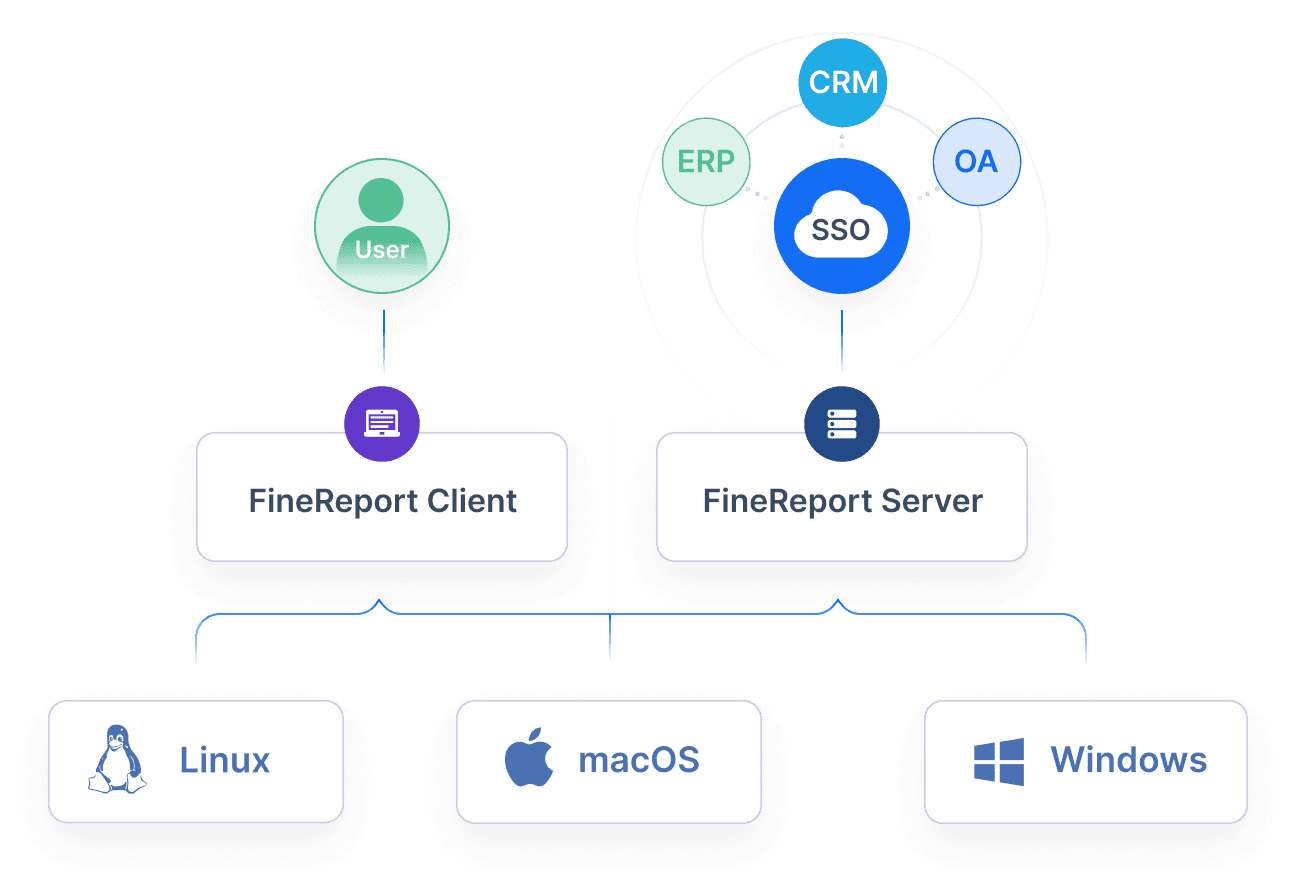
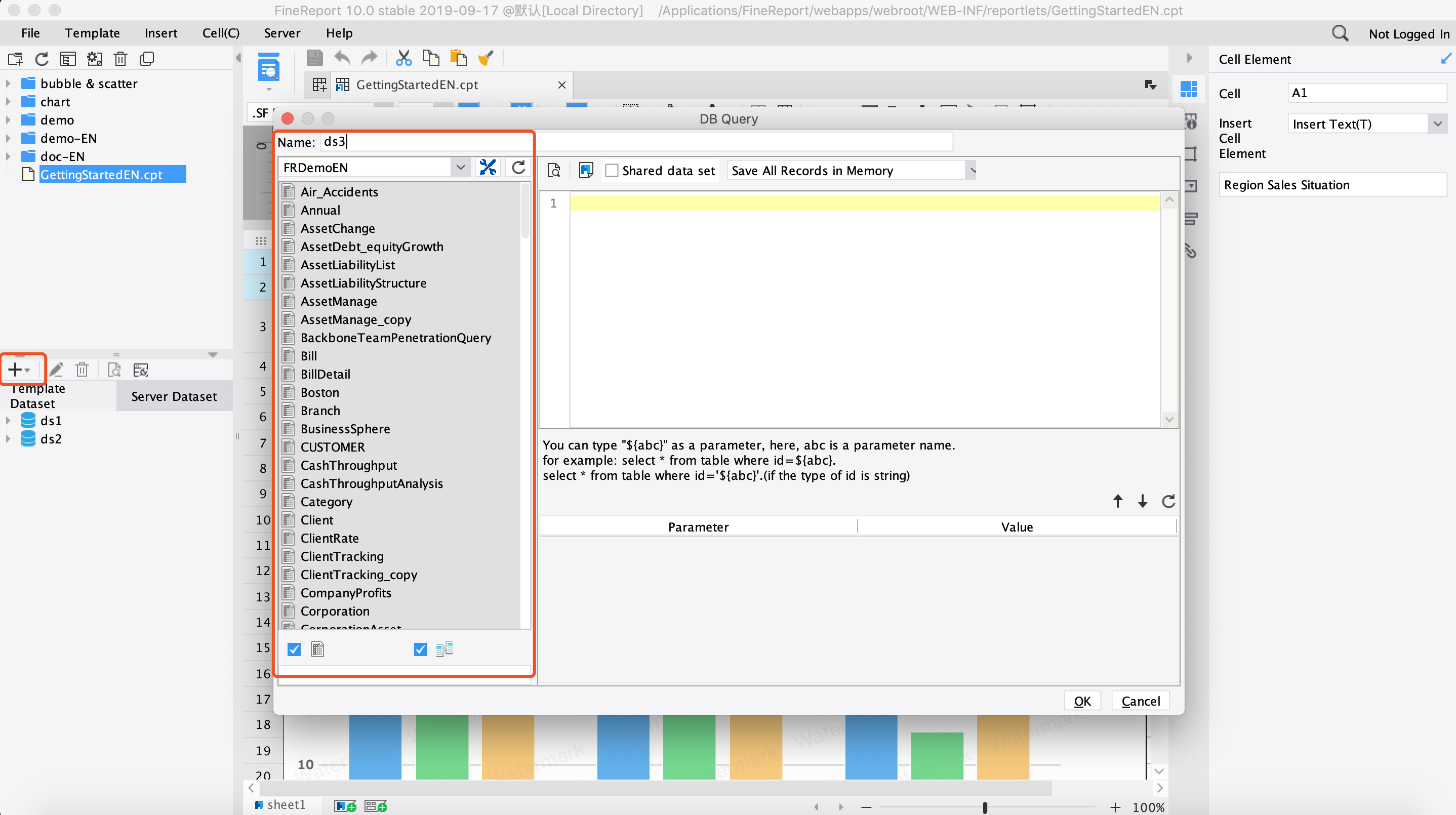
Building this manually is complex; use FineReport to utilize ready-made templates and automate this entire workflow.
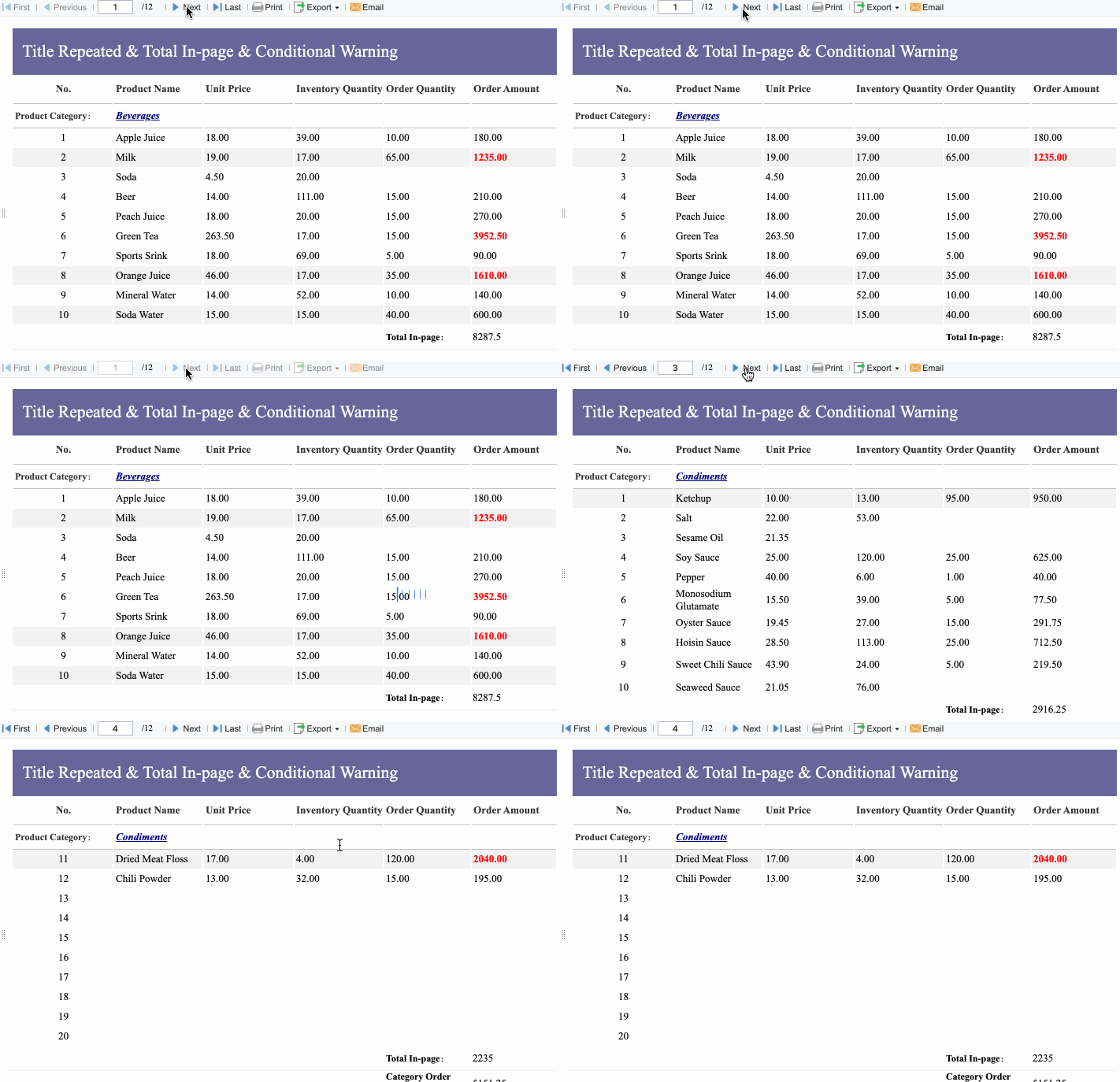
With FineReport, teams can move from static forms to a connected expense reporting system that supports:
Instead of stitching together spreadsheets, emails, and receipt folders, you can create a centralized workflow with live visibility for employees, managers, and finance.
For enterprise teams, this is where the real value appears: lower administrative effort, better control, faster approvals, and decision-ready reporting.
The practical takeaway is straightforward: start simple, customize carefully, and upgrade when growth creates friction. A free template is a useful starting point. It is not a long-term operating model for a growing organization.
A useful template should capture employee details, reporting period, manager, itemized expenses, receipt status, approval status, tax details, and the final reimbursement total. These fields help finance teams review claims faster and reduce back-and-forth.
Start with the core fields, then add categories, policy notes, mileage, tax columns, or approval fields based on your process. The goal is to match your reimbursement rules without making the form too complex for employees to complete.
Templates usually stop scaling when expense volume increases and teams need approval routing, receipt validation, duplicate checks, and real-time reporting. If finance is spending too much time correcting errors or chasing documentation, it is time to move beyond spreadsheets.
The biggest issues are missing receipts, incorrect totals, inconsistent categories, slow approvals, and limited visibility into spending. These problems become more serious as the number of employees and submissions grows.
Yes, FineReport can support dashboards, workflow tracking, approval visibility, and spend analysis that go beyond a static form. It is better suited for teams that need stronger control, faster processing, and clearer reporting as they scale.
Product Trial
FineReport
Pixel-perfect reports · Interactive dashboards · Easy data entry · Digital twins