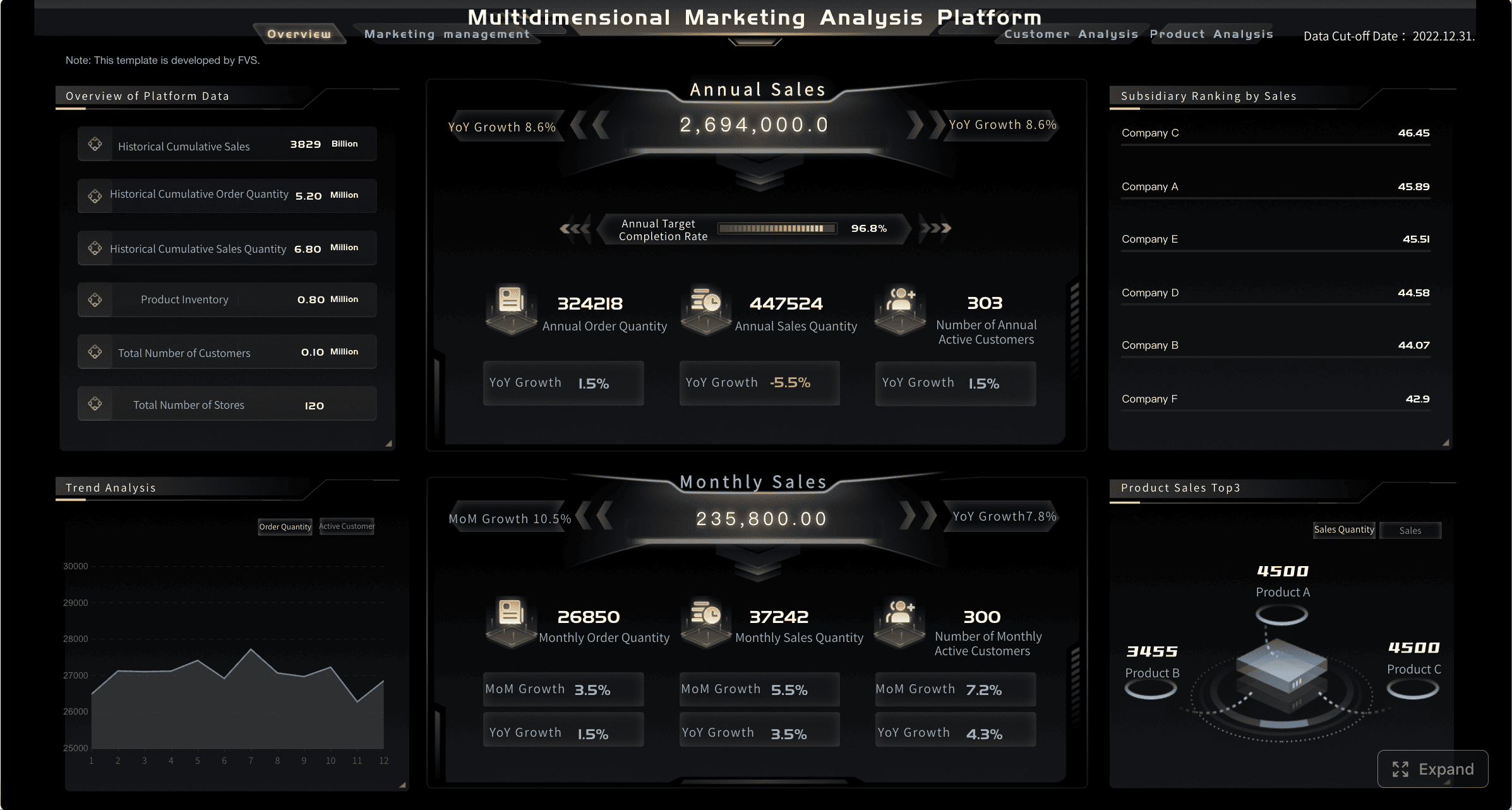
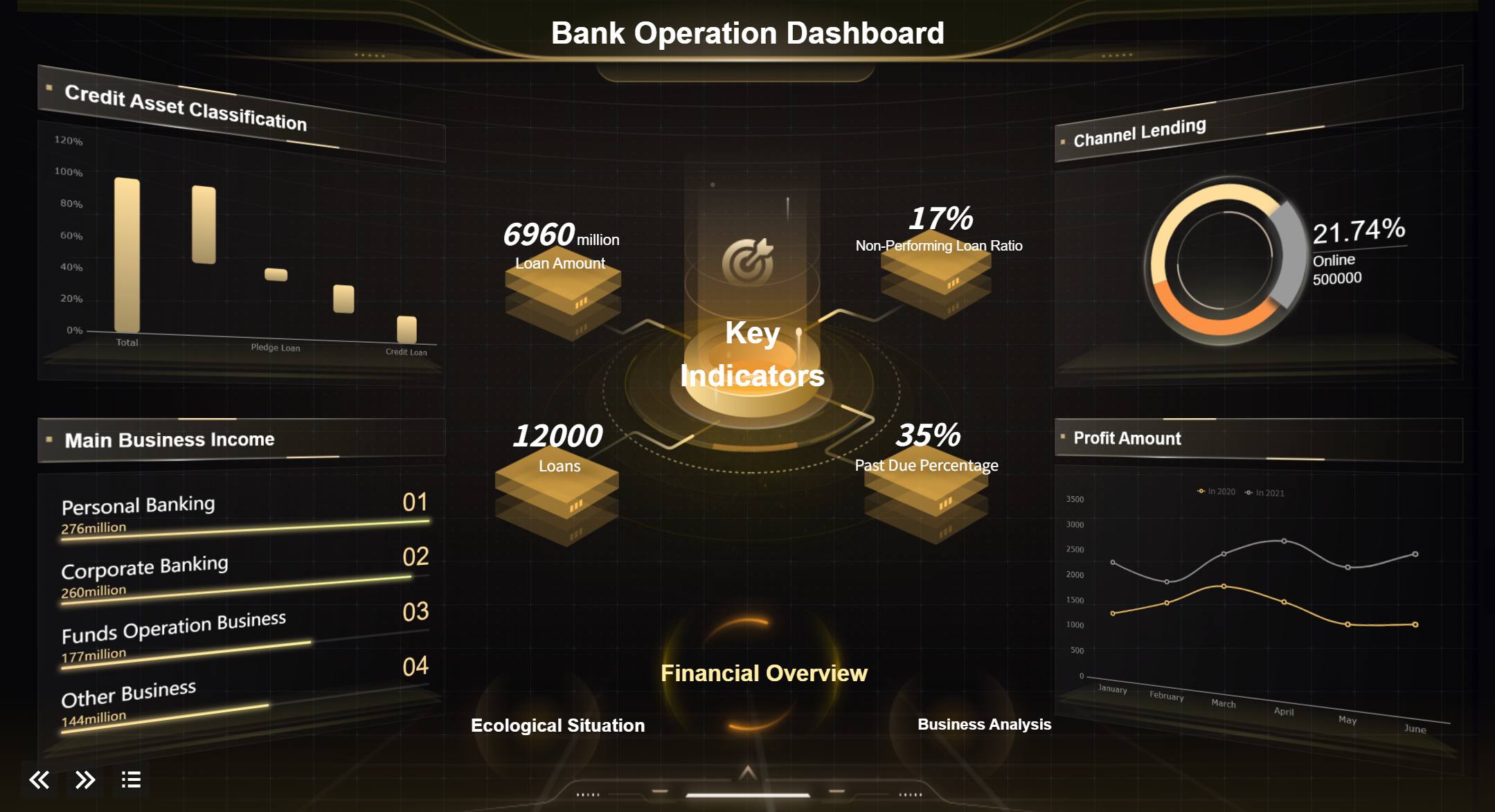
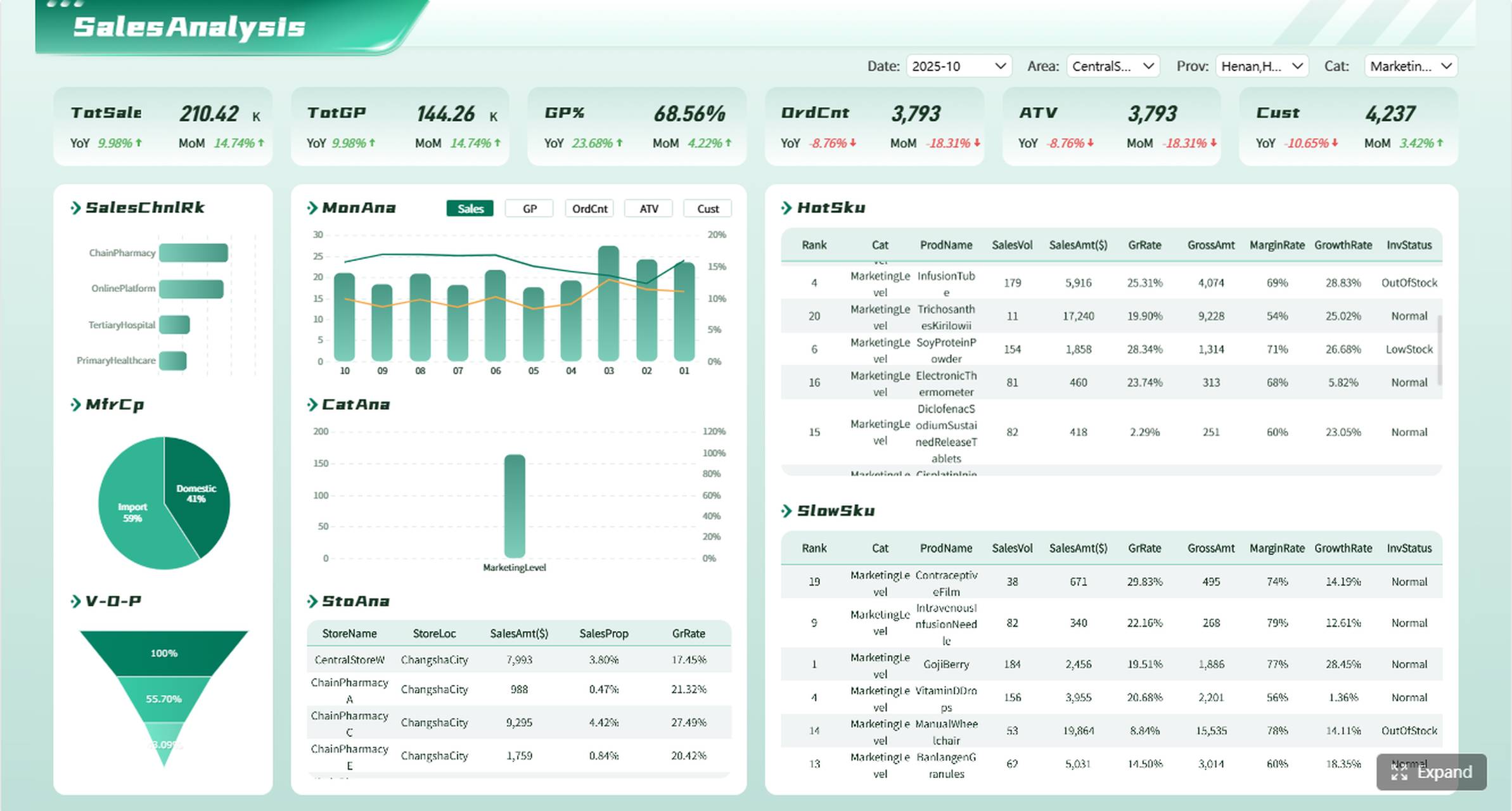
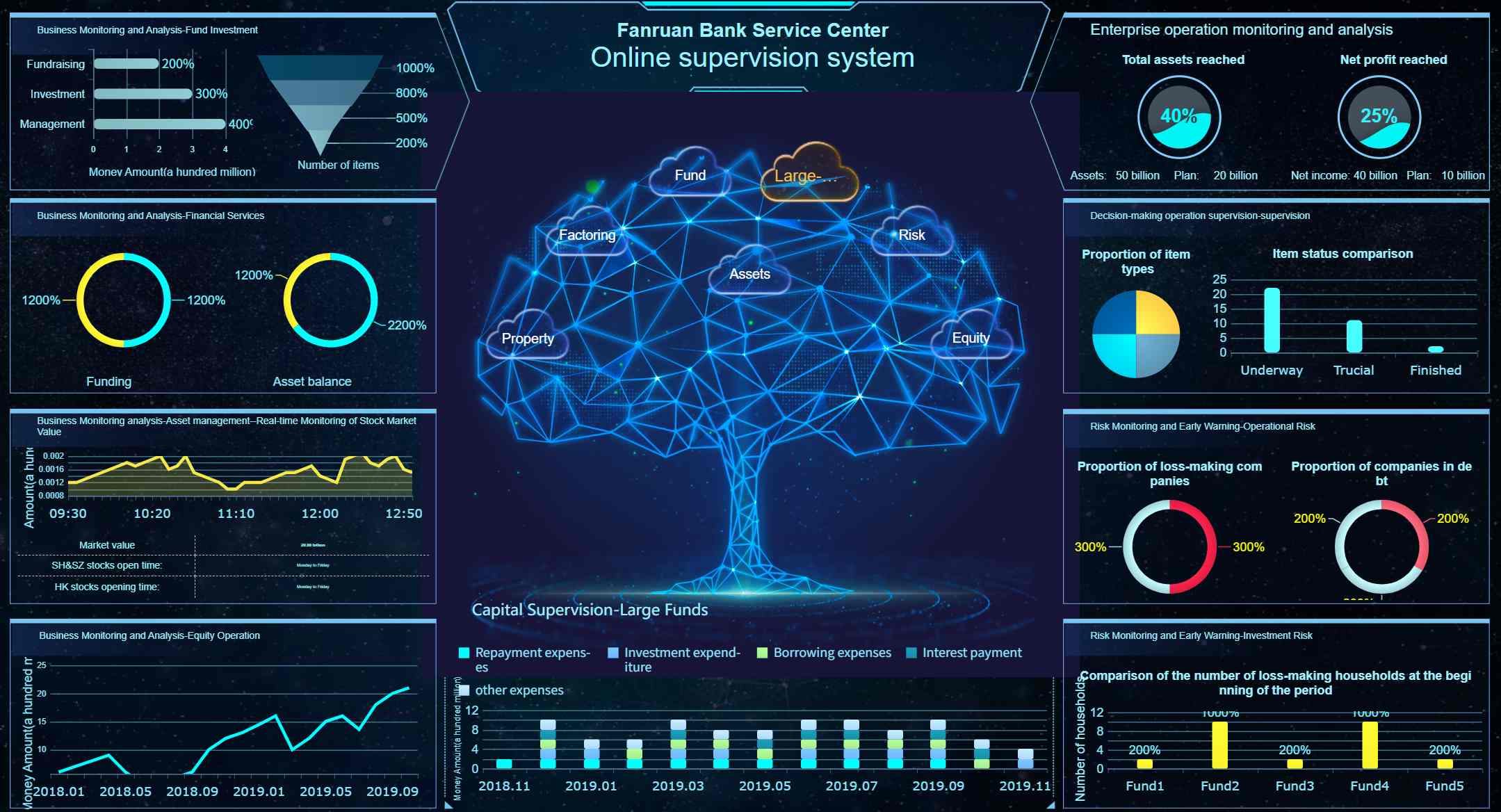
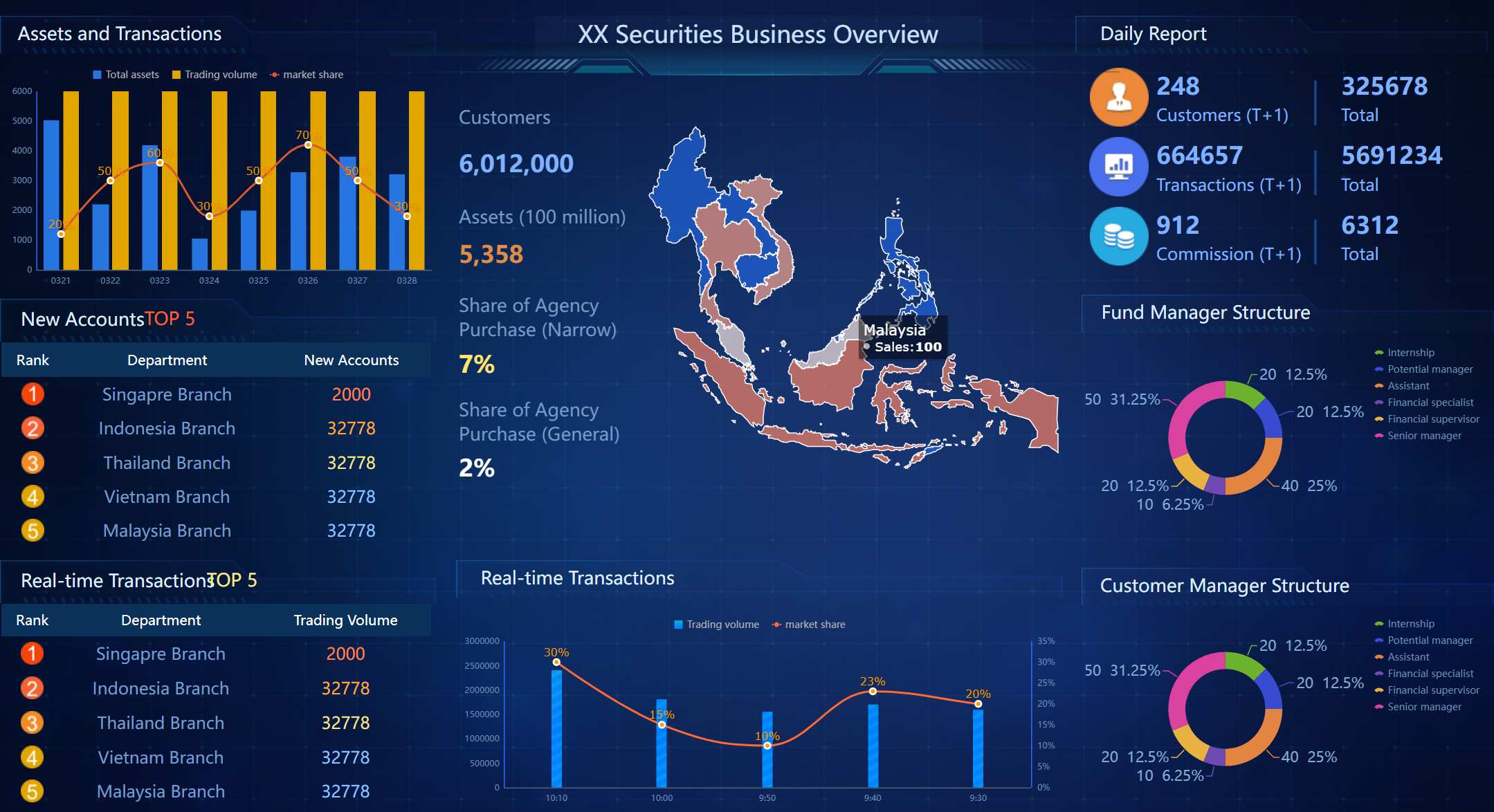
An MIS report format is the structure businesses use to turn routine operational data into a report leaders can review quickly, compare over time, and act on confidently. If you manage reporting for HR, sales, finance, or operations, the real challenge is rarely getting data—it is building a format that is consistent, readable, and useful for decisions. A strong MIS format reduces manual follow-up, exposes missed targets early, and creates accountability across teams.
What Is an MIS Report Format and Why It Matters
An MIS report format is a predefined reporting layout used to present business performance data in a structured way. It typically includes the reporting period, KPI names, targets, actual values, variance, trends, owners, and comments. Instead of forcing every manager to interpret raw spreadsheets differently, it standardizes how information is presented and reviewed.
Raw data, summaries, dashboards, and MIS reports are related, but they are not the same:
Raw data is the source-level information from systems, files, or transactions.
Summaries condense raw numbers into totals, averages, or category-level snapshots.
Dashboards provide visual monitoring with charts, filters, and live indicators.
Formal MIS reports combine structured tables, commentary, targets, and accountability in a repeatable reporting format.
For enterprise teams, this difference matters. A dashboard may tell you revenue is down, but an MIS report format should also show the target, the variance, the owner, the root cause, and the next action. That makes it useful for review meetings, monthly business reporting, and cross-functional coordination.
A well-designed format improves business performance in three ways:
Better decision-making: Leaders can compare plan versus actual without decoding multiple files.
Consistency: Teams report using the same logic, definitions, and status rules.
Accountability: Every exception can be linked to an owner and a follow-up action.
All reports in this article are built with FineReport.
Core Sections of an Effective MIS Report Format
A reliable MIS report format should be easy to scan and easy to update. The best formats are not overloaded. They capture only the information decision-makers need to understand performance and act fast.
Standard Header Fields
Every MIS report should begin with a clean header section. This makes the file traceable and prevents version confusion.
Typical header fields include:
Report title
Reporting period
Department or business unit
Prepared by
Reviewed by
Report owner
Version number
Date of submission
Approval status
These fields are especially important in organizations where multiple departments submit reports into a central management review process.
How to Organize Column-Wise Data
The core of any mis report format is its column structure. Most teams should organize data around performance comparison and action tracking.
A standard column-wise layout often includes:
KPI or metric
Target
Actual
Variance
Trend or status
Remarks
Action owner
Next steps
This structure works because it moves from measurement to interpretation to accountability. It is also adaptable across functions such as HR, sales, operations, and finance.
Group Metrics Logically
To keep reports readable, group metrics by business logic rather than placing every KPI in one long table. Common grouping methods include:
By function: recruitment, payroll, collections, logistics
By team: region, branch, product squad, department
By product: SKU, service line, business offering
By region: country, state, sales territory
By time: daily, weekly, monthly, quarterly
This lets reviewers compare similar metrics together and identify underperformance faster.
When to Use Tables, Charts, Highlights, and Exception Summaries
Use each reporting element for a specific purpose:
Tables for detailed KPI comparison and row-level accountability
Charts for trends, seasonality, and pattern recognition
Highlights for top wins, risks, and major changes
Exception summaries for missed targets, escalations, and corrective actions
Essential Columns to Include
Below are the core columns most organizations should include in an MIS report:
KPI or metric name: The exact performance indicator being tracked
Target value: The planned benchmark or expected result
Actual performance: The measured outcome for the reporting period
Variance or gap: The difference between target and actual
Status or trend indicator: A visual or text-based signal such as On Track, At Risk, or Off Track
Action owner and next steps: The responsible person and the corrective plan
Key Metrics (KPIs)
A strong MIS report should include only the KPIs that support decisions. Common KPI categories include:
Volume KPIs: Total units, transactions, leads, calls, or orders handled
Efficiency KPIs: Output per employee, turnaround time, cycle time, utilization rate
People KPIs: Headcount, attendance, attrition, hiring, training completion
Service KPIs: SLA adherence, first-response time, closure time, customer satisfaction
Each KPI should have a fixed definition, calculation method, reporting frequency, and threshold logic.
Common Reporting Mistakes to Avoid
Even a visually clean report can fail if the underlying format is weak. The most common mistakes include:
Overloading the report with too many metrics: Too much detail hides what actually matters
Using inconsistent definitions across departments: Different formulas make comparisons unreliable
Leaving out context behind missed targets: Numbers alone do not explain operational issues
Failing to update formats as business needs change: Static templates become outdated quickly
A practical rule is simple: if a metric is never discussed in review meetings, it probably does not belong in the main MIS report.
Column-Wise MIS Report Format Samples by Use Case
Different business functions need different MIS layouts. The structure should always match the reporting objective and the audience.
For example:
A daily operational MIS needs fewer columns, faster refresh cycles, and immediate exception visibility
A weekly sales MIS needs target tracking, pipeline movement, and ownership details
A monthly executive MIS needs summaries, trend direction, risks, and commentary more than row-level operational detail
Essential fields usually remain the same, while optional columns change based on the use case.
HR MIS Report Format Sample Structure
An HR MIS report format should help managers track workforce movement, staffing stability, and capability development. Keep the layout spreadsheet-friendly so HR teams can update it without heavy manual formatting.
Sample columns:
Department
Month
Opening Headcount
New Hires
Exits
Closing Headcount
Attendance %
Attrition %
Training Hours
Remarks
Sales
Jan
120
8
5
123
96%
4.2%
36
Hiring stable
Operations
Jan
200
12
10
202
94%
5.0%
48
Shift absenteeism rising
Finance
Jan
45
2
1
46
98%
2.2%
12
No major issue
This type of format works well for:
Department-wise monthly reviews
Hiring and attrition tracking
Attendance and training compliance checks
Useful optional columns include recruiter owner, open positions, time-to-fill, and critical role gaps.
Sales MIS Report Format Sample Structure
A sales MIS report should help leaders spot pipeline quality, conversion movement, and revenue gaps quickly. The report should be easy to scan in five minutes or less.
Sample columns:
Region
Salesperson
Period
Leads
Qualified Leads
Conversions
Target Revenue
Actual Revenue
Variance
Status
Remarks
North
A. Lee
Week 1
180
72
14
50,000
46,500
-3,500
At Risk
Conversion lagging
South
R. Patel
Week 1
210
90
19
55,000
59,200
4,200
On Track
Strong product mix
West
M. Chen
Week 1
165
60
11
48,000
41,300
-6,700
Off Track
Low enterprise closure
Best practices for sales column design:
Put target, actual, and variance next to each other
Include region, product line, or rep based on review audience
Use a simple status label so managers can scan underperformance instantly
Keep comments short and action-oriented
Monthly sales MIS reports may also include average deal size, pipeline coverage, win rate, discount percentage, and forecast accuracy.
Operations or Finance MIS Report Format Sample Structure
Operations and finance teams need formats that surface bottlenecks, exception cases, and cost control issues. These reports are often used in performance reviews, so action columns matter.
Sample operations/finance columns:
Function
KPI
Target
Actual
Variance
Trend
Exception
Action Owner
Corrective Action
Due Date
Operations
Turnaround Time (hrs)
24
31
-7
Down
SLA breach
Ops Manager
Add second review shift
12 Feb
Operations
Error Rate %
1.5%
2.4%
-0.9%
Down
Repeat issue
QA Lead
Retrain team and revise checklist
15 Feb
Finance
Budget Variance %
0%
-4.8%
-4.8%
Down
Overspend
Finance Head
Freeze nonessential spend
10 Feb
Finance
Collection Rate %
95%
91%
-4%
Down
Delayed accounts
AR Manager
Escalate top 10 overdue clients
14 Feb
This format is effective when you need to highlight:
Repeated breakdowns
Budget overruns
Utilization imbalances
Corrective action ownership
Due dates for recovery plans
KPI Examples of MIS Report Format You Can Customize
KPI tables make MIS reporting easier to review because they summarize performance in a consistent framework. Instead of overwhelming readers with dozens of rows, a KPI table pulls the most decision-relevant measures into one compact view.
The key is restraint. For most departments, 5 to 10 KPIs are enough for the main report. Supporting details can sit in annex tabs or drill-down views.
When selecting KPIs, use three filters:
Is this metric tied to a management decision?
Is the calculation logic stable and agreed upon?
Can someone take action if performance misses the target?
If the answer is no, it should not be in the core MIS table.
Monthly KPI Table Example
A monthly KPI table should show whether the business is on plan, where the gaps are, and what changed from the previous period.
Sample monthly KPI table:
KPI
Target
Actual
Variance
Trend
Status
Comments
Revenue
500,000
472,000
-28,000
Down
At Risk
Delayed enterprise deals
Gross Margin %
32%
30.5%
-1.5%
Down
At Risk
Higher discounting
Customer Churn %
3.0%
2.4%
0.6%
Up
On Track
Retention campaign effective
Hiring Closure %
90%
84%
-6%
Flat
Off Track
Talent pipeline weak
Order Fulfillment SLA %
98%
96.8%
-1.2%
Down
At Risk
Warehouse backlog
For clarity, define status labels consistently:
On Track: Meets or exceeds target
At Risk: Slightly below target, requires monitoring
Off Track: Material gap, requires action
Color coding can help, but it should never replace numeric clarity. A good MIS report works even if printed in black and white.
Department-Wise KPI Table Example
A department-wise table is useful when leaders want to compare functions side by side using the same logic.
Sample department KPI format:
Department
KPI
Owner
Target
Actual
Variance
Status
Follow-Up Action
HR
Attrition %
HR Manager
3.5%
4.6%
-1.1%
Off Track
Review exit drivers by team
Sales
Revenue
Sales Director
1,200,000
1,150,000
-50,000
At Risk
Push late-stage pipeline
Operations
SLA %
Ops Head
98%
97.1%
-0.9%
At Risk
Add escalation checkpoint
Finance
Collection Rate %
AR Lead
95%
96.2%
1.2%
On Track
Maintain follow-up cadence
This structure reinforces:
Ownership: Someone is clearly responsible
Accountability: Variance is visible and traceable
Follow-up: The report drives action, not just observation
Templates and Best Practices for Building Your Own MIS Report Format
Creating a reusable MIS template is less about design and more about reporting discipline. The best templates are simple enough for routine updates and robust enough for enterprise review cycles.
How to Choose the Right Template for Your Team
Choose the template based on three factors:
Reporting frequency: Daily reports need speed and exception focus; monthly reports need trend and commentary
Audience: Team leads need detail; executives need summarized performance and issues
Decision-making need: If the report is used for action, add ownership and next-step fields
A practical template design rule is to keep the top section fixed for summary KPIs and the bottom section flexible for detail or exceptions.
Step-by-Step Best Practices for Building an MIS Report Format
1. Start with the reporting objective
Before building columns, define what decision the report supports. Is it for weekly sales review, monthly HR control, or daily operations monitoring? This determines the right metrics and level of detail.
2. Standardize KPI definitions early
Create one shared KPI dictionary. Define formula logic, source system, reporting owner, threshold, and refresh frequency. This avoids endless disputes over whose numbers are correct.
3. Build one base template, then customize by function
Use a common structure across the company:
Header
KPI table
Trend section
Exception summary
Action tracker
Then customize the metric rows and optional columns for each department without changing the logic.
4. Add review workflow and version control
Use naming conventions such as:
MIS_Sales_Monthly_2026_01_v1
MIS_HR_Weekly_2026_W06_v2
Also define who prepares, checks, approves, and publishes the report. This is critical once reporting scales across multiple departments.
5. Validate before every release
Before sharing the report, verify formulas, totals, status labels, and comments. A fast validation step prevents credibility loss in management meetings.
After your process is stable, automate as much of the workflow as possible. Manual consolidation is where most reporting delays and errors begin.
Build a Better MIS Report Format Faster with FineReport
Building a reliable mis report format manually is possible, but it becomes complex very quickly. Once you need multi-department templates, recurring KPI logic, approval workflows, dashboards, drill-downs, and automated updates, spreadsheets alone start to break down.
That is where FineReport fits naturally. Instead of rebuilding the same reporting structure every cycle, you can use FineReport to create standardized MIS templates, automate data collection, and generate tables and dashboards from the same reporting logic. This is especially valuable for organizations that want consistency across HR, sales, finance, and operations without relying on manual consolidation.
Support drill-down analysis for management reviews
If your current reporting process depends on copy-paste, fragmented spreadsheets, or multiple email versions, this is the point where standardization delivers immediate value. Building this manually is complex; use FineReport to utilize ready-made templates and automate this entire workflow.
A standard MIS report format usually includes the reporting period, KPI names, target, actual, variance, status, remarks, owner, and next steps. These fields help managers review performance quickly and take action.
Arrange columns from measurement to action, such as KPI, target, actual, variance, trend, remarks, and owner. This makes the report easier to scan and supports faster decision-making.
A dashboard is mainly for visual monitoring, while an MIS report adds structure, commentary, accountability, and follow-up actions. In practice, dashboards show what is happening and MIS reports explain what to do next.
Track only KPIs that support decisions for your function, such as revenue, cost, turnaround time, error rate, attendance, or attrition. The best KPI set is focused, relevant, and easy to review regularly.
You can build an MIS report in Excel for simple needs, especially when data volume and stakeholders are limited. A reporting tool like FineReport is better when you need standardization, automation, and easier updates across teams.
Product Trial
FineReport
Pixel-perfect reports · Interactive dashboards · Easy data entry · Digital twins