A small business expense report template is one of the simplest tools for controlling spending before it turns into bookkeeping cleanup, reimbursement delays, and tax-season confusion. If you run a small business, manage a lean finance function, or oversee a growing team, the real value is not just recording purchases. It is creating a consistent system for tracking costs, approving reimbursements, protecting margins, and seeing where money is actually going.
Click To Try The Dashboard
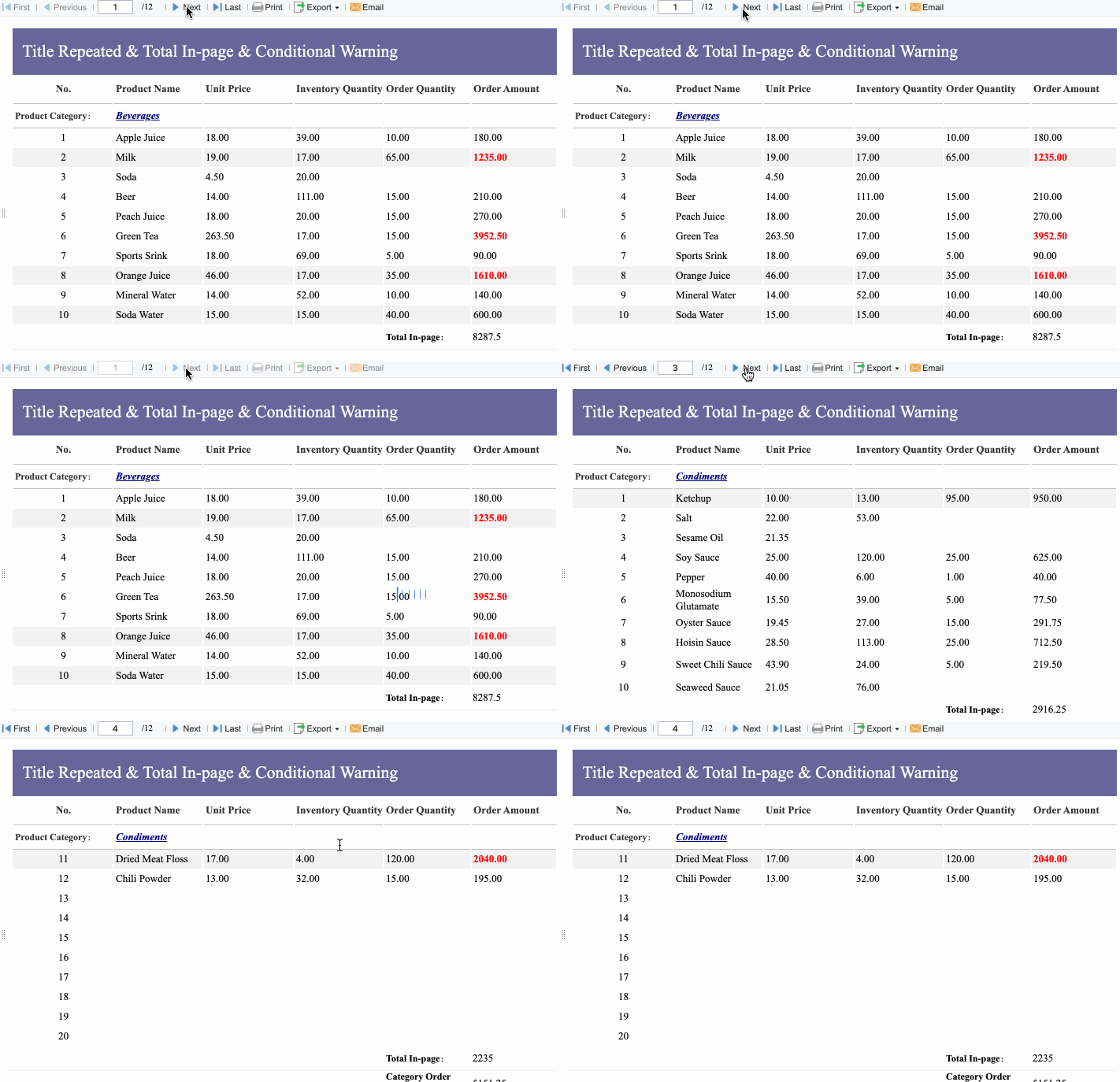
All reports in this article are built with FineReport
A small business expense report template is a standardized form used to log business-related spending. It helps companies record what was spent, who spent it, why it was spent, and whether it should be reimbursed or booked as an operating cost.
For small businesses, this matters because expense management often starts informally. Owners pay for software on one card, employees submit receipts by email, and project costs sit across multiple spreadsheets. That works for a while. Then reimbursements get delayed, categories become inconsistent, and no one trusts the totals.
A practical expense report template should be simple enough for employees to complete quickly and structured enough for finance or management to review without back-and-forth.
At minimum, include these fields:
Business name
Employee or submitter name
Reporting period
Expense date
Vendor or merchant
Expense category
Payment method
Amount
Receipt status
Business purpose
Client or project reference
Approval field
Notes
Total expenses
Reimbursement amount
These fields create the minimum record needed for reimbursement, bookkeeping accuracy, and future review. Without them, a template becomes little more than a rough list of transactions.
Common expense categories for small businesses
Many small businesses overcomplicate categories. Start with a manageable structure that aligns with your bookkeeping and reporting needs.
Common categories include:
Travel
Meals
Software
Office supplies
Utilities
Marketing
Contractor costs
Mileage
Subscriptions
Equipment
Administrative fees
Client entertainment
Shipping and postage
Training and education
The goal is consistency, not perfect granularity. If one employee logs a charge as “software” and another uses “SaaS tools,” your reporting becomes messy fast.
A template only works if people use it consistently. Here is the practical workflow most small businesses should follow.
1. Download or copy the template into your preferred format
Start with the format your team will actually use:
Excel
Google Sheets
Printable PDF
Online shared form
Do not optimize for sophistication at the beginning. Optimize for adoption.
2. Enter expenses as they happen
This is where most reporting breaks down. Employees wait until the end of the month and try to reconstruct purchases from memory, inboxes, or card statements.
Instead:
Enter expenses immediately or at least weekly
Record the exact vendor and amount
Select the correct category at the time of entry
Note whether the charge is reimbursable
The closer to real time you capture spending, the cleaner your records become.
3. Attach receipts and add a short business-purpose note
A receipt without context is incomplete. A description like “meeting” or “supplies” is not enough for finance review or future audit support.
Use short, specific notes such as:
Client lunch for project kickoff
Airport parking for sales trip
Adobe subscription for design team
Printer toner for office operations
4. Review totals and submit for approval
Before submission:
Check category accuracy
Confirm totals
Verify receipt status
Review reimbursement amount
Ensure project or client references are included where needed
Manager approval should happen before reimbursement and before month-end close.
5. Store records in one place
Once approved, save reports in a centralized location. That could be a shared drive, cloud folder, or a reporting platform. What matters is retrieval. If you cannot find records quickly, you do not have a reliable system.
Not all free templates are worth adopting. Choose one that gives you enough structure without forcing heavy customization.
Look for:
Easy customization for categories and reporting periods
Shareable access for employees, managers, and finance
Clean formulas that do not break easily
Space for receipts and approvals
Category-level summaries
A scalable layout that can grow from one user to many
A free template is a starting tool, not a long-term system. Choose one that helps you standardize the process early.
When a Spreadsheet Stops Working
Spreadsheets fail gradually, then all at once.
At first, they seem sufficient. Then expense volume grows. More employees submit reports. Managers approve late. Finance spends too much time fixing formulas, reconciling duplicates, and hunting down missing receipts.
That is the tipping point where the spreadsheet is no longer helping. It is creating operational drag.
Common failure points include:
Too many manual entries
Version-control issues
Broken formulas
Approval delays
Missing receipts
Inconsistent categories
Limited visibility across employees, cards, clients, or locations
If any of the following are true, the issue is not your spreadsheet design. The issue is that you need a better system.
You need recurring workflows for approvals and reimbursements
Your reports must sync with accounting or bookkeeping tools
You want real-time visibility into spending trends
You need better control over policy violations
Audit readiness is becoming harder to maintain
Record retention is now a compliance or finance burden
Managers need dashboards, not emailed attachments
Finance needs one source of truth across teams
At this stage, adding more sheets, formulas, or manual checks usually increases risk instead of reducing it.
How to transition from spreadsheet tracking to a better system
The best migration is incremental, not disruptive.
1. Keep your current categories and approval rules
Do not redesign everything at once. Preserve the logic people already understand.
2. Migrate only the fields and reports you actually use
Avoid importing clutter. Move the fields that support real decisions, approvals, reimbursement, and compliance.
3. Start with one team or one reporting cycle
Pilot with a department, office, or monthly close period. This reduces resistance and surfaces process gaps early.
4. Measure operational gains
Track outcomes such as:
Time saved on submissions
Fewer missing receipts
Lower error rates
Faster approvals
Faster month-end close
Better visibility by category or project
A good implementation is not just a software launch. It is a measurable process improvement.
Best Practices for Accurate and Useful Expense Reporting
Strong expense reporting is part policy, part workflow, and part management discipline. These best practices help small businesses stay accurate without creating unnecessary bureaucracy.
1. Set a simple submission policy
Define:
Submission deadlines
Required receipts
Spending limits where relevant
Approval responsibilities
Rules for personal vs. business expenses
Keep the policy readable. If it takes ten pages to explain how to submit lunch receipts, adoption will suffer.
2. Train everyone on categories and business-purpose notes
A good template still fails if people use it inconsistently. Train employees to categorize expenses the same way and write notes that can stand up to review later.
3. Review reports regularly for anomalies
Managers and finance staff should review for:
Outlier amounts
Duplicate charges
Missing receipts
Tax-sensitive items
Policy exceptions
Recurring vendor patterns
These reviews protect the business and improve future budgeting.
4. Use expense data for decisions, not just recordkeeping
If your template only stores information and never informs action, it is underperforming.
5. Standardize review cycles and accountability
Make it clear who submits, who approves, who checks exceptions, and who owns final reporting. Undefined ownership is a major cause of late reimbursements and messy records.
As a seasoned consultant, I recommend implementing expense reporting with this order of operations:
Standardize the template first so everyone captures the same fields.
Set approval timing rules so reports do not sit in inboxes.
Enforce receipt and purpose requirements before finance review.
Track a small KPI set monthly such as total spend, reimbursement lag, and missing receipt rate.
Automate only after the workflow is stable so technology reinforces the process instead of masking weak habits.
Even the best small business expense report template becomes unreliable when teams fall into common habits.
Avoid these mistakes:
Waiting too long to enter expenses
Mixing personal and business purchases
Using vague descriptions
Ignoring duplicate charges
Creating too many categories too early
Treating the template as a static record instead of a management tool
Letting approvals happen informally without timestamps or accountability
Small mistakes multiply fast when transaction volume grows.
Building a Better Expense Reporting System with FineReport
At some point, building this manually becomes complex; use FineReport to utilize ready-made templates and automate this entire workflow.
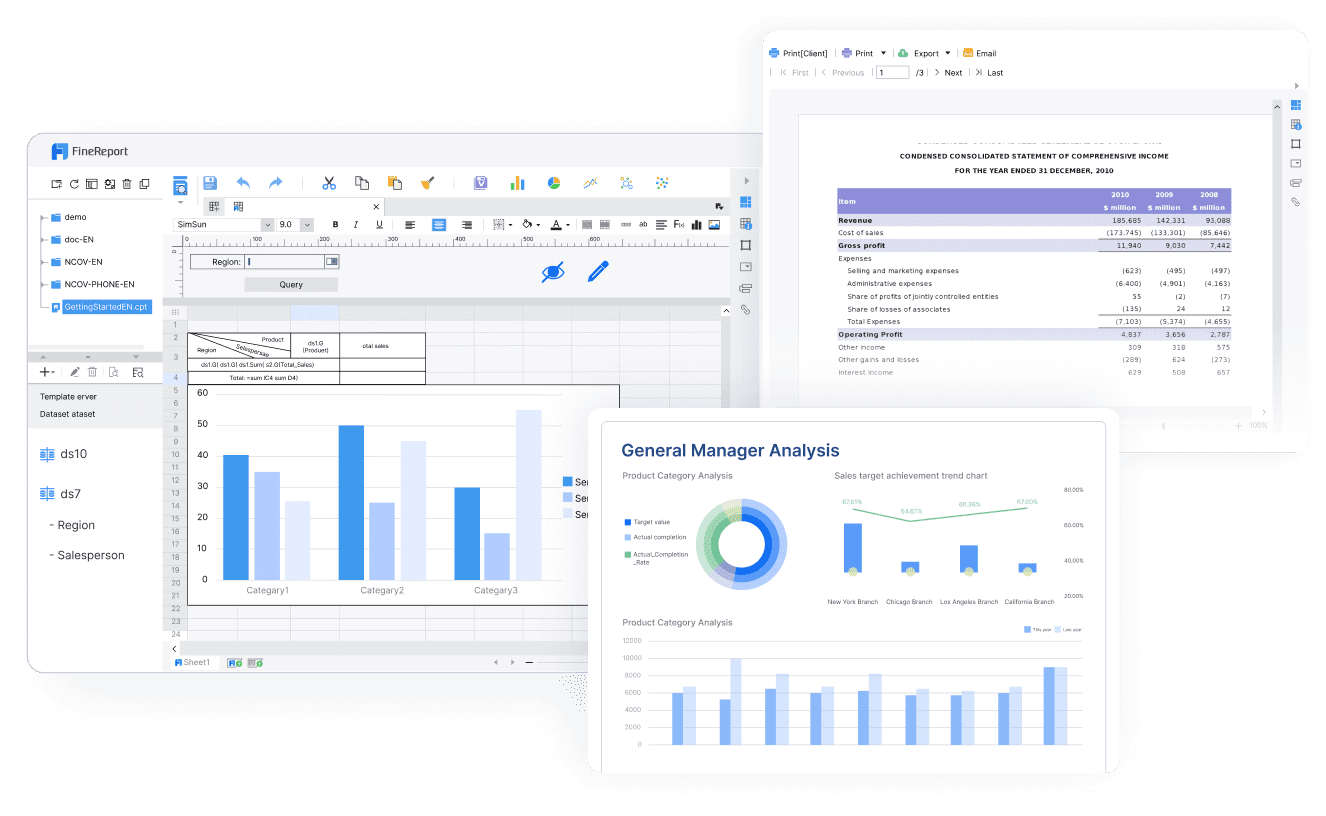
This is where many small businesses and growing teams make the shift from tracking expenses to actually managing them. FineReport helps you go beyond static spreadsheets by turning expense data into structured reports, approval-ready workflows, and real-time dashboards.
For enterprise-minded decision-makers, the value is clear:
Less manual consolidation
Better data quality
Faster approvals
Stronger compliance
More reliable reporting for budgeting and cash-flow planning
If your current small business expense report template is still doing the job, keep using it. But if your team is spending more time maintaining the template than learning from the data, you are ready for the next step.
A solid template should capture the submitter name, reporting period, expense date, vendor, category, amount, payment method, business purpose, receipt status, approval details, and reimbursement total. These fields make reporting, reimbursement, bookkeeping, and tax prep much easier.
Employees record each business expense, attach or note receipts, and submit the report for approval. Once reviewed, the approved reimbursable amount can be paid and recorded properly in the books.
Yes, spreadsheets work well for simple expense tracking, especially for solo owners or very small teams. They are a practical starting point when expense volume and approval needs are still limited.
Spreadsheets start to break down when you have frequent submissions, multiple approvers, missing receipts, duplicate entries, or long reimbursement delays. That is usually the point where automation and workflow controls become more valuable than manual tracking.
Consistent categories make reports more accurate and easier to review across employees, projects, and months. They also reduce cleanup work during budgeting, month-end close, and tax season.
Product Trial
FineReport
Pixel-perfect reports · Interactive dashboards · Easy data entry · Digital twins