If you’re searching for the best client dashboard software for your agency, you’ll want a solution that makes reporting simple and keeps your clients happy. Here are the top 10 dashboard tools for agencies in 2026:
You need software that handles integration, customization, user experience, data accuracy, pricing, and security. FineReport stands out as a top choice for agencies that want powerful dashboards and smarter client management.
Key Criteria for Choosing Client Dashboard Software
When you start looking for client dashboard software, you want something that fits your agency’s needs and helps you deliver great results for your clients. Let’s break down the most important criteria you should consider.
Integration and Data Sources
You need software that connects smoothly with your favorite tools. Integration is key for pulling in data from platforms like HubSpot, Google Analytics, and Salesforce. Here’s a quick look at how top dashboard tools handle integration:
Data Source
Integration Type
Key Features
HubSpot
Marketing, CRM/Sales
Connects multiple data sources, visualizes key metrics in a single dashboard.
Google Analytics
Analytics
Centralizes data for easier access and reporting.
Salesforce
CRM
Allows performance tracking across platforms.
FineReport makes integration easy. You can connect to hundreds of data sources, including databases, files, and cloud apps. This means you get all your data in one place for better reporting.
Customization and Branding
Your agency’s dashboard should look and feel like your own. Customization lets you add your logo, colors, and adjust layouts. Here’s what you can expect:
Feature
Description
Customizable dashboards
Create dashboards that reflect your key metrics and branding elements.
White-label branding
Add your logos, brand colors, and custom domains into reports.
Flexible reporting layouts
Adjust colors, logos, and data presentation for a professional look.
FineReport gives you full control over dashboard layouts and branding. You can design dashboards that match your agency’s style and client needs.
Accurate data is essential for smart decisions. The best dashboard software uses real-time data processing and automated reporting. Here’s how they do it:
Method
Description
Real-time data processing
Gives you the most current information for decision-making.
Automated report generation
Saves time and reduces errors by automating report creation.
Enhanced Data Accuracy
Reduces human error for more reliable data.
Advanced analytics
Offers deeper insights with predictive analytics.
FineReport supports real-time data updates and automated reporting, so you always have reliable information.
Pricing and Scalability
You want software that fits your budget and grows with your agency. Cost matters, but so does scalability. Look for flexible plans and features that support your growth.
FineReport offers scalable solutions for agencies of all sizes, so you can start small and expand as you need.
Security and Compliance
Protecting client data is a top priority. Choose software with strong security features and compliance options. FineReport includes user permission controls, data encryption, and compliance support to keep your data safe.
Tip: Always check for security certifications and compliance standards before you choose a dashboard tool.
FineReport checks all the boxes for integration, customization, user experience, data accuracy, pricing, and security. You get a powerful platform that helps your agency deliver better reporting and smarter decisions.
Quick Comparison of Top Client Dashboard Tools
Choosing the right dashboard software can feel overwhelming. You want something that fits your agency’s needs and helps you deliver results. Let’s break down the top options so you can see what each tool brings to the table.
Feature Overview
Here’s a quick look at what each dashboard tool offers. You can spot the differences and decide which features matter most for your agency.
Software
Key Features
FineReport
Multi-source integration, Custom dashboard layouts, Mobile access, Decision-making platform
AgencyAnalytics
Over 80 integrations, Built-in SEO tools
Databox
130+ integrations, Query Builder
DashThis
Unlimited users, Simple setup, Aesthetic reports
Swydo
Unlimited users, clients, and dashboards
Looker Studio
Native connection to Google Marketing Platform, Customizable reports
Klipfolio
Custom formulas, Data modeling capabilities
Whatagraph
Cross-channel reporting, Custom branding options
NinjaCat
Budget pacing, Call tracking integrations
TapClicks
Over 250 native connectors, Unified campaign analytics
Pricing Snapshot
You want a dashboard that fits your budget. Here’s a quick pricing guide for popular tools. Some offer free plans, while others scale with your agency.
Tool Name
Pricing Details
AgencyAnalytics
Starts at $59/month
Looker Studio
Free; connectors may cost extra
HubSpot
Free CRM; Pro ~$890/month
Tableau
Viewer $15/user/month; Creator $75/month
Power BI
From $14/user/month
Zoho Analytics
Free plan starts at $25/month
DashThis
Starts at $42/month
TapClicks
Starts at $49.50/month
FineReport
Custom pricing; scalable for agencies
Tip: Always check for hidden costs like extra connectors or user seats before you choose a dashboard tool.
Best For
Every agency has different needs. Some dashboard tools work better for marketing, while others shine in finance or manufacturing.
Software
Best For
Key Features
Pricing
WhatConverts
Marketing Agencies
Lead tracking, custom reporting
Starts at $500/mo
AgencyAnalytics
Marketing Agencies
Data aggregation, white labeling
Starts at $49/mo
DashThis
Marketing Agencies
User-friendly dashboards
Starts at $42/mo
TapClicks
Multiple dashboards
Marketing operations platform
Starts at $49.50/mo
DashClicks
Integrated agency tools
Funnel builder, reputation mgmt
$199/mo
FineReport
Finance, Manufacturing, Retail
Multi-source dashboards, mobile BI
Custom pricing
You can see that FineReport stands out for agencies in finance, manufacturing, and retail. It gives you flexible dashboard layouts and strong integration, making it a smart choice if you need more than just marketing analytics.
Top 10 Client Dashboard Software for Agencies
1.FineReport – Enterprise-Level Dashboard and Reporting
You want a client dashboard software that does more than just show numbers. FineReport gives you a full suite of dashboard tools for agencies that need powerful reporting and flexible data management. You can import data from almost any source, customize dashboards for each client, and automate reporting. FineReport stands out because you can:
Import data from databases, Excel files, and cloud apps with ease.
Build custom dashboards that match your agency’s branding and client needs.
Integrate with hundreds of platforms, making analytics and data export simple.
Automate client reporting so you never miss a deadline.
Use real-time dashboards to track key metrics and share insights instantly.
FineReport helps you deliver effective client reporting and makes your agency look professional. You get a reporting tool that grows with your business and adapts to every client.
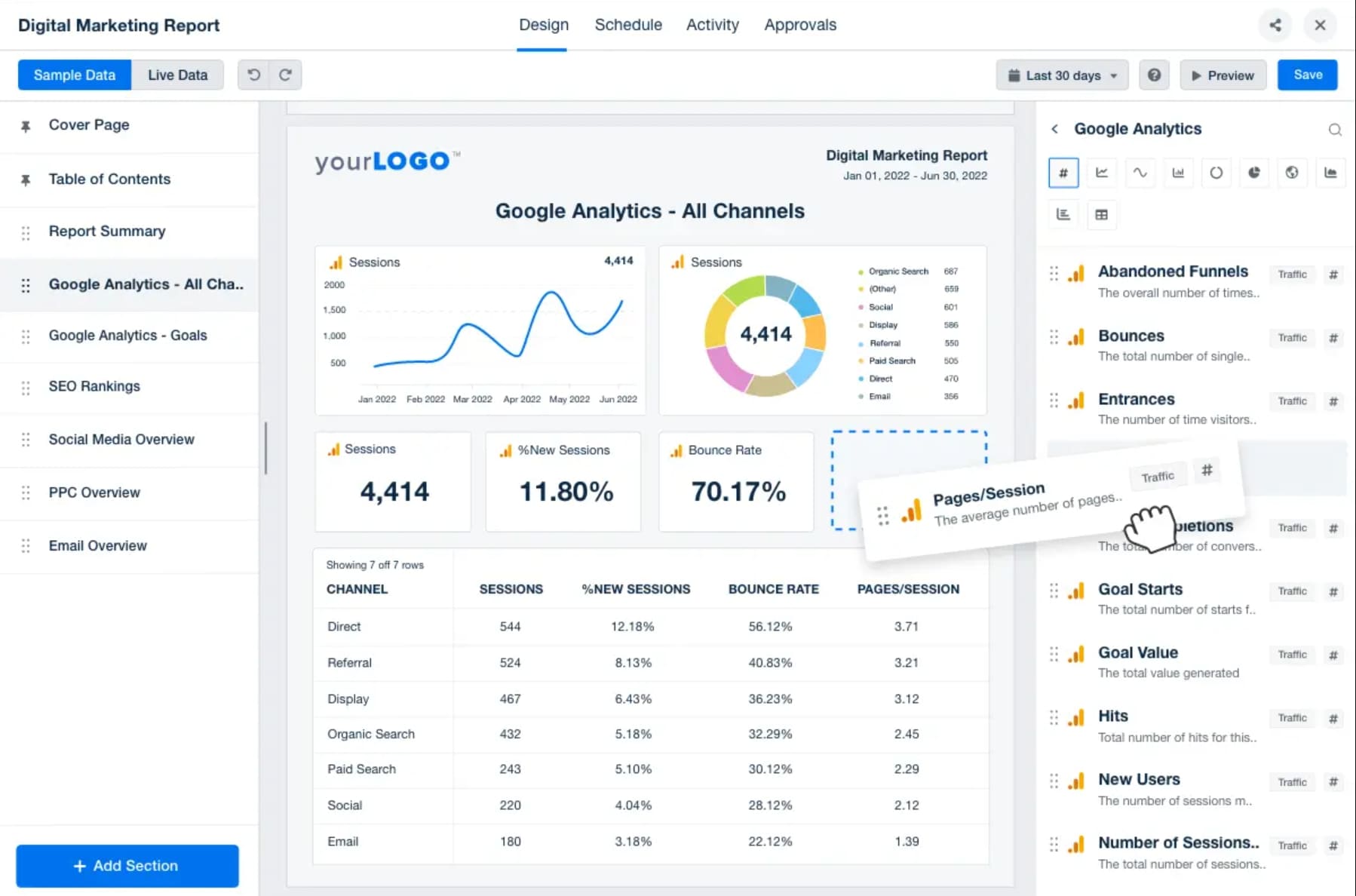
If you run a marketing agency, you need dashboard tools that work fast and keep things simple. AgencyAnalytics is designed for agencies that want easy setup and strong client management. You can see the difference in this table:
Feature
AgencyAnalytics
Other Tools
User-Friendliness
Designed for marketing teams, easy to use
Often complex for non-technical users
Setup Speed
Faster setup with minimal effort
Slower, more complex setup
Customization
Custom metrics and dashboards available
Limited customization options
Data Consolidation
Combines data from multiple sources
Scattered data across platforms
Reporting
Automated, white-label reporting
Manual reporting required
Collaboration
Unlimited users for team collaboration
Limited user access
AgencyAnalytics lets you automate client reporting, create custom dashboards, and manage unlimited users. You get a client dashboard tool that makes reporting easy and keeps your team on track.
3.Looker Studio – Google-Centric Dashboard Solution
Looker Studio is perfect if you use Google services. You can connect Google Analytics, Google Ads, and Google Sheets, plus other third-party sources. This dashboard tool helps you centralize data and create interactive dashboards for your clients. You can automate resource management and migration if you use Google Workspace. Looker Studio makes it easy to visualize data from different platforms in one place. You get real-time dashboards that help your agency make smart decisions and deliver clear reports to clients.
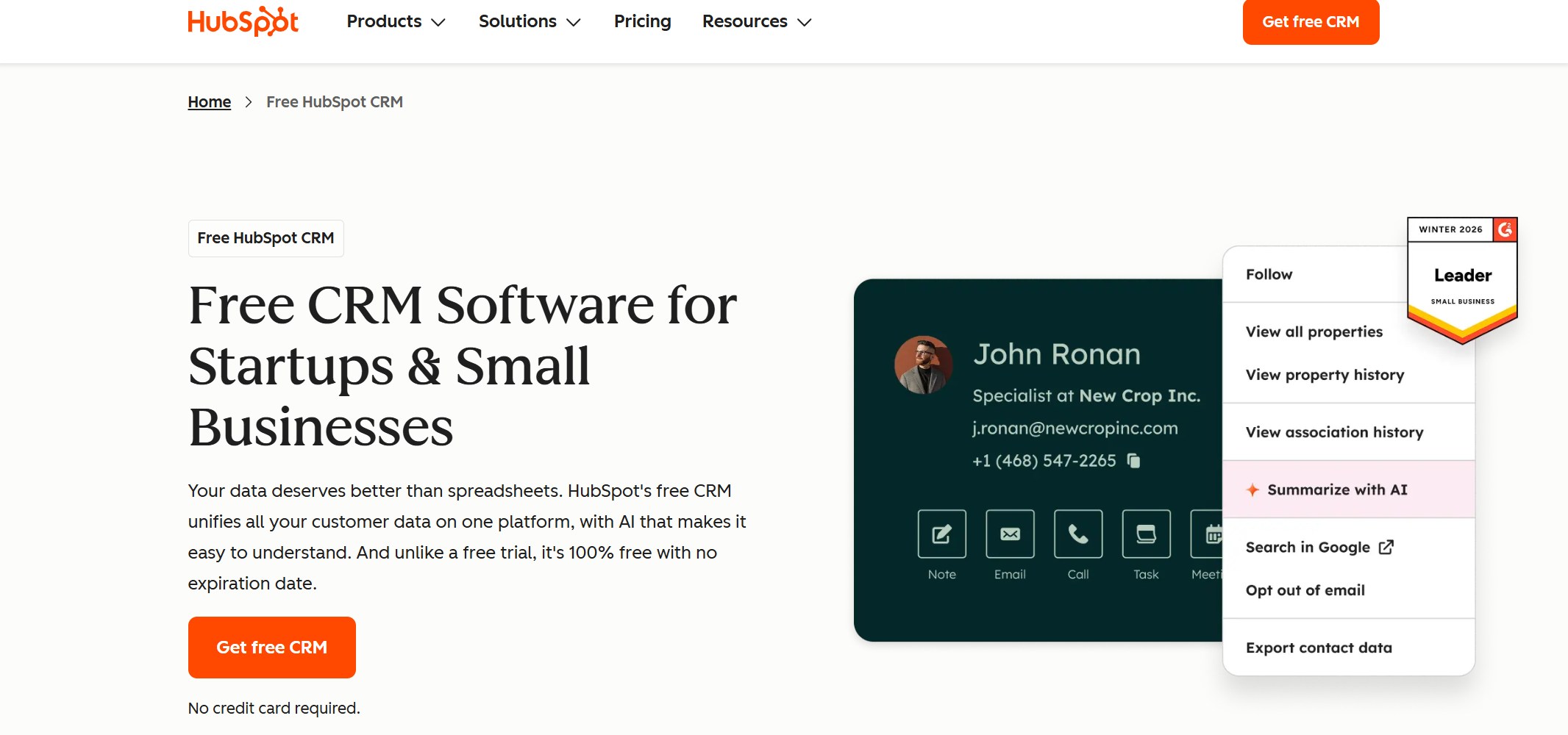
HubSpot CRM gives you a client portal software that brings marketing, sales, and customer service data together. You can customize dashboards, automate reporting, and visualize data for every client. Here’s what you get:
Feature
Benefit
Customizable Dashboard
Integrates various data insights from marketing, sales, and customer service metrics
Automate Reporting
Saves time and streamlines client communications
Visualize Data
Allows agencies to effectively visualize data for better decision-making
You can analyze top-performing website pages, monitor KPIs like page views and bounce rate, and create revenue forecasts. HubSpot CRM helps you keep clients informed and engaged with easy-to-read dashboards.
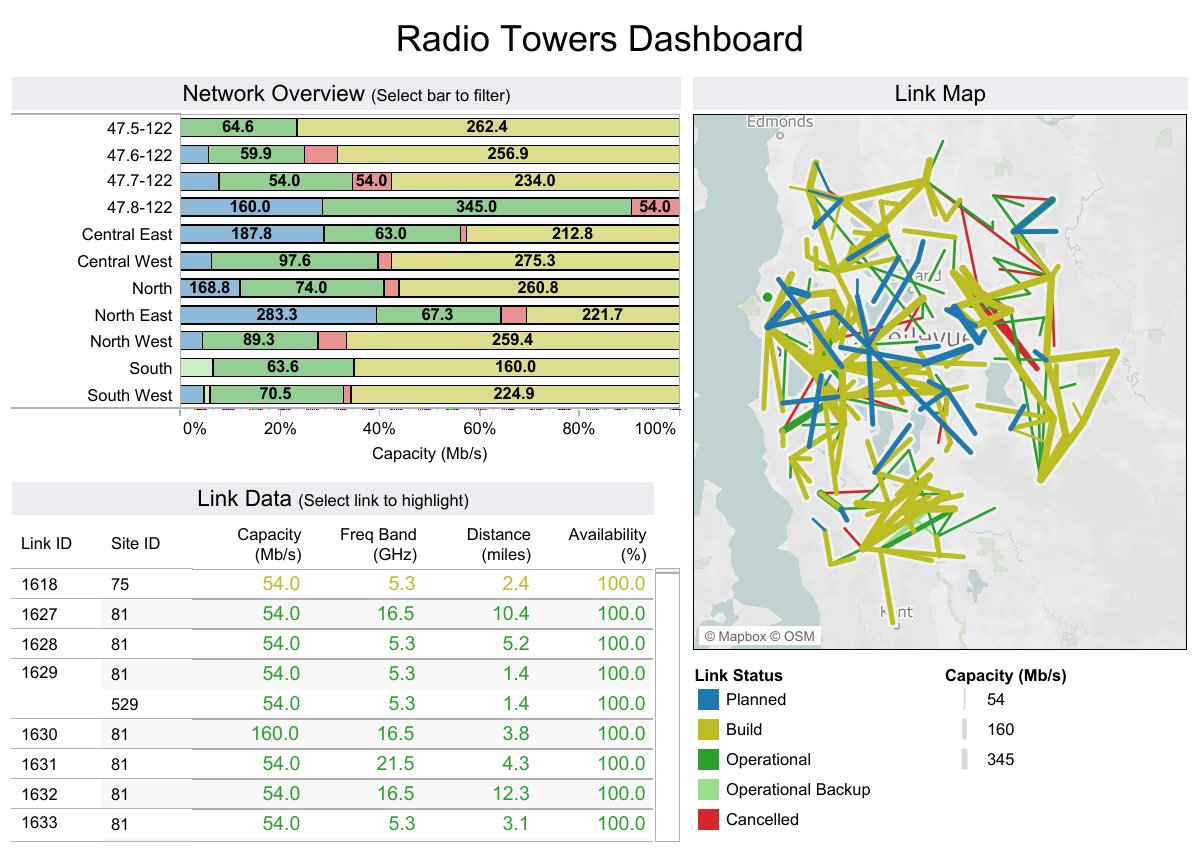
Tableau is a reporting tool for agencies that want advanced analytics and interactive dashboards. You can prepare data, forecast trends, and build custom analytics models. Here’s what you get:
Tableau Prep for cleaning and preparing data.
Advanced analytics like forecasting and clustering.
Integration with R and Python for custom models.
Machine learning features for smarter analysis.
Interactive dashboards for exploring data and running 'what-if' scenarios.
Geospatial analytics to map location-based data.
Statistical tools to find patterns and insights.
Tableau helps you deliver client reporting dashboards that go beyond basic charts. You can give clients deep insights and interactive reports.
6.Dubsado – Best Client Portal Software for Management
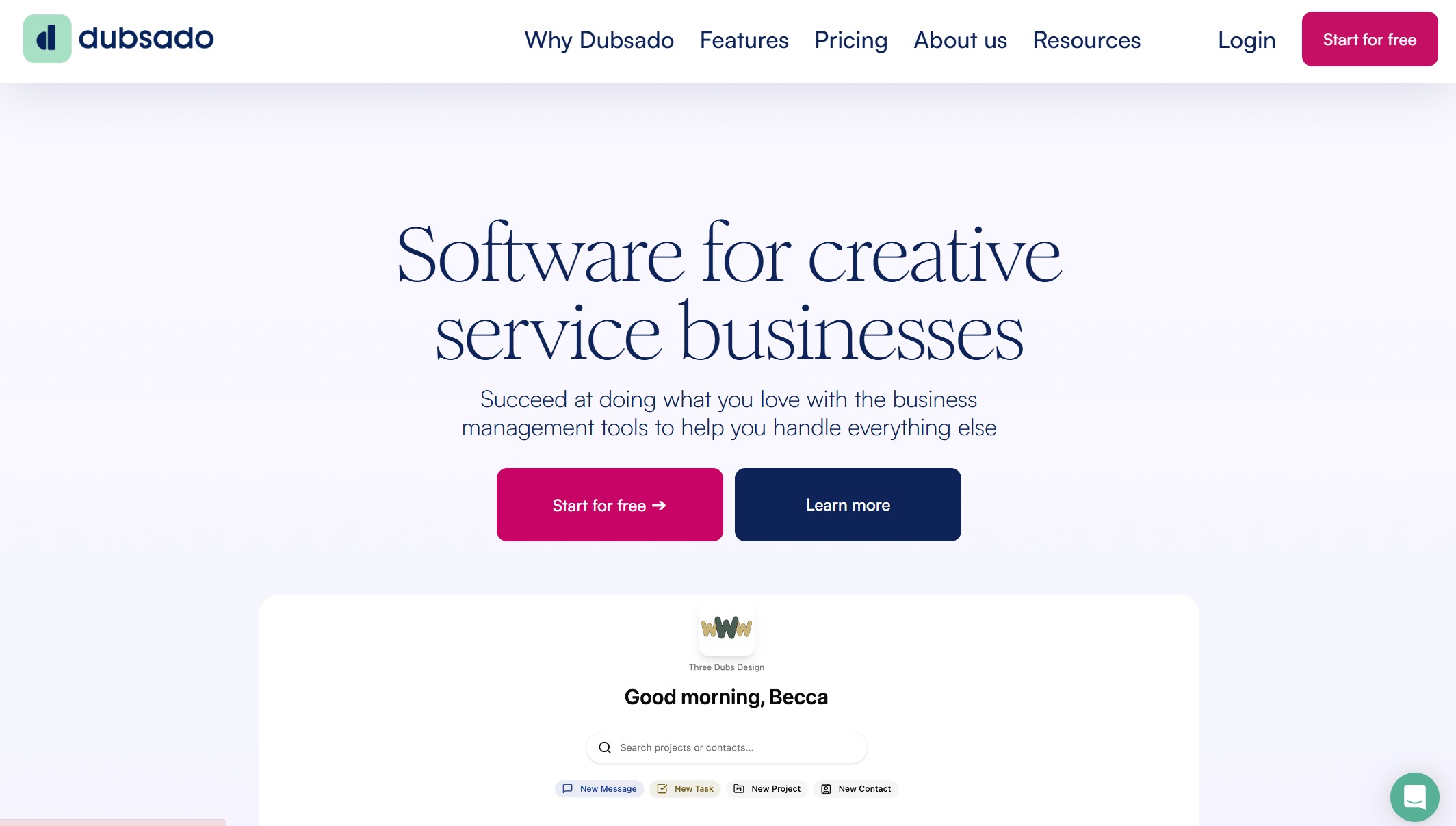
Dubsado is a favorite for agencies that want to manage clients and projects in one place. You get e-signatures, electronic invoicing, lead tracking, and automation. Here’s a quick look:
Feature
Description
E-signatures
Clients sign documents electronically, making contracts easy.
Electronic invoicing
Send invoices and collect payments quickly.
Lead tracking
Manage potential clients and follow up easily.
Automation
Automate repetitive tasks to save time.
Client portals
Centralize communication and document management.
Calendar syncing
Sync appointments with Google Calendar.
Branding
Customize portals for a branded client experience.
Task organization
Track tasks and deadlines for each client.
Streamlined appointment scheduling
Clients book appointments directly, reducing back-and-forth.
Dubsado makes it so easy for me to deliver a superior customer service experience to my clients. I’m always paranoid about tracking client’s dates to make sure I don’t double book anything. Dubsado helps me do that.
You get a client dashboard software that keeps everything organized and makes client management simple.
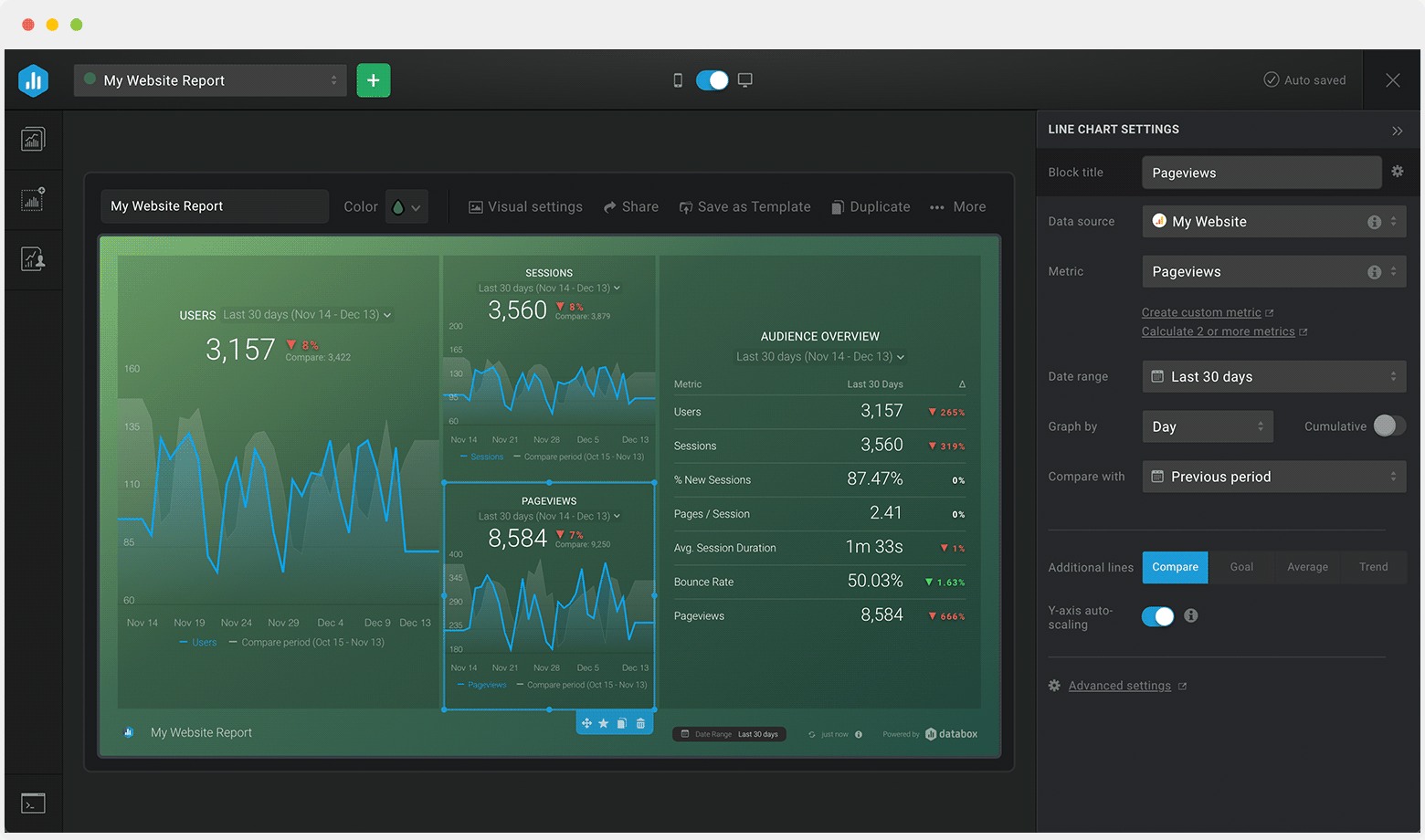
Databox is a client reporting dashboard that helps agencies deliver reports quickly. You can customize dashboards, access reports on mobile, and automate delivery. Here’s what makes Databox stand out:
Feature
Description
Extensive Customization Options
Tailor reports and dashboards for each client.
Mobile-Friendly Reporting
Access reports on-the-go with real-time updates.
Automated Report Delivery
Schedule reports to send automatically.
White-Labeled Reporting
Brand reports with your agency’s logo and colors.
Data Stories
Add context to help clients understand their metrics.
Databox helps you keep clients updated and makes reporting fast and easy.
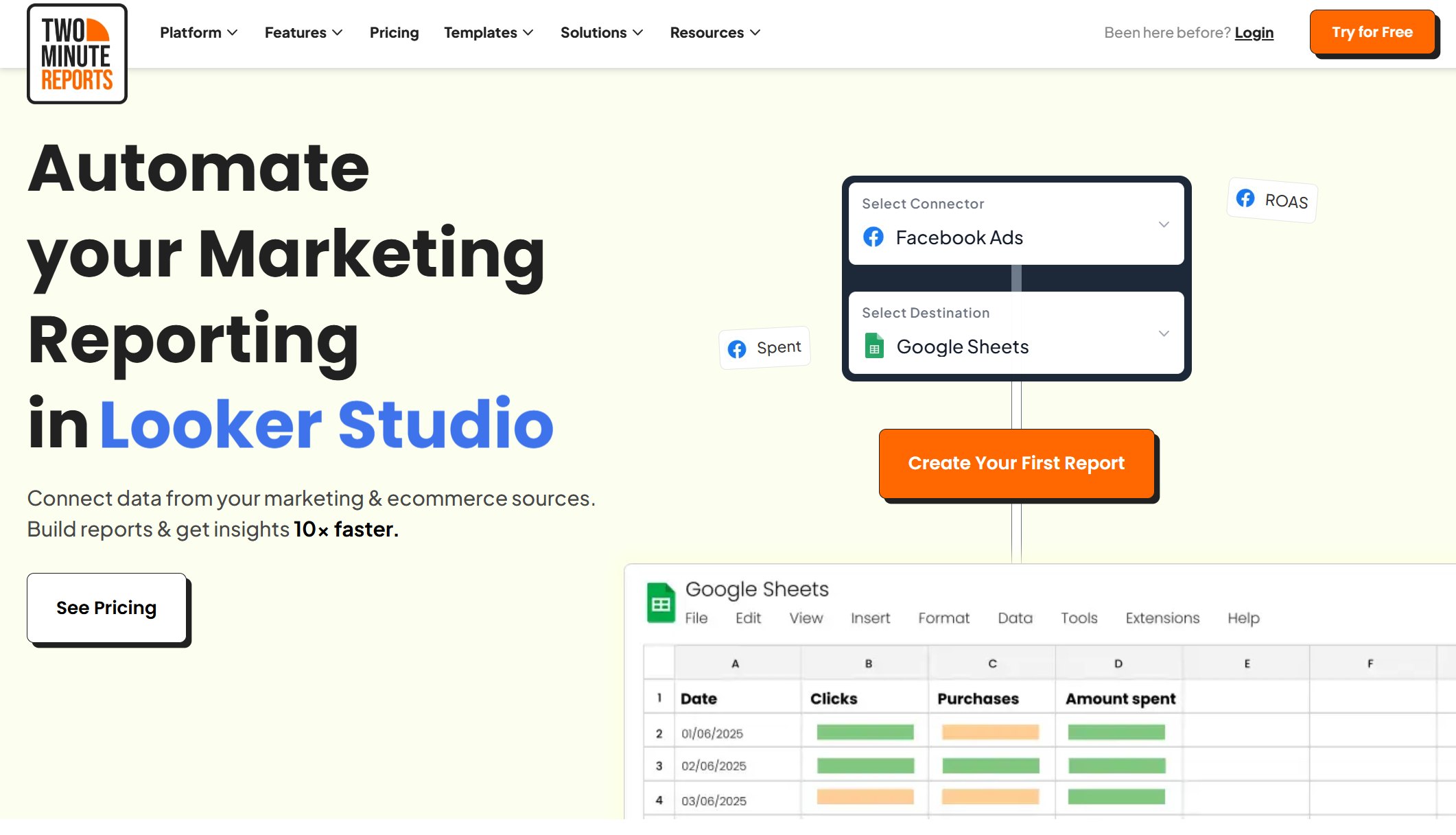
8.Two Minute Reports – Quick Dashboard for Marketers
Two Minute Reports is one of the fastest marketing dashboard tools for agencies. You can automate client reporting, schedule recurring reports, and centralize data from over 30 sources. Here’s what you can do:
Feature
Description
Automation of client reporting
Saves time by automating the reporting process for agencies.
Scheduling recurring reports
Automatic delivery of reports without manual work.
Centralized reporting
Integrates data from 30+ sources for complete insights.
White-label dashboards
Present reports under your own branding.
Customizable templates
Create reports that match each client’s goals.
AI-driven insights
Get smart analysis for better reporting.
Drag-and-drop report builder
Build dashboards quickly and easily.
Live dashboards
See real-time data for instant insights.
Automate multi-client reporting
Schedule recurring reports without manual efforts
Centralized reporting across 30+ data sources
Deliver professional reports to reinforce agency branding
Personalize dashboards to meet client-specific goals
Blend PPC data to visualize cross-channel ROI instantly
Boost team productivity by automating repetitive tasks
Scale marketing reporting without overhead costs
You get a client reporting tool that saves time and helps you scale your agency.
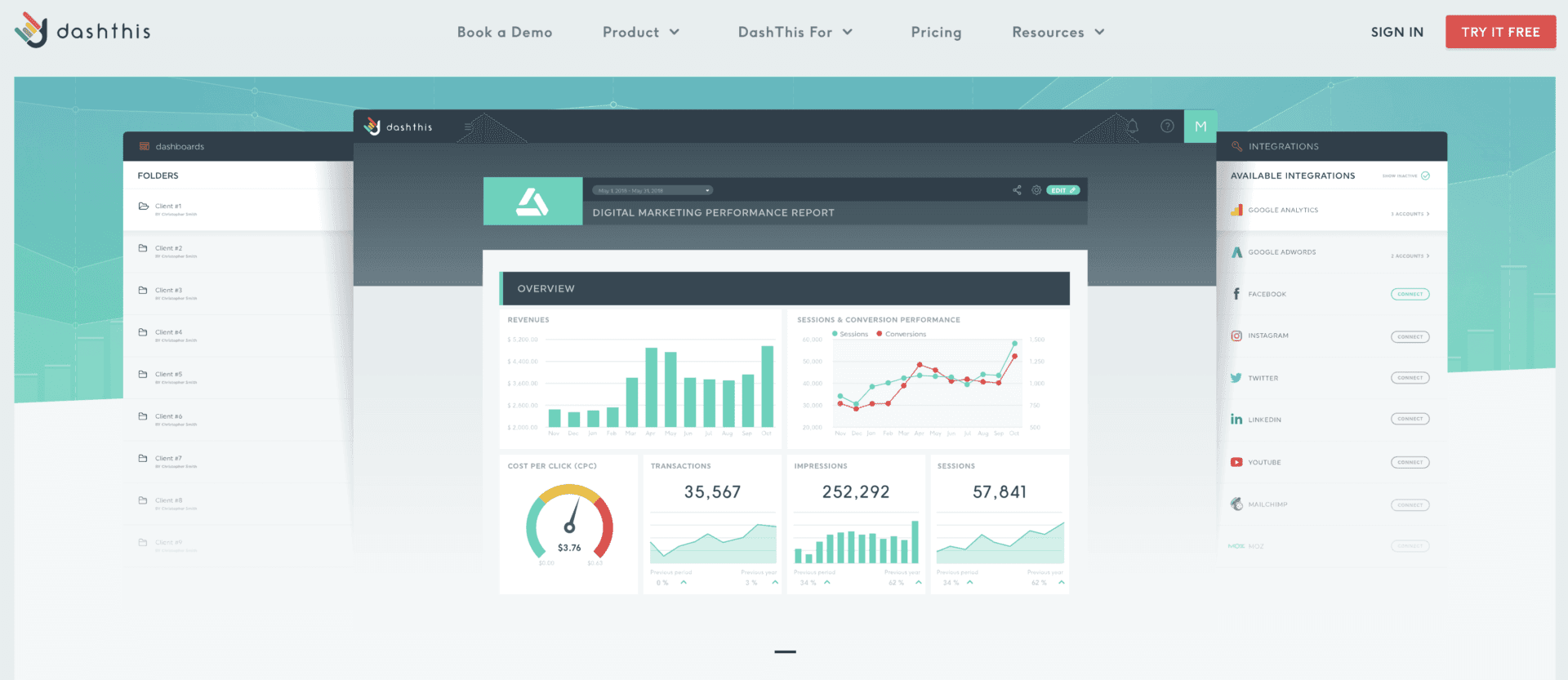
DashThis is a dashboard tool that makes reporting easy for agencies. You can automate data integration from marketing platforms, use drag-and-drop widgets, and customize dashboards for each client. DashThis lets you create real-time dashboards that focus on key performance indicators. You can customize report URLs, logos, and colors to match your agency’s brand. Automated report scheduling means clients get updates on time, and you spend less time on manual reporting. DashThis helps you focus on delivering value instead of getting stuck in reporting tasks.
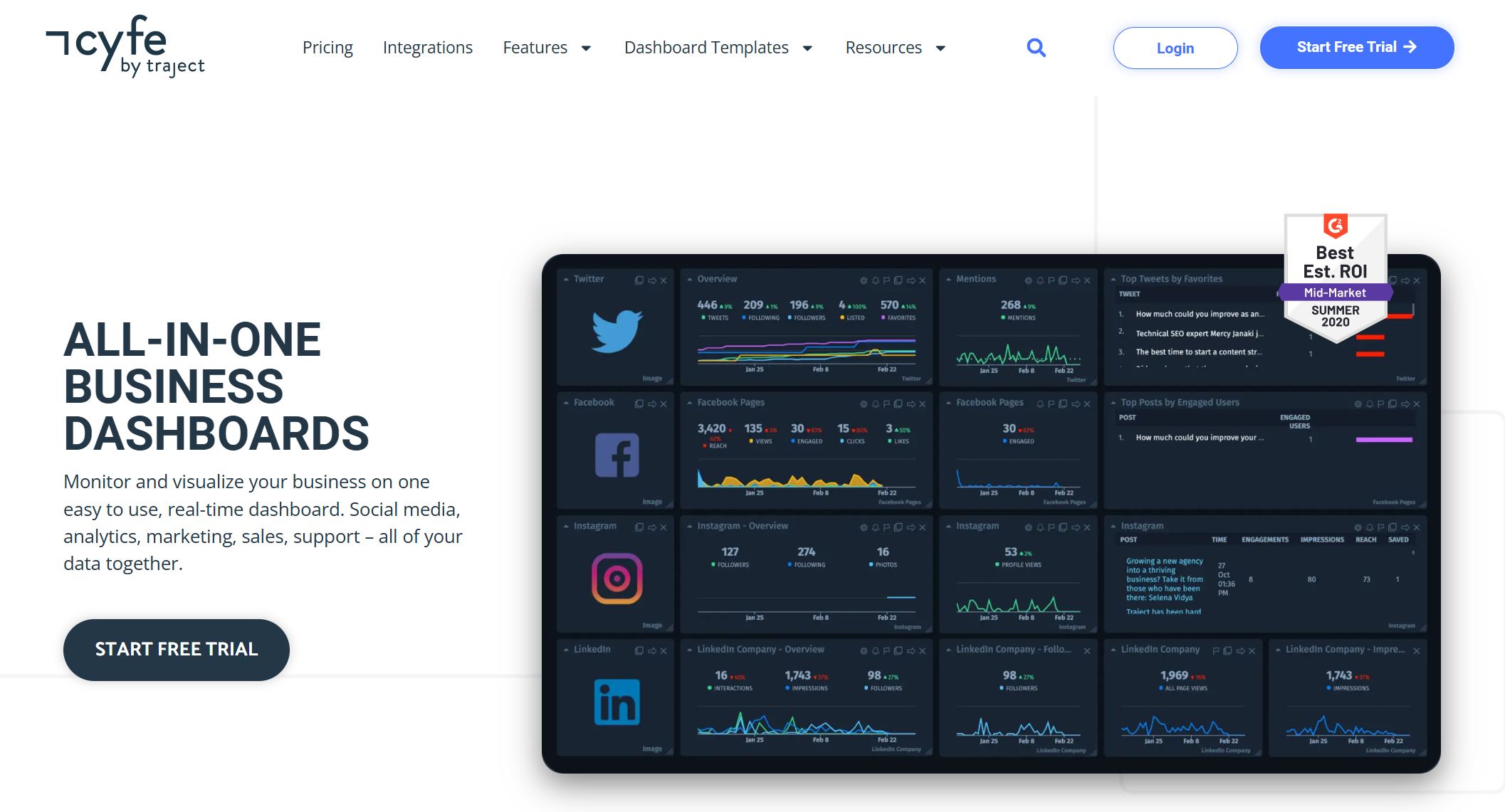
Cyfe is an all-in-one dashboard tool for small agencies. You can monitor and visualize your business on a real-time dashboard. Cyfe lets you create dashboards for each department or client and pull data from over 100 integrations. You can set up dashboards in minutes with pre-populated widgets. Download or schedule automatic email reports in different formats. Customize colors and logos, and upgrade for full white label options. Cyfe lets you securely display data, combine metrics for new insights, and archive data for reliable storage. Share dashboards with clients and benchmark metrics against business goals. You get flexible data sharing and quick setup with pre-built templates. TV Mode lets you project KPIs onto a screen for easy viewing.
If you want marketing agency tools that are easy to use and help you deliver effective client reporting, Cyfe is a great choice. You can connect data sources and design a real-time dashboard in minutes.
FineReport Features and Advantages
Multi-Source Data Integration
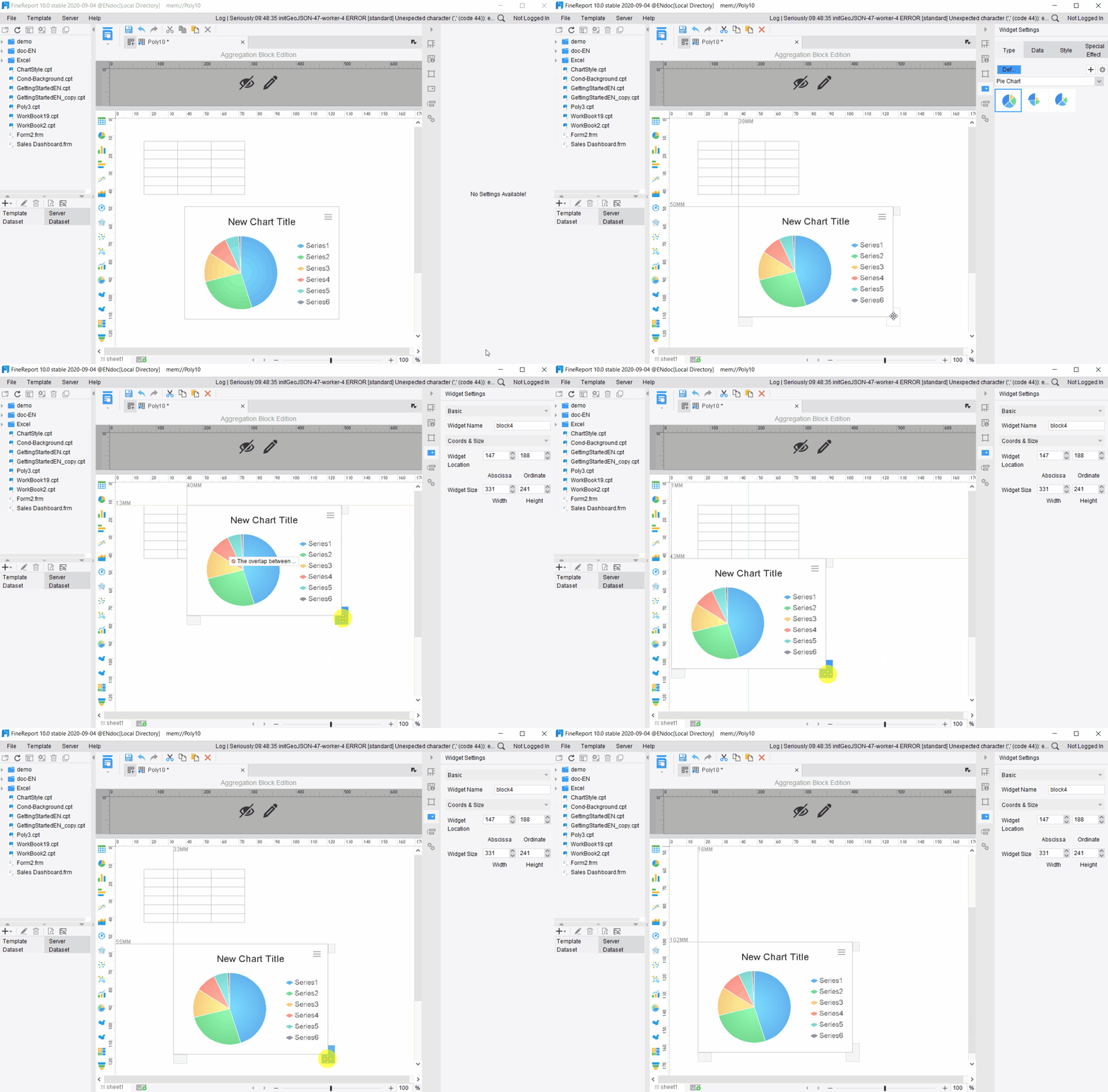
You want your dashboard to pull data from everywhere your agency works. FineReport makes this easy. You can connect databases, files, and cloud apps, then combine everything into one interactive dashboard. This means you get a complete view of your client’s business. You can manage staff, reports, and permissions with simple settings. FineReport even lets you deploy as a web application, so you can integrate with systems like CRM or MES. Here’s how it works:
Feature
Description
Integrate multiple data sources
Combines various data sources into a cohesive report system, ensuring business data remains connected.
Visual charts
Offers a variety of visual representations to intuitively display the business value of data.
Data entry functions
Provides simple data entry options for well-formed and manageable data collection.
Report management platform
Manages staff, reports, and permissions with straightforward settings.
Web application deployment
Can be deployed as a web application and integrated into existing systems like OA, CRM, or MES.
Customizable Dashboard Layouts
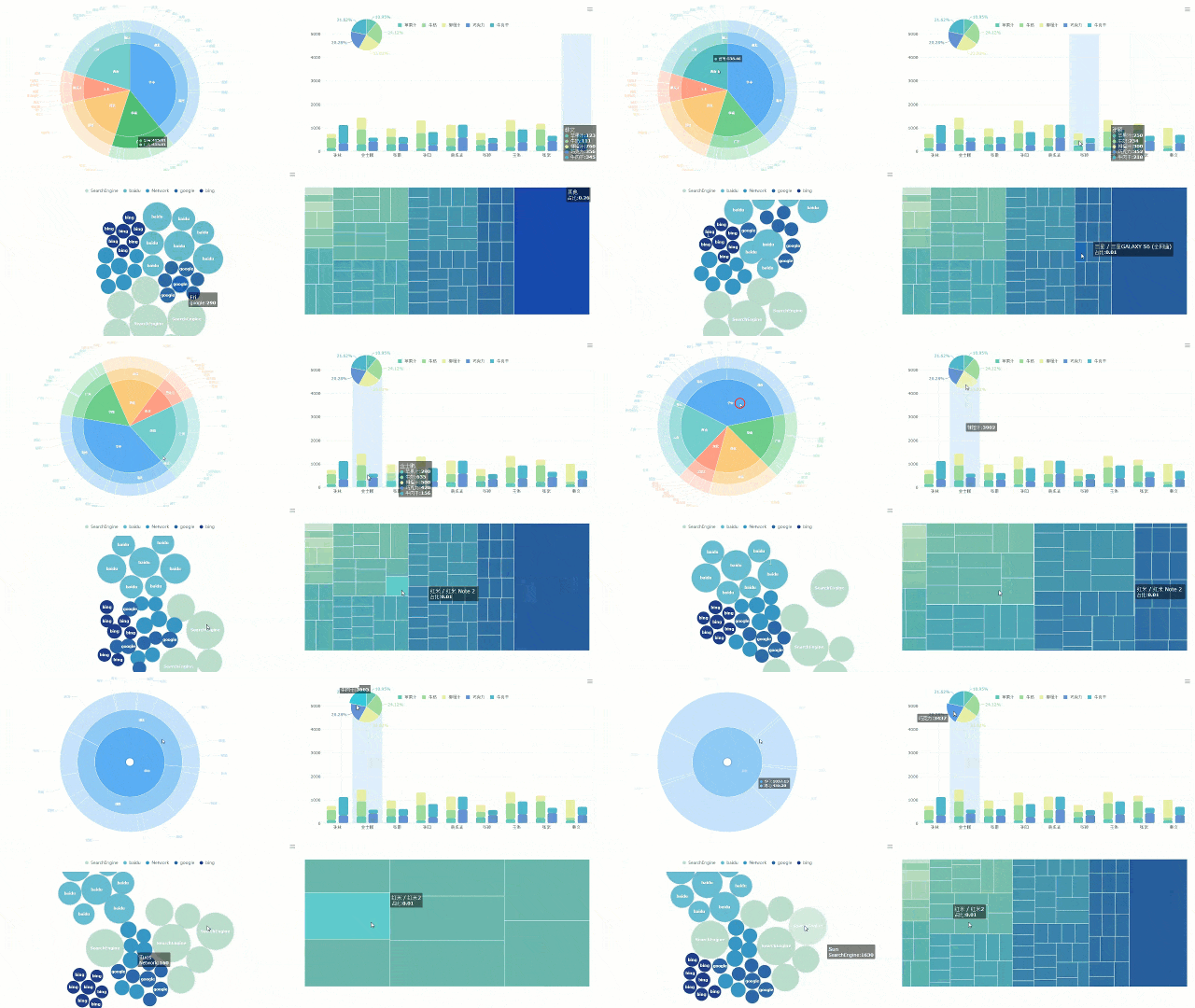
You want dashboards that look great and fit your client’s brand. FineReport gives you customizable dashboards with multi-page designs and advanced visualization options. You can use 3D components, card animations, bullet maps, and flowcharts to make your interactive dashboards stand out. These features help you create live dashboards that show real-time insights and make data easy to understand.
Visual dashboard components for data visualization
Multi-page design for organizing client information
3D city scenes and custom models for unique dashboard layouts
Dynamic charts like water balloons for engaging presentations
You need to check client data on the go. FineReport lets you access interactive dashboards and reporting from any device. You can view live dashboards on your phone or tablet, so you never miss important updates. This mobile access improves the client experience and keeps everyone informed with real-time insights.
Decision-Making Platform for Agencies
FineReport gives you a decision-making platform that helps your agency manage users, data, and permissions. You can schedule tasks, monitor access, and customize the information platform for each client. This software supports real-time monitoring and makes reporting easy for everyone.
Real-World Use Cases (SAMOA, Manufacturing, Finance)
FineReport works in many industries. You can use it for attendance systems and quality management in manufacturing. Finance teams use it for small-scale financial systems. The SAMOA customer story shows how FineReport helped unify data, automate reporting, and improve the client experience for a global distributor. You get interactive dashboards that solve real problems and deliver value to every client.
Industry
Use Case
Manufacturing
Attendance systems
Manufacturing
Quality management systems
Finance
Small-scale financial systems
Tip: If you want dashboards that deliver real-time insights and improve client experience, FineReport gives you the tools to make it happen.
Best Client Portal Software for Agencies
What Makes a Portal “Best”?
You want the best client portal software for your agency, but what does “best” really mean? It’s not just about looks or price. The top client portal software gives you tools that make your client’s life easier and your work smoother. Take a look at what matters most:
Custom domain support, agency branding, and removal of third-party badges for a seamless client experience.
Client Experience
Importance of simplicity, mobile-friendly design, and easy navigation to enhance user experience.
File Management
Features like drag-and-drop uploads, organized folders, and version control for efficient file handling.
Communication Features
In-context commenting, threaded discussions, and notification controls to facilitate effective communication.
Project Visibility
Clear task progress and timelines presented in a client-friendly manner without exposing internal operations.
Integration
Ability to connect with existing tools to streamline workflows and reduce manual effort.
You want a portal that makes data sharing simple, keeps communication clear, and lets your clients see what matters most. The best client portal software should help you deliver a smooth, branded experience every time.
FineReport as a Client Portal Solution
FineReport stands out as a powerful client portal software for agencies that need more than just basic file sharing. You get a platform that brings all your data together and makes reporting easy. Here’s what you can expect:
Feature
Description
Report Management
FineReport provides a comprehensive platform for easy management of reports.
Customization
Users can customize reports to meet specific needs.
Data Integration
It integrates with various data sources for seamless reporting.
Multi-Device Support
Reports and dashboards can be displayed on different screen sizes due to HTML5 charts.
User-Friendly Design
The application layer includes a drag-and-drop designer for easy report creation.
Monitoring and Maintenance
The portal allows for monitoring report access and includes data backup and recovery functions.
You can manage client data, customize dashboards, and integrate data from many sources. FineReport lets you display data on any device, so your clients always have access. The drag-and-drop designer makes it easy to build reports that fit your client’s needs. You can also monitor who views reports and keep data safe with backup tools.
Alternatives: Dubsado, HubSpot, AgencyAnalytics
You have options when it comes to client portal software. Dubsado helps you organize client projects, send invoices, and manage communication. HubSpot gives you a client portal with CRM features, making it easy to track data and automate tasks. AgencyAnalytics focuses on marketing data, letting you share dashboards and reports with your clients. Each tool has its strengths, but the best client portal software for your agency will always put data, client experience, and branding first.
Tip: Think about what your clients need most—easy data access, clear communication, or custom branding. Choose the client portal software that checks those boxes for you.
How to Choose the Right Client Dashboard Tools
Assessing Agency Needs
Start by asking yourself what your agency really needs. Do you want to impress every client with real-time dashboards? Maybe you need to manage lots of data from different sources. Make a list of your must-haves. Think about the size of your team, the number of clients you serve, and the type of data you handle every day. If you work with sensitive information, put security at the top of your list.
Matching Features to Use Cases
Not every dashboard tool fits every agency. Some focus on marketing, while others shine in finance or manufacturing. Match features to your use cases. For example, if you need to track sales and inventory, look for tools with strong data integration and visualization. If your clients want custom branding, pick a platform that lets you design unique dashboards. Use this table to help you compare:
Set a budget before you choose a tool. Some platforms charge per user, while others offer unlimited seats. Make sure the software can grow with your agency. You do not want to switch tools every year. Look for flexible pricing and features that support more data and clients as you expand.
Implementation Tips
Roll out your new dashboard in stages. Start with one client or department. Train your team on how to use the tool. Test data connections and make sure reporting works as expected. Ask for feedback from your clients. Tweak your dashboards based on what they need. Stay open to updates and new features. A little planning now saves you a lot of headaches later.
Tip: Always back up your data before making big changes. This keeps your client information safe and helps you avoid surprises.
You have plenty of choices when it comes to client dashboard software. FineReport stands out for agencies that want flexible reporting and strong data integration. Take time to review your agency’s needs before you pick a tool. Try requesting demos, reading client stories, or exploring solution guides.
Tip: Data-driven decision-making helps your agency grow and keeps your client happy.
Access a wealth of case studies, industry insights, and solution guides to accelerate digital transformation.
FAQ
How do you connect FineReport to your data sources?
You just pick your database or file type, then use the drag-and-drop connector. FineReport supports hundreds of sources, so you can link everything in minutes.
Can you customize dashboards for each client?
Yes! You can change layouts, colors, and logos. FineReport lets you design dashboards that match your client’s brand and needs.
Is FineReport mobile-friendly?
Absolutely. You can view dashboards and reports on your phone or tablet. The app works on iOS and Android, so you stay updated anywhere.
What types of reports can you create with FineReport?
You can build pixel-perfect reports, interactive dashboards, and even Word documents. FineReport supports charts, tables, and custom layouts for any business need.