You rely on data analysis and reporting tools to unlock actionable insights and drive business growth. Picking the right tool helps you perform analysis, optimize operational efficiency, and create reports that reveal data insights. FineReportand FineBIstand out for transforming raw data into business insights, helping you make data-driven decisions that improve revenue and reduce waste. These tools let you dig into data, select the right KPIs, and streamline processes. Modern businesses need solutions that support self-service analytics, advanced visualization, and secure, collaborative environments. When you choose a tool, look for features like integration, usability, scalability, and cost to ensure you get the best insights from your data.
What Are Data Analysis and Reporting Tools?
Definition and Core Functions
When you hear aboutdata analysis and reporting tools for business insights, you might wonder what they actually do. These tools help you turn raw data into clear, understandable information. You use them to communicate your company’s operations and performance to your team and stakeholders. Data analysis and reporting tools for business insights go beyond just showing numbers. They help you dig into the reasons behind trends and patterns, making it easier to spot what’s working and what needs attention.
You’ll find that these tools offer a range of core functions. Here’s a quick look:
Core Functions of Data Analysis and Reporting Tools for Business Insights
Collecting data from various sources
Analyzing data to derive insights
Visualizing data through dashboards and charts
Generating customized reports
Automating reporting workflows
Supporting informed decision-making
With the rightdata analysis software, you can save time on report creation and deliver results faster. Many businesses now use self-service reporting tools and self-service dashboard creation to let anyone in the company explore data and build reports without waiting for IT support.
Business Value and Use Cases
Data analysis and reporting tools for business insights matter because they help you make smarter, data-driven decisions. You can use them to track sales, understand customer behavior, manage finances, and monitor projects. These tools support business intelligence by giving you access to real-time data and customizable dashboards that fit your needs.
Here are some common ways companies use data analytics platforms and data analytics software:
Use Case
Description
Sales and Marketing Analysis
Track KPIs like sales goals and revenue, refine strategies, and improve ROI.
Customer Data Analysis
Understand customer preferences and improve service through detailed analysis.
Financial Analysis
Track financial metrics, find cost-saving opportunities, and support strategic planning.
Project Reporting
Get insights into project status and performance for better resource management.
Human Resources Analysis
Monitor HR KPIs to boost employee satisfaction and productivity.
You’ll notice a shift toward self-service in business intelligence. Tools like FineReport and FineBImake it easy for you to create customizable dashboards, perform big data analytics, and visualize data without needing advanced technical skills. These data visualization and reporting solutions let you explore analytics, uncover insights, and share findings across your organization. As a result, you can respond quickly to changes, stay competitive, and drive business growth with data-driven strategies.
Criteria for Choosing Data Analysis and Reporting Tools
When you look fordata analytics tools, you want to make sure they help you get the most out of your data. Data analysis and reporting tools give you the power to turn raw data into clear insights. These insights help you make data-driven decisions and improve your business intelligence. But not every tool fits every business. You need to know what to look for so you can pick the right one for your needs.
Key Features to Evaluate
You should start by checking the main features of any data analytics tool. The right features make it easier to collect, process, and visualize data. Here’s a quick table to help you compare:
Criteria
Description
Assessing Data Volume
Estimate how much data you need to analyze and store.
Integration with Existing Systems
Make sure the tool works with your current data sources and systems.
Technical Features
Look for fast processing, strong analytics, and good data cleaning tools.
Usability
Choose a tool with a simple interface and mobile access.
Cost Considerations
Check if the price fits your budget and business size.
Vendor Reputation
Pick a vendor with a strong track record in analytics and business intelligence.
FineReport and FineBI both offer user-friendly interfaces, strong analytics, and flexible data integration, making them great choices for many businesses.
Integration and Scalability
You want your analytics platform to grow with your business. Make sure the tool connects easily to your cloud data warehouse, CRM, ERP, and other systems. If a tool can’t scale or integrate well, you might face data silos and extra costs later. FineReport and FineBI both handle large data volumes and support seamless integration, so you can keep all your analytics in one place as your needs change.
Usability and Cost
Easy-to-use analytics tools save you time and help more people in your company find insights. Look for drag-and-drop dashboards, mobile access, and clear workflows. Cost matters too. For small businesses, setup costs can range from $1,000 to $20,000, with monthly fees starting at $100. Larger companies may pay more, but the right tool brings value by turning data into actionable insights. FineReport and FineBI offer flexible pricing and strong support, making them smart picks for businesses focused on data-driven growth.
Top 10 Data Analysis and Reporting Tools
Choosing the rightdata analysis toolscan transform how you approach business insights. You want solutions that help you visualize data, automate reporting, and empower your team to make smarter decisions. Here’s a look at the top data analysis and reporting tools for business insights. Each tool brings unique strengths to the table, so you can find the best fit for your needs.
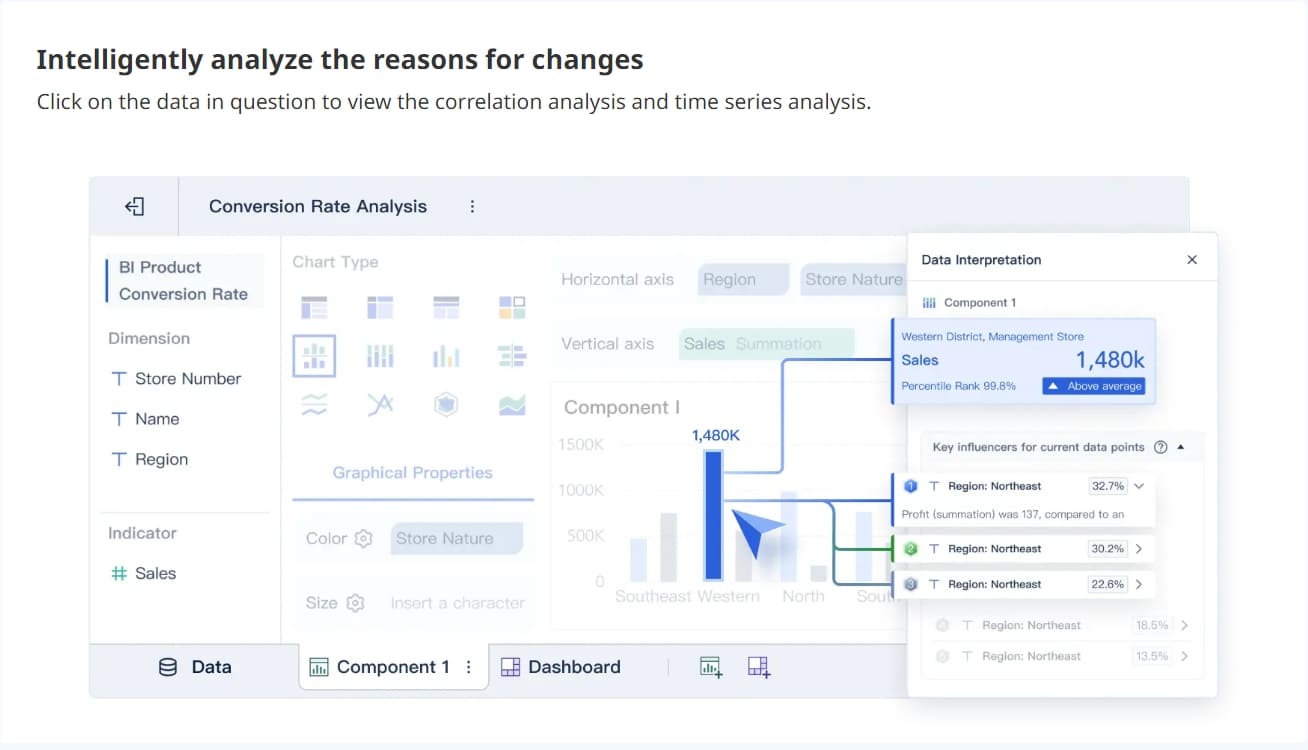
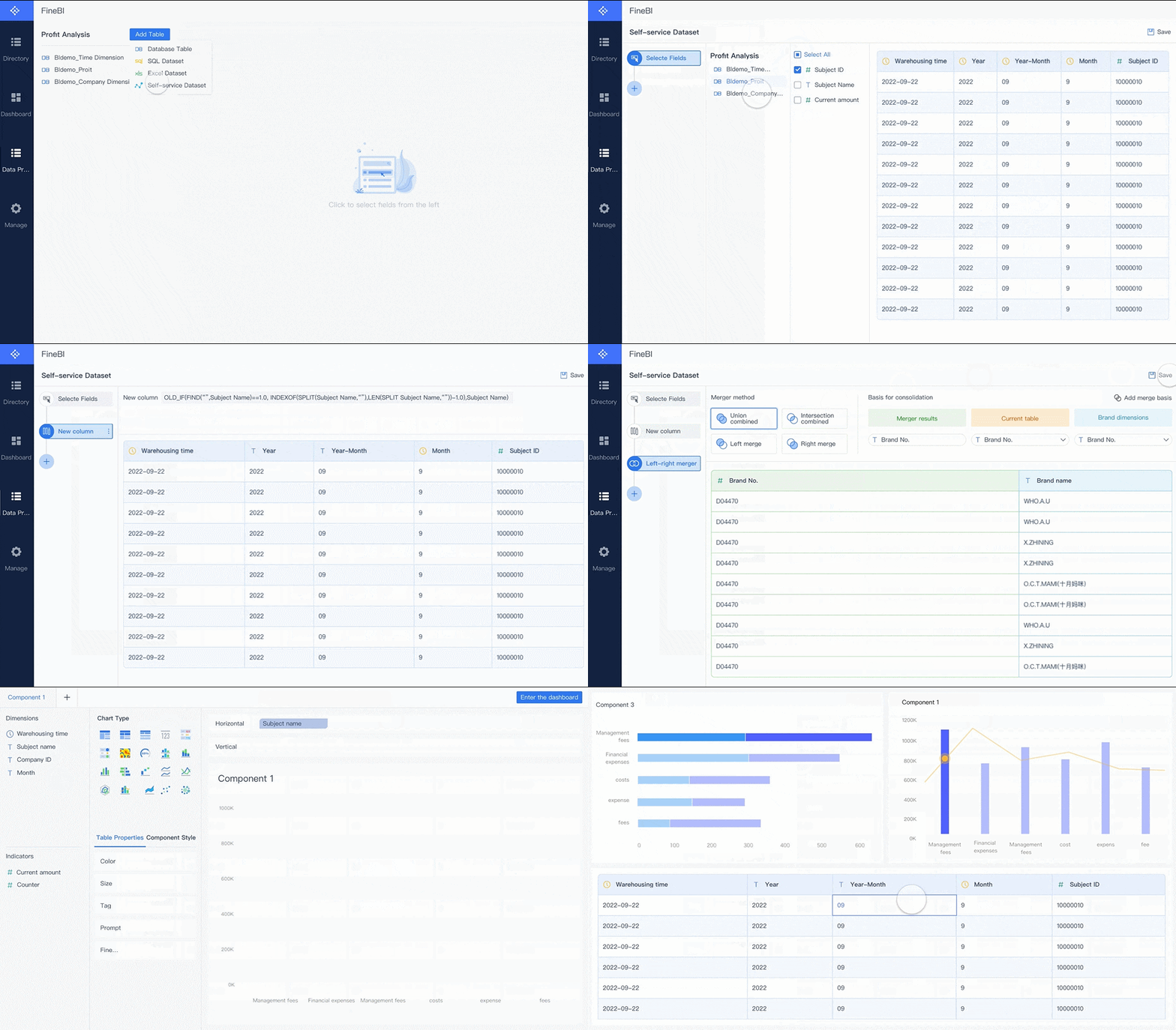
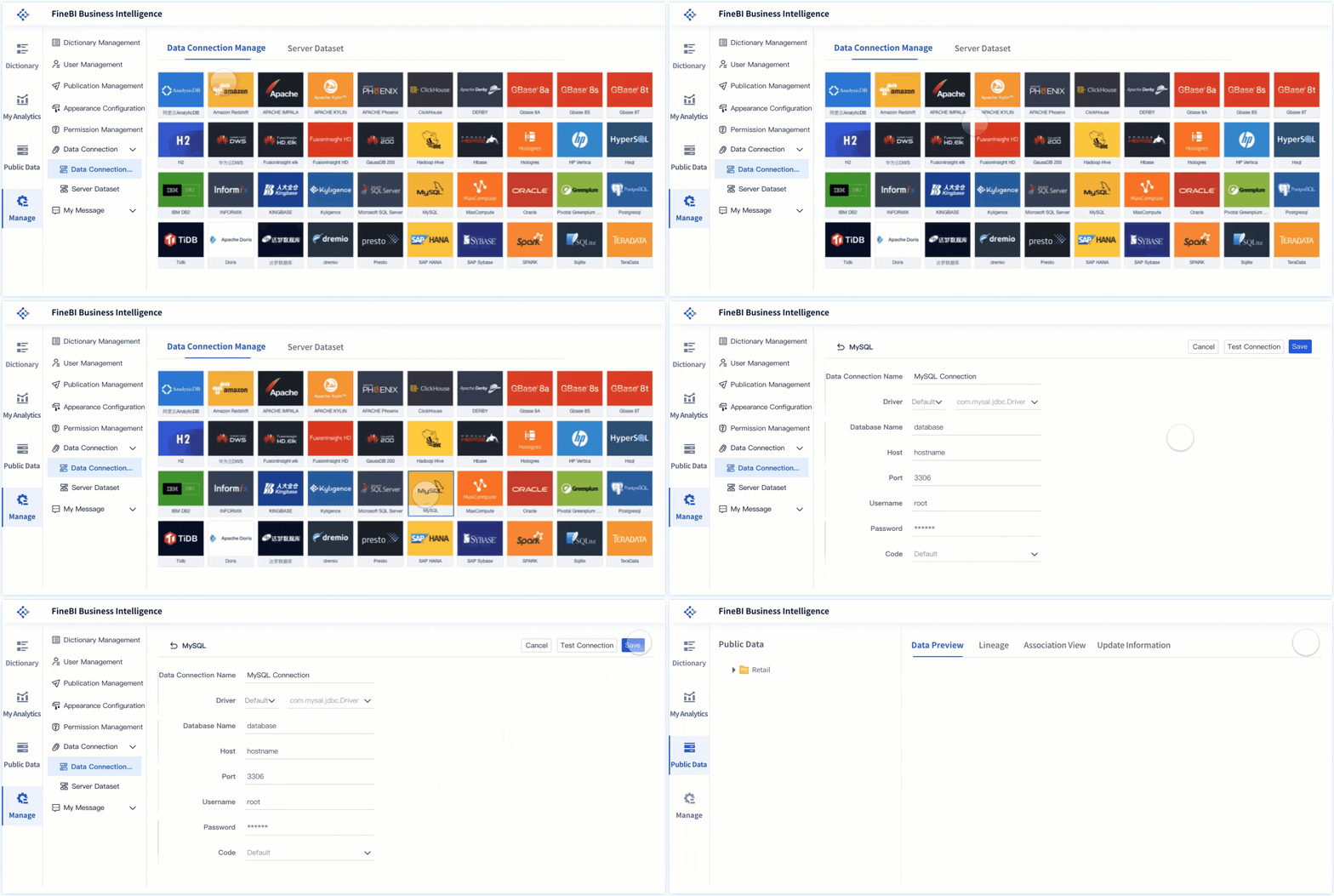
FineBI is a self-service business intelligence platform designed to make data analysis accessible to everyone in your organization. You can connect to multiple data sources, prepare data, and build interactive dashboards—all without coding.
Capability
Description
Data Management
Organize data by business subject using folders.
Data Modeling
Model data relationships and configure linkages for deeper analysis.
Visual Data Analysis
Get user-centric visual recommendations to spot data issues.
Self-Service Dataset
Add columns, filter, sort, and merge data with minimal learning curve.
Dashboard Function
Merge analytic data and generate unified reports for monitoring key indicators.
Collaboration Features
Share dashboards and collaborate with team members in real time.
Pros:
Zero-code interface for business users
Real-time analytics and data visualization
Scalable for large organizations
Advanced data governance and permission control
Cons:
Some advanced analytics features may require IT setup
Pricing:
Flexible pricing based on user count and deployment
Free trial available
Ideal Use Cases: FineBI is perfect if you want to empower business users to perform independent data analysis, create dashboards, and share insights across departments. You’ll see value in industries like manufacturing, finance, and retail, where quick access to analytics drives better decisions.
FineReport is an enterprise-level reporting and dashboard tool that helps you create pixel-perfect reports and advanced visualizations. You can connect to any data source, automate reporting, and build interactive dashboards for business insights.
Feature
Description
Multi-Level Data Reporting
Supports various reporting styles, task notifications, and data entry settings for comprehensive reporting.
FVS Dashboard
Dedicated plugin for building dashboards and visualizations without coding.
Enhanced Chart Display
Advanced chart interactions, including linkage and dynamic updates.
Extended Chart
Innovative chart forms and effects for dashboard development.
Decision-making Platform
Centralized report center for better data analysis and management.
May require initial setup by IT for enterprise deployment
Pricing:
Custom pricing based on deployment and user needs
Free trial available
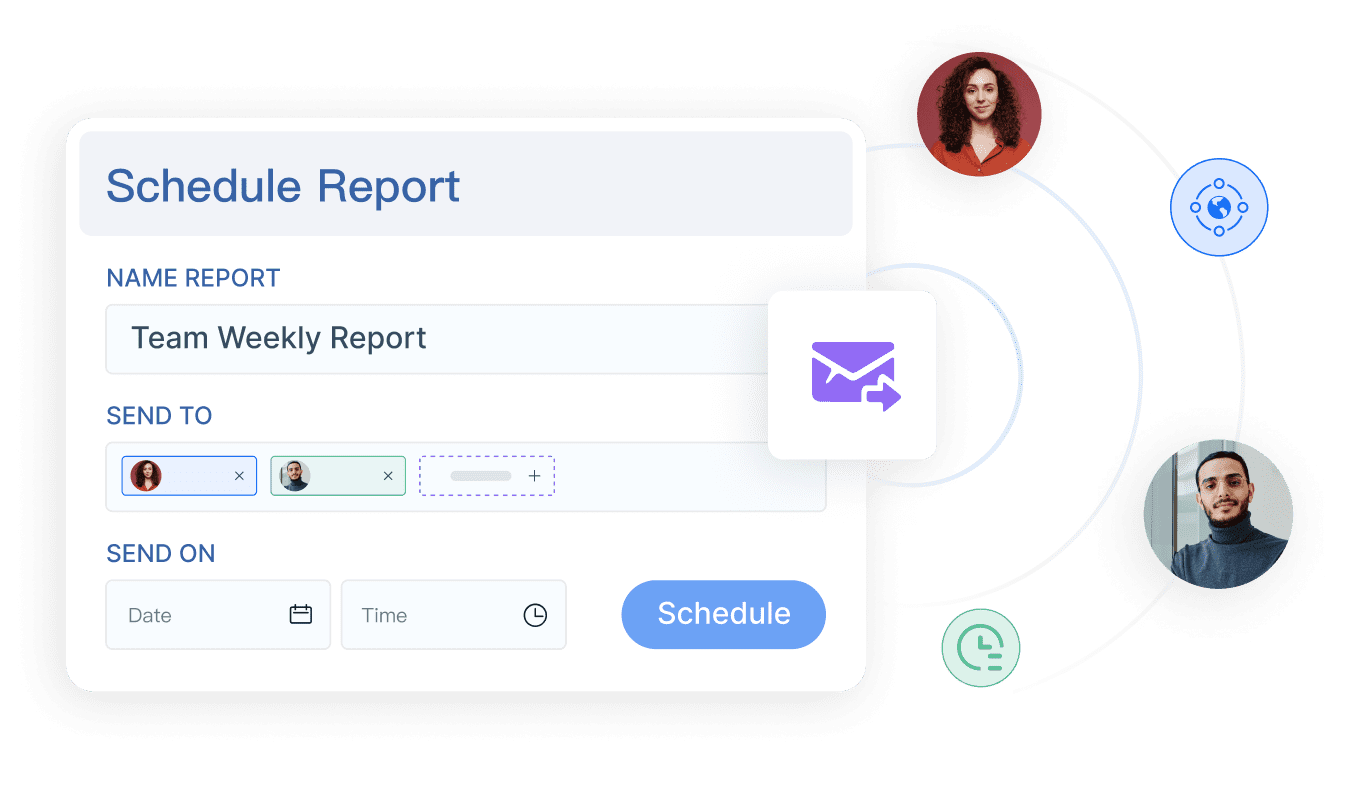
Ideal Use Cases: FineReport works best for organizations that need highly formatted reports, automated scheduling, and advanced dashboard layouts. You’ll benefit if you manage large datasets and require secure, collaborative reporting across teams.
Microsoft Power BI stands out as one of the most popular data analysis tools for business insights. You get a robust platform that supports advanced data visualization, seamless integration, and real-time analytics. Power BI makes it easy to create interactive dashboards and reports, even if you’re new to analytics.
Key Features:
Advanced data visualization with custom charts and maps.
Power Query for easy data import and transformation.
Ideal Use Cases: You’ll find Power BI works well for companies that need scalable analytics, interactive dashboards, and seamless integration with Microsoft products.
Tableau is a leader in data analysis tools, known for its powerful visualization capabilities. You can drag and drop data to build dashboards and uncover insights quickly.
Pros
Cons
Excellent data visualization capabilities
High cost of ownership
User-friendly drag-and-drop interface
Significant implementation and training costs
Ability to handle large datasets
Ongoing maintenance requirements
Outstanding integration with various data sources
Fragmented licensing for advanced features
Pricing:
Starts at $70/user/month for Creator
Viewer and Explorer licenses available
Ideal Use Cases: Tableau suits businesses that prioritize visual analytics and need to handle large datasets across multiple departments.
Qlik Sense
Qlik Sense offers a flexible analytics platform with associative data modeling. You can explore data freely, create interactive dashboards, and uncover hidden insights.
Key Features:
Associative data engine for fast exploration
Drag-and-drop dashboard creation
Advanced analytics and data visualization
Integration with cloud and on-premises sources
Pros:
Strong self-service analytics
Scalable for enterprise use
Responsive design for mobile devices
Cons:
Learning curve for new users
Premium features require additional licensing
Pricing:
Starts at $30/user/month
Enterprise plans available
Ideal Use Cases: Qlik Sense is ideal if you want flexible analytics and interactive dashboards for business insights, especially in data-driven industries.
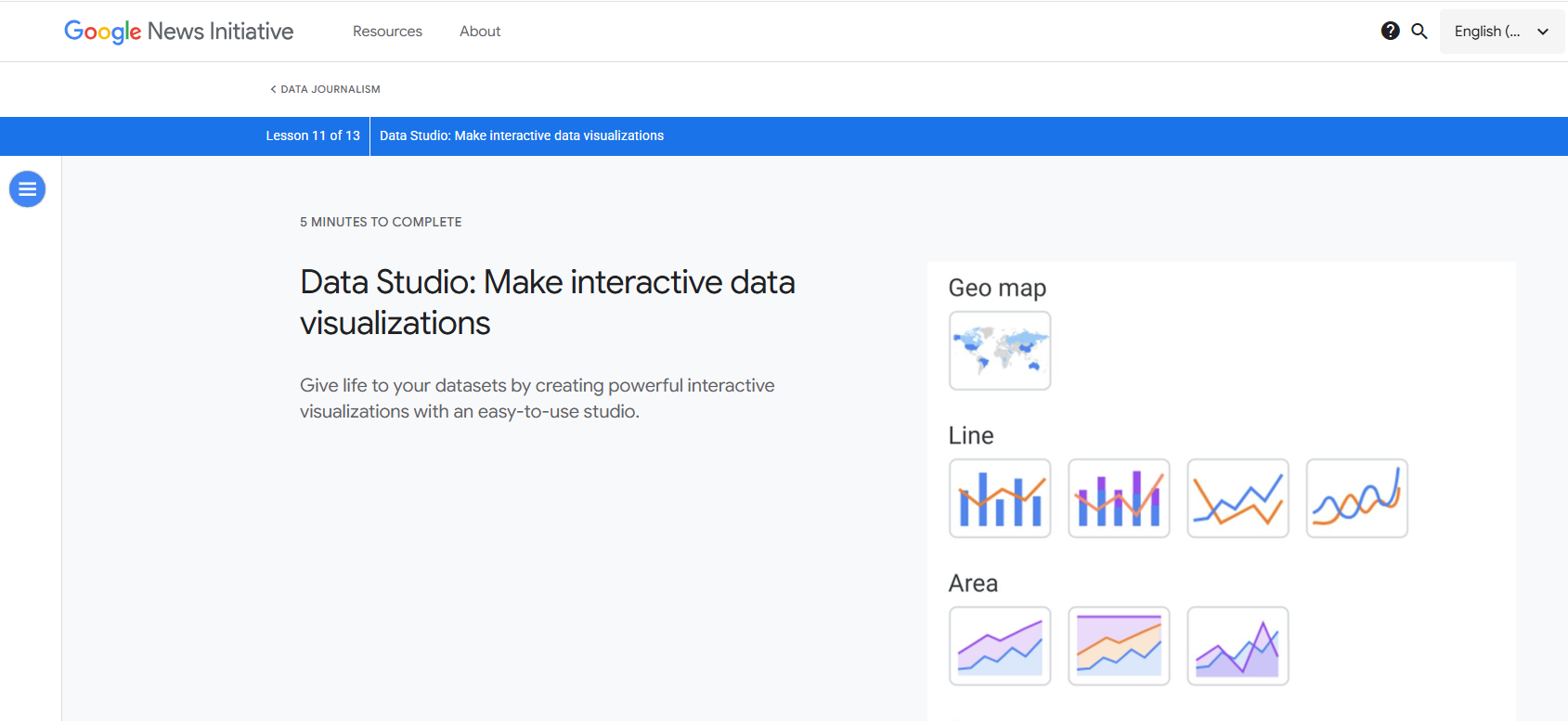
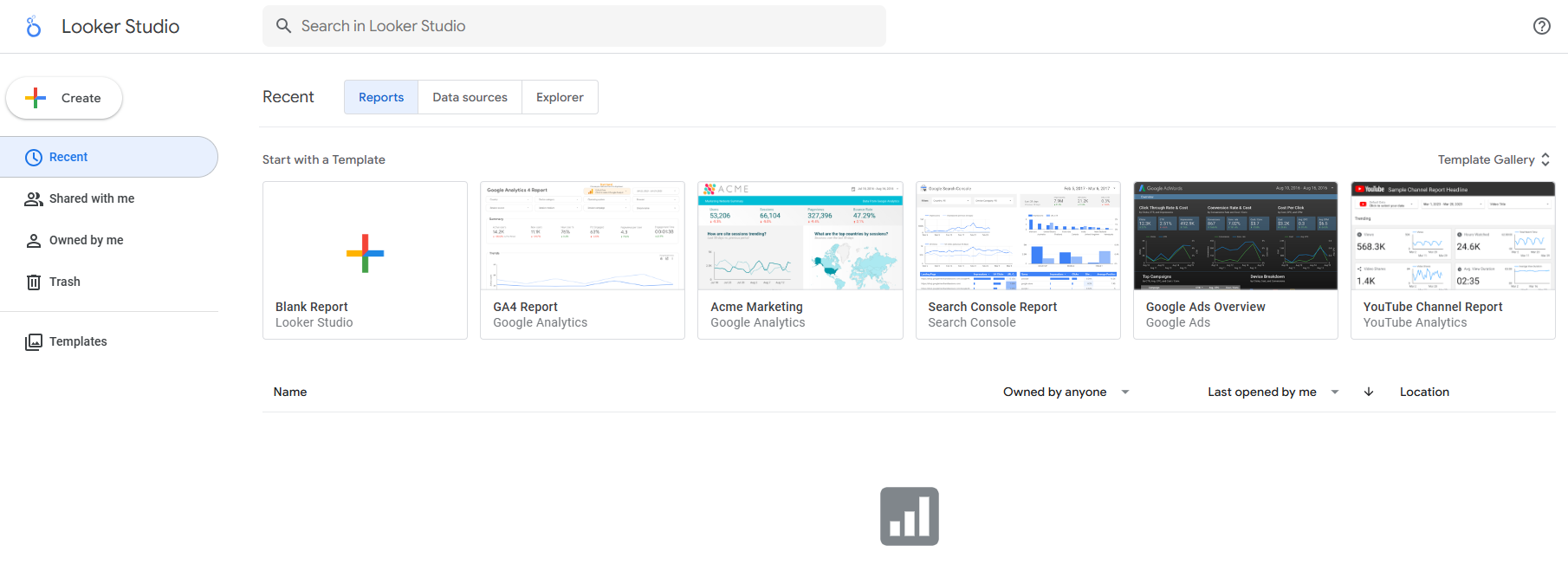
Google Data Studio is a free data analysis tool that integrates seamlessly with other Google services. You can build interactive dashboards and reports with real-time data updates.
Feature
Benefit
Seamless integration
Changes in Google Sheets instantly update Data Studio reports.
Real-time data updates
No need to re-upload files, ensuring accurate reports.
Data Source
Description
Google Analytics
Website traffic and user behavior data.
Google Ads
Advertising performance metrics.
External Sources
Data from platforms like Facebook Ads or CRM tools.
Set permissions for team members.
Share dashboards for real-time collaboration.
Allow teammates to contribute to reports.
The unified platform enhances user experience by providing relevant data for improved reporting.
Pros:
Free to use
Easy integration with Google products
Real-time collaboration
Cons:
Limited advanced analytics features
May not scale for very large datasets
Pricing:
Free
Ideal Use Cases: Google Data Studio is great for small businesses and teams that rely on Google services for data analytics and reporting.
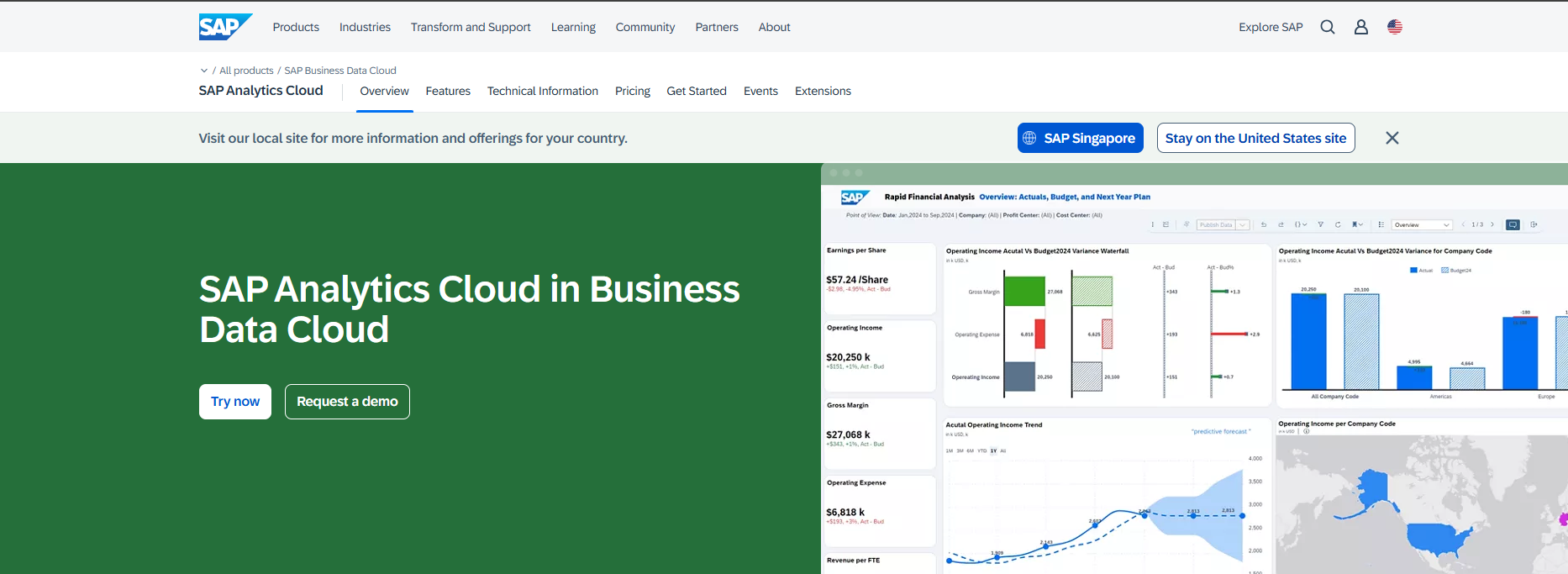
SAP Analytics Cloud combines analytics, planning, and predictive capabilities in one platform. You can use natural language queries and AI-driven planning tools to get deeper insights.
Feature
Description
Admin and Service Management
Enhanced monitoring and optimized scheduling for data refreshes.
Just Ask (Natural Language Processing)
Query data using natural language for easy exploration.
AI for Planning & Analytics
Embedded AI tools for financial planning and predictive analytics.
Data Analyzer
Upgraded usability and data exploration features.
Pros:
All-in-one analytics and planning
AI-powered insights
Strong integration with SAP ecosystem
Cons:
Higher cost for enterprise features
May require SAP expertise for full deployment
Pricing:
Starts at $36/user/month
Enterprise plans available
Ideal Use Cases: SAP Analytics Cloud is best for enterprises that need integrated analytics, planning, and predictive modeling.
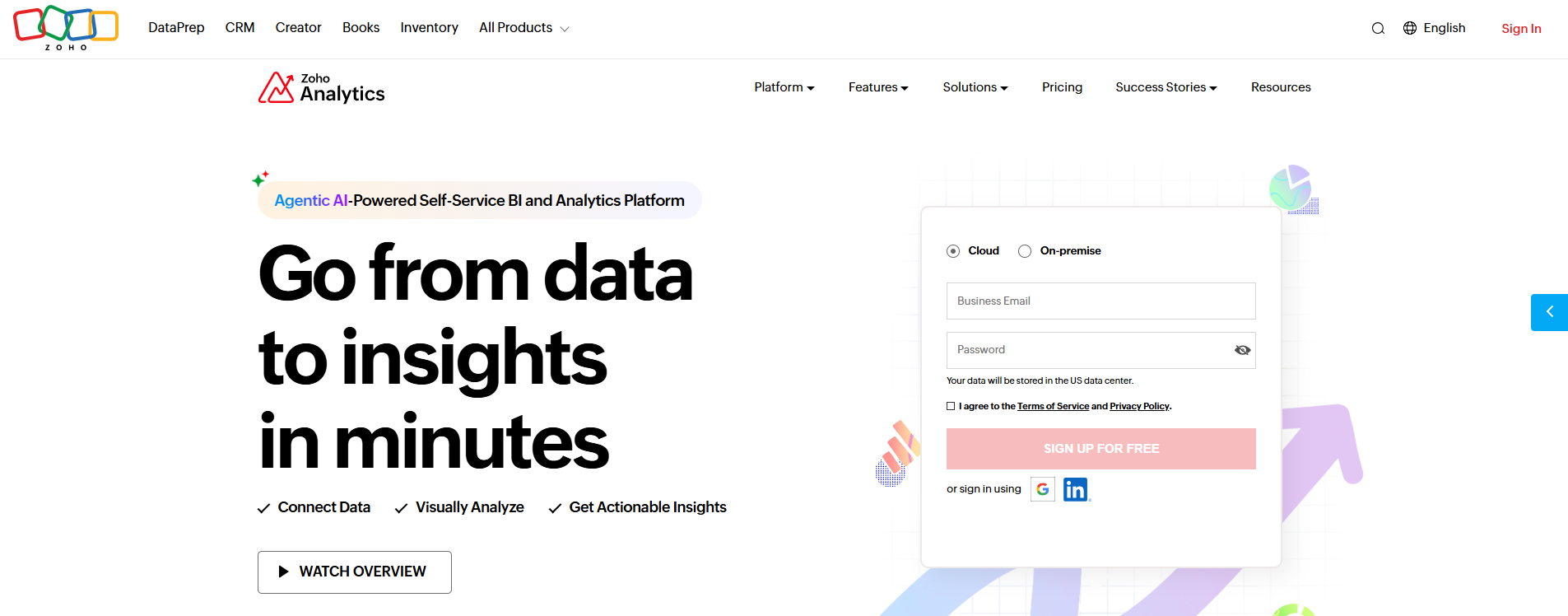
Zoho Analytics is a versatile data analysis tool for small and medium-sized businesses. You get advanced forecasting, anomaly detection, and trend analysis modules.
Feature/Capability
Benefit for SMBs
Advanced forecasting
Predict future trends for better decisions.
Anomaly detection
Spot unusual patterns for quick response.
Trend-analysis modules
Track operational trends over time.
250+ native connectors
Integrate data from various sources easily.
Drag-and-drop interface
Build reports and dashboards quickly.
Self-service prep features
Prepare data without heavy IT involvement.
Pre-built reports
Save time with ready-to-use insights.
Automated insights
Get contextual insights automatically.
Mobile BI apps
Access insights on-the-go.
Pros:
Affordable for SMBs
Easy to use
Wide range of connectors
Cons:
Limited scalability for very large enterprises
Advanced analytics features may require upgrades
Pricing:
Starts at $24/month for two users
Scales with user count and features
Ideal Use Cases: Zoho Analytics is perfect for small and medium businesses that want affordable, easy-to-use data analysis tools for business insights.
Sisense is a modern analytics platform known for embedded analytics and AI-driven insights. You can build custom dashboards and integrate analytics into your applications.
Sisense's AnPaaS (Analytics Platform as a Service) leads the way in embedded analytics.
The platform offers a complete stack for embedded analytics development.
Investments in AI capabilities through Sisense Intelligence enhance data insights and decision-making.
Pros:
Flexible embedded analytics
Strong AI-driven insights
Developer-friendly platform
Cons:
May require technical expertise for full customization
Pricing can be complex for large deployments
Pricing:
Custom pricing based on deployment and usage
Ideal Use Cases: Sisense is ideal for companies that want to embed analytics into their products and leverage AI for deeper business insights.
You have many choices when it comes to data analysis and reporting tools for business insights. Each tool offers unique features, pricing, and strengths. FineBI and FineReport stand out for their self-service analytics, advanced reporting, and enterprise-ready dashboards. You can use these data analysis tools to unlock insights, streamline workflows, and drive smarter decisions across your organization.
Data Analysis and Reporting Tools Comparison Table
When you compare data analysis tools, you want a quick way to see which one fits your business best. You need to look at usability, data integration, performance, and how well each tool helps you extract actionable insights. This table gives you a side-by-side view of the top data analysis tools for business use. You can spot which platform offers the dashboard features, analytics power, and reporting flexibility you need.
Tool
Key Features
Pricing
Ideal Use Cases
FineReport
Drag-and-drop report designer, multi-source data integration, pixel-perfect reports, mobile dashboard, automated scheduling, advanced visualization
Tip: When you choose data analysis tools, focus on how easily your team can use them, how well they connect to your data, and how quickly you can turn analytics into real business insights.
This table helps you compare the most important features at a glance. You can see which data analysis tools offer the dashboard and analytics capabilities that match your business needs. FineReportand FineBIstand out for their flexible integration, strong analytics, and ability to deliver actionable insights across your organization.
How to Select the Right Data Analysis and Reporting Tools
Choosingdata analysis and reporting tools for business insights can feel overwhelming. You want a solution that helps you turn raw data into clear insights and supports your business goals. These tools let you analyze trends, visualize performance, and share findings with your team. When you select the right platform, you unlock the power of analytics and make smarter decisions every day.
Assessing Business Needs
Start by understanding what you need from data analysis tools. Ask yourself what problems you want to solve and which departments will use the platform. Consider the types of data you work with—structured, unstructured, or big data. Think about the skills your team has and whether you need training. Make sure the tool offers strong data visualization so you can present insights clearly. Avoid common mistakes like not setting clear goals or using unprocessed data. Focus on the metrics that matter most to your business.
Step-by-step guide:
Define your business goals and challenges.
Identify users and their skill levels.
List the types of data and analysis you need.
Prioritize visualization and reporting features.
Integration with Existing Systems
Check how well data analytics tools fit with your current IT setup. Look for platforms that collect data from all your sources and connect easily to databases and cloud services. Make sure the tool offers APIs and connectors for quick deployment. FineReportand FineBI both excel at integrating with multiple systems, making them strong options for businesses with complex data environments.
Confirm compatibility with your databases and cloud platforms.
Choose tools that support seamless integration and fast setup.
Budget and ROI Considerations
Estimate the return on investment for your chosendata analysis tools. Use methods like tracking adoption rates, measuring data-driven changes, and analyzing customer satisfaction improvements. You can also look at product increments and assess your organization’s data maturity.
Method
Description
Formula
Adoption
Measures user engagement
((Value per active user * Active Users)/Cost of App)*100
Customer Satisfaction
Quantifies improvements in satisfaction
((Customer Value* New NPS)/Old NPS)/(Cost of Analysis)*100
Product Increments
Evaluates financial impact of new features
((product increment revenue)/Cost of Analysis)*100
Training and Support
Training and support help you get the most from your data analytics tools. Leading vendors offer free tutorials, paid courses, and quick-start guides. FineReport and FineBIprovide user-friendly interfaces and strong support resources, making onboarding easy for your team.
Tip: When you choose data analysis and reporting tools for business insights, focus on your business needs, system compatibility, budget, and available training. FineReport and FineBI stand out for their flexibility, integration, and support, making them excellent choices for different scenarios.
You’ve seen how choosing the right data analysis tools can transform your business. Start by evaluating your current needs and testing a few top options.
Establishing efficient data workflows helps you make your processes seamless.
Decide on your goals.
Identify your users.
Choose the data to analyze.
Make insights easy to understand.
Automate your reports.
Feature
FineBI
FineReport
Target user
Business professionals, custom dashboards
Information personnel, formal reports
Purpose
Strategic decisions, business trends
Short-term support, fixed format reports
Type
BI tool, interactive analysis
Report tool, statistical analysis
FineReportand FineBIoffer comprehensive solutions for business intelligence. Try them to unlock deeper insights and drive smarter decisions.
Continue Reading About Data Analysis and Reporting Tools
Access a wealth of case studies, industry insights, and solution guides to accelerate digital transformation.
FAQ
What are data analysis and reporting tools for business insights?
You use data analysis and reporting tools for business insights to turn raw data into clear information. These tools help you spot trends, track performance, and make smarter decisions for your business.
How do data analysis and reporting tools for business insights help my company?
You can use these tools to create dashboards, automate reports, and visualize key metrics. They help you understand what’s working, find problems fast, and improve your business strategy.
Can I use data analysis and reporting tools for business insights without IT skills?
Yes, many modern tools like FineReport and FineBI offer drag-and-drop features. You can build reports and dashboards without coding or technical knowledge.
What types of data can I connect to data analysis and reporting tools for business insights?
You can connect databases, spreadsheets, cloud services, and even APIs. Most tools support a wide range of data sources, so you can analyze all your business information in one place.
How do I choose the best data analysis and reporting tools for business insights?
Start by listing your business needs. Check if the tool integrates with your systems, fits your budget, and offers good support. Try free trials to see which platform feels right for your team.