Unstructured data analysis tools help you make sense of information that does not fit neatly into rows and columns. These tools handle emails, social media posts, images, audio, and other messy data types. With unstructured data analysis tools, you can extract patterns, trends, and actionable insights from the largest, fastest-growing part of your data.
You need the best unstructured data analysis tools to keep up. FineBI, IBM Watson Discovery, Microsoft Azure Cognitive Services, Google Cloud Natural Language AI, Amazon Comprehend, SAS Visual Text Analytics, RapidMiner, and MonkeyLearn lead the pack. These data analytics platforms turn unstructured data into actionable insights for smarter decisions.
Did you know that unstructured data makes up about 80% of all enterprise data? This data grows by over 55% each year. When you manage unstructured data well, you see big results—costs drop by up to 40%, decision speed jumps by 50%, and customer satisfaction improves by 35%.
When you compare unstructured data analysis tools, look for scalability, smooth integration, smart AI features, and strong support for unstructured customer data. The right data analytics software solutions help you unlock data-driven decision making and give you a real edge. Get ready to explore data analytics solutions that turn data chaos into clear, actionable insights.
Unstructured Data Analysis Tools: Key Criteria
Choosing the right unstructured data analysis tools can transform how you handle unstructured customer data. You want data analytics tools that scale, support diverse data types, integrate smoothly, deliver a great user experience, and keep your data secure. Let’s break down the key features of an unstructured data management tool so you can make the best choice.
Scalability & Performance
Scalability matters when you work with unstructured customer data. You need unstructured data management tools that handle huge volumes and complex workloads. The UDA-Bench framework sets the standard for benchmarking scalability and performance. It looks at dataset volume, query variety, and precise labeling. If your data analytics tools pass these tests, you know they can keep up with your growing data needs.
Unstructured customer data comes in many forms. The best unstructured data management tools support a wide range of data types, including:
Text: Social media posts, reviews, surveys, chat logs
Multimedia: Audio files, videos, images
Sensor data: IoT device outputs
Other formats: Questionnaires, raw logs, unorganized files
You want data analytics tools that can process all these formats. This flexibility is a key feature of an unstructured data management tool.
Integration & Compatibility
Smooth integration with your business systems is essential. Top unstructured data analysis tools offer advanced integration capabilities. Here’s what to look for:
Integration Capability
Description
Automated Data Extraction
Uses machine learning to identify entities, keywords, and meaning from unstructured customer data.
Intelligent Structure Discovery
Finds relationships in raw data, turning it into structured formats.
AI-Ready Transformation
Ensures data consistency for analytics and easy integration.
Vector Embedding
Converts unstructured customer data into numerical formats for AI models.
Retrieval Augmented Generation (RAG)
Lets AI models access relevant information before generating responses.
These key features of an unstructured data management tool help you unlock the full value of your data.
You want data analytics tools that make analysis easy and enjoyable. User ratings show how much people value intuitive interfaces. For example, MonkeyLearn scores 4.5/5, Clootrack 4.8/5, and Canvs AI 4.4/5. NVivo and ATLAS.ti also get praise for helping users organize and analyze unstructured customer data efficiently. A great user experience is a must-have key feature of an unstructured data management tool.
Security & Compliance
Protecting unstructured customer data is critical, especially in regulated industries. The best unstructured data management tools meet strict standards:
Compliance Standard
Description
HIPAA
Keeps patient records secure in healthcare.
SEC
Protects transaction records and customer data in finance.
Look for data analytics tools that offer robust security and compliance features. These key features of an unstructured data management tool keep your business safe and your data protected.
When you compare unstructured data analysis tools, focus on these criteria. Support for unstructured customer data and modern AI features will help you stay ahead. The rightdata discovery tools make analysis faster, easier, and more secure.
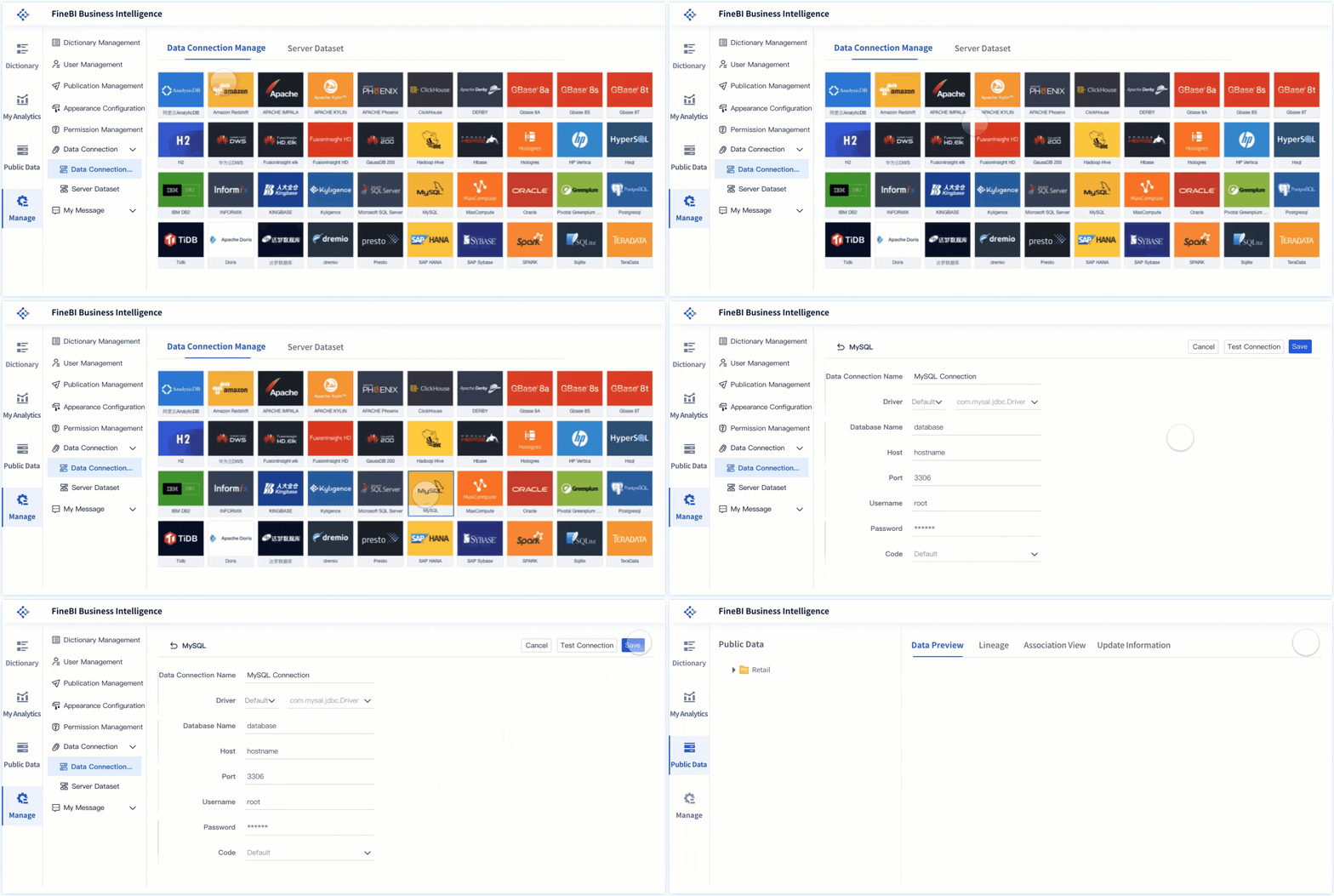
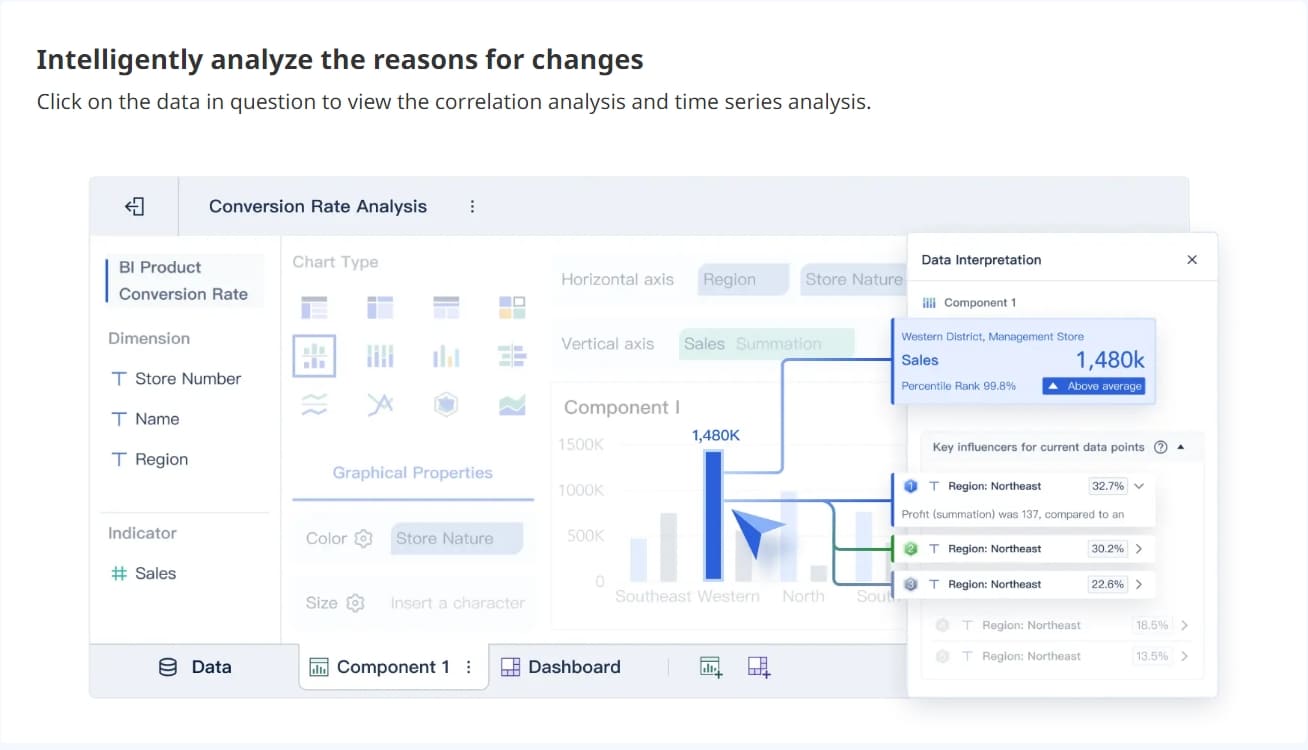
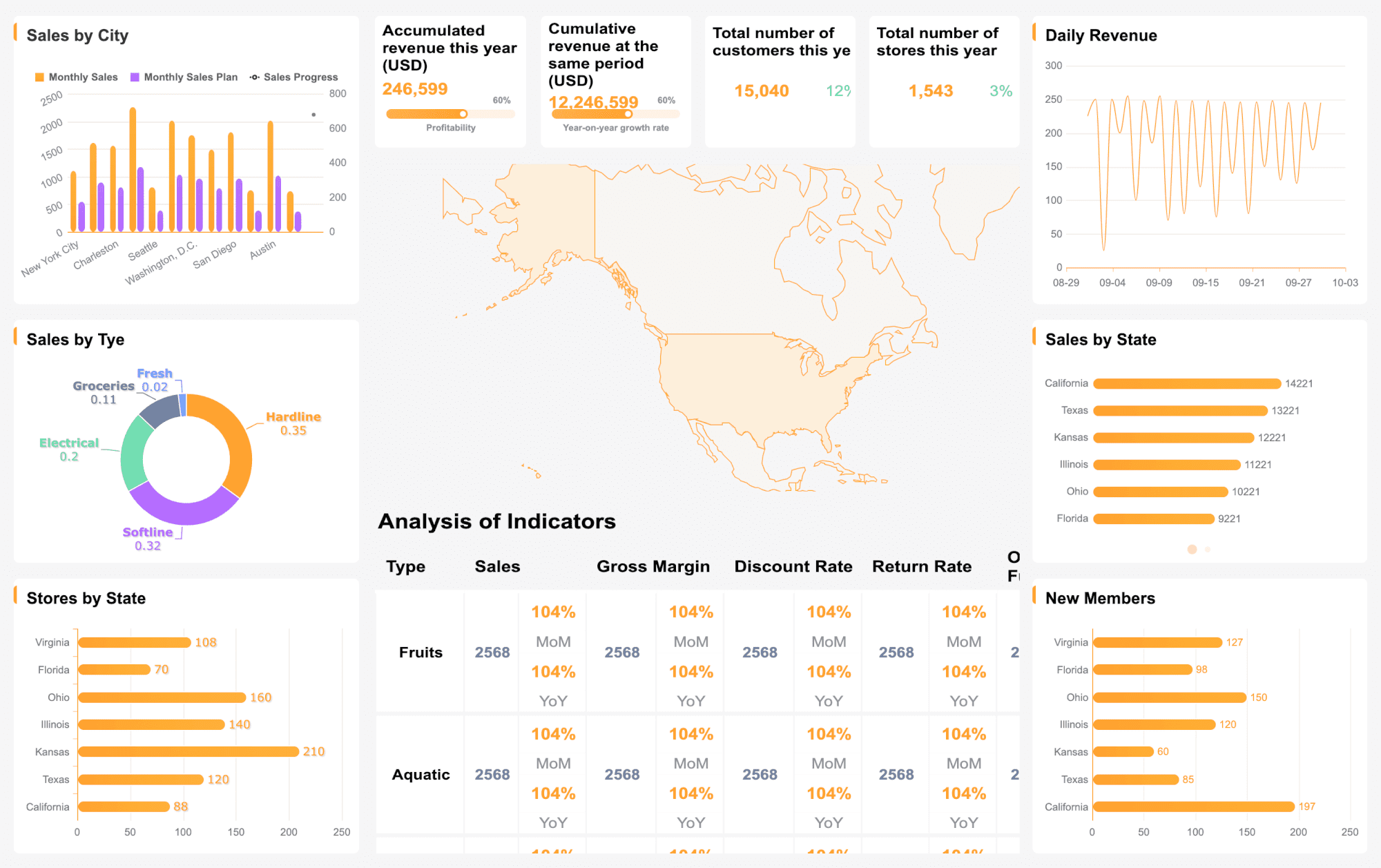
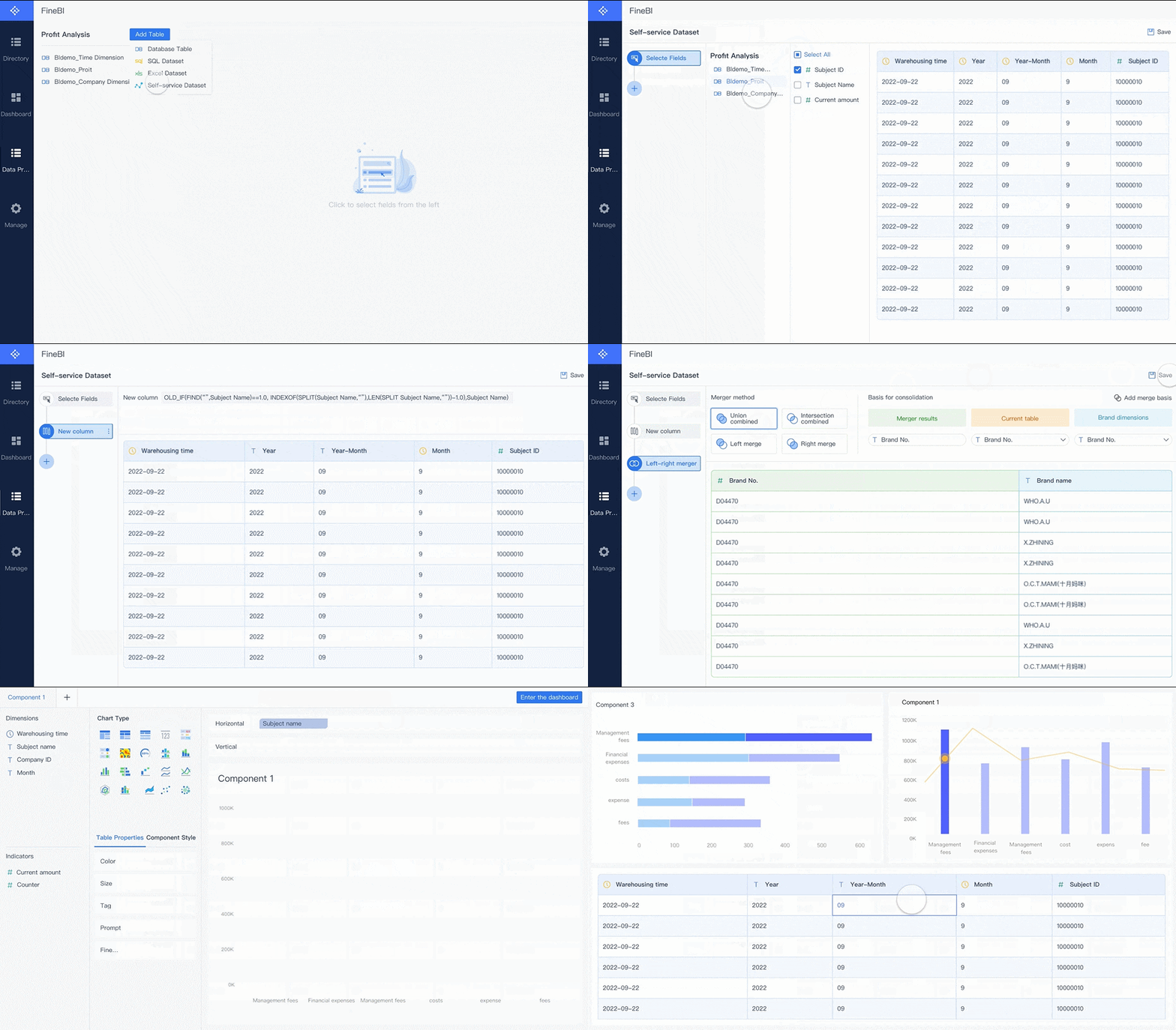
FineBI stands out amongunstructured data analysis tools. You get a user-friendly interface that makes data analysis simple, even if you do not have a technical background. FineBI’s workflow guides you through every step. You can connect to your data, process it with built-in formulas, and use flexible filtering tools. You build analysis models without writing complex code. The self-service data set function lets you manipulate data for your unique business needs. FineBI adapts to different industries, so you always get relevant customer insights.
FineBI simplifies unstructured data analysis for everyone.
Built-in calculation and filtering tools save you time.
You create custom analysis models for your business.
You need strong data integration to get the most from unstructured data analysis tools. FineBI offers several methods to bring all your data together:
Method
Description
Real-Time Synchronization
Synchronize data across tables with minimal delay, keeping your analysis up-to-date.
ETL/ELT Functions
Preprocess and transform unstructured data into structured formats for easier analysis.
API Integration
Share data between systems, break down silos, and boost collaboration.
These features help you unify data from many sources, making your analysis more powerful.
Visual Analysis & Dashboards
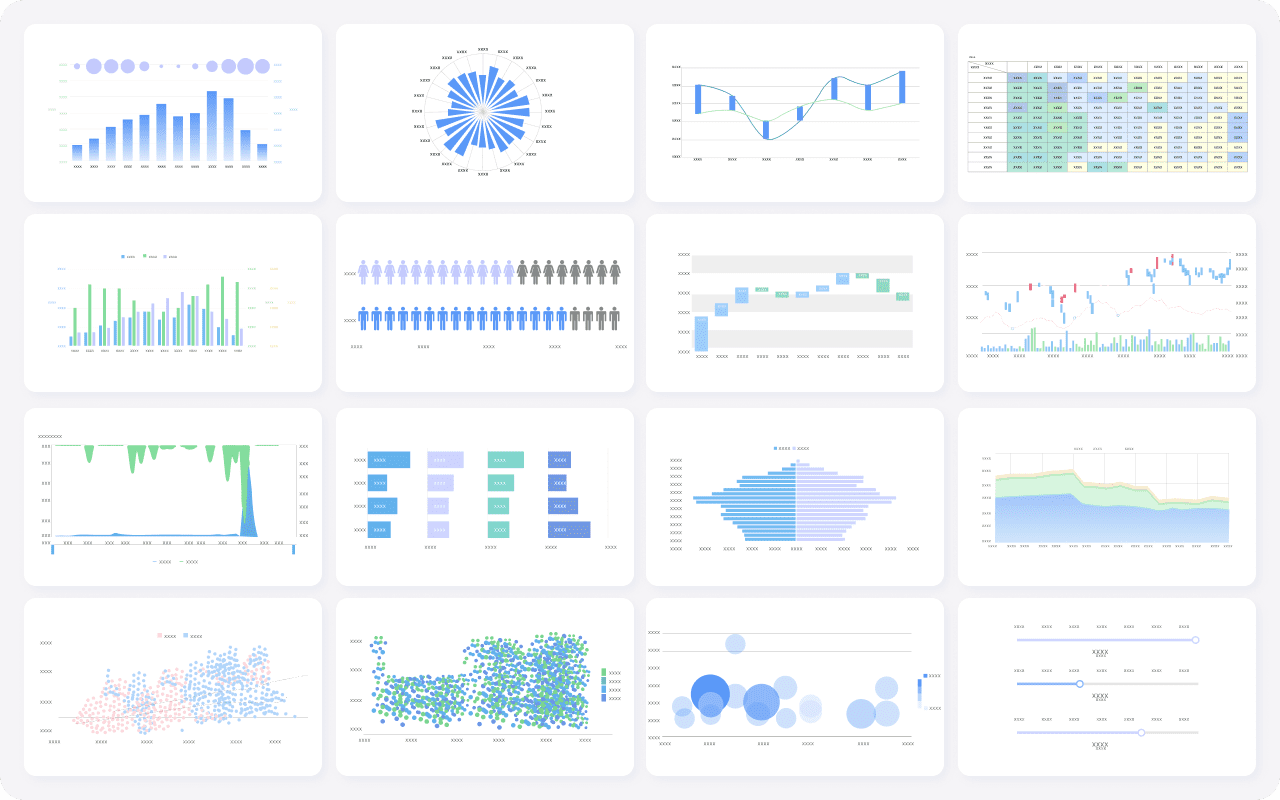
FineBI gives you advanced data visualization tools for dashboarding. You can drag and drop charts, apply filters, and create real-time dashboards. The platform supports over 60 chart types, so you can present your analysis in the way that fits your business best. Real-time dashboarding means you always see the latest data, which helps you make fast decisions.
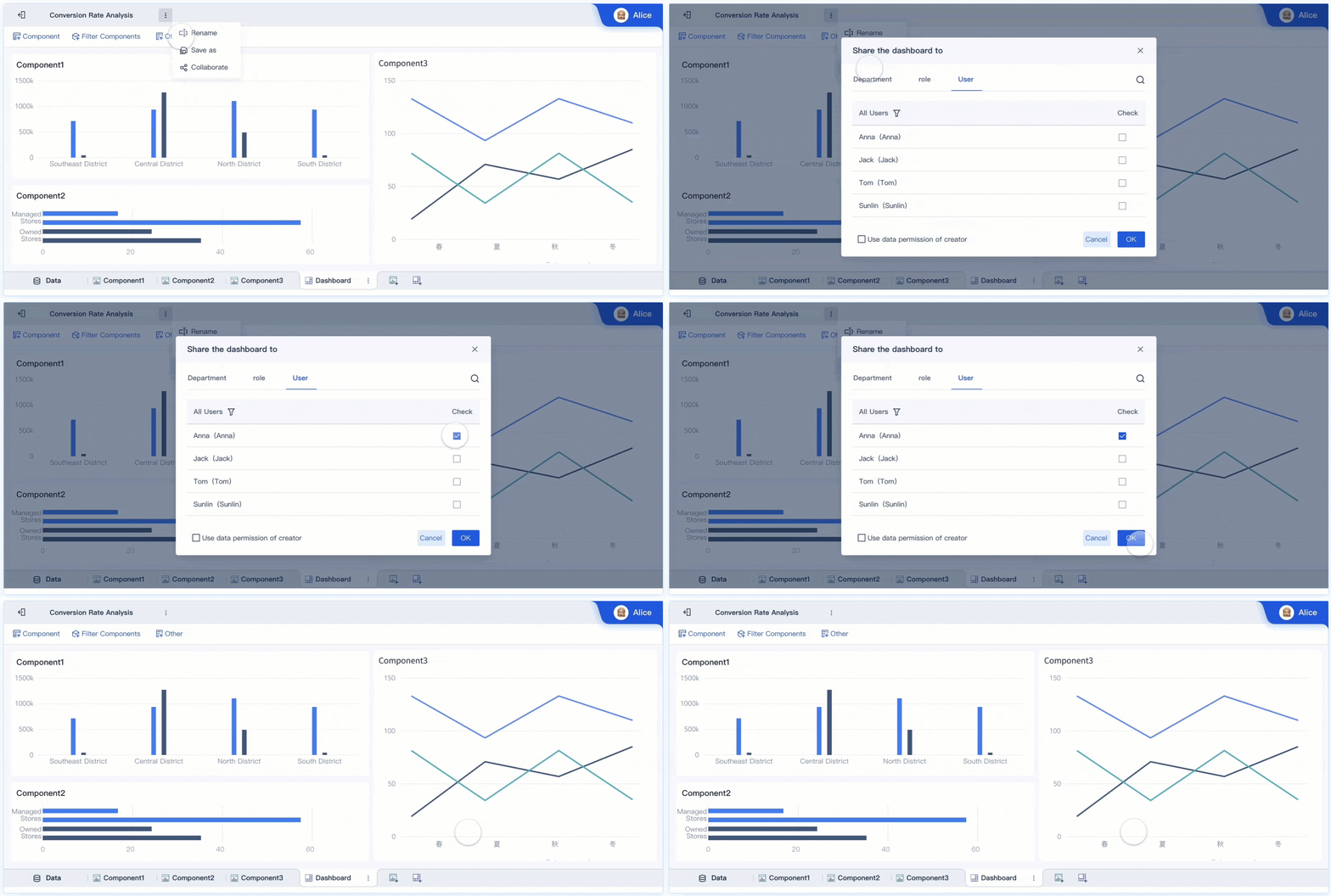
You want real-time analytics and teamwork. FineBI delivers both. Teams can use smart reporting and AI agent decision support to analyze data together. The table below shows how FineBI supports real-time collaboration:
Feature
Description
Smart Reporting
Combines semantic analysis with visualization for instant, interactive analytics.
AI Agent Decision Support
Uses business logic and model reasoning for automated analysis and alert workflows.
You get real-time insights and can act quickly as a team.
Businesses use FineBI to turn unstructured data into results. For example, BOE Technology Group used FineBI to integrate data from many sources, standardize metrics, and build a unified analysis framework. They reduced inventory costs by 5% and boosted operational efficiency by 50%. FineBI’s real-time analytics and dashboarding helped them monitor KPIs and benchmark performance across factories. You can expect similar gains in your business when you choose FineBI among unstructured data analysis tools.
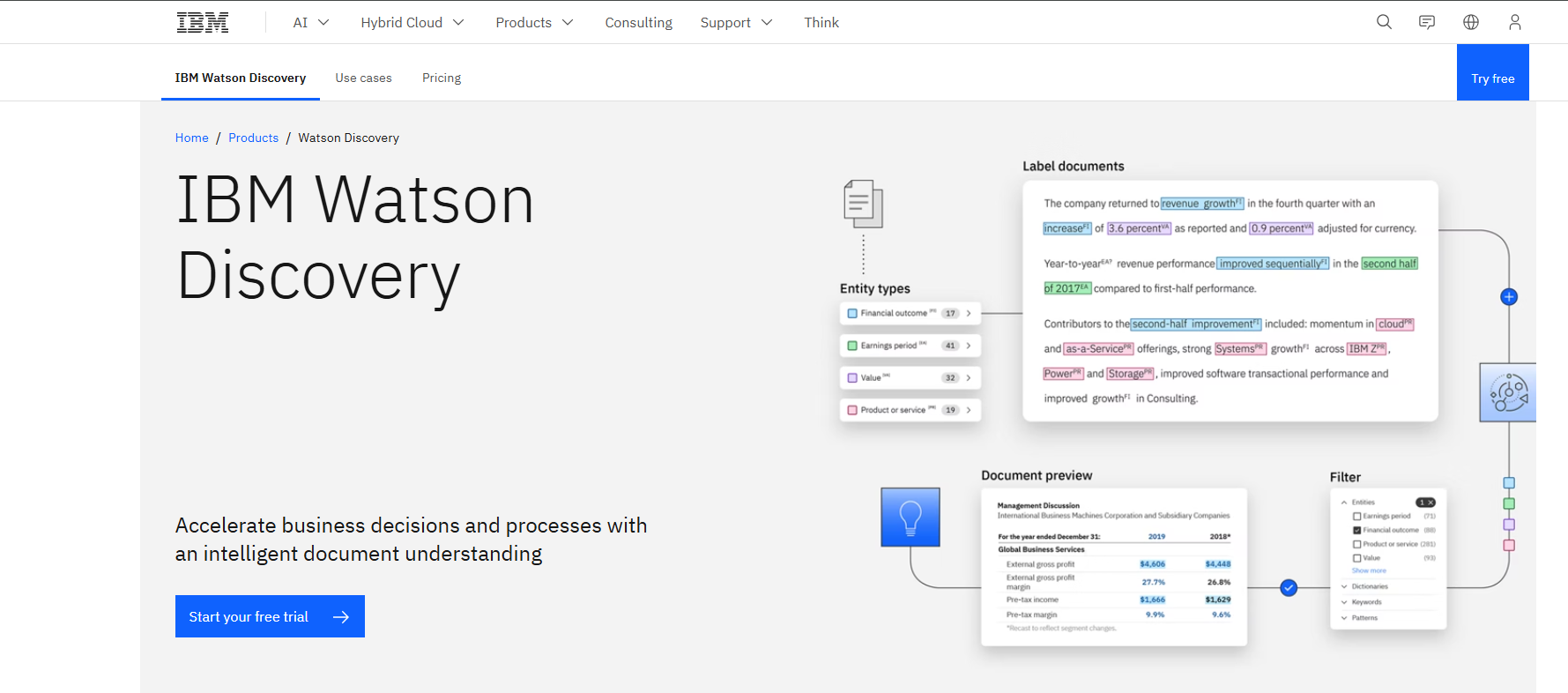
If you want to get ahead withunstructured data analysis tools, IBM Watson Discovery gives you a powerful option. You can use it to pull in all kinds of data, from PDFs and Word documents to web pages and emails. Watson Discovery helps you make sense of messy information, so you can find what matters fast. You do not need to be a data scientist to use it. The platform uses natural language processing to help you understand trends, patterns, and customer feedback. You can rely on Watson Discovery to handle the growing volume of unstructured data and speed up your analysis.
Main Features
IBM Watson Discovery stands out among unstructured data analysis tools because of its smart features. Here’s a quick look:
Feature
Description
Data Ingestion
You can bring in structured and unstructured data from many sources and standardize it easily.
Data Enrichment
The tool adds value to your data with sentiment and emotion analysis using natural language.
NLP Capabilities
It extracts key information, concepts, and trends from your documents with advanced NLP.
You get a complete toolkit for data analysis.
Business Benefits
When you use IBM Watson Discovery as one of your unstructured data analysis tools, you see real results. For example:
Client Type
Benefit Description
Insurance Client
Cut time spent reading and analyzing text data by 90%.
Law Firm
Boosted productivity 4X and increased revenue by 30%.
Oil and Gas Company
Saved over USD 10 million.
You can automate information discovery, extract entities, and run sentiment analysis. This means you spend less time searching and more time acting on insights.
Ideal Use Cases
IBM Watson Discovery fits many business needs. You can use it for:
Financial analysis, where you quickly summarize risks in reports.
Legal research, letting you search through huge archives in seconds.
Customer support, where AI agents find answers fast from manuals and tickets.
You can also use Watson Discovery to index and search documents, improve internal research, and uncover insights from large datasets. If you want to cut research time and boost customer satisfaction, this tool is a strong choice for unstructured data analysis tools.
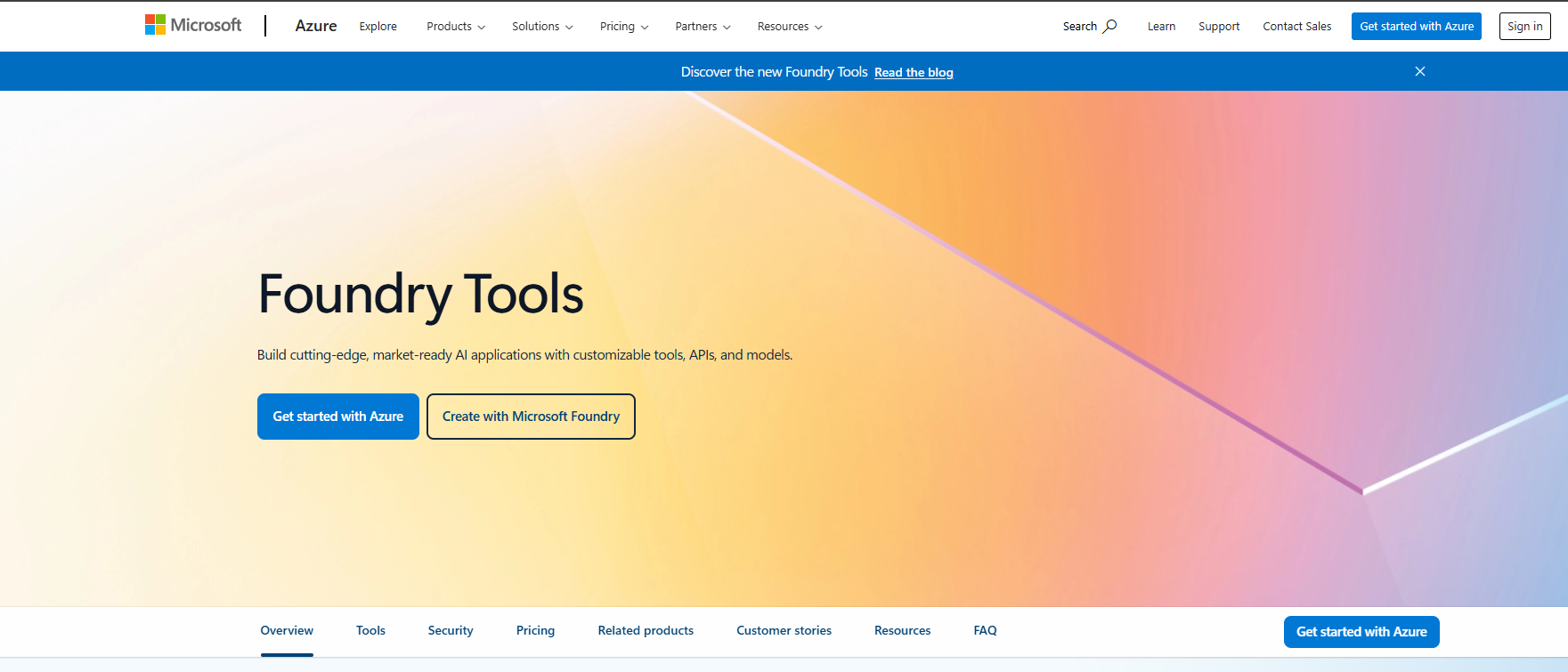
You wantunstructured data analysis tools that make sense of your growing data. Microsoft Azure Cognitive Services gives you a cloud-based platform that brings AI to your data analysis. You can use it to process text, images, and even audio. The platform follows an ingest-enrich-explore pattern. You pull in your data, enrich it with AI skills, and then explore the results. This approach helps you turn unstructured data into insights you can use right away.
Main Features
Azure Cognitive Services stands out among unstructured data analysis tools for its built-in AI skills. You get:
Image optical character recognition (OCR) for extracting text from pictures.
Image analysis and text translation for global data analysis.
Entity recognition and full-text search to find what matters in your data.
Automatic extraction, transformation, and validation of content from many document types.
Confidence scoring for automated processing, with low-confidence results flagged for review.
Information enrichment to help you identify relevant content and explore at scale.
These features let you handle all kinds of unstructured data, making your analysis faster and more reliable.
Business Benefits
You see real business value when you use Azure Cognitive Services as one of your unstructured data analysis tools. Here’s how different industries benefit:
You can automate tasks, improve customer experiences, and make better decisions with your data.
Ideal Use Cases
You can use Azure Cognitive Services for many unstructureddata analysis toolsscenarios:
Contract analysis to extract key clauses from legal documents.
Compliance identification in regulatory paperwork.
Legal discovery for organizing case files.
Document processing for bills of lading and purchase orders.
Real-time tracking of shipment documents.
Sentiment analysis of customer reviews.
Key phrase extraction to summarize topics.
Image tagging to categorize photos by objects and actions.
Analysts estimate that 80% of enterprise data is unstructured. With Azure Cognitive Services, you can finally unlock the value of this data and drive your business forward.
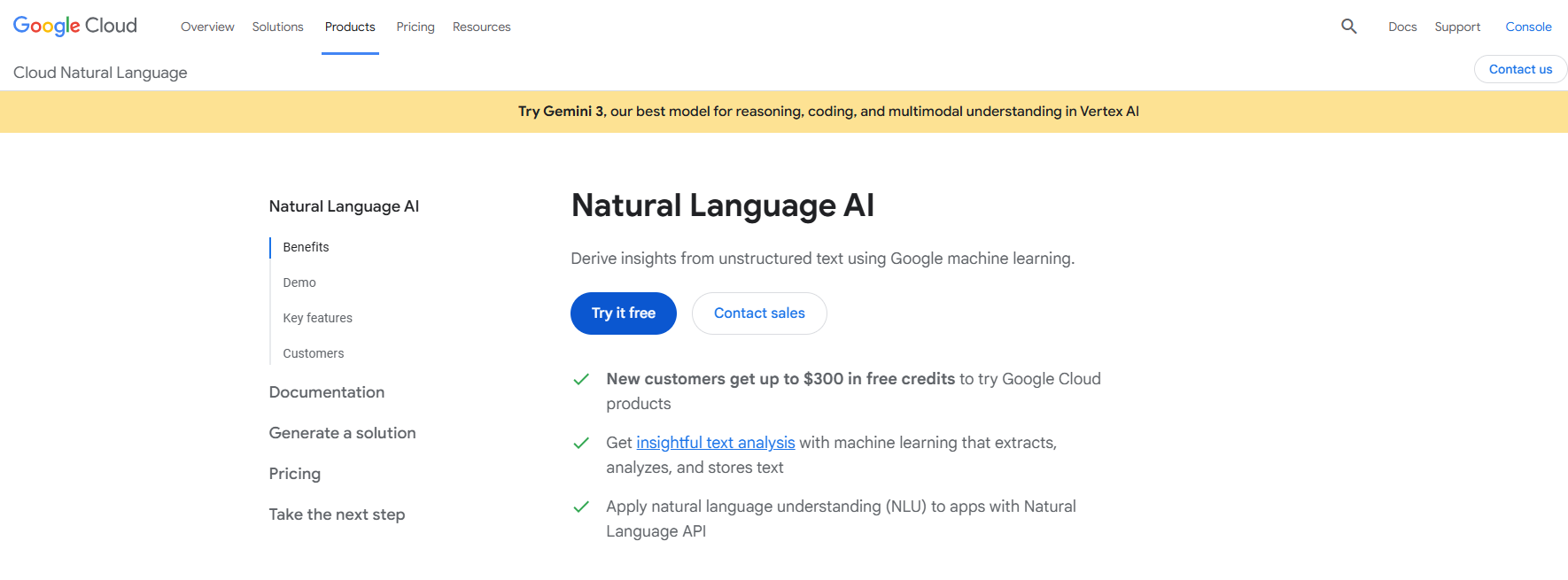
When you look forunstructured data analysis tools, Google Cloud Natural Language AI stands out as a top choice. This platform uses advanced natural language processing to help you understand and organize your unstructured data. You can process huge volumes of text, social media posts, and customer feedback. The tool makes it easy to extract meaning from messy data, so you can make smarter decisions. You do not need to be a data scientist to get value from this platform. The interface is user-friendly, and you can start your analysis quickly.
Main Features
Google Cloud Natural Language AI brings powerful features to your data analysis. You can analyze sentiment, extract topics, and identify keywords with high precision. The platform supports multiple languages, so you can work with global data sources. It also integrates with other Google Cloud services, making it easy to scale your analysis as your data grows. You get real-time processing, which means you always have up-to-date insights for your business.
Business Benefits
You want to see real results from your unstructured data analysis tools. Google Cloud Natural Language AI delivers by helping you:
Analyze unstructured data with natural language processing to extract actionable insights.
Automate text and sentiment analysis, which improves customer experiences and streamlines your operations.
UseAI-driven tools to find sentiment, topics, keywords, and intent in your data with high accuracy.
These benefits help you turn raw data into business value, making your analysis faster and more effective.
Ideal Use Cases
You can use Google Cloud Natural Language AI for many business scenarios. Here are some top use cases:
Use Case
Description
Sentiment Analysis
Use the Natural Language API for general insights, Vertex AI Custom Model for tailored analysis, and Gemini for advanced, real-time sentiment detection.
Sales Forecasting
Build end-to-end solutions that use historical sales data and AI models like ARIMA and LSTM for accurate predictions.
Image Classification
Apply AutoML for quick, accurate classification or use Custom EfficientNet Model for complex, flexible tasks.
With these use cases, you can unlock the full power of your unstructured data analysis tools.
If you want to get more from your unstructured data analysis tools, Amazon Comprehend gives you a cloud-based solution that makes sense of messy information. You can use it to process emails, social media posts, customer feedback, and even legal documents. Amazon Comprehend uses machine learning to help you find patterns, trends, and key insights in your data. You do not need to be a data scientist to get started. The platform works right out of the box, so you can focus on analysis and decision-making.
Main Features
Amazon Comprehend brings a powerful set of features to your data analysis. Here’s a quick look at what you can do:
Feature
Description
Custom Entity Recognition
Identify domain-specific terms using AutoML, no machine learning expertise needed.
Custom Classification
Build custom text classification models with business-specific labels.
Entity Recognition
Automatically categorize named entities like people, places, and locations.
Sentiment Analysis
Detect the overall sentiment of text—positive, negative, neutral, or mixed.
PII Identification and Redaction
Find and redact personally identifiable information in your data.
Keyphrase Extraction
Pull out key phrases and talking points with confidence scores.
Events Detection
Extract event structures to answer who-what-when-where questions across large document sets.
You can use these features to unlock the value of your unstructured data analysis tools.
Business Benefits
When you use Amazon Comprehend as part of your unstructured data analysis tools, you see real business results. The platform helps you automate processes and reduce manual work. Here’s how it delivers value:
Benefit
Description
Improved operational performance
Automation enhances business processes and enables you to scale effectively.
Reduced manual work
Automated data extraction and classification minimize errors and speed up decision-making.
Faster processing
Automated document classification routes documents quickly, no human intervention needed.
Increased operational efficiency
Automation of workflows lets you focus on strategic tasks, not routine chores.
Improved decision-making
AI-driven insights help you spot trends and make informed choices fast.
You can expect faster analysis, better accuracy, and more time for high-value work.
Ideal Use Cases
You can apply Amazon Comprehend to many real-world scenario. Here are some of the most effective ways to use this tool for data analysis:
Sentiment analysis for customer feedback and social media.
Content categorization and tagging for news, blogs, and reviews.
Voice of the customer insights from surveys and call transcripts.
Pharmaceutical research and drug discovery using scientific literature.
Legal document analysis for contracts and case law.
Healthcare data extraction from electronic health records.
Financial data analysis for earnings calls and news.
Content moderation and compliance for online platforms.
Language translation and localization for global communication.
Educational content analysis to improve teaching and learning outcomes.
With Amazon Comprehend, you can handle complex data analysis tasks and get ahead.
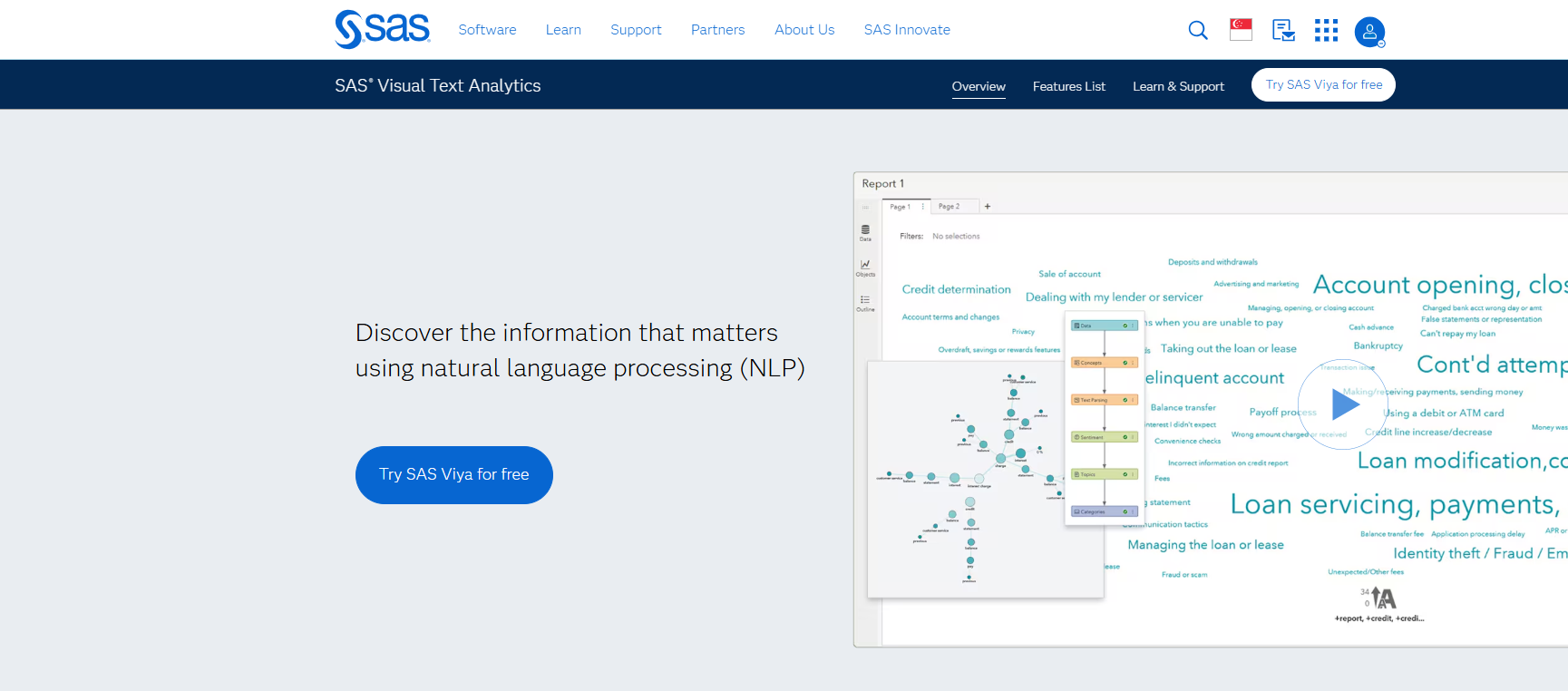
If you want to get the most out of your data, SAS Visual Text Analytics gives you a powerful way to handle unstructured information. This platform helps you dig into large volumes of data and find patterns that matter. You can use it to process everything from social media posts to customer feedback. The tool uses advanced AI and machine learning to make your analysis faster and more accurate. You need a solution that can keep up with the speed and complexity of modern data. SAS Visual Text Analytics does just that.
Main Features
You get a rich set of features with SAS Visual Text Analytics. Here’s what stands out:
Automatic topic discovery and trend analysis, so you spot what’s important right away.
Entity recognition and relationship extraction, which help you pull out key facts from your data.
Hybrid modeling with BERT-based classification for better accuracy in your analysis.
Sentiment analysis with visual indicators, making it easy to see how people feel.
Detailed corpus analysis for insights into vocabulary and complexity.
Flexible deployment, including distributed processing for big data projects.
Support for 33 languages and automatic language detection, so you can work with global data.
These features make your data analysis more effective and efficient.
Business Benefits
When you use SAS Visual Text Analytics, you unlock real business value. You can process huge amounts of data quickly, which means you spend less time searching and more time acting on insights. The platform helps you improve customer experience by understanding feedback in real time. You also get better risk management because you can spot trends and issues early. You need to make decisions fast. This tool gives you the analysis power to do just that.
Ideal Use Cases
SAS Visual Text Analytics fits many industries and business needs. Here are some top examples:
Industry/Application
Use Case Description
Social Media
Determine the sentiment of new product reviews posted on social media channels.
Insurance
Classify insurance claims adjuster notes or warranty claim notes into appropriate categories, such as flagging a claim for fraud investigation.
Model Management
Register text analysis models in SAS Model Manager for scoring new documents using ModelOps capabilities.
You can use this tool for any project that needs deep analysis of unstructured data. SAS Visual Text Analytics helps you turn raw data into clear, actionable insights.
You want a platform that makes data analysis easy. RapidMiner stands out among unstructured data analysis tools because it gives you a visual, drag-and-drop interface. You do not need to write code to start your analysis. You can connect to many data sources, including databases, cloud storage, and even social media. RapidMiner helps you handle both structured and unstructured data. You can use it for text mining, sentiment analysis, and predictive modeling. You need a tool that grows with your business. RapidMiner scales from small projects to enterprise-level data analysis.
Main Features
RapidMiner brings a lot to the table for unstructured data analysis tools. Here are some features you will find useful:
Visual workflow designer for building data analysis processes.
Built-in operators for text mining, data cleaning, and transformation.
Integration with Python and R for advanced analysis.
Automated machine learning for fast model building.
Support for real-time data streams and batch processing.
You can use these features to turn raw data into insights. The platform also supports collaboration, so teams can work together on data analysis projects.
Business Benefits
You want results from your unstructured data analysis tools. RapidMiner helps you save time and reduce errors. You can automate repetitive data tasks and focus on what matters. The platform helps you find trends and patterns in your data. You can make better decisions with predictive analysis. RapidMiner also supports compliance and security, which is important for sensitive data. You need a tool that helps you stay ahead in a fast-changing world.
Tip: Use RapidMiner to automate your data analysis pipeline. This lets you respond quickly to new business challenges.
Ideal Use Cases
RapidMiner fits many scenarios for unstructured data analysis tools. Here are some examples:
Use Case
Description
Customer Feedback
Analyze reviews and social media to understand customer needs.
Risk Management
Detect fraud and predict risks using unstructured data sources.
Healthcare Analytics
Process clinical notes and patient records for better outcomes.
Marketing Optimization
Segment audiences and personalize campaigns with data analysis.
Manufacturing Insights
Monitor sensor data and maintenance logs for predictive actions.
You can use RapidMiner for any project that needs strong data analysis. The platform helps you unlock the value in your unstructured data.
MonkeyLearn gives you a simple way to handle data. You can use it to turn messy information into clear insights. This tool focuses on text, so you can work with emails, reviews, social media, and more. You do not need to know how to code. MonkeyLearn lets you build custom models for data analysis with just a few clicks. You can connect your data from many sources and start your analysis right away. You want a tool that helps you move fast. MonkeyLearn does that by making data analysis easy for everyone.
Main Features
You get a lot of helpful features with MonkeyLearn. Here are some that stand out for data analysis:
Drag-and-drop interface for building custom data analysis workflows.
Pre-built models for sentiment analysis, keyword extraction, and topic classification.
Real-time data processing so you always see the latest results.
Easy integration with tools like Google Sheets, Zapier, and more.
API access for connecting your data from anywhere.
These features help you get the most out of your data. You can set up your analysis in minutes and start finding trends right away.
Business Benefits
MonkeyLearn helps you save time and money. You can automate your data analysis, so you do not have to do everything by hand. This means you get results faster and can focus on making smart decisions. The tool helps you spot trends in customer feedback, track brand reputation, and improve your products. You can share your analysis with your team and work together on data projects. You need to move quickly. MonkeyLearn gives you the speed and power you need for data analysis.
Ideal Use Cases
You can use MonkeyLearn for many data analysis tasks. Here are some top use cases:
Use Case
Description
Customer Feedback
Analyze reviews and surveys to find out what people think.
Social Media Monitoring
Track trends and brand mentions in real time.
Support Ticket Routing
Sort tickets by topic or urgency for faster responses.
Market Research
Discover what customers want from open-ended responses.
Content Tagging
Organize articles, blogs, and documents with keywords.
MonkeyLearn makes data analysissimple and effective for your business.
Comparing Unstructured Data Analysis Tools
Feature Comparison Table
You want to see howunstructured data analysis tools stack up side by side. This table gives you a quick look at the main features for each tool. It focuses on how each platform handles unstructured data, supports customer data, and fits your analysis needs.
This table helps you compare unstructured data analysis tools at a glance. You can see which ones offer the best support for your analysis.
Suitability for Unstructured Customer Data
You might wonder which unstructured data analysis tools fit your business best. If you need strong integration, real-time dashboards, and easy analysis, FineBI stands out. It works well for teams that want to connect many data sources and get insights fast. IBM Watson Discovery and Amazon Comprehend shine when you need advanced AI and deep document analysis. Google Cloud Natural Language AI is great for multi-language support and fast text analysis. Azure Cognitive Services helps if you want to mix text, images, and audio in your data projects.
If your team values a simple interface, MonkeyLearn and RapidMiner make analysis easy. SAS Visual Text Analytics is a good fit for large organizations with complex data needs. You should match your business goals with the right tool. Think about your data types, how much analysis you need, and how your team works. The best unstructured data analysis tools help you turn raw data into smart decisions.
Choosing the Right Unstructured Data Analysis Tools
Assessing Business Needs
When you start looking at unstructured data analysis tools, you need to think about your business goals first. Ask yourself what kind of data you have. Do you work with lots of text, images, or customer feedback? Think about how much data you collect every day. Some companies need to process huge amounts of data, while others focus on smaller, more detailed analysis. You should also consider who will use the tool. Will your team need something easy to use, or do you have experts who want advanced features? Write down your main needs before you compare unstructured data analysis tools.
Matching Tool Features
Now, match your needs to the features of different unstructured data analysis tools. Make a table to compare the most important features. For example:
Check which unstructured data analysis tools offer the features you need. Look for tools that handle your data types and support your analysis style. If you want fast results, pick a tool with real-time analysis. If you need strong security, make sure the tool meets your industry standards.
Implementation Tips
When you choose unstructured data analysis tools, start with a pilot project. Pick a small set of data and run your first analysis. Involve your team early so they can give feedback. Test how well the tool integrates with your current systems. Watch for any issues with data quality or speed. After the pilot, review the results and decide if the tool fits your needs. If it does, plan a step-by-step rollout. Train your team and set up support. This way, you get the most value from your unstructured data analysis tools
FineBI's Rich Built-in Charts For Data Visualization
You want to succeed with data. The right unstructured data analysis tools help you turn raw data into insights. You need to match your data needs with the best analysis platform. Think about yourdata types, how you want to use data, and what analysis you need. Try FineBI or other tools for hands-on data analysis. Talk to vendors or experts if you need help with data integration or analysis. Make data work for you.
Continue Reading About Unstructured Data Analysis Tools
Access a wealth of case studies, industry insights, and solution guides to accelerate digital transformation.
FAQ
What are unstructured data analysis tools, and why do you need them?
Unstructured data analysis tools help you make sense of information like emails, social posts, and images. You will see more data in these formats. You need these tools to turn messy data into insights and improve your business analysis.
How do unstructured data analysis tools handle different data types?
You can use unstructured data analysis tools to process text, images, audio, and more. These tools use AI to organize, clean, and analyze data from many sources. This helps you get accurate analysis and make better decisions with your data.
Can unstructured data analysis tools integrate with my current systems?
Yes, most unstructured data analysis tools offer strong integration features. You can connect your data from databases, APIs, and cloud platforms. This makes it easy to bring all your data together for analysis and reporting.
What should you look for when choosing unstructured data analysis tools?
You should check if the tool supports your data types, offers real-time analysis, and has strong security. Look for easy integration and user-friendly dashboards. The best tools help you analyze data quickly and share insights with your team.
How do unstructured data analysis tools improve business analysis?
Unstructured data analysis tools let you find trends, track customer feedback, and spot risks. You can use these tools to automate analysis, save time, and make smarter decisions. You will see better results from your data and improve your business.