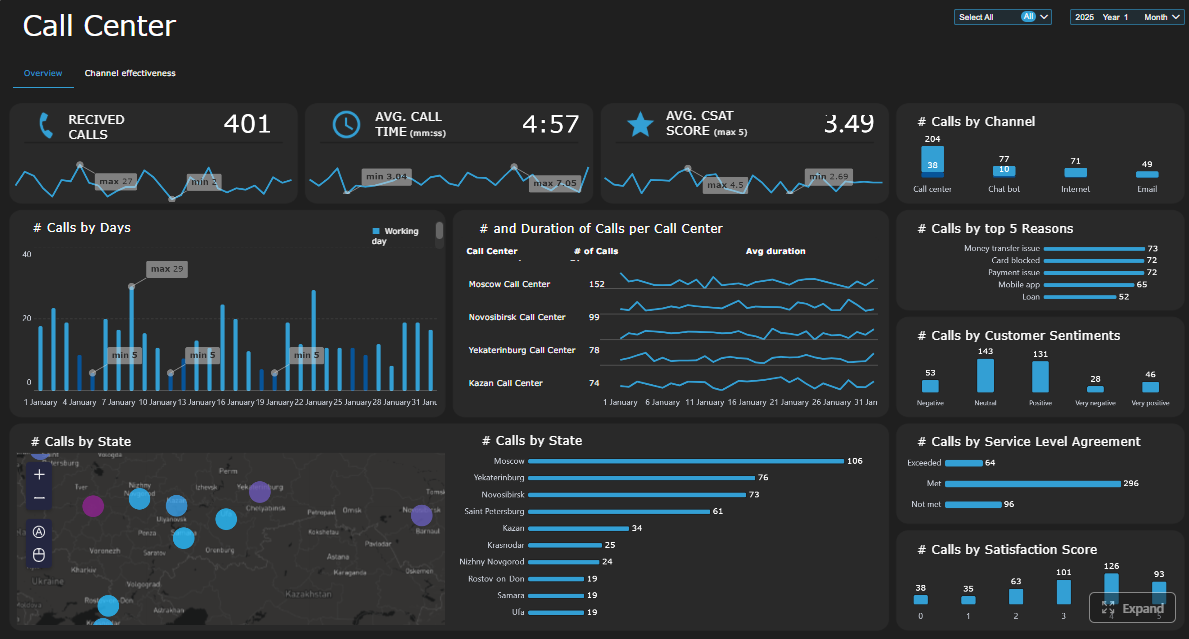
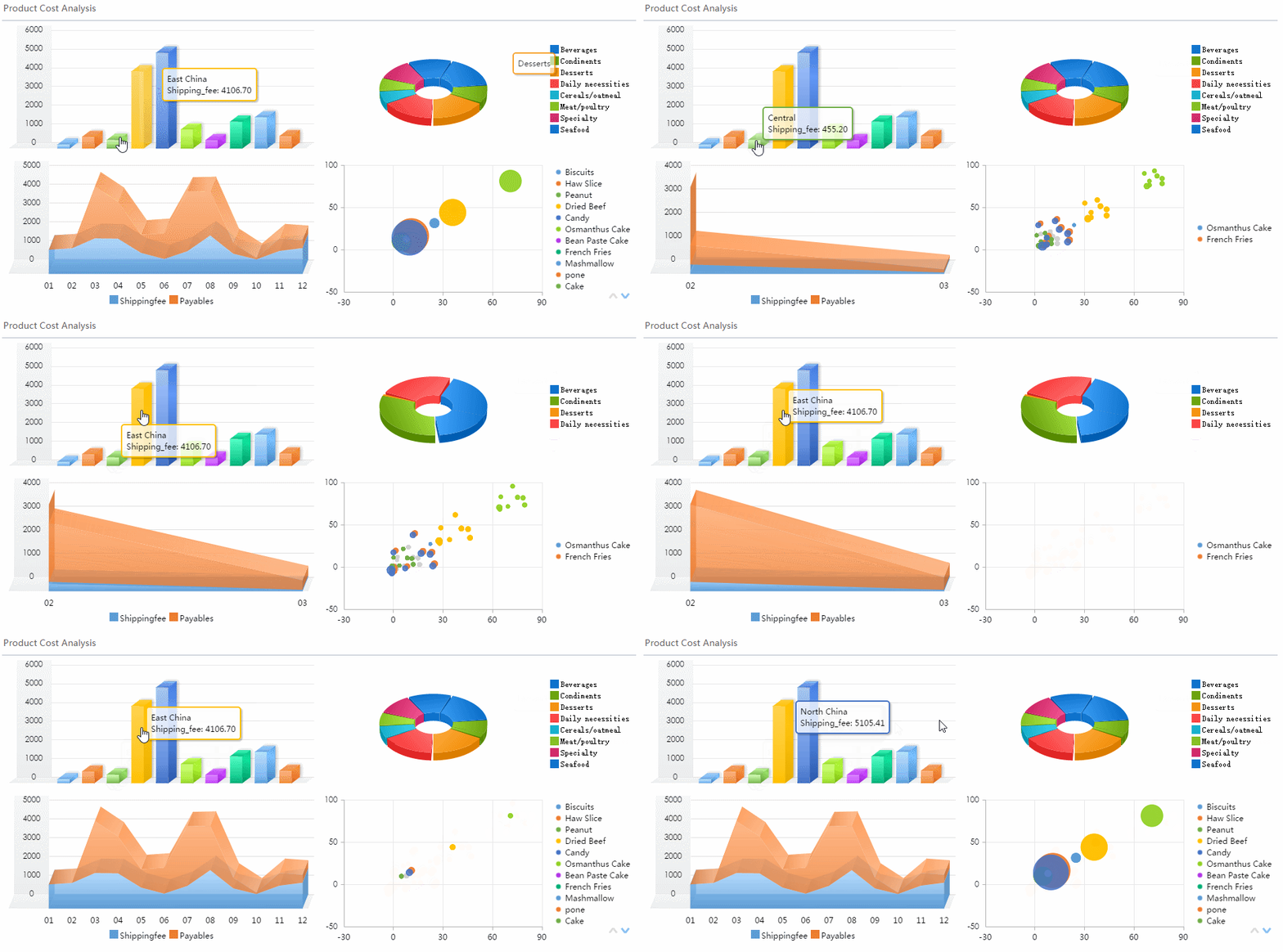
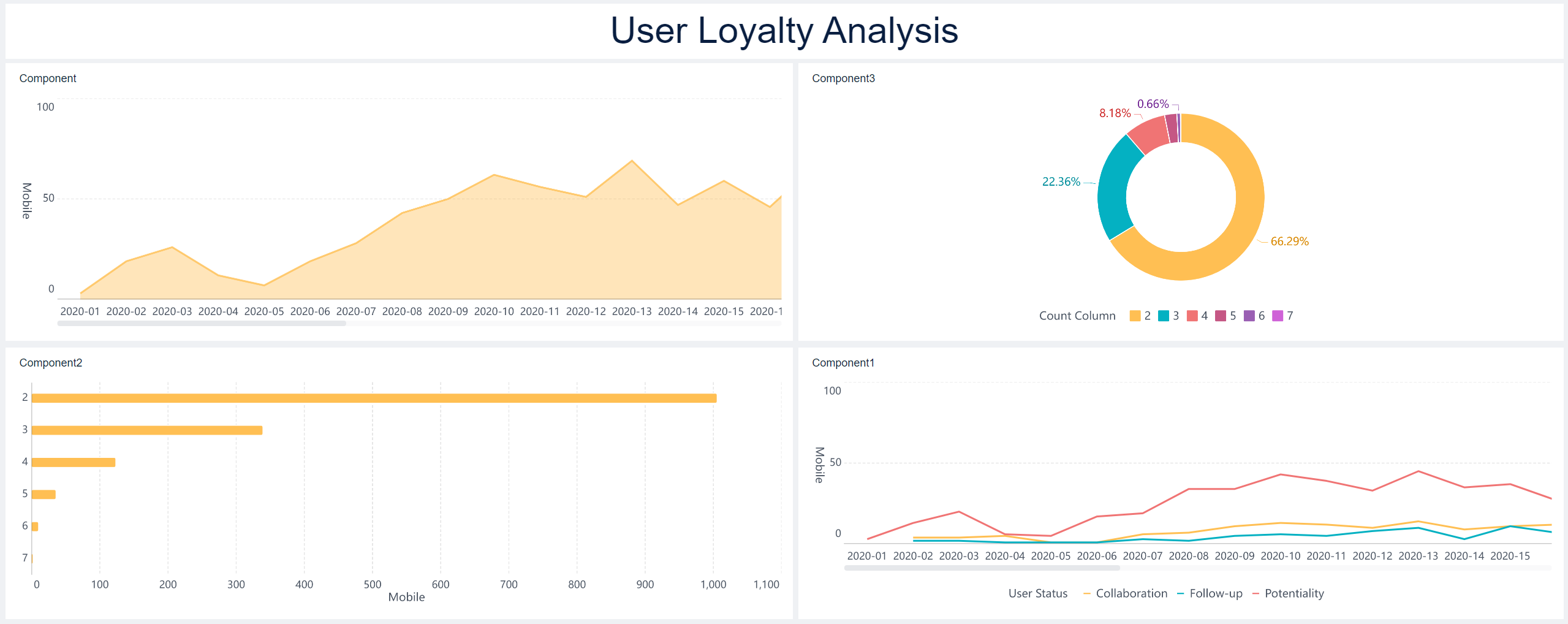
A cyber security dashboard only matters to executives if it converts technical noise into business decisions. Boards, CEOs, CFOs, CIOs, and operating leaders do not need another feed of alerts, blocked attacks, or scan logs. They need to understand one thing clearly: where cyber risk can disrupt revenue, operations, compliance, and customer trust—and what leadership should do next.
This is the gap many organizations struggle with. Security teams report activity. Executives are accountable for business outcomes. When those two worlds are not connected, funding gets delayed, priorities become reactive, and accountability stays vague.
A strong executive dashboard solves that problem. It gives leadership a concise, repeatable view of exposure, resilience, response capability, and business impact. It helps answer practical questions such as:
Where are we materially exposed today?
Which business-critical services are least protected?
Are our investments reducing risk?
What needs executive intervention now?
Who owns each issue and by when?
An operational security report is not the same thing as an executive dashboard. Operational reporting is built for analysts and engineering teams. It includes event volume, tool telemetry, ticket queues, and technical detail needed for daily action. An executive cyber security dashboard is different by design. It is built for decision-making, resource allocation, and governance.
Click To Try The Dashboard
Why a cyber security dashboard matters to executives
The executive team does not manage firewalls, SIEM alerts, endpoint telemetry, or identity exceptions directly. But they are responsible for the consequences when those controls fail. That is why a cyber security dashboard must bridge security activity and business risk.
For executives, the value is straightforward:
Better prioritization: Focus spend on the risks that threaten core services, not the loudest tools.
Stronger oversight: Track whether remediation is happening, by owner and by deadline.
Clearer accountability: Tie each KPI to a named function, business unit, or executive sponsor.
Faster decisions: Surface where leadership must accept risk, escalate remediation, or fund improvement.
Board-ready communication: Replace technical status dumping with concise business-language reporting.
The most effective dashboards also improve alignment between the CISO, CIO, risk leaders, legal, finance, and operations. Instead of debating isolated technical facts, leaders can discuss measurable exposure and resilience.
What actually works in a dashboard for the exec team?
Start with business outcomes, not tool data
The first design rule is simple: start with executive decisions, not tool outputs.
Executives care about:
Risk acceptance
Capital allocation
Business resilience
Regulatory and contractual exposure
Customer and reputational impact
They do not need to see raw alert counts, log volume spikes, or screenshots from five security platforms. Those details may be useful in the SOC, but they rarely help a board member decide whether the organization is underinvesting in identity security, overexposed through third parties, or missing recovery targets for critical services.
A strong cyber security dashboard should therefore map security data to business questions. For example:
Are critical systems covered by baseline controls?
Which unresolved vulnerabilities affect customer-facing revenue systems?
How long are key services exposed before threats are detected and contained?
Which vendors create concentration or compliance risk?
What is the probable loss if a top scenario occurs?
That is the level where executive action begins.
Choose metrics that show trend, impact, and ownership
A useful KPI does not just report status. It shows whether risk is changing, why it matters, and who is accountable.
Show trend: improving, worsening, or flat over time
Show impact: link to services, obligations, or financial exposure
Show ownership: assign a business or technology leader responsible for action
This matters because static percentages without context create weak governance. A metric becomes decision-ready only when leadership can interpret it quickly.
Design for clarity in every board update
Board and executive updates should be instantly scannable. If a dashboard requires a long verbal translation, it is too technical or too crowded.
Use these design principles:
Keep the dashboard to a small number of high-value visuals
Use plain-language labels
Apply clear thresholds for green, amber, and red
Show trend direction
Add a short commentary explaining what changed and why it matters
Key Metrics (KPIs) an executive cyber security dashboard should include
Below are the core characteristics every KPI on the dashboard should meet:
Business relevance: The KPI must connect to revenue, operations, resilience, compliance, or trust.
Criticality-based prioritization: It should reflect the importance of affected assets or services, not just totals.
Trend visibility: Leaders should see whether the situation is improving or deteriorating over time.
Owner accountability: Each KPI should have a named owner responsible for remediation or control.
Threshold-based escalation: The dashboard should define when executive intervention is required.
Actionability: The metric must support a decision, not just describe activity.
Consistency: Data should refresh on a defined schedule with stable calculation logic.
Narrative context: Each KPI should include a short explanation of what changed and what action is underway.
The 12 KPIs that turn security activity into business risk
1) Critical asset coverage
This KPI shows what percentage of business-critical systems are protected by essential controls such as MFA, EDR, secure backups, vulnerability scanning, and logging.
Executives should care because control gaps on critical assets create outsized business risk. If a core ERP platform, payment environment, manufacturing controller, or customer-facing application lacks baseline protection, the issue is not merely technical. It is operational and financial.
What this KPI answers:
Which mission-critical services are underprotected?
Which business functions could be disrupted?
Where should immediate funding or enforcement be focused?
Best practice: break coverage down by control family and by critical service, not just enterprise-wide average.
2) Vulnerability exposure by business criticality
Not all vulnerabilities are equal. The executive dashboard should prioritize unresolved high-risk vulnerabilities based on:
Asset importance
Exploitability
Internet exposure
Presence of known attack paths
Link to regulated or revenue-generating systems
This KPI helps leaders understand where vulnerability debt could materially affect operations, customer trust, or contractual obligations.
What this KPI answers:
Where are the most dangerous weaknesses concentrated?
Are remediation efforts focused on the systems that matter most?
Is exposure increasing in critical business services?
A mature view avoids reporting giant backlog numbers without context. What matters is the exposure on critical systems.
3) Mean time to detect
Mean time to detect measures how quickly threats affecting key systems are identified.
For executives, this is not an SOC vanity metric. It is a measure of how long the business may remain exposed before action begins. Shorter detection windows generally reduce downstream impact.
What this KPI answers:
Are monitoring investments improving visibility?
Is threat detection getting faster on high-value systems?
Are there blind spots in critical environments?
Trend lines matter more than isolated numbers. The board should see whether detection capability is strengthening over time.
4) Mean time to contain
Mean time to contain shows how quickly the organization can isolate affected assets, stop lateral movement, or reduce attacker access after a threat is identified.
This KPI directly reflects the duration of business exposure during an incident. The longer containment takes, the more opportunity an attacker has to expand impact.
What this KPI answers:
How long do incidents remain materially dangerous?
Are response processes effective under pressure?
Where do delays occur—decision-making, tooling, staffing, or coordination?
For executive reporting, frame this as exposure duration, not just security team speed.
5) Mean time to recover
Mean time to recover tracks how long critical services take to return to normal after an incident.
This is one of the clearest measures of cyber resilience because it ties directly to continuity, customer commitments, service-level expectations, and financial performance.
What this KPI answers:
Can the organization restore critical operations fast enough?
Are backup and recovery investments working?
Which services are unlikely to meet resilience targets?
Recovery should be measured at the service level, not as a generic IT average.
This KPI breaks incidents down by severity and business impact rather than reporting only total count.
Total incident volume often misleads executives. A rise in low-level events may not matter. A small increase in severe incidents absolutely does.
What this KPI answers:
Are serious events increasing?
Which business areas are most affected?
Are high-severity incidents concentrated in critical services or business units?
A practical severity model should incorporate:
Operational disruption
Data sensitivity
Financial exposure
Legal or regulatory consequences
Customer impact
7) Phishing susceptibility and reporting rate
This metric should track both employee failure rates and employee reporting rates for suspicious messages.
The executive value here is human risk, not training completion. A business with a moderate click rate but strong reporting behavior may be more resilient than one with high completion statistics and weak real-world reporting.
What this KPI answers:
Is employee behavior increasing or decreasing risk?
Are users escalating suspicious content quickly enough?
Which groups need focused intervention?
The dashboard should segment this by high-risk populations such as finance, executives, privileged users, and customer support.
8) Identity and access risk
Identity is often the shortest path to material compromise. This KPI should summarize:
Privileged account sprawl
Dormant accounts
MFA adoption
High-risk access exceptions
Excessive permissions
Third-party privileged access
What this KPI answers:
How exposed is the organization through identity weaknesses?
Where does access exceed business need?
Which exceptions create disproportionate compromise risk?
For executive teams, identity risk should be linked to crown-jewel systems and sensitive business processes.
9) Third-party and supply chain risk status
Many organizations inherit cyber risk through vendors, service providers, software dependencies, and outsourced operations. This KPI should show exposure created by critical third parties, open findings, and concentration risk.
What this KPI answers:
Which vendors create material operational dependency?
Where are unresolved security findings sitting too long?
Could a single provider disrupt multiple key services?
This is especially important in regulated sectors and complex service environments where third-party outages or breaches can create compliance and customer fallout.
10) Control effectiveness by priority risk
Executives do not just need to know whether controls exist. They need to know whether those controls reduce top risks effectively.
This KPI should connect priority risks to:
Existing controls
Testing results
Failure patterns
Exceptions and compensating controls
Residual risk levels
What this KPI answers:
Are current investments reducing risk where it matters most?
Which control gaps remain despite spending?
Where is the organization relying too heavily on exceptions?
This is one of the strongest KPIs for budget discussions because it links security spend to measurable risk reduction.
This KPI tracks overdue remediation items, repeat exceptions, open policy waivers, and findings tied to legal, regulatory, audit, or contractual obligations.
Executives should not be flooded with minor administrative findings. They should see only the exceptions that create meaningful business exposure.
What this KPI answers:
Which unresolved issues carry legal or contractual consequences?
Are policy exceptions becoming normalized?
Where is compliance drift increasing business risk?
The most useful view separates low-impact housekeeping issues from material non-compliance.
12) Loss scenario and potential business impact
This KPI translates cyber exposure into business language by estimating likely impact across top loss scenarios.
Scenario examples may include:
Ransomware impacting core operations
Business email compromise affecting treasury processes
What is the likely financial downside of top scenarios?
Which scenarios threaten operations most severely?
Where should leadership increase investment or risk treatment?
This metric is especially effective with finance and board audiences because it reframes cyber security dashboard reporting around probable loss, not technical complexity.
How to structure a CISO cybersecurity dashboard for decision-making
Group metrics into four executive views
A clean executive dashboard should group KPIs into four decision-oriented views:
1. Exposure
This view shows where the organization is vulnerable today.
Include metrics such as:
Critical asset coverage
Vulnerability exposure by business criticality
Identity and access risk
Third-party risk status
2. Readiness
This view shows whether the organization is prepared to resist and absorb disruption.
Include metrics such as:
Phishing susceptibility and reporting rate
Control effectiveness by priority risk
Compliance and policy exception volume
3. Incident performance
This view shows how well the organization detects, contains, and recovers from real incidents.
Include metrics such as:
Mean time to detect
Mean time to contain
Mean time to recover
Incident severity distribution
4. Business impact
This view shows the likely consequence of cyber events in terms executives already use.
Include metrics such as:
Loss scenario and potential business impact
Service recovery impact
Regulatory exposure summary
High-priority risk trends
This structure makes the dashboard easier to scan and discuss in leadership meetings.
Add targets, thresholds, and narrative context
A dashboard without targets is just a scorecard. Executives need to know what “good” looks like, when to escalate, and what action is expected.
Each KPI should include:
Owner: Who is accountable
Target state: What good looks like
Acceptable range: Normal tolerance band
Current trend: Improving, worsening, stable
Escalation threshold: When executive attention is required
Required action: What happens next if out of bounds
Also add short commentary, such as:
What changed since last month
Why the change matters now
Which corrective actions are underway
Whether leadership support is needed
Separate board reporting from operational drill-downs
One of the most common design failures is trying to satisfy every audience with one dashboard.
A board package should stay focused on strategic risk and business impact. The CIO and CISO may need more detail. Security operations and engineering teams need much deeper technical drill-downs.
A good model is layered:
Executive layer: concise, business-facing summary
Management layer: more detailed functional analysis
Operational layer: technical investigation and remediation detail
This prevents the executive cyber security dashboard from turning into a crowded SOC monitor.
Common mistakes in cyber security dashboard projects
Many dashboard initiatives fail not because of bad tools, but because of poor design logic. The usual mistakes are predictable.
Tracking too many metrics with no clear business relevance
If every available metric is included, nothing stands out. Executives stop engaging when dashboards become dense collections of security trivia.
The test is simple: if a metric does not support a funding, governance, or risk decision, it likely does not belong in the executive view.
Reporting security activity counts instead of risk reduction or resilience outcomes
Blocked attacks, patch counts, login attempts, and event volumes can be useful operationally. But they often say little about actual business exposure.
Executives need to see whether the organization is becoming safer, more resilient, and more accountable—not just busier.
Mixing audience needs across the board, CIO, CISO, and technical teams
Different stakeholders need different levels of abstraction. A board dashboard should not read like a SOC queue. Likewise, analysts cannot work effectively from high-level executive charts alone.
Build dashboards by audience and decision type.
Failing to refresh data consistently or assign ownership for each KPI
Even a well-designed cyber security dashboard loses credibility if data is stale, definitions keep changing, or nobody owns the outcome.
Every KPI needs:
A calculation method
A refresh schedule
A system of record
A named owner
A remediation path
Treating the dashboard as a one-time reporting artifact instead of an evolving management tool
Dashboards should influence how the organization allocates budget, prioritizes remediation, and reviews accountability. If the dashboard is only produced for board meetings, it becomes performative rather than useful.
The best dashboards evolve with the business, threat landscape, operating model, and regulatory pressure.
How to launch and improve your dashboard over time
A practical rollout beats a perfect theoretical model. Most organizations should begin with a minimum viable executive dashboard and mature it through monthly use.
1. Start with your top business risks
Identify the services, processes, and obligations that matter most to the business. Then select a compact KPI set aligned to those risks.
In most cases, starting with 8 to 12 strong KPIs is enough.
This avoids the common problem of dashboard disputes caused by inconsistent metric logic.
3. Review it monthly with executives
A cyber security dashboard becomes valuable when it drives recurring management conversations. Monthly review is usually the right starting point for executive teams.
Use the review to answer:
What changed?
Why did it change?
What decision is required?
Who owns the response?
4. Refine based on actual decisions made
If a KPI never influences action, revise or remove it. If leadership keeps asking a follow-up question, add that context to the dashboard.
The best dashboards are shaped by decision patterns, not by security tool capabilities.
5. Benchmark against internal targets first
External examples can be helpful, but they are often misleading without context. Your first benchmark should be your own target state, risk appetite, and critical service requirements.
Once internal baselines are stable, external benchmarking becomes more meaningful.
FineBI: the fastest way to build an executive cyber security dashboard that leaders will actually use
Building this manually is complex. You need to integrate multiple data sources, normalize KPI definitions, maintain refresh schedules, design executive-ready visuals, and keep reporting consistent across stakeholders. That is a heavy lift for already stretched security, IT, risk, and BI teams.
This is where FineBI becomes the practical enabler.
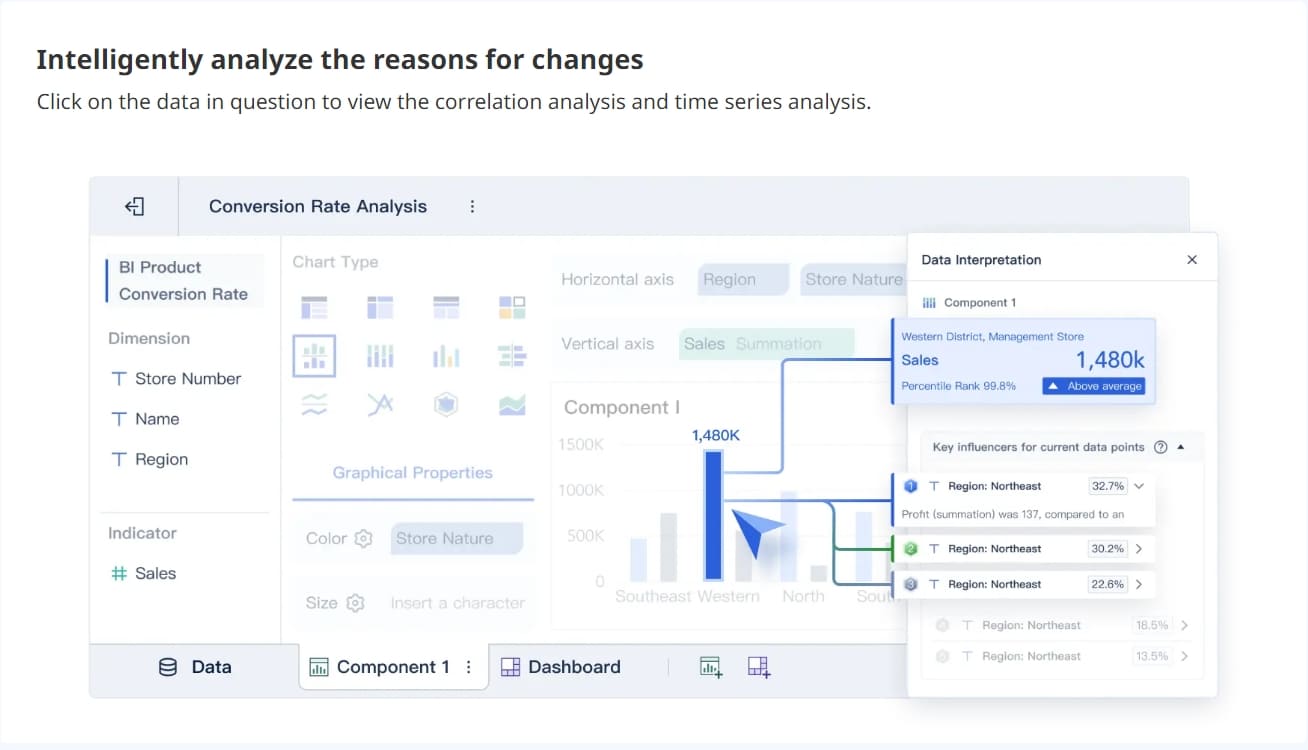
With FineBI, organizations can use ready-made templates and automate this entire workflow instead of assembling a fragile dashboard process from spreadsheets, slide decks, and disconnected security tools. For executive cyber security dashboard use cases, FineBI helps teams:
Consolidate security, asset, vulnerability, identity, incident, and vendor data into one view
Build board-ready KPI dashboards with clear thresholds and trend analysis
Create role-based views for executives, CISOs, CIOs, and operational teams
Standardize metric definitions to improve governance and trust
Refresh data automatically to avoid stale reporting
Drill from executive summary into deeper detail when needed
Speed up monthly reporting cycles with reusable templates
That matters because a high-value dashboard is not just a visualization project. It is an operational management system for cyber risk.
If your team is still stitching together board updates by hand, the process is likely slow, inconsistent, and difficult to scale. FineBI provides a more reliable model: centralize the data, automate the reporting logic, and deliver a cyber security dashboard that translates technical activity into business risk with far less manual effort.
The goal is not to show more data. The goal is to help leadership make better decisions, faster. FineBI is how you get there.
FAQs
It should show business risk, resilience, and accountability rather than raw tool data. The most useful dashboards connect exposure to critical services, financial impact, compliance risk, and named owners.
An executive dashboard is built for decisions on funding, risk acceptance, and oversight, while an operational dashboard supports daily technical work. Executives need concise trends, thresholds, and business impact instead of alert volume and detailed telemetry.
The strongest KPIs usually measure exposure in critical assets, incident response speed, recovery readiness, unresolved high-risk vulnerabilities, third-party risk, and compliance gaps tied to business impact. Each one should also show trend and ownership so leaders know what action is needed.
Keep it limited to a small set of high-value KPIs that leaders can scan quickly and use to make decisions. Too many metrics usually create noise and make it harder to identify material risk.
Most organizations review it on a regular executive cadence such as monthly or quarterly, with immediate escalation for red-status issues. The right frequency depends on risk exposure, reporting obligations, and how fast conditions change in the business.
Product Trial
FineReport
Pixel-perfect reports · Interactive dashboards · Easy data entry · Digital twins