If you are comparing investment reporting software, you are probably trying to solve a bigger problem than just making portfolio data look better. Most firms already have some way to show returns, allocations, and benchmark performance. The harder question is whether the software can produce accurate, repeatable, client-ready reporting at scale while fitting the workflows of advisors, operations teams, and compliance stakeholders.
That is why a serious investment reporting software evaluation should go beyond dashboards and performance charts. You need to assess how each platform handles data aggregation, reporting controls, delivery workflows, permissions, security, and long-term operational value. For RIAs, family offices, private wealth teams, and institutional investment operations, these factors often matter more than the visual layer alone.
Implementation effort, support model, pricing logic, roadmap fit
Prevents expensive misalignment over time
A tool can have attractive dashboards and still create reporting bottlenecks if the underlying workflows are manual. In investment environments, software quality is measured as much by control and repeatability as by visual appeal.
What an investment reporting software comparison should cover beyond dashboards
Visual reporting is only the starting point. Dashboards help users spot trends, explain performance, and communicate high-level portfolio information. But investment firms also need software that can support operational reporting cycles, client communication standards, and internal governance requirements.
A useful comparison should examine how well each platform supports the full reporting lifecycle:
Data collection and aggregation
Validation and reconciliation
Report design and customization
Review and approval
Secure distribution
Retention and reproducibility
Different firms also prioritize reporting in different ways:
RIAs may focus on client-friendly reporting, account grouping, and efficient recurring delivery
Family offices may prioritize complex entity structures, illiquid assets, and consolidated views
Institutional teams may care more about governance, consistency, and management reporting
Private market or alternatives-heavy firms may need stronger support for manual inputs, exception handling, and customized report logic
The best investment reporting software for one firm is not automatically the best for another. The right choice depends on your client base, asset mix, service model, and internal reporting responsibilities.
Data quality, integrations, and reporting accuracy
For investment reporting, bad data moves fast. A polished PDF or portal report means very little if the underlying holdings, valuations, or classifications are incomplete or inconsistent.
Source connectivity and data aggregation
Start by reviewing how the software connects to the systems you already use. Common data sources include:
Custodian feeds
Portfolio accounting platforms
CRM systems
Market data providers
Internal spreadsheets or databases
Alternative investment records
Billing or fee systems
The key question is not simply whether the platform has integrations. It is whether it can aggregate and normalize data in a way that reduces manual rework.
Look for answers to questions such as:
How many source systems can be combined into one reporting layer?
Can the platform standardize classifications and account structures?
How are missing values or data conflicts handled?
Are reconciliation steps automated, semi-automated, or fully manual?
Can teams blend structured data with manually maintained investment information?
Firms with alternatives, private investments, or multi-entity ownership structures should test this carefully. The more complex the portfolio mix, the more important normalization becomes.
Accuracy controls and auditability
Accuracy is not only about getting the numbers right once. It is about being able to reproduce reports consistently across time periods, account groups, and client segments.
Evaluate whether the platform supports:
Exception handling
Data review checkpoints
Approval workflows
Version history
Change logs
Audit trails
Locked report periods
Standardized templates
This matters when a client asks why a number changed, when compliance teams need supporting evidence, or when operations teams need to regenerate a report for a previous period.
A strong investment reporting software platform should help your team answer not just what the report says, but also where the data came from, who changed it, and when it was approved.
Workflow fit for advisors, operations, and client service teams
Even technically capable software can fail if it does not fit how your teams actually work. Investment reporting usually spans multiple roles, and each one needs something different from the system.
Customization without heavy technical effort
Advisors and client service teams often need flexibility. They may want to tailor outputs for different households, client tiers, or mandates without waiting on developers every time.
Ease of modifying tables, charts, and narrative sections
A useful platform should let business users adapt reports without turning every request into an IT project. That does not mean every tool must be no-code, but the reporting layer should be manageable by the people closest to the reporting need.
This is especially important for firms that deliver:
Quarterly client books
Relationship summaries
Portfolio review packs
Board or investment committee reporting
Product-level or strategy-level reports
Collaboration and delivery workflows
Recurring reporting cycles depend on more than template design. They require smooth handoffs between operations, advisors, managers, and sometimes compliance reviewers.
Evaluate how the software handles:
Draft reviews
Internal comments
Approval routing
Permissions by role or team
Scheduled generation
Batch processing
Secure file delivery
Client portal publishing
Email distribution controls
Stakeholder sign-off
A platform that reduces bottlenecks in these areas can save significant time during month-end, quarter-end, and client review periods.
The operational question to ask is simple: Does this software shorten the path from validated data to approved client communication?
Compliance, security, and client communication standards
Investment reporting does not happen in a vacuum. Reports are often part of regulated client communications, supervisory processes, and formal recordkeeping obligations.
Regulatory and governance support
When evaluating investment reporting software, look at whether it can support governance practices such as:
Record retention
Disclosure management
Standardized report language
Supervisory review steps
Approval documentation
Consistent client communication templates
Historical output retrieval
Some firms need formalized controls around who can edit certain disclosures or publish certain reports. Others mainly need to make sure reporting language stays consistent across advisor teams.
In either case, governance support matters because inconsistent reporting is not just inefficient. It can create client communication risk.
Security and access controls
Because investment reports contain sensitive financial and personal information, security should be a front-line evaluation criterion.
Compare platforms on:
Encryption in transit and at rest
Role-based access controls
Single sign-on support
User provisioning and deprovisioning
Secure sharing options
Environment separation
Vendor security practices
Administrative controls over report access
Also verify whether permissions can be applied at the level your firm actually needs. For some teams, broad department-level permissions are enough. For others, access must be managed by entity, household, advisor team, geography, or report type.
Strong investment reporting software should help firms protect portfolio and client data without making reporting workflows unworkable.
Scalability, analytics depth, and long-term platform value
A platform that works for 200 client accounts may not work the same way for 20,000 reports, multiple legal entities, or geographically distributed teams.
Support for complex portfolios and growing firms
Scalability in investment reporting has several dimensions. You should test how the software performs across:
Multi-entity structures
Household reporting
Multi-currency views
Alternative investments
Private assets
Large report batch volumes
Cross-region reporting requirements
Increasing user counts
Growth often exposes reporting weaknesses that are easy to miss in a polished demo. A vendor may show a clean dashboard, but your real test should involve the most complicated reporting package your firm produces.
Ask vendors to demonstrate:
Reporting for mixed public and private holdings
Grouped household structures
Region-specific formats
High-volume batch generation
Complex parameter filtering
Historical re-runs of prior-period reports
Beyond reporting: analytics and management capabilities
Some platforms are primarily reporting tools. Others combine reporting with portfolio analytics, operational workflows, or broader wealth management functions.
That distinction matters.
You should determine whether your firm benefits more from:
An all-in-one platform that includes portfolio analytics and related workflows
A specialized reporting solution designed to sit alongside existing portfolio systems
Evaluate whether the software supports adjacent needs such as:
An all-in-one platform can reduce system sprawl. But a dedicated reporting layer can sometimes offer stronger formatting control, workflow customization, or enterprise reporting governance.
Practical recommendations before you choose investment reporting software
Based on real reporting projects, here are five practical ways to make a better decision:
Map the full reporting workflow before evaluating tools.
Do not evaluate software based only on final output. Document every step from source data to delivery and identify the true bottlenecks.
Test with your hardest report, not your simplest one.
If a platform handles your most complex household, alternative asset, or multi-entity report well, it will probably handle standard reporting too.
Separate visualization needs from operational reporting needs.
Dashboards are valuable, but recurring client statements, review packs, and approval-driven reports often require stronger formatting and workflow controls.
Include compliance and operations in the buying process.
Advisors and investment teams may focus on presentation, while operations and compliance teams usually expose the practical risks.
Score total cost, not just subscription price.
Manual reconciliation, template change requests, bottlenecks, and implementation overhead can outweigh licensing differences over time.
When a dedicated reporting platform like FineReport is worth considering
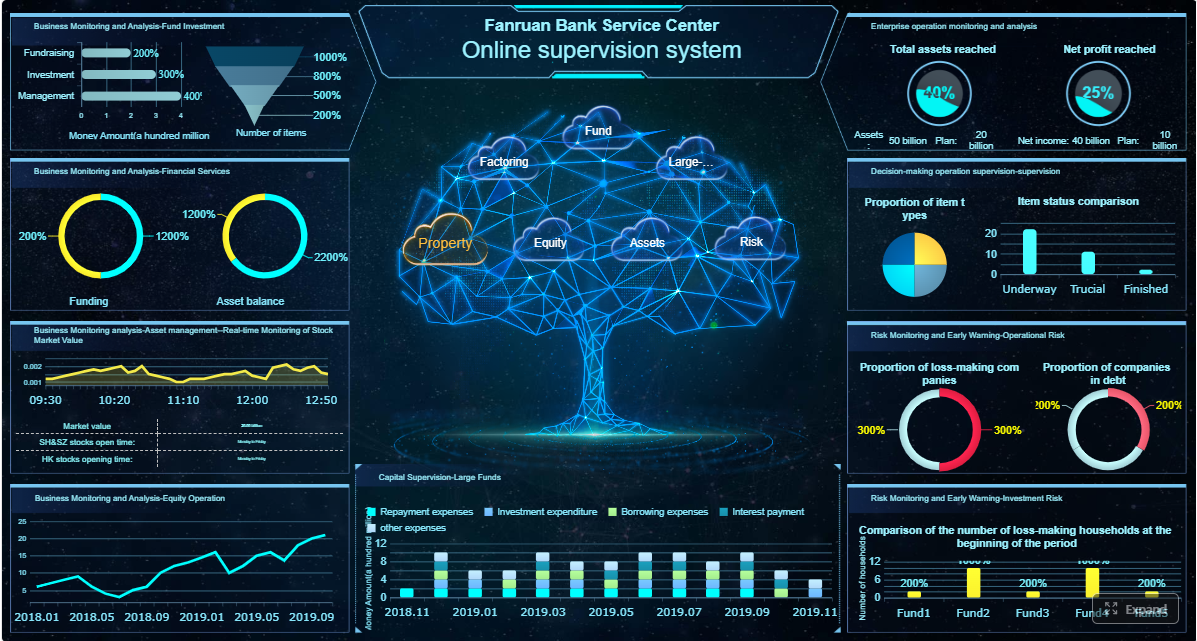
Tools used in wealth management and investment operations often do a strong job with portfolio analysis, dashboards, and consolidated views. But firms with complex reporting workflows may also need a dedicated enterprise reporting platform like FineReport.
That is especially true when your reporting needs include:
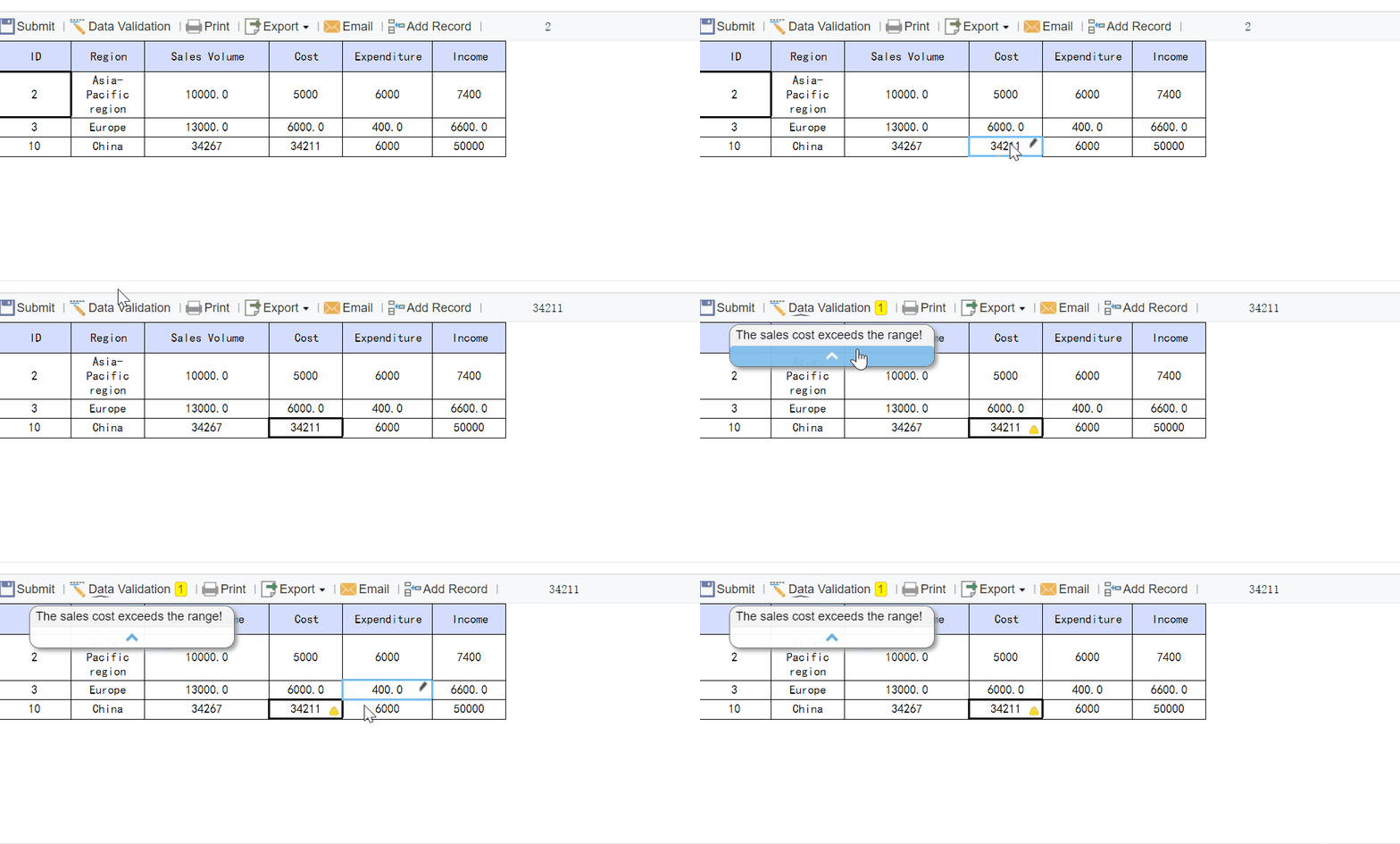
Data entry or form-based processes tied to reporting operations
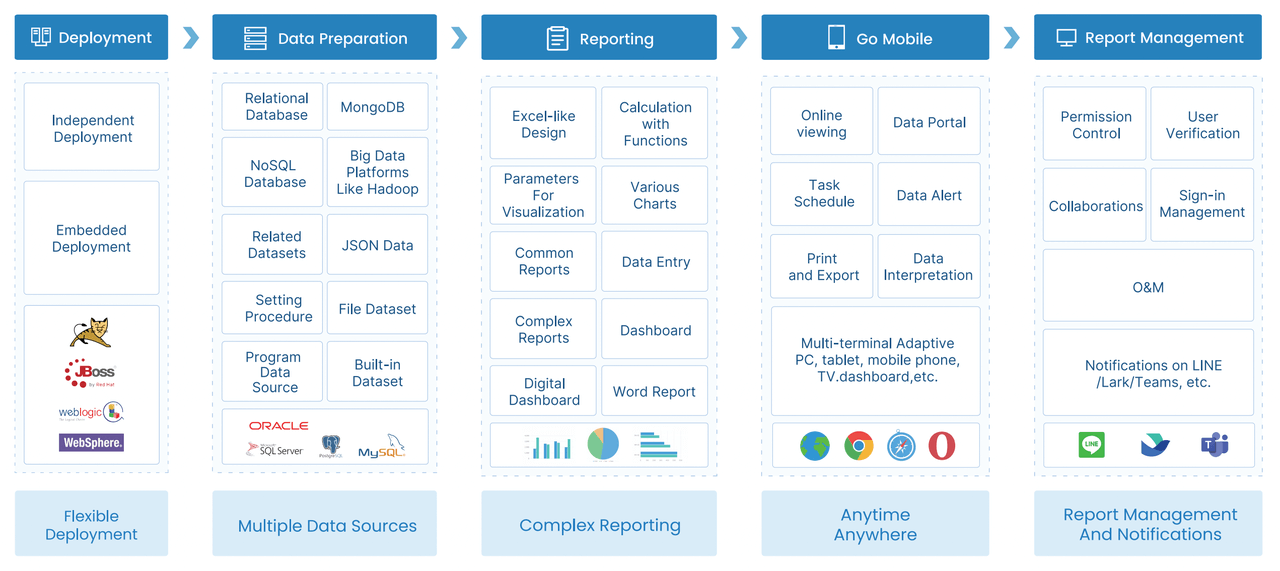
FineReport is positioned as an enterprise reporting and dashboard platform for organizations that need more than simple BI visualization. It is commonly used for structured reporting, operational reporting, dashboard-report integration, scheduled delivery, and form-based workflows. For teams managing recurring report cycles, it can be a practical option where layout control and process consistency matter.
For example, if an investment operations team needs to create highly formatted portfolio review books, exception reports, approval-based internal reports, or scheduled client reporting packages, a reporting-focused platform can add value beyond a standard dashboard tool.
Get Ready-to-Use Dashboard and Report Templates in Fine Gallery
Where FineReport fits in an investment reporting software stack
FineReport is not presented as a portfolio accounting replacement. Instead, it is most relevant when firms need a flexible reporting layer on top of existing data sources and business systems.
Potential fit scenarios include:
Firms that already have portfolio data but struggle with report production
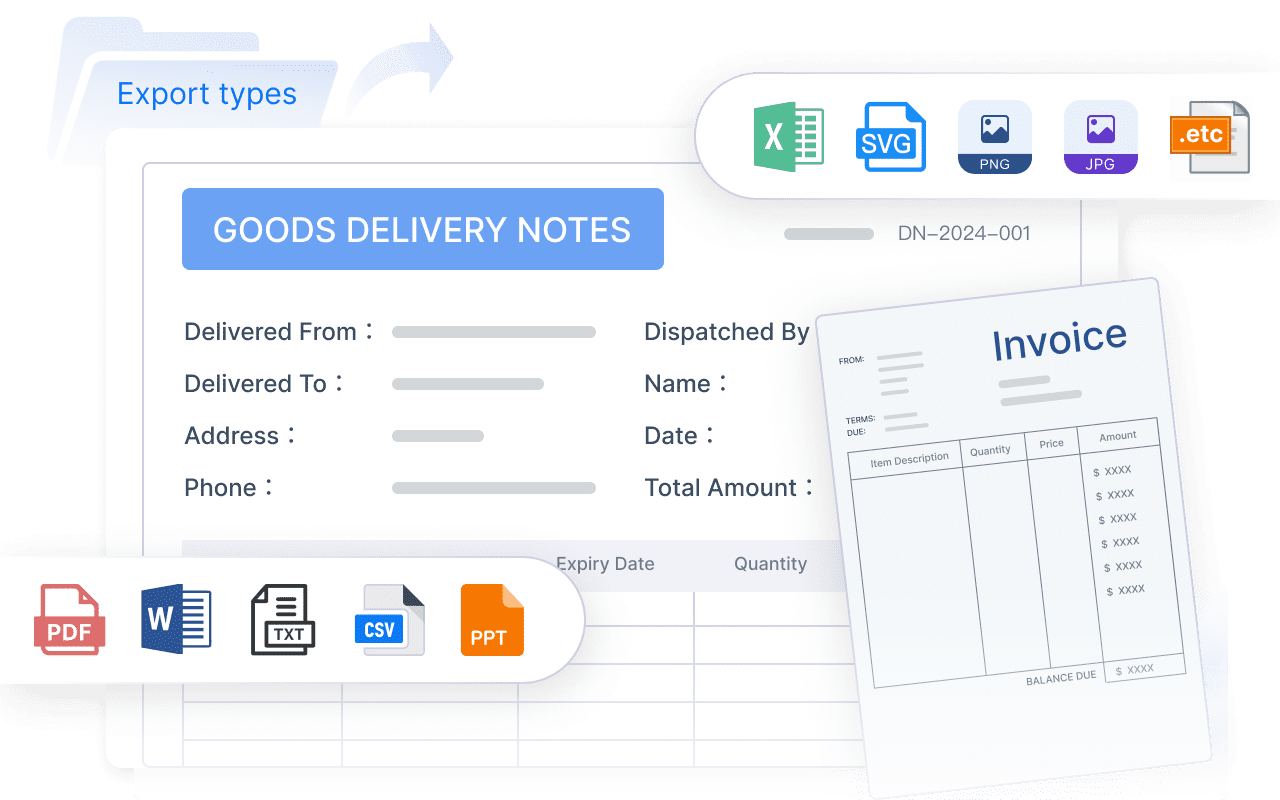
Teams that need printable, client-ready, branded reports
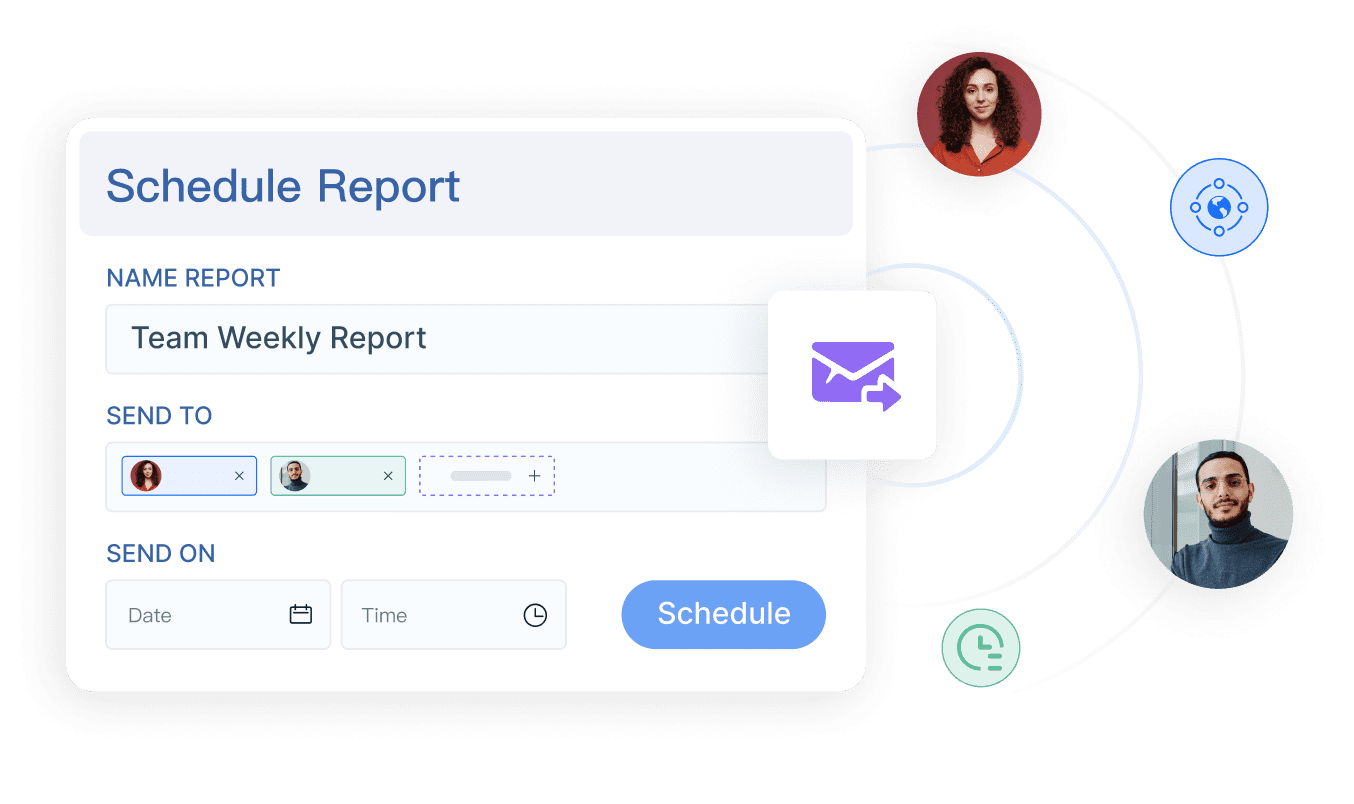
Organizations with approval, scheduling, and distribution requirements
Operations teams that need parameter-driven reporting across accounts, segments, or periods
Enterprises that want dashboards and detailed reports in one environment
Workflows that also require data collection or form entry alongside reporting
Its strengths are especially relevant where report design precision and recurring operational delivery are more important than purely exploratory analytics.
Final thoughts on choosing investment reporting software
The best investment reporting software is not just the one with the best charts. It is the one that helps your firm produce accurate, controlled, client-ready reporting with less manual effort and less operational risk.
As you compare vendors, focus on the nine factors that tend to determine long-term success:
If your firm needs more than dashboards—especially if you need structured, repeatable, highly formatted investment reporting—then it may be worth evaluating a dedicated reporting platform alongside portfolio management tools.
Focus on data connectivity, reporting accuracy, customization, workflow support, compliance controls, security, scalability, analytics, and total long-term value. The best platform should support the full reporting lifecycle, not just attractive dashboards.
Dashboards show performance visually, but they do not solve issues like reconciliation, approvals, audit trails, secure delivery, and repeatable report production. Firms need software that supports control, accuracy, and operational efficiency at scale.
Integrations are critical because firms often need to combine data from custodians, portfolio accounting systems, CRM tools, and internal sources. Strong connectivity reduces manual consolidation and helps improve reporting speed and consistency.
Check whether the platform includes reconciliation support, exception handling, version history, approval workflows, and audit trails. These features make it easier to verify numbers, reproduce reports, and maintain trust with clients and stakeholders.
RIAs, family offices, institutional teams, and alternatives-heavy firms often gain the most value because their reporting needs are more complex. They usually require multi-entity views, customized outputs, stronger controls, and secure recurring delivery.
Product Trial
FineReport
Pixel-perfect reports · Interactive dashboards · Easy data entry · Digital twins