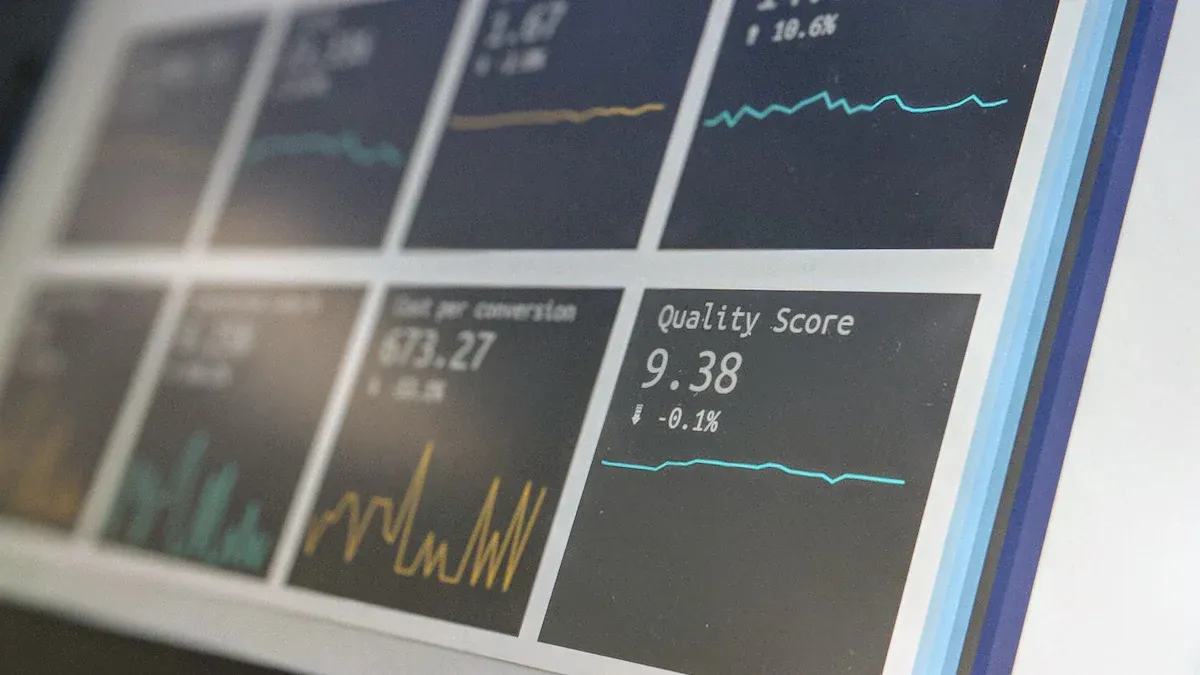
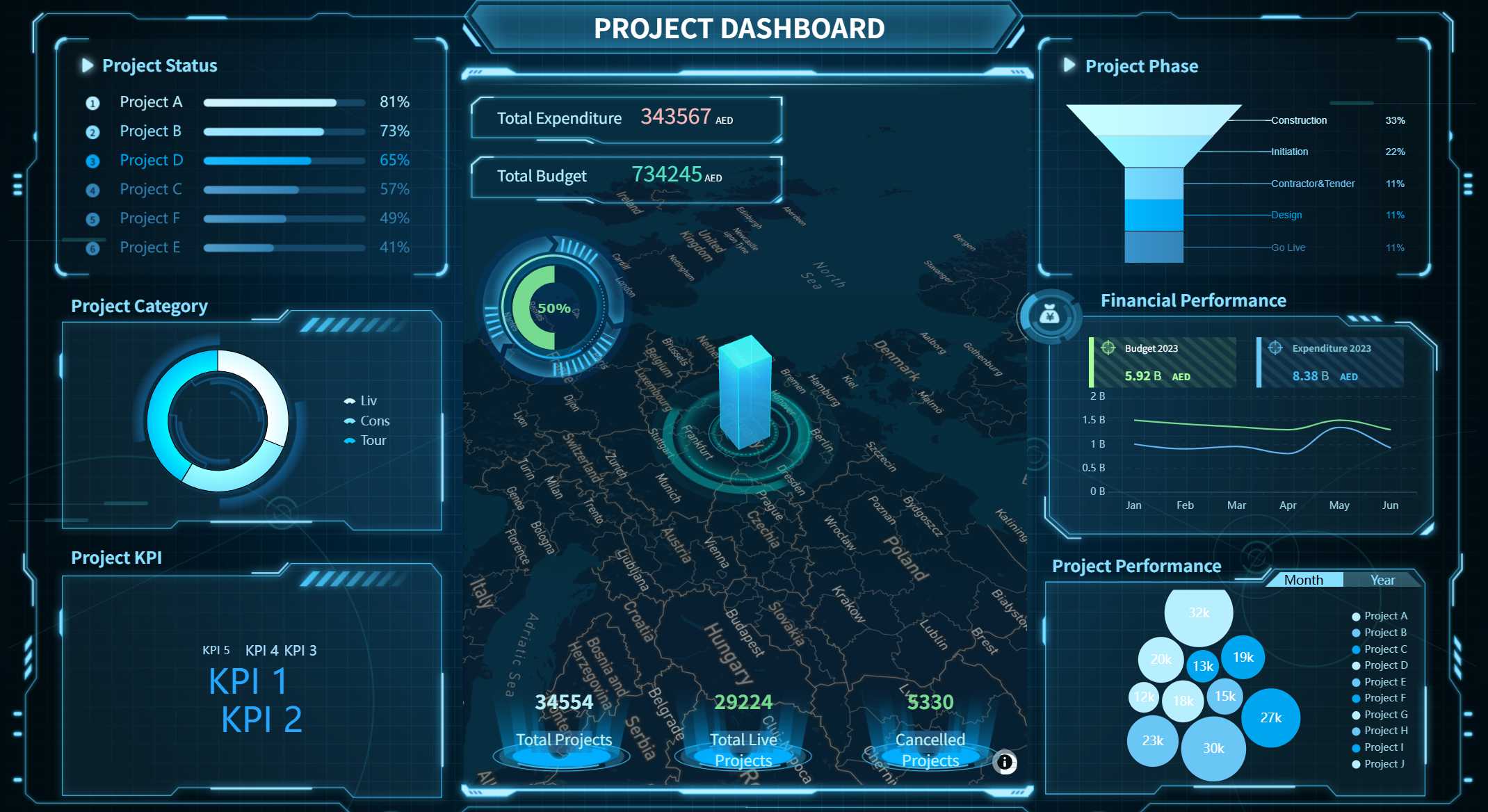
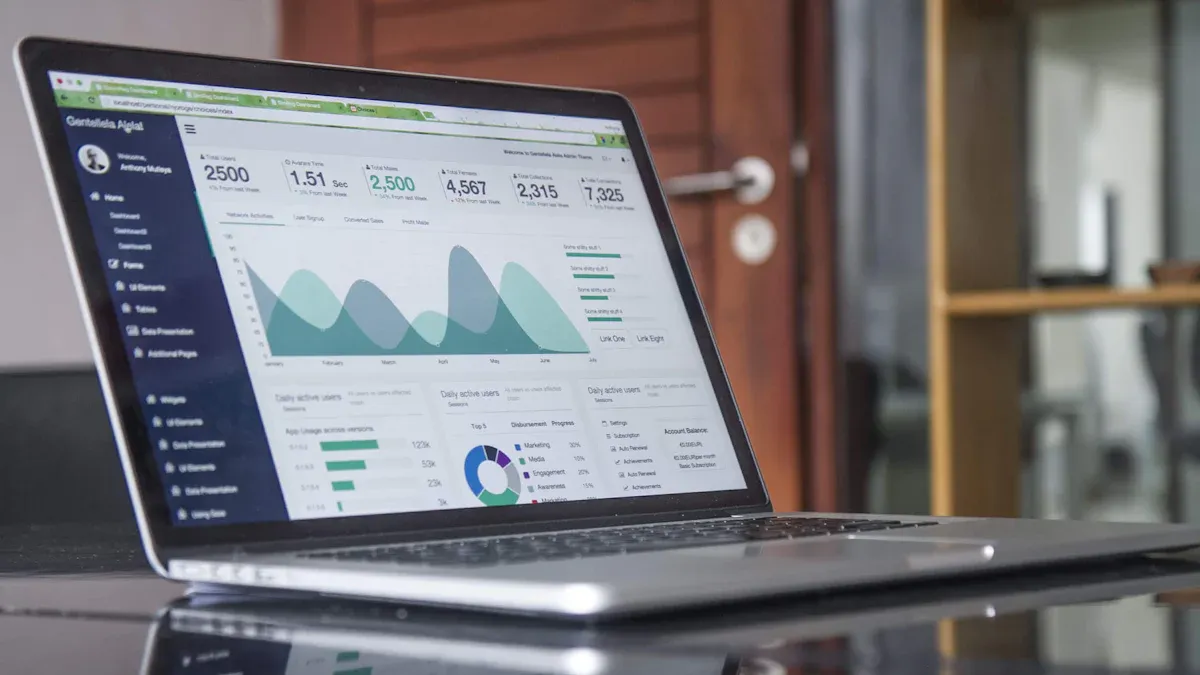
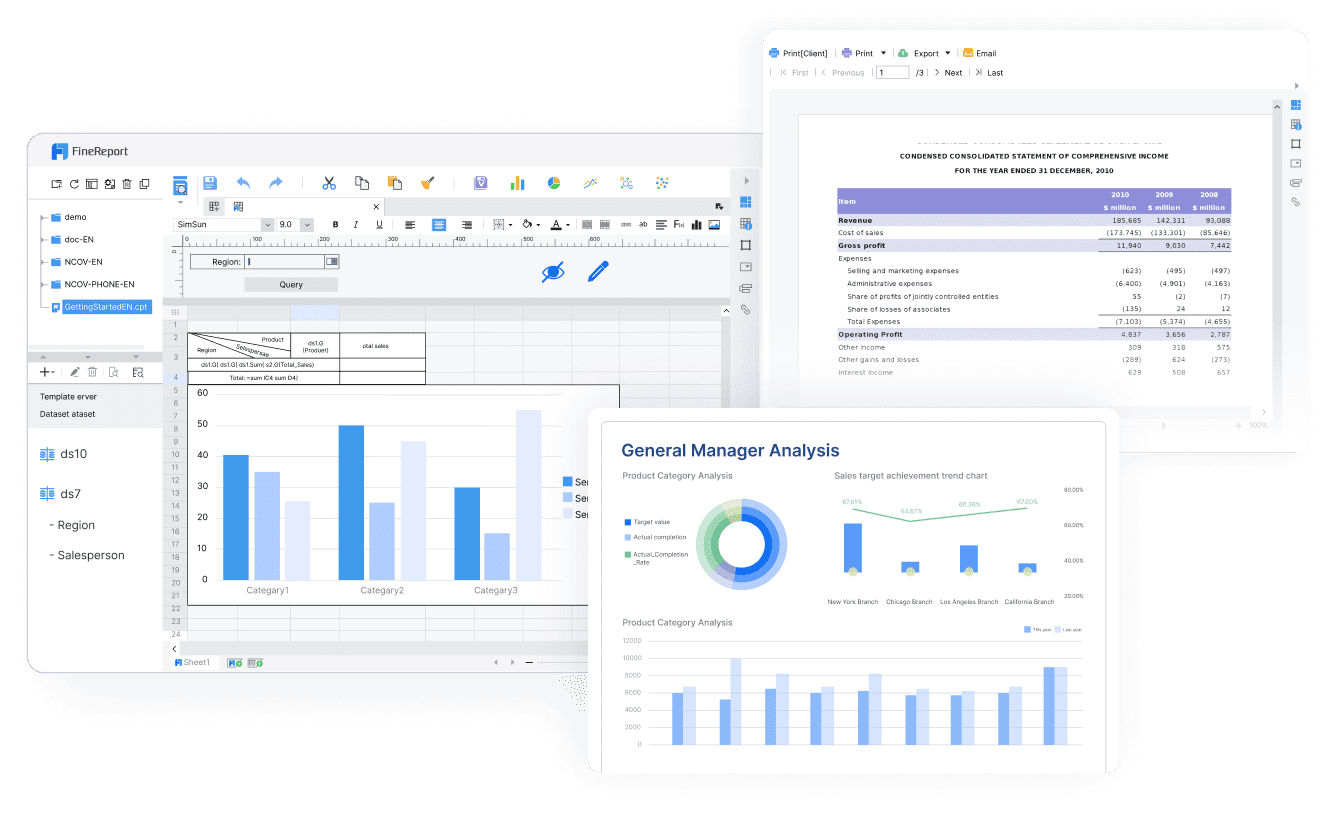
A strategic dashboard is a visual tool that helps you monitor your organization’s progress toward its top goals by displaying key metrics in a single, easy-to-understand view. Many large companies and mid-sized businesses now use strategic dashboards to track performance.
Company Size
Percentage Implemented
Percentage Evaluating
Large Companies
26%
13%
Mid-sized Companies
15%
34%
Tracking strategic goals and KPIs matters because you need centralized access to current data, clear visualization for decision-making, and alignment with business objectives. FineReport lets you build dashboards that highlight trends, boost efficiency, and keep your team focused on what matters most.
Strategic Dashboard Fundamentals
Definition and Purpose
A strategic dashboard is a visual platform that brings together your organization’s most important data, helping you track progress toward strategic objectives and make informed decisions. You use this tool to see real-time insights, monitor key metrics, and align your team with your company’s goals.
The main purpose of a strategic dashboard is to give you a clear overview of your business’s performance. You can quickly spot trends, identify risks, and take action before small issues become big problems. By centralizing your data, you save time and improve efficiency. You also encourage collaboration, since everyone can see the same information and work toward shared objectives.
Key objectives of implementing strategic dashboards include:
Improved decision-making through real-time data and actionable insights.
Increased efficiency by streamlining access to critical information.
Enhanced collaboration across teams with shared dashboards.
Proactive problem-solving by identifying issues early.
Better performance monitoring to track progress and highlight areas for improvement.
Key Metrics and KPIs
You track a variety of metrics and KPIs on a strategic dashboard. These indicators help you measure how well your business is moving toward its goals. Financial KPIs, such as revenue growth rate, show how fast your company is increasing sales. Net Promoter Score (NPS) measures customer loyalty and satisfaction. Market share reveals your position in the industry, while customer retention rate tells you how well you keep customers over time.
You can organize your KPIs into different levels:
Strategic KPI: For example, increase revenue by 20% in 12 months.
Tactical KPI: Improve website conversion rate from 2.5% to 3.5%.
Operational KPI: Ensure each customer service rep responds to 100 inquiries per day to reduce abandoned carts.
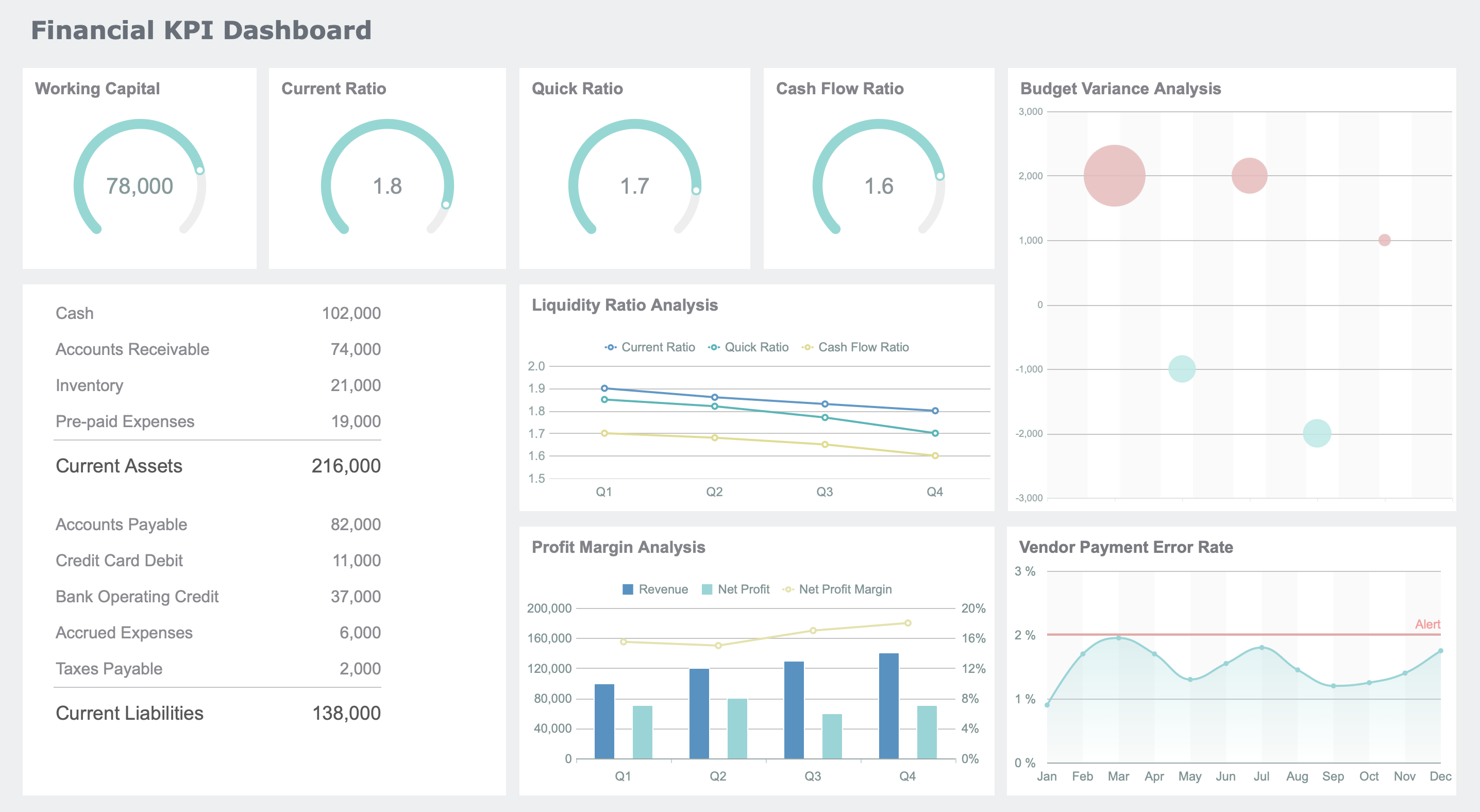
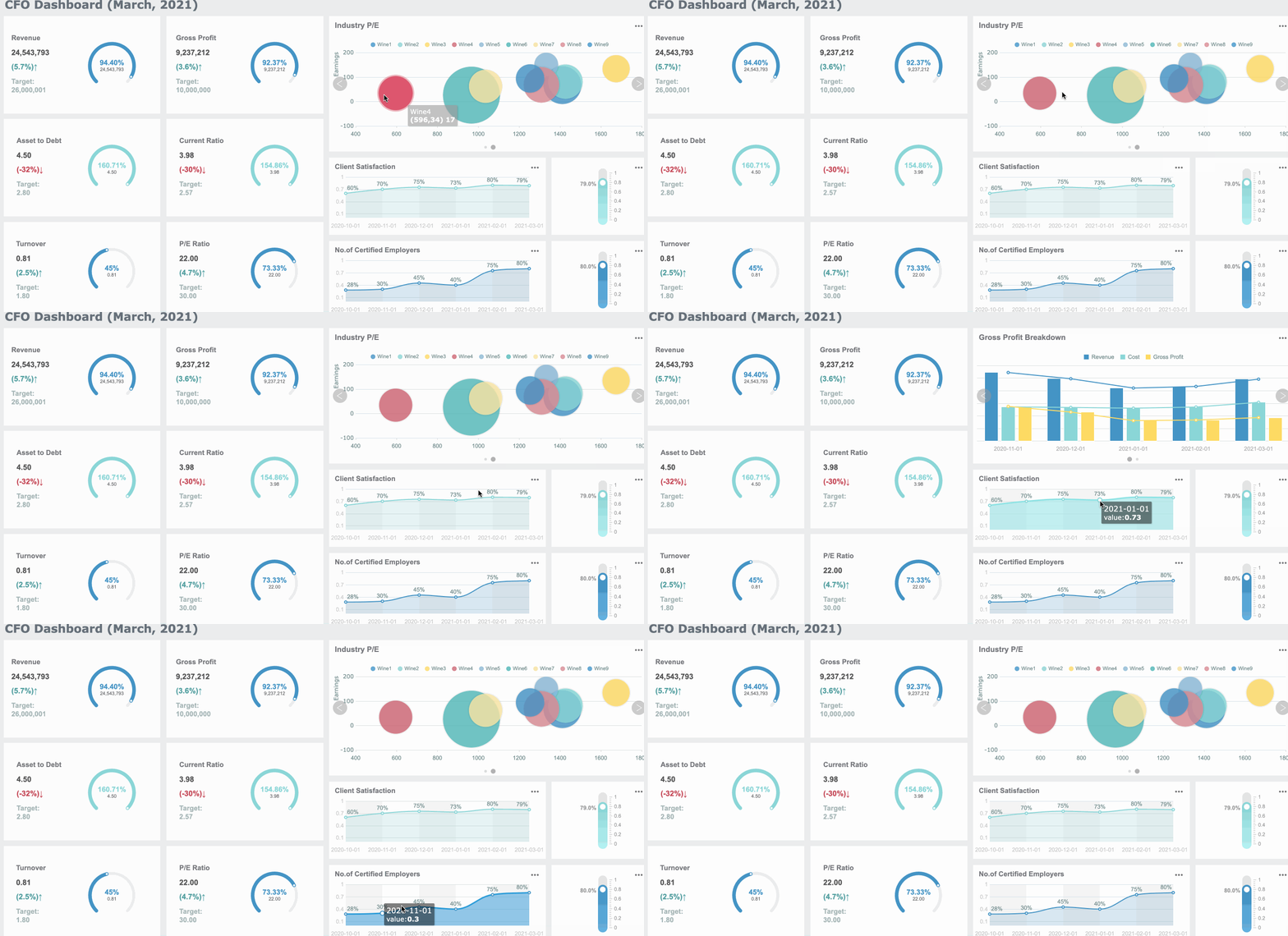
Financial KPI Dashboard (Click to Engage)
FineReport makes it easy to visualize these KPIs. You can use its drag-and-drop dashboard designer to create interactive charts, graphs, and tables. This helps you see your data clearly and drill down into specific insights. You can also connect multiple data sources, so your dashboard always shows the latest information.
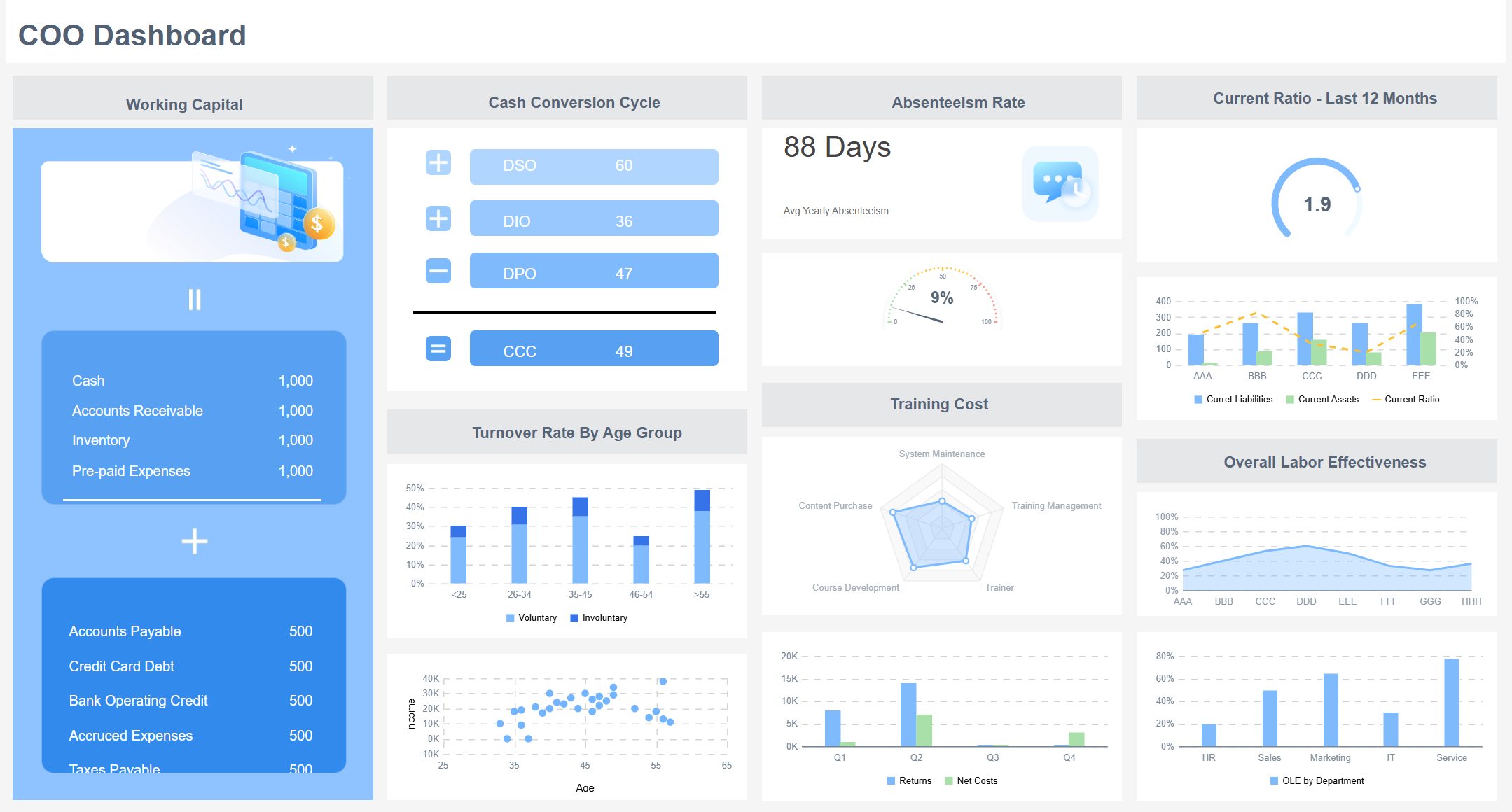
You benefit from strategic dashboards if you are a senior executive, such as a CEO, CFO, or COO. You use dashboards to monitor strategic goals and key metrics. Heads of strategy and business analytics rely on dashboards to build frameworks for testing new strategies. Cross-functional leadership teams use dashboards to make collaborative decisions across departments.
Get up-to-date information on financial health, project status, and teams.
Tailored metrics
Focus on metrics that matter for your area, like finance or IT.
Visualization of complex info
Use visuals to simplify data and speed up decisions.
Proactive responses
React quickly to new challenges and opportunities.
Enhanced organizational alignment
Align departments with shared insights and common goals.
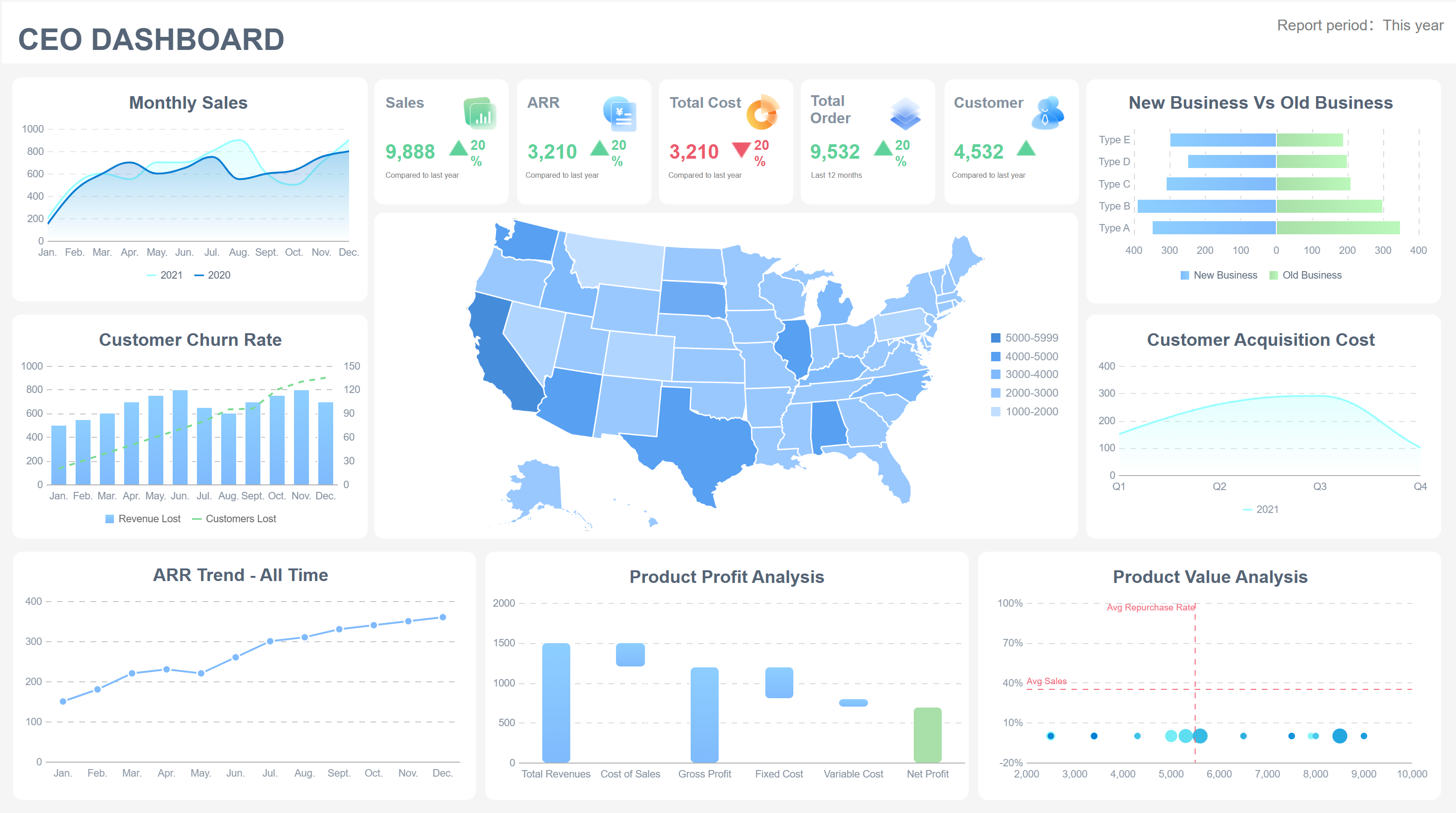
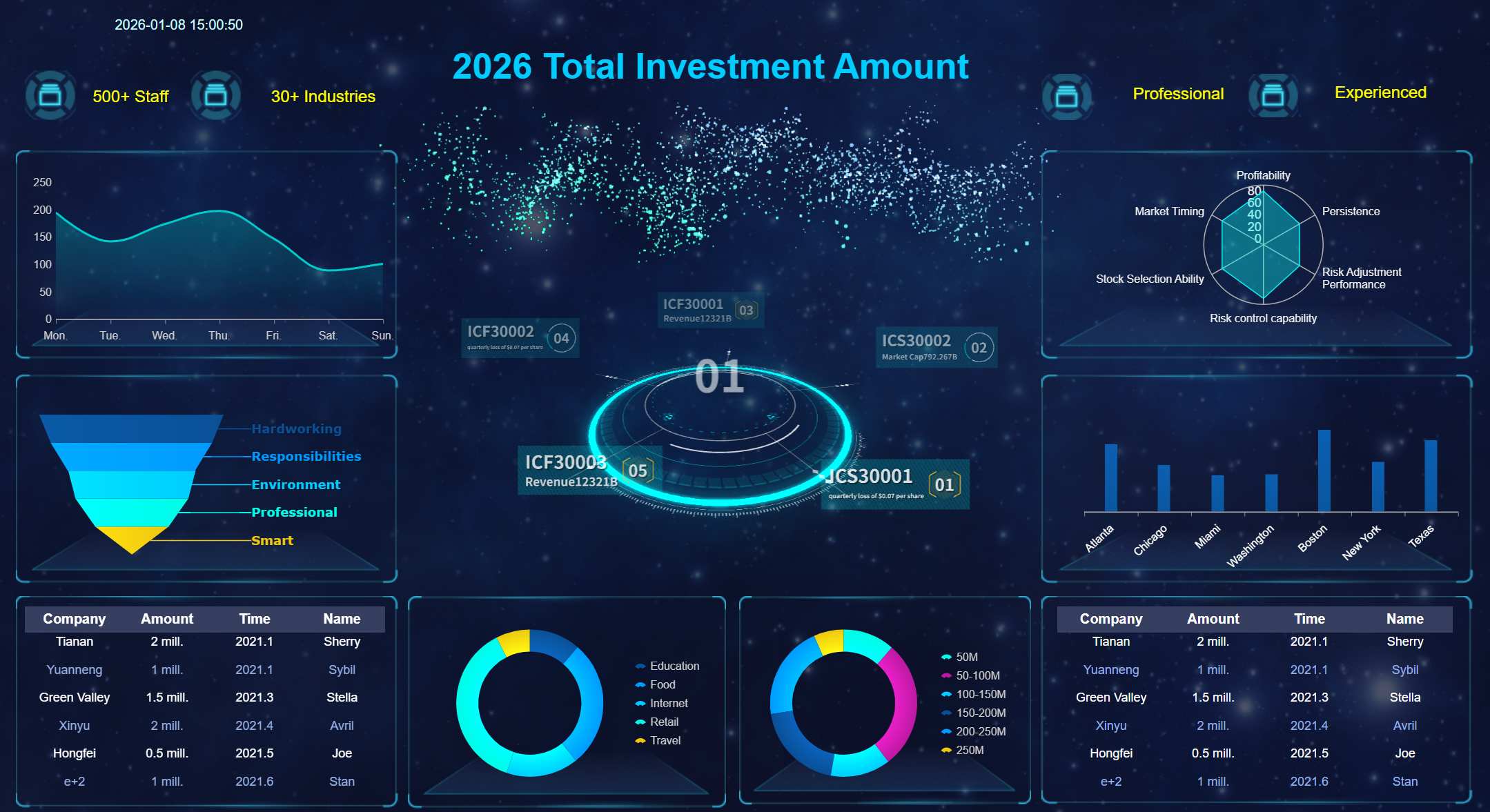
CEO Dashboard (Click to Engage)
You might ask yourself questions like: Are we on track to meet our quarterly revenue targets? Is our customer churn rate going up or down? Which marketing channel gives us the best return? Are our operational costs within budget? Strategic dashboards help you answer these questions with confidence.
Dashboards promote collaboration, increase transparency, and help you allocate resources wisely. You can use the insights from your dashboard to shape your strategy and drive your organization toward its objectives.
A strategic dashboard is a visual platform that displays your organization’s critical metrics and KPIs, helping you track progress toward strategic goals and make data-driven decisions.
Impact on Decision-Making
You rely on strategic dashboards to improve decision-making across your enterprise. Dashboards synthesize vast amounts of data into actionable insights, allowing you to focus on what matters most. When you align dashboards with your business questions, you connect directly to the decisions you need to make. Prioritizing critical KPIs keeps your dashboard focused and prevents information overload. Layering in context helps you understand the significance of each metric.
Key Features of Effective Dashboards
Description
Real-Time Data Updates
Dashboards display current information, reflecting the latest business performance.
User-Friendly Interface
You navigate dashboards easily, regardless of technical expertise.
Customizability
Tailor dashboards to your needs, focusing on strategic data.
Interactive Elements
Drill down into data for deeper insights and better decisions.
Dashboards provide a comprehensive overview of your strategy, enabling you to spot issues quickly and stay aligned with long-term success. Real-time insights support faster, more accurate decision making, while performance tracking ensures you monitor progress toward strategic objectives.
Organizational Alignment and Communication
Strategic dashboards enhance organizational alignment by consolidating your strategy and goals into a single source of truth. You gain real-time visibility into performance, allowing for quick adjustments to stay on track. Dashboards integrate data from multiple sources, ensuring all departments work toward common goals. This structured channel moves conversations out of fragmented email chains and into a focused platform, promoting teamwork and breaking down communication barriers.
Consolidate your strategic plan and goals in one dashboard.
Ensure everyone has access to up-to-date information.
Eliminate confusion and build trust across your organization.
Dashboards foster transparency and collaboration between IT and business units. You resolve issues sooner, preventing escalation and improving operational efficiency.
FineReport’s Role in Strategic Dashboards
FineReport empowers you to build strategic dashboards that drive better decisions and organizational alignment. You access real-time insights with quick data updates, enabling immediate action. FineReport’s mobile access lets you monitor dashboards anywhere, supporting timely decision-making. Automated reporting ensures you receive performance summaries without manual effort.
Feature
Description
Funnel Analysis
Analyze sales processes visually for improved strategic decisions.
Communication Management
Use collaborative tools to enhance operational communication and efficiency.
Data Import
Integrate data from various sources for comprehensive dashboards.
Custom Reporting
Create tailored reports that align with your strategic needs.
Security Features
Maintain data integrity and compliance for trusted decision-making.
FineReport’s Extracted Data Cache function reduces load times and improves report execution speed, ensuring your dashboard always displays accurate, reliable information. You gain a unified view of critical metrics, revenue, and strategic KPIs, helping you make data-driven decisions that support long-term success.
Strategic Dashboard Types and Comparisons
A strategic dashboard is a visual platform that gives you a clear, high-level overview of your organization’s progress toward long-term goals, using actionable insights and key metrics to guide decisions and drive success.
Strategic vs. Operational Dashboards
You use strategic dashboards to track your company’s big-picture objectives. These dashboards focus on long-term success and help you align your team with your strategy. Operational dashboards, on the other hand, monitor daily activities and performance at the departmental level. They provide near real-time data, helping you make quick decisions and keep operations running smoothly.
Feature
Operational Dashboards
Strategic Dashboards
Focus
Performance monitoring and operations
High-level view of business strategy
Data Usage
Near real-time or real-time data for departmental insights
Critical metrics and KPIs for organizational alignment
You rely on strategic dashboards for long-term planning. Operational dashboards help you respond quickly to daily challenges.
Strategic dashboards aggregate high-level KPIs over extended periods. You use them to assess company performance and progress toward strategic objectives. Operational dashboards focus on immediate results and daily operations.
Analytical and Tactical Dashboard Differences
Analytical dashboards allow you to explore data in depth. You use them to uncover patterns and gain insights that drive decisions. Tactical dashboards help you track progress toward short and medium-term goals. They focus on performance comparison and trend analysis.
Feature
Analytical Dashboards
Tactical Dashboards
Purpose
In-depth data analysis and uncovering insights
Tracking progress toward short and medium-term goals
Users
Data analysts
Mid-level managers
Interactivity
Highly interactive with tools for data exploration
Focus on performance comparison and trend analysis
Focus
Identifying patterns and anomalies in data
Monitoring metrics related to business goals
Strategic dashboards provide a high-level overview for executives, highlighting long-term opportunities and critical issues.
Analytical dashboards are used by data analysts to explore patterns and uncover hidden insights.
Tactical dashboards focus on tracking progress toward specific goals and comparing performance.
FineReport Dashboard Solutions
FineReport supports all types of dashboards, including strategic, operational, analytical, and tactical dashboards. You can use its drag-and-drop designer to create business dashboards that fit your needs. FineReport integrates data from multiple sources, so you always see the latest information. Its HTML5-based charts and visualizations display dashboards on any device, giving you access to insights wherever you are.
FineDataLink works with FineReport to process complex data and speed up dashboard display. You can reuse datasets, which accelerates report development and ensures consistency. FineReport helps you monitor revenue, track goals, and make decisions based on actionable insights. You gain a unified view of your organization’s performance, supporting long-term success.
Best Practices for Strategic Dashboards with FineReport
A strategic dashboard is a visual platform that displays your organization’s most important metrics, helping you track progress toward strategic goals and make informed decisions.
Essential Features and Design Principles
When you design a dashboard, focus on clarity and simplicity. You want every user to understand the data quickly. Use real-time insights to keep your dashboard current and relevant. Make sure your dashboard tracks performance against set targets and aligns with your strategic initiatives. FineReport’s drag-and-drop designer lets you build business dashboards that cater to non-technical users. You can create interactive data visualizations and visualizations that highlight revenue, trends, and progress. Always tailor your dashboard to your management strategic dashboard needs, so it supports your organization’s goals.
Tip: Choose visualizations that make complex data easy to interpret. Prioritize usability and ensure your dashboard provides actionable information.
Common Pitfalls to Avoid
You may encounter several mistakes when building data dashboards. Avoid these common pitfalls:
Starting with too much complexity.
Using metrics that no one understands.
Cluttering the dashboard with unnecessary graphics.
Waiting for large technology deployments before launching.
Neglecting dashboard maintenance.
Displaying excessive detail or precision.
Choosing inappropriate display media.
Introducing meaningless variety.
Using poorly designed visualizations.
Creating one dashboard for all needs.
To prevent these issues, keep your dashboard simple and focused. Engage stakeholders early, and adapt your dashboard as your strategy evolves.
Identify your strategic objectives and key metrics.
Engage managers and frontline employees to gather input.
Use FineReport’s drag-and-drop designer to build your dashboard.
Integrate data from multiple sources for comprehensive coverage.
Select visualizations that match your data and audience.
Set up real-time insights and automated reporting.
Test your dashboard with users and refine based on feedback.
Maintain your dashboard regularly to ensure accuracy.
Adapt your dashboard as your strategic goals change.
By following these steps, you create data dashboards that support decisions, align teams, and drive progress toward your goals.
A strategic dashboard is a visual tool that lets you track your organization’s most important goals in real time. You gain faster decisions, better performance, and measurable results.
Company
Outcome Description
Measurable Result
Blue Diamond
Automated ocean freight process
2,000 hours saved
JPMorgan Chase
Automated contract processing
360,000 hours saved
General
Real-time visibility into performance
Reduced manual effort
You improve outcomes by monitoring KPIs, making timely adjustments, and fostering a data-driven culture. To get started, promote dashboards internally, prepare training, and engage users with feedback and contests. FineReport helps you build dashboards that drive continuous improvement and smarter decisions.
Access a wealth of case studies, industry insights, and solution guides to accelerate digital transformation.
FAQ
What is a strategic dashboard?
A strategic dashboard is a visual tool that displays your organization’s most important metrics, helping you track progress toward long-term goals and make informed decisions. You use it to monitor performance, spot trends, and align teams with your strategy.
How does FineReport support executive scorecards?
FineReport lets you create executive scorecards with drag-and-drop design. You can visualize KPIs, compare results, and share insights with leadership. The platform supports real-time updates, so you always see the latest data for decision-making.
Can I use FineReport for corporate goal trackers?
You can build corporate goal trackers in FineReport by integrating data from multiple sources. The dashboard helps you monitor targets, measure progress, and adjust strategies quickly. You gain a clear view of your company’s achievements and areas for improvement.
Is FineReport accessible on mobile devices?
FineReport offers mobile dashboards and reports. You access key metrics on your phone or tablet, making it easy to stay informed wherever you are. The responsive design ensures your data looks great on any device.
What types of data sources can FineReport connect to?
FineReport connects to databases, Excel files, cloud platforms, and more. You can combine data from different systems, ensuring your dashboard provides a complete and accurate picture of your business.