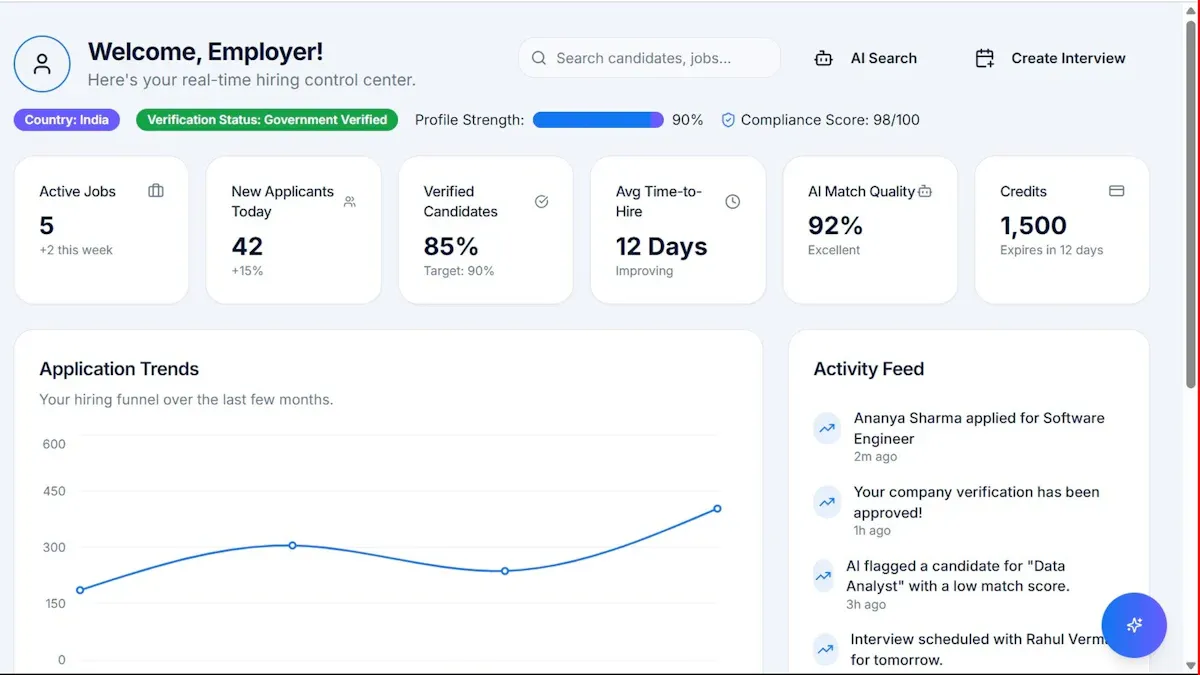
What is a "metrics dashboard"? A metrics dashboard is a brief report you can use to track and present key performance indicators and metrics in real time across multiple channels. It increases transparency, helps you prove ROI, and lets you evaluate performance from a management or operational perspective.
When you track dashboard metrics, you gain instant insight into what matters most for your business or project. You can spot trends, monitor progress, and make faster decisions. FineReportis a leading tool that helps you create dashboards with ease, so you can focus on understanding and improving your results.
What Are Dashboard Metrics
Dashboard metricsare the specific measurements you track and display on a metrics dashboard. These metrics give you a clear view of your business performance, helping you understand what is working and where you need to improve. When you use a metrics dashboard, you can see important numbers at a glance and make decisions based on real data.
Key Metrics Tracked in Dashboards
You can track many different metrics on a metrics dashboard, depending on your goals and industry. Most dashboards focus on the numbers that matter most for your business. Here are some common types of metrics you might see:
Sales KPIs such as revenue, new paid customers, close ratio, and number of meetings.
Marketing KPIs including leads, customer lifetime value, website traffic, and share of voice.
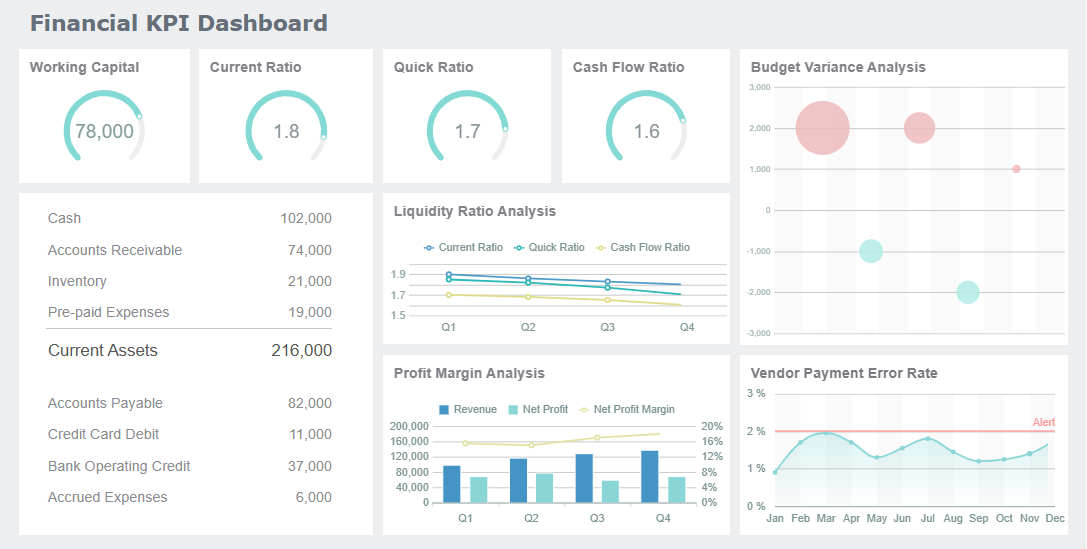
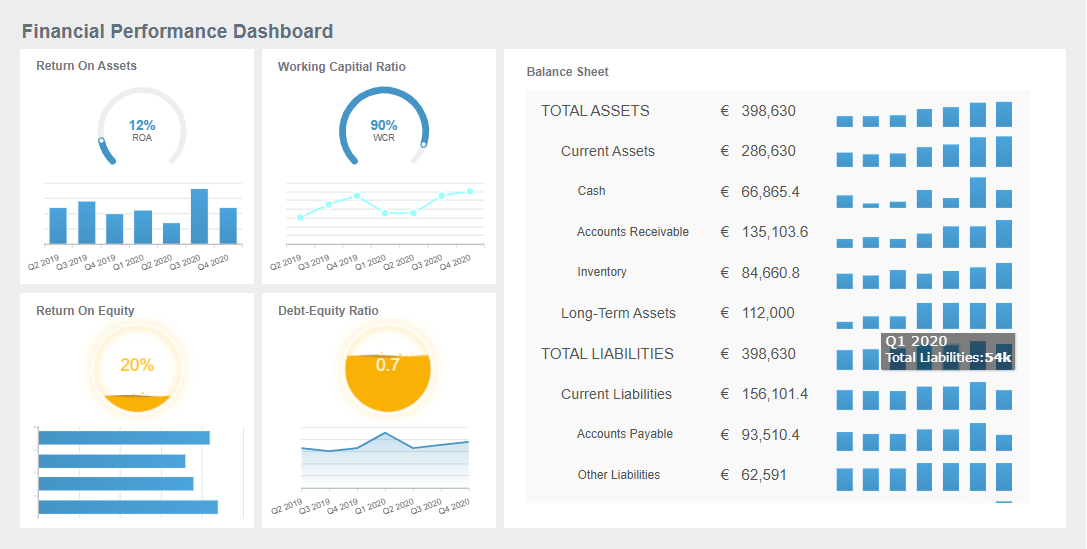
Finance KPIs like gross profit margin, operating cash flow, and revenue growth.
Customer success KPIs such as churn rate, Net Promoter Score (NPS), customer retention rate, and client renewals.
Customer acquisition cost (CAC) and customer lifetime value (CLTV).
Return on investment (ROI) and return on ad spend (ROAS).
Website traffic and engagement.
You can choose which dashboard metrics to track based on your business needs. For example, if you work in sales, you might focus on revenue and new customers. If you manage a website, you might watch traffic and conversion rates. The flexibility of ametrics dashboard lets you customize your view so you always see the most relevant information.
Tracking dashboard metrics helps you understand your progress and make better decisions. When you monitor these metrics, you can quickly spot changes, identify problems, and take action. You also create a shared understanding among your team, making it easier to work toward common goals.
The table below shows how dashboard metrics contribute to organizational success:
Aspect
Contribution to Success
Performance Evaluation
Metrics facilitate the assessment of performance and progress towards goals.
Goal Setting
Metrics help in establishing realistic and measurable targets aligned with objectives.
Data-Driven Decision-Making
Metrics support informed decision-making based on quantifiable data.
Performance Monitoring
Regular tracking allows for real-time performance assessment and timely interventions.
Accountability
Clear metrics foster accountability and transparency within the organization.
Benchmarking
Metrics enable comparison against industry standards to identify areas for improvement.
When you use a metrics dashboard, you gain several key benefits:
You can organize, filter, and analyze your most important targets in an interactive way, making complex data easier to understand.
You can discover changes or issues quickly, because dashboards display critical KPIs and highlight which outcomes meet targets and which need attention.
You can make efficient decisions, since dashboards consolidate operational data and eliminate data silos.
Dashboard metrics also help you avoid confusion by including only the right amount of information. You and your team can access relevant data immediately, which supports quick analysis and informed choices. By tracking dashboard metrics, you build a foundation for accountability, transparency, and continuous improvement.
How Dashboard Metrics Work
A metrics dashboard collects, processes, and displays important data so you can monitor your business in real time. You do not need to be a data expert to understand how these dashboards function. They bring together information from different sources, update it automatically, and show it in a way that is easy to read and analyze.
Data Sources and Integration
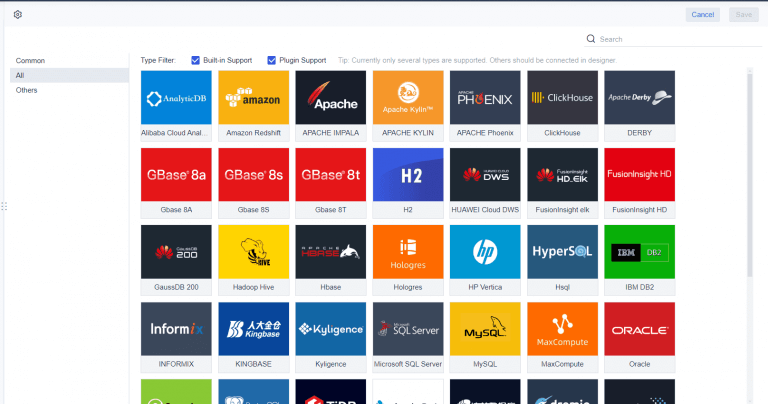
You can connect a metrics dashboard to many types of data sources. These include databases, spreadsheets, cloud services, and even IoT devices. When you integrate these sources, you automate data gathering and make information available when you need it. This process reduces errors because all data entries stay in one place. You also save time since you do not have to log in to multiple systems or check different files.
You can connect:
SQL and NoSQL databases
Cloud data warehouses
Marketing tools
IoT monitoring systems
Excel or CSV files
Ametrics dashboard gives you a complete view of your business. You can see sales, operations, and customer data together. This helps you make better decisions and improves your organization’s success.
Metrics dashboards also help you keep your data accurate and reliable. They act as a central hub where you can monitor data health. You can spot problems early and fix them before they affect your results. This builds trust in your data and helps you avoid mistakes.
A metrics dashboard uses technology to keep your data fresh and up to date. You do not have to refresh the page or enter new numbers by hand. The dashboard updates automatically, so you always see the latest information.
Technology Type
Description
Event Streaming
Allows continuous data flow and real-time processing of events as they occur.
In-Memory Processing
Enables fast data retrieval and processing by keeping data in RAM instead of on disk.
Automated Refresh Mechanisms
Ensures that data is updated automatically without manual intervention, providing live insights.
Data Sources
Includes SQL & NoSQL databases, cloud data warehouses, marketing tools, and IoT monitoring tools.
Security Measures
Role-based access control (RBAC) to protect sensitive information from unauthorized access.
When you use a metrics dashboard, you get quick access to large amounts of information. This helps you make decisions before the data becomes outdated. You do not need a data analyst to understand the numbers. The dashboard presents complex data in a simple way, so you can act quickly and confidently.
You can compare results across teams or time periods.
You make faster, more informed decisions.
FineReport’s Role in Metrics Dashboards
FineReport gives you powerful tools to build and manage a metrics dashboard. You can use its drag-and-drop interface to add charts, tables, and widgets without writing code. This makes it easy for anyone to create a dashboard that fits their needs.
FineReport stands out because it connects to many data sources at once. You can pull in data from databases, spreadsheets, and cloud platforms. The dashboard updates in real time, so you always see the latest numbers.
FineReport offers features that make your metrics dashboard more effective:
Adaptive Dashboard: Your dashboard looks great on any device, from desktop to mobile.
Component Reuse: You can drag and drop components, customize them, and save them for future use.
Template Theme Management: Choose from built-in themes or create your own style.
Layout Recommendations: Use card-style templates to arrange your dashboard neatly.
Developer Debugging: Preview and adjust your dashboard directly in the browser.
FineReport’s drag-and-drop interface is user-friendly and has a low learning curve. You can create interactive dashboards quickly, even if you have little technical experience. FineReport also supports advanced customization, so you can design dashboards that match your business goals.
A metrics dashboard built with FineReporthelps you collect, process, and display data efficiently. You can monitor key metrics, spot issues early, and share insights with your team. This leads to better decisions and improved performance across your organization.
Ametrics dashboard gives you the tools to track, analyze, and act on your most important data. When you choose a metrics dashboard, you want features that make your experience smooth and effective. FineReport delivers these essentials, helping you stay focused on what matters.
Customizable Widgets and Layouts
You can personalize your metrics dashboard by selecting and arranging widgets to fit your workflow. Customizable dashboards let you focus on the data that matters most, saving you time and increasing satisfaction. You can adjust views, apply filters, and set alerts, which gives you control over your dashboard experience. FineReport’s drag-and-drop interface makes it easy to build layouts that match your needs. You can reuse components, choose from built-in themes, and organize your dashboard with card-style templates. This flexibility means you always see the most relevant information.
User needs come first. You shape your dashboard to match your goals.
Feedback integration helps improve features, making your dashboard more intuitive.
Announcing new features keeps you engaged and encourages you to explore more options.
Real-time Data and Alerts
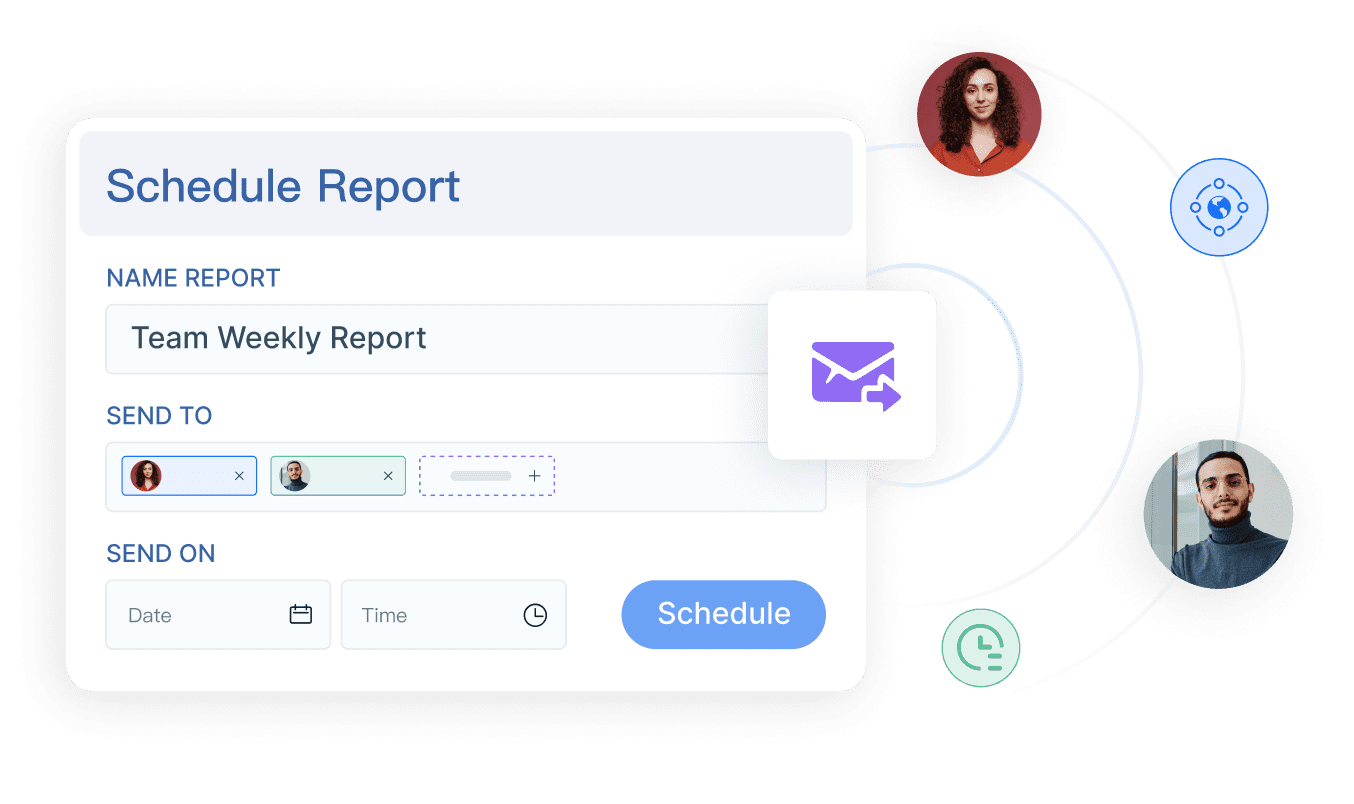
A metrics dashboard must provide real-time updates and instant alerts. You get fresh data without manual refreshes, so you can respond quickly to changes. FineReportsupports scheduled reporting and multi-indicator dashboards, ensuring you always have the latest insights. Real-time alerts notify you about important events, helping you act before issues grow.
Impact Type
Description
Improved Responsiveness
You react immediately to market changes and adjust resources as needed.
Reduced Risk
Current data helps you avoid blind spots and make precise decisions.
Personalized Customer Experience
Live insights let you adapt offerings based on customer behavior.
Operational Efficiency
You identify bottlenecks and improve resource management as events happen.
You can access your metrics dashboard anywhere using FineReport’s mobile and 3D dashboard features. Mobile dashboards let you monitor KPIs and interact with reports on your phone or tablet. Off-screen control allows you to manage dashboards remotely, making presentations more dynamic. FineReport’s 3D dashboards provide advanced visualizations for smart factories, logistics, and city management.
Feature
Description
Off-screen Control
Control dashboards remotely from mobile devices for better presentations.
Mobile Terminal Capabilities
Efficiently access and interact with dashboards on your mobile device.
Interaction Events
Click on interactive elements like page buttons and pop-up windows.
FineReport’s metrics dashboard adapts to your workflow, supports scheduled reporting, and delivers advanced visualization. You stay informed, make faster decisions, and manage your business with confidence.
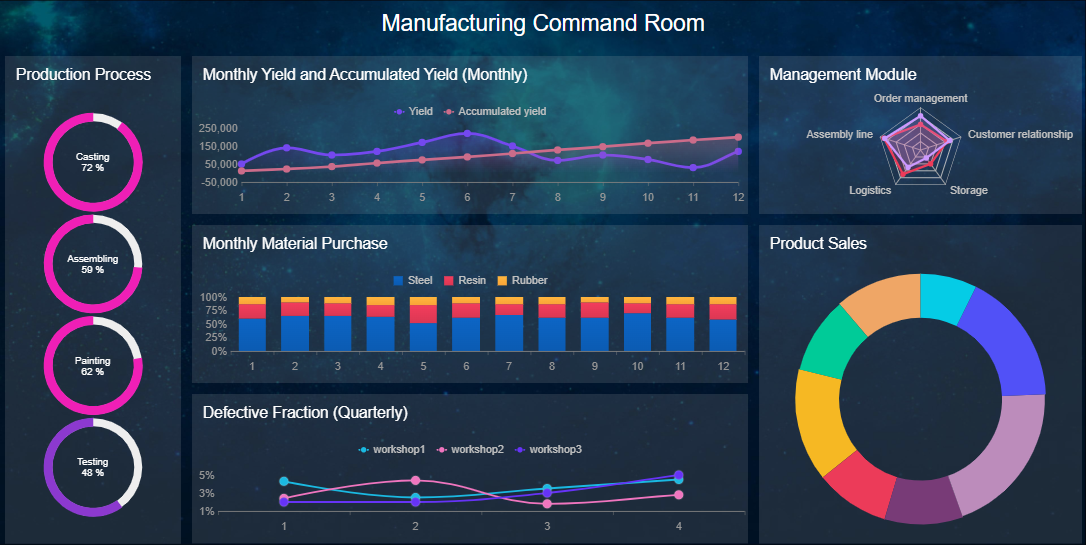
You can use akpi dashboardto monitor quality control in manufacturing. FineReport helps you track product qualification rates, defect rates, and scrap rates in real time. When you set up a kpi dashboard, you see visual summaries of your production data. You can spot trends, compare different production lines, and identify root causes of defects quickly.
For example, FineReport’s manufacturing solution lets you display multi-indicator dashboards. You can use bar charts to compare qualification rates across stages and line charts to analyze defect trends. Pie charts show the distribution of defect causes. You customize colors and styles to highlight important metrics. This approach helps you respond to issues before they affect product quality.
Manufacturers report measurable improvements after using a kpi dashboard. The table below shows some common benefits:
Improvement Type
Description
Clear Actionable Insights
Visual summaries help you recognize patterns and make decisions faster.
Improved Alignment and Accountability
Real-time visibility keeps teams focused on strategic goals.
Higher Productivity and Efficiency
Automated data processes reduce manual reporting time.
A kpi dashboard gives you the tools to maintain high standards and improve efficiency in your factory.
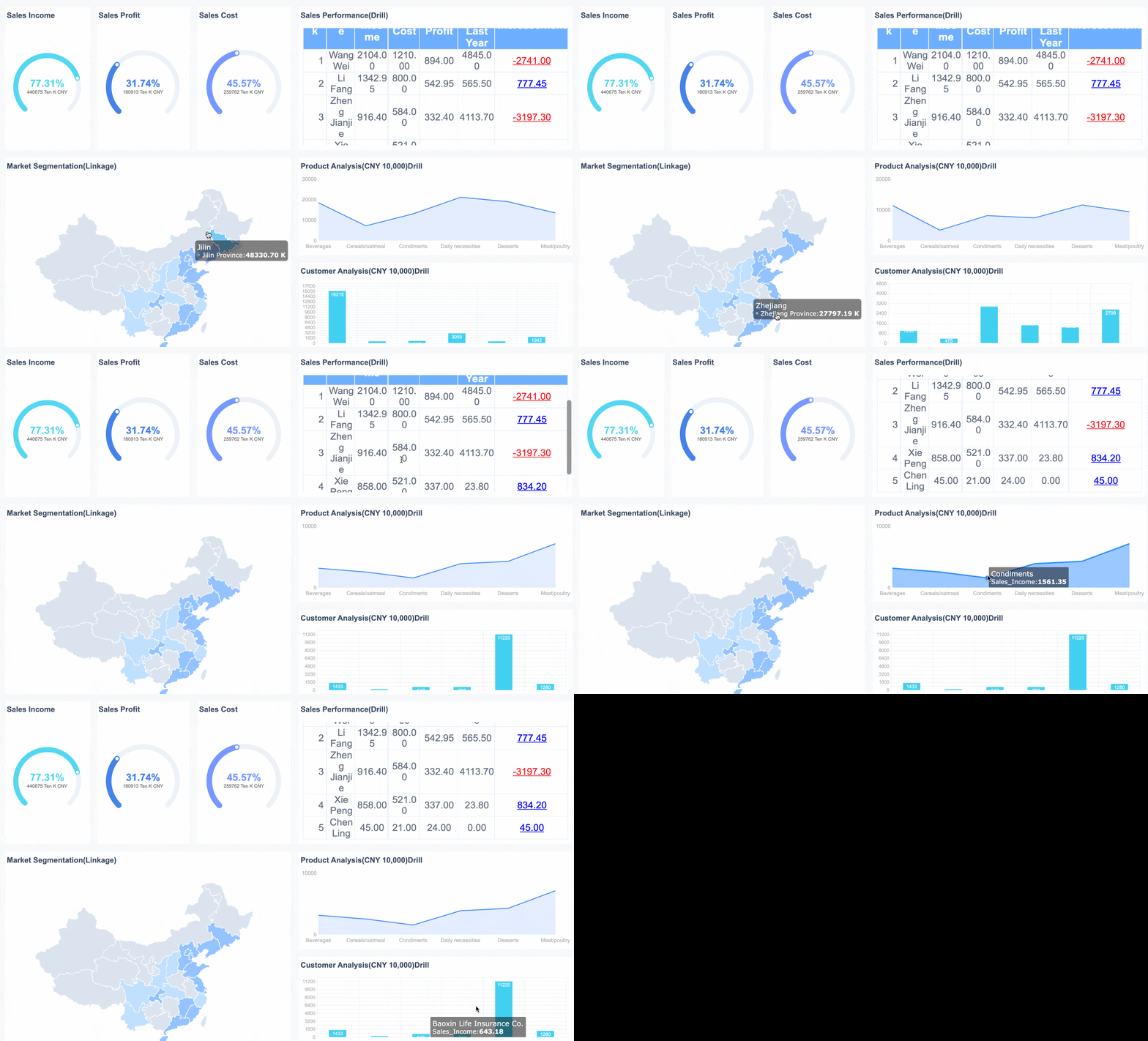
You can use a kpi dashboard to track sales performance and website analytics. FineReportmakes it easy to connect data from multiple sources, so you see all your key metrics in one place. Real-time analytics show you strengths and weaknesses without waiting for reports.
Here are some ways a kpi dashboard helps you manage sales and website data:
You get immediate insights for quick decisions.
You save time by reducing manual data entry.
You share data efficiently across your team.
You identify performance issues early.
You can set up different reports in your kpi dashboard:
Multi-source acquisition funnel report tracks customer journeys and conversion bottlenecks.
Team performance analysis report highlights productivity and coaching opportunities.
Lost deal analysis report shows why deals fail and suggests improvements.
Revenue forecasting and pipeline health report predicts future sales.
A kpi dashboard supports data-driven decision-making. You gain real-time insights, encourage accountability, and align goals across departments. You use actionable data to improve transparency and teamwork. This approach helps you make better decisions and drive business growth.
You need to make smart choices quickly in today’s business world. A metrics dashboard helps you do this by bringing all your important data together. You can use aperformance dashboard to track every kpi that matters for your team. This tool lets you see trends, spot problems, and compare results across departments. You do not have to guess what is working. You can use real numbers to guide your actions.
A metrics dashboard gives you a complete view of your business. You can use predictive analytics to see what might happen next. This helps you plan ahead and stay ahead of the competition. When you use a kpi dashboard, you align your team and make sure everyone works toward the same goals. You can see which products or services drive results and which need attention. This focus leads to better resource use and higher returns.
A metrics dashboard:
Aggregates data from many sources for easy tracking.
Flags issues before they become big problems.
Helps you optimize resources and maximize ROI.
Time Savings and Easy Data Access
You save time when you use a metrics dashboard. You do not need to collect data by hand or build reports from scratch. A performance dashboard updates your kpi data in real time. You can automate routine tasks and spend more time on analysis. For example, HR teams have saved hours each month by automating kpi calculations with dashboards.
A metrics dashboard makes data easy to find and understand. You can design your dashboard to be user-friendly and accessible to everyone. Visualizations help both technical and non-technical users see the story behind each kpi. You do not need special training to spot data quality issues or track progress.
Principle
Description
Make it accessible
Dashboards must be designed to be accessible to all users.
Alternative formats
Provide different formats to cater to diverse user needs.
Clear labeling and descriptions
Ensure all elements are clearly labeled for better understanding.
You can follow accessibility standards to make sure your metrics dashboard works for everyone.
FineReport’s Value for Businesses
FineReport gives you the tools to build a powerful metrics dashboard for any business need. You can connect data from many sources and create a performance dashboard that tracks every kpi you care about. FineReportsupports real-time updates, mobile access, and advanced visualizations. You can use 3D dashboards for smart factories or mobile dashboards for sales teams on the go.
Many companies have seen real improvements with FineReport. For example, BOE used kpi dashboards to reduce inventory costs and boost efficiency. Manufacturing teams use FineReport to monitor quality control kpi and respond to issues before they grow. You can use scheduled reporting to keep everyone informed and aligned.
A metrics dashboard built with FineReport grows with your business. You can scale your kpi tracking as your company expands. Everyone on your team can stay focused on the right metrics, driving growth and long-term success.
You have learned how a metrics dashboard brings together data for a clear visual display of metrics. You can use dashboards to track progress, make faster decisions, and improve teamwork. When you choose a solution like FineReport, you gain user-friendly customization, strong data integration, and scalability. Industry examples and customer stories show how dashboards help teams act quickly and plan better. Explore these solutions to inspire your own dashboard journey.
Access a wealth of case studies, industry insights, and solution guides to accelerate digital transformation.
FAQ
What is a metrics dashboard?
A metrics dashboard is a tool you use to track and visualize key performance indicators. You see important data in one place, making it easier to monitor progress and make decisions.
How do you set up a metrics dashboard?
You connect your data sources, choose the metrics you want to track, and use a platform like FineReport to design your dashboard. You can customize widgets and layouts to fit your needs.
Can you access a metrics dashboard on mobile devices?
Yes, you can view and interact with your metrics dashboard on smartphones and tablets. FineReport supports mobile dashboards, so you stay updated wherever you are.
Why should you use a metrics dashboard for your business?
A metrics dashboard helps you see trends, spot issues, and improve efficiency. You make faster decisions because you have real-time data at your fingertips.
What makes FineReport a good choice for building a metrics dashboard?
FineReport offers a drag-and-drop interface, real-time updates, and strong data integration. You can create a metrics dashboard quickly and customize it for any business scenario.