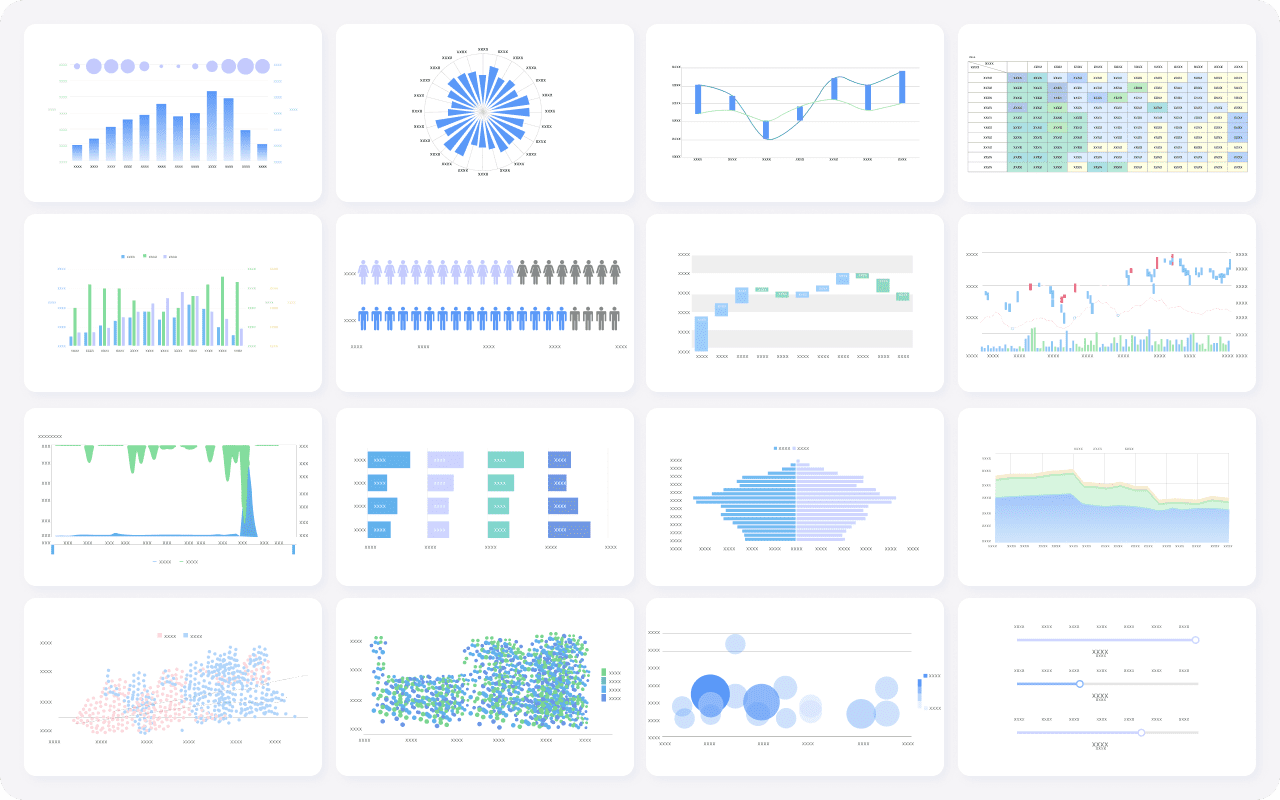
BI tools for small business help you turn your data into clear insights without needing a technical background. When you use these tools, you can track your sales, spot trends, and see what drives your business forward. Here are the top 10 BI tools for small business owners:
FineBI
Microsoft Power BI
Tableau
Zoho Analytics
Google Data Studio
Qlik Sense
Looker Studio
Sisense
Domo
Helical Insight
These tools make a real difference. They help you make smarter decisions, save time by automating manual tasks, and reveal trends about your customers and market. Take a look at how BI tools impact your business:
Automates manual tasks, saving time and money that you can use for other priorities.
Greater Insights
Provides actionable insights into customers and market trends, enhancing strategies.
No need to worry if you are not a data expert. These tools are designed for everyone.
Top BI Tools for Small Business
Choosing the right BI tools for small business can feel overwhelming. You want something easy to use, affordable, and powerful enough to help you make smart decisions. Let’s break down the top bi tools available, so you can find the best fit for your needs.
Here’s a quick look at the criteria used to select thetop bi toolsfor small business:
Criteria
Description
Ease of Use
A user-friendly interface for both technical and non-technical users.
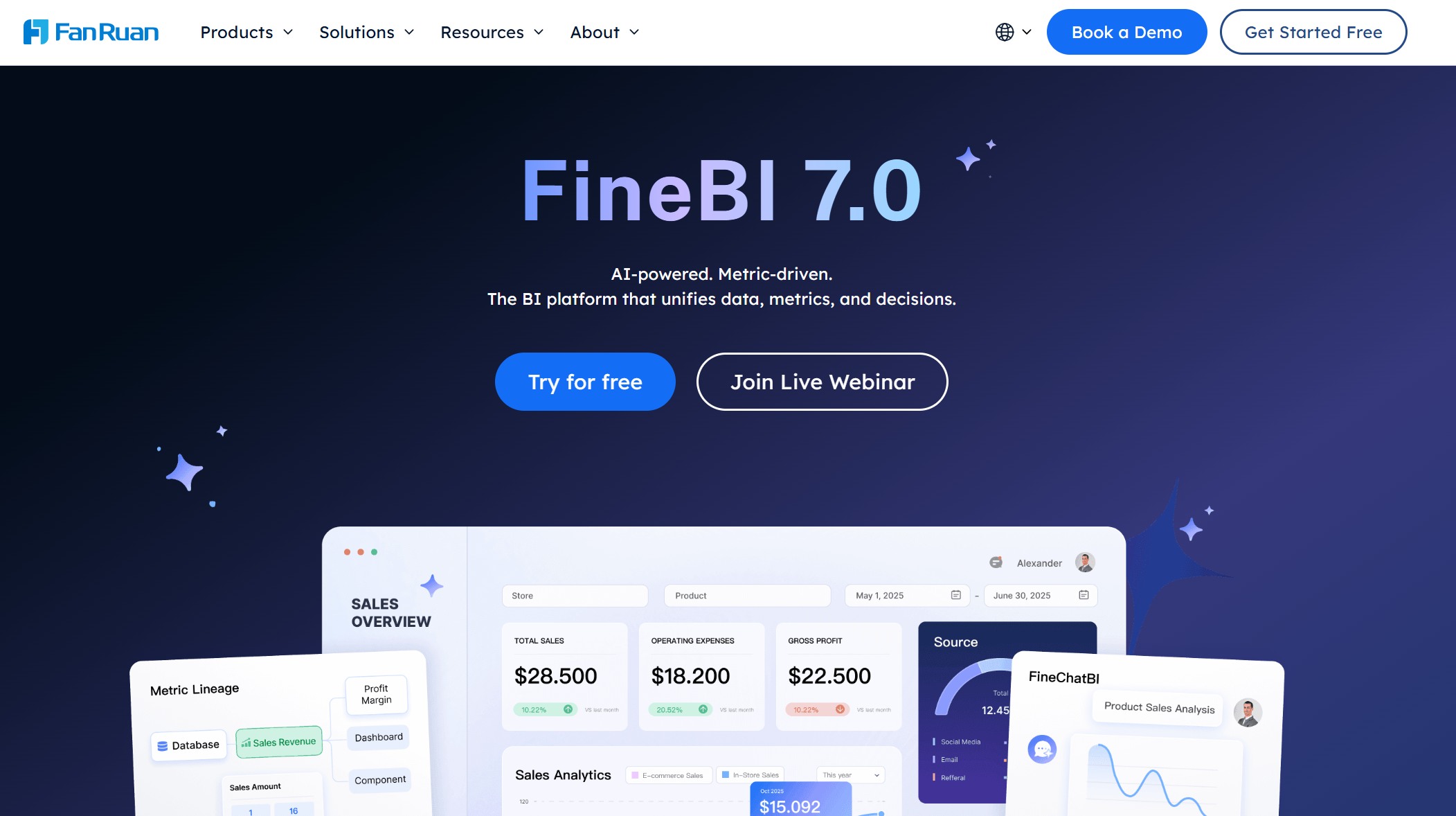
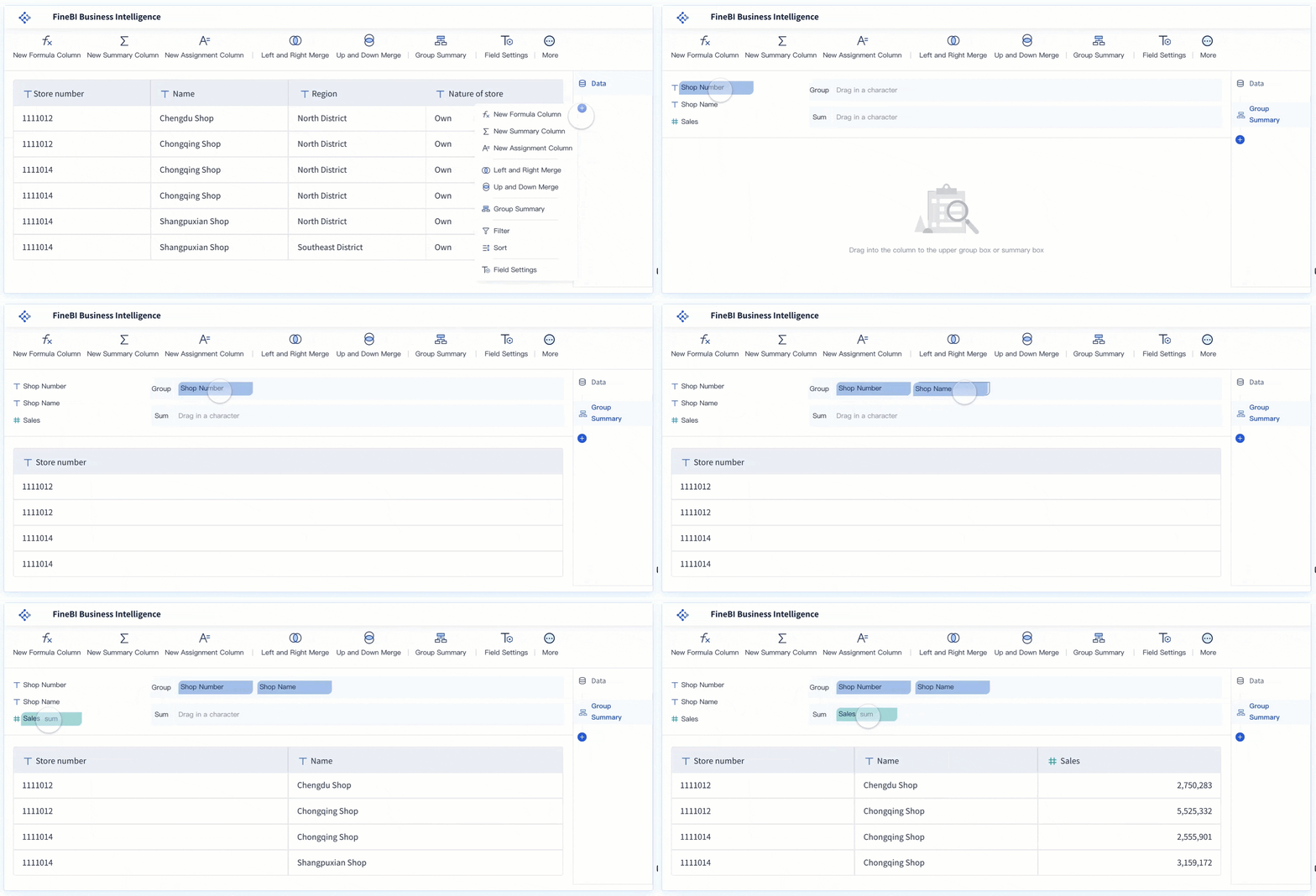
FineBI stands out among the top bi tools for small business. You get a self-service analytics platform that lets you explore your data without needing IT support. The drag-and-drop interface makes it easy for anyone to build dashboards and reports. You can connect FineBI to many data sources, including databases, cloud platforms, and even Excel files. Real-time analysis means you always see the latest numbers, helping you react quickly to changes.
Here’s what makes FineBI unique:
Self-Service Analytics: You can perform your own analysis without waiting for IT. The interface is simple and intuitive.
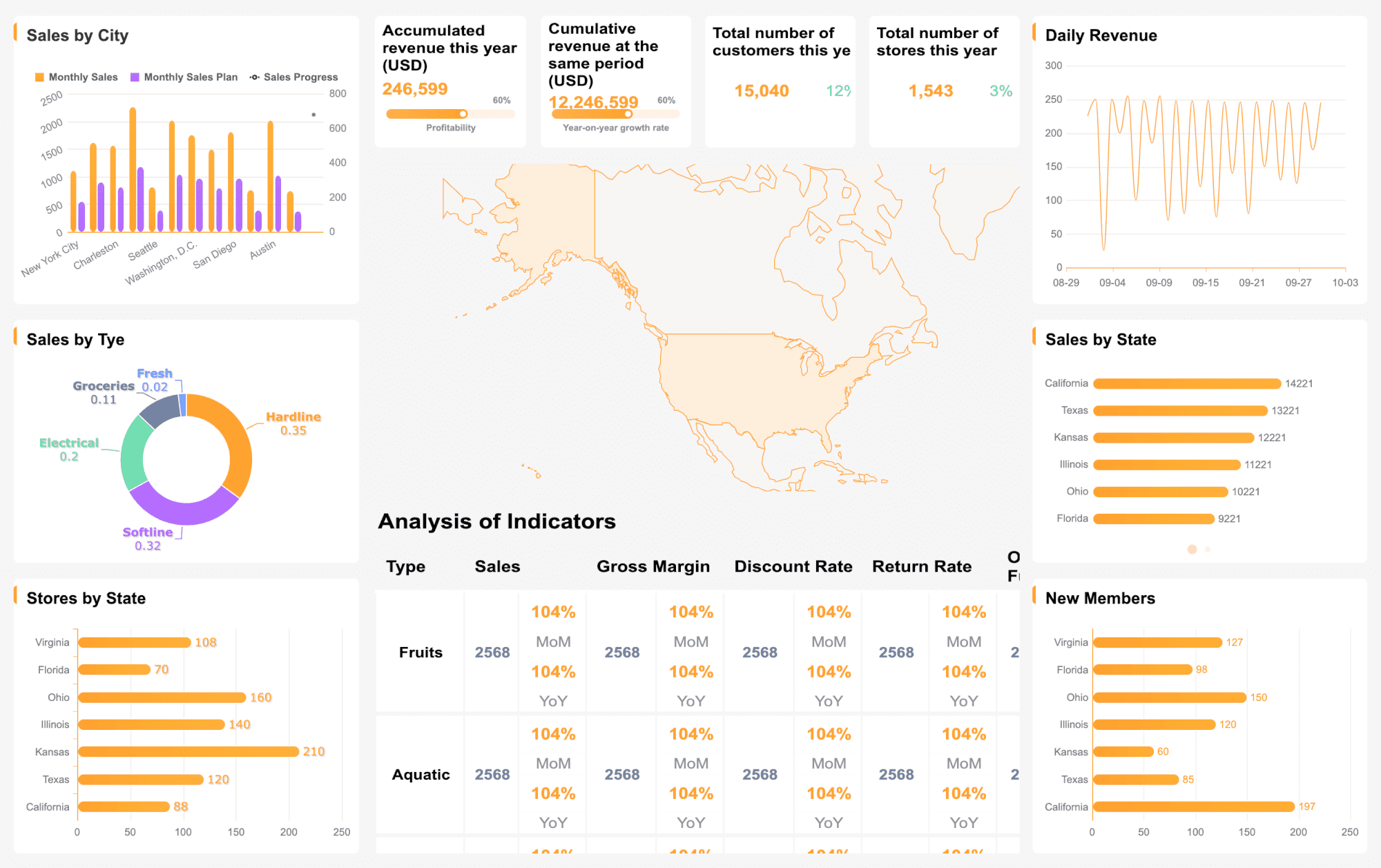
Interactive Dashboards: You can drill into your data and explore trends with just a few clicks.
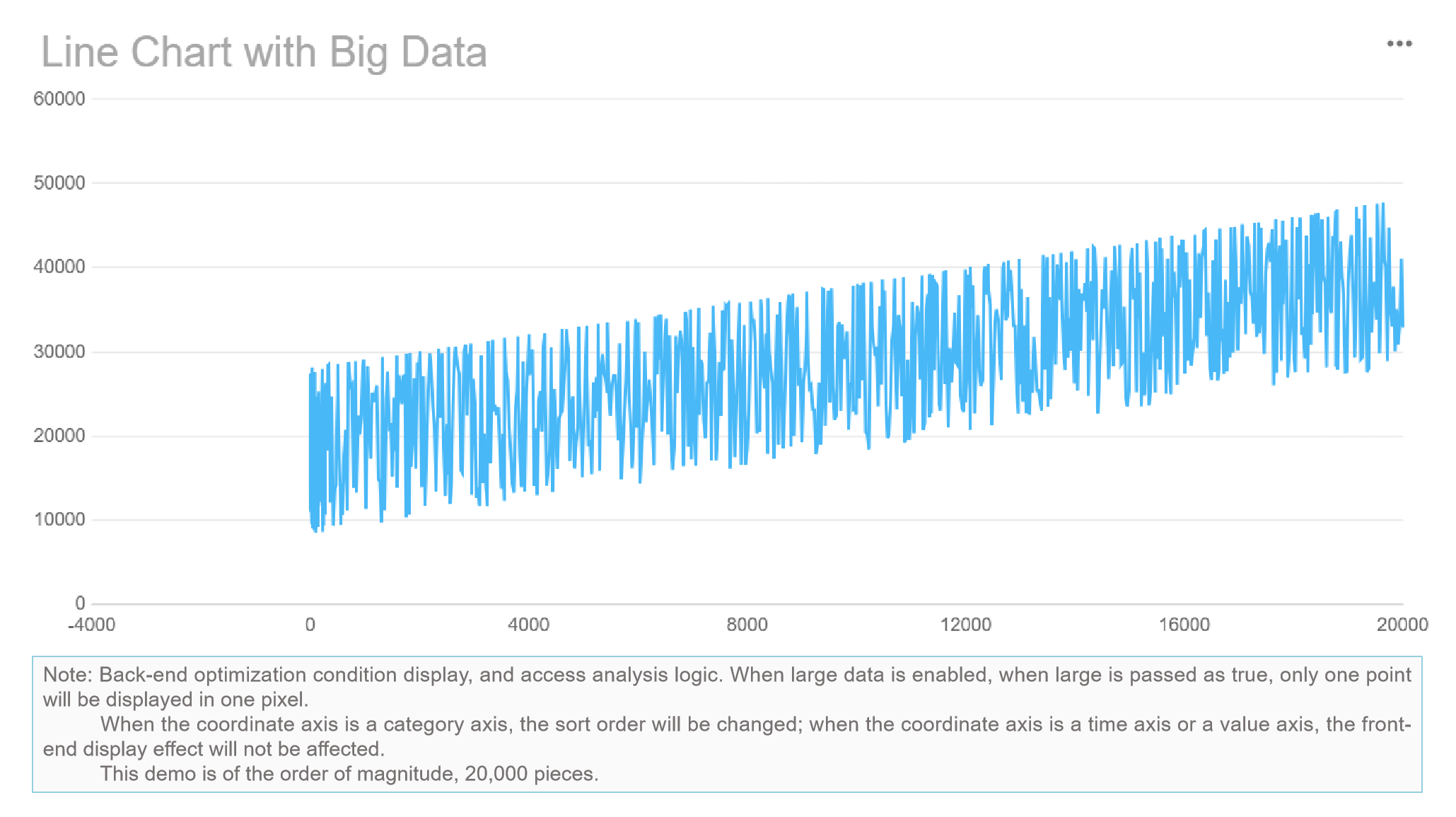
Data Visualization: FineBI offers a wide range of charts and visual options, so you can communicate insights clearly.
FineBI is ideal for small businesses that want to empower their teams to make data-driven decisions. You don’t need technical skills to get started, and you can scale up as your business grows.
Pros:
Easy to use for non-technical users
Connects to many data sources
Real-time analysis and reporting
Rich data visualization options
Scalable for growing businesses
Cons:
Advanced features may require some learning
Best for: Small businesses looking for a flexible, user-friendly BI solution that supports self-service analytics and real-time insights.
Microsoft Power BI is one of the most popular business intelligence tools for small businesses. You can create interactive reports and dashboards with a familiar interface. Power BI connects to many data sources, including Excel, cloud services, and databases.
You’ll find Power BI easy to learn, especially if you already use Microsoft products. The free edition works well for small teams with basic reporting needs. You can update reports regularly and share them with your team.
Best for: Small businesses that want an affordable, easy-to-use BI tool with strong integration to Microsoft products.
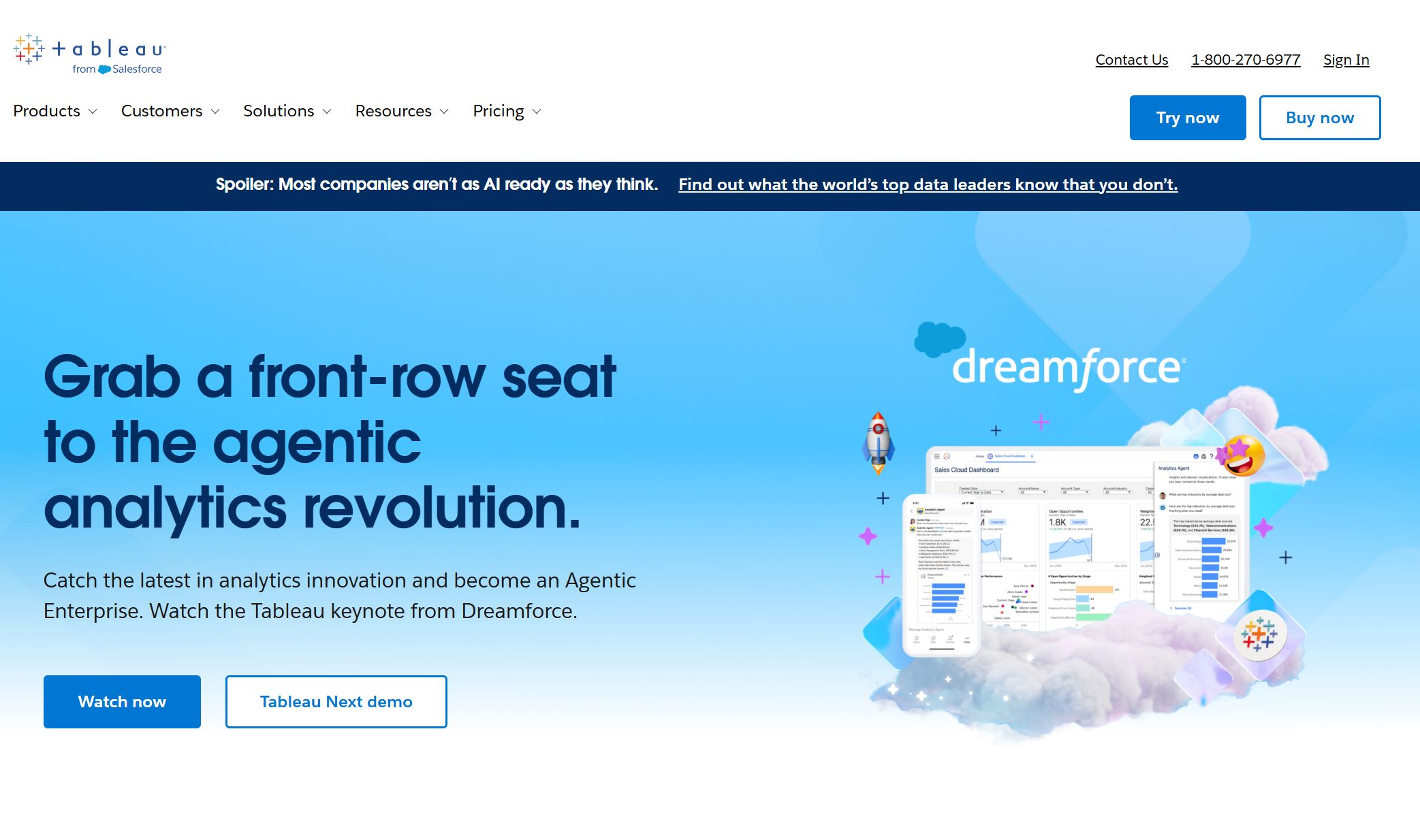
Tableau is another top bi tool for small business. You can build interactive dashboards and visualize complex data with drag-and-drop simplicity. Tableau connects to many data sources and offers advanced analytics features.
Small businesses use Tableau to track sales, monitor compliance, and optimize marketing investments. You can collaborate with your team and share insights easily.
Pros:
Strong data visualization capabilities
Easy to use for non-technical users
Integrates with many data sources
Cons:
Higher cost for advanced features
Best for: Small businesses that need powerful data visualization and advanced analytics.
Zoho Analytics offers a robust set of features for small businesses. You can connect to over 500 applications and create custom dashboards with a drag-and-drop interface.
Over 500 native connectors with popular applications, facilitating data integration.
Drag-and-Drop Interface
Enables users to create reports and dashboards easily without coding.
Customizable Dashboards
Transforms metrics into visualizations and allows for automatic report generation.
Interactive Filters
Users can segment data and drill down into dashboards for deeper insights.
Collaboration and Sharing
Secure sharing of reports with detailed access control for internal and external users.
You get advanced forecasting and anomaly detection modules, plus affordable pricing plans. Pre-built reports and automated insights help you make decisions faster.
Pros:
Easy to use drag-and-drop interface
Wide range of visualization options
Affordable for small businesses
Cons:
Some advanced features may require upgrades
Best for: Small businesses that want affordable, customizable dashboards and automated insights.
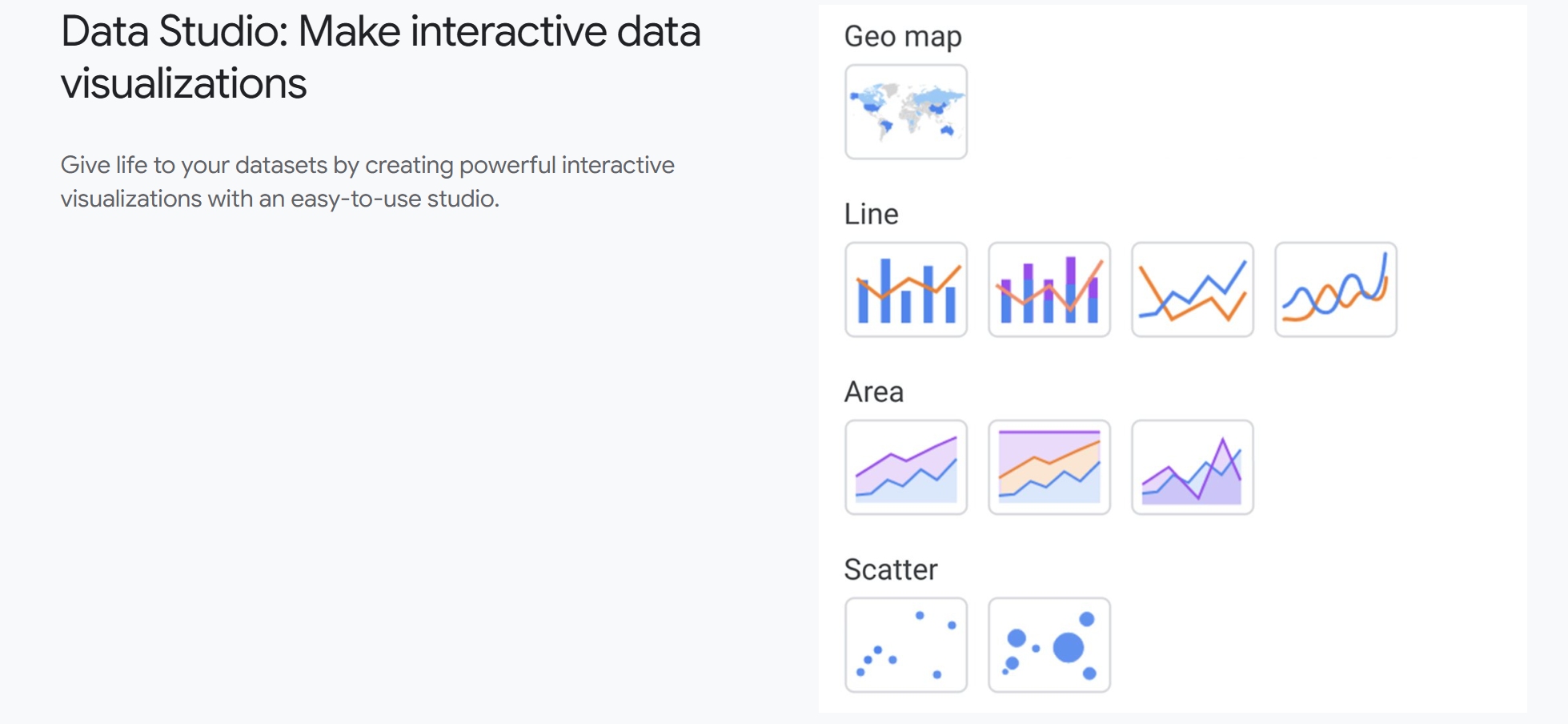
Google Data Studio is a free tool that helps small businesses visualize and share data. You can connect it to Google products like Analytics and Sheets, and create custom reports.
Qlik Sense democratizes data analytics for small businesses. You can create dashboards and reports independently, using a drag-and-drop interface and AI-driven insights.
Looker Studio offers powerful analytics and data visualization for small businesses. You can manage costs with an affordable pricing model and scale up as your business grows.
Sisense is designed to scale with your organization, but it’s primarily tailored for mid- to large-scale deployments. You can centralize your data and create advanced analytics, but the platform may be complex for small teams.
Sisense operates on a tiered, quote-based pricing model. Cloud deployments tend to cost more than self-hosted versions, and advanced features may come at a premium. You’ll need a solid technical foundation and ongoing support, which may not be feasible for small businesses with limited resources.
Pros:
Scalable analytics platform
Centralized data management
Cons:
Higher cost for cloud deployments
Requires technical expertise
Best for: Small businesses with dedicated IT resources and plans for rapid growth.
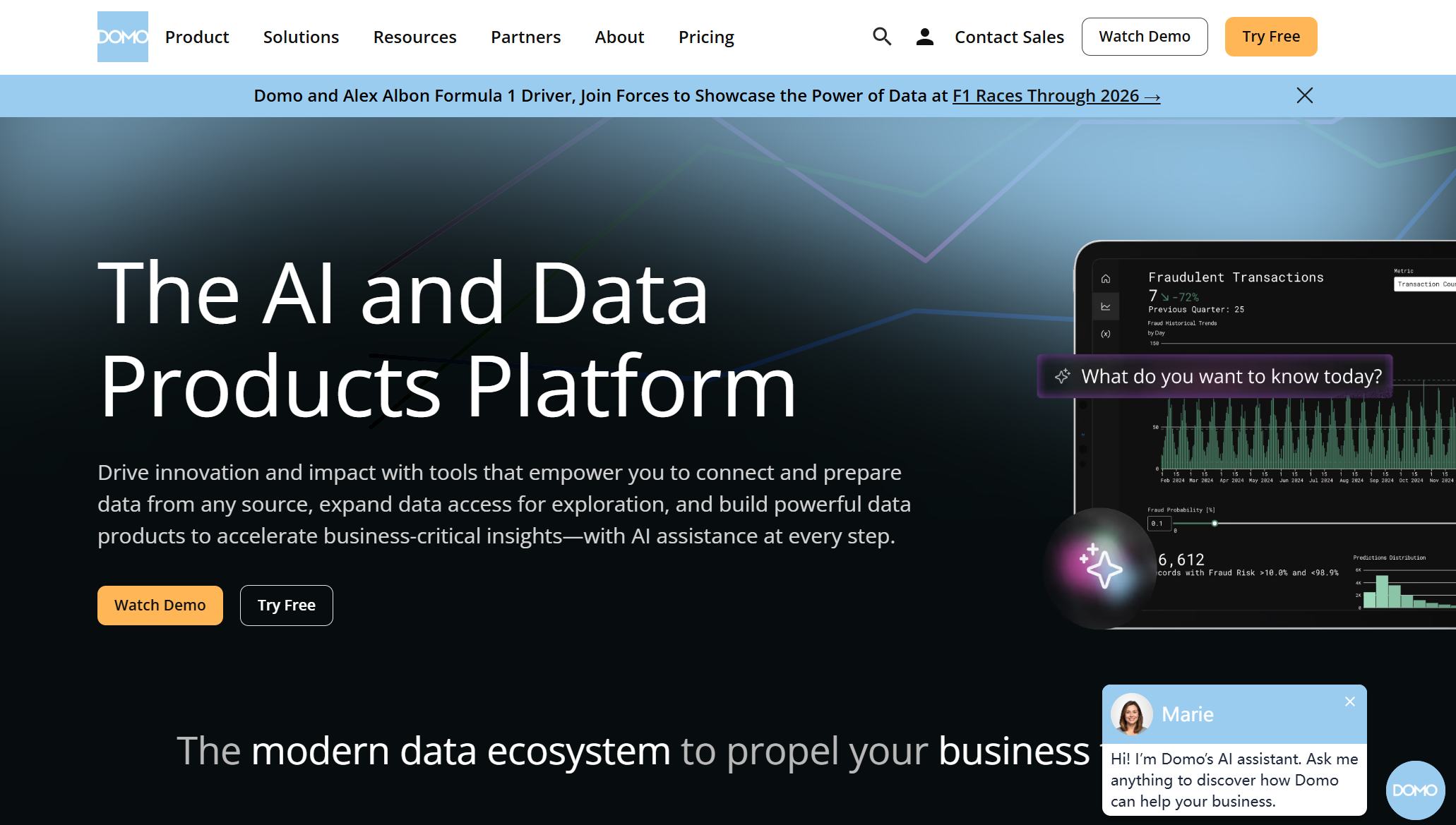
Domo helps small businesses integrate data from many sources. You can use thousands of pre-built connectors or build custom ones for proprietary systems.
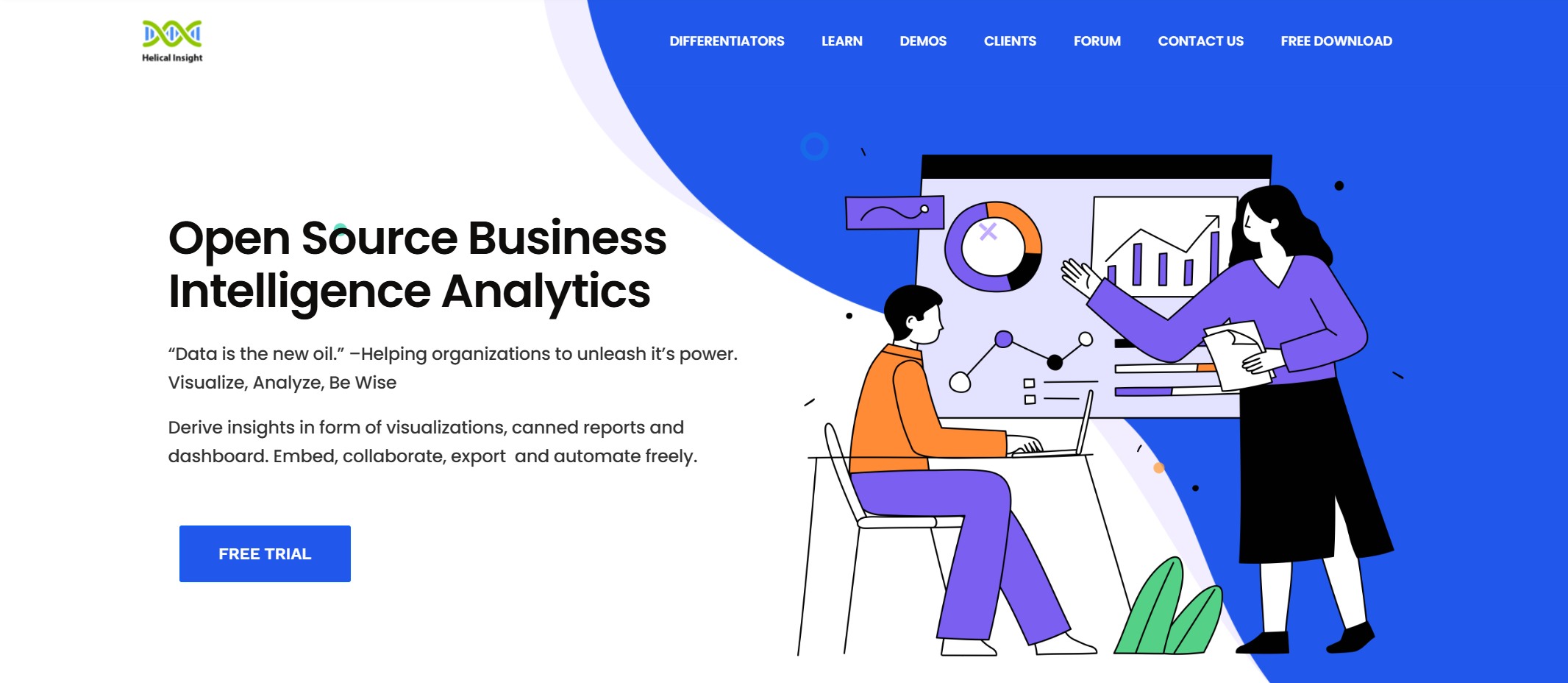
Helical Insight is an open-source BI tool for small businesses. You can customize it to fit your needs and create interactive dashboards. The platform supports integration with various data sources and offers flexible reporting options.
Best for: Small businesses with technical skills that want a customizable, open-source BI solution.
Tip: When you choose among the top bi tools, consider your team’s technical skills, budget, and the types of data you need to analyze. The right tool will help you unlock the full potential of your data analytics and drive your business forward.
What Are BI Tools for Small Business
Definition and Purpose
When you hear aboutBI tools for small business, you might wonder what they actually do. These tools help you turn raw data into useful information. You can use them to track sales, monitor inventory, and understand customer behavior. The main goal is to make your data easy to understand and use for decision-making.
Here’s how leading industry sources define business intelligence tools:
Source
Definition
LexisNexis
Tools and strategies for turning data into business insights.
Infor
A set of technologies and practices used to collect, analyze, and present business data to support decision-making.
SAP
The processes and tools used to analyze business data, turn it into actionable insights, and help everyone in an organization make better-informed decisions.
You don’t need to be a data expert to use these tools. Most top bi tools offer user-friendly dashboards and reports. You can see trends, spot problems, and share insights with your team.
Key Benefits for Small Businesses
Business intelligence tools bring several advantages to small businesses. You get more than just charts and numbers. You gain the ability to predict trends, automate routine tasks, and personalize your customer experience.
Predictive analytics lets you see future sales trends and improve customer engagement.
Automated processes help you save time by forecasting demand and optimizing inventory.
Better personalization means you can respond to customer behavior in real time, which boosts sales and satisfaction.
These benefits make data analytics accessible and valuable for every small business owner.
How BI Tools Improve Decision-Making
BI tools for small business give you the power to make smarter choices. You can see what’s working and what needs attention. With clear dashboards, you can track performance and adjust your strategy quickly. You don’t have to guess anymore. Instead, you use facts and trends to guide your decisions.
Top bi tools help you share insights across your team. Everyone stays on the same page. You can react faster to changes in the market. This leads to better results and steady growth.
FineBI BI Tools for Small Business
Data Integration and Preparation
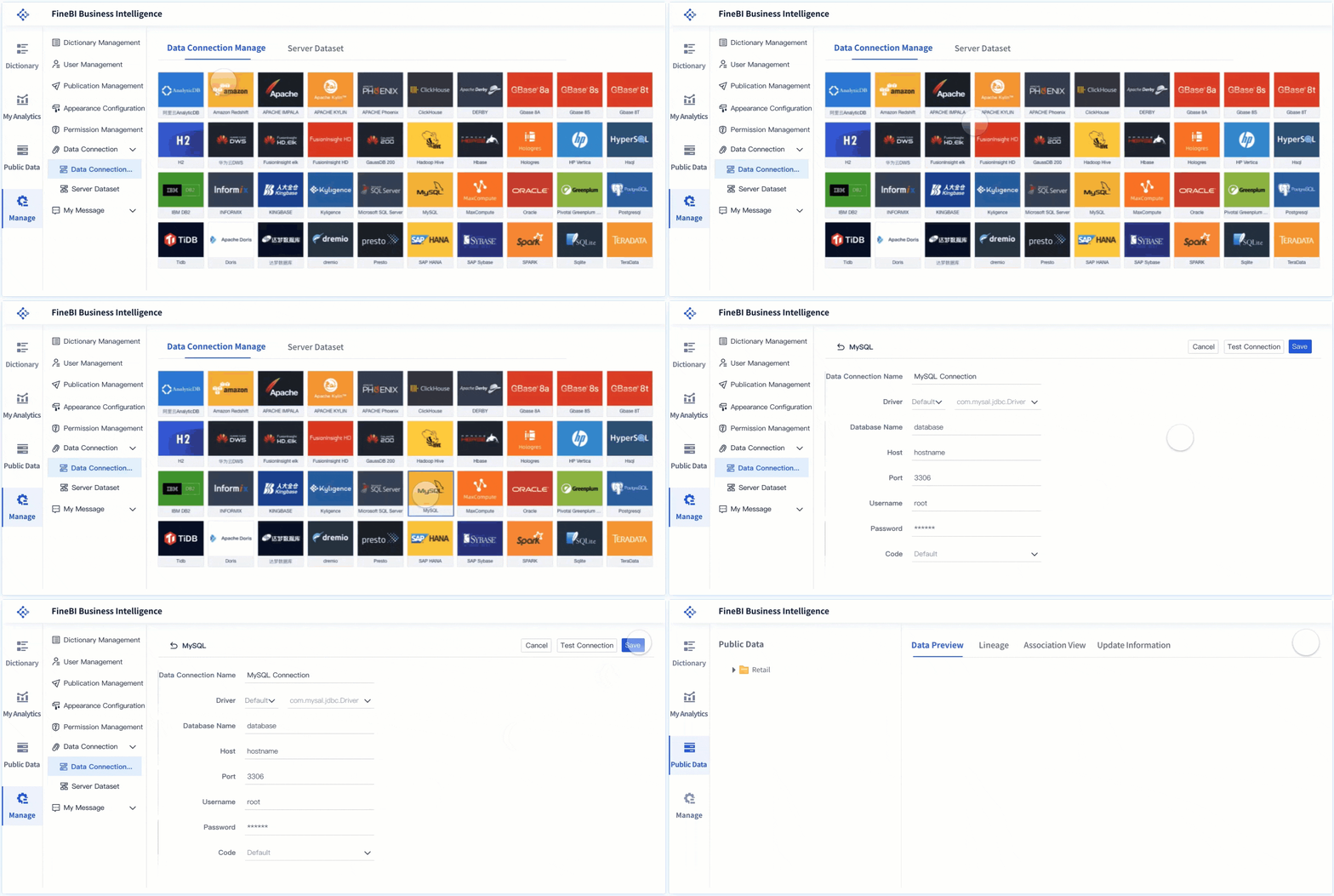
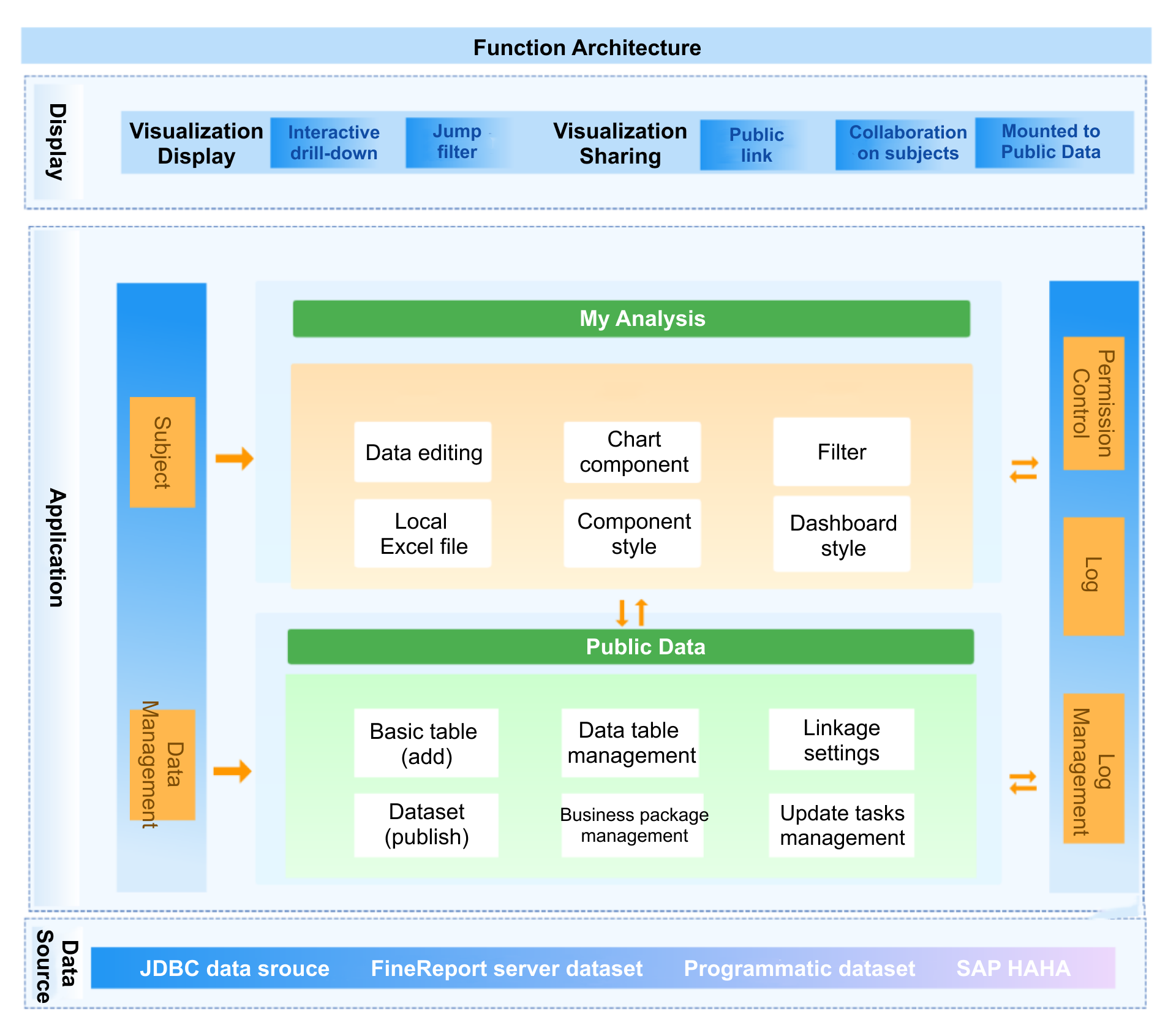
You want your business intelligence software to handle all your data, no matter where it lives. FineBI makes this easy for small businesses. You can connect to over 30 big data platforms and SQL sources, including Excel files. The platform uses a visual, low-code approach for cleaning and preparing data from different business systems. You get a high-performance engine that keeps your data synchronized and standardized. FineBIorganizes your data into folders by business subject, so you can find what you need fast. You can model relationships between data sets and link them with composite keys. Self-service datasets let you explore and analyze data without manual setup.
Feature
Description
Data Source Connectivity
Connects with big data platforms, SQL sources, and Excel datasets.
Data Preprocessing
Visual, low-code cleansing of data from various business systems.
ELT/ETL Engine
Dual-core engine for standardized, synchronized data.
Data Management
Folder-based classification for easy access and comprehension.
Data Modeling
Simple modeling and composite key linkage configuration.
Self-Service Datasets
Explore and analyze data without manual linkage setup.
FineBIgives you the power tobuild dashboards on your own. You do not need coding skills or IT support. The drag-and-drop interface lets you create interactive dashboards quickly. You can choose from a wide range of charts and visual components. You can customize layouts and styles to match your business needs. Dashboards update in real time, so you always see the latest numbers. You can access dashboards from any device, making it easy to stay informed wherever you are.
You need to make decisions based on current data trends. FineBI supports real-time data processing, so you always work with up-to-date information. The platform integrates machine learning, helping you predict future trends and customer behavior. The user-friendly interface means everyone on your team can use analytics without long training sessions. FineBIconnects seamlessly with your existing systems, so your workflow stays efficient.
Feature
Relevance to Small Business Growth
Real-time data processing
Enables timely decision-making based on current data trends.
Machine learning integration
Predicts future trends and customer behavior.
User-friendly interfaces
All team members can use analytics without extensive training.
Seamless integration
Efficient workflows with existing systems.
Collaboration and Security
You want your team to work together and keep data safe. FineBI supports secure sharing of dashboards and reports. You can set permissions based on roles, departments, or business needs. Sensitive data stays protected with masking and access controls. Teams can collaborate on dashboards, share insights, and validate data together. FineBI helps small businesses maintain data security while promoting teamwork.
Tip: FineBIcombines ease of use, scalability, and strong data analytics features. You get abusiness intelligence softwarethat grows with your small business and helps you unlock the full value of your data.
When you look at BI tools for small business, you’ll notice two main types: self-service and IT-centric. Self-service tools let you and your team explore data without waiting for IT support. You get instant access, build reports, and make decisions faster. IT-centric tools, on the other hand, require technical help for setup and report creation. This can slow down your workflow and limit who can use the tool.
If you want your small business to move quickly and empower everyone, self-service BI is the way to go.
Cost and Scalability
Cost matters when you choosetop bi tools. You want something affordable that grows with your business. FineBIstands out here. You start with basic analytics and scale up as your needs change. The drag-and-drop interface means you don’t need coding skills, saving you money on training and support. FineBI’s in-memory engine handles large data volumes, so you get quick answers even as your business grows. Many other tools charge extra for advanced features or need more IT resources, which can drive up costs for small businesses.
You need BI tools for small business that connect easily to your existing systems. FineBI makes integration simple. You can link databases, cloud platforms, and Excel files without hassle. Support is important too. FineBIoffers clear guidance and resources, so you don’t get stuck. Other tools may require more technical help or have limited support for small teams. When you pick a BI tool, check how well it fits with your current setup and how much help you’ll get if you run into problems.
Tip: Choose a BI tool that matches your team’s skills, budget, and growth plans. The right choice will help your small business unlock insights and stay ahead.
Choosing the Right BI Tools for Small Business
Ease of Use and Learning Curve
When you look forBI Tools for Small Business, ease of use should be at the top of your list. You want a tool that feels intuitive and lets you get started quickly. A simple interface helps you and your team adopt the software faster. If you have experience with Excel, platforms like Power BI may feel familiar. Intuitive dashboards and clear navigation make self-service analytics possible, even for those new to data analysis.
Factor
Importance Level
Data Integration
High
Visualization Capabilities
Medium
User Experience
High
A platform’s learning curve affects how quickly your team can use it.
Tools with drag-and-drop features encourage adoption.
User-friendly design means less time spent on training.
Integration with Existing Systems
BI Tools for Small Business work best when they fit into your current workflow. You want seamless connections to your CRM, accounting software, and other business apps. This integration keeps your customer data consistent and up-to-date. Automated processes reduce manual entry and errors. Real-time synchronization ensures you always have the latest insights.
Integration Aspect
Description
Seamless Data Exchange
Links accounting, CRM, and other tools for smooth workflows.
Automation of Tasks
Cuts down manual entry, boosting efficiency.
Real-time Data Synchronization
Keeps data updated for accurate decision-making.
Consistent data improves communication and customer service.
Integrated systems help you respond faster to business changes.
Pricing and Value
You want BI Tools for Small Business thatfit your budgetand offer real value. Pricing models vary, so compare options before you decide. Some tools charge per user, which works well for small teams. Others use capacity-based or usage-based pricing, which may save money if you process fewer queries.
Pricing Model
Description
Per-User Subscriptions
Pay for each user; ideal for small teams.
Capacity-Based Pricing
Pay for computing power; suits larger groups with occasional users.
Usage-Based Pricing
Pay for queries or data processed; can be cost-effective for small businesses.
Look beyond the sticker price. Consider ongoing support, training, and updates. These factors affect the total cost of ownership.
Support and Community
Strong support and an active user community make a big difference. You want quick answers when you run into problems. Many organizations see lower support costs and faster solutions when they use community platforms. Peer-to-peer learning helps you get more from your BI Tools for Small Business.
Companies with active communities reduce support costs by nearly a third.
Most support cases resolve through community discussions.
User communities encourage sharing tips and best practices.
A helpful support network and engaged community boost your confidence and help you get the most out of your BI tool.
Maximizing Value from BI Tools for Small Business
Best Practices for Implementation
Getting the most out of BI Tools for Small Business starts with smart implementation. You want to treat your BI rollout like a startup. Test quickly and learn fast. Begin with departments that have clear pain points. Use self-service BI to keep costs low and empower your team.Keep your data clean. Reliable BI outputs depend on good data hygiene, so avoid duplicate records and outdated information. Set up threshold-based notifications for alerts. This helps you respond on time without getting overwhelmed by too many alarms. Regularly prune old reports to keep dashboards relevant and easy to use.
Tip: Continuous and contextual training works better than one-time workshops. Your team learns more when training fits their daily workflow.
Training and Adoption
You want your team to feel comfortable using BI Tools for Small Business. On-the-job training works best. Employees practice prompts and get outputs that matter to their roles. Online courses from platforms like LinkedIn or Coursera offer flexibility. Workshops led by experts give hands-on experience. Start by assessing your team’s AI literacy. Identify which BI tools you already use. Find out which departments need training. Use surveys or skills assessments to spot gaps.
Training Method
Description
On-the-job training
Employees practice prompts and receive outputs relevant to their roles.
Online courses
Convenient for employees to complete alongside their workloads.
Workshops
Hands-on sessions focusing on real-world applications of BI and AI.
Measuring Success
You need to track the impact of BI Tools for Small Business. Use clear key performance indicators (KPIs) to measure progress. Revenue growth shows if your business is expanding. Profit margins tell you how well you manage costs. Customer acquisition costs help you see if your marketing pays off. Track sales calls, website traffic, and lead generation to measure sales and marketing efforts. Customer satisfaction scores reveal how happy your clients are. Product engagement metrics show how users interact with your offerings.
KPI
Description
Revenue Growth
Measures the increase in revenue over a specific period.
Profit Margins
Indicates the profitability of the business after expenses.
Customer Acquisition Costs
Evaluates the cost associated with acquiring a new customer.
Note: Regularly review these metrics to keep your BI strategy on track and make adjustments as your business evolves.
You’ve seen how BI tools for small business can transform your workflow. These platforms deliver actionable insights, simplify reporting, and make data visualization tools accessible to everyone. When you choose a solution with affordable pricing, you set your business up for growth and efficiency. Take time to explore FineBI and other options. The future of BI promises smarter decisions and more opportunities for small businesses.
Ready to unlock your data’s full potential? Start exploring today.
Access a wealth of case studies, industry insights, and solution guides to accelerate digital transformation.
FAQ
What are BI Tools for Small Business?
BI Tools for Small Business help you turn data into useful insights. You can track sales, spot trends, and make better decisions. These tools work for any business size and do not require advanced technical skills.
How do BI Tools for Small Business improve daily operations?
You get faster access to reports and dashboards. You can automate tasks, reduce manual work, and see real-time updates. This helps you respond quickly to changes in your business.
Can you use BI Tools for Small Business without IT support?
Yes, most BI Tools for Small Business offer self-service features. You can build dashboards, analyze data, and share reports on your own. The interfaces are designed for non-technical users.
What data sources can BI Tools for Small Business connect to?
You can connect to databases, cloud platforms, spreadsheets, and even APIs. Most BI Tools for Small Business support popular sources like Excel, Google Sheets, and SQL databases.
How do you choose the best BI Tools for Small Business?
Look for ease of use, strong data integration, and good support. Check if the tool fits your budget and works with your current systems. Try free trials to see which one matches your needs.