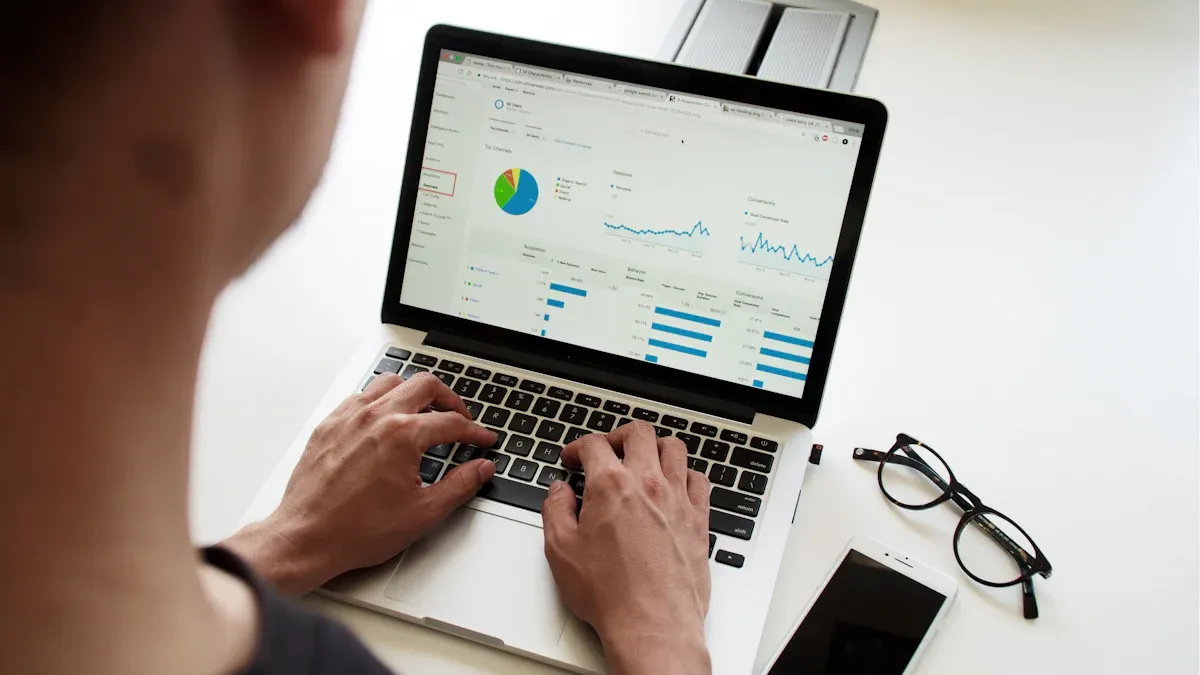
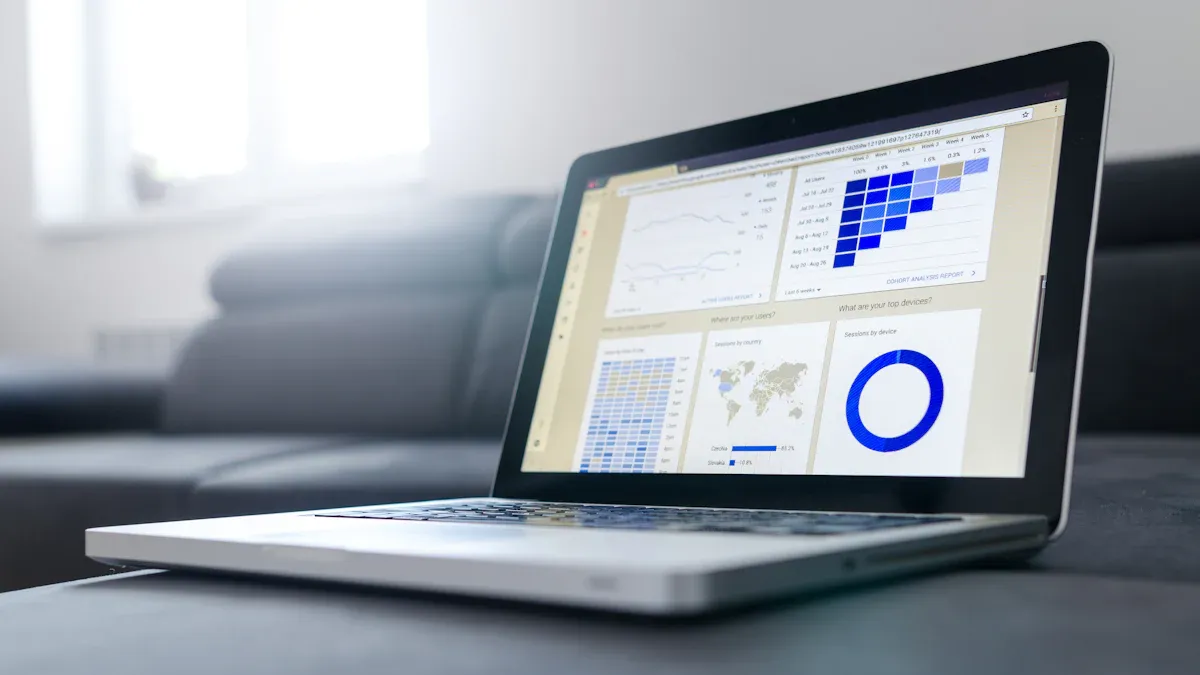
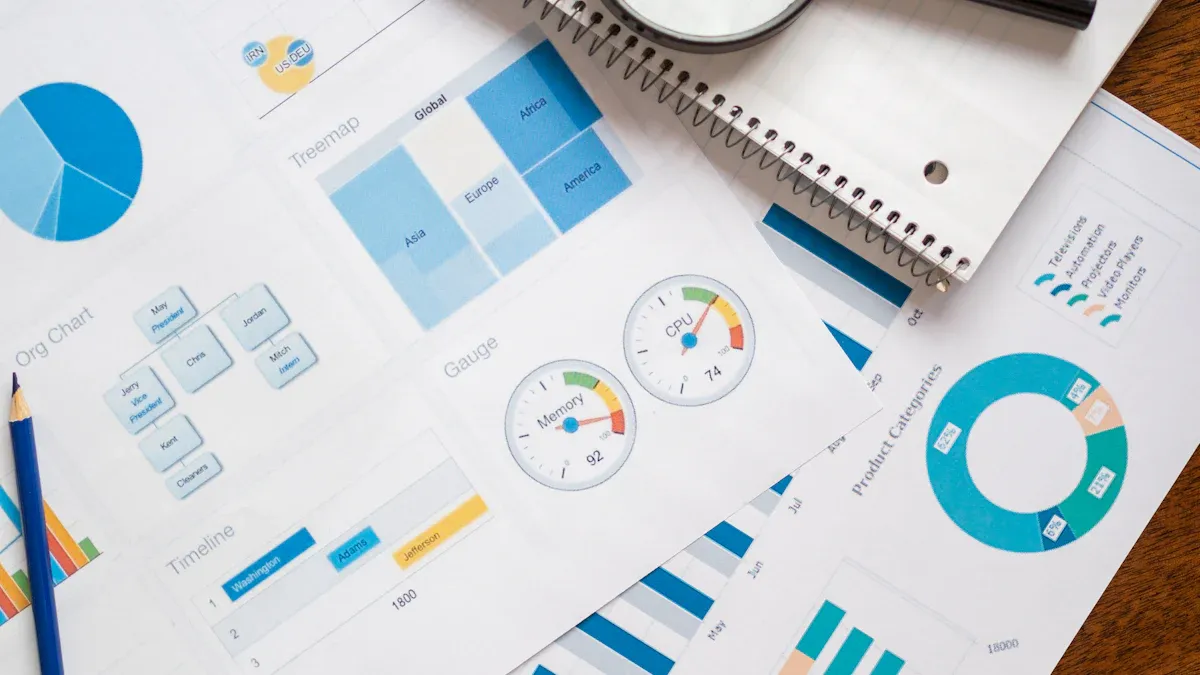
Self service reporting gives you the ability to create, access, and analyze your own reports without waiting for IT support. The core purpose of self-service reporting is to put the power of data directly into your hands, so you can answer questions and make data-driven decisions faster.
In today’s fast-paced environment, organizations need quick access to accurate data. Self-service reporting addresses this need by letting users build reports and explore data on their own. Surveys show that highly data-driven organizations are three times more likely to improve decision-making, and nearly half see value in projects that reduce expenses. However, only about 20% of organizations have adopted self-service tools, which means many still struggle with reporting bottlenecks.
By using self-service reporting, you can respond to business changes quickly and reduce dependency on IT. Consider how your current reporting process affects your team’s speed and flexibility. Are you able to get the data you need, when you need it?
Self Service Reporting Explained
What is Self Service Reporting
Self service reporting gives you the ability to create, customize, and share reports without waiting for IT or data specialists. You can use self-service reporting tools to explore data, build dashboards, and answer business questions on your own. These platforms focus on making data analysis accessible, so you can make data-driven decisions quickly.
A typical self-service reporting platform includes several important components. The table below outlines the main features you will find:
Component/Feature
Description
Governed Data Platform
Ensures data integrity and security for all users.
Semantic or Metrics Layer
Provides consistent metric definitions across all reports.
Self-Service Analytics Interface
Offers a user-friendly, drag-and-drop interface for easy data exploration.
Security and Governance
Uses role-based access and row-level security to protect sensitive data.
Performance and Scale
Connects to multiple data sources and processes data efficiently.
User Experience
Delivers rich visualizations and guided templates for better data storytelling.
Collaboration Options
Lets users work together and share insights easily.
Embedded Analytics
Integrates analytics into other business applications for broader access.
With self-service reporting, you can use drag-and-drop tools, intuitive filters, and guided templates. These features help you create ad hoc reportingand self-service dashboards with ease. You can also use natural-language queries to find answers faster.
How Self Service Reporting Works in Business
Self service reporting changes how you interact with data in your organization. You no longer need to rely on IT for every report. Instead, you can access real-time data, build custom reports, and analyze information as soon as you need it. This approach supports business intelligence by making data available to everyone.
Here is how self-service reporting functions in a business environment:
You can access and analyze data independently, even if you do not have technical skills.
You create custom reports and dashboards tailored to your needs.
You work with live data, ensuring your insights are always up to date.
You reduce the time spent gathering and preparing data for reporting.
You collaborate with colleagues by sharing reports and dashboards.
You use visual presentations to make complex data easy to understand.
Self-service reporting tools empower you to perform ad hoc reporting and data analysis on your own. This leads to faster decision-making and greater efficiency. You gain the flexibility to explore data, uncover trends, and support your business goals with timely insights.
You might wonder how self-service reporting stands apart from traditional reporting. The main differences come down to who uses the tools, how quickly you can generate reports, and the level of customization available. The table below highlights these distinctions:
Point of Difference
Traditional BI
Self Service BI
User Type
Designed for IT professionals and data analysts.
Accessible to non-technical users, like business teams.
Speed
Time-consuming due to the user often relying on IT or experts for generating reports.
Faster, as users have tailored tools that enable them to create reports independently.
Complexity
Typically requires advanced technical knowledge to use and maintain.
User-friendly analytics with intuitive interfaces and tools.
Customization
Limited customization and redefined reports dominate.
High customization; users can tailor and explore dashboards easily.
Examples
Legacy systems like SAP Business Objects, and IBM Cognos.
Tools like Yellowfin BI, Tableau, Power BI, and Qlik Sense.
Self-service reporting gives you direct access to data, so you can createad-hoc reports and dashboards without waiting for IT. You can explore data, customize your reports, and make decisions faster. Traditional reporting often limits you to pre-defined templates and slower turnaround times.
Why Traditional Reporting Falls Short
Traditional reporting systems often struggle to keep up with today’s business needs. You may face several challenges:
Static reporting can lead to decisions based on outdated information, delaying critical insights.
Manual report creation increases the likelihood of errors and consumes significant resources.
Lack of integration between reporting and planning systems can disrupt information flow and lead to inaccuracies.
These limitations mean you spend more time waiting for reports and less time acting on real-time data. Self-service reporting removes these barriers. You gain the ability to access up-to-date data, perform ad hoc reporting, and respond quickly to business changes. This shift supports better decision-making and empowers you to use analytics for deeper insights.
Self-service reporting also reduces costs and IT dependency. You can scale your reporting efforts as your team grows, ensuring everyone has the data they need. With self-service, you move from static, slow processes to agile, data-driven decision-making.
Self service reporting gives you direct control over your data. You can create, customize, and share reports without waiting for IT or technical teams. This independence means you answer business questions faster and respond to changes in real time. You use self-service tools to explore data, build dashboards, and generate ad hoc reporting whenever you need it.
Here is a table showing how self-service reporting empowers you and your team:
Benefit
Description
Quick access to data
You access and analyze data quickly and easily.
Proactive data exploration
You ask and answer data-backed questions on your own.
Democratized data access
You and your colleagues use data without relying on technical teams.
Intuitive features for ease of use
You explore data with simple, user-friendly interfaces.
Self-service reporting speeds up decision-making. You use real-time data insights to make confident choices. You do not wait for scheduled reports or manual updates. You perform ad hoc analysisand get answers instantly. This agility helps you keep up with market changes and business demands.
Self-service analytics tools allow you to access and analyze data independently, reducing delays from data teams.
Real-time data access and ad-hoc analysis contribute to quicker decision-making.
Higher-quality insights empower you to make confident and rapid decisions.
You perform ad hoc analysis and access data in real time, enhancing agility in decision-making.
You respond swiftly to changing market conditions.
Flexibility and Accuracy
Self service reporting gives you flexibility to create reports that fit your needs. You do not rely on predefined templates. You build custom reports and dashboards for different departments, projects, or goals. You integrate data from multiple sources, making your analysis more complete and accurate.
The table below highlights key features that improve flexibility and accuracy in self-service reporting:
Feature
Description
Customizable Reports
You tailor reports to your specific needs.
Ad Hoc Reporting
You create reports on the fly, without templates.
Data Integration
You combine data from multiple sources for deeper analysis.
You use self-service reporting to ensure your insights are based on the latest data. You avoid errors from manual data entry or outdated information. You validate your findings with real-time data insights, making your reports reliable and actionable. You adapt your reporting process as your business grows, maintaining accuracy and relevance.
Self service reporting improves user satisfaction by making reporting easier and more effective. You experience greater ease of use and spend less time searching for information. You resolve issues quickly and get the data you need in one place. You engage more with your reports and dashboards, leading to better outcomes for your team and organization.
Metrics that measure user satisfaction with self-service reporting platforms include:
Net Promoter Score (NPS): Measures how likely you are to recommend the platform.
Customer Satisfaction Score (CSAT): Shows your immediate satisfaction after using the platform.
First Contact Resolution (FCR): Indicates how often your issues are resolved in the first interaction.
Customer Effort Score (CES): Assesses how easy it is for you to use the platform.
Bounce Rate: Tracks how often users leave after viewing one page.
User Engagement Metrics: Includes average session duration and pages per session.
Self service reporting drives business impact by enabling timely, informed decisions. You use up-to-date data to guide your actions, improving efficiency and growth. You access and analyze data independently, leading to better decision-making across departments. You act on data without needing technical skills, increasing business agility and responsiveness.
Timely access to information supports confident decision-making, raising the quality of decisions across the organization.
Self-service analytics increases ease of access and use, enabling informed decisions based on up-to-date data across various departments.
Self-service reporting allows you to independently access and analyze data, leading to informed and timely decisions that drive growth and efficiency.
It empowers you at all levels to act on data without needing extensive technical skills, enhancing overall business agility.
Self service reporting transforms how you work with data. You gain control, speed, flexibility, and satisfaction. You support your business with real-time data insights, ad hoc reporting, and distribution and automation of ad hoc reports. You use self-service reporting to unlock the full potential of your data, driving better outcomes for your organization.
Implementing Self Service Reporting with FineReport
Best practices for self service reporting rollout
You can achieve successfulself service reporting by following a clear rollout plan. Begin by assessing your organization’s readiness. Check your infrastructure, data quality, and team skills. Select self-service tools with features like natural language processing and automated insights. Start with simple, high-impact projects that offer measurable returns. Secure your data using role-based access controls and automated compliance checks. Train users with tailored programs and pre-built templates. Track your progress by measuring user engagement, IT impact, and business outcomes. These steps help you build a strong foundation for self-service reporting.
Assess readiness
Choose the right tools
Start small
Secure data
Train users
Track success
Challenge
Description
Cost Control
Keeping costs under control is a significant challenge, leading to extra costs for the company.
Data Chaos
Multiple versions of reports can create chaos, resulting in unused datasets and limited cooperation.
Employee Productivity
Chaos in data environments can discourage employees, impacting their motivation and productivity.
Data Silos
Lack of data usage control and data silos contribute to the chaos and inefficiency in reporting.
Risk Management
Basing decisions on incorrect data can lead to severe business consequences and increased costs.
Training and Adoption Strategies for Self Service Reporting
You can increase adoption of self service reporting by focusing on effective training methods. Offer onboarding and user education with clear communication and ongoing support. Address resistance through leadership and change management. Maintain engagement after implementation with continuous updates. Simplify the user experience to prevent users from reverting to old habits.
Train employees on needed skills, targeting both administrators and business users.
Provide training through demonstrations, video tutorials, and in-person workshops.
Ensure the user experience is fast and embedded in business processes.
Data Governance and Security in Self Service Reporting
Strong data governance ensures secure self service reporting. Document your data assets and manage metadata. Establish data lifecycle management policies. Assign clear data ownership and stewardship. Use a centralized data catalog for easy discovery. Standardize definitions and KPIs. Automate data lineage to track data flow. Implement data access controls and permission management.
Data Governance Practice
Description
Comprehensive Data Documentation
Captures information about data assets, enhancing discoverability.
Data Lifecycle Management Policies
Manages data securely from creation to disposal.
Clear Data Ownership and Stewardship
Assigns responsibility for data accuracy and upkeep.
Centralized Data Catalog
Makes datasets and definitions easily accessible.
Standardized Definitions and KPIs
Aligns interpretations of data across teams.
Automated Data Lineage
Provides transparency and trust in data usage.
Data Access Controls and Permission Management
Protects sensitive information.
Centralized Data and Integration for Self Service Reporting
Centralized data management supports effective self service reporting. You gain a frictionless experience and quick access to insights. Business users explore data independently, freeing engineers for core development. You customize reports and dashboards to fit your needs. Enhanced agility allows rapid decision-making. Centralized data breaks down silos and promotes collaboration. You improve organizational productivity and optimize data usage continuously.
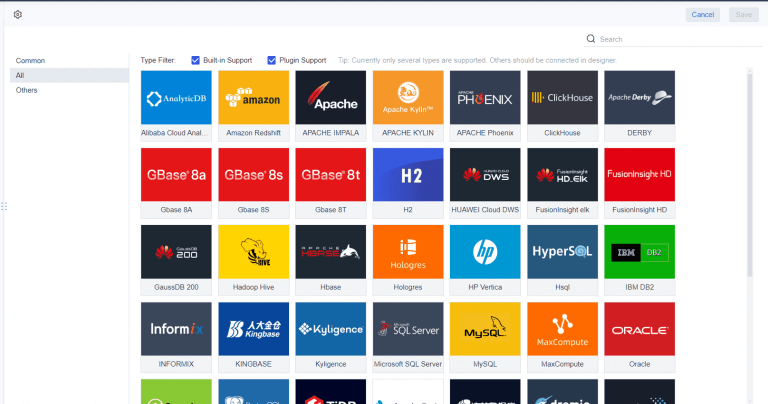
Modern self-service reporting platforms integrate data from multiple sources. Built-in connectors, scheduling tools, and quality checks help maintain data freshness. Common integration methods include batch processing, change data capture, and APIs.
FineReport for Self Service Reporting Analytics
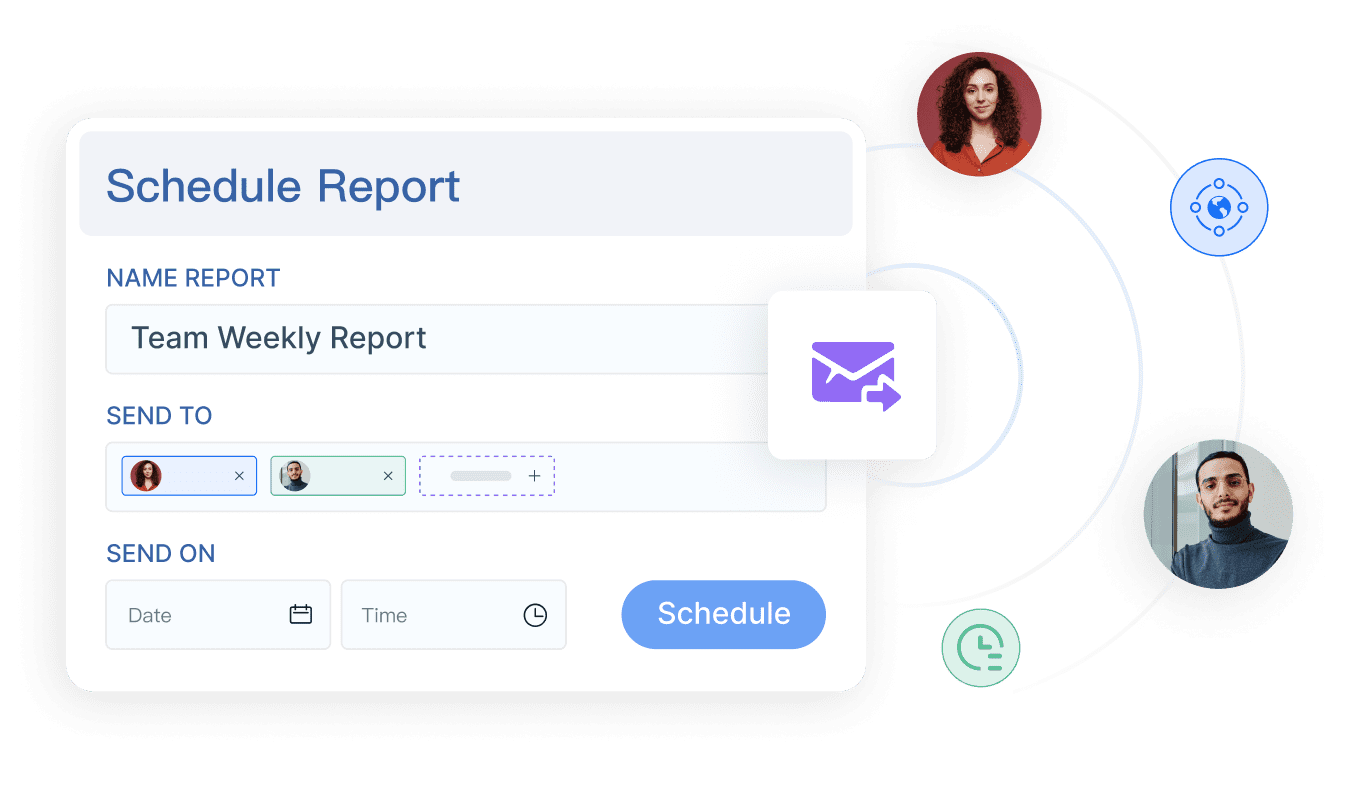
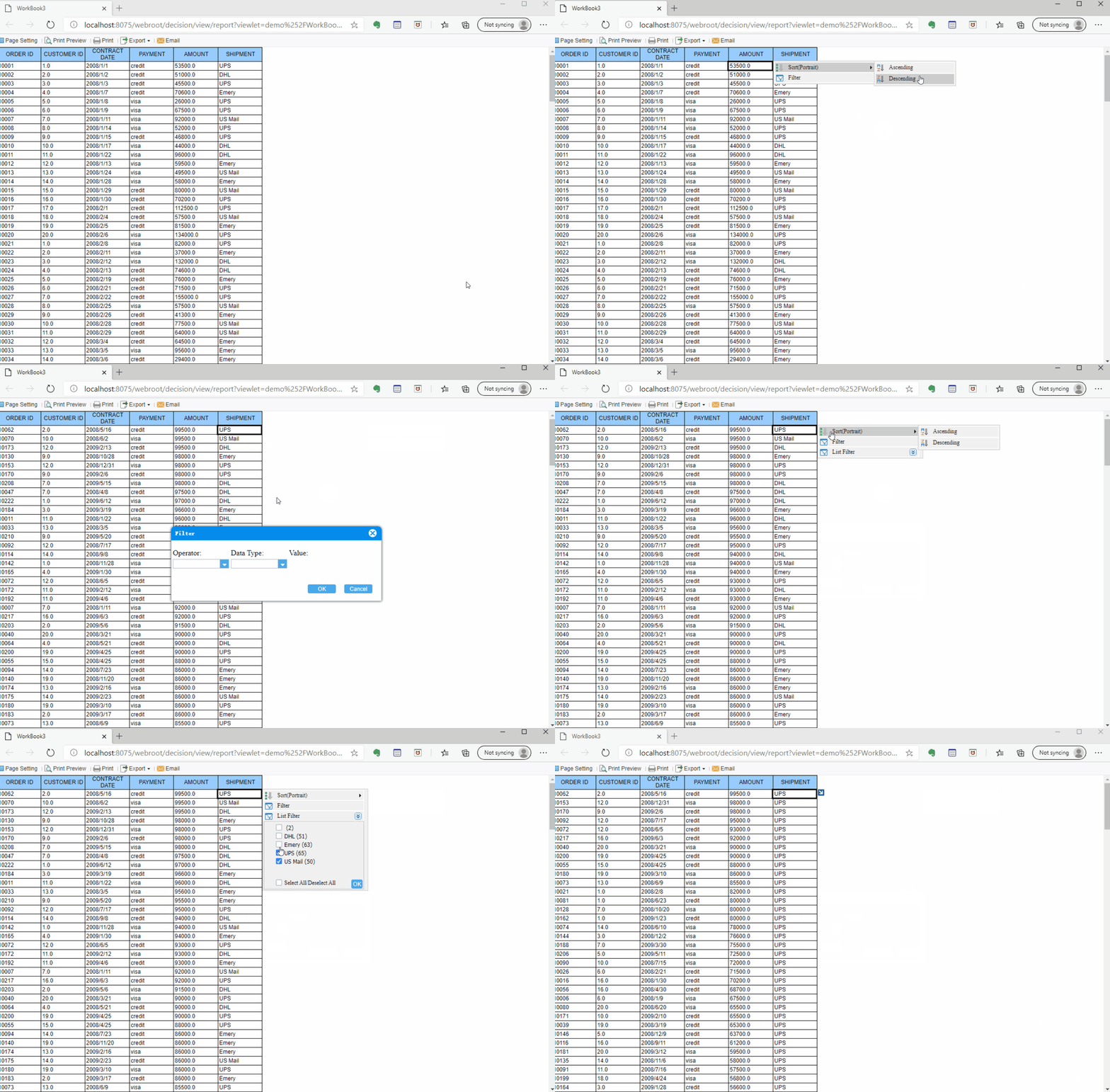
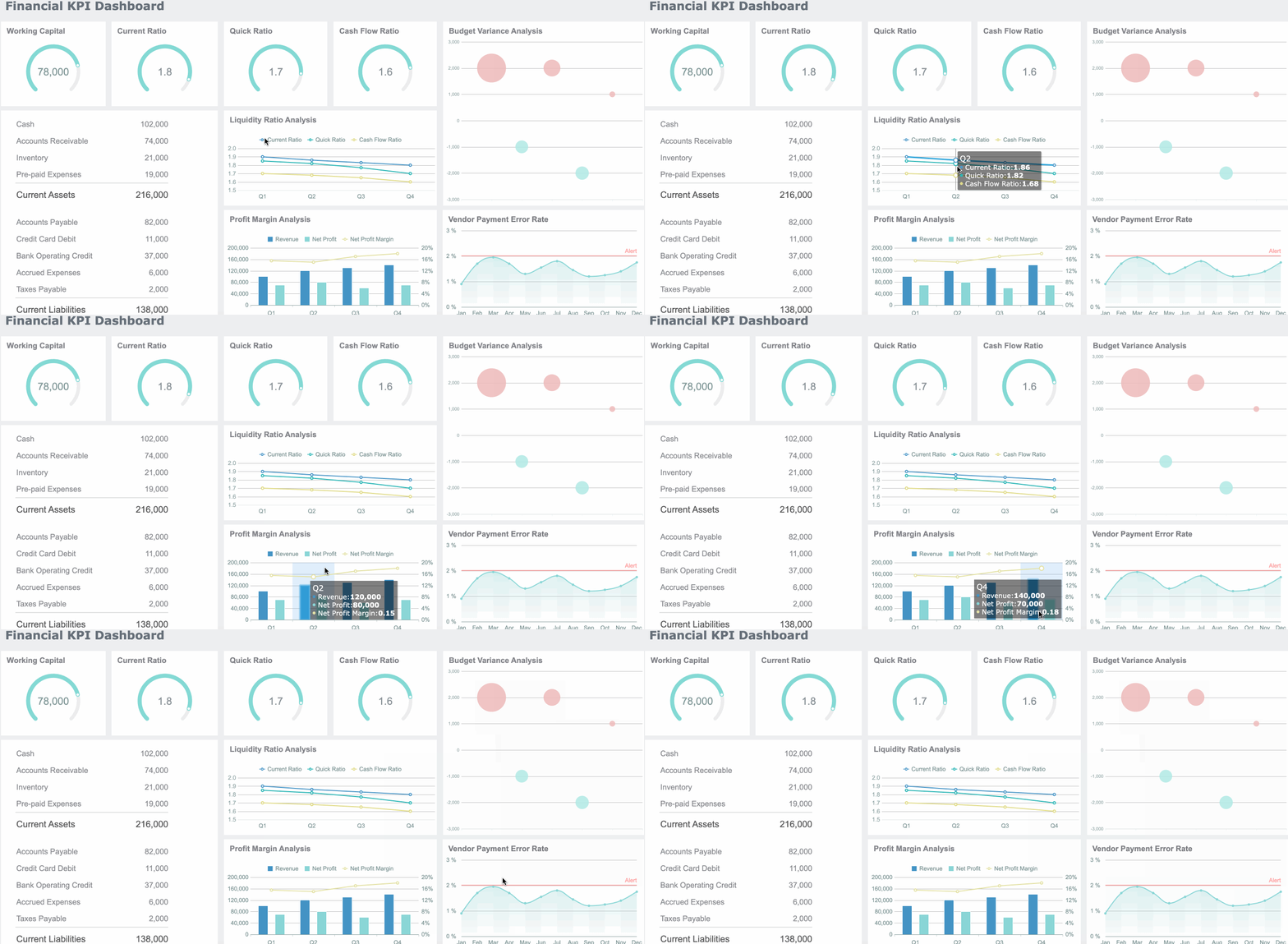
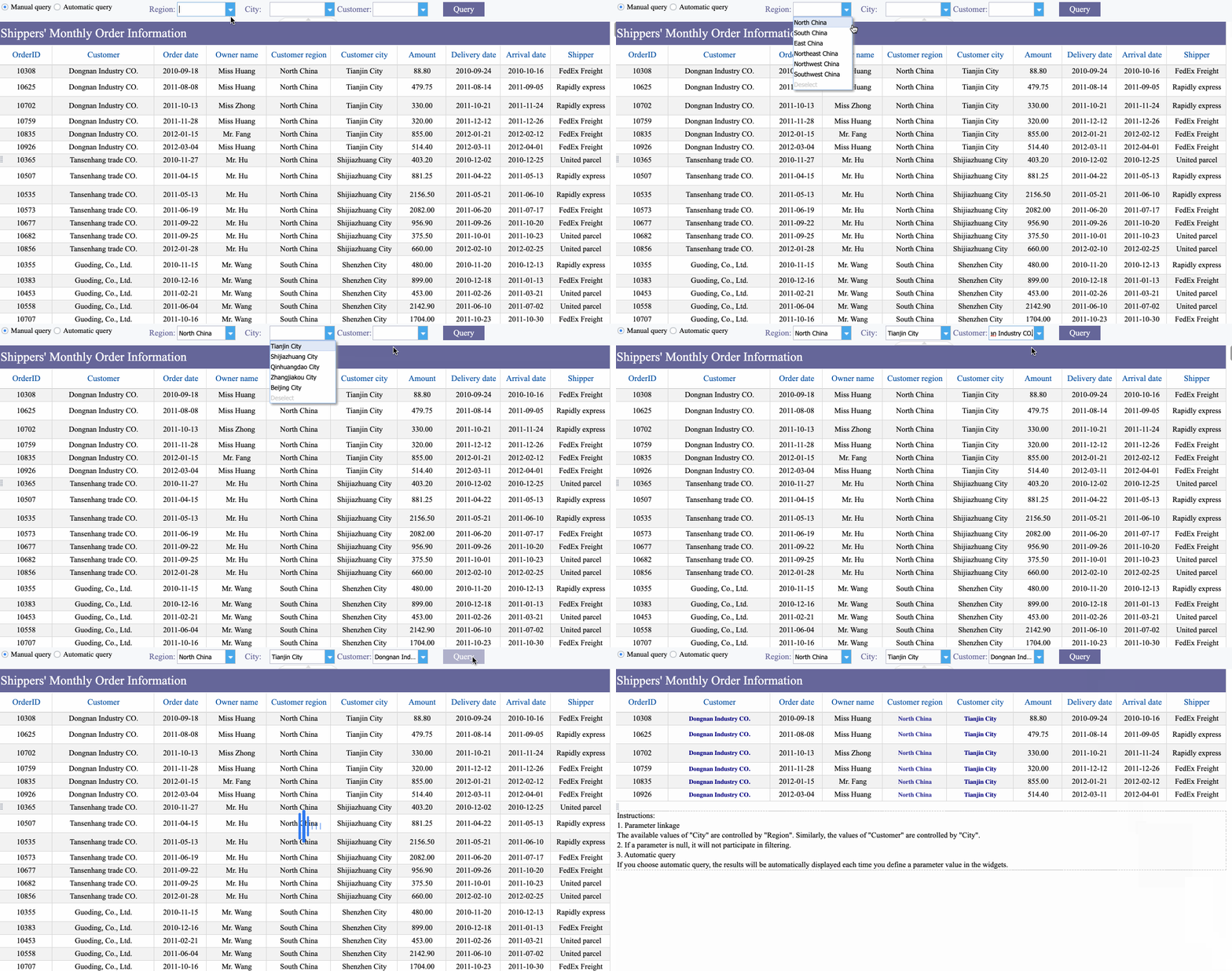
FineReport empowers you to create, customize, and share reports with ease. You use a drag-and-drop interface to build complex reports and interactive dashboards. FineReportconnects to various data sources, supporting centralized data management. You access reports on mobile devices, enabling real-time decision-making. The decision-making platform integrates all reports and dashboards, offering user management and data security.
Organizations like SAMOA have transformed their operations with FineReport. They achieved unified data governance, automated reporting, and real-time insights. FineReport’s integration with FineBI creates a comprehensive self-service analytics ecosystem. You benefit from unified access, simplified management, and enhanced efficiency. FineReport and FineBI together support both structured reporting and dynamic ad hoc reporting, helping you unlock deeper data insights.
Self service reporting transforms how you use data for business decisions. You gain instant access to reports, which improves collaboration and speeds up decision-making. The table below shows the impact:
Metric
Result
Decision turnaround
Same-day
Employee engagement
Increased by 40%
Cost savings
$200K annually
You empower your team, streamline reporting, and boost performance. Consider FineReportto simplify self-service reporting and unlock real-time insights. Start by evaluating your data needs, training users, and centralizing reports for consistent results.
Access a wealth of case studies, industry insights, and solution guides to accelerate digital transformation.
FAQ
What is self service reporting and how does it help you?
Self service reporting lets you create and analyze reports on your own. You do not need to wait for IT support. You gain faster access to data and make decisions quickly.
Can you use self-service reporting without technical skills?
You do not need advanced technical skills to use self-service reporting. Most platforms offer drag-and-drop tools and guided templates. You can build reports and dashboards with simple steps.
How does self-service reporting improve data accuracy?
Self-service reporting uses real-time data from centralized sources. You avoid errors from manual entry and outdated information. You validate your findings with up-to-date insights.
What types of reports can you create with self-service reporting tools?
You can create custom dashboards, ad hoc reports, and visualizations. You tailor reports for different departments or projects. You combine data from multiple sources for deeper analysis.
Is self service reporting secure for sensitive business data?
You control access with role-based permissions. Self service reporting platforms use strong security features. You protect sensitive information and ensure only authorized users see specific data.