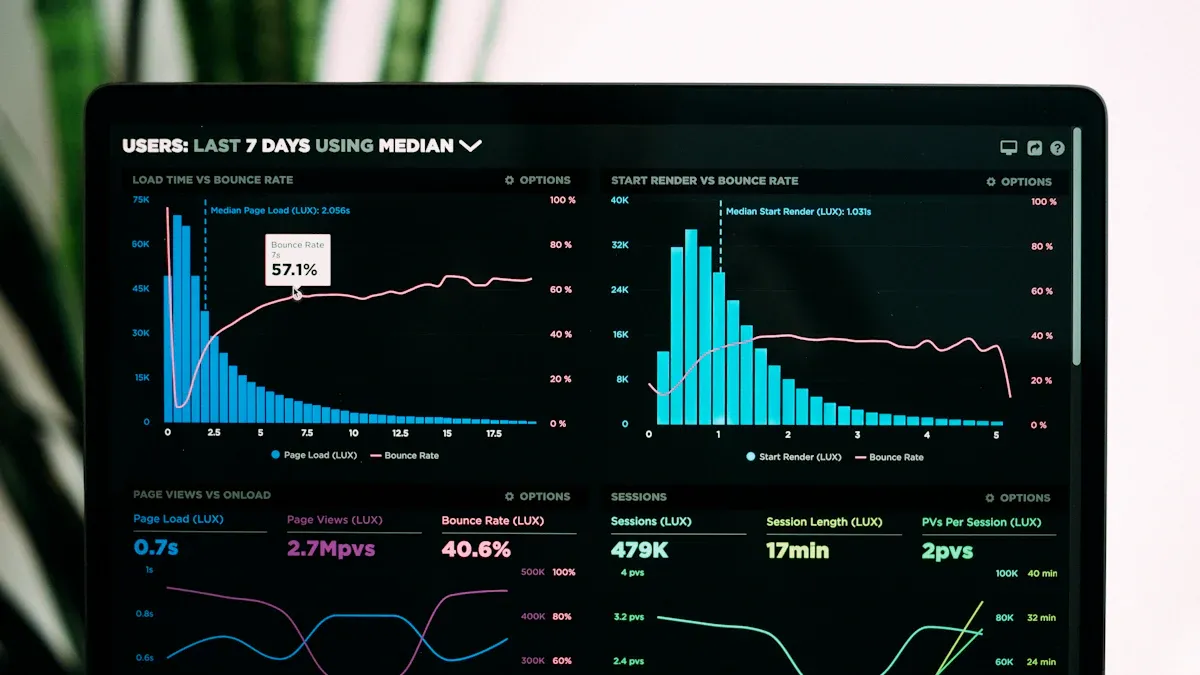
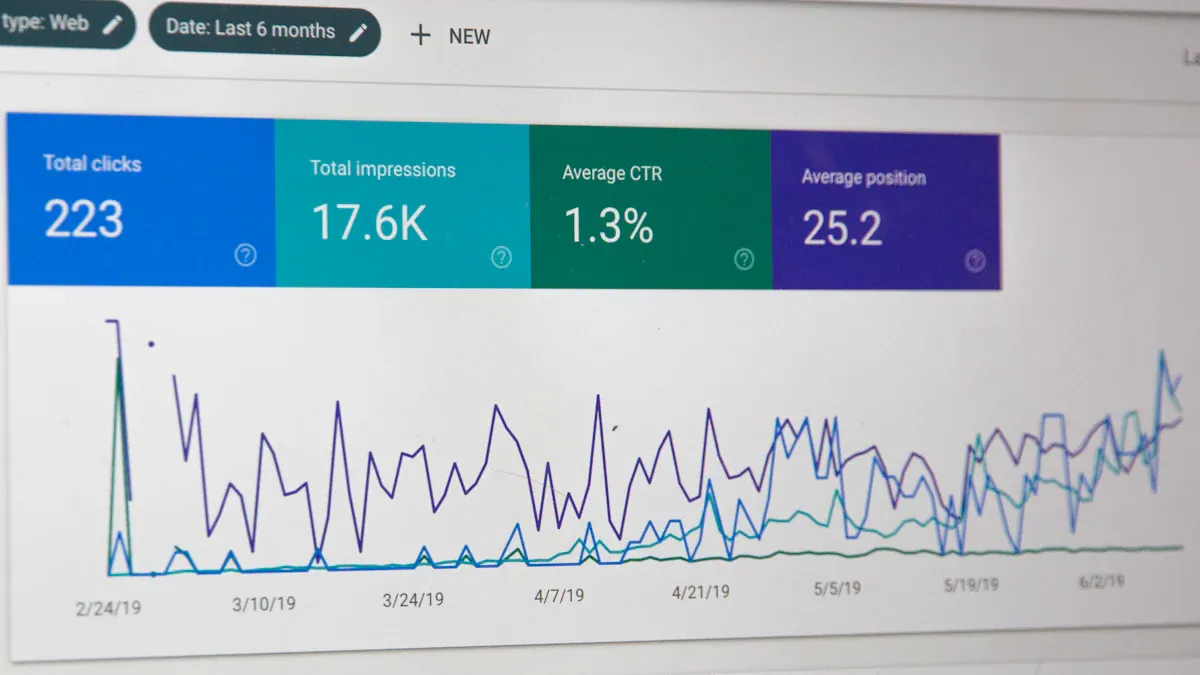
What is an email marketing dashboard? It is a digital tool that brings all your email campaign data together in one place. You can see opens, clicks, bounces, and more—right at your fingertips. This dashboard gives you a single, clear view of your email results.
Tracking your email performance helps you understand what works and what needs improvement. When you centralize your metrics, you spot trends faster and catch underperforming campaigns before they drag you down. You make better decisions because you see every important email number in one dashboard. By pulling in data from different sources, you get the full picture of your customer journey and can quickly adjust your strategy for the best results.
Email Marketing Dashboard Overview
What is an Email Marketing Dashboard
When you use anemail marketing dashboard, you get a single place to track all your email campaigns. This dashboard pulls in data from different sources, so you see everything you need at a glance. You can check how many people opened your email, clicked on links, or even unsubscribed. The dashboard helps you spot trends and understand what your audience likes.
Unlike traditional email analytics tools, anemail analytics dashboardgives you more control and depth. You can drill down into your data, customize your view, and answer ad hoc questions quickly. Here’s a quick comparison:
Feature
Dashboard
Email Analytics
Time to access data
2-3 minutes
Instant (open inbox)
Data depth
Unlimited drilling down
Limited to report scope
Team alignment
Difficult
Easy
Customization
Extensive
Minimal
Real-time data
Yes
No (typically daily)
Historical comparisons
Possible but manual
Built-in automatically
Core Functions and Features
An email analytics dashboard does more than just show numbers. It brings together data from your email client, web analytics, and CRM. This gives you a full view of your marketing efforts. Here are the main functions you can expect:
Function
Description
Data Aggregation
Combines data from email clients, web analytics, and CRM systems for a comprehensive view.
Performance Tracking
Monitors metrics such as sends, opens, clicks, conversions, and unsubscribe rates.
Decision-Making Support
Helps you spot trends and make smart choices to improve your campaigns.
You’ll also find these essential features in a strong email analytics dashboard:
Open rate tracking
Deliverability rate monitoring
Unsubscribe rate measurement
List growth rate
Overall ROI calculation
Spam complaint rate
Email sharing rate
Revenue per email
With these features, you can see what works and what needs to change. The dashboard makes it easy to adjust your strategy and get better results from every email campaign.
When you use anemail marketing dashboard, you give yourself a real advantage. You can see all your email data in one place, which makes it much easier to understand what’s happening with your campaigns. Instead of jumping between different tools or spreadsheets, you get a clear, visual overview of your email analytics dashboard. This saves you time and helps you focus on what matters most—growing your business.
Here are some of the top benefits you’ll notice right away:
Benefit
Description
Enhanced Campaign Effectiveness
An email analytics dashboard gives you actionable insights, so you can create more personalized and effective campaigns.
Comprehensive Data Analysis
You can combine data from all your campaigns, making it easier to understand how your audience responds.
Time Efficiency
Automation in data collection and visualization lets you spend less time on manual tasks and more on strategy.
You can track essential metrics like open rates, click-through rates, conversion rate, and revenue per campaign. The dashboard also lets you compare automated flows with one-off campaigns. This helps you see which email flows boost your average order value and repeat purchases. You can then prioritize and optimize your efforts for the best results.
A good email analytics dashboard centralizes your performance data. You get a visual summary that makes decision-making easier. You can quickly spot what’s working and what needs attention. This means you can act faster and with more confidence.
You also get real-time visibility into your campaigns. The dashboard consolidates all your data, so you can track performance metrics and spot trends or issues as soon as they happen. If a campaign underperforms, you’ll know right away and can make changes before it affects your results.
Tip: Use your email analytics dashboard to monitor engagement metrics like open rates and click-through rates. This helps you spot trends and adjust your strategy for better engagement.
Data-Driven Decisions and ROI
An email analytics dashboard does more than just show you numbers. It helps you make smarter, data-driven decisions that improve your return on investment. When you track subscriber behavior and campaign impact, you get a deeper understanding of your email performance. You can see how subscribers interact with your emails over time and spot patterns in their engagement.
With a dashboard, you can compare your email channel against others. This shows the true value of your email marketing campaign and can help you secure more budget for future campaigns. By integrating AI with CRM data, you can even predict what your subscribers will do next. This lets you optimize your campaigns and stay ahead of the competition.
Businesses that use dashboards to guide their decisions often see impressive results. Many companies report returns of $36 to $45 for every $1 spent on email. Some even achieve a 3,600% ROI by making decisions based on the metrics that drive revenue, not just sending more emails.
You can define key metrics like cost per acquisition, conversion rates, and revenue generated. Tools like Google Data Studio or Tableau help you visualize this data in real time. You can create reports that compare your marketing spend to your results, making it clear how your email efforts contribute to business growth.
When you use an email analytics dashboard, you can:
Track all your campaign data in one place.
Identify underperforming campaigns quickly.
Spot trends and issues by monitoring key metrics.
Gain insights that help you optimize future campaigns.
Demonstrate the value of email to your team and leadership.
You don’t have to guess what’s working. The dashboard gives you the actionable insights you need to make every campaign better than the last.
When you use anemail marketing dashboard, you unlock a clear view of your campaign performance. The right dashboard helps you track the numbers that matter most, so you can make smart decisions and boost your email marketing ROI. Let’s break down the essential KPIs and engagement metrics you should watch to get the most insight from your email metrics dashboard.
Essential KPIs to Track
You want your dashboard to focus on the KPIs that drive your email marketing campaign forward. Don’t get lost in vanity stats. Instead, pick 5–7 core metrics that match your business goals. Here are the most important ones to include:
Open rate: Shows the percentage of recipients who opened your email.
Click-through rate (CTR): Measures how many people clicked a link in your email.
Bounce rate: Tracks emails that didn’t reach the inbox.
Unsubscribe rate: Tells you how many opted out after a campaign.
Conversion rate: Reveals the percentage of recipients who took your desired action.
Spam complaint rate: Counts how many marked your email as spam.
Revenue per email: Calculates the average revenue generated per send.
Audience segmentation performance: Compares how different groups respond.
A/B testing analytics: Lets you see which version of your email performs best.
You can also monitor campaign performance over time, response time, and email volume. These KPIs help you spot trends and adjust your email marketing strategy for better results.
Tip: Focus on actionable data. The most effective dashboard highlights metrics that lead to real improvements in your campaigns.
Here’s a quick look at industry averages for key metrics:
Metric
All Industries Average
Open Rate
42.35%
CTR
2.3%
CTOR
5.3%
Bounce Rate
2.48%
Unsubscribe
0.22%
Understanding Engagement Metrics
Engagement metrics show how your audience interacts with your emails. These numbers tell you if your content connects or if you need to tweak your approach. The most predictive engagement metrics include:
Metric
Why It Matters
Conversion rate
Shows how many recipients completed your goal
Revenue per email
Reveals the value of each email sent
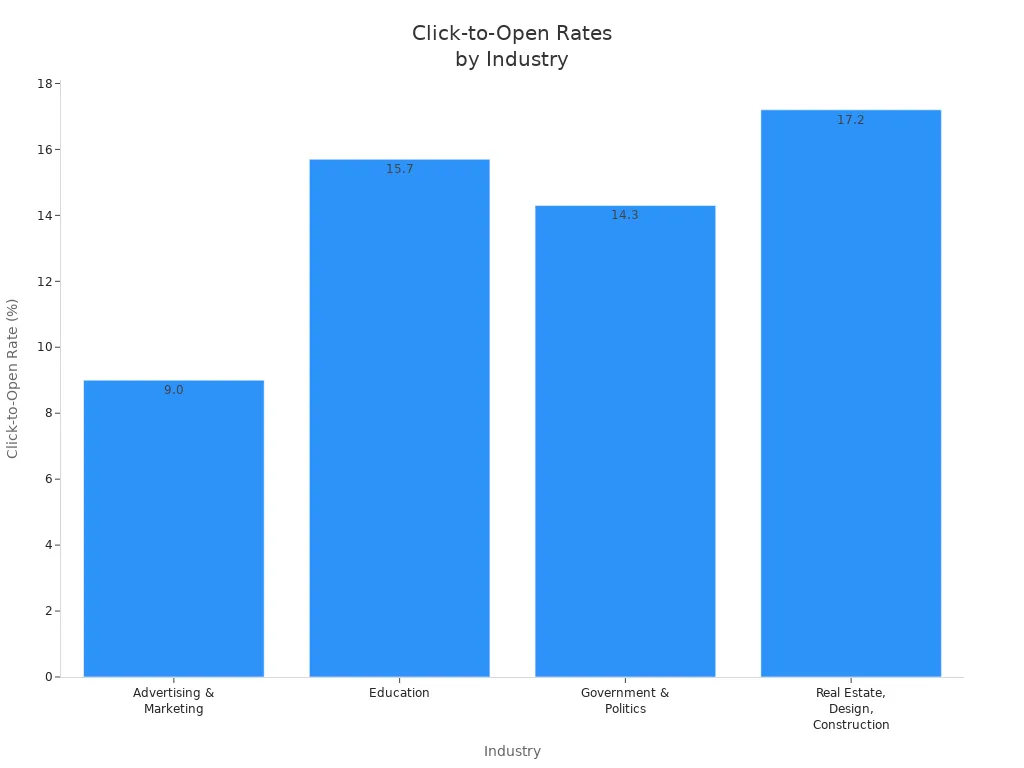
Click-to-open rate
Measures clicks among those who opened the email
If you see a drop in engagement, try running A/B tests or reviewing your content. Each unsubscribe is a chance to refine your targeting and build a more engaged list. By tracking these metrics in your dashboard, you gain the insight needed to optimize every email marketing campaign and improve overall email performance.
Using FineReport for Email Marketing Dashboard
FineReport Dashboard Capabilities
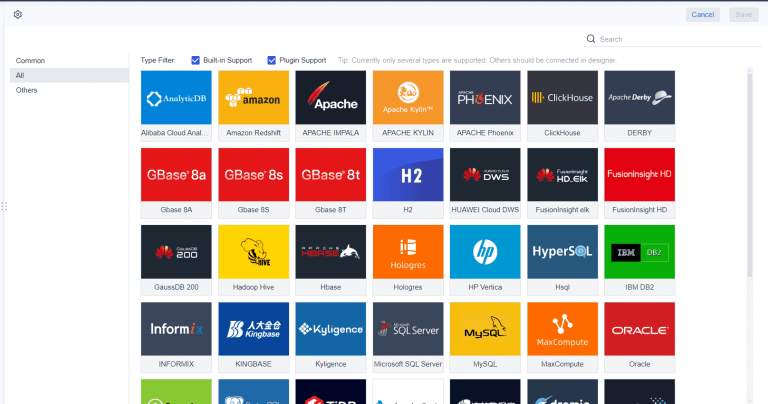
If you want to take your email analytics dashboard to the next level, FineReportgives you the tools you need. You can connect FineReport directly to your databases and use SQL to pull in all your email campaign data. This means you get real-time updates on your dashboard, so you always know how your email performance is trending.
FineReport stands out because it lets you customize youremail analytics dashboardfor any reporting need. You can build fixed-format reports or switch between different graphs to see trends in your email campaigns. The dashboard supports interactive visualizations, so you can drill down into specific metrics like open rates or click-through rates. You can even access your dashboard on your phone, making it easy to check email performance on the go.
Here’s what users like about FineReport:
The design mode is intuitive, so you can build dashboards without a steep learning curve.
Data connectivity is strong, letting you pull in information from multiple sources.
The overall user experience is positive, with flexible options for visualizing your email analytics dashboard.
Feature
Rating
Ease of Use
4.1/5
Data Connectivity
Positive
Interactive Visualizations
Positive
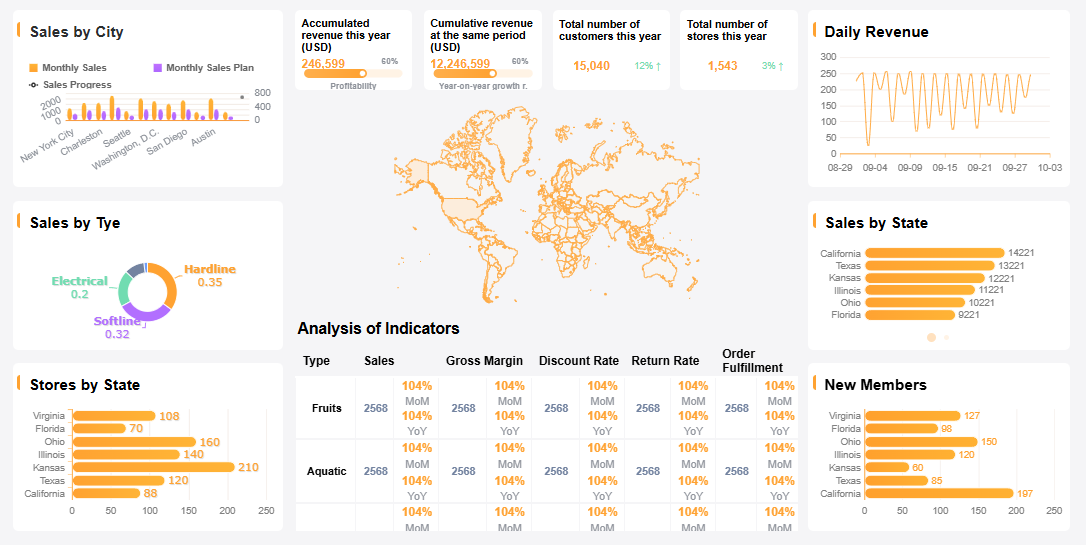
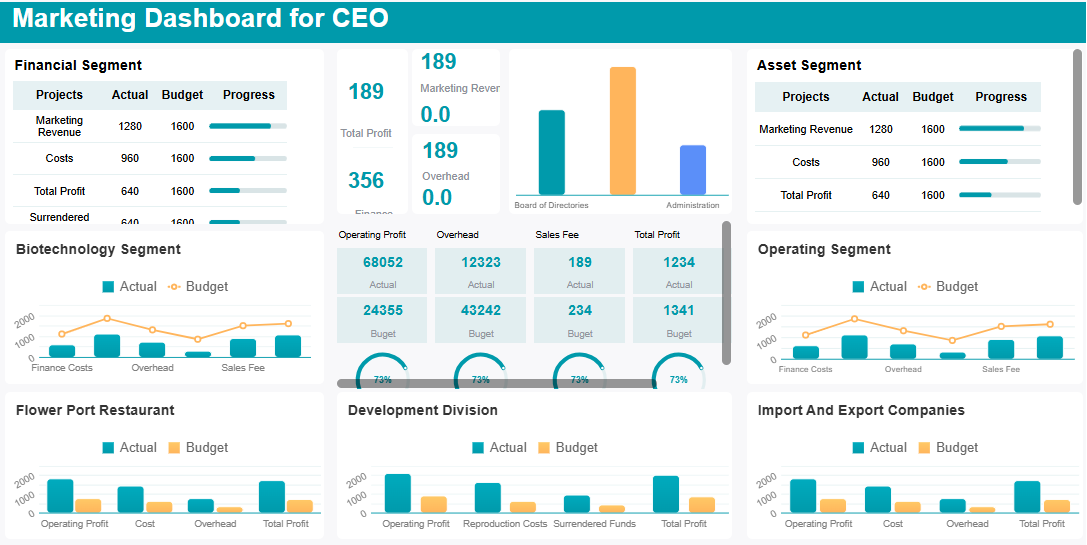
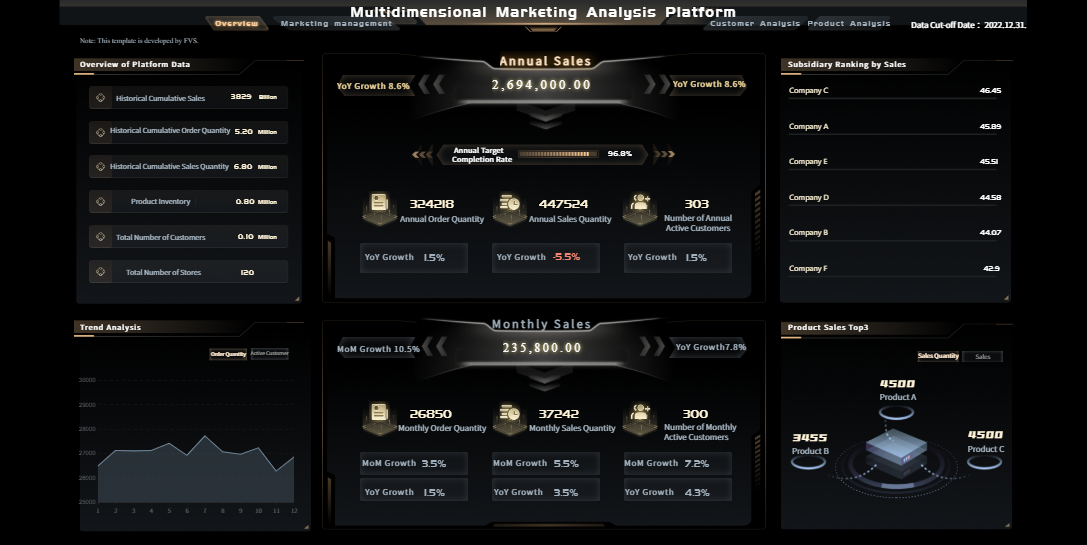
FineReport's Multidimensional Marketing Analysis Dashboard - Click To Engage
You can integrate FineReportwith your existing email, CRM, and web analytics platforms. This lets you bring all your campaign data into one email analytics dashboard. You can customize the dashboard layout, choose which metrics to display, and set up real-time alerts for key performance changes.
Let’s walk through a simple example. Imagine you want to track open rates, click-through rates, and revenue per email for your latest campaign. You connect FineReport to your email platform and database. Then, you use the drag-and-drop interface to add charts for each metric. You can filter results by campaign, date, or audience segment. If you want to share insights, you can annotate the dashboard and send it to your team.
With FineReport, you get a flexible email analytics dashboard that adapts to your needs. You can monitor campaign performance, spot trends, and make quick decisions to improve your email results.
An email marketing dashboard gives you a clear path to campaign success. You see all your email data in one place, making it easy to spot trends and act fast. Tools like FineReporthelp you access critical business information, monitor performance in real time, and uncover new opportunities. You can understand customer interactions and drive growth with every email. Take time to review your current analytics. Focus on key metrics like open rate, click-through rate, and conversion rate. Keep learning from your email data and adjust your strategy for better results.
Access a wealth of case studies, industry insights, and solution guides to accelerate digital transformation.
FAQ
What is an email marketing dashboard?
An email marketing dashboard is a tool that lets you track, measure, and visualize your email campaign performance in one place. You can see key metrics like open rates, clicks, and conversions without switching between different tools.
Why should I use an email marketing dashboard?
You should use an email marketing dashboard to save time and get a clear view of your results. It helps you spot trends, fix problems quickly, and make smarter decisions for your email campaigns.
Which metrics matter most in an email marketing dashboard?
The most important metrics include open rate, click-through rate, bounce rate, unsubscribe rate, and conversion rate. You can also track revenue per email and spam complaints to understand your audience better.
Can I customize my email marketing dashboard?
Yes, you can customize your email marketing dashboard. Most dashboards let you choose which metrics to display, set up alerts, and filter data by campaign, date, or audience segment.
How often should I check my email marketing dashboard?
You should check your email marketing dashboard at least once a week. Regular checks help you catch issues early, measure progress, and adjust your strategy for better results.