Financial reporting automation tools help finance teams reduce manual work across recurring reporting cycles, from pulling data out of ERP systems to consolidating entities, generating management packs, and distributing approved reports to stakeholders. If you are comparing tools in this category, you are likely trying to solve one or more practical problems: too much spreadsheet dependency, slow month-end reporting, inconsistent report formatting, weak audit trails, or difficulty scaling reporting across multiple business units.
For finance leaders, FP&A teams, controllers, and enterprise reporting stakeholders, the real question is not just which platform has the most features. It is which one best fits your reporting complexity, systems landscape, governance requirements, and team ownership model.
Financial reporting automation platforms are designed to streamline repetitive finance reporting tasks that often consume close-week time. In practice, they automate some combination of:
Data collection from ERP, accounting, CRM, payroll, billing, and warehouse systems
Validation and consolidation across entities, cost centers, currencies, and business units
Recurring report creation for P&L, balance sheet, cash flow, variance, and board reporting
Workflow controls such as permissions, approvals, and versioning
Distribution through scheduled emails, exports, portals, or dashboards
This comparison is for teams that need more than ad hoc BI charts. It is especially relevant for:
CFOs and finance directors improving reporting speed and consistency
Controllers managing close, review, and compliance workflows
Enterprise reporting teams standardizing finance outputs across departments or entities
The nine tools compared here reflect different priorities. Some are stronger for fast time-to-value and mid-market reporting. Others are built for planning-led finance workflows. A few are better suited to enterprise consolidation, governance, and complex multi-entity environments. And some fit payments-heavy or data-rich operating models where finance needs frequent, highly parameterized reporting.
Teams needing dashboards plus structured reporting and distribution
This table is intentionally balanced. Some tools are more planning-led, some are consolidation-led, and some are stronger for report production and enterprise delivery.
What financial reporting automation is and where it saves the most time
Financial reporting automation is the use of software to reduce manual effort in collecting, validating, formatting, reviewing, and distributing financial reports. For modern finance teams, this usually means moving away from disconnected exports and spreadsheet stitching toward governed, repeatable reporting workflows.
A practical definition of financial reporting automation in modern finance teams
Pulling actuals automatically from ERP or GL systems
Refreshing reporting packs on a schedule
Consolidating legal entities or business units
Applying standard calculations and variance logic
Generating management, board, or operational finance reports
Routing outputs for review and approval
Delivering the final version in a fixed format
The strongest platforms do not just automate numbers. They also help preserve control, consistency, and reviewability.
The reporting tasks most commonly automated
The biggest time savings usually come from reports that are both recurring and format-sensitive, such as:
Monthly management packs
Department budget vs. actual reports
Variance analysis by region, product, or cost center
Cash flow and liquidity reporting
Entity-level performance reports
Board and executive reporting outputs
Consolidated statements and supporting schedules
These are exactly the reports that often break down when teams rely too heavily on copy-paste workflows.
Where automation reduces manual work without sacrificing control
Good automation reduces work in the parts of the process that should not require repeated human effort:
Manual exports from multiple source systems
Spreadsheet reformatting each month
Rebuilding the same charts and tables
Reapplying entity filters and period logic
Emailing static files to multiple stakeholders
Chasing version control issues
At the same time, finance still needs review checkpoints. That is why workflow approvals, permissions, audit trails, and locked templates matter. Automation should reduce admin work, not remove financial oversight.
Implementation effort that exceeds the team’s capacity
Tools that visualize data well but still leave final report assembly manual
Limited support for highly formatted or printable finance outputs
A practical evaluation should look beyond dashboards and ask: Can this tool reliably produce the actual reports your stakeholders use?
How we compared the 9 platforms for 2026
Not every finance team needs the same type of platform. A controller managing multi-entity close has different needs than an FP&A leader running rolling forecasts or an operations finance team distributing daily revenue summaries.
Evaluation criteria
We compared the tools across the most important factors for finance reporting automation.
Integration depth
We looked at how well platforms typically fit into a finance data stack that may include:
ERP and accounting systems
CRM platforms
Billing and subscription systems
Payroll tools
Data warehouses and BI environments
The more fragmented the systems landscape, the more valuable strong connectivity and centralized governance become.
Report-building flexibility
Not all reporting tools are built for the same output style. We assessed support for:
This matters because finance often needs both interactive analysis and fixed-format reporting.
Controls and auditability
Financial reporting is rarely just about visualizing data. We also considered:
User permissions
Approval workflows
Audit trails
Version control
Support for review and sign-off processes
Suitability for regulated or policy-heavy finance environments
Pricing fit and implementation effort
Some tools are well suited to smaller teams that need fast deployment. Others make more sense when scale, governance, or consolidation complexity justify a larger implementation effort.
Team and use-case fit
A tool can be strong overall and still be the wrong fit for your team.
SMB and mid-market finance teams
Smaller teams often need:
Faster implementation
Lower admin overhead
Familiar workflows
Good monthly reporting support without enterprise-heavy complexity
Mid-market FP&A groups
FP&A-led teams usually prioritize:
Budgeting and forecasting integration
Scenario modeling
Variance analysis
Collaborative reporting for business leaders
Enterprise reporting environments
Larger organizations usually need more around:
Multi-entity structures
Cross-functional governance
Controlled distribution
Audit readiness
Complex formatting
Integration with wider enterprise systems
The 9 best financial reporting tools and platforms of 2026
Best for finance teams that need fast time-to-value
These tools are often chosen by finance teams that want to improve recurring reporting without rebuilding their entire finance architecture.
1. FineReport
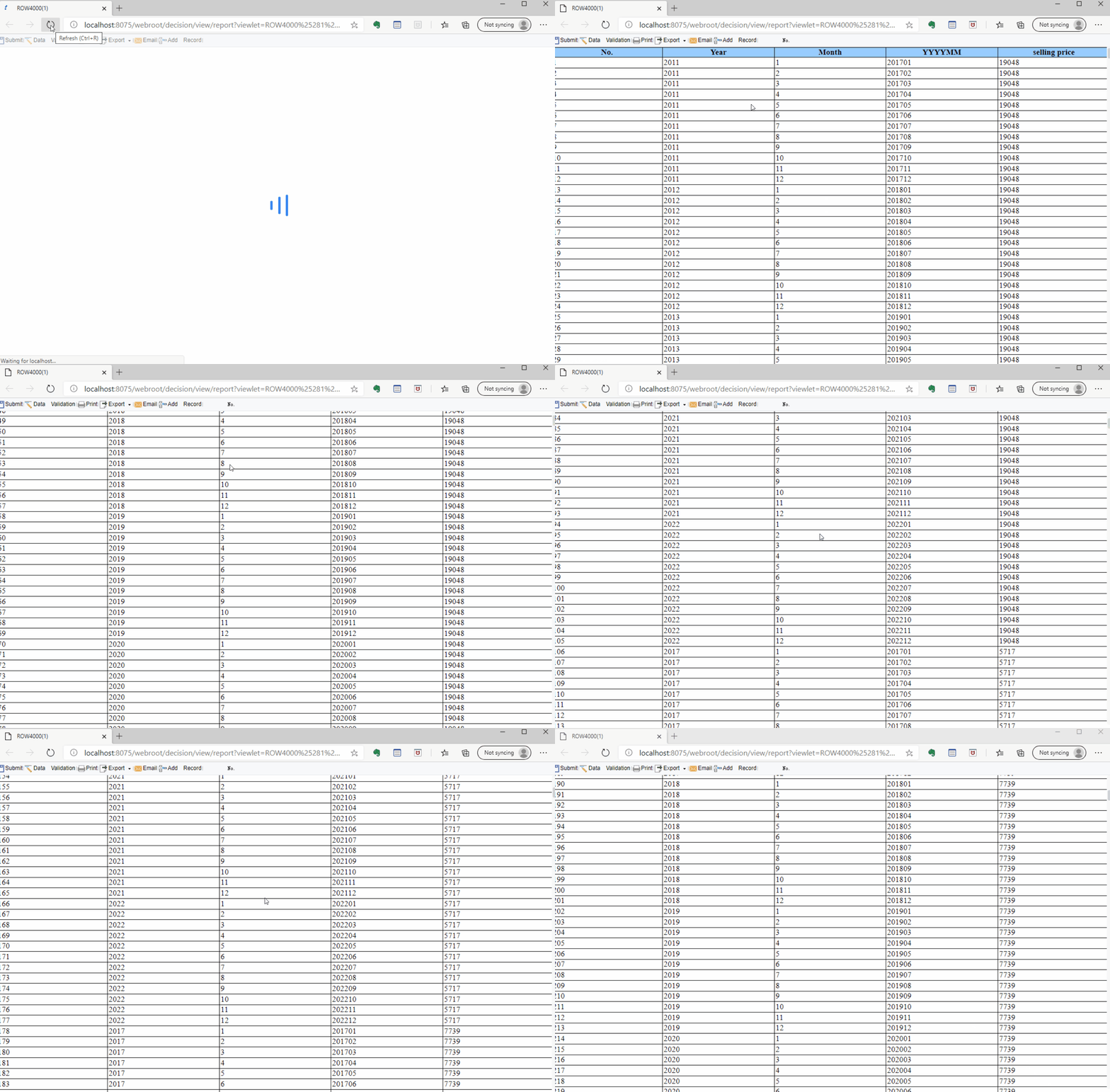
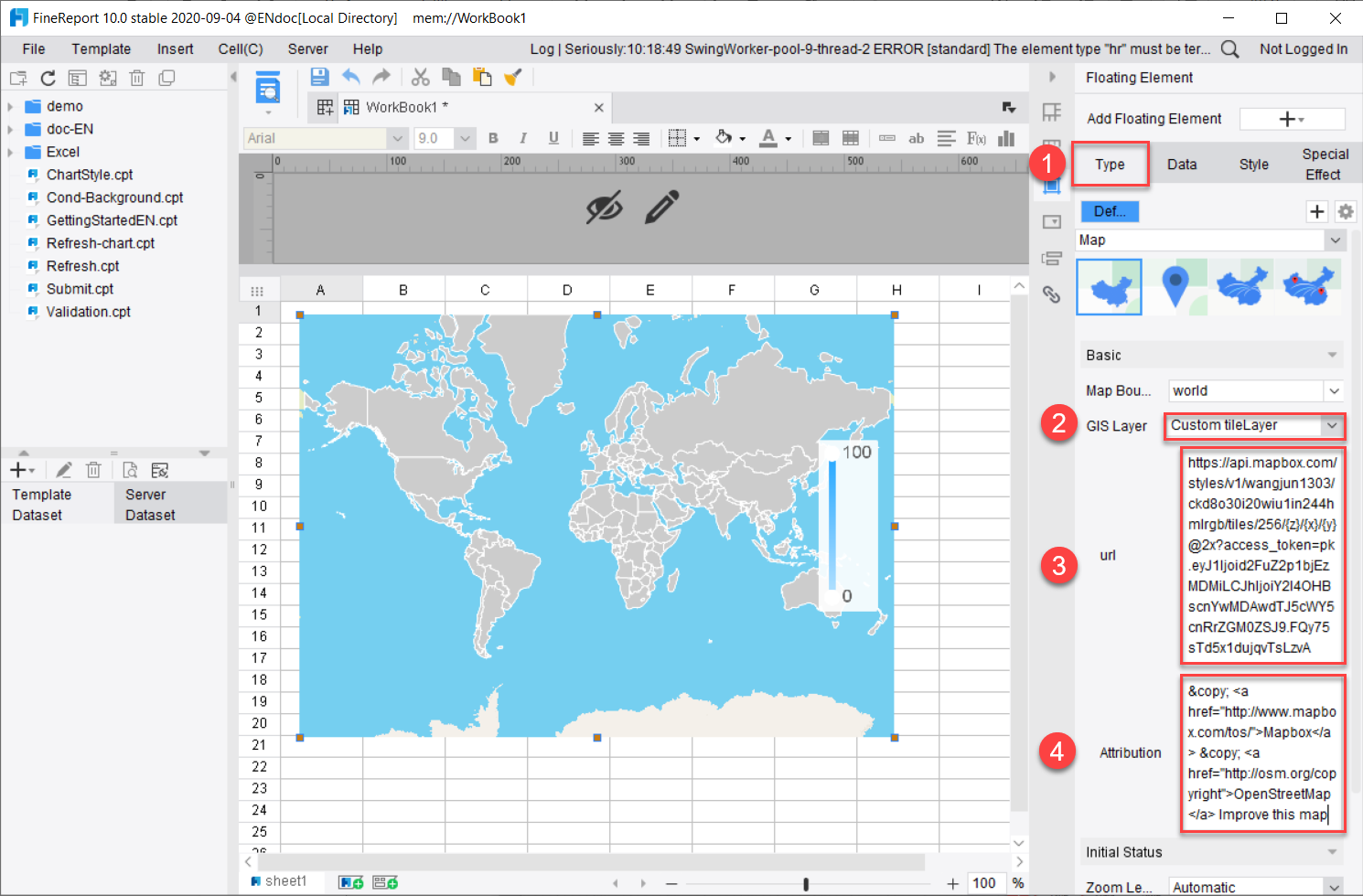
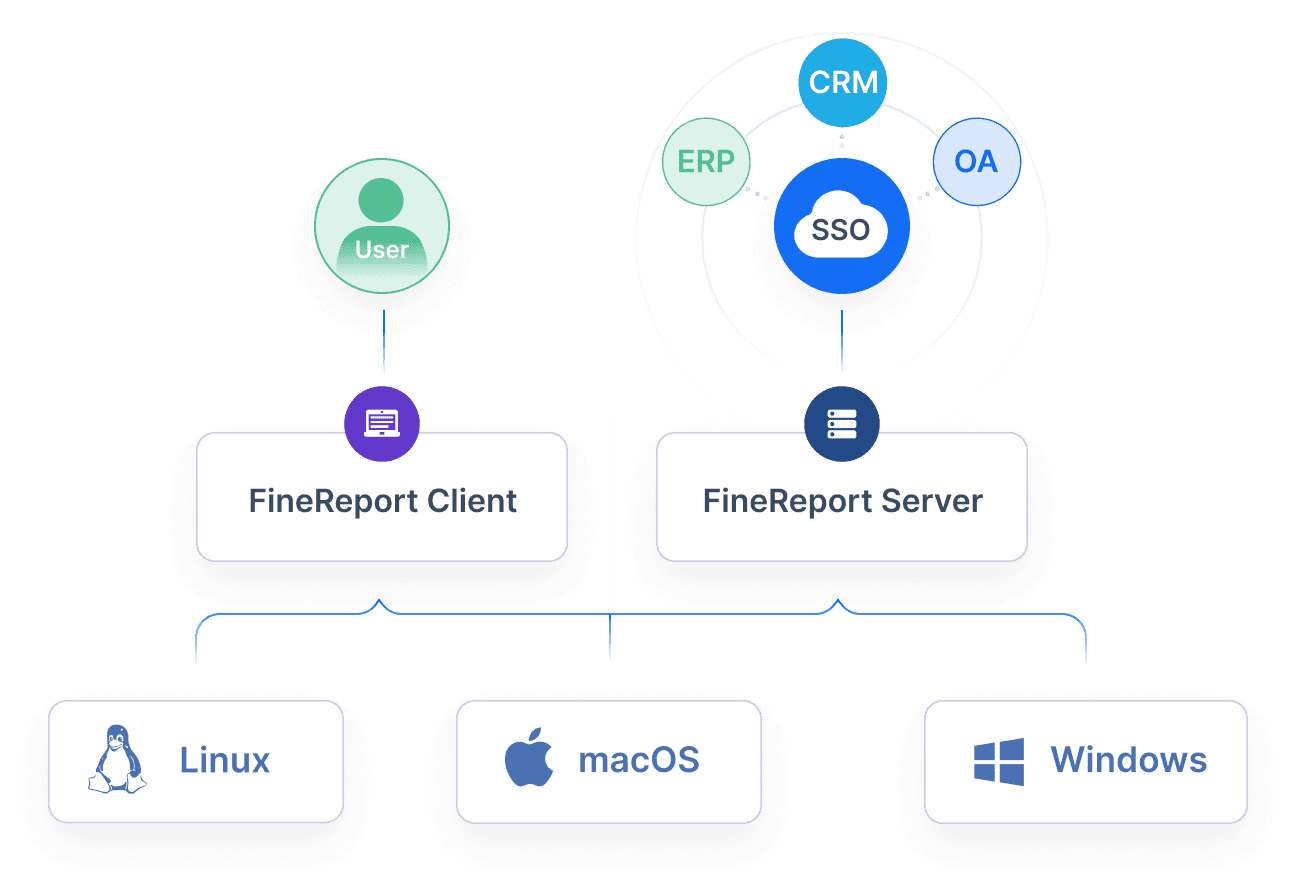
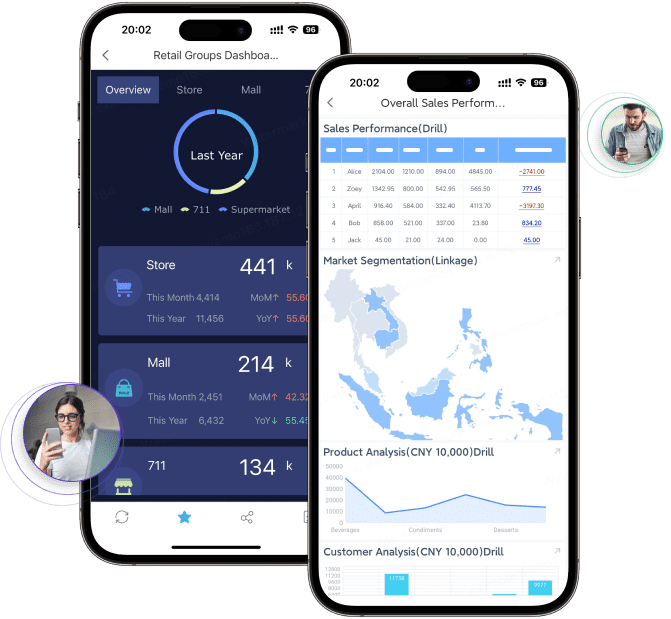
FineReport is a practical option for teams that need not just dashboards, but also structured financial reports, printable outputs, scheduled distribution, parameter queries, and report-standardization across departments. It is especially relevant when finance reporting overlaps with operational reporting and when stakeholders still rely on formal tabular reports rather than dashboard-only consumption.
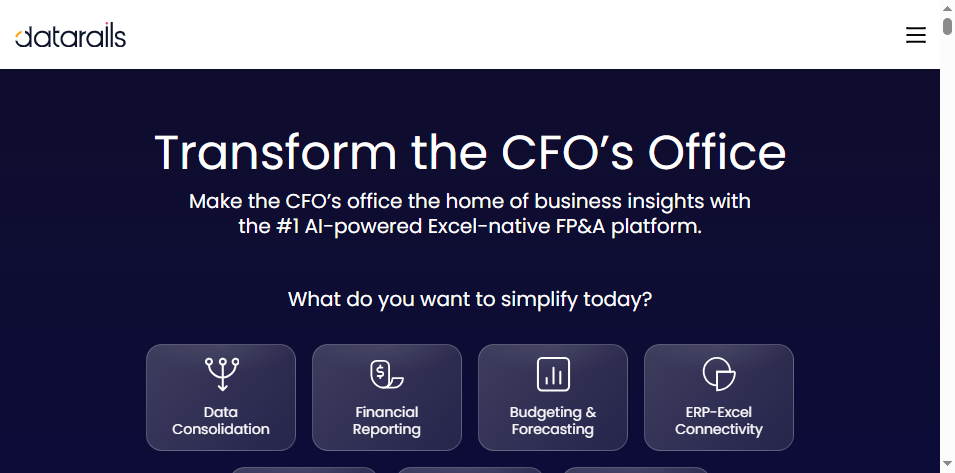
Datarails is commonly considered by finance teams that still work heavily in Excel but want more automation around consolidation, reporting, and version control. Its appeal is familiarity.
Less ideal for organizations trying to move beyond spreadsheet-led reporting altogether
May be less suitable where broader enterprise reporting standardization is required
3. Vena
Vena also fits teams that want finance-owned reporting and planning with strong spreadsheet familiarity. It is often evaluated by organizations that want structured workflows while keeping Excel as an interface layer.
Good fit for:
Finance teams comfortable in Excel
Organizations needing planning plus reporting
Mid-market to upper mid-market environments
Strengths:
Familiar interface for finance users
Workflow support for planning and reporting cycles
Reasonable fit for collaborative budgeting and recurring packs
Tradeoffs:
Reporting flexibility depends on how standardized templates are set up
May not be the best fit if the goal is broader enterprise operational reporting across departments
Best for FP&A teams that need planning-linked reporting
These tools are stronger when the reporting process is tightly linked to budgeting, forecasting, and scenario analysis.
4. Planful
Planful is often selected by finance organizations focused on planning, consolidation support, and management reporting in a unified finance workflow.
Good fit for:
FP&A teams
Mid-market and enterprise finance organizations
Teams that want planning and reporting in one platform
Strengths:
Connects budgeting, forecasting, and reporting
Useful for rolling forecasts and management pack refreshes
Stronger for finance process ownership than general BI tools
Report design flexibility should be tested carefully for stakeholder-specific outputs
5. Prophix
Prophix is commonly used by mid-sized finance teams that need budgeting, planning, and recurring reporting without the complexity of very large enterprise platforms.
Teams prioritizing budgeting and forecasting workflows
Strengths:
Good alignment between planning and reporting
Useful for variance reporting and departmental performance analysis
Often fits teams that need more structure than spreadsheets
Tradeoffs:
Enterprise-scale governance needs may push larger organizations toward more complex platforms
Reporting requirements for highly formatted board-ready outputs should be validated in demos
6. Workday Adaptive Planning
Workday Adaptive Planning is widely evaluated for collaborative planning and reporting, especially in organizations that want easier finance modeling and department participation.
Good fit for:
Collaborative FP&A teams
Growing mid-market organizations
Finance teams with active forecast cycles
Strengths:
Strong planning and scenario capabilities
Accessible for finance-led use
Helpful for linking departmental assumptions to reporting outputs
Tradeoffs:
Teams with very specific formatted reporting or complex enterprise report distribution needs should validate those use cases directly
Broader financial close or consolidation requirements may require adjacent tools depending on the stack
Best for enterprise teams with complex controls and consolidation needs
These platforms are more commonly associated with large-scale finance governance, close, and multi-entity reporting.
7. OneStream
OneStream is often evaluated by large enterprises that need consolidation, financial close support, governance, and enterprise-level control over finance processes.
Stronger alignment with auditability and governance than lightweight tools
Tradeoffs:
Higher implementation and ownership complexity
May be more platform than a mid-market team needs for simple recurring reporting
8. Oracle FCCS
Oracle FCCS is typically considered by global organizations managing consolidation, close, and compliance within Oracle-oriented enterprise finance environments.
Good fit for:
Large global enterprises
Multi-entity and multi-standard finance structures
Organizations with formal consolidation requirements
Strengths:
Strong for governed consolidation and formal finance processes
Suitable for organizations with complex entity hierarchies
Valuable where compliance and controlled close processes are central
Tradeoffs:
More specialized and complex than many finance teams require
May be less attractive for organizations prioritizing ease of use or fast rollout
Best for payments-driven and data-rich business models
These use cases are common in businesses with large transaction volumes, subscription billing, marketplace flows, or frequent operational-finance reporting needs.
9. Anaplan
Anaplan is best known for connected planning, but it is also relevant in organizations where finance reporting depends heavily on operational drivers and scenario modeling across departments.
Good fit for:
Enterprise FP&A
Businesses with many planning drivers
Cross-functional forecasting environments
Strengths:
Strong scenario modeling and connected planning
Helpful for organizations tying revenue, supply, workforce, and operating assumptions together
Supports enterprise-scale planning collaboration
Tradeoffs:
Often better for planning-led reporting than for highly formatted finance output alone
Teams needing repeatable, pixel-perfect operational or financial report distribution may need complementary reporting capabilities
Pros, cons, and decision factors by team type
Finance and controllership teams
Finance and controllership teams should usually prioritize:
Close support
Structured recurring reports
Reviewer controls
Approvals and permissions
Auditability
Consistent fixed-format outputs
The tradeoff is often between ease of use and governance depth. Lightweight tools may speed up report assembly, but complex organizations often need stronger controls and standardized output management.
If your team frequently produces board packs, legal-entity reports, statutory support files, or printable management statements, report formatting matters as much as dashboard usability.
FP&A teams
FP&A teams should evaluate:
Budgeting and forecasting linkage
Scenario modeling
Driver-based planning
Variance analysis
Collaboration with department leaders
An FP&A-led platform is often better than a reporting-only solution when planning assumptions and forecast logic are central to the reporting workflow. But if leadership also expects formal tabular reporting, detailed distribution rules, or operational reporting outside planning cycles, the organization may need a stronger reporting layer as well.
Enterprise teams
Enterprise teams should pay close attention to:
Entity structures
Consolidation complexity
Data governance
Role-based permissions
Cross-functional reporting standards
Scalability across departments and regions
A common sign that lightweight automation is not enough is when the team still depends on manual assembly for final reports, despite having dashboards and planning tools in place. Another sign is when the business needs formal reports for different audiences, each with strict formatting, permissions, and delivery rules.
How to choose the right platform and next steps
A useful shortlist starts with three questions:
How complex are your reporting outputs?
Do you mainly need dashboards and management visuals, or do you also need printable packs, fixed templates, and paginated reports?
How fragmented is your systems landscape?
Are actuals, billing, payroll, CRM, and warehouse data spread across many systems?
Who will own the platform?
Finance, FP&A, IT, enterprise reporting, or a shared team?
A simple shortlist framework
Choose fast time-to-value tools if:
Your team is spreadsheet-heavy
Reporting cycles are repetitive but not highly complex
You want faster reporting with lower process change
Practical recommendations for evaluating financial reporting automation tools
Based on common finance reporting projects, these recommendations usually help teams make better platform decisions.
Map the full reporting workflow, not just the dashboard layer.
Include data collection, validation, review, approval, formatting, and delivery. Many projects underestimate the last-mile reporting work.
Prioritize recurring reports first.
Automate reports with fixed cadence, repeatable logic, and standard formats before trying to automate highly ad hoc analysis.
Separate planning needs from reporting-delivery needs.
A strong FP&A platform may not fully solve structured report production and distribution.
Test your hardest report in the demo.
Do not evaluate using only KPI dashboards. Bring a real monthly pack, variance report, or entity statement.
Consider governance early.
Permissions, audit trails, and review checkpoints are not optional once reports inform financial decisions across the business.
When FineReport is a good fit for financial reporting automation
Tools like Anaplan, Planful, Vena, and other finance platforms are widely used for planning, consolidation, and management reporting. But teams with complex reporting workflows may also need a dedicated enterprise reporting platform like FineReport.
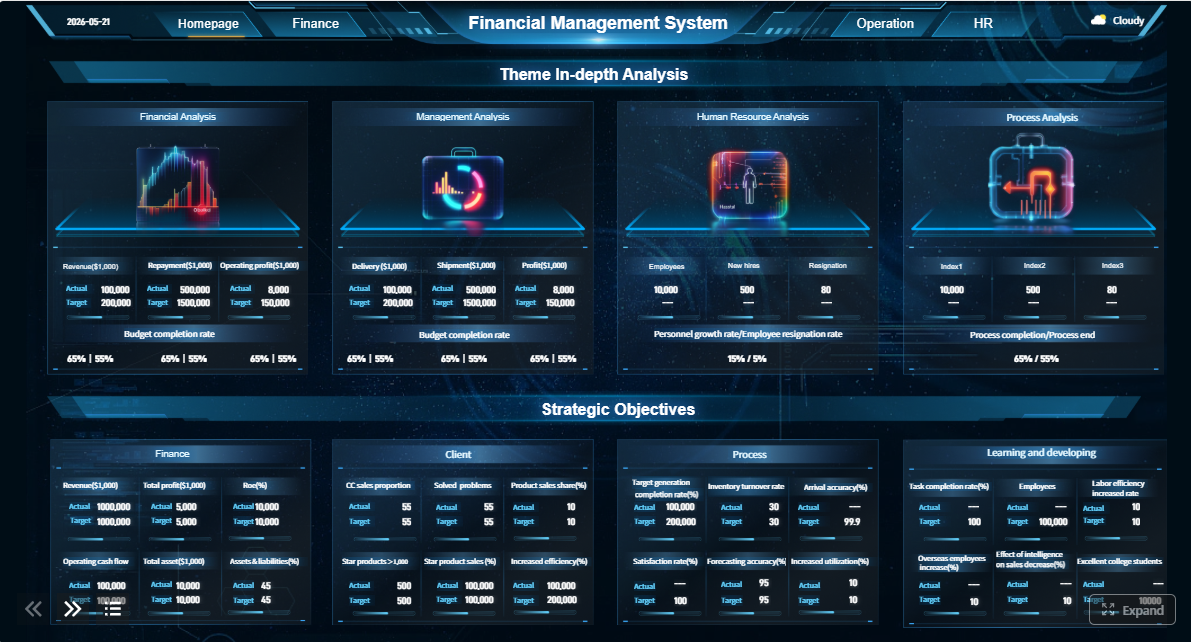
FineReport is especially relevant when the reporting challenge is not only about analysis, but about delivering reliable, formatted, reusable reports to many stakeholders on a recurring basis.
This is particularly useful in organizations where finance reporting overlaps with operations, sales, manufacturing, logistics, or executive management reporting.
Get Ready-to-Use Dashboard and Report Templates in Fine Gallery
Final recommendations by team size, maturity, and reporting priorities
There is no single best financial reporting automation tool for every finance team. The right choice depends on what you are truly trying to automate.
Choose Datarails or Vena if your team is highly Excel-centric and wants a familiar path to better reporting automation.
Choose Planful, Prophix, or Workday Adaptive Planning if planning, forecasting, and management reporting belong in one finance-owned workflow.
Choose OneStream or Oracle FCCS if enterprise consolidation, governance, and formal close processes dominate your requirements.
Choose Anaplan if connected planning across multiple business functions drives your reporting needs.
Choose FineReport if your biggest gap is structured report delivery: highly formatted reports, paginated output, parameter-driven queries, enterprise report distribution, and unified dashboard-plus-report experiences.
For many organizations, the most important decision is not replacing every existing finance tool. It is filling the reporting gap between governed data and the actual outputs that leaders, controllers, and operating teams use every day.
It is the use of software to automate recurring reporting work such as pulling data from source systems, validating it, consolidating results, generating reports, and distributing them on schedule. The goal is to reduce spreadsheet-heavy manual effort while improving consistency and control.
The best candidates are recurring reports with stable formats and repeatable data sources, such as P and L statements, balance sheets, cash flow reports, variance reports, and board packs. These reports usually deliver the biggest time savings during close and monthly reporting cycles.
Start with your reporting complexity, existing systems, governance needs, and who will own the process. Some tools fit Excel-centric and planning-led teams better, while others are stronger for enterprise consolidation, formal reporting, or high-volume report distribution.
Not always, and many finance teams still keep Excel in parts of the workflow. A good tool usually reduces spreadsheet dependency significantly by automating data refreshes, report generation, approvals, and distribution.
Key features include ERP and GL integrations, scheduled refreshes, standardized report templates, audit trails, permissions, approvals, and flexible distribution options. If you manage complex reporting, strong consolidation and pixel-perfect paginated reporting can also be important.
Product Trial
FineReport
Pixel-perfect reports · Interactive dashboards · Easy data entry · Digital twins


 Datarails is commonly considered by finance teams that still work heavily in Excel but want more automation around consolidation, reporting, and version control. Its appeal is familiarity.
 Vena also fits teams that want finance-owned reporting and planning with strong spreadsheet familiarity. It is often evaluated by organizations that want structured workflows while keeping Excel as an interface layer.
 Prophix is commonly used by mid-sized finance teams that need budgeting, planning, and recurring reporting without the complexity of very large enterprise platforms.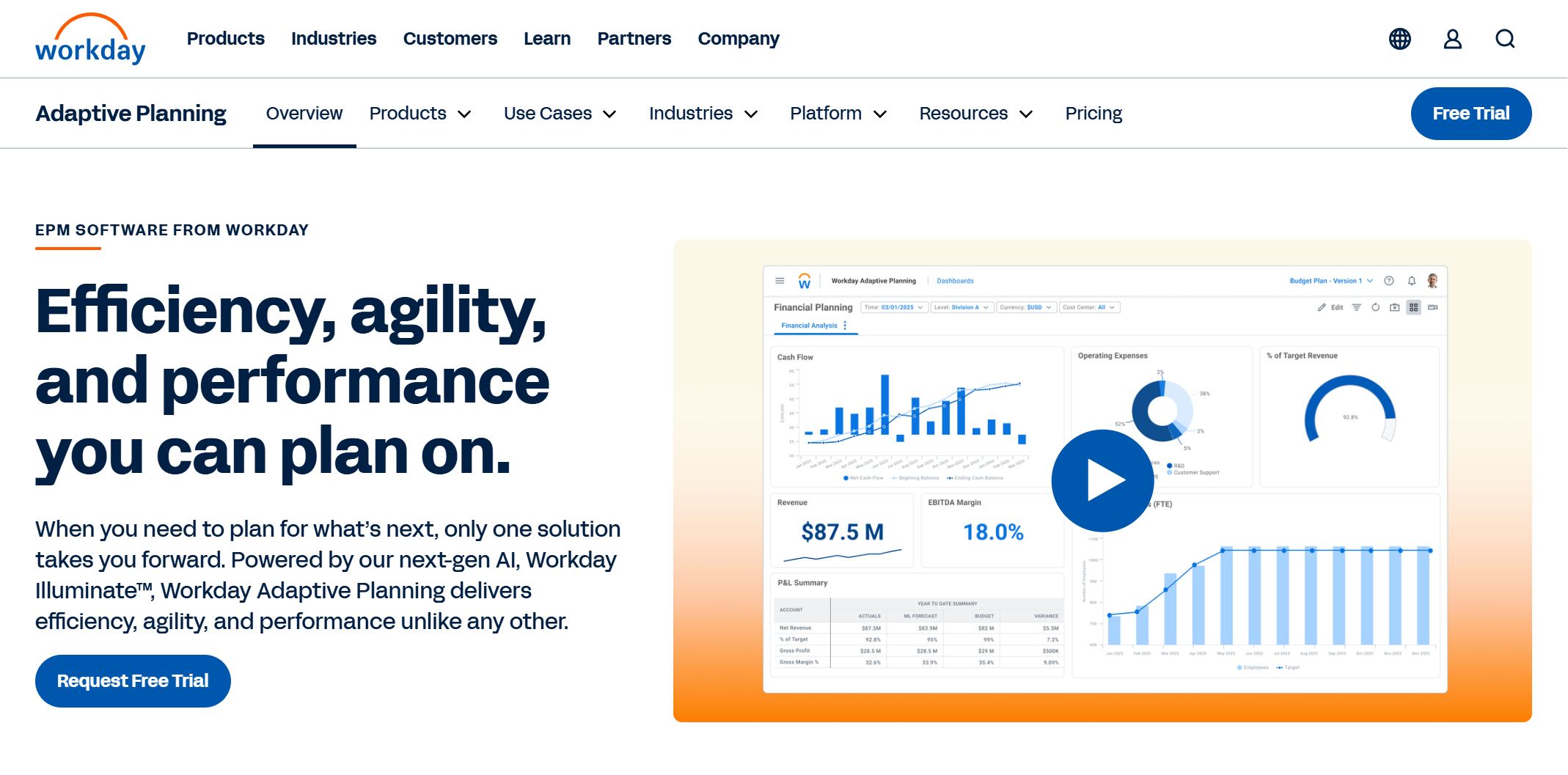
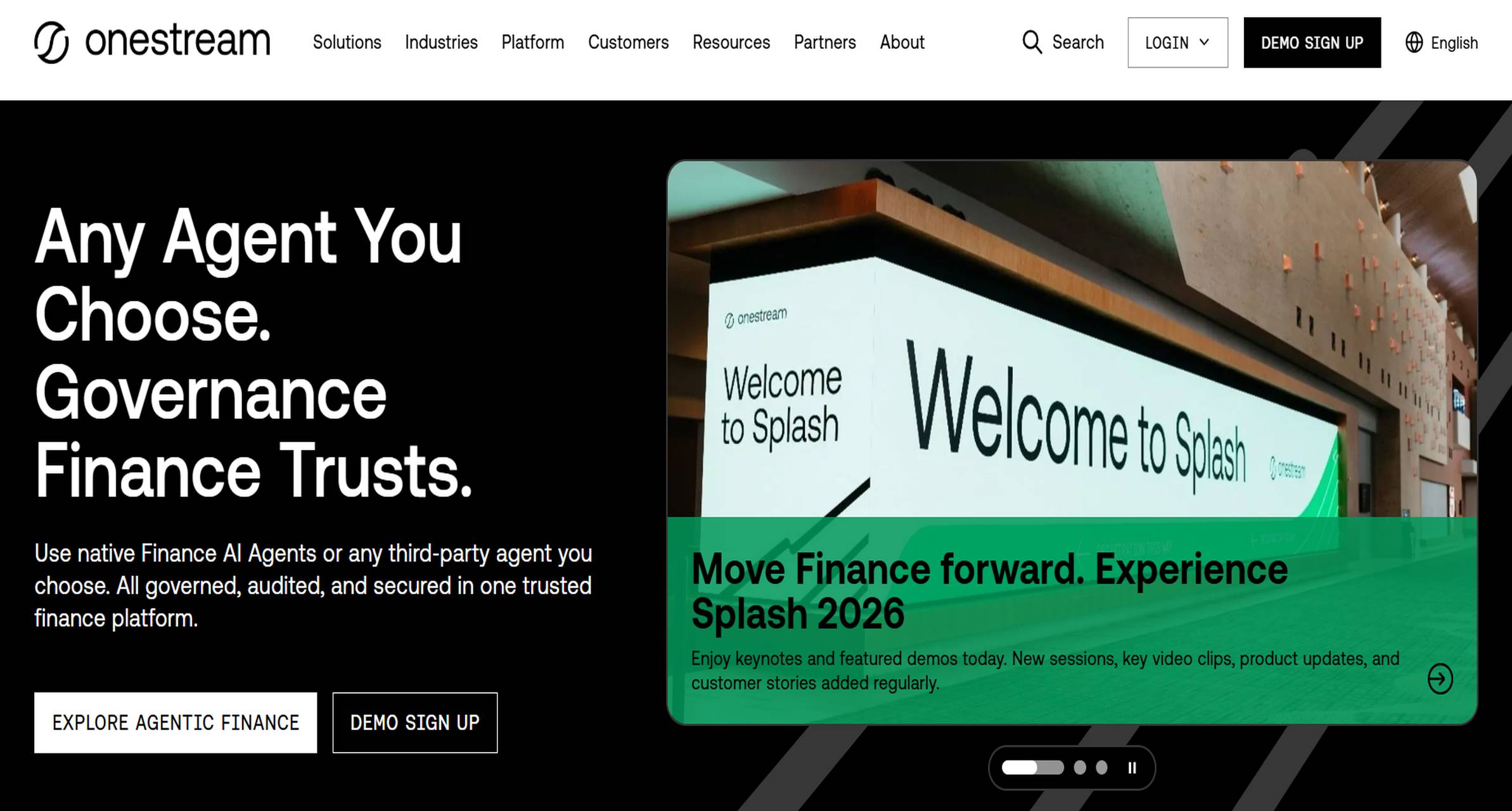 OneStream is often evaluated by large enterprises that need consolidation, financial close support, governance, and enterprise-level control over finance processes.
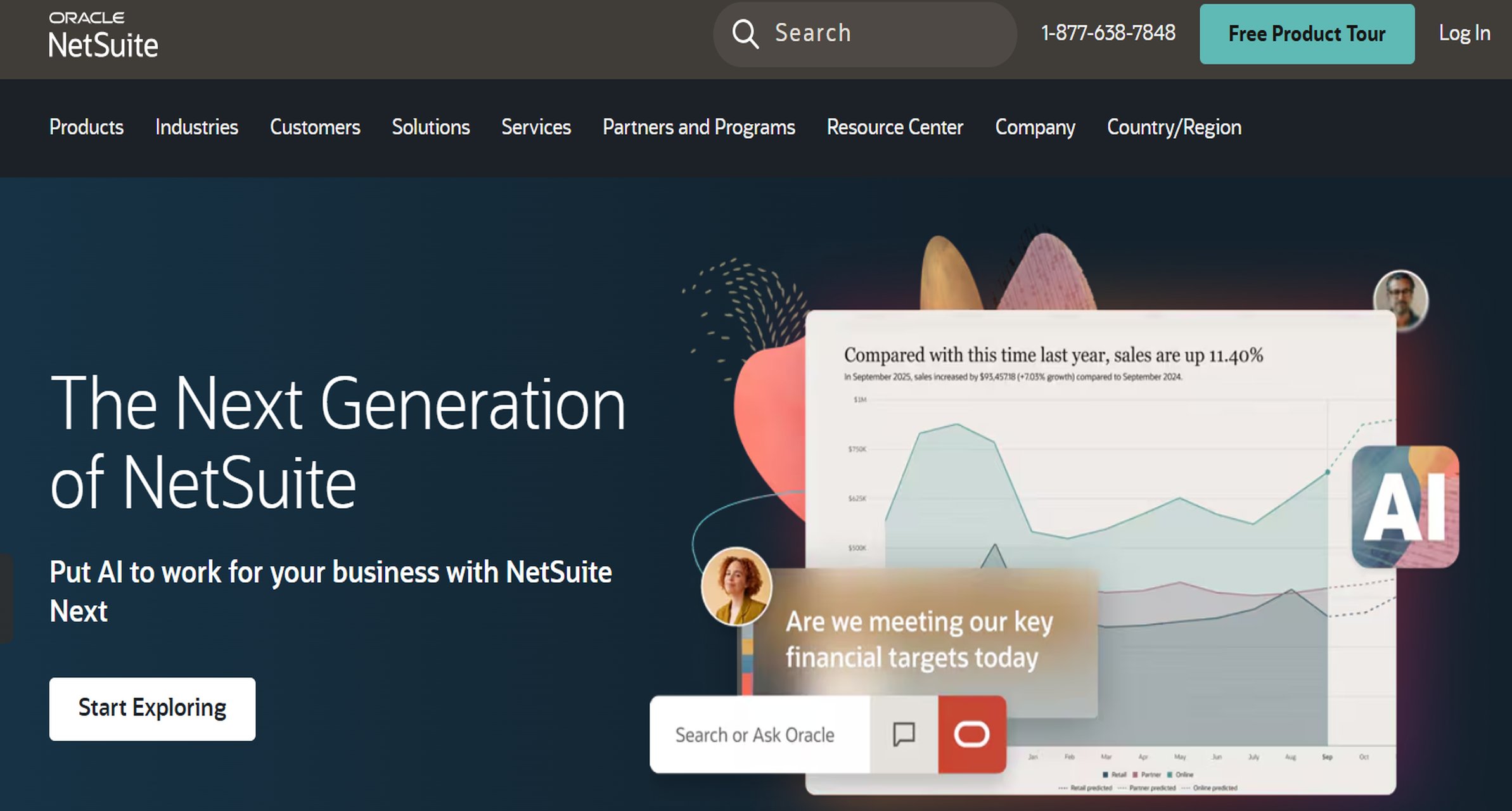 Oracle FCCS is typically considered by global organizations managing consolidation, close, and compliance within Oracle-oriented enterprise finance environments.
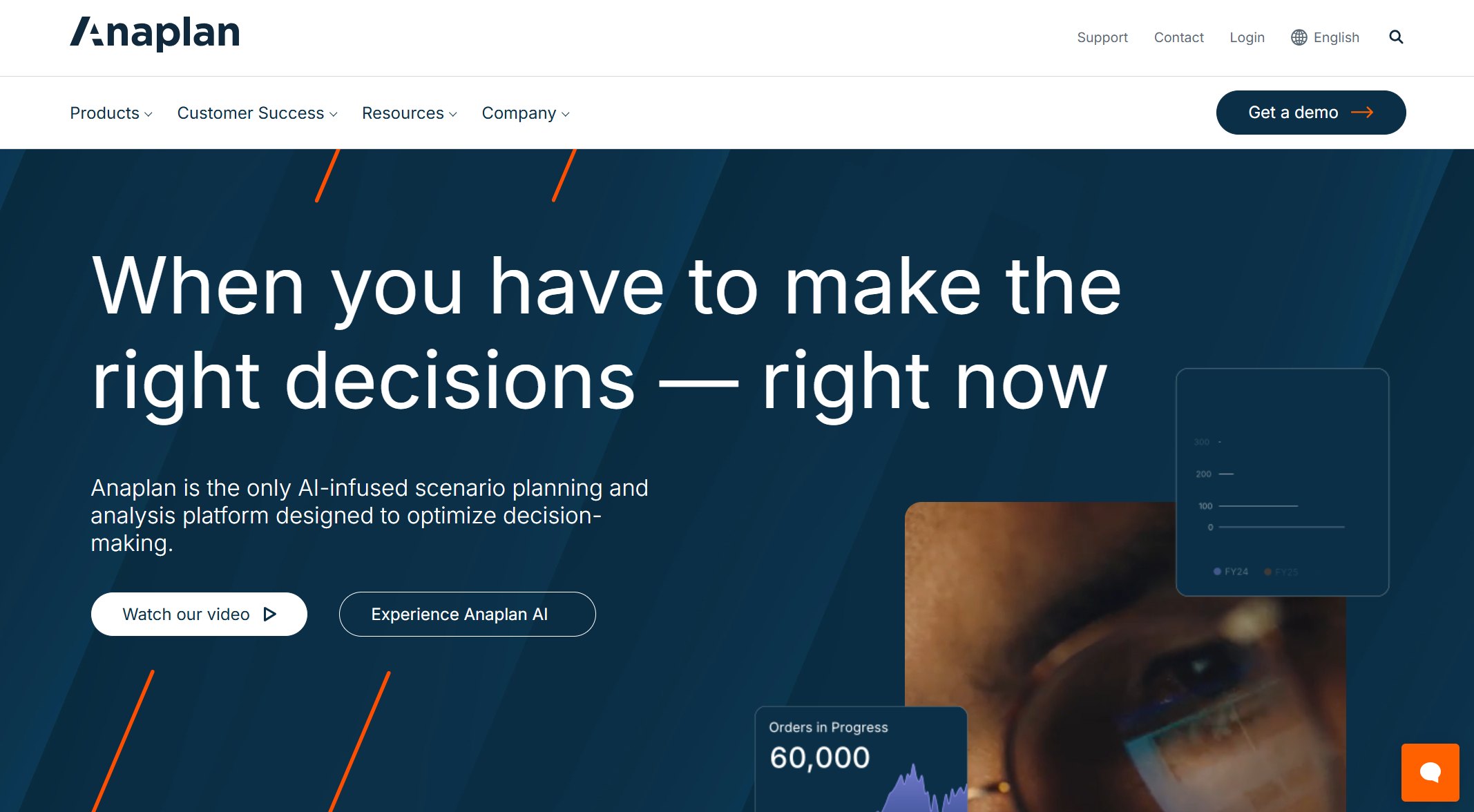 Anaplan is best known for connected planning, but it is also relevant in organizations where finance reporting depends heavily on operational drivers and scenario modeling across departments.