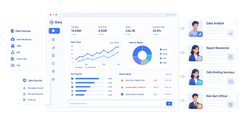
Client reporting software is a platform that helps agencies aggregate marketing data, automate reports, and deliver client-ready dashboards that clearly show performance and ROI.
12 best client reporting software tools for agencies in 2026
Tool-by-tool comparison at a glance
Below is a fast comparison of the best client reporting software options for agencies, with FineReport listed first.
One-sentence overview:FineReport is a highly flexible reporting and dashboard platform for agencies that need deep customization, cross-source reporting, and polished client-facing outputs.
One-sentence overview: DashThis is a streamlined client reporting software option for agencies that need fast dashboard creation and simple automation.
Key Features:
Prebuilt report templates
Marketing data integrations
White-label report options
Scheduled email reports
KPI bundles and cloning
Pros & Cons:
Pros: Quick to deploy, easy for recurring monthly reports, strong template library
Cons: Less robust for advanced data transformation, limited depth for highly customized reporting logic
Best For (Target user/scenario): Agencies producing recurring PPC, SEO, and multi-channel reports with minimal setup time.
One-sentence overview: TapClicks is a comprehensive reporting and analytics platform for agencies managing larger account volumes and more complex workflows.
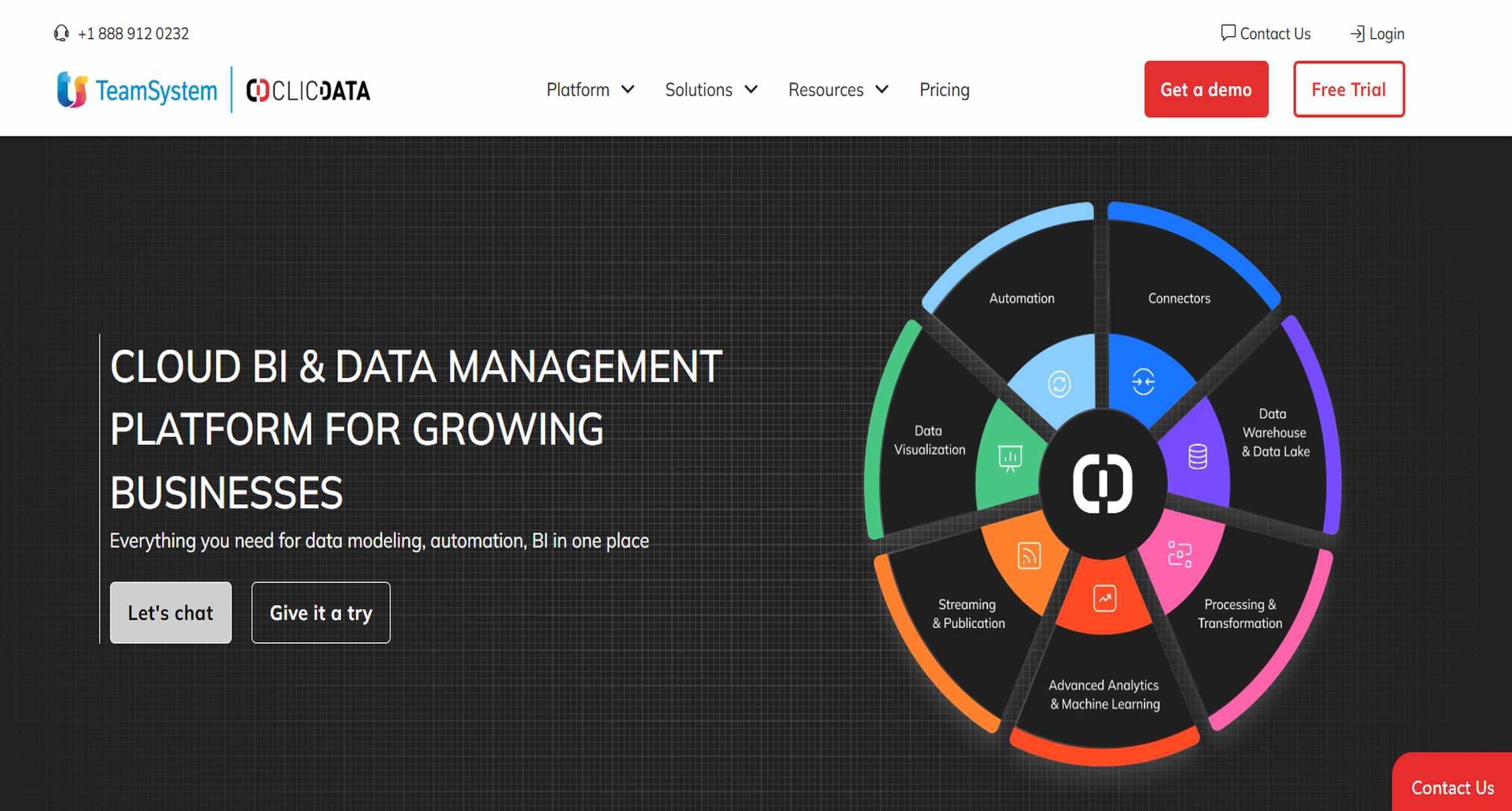
One-sentence overview: ClicData is a more advanced BI-style reporting platform that combines data integration, transformation, and white-label dashboards.
Pros: Useful for agencies wanting reporting plus operational tools, practical for paid media teams
Cons: Interface and analytics depth may feel less modern than newer alternatives
Best For (Target user/scenario): Agencies that want reporting tied to campaign management and admin workflows.
Best for white-label and branded client reports
Agencies that sell reporting as part of their service package should prioritize tools that support brand control, client portals, custom domains, and clean sharing workflows.
Top picks for white-label reporting:
FineReport – Best for agencies that want highly customized branded dashboards and controlled client access.
AgencyAnalytics – Best for agencies that want a purpose-built white-label client portal with fast deployment.
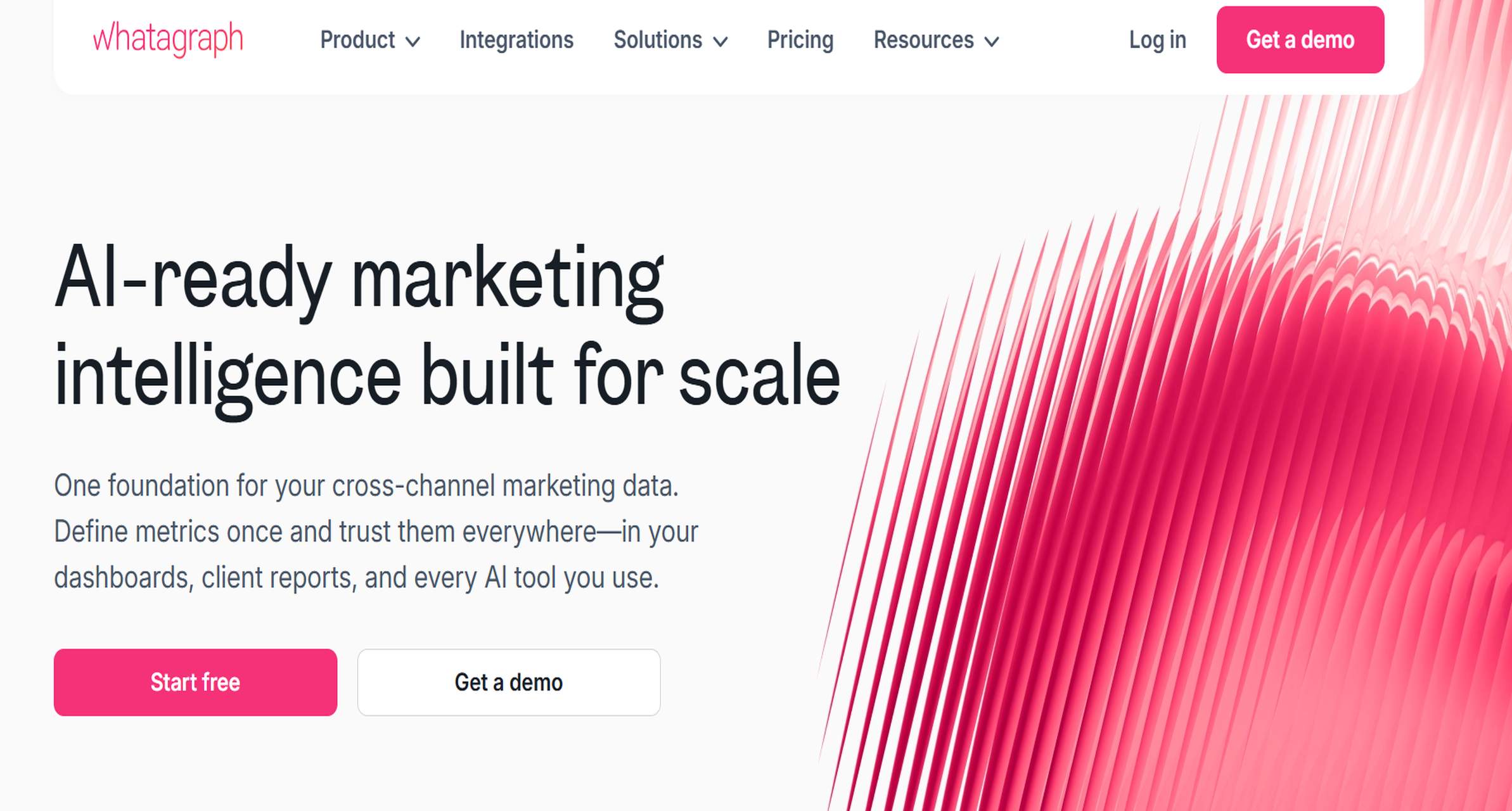
Whatagraph – Best for visually polished branded reports.
DashThis – Best for simple branded recurring reports.
ClicData – Best for advanced embedded and white-label analytics experiences.
What separates these tools is not just logo placement. The strongest options allow agencies to control:
Dashboard appearance
URL or custom domain
Client permissions
Scheduled delivery
Export formats
Portal experience
For agencies serving higher-value accounts, FineReport stands out because it supports a more tailored presentation layer than many lightweight dashboard tools. That matters when clients expect reporting to match the agency’s own delivery standards rather than a generic third-party layout.
Best automated reporting tools for growing agencies
As client count grows, manual spreadsheets become a bottleneck. Automated client reporting software reduces repetitive work by pulling performance data into live dashboards and sending scheduled updates without rebuilding reports every month.
Best tools for automation:
FineReport – Strong for scheduled reporting, repeatable templates, and scalable multi-client delivery
DashThis – Good for quick cloning and recurring monthly reports
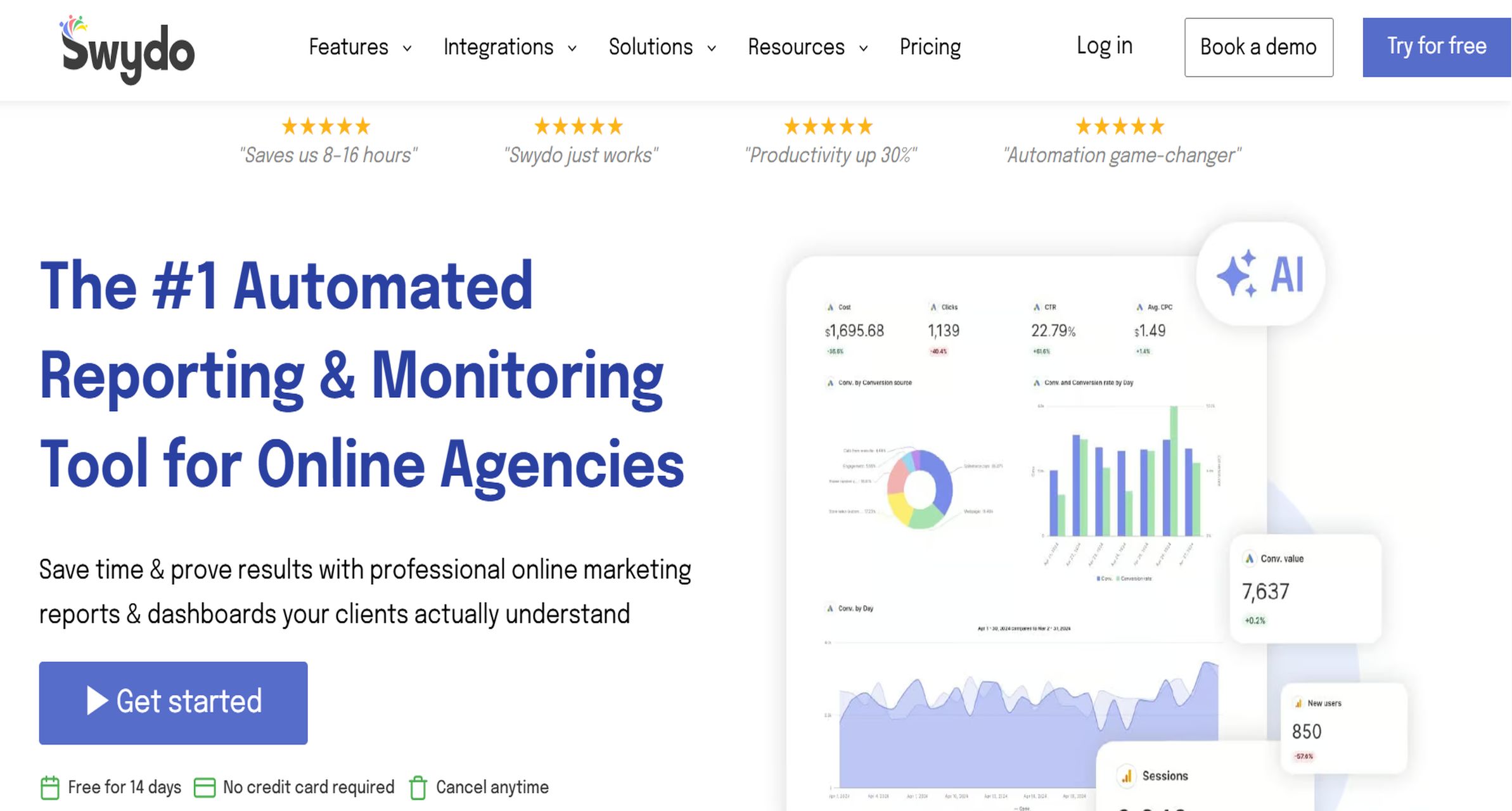
Swydo – Effective for agencies focused on routine PPC and SEO reports
Databox – Useful for live KPI monitoring, alerts, and goal pacing
TapClicks – Better suited to larger reporting operations with broader automation needs
Key automation capabilities to look for include:
Scheduled report delivery
Auto-refresh dashboards
Reusable client templates
KPI alerts or anomaly notifications
Bulk account management
Permission-based client access
Automation improves consistency as much as it saves time. When every client report follows a reliable framework, account managers spend less time assembling data and more time explaining what changed and what to do next.
Best options by agency use case
Different agencies need different kinds of client reporting software. Here is a practical breakdown by use case.
Best for PPC reporting
Swydo
DashThis
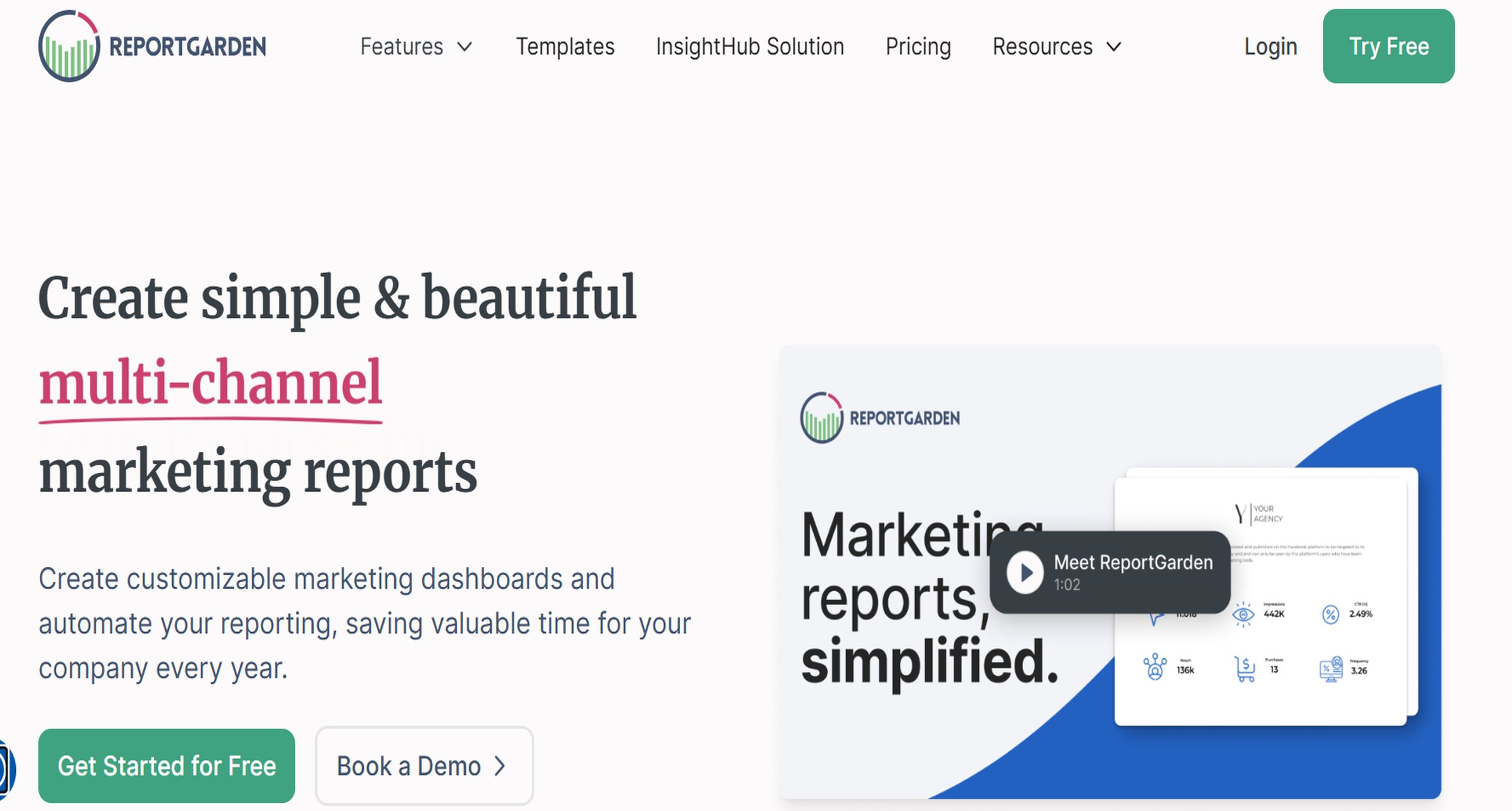
ReportGarden
AgencyAnalytics
These tools are well-suited to paid media teams that need recurring updates on spend, conversions, CPA, and ROAS.
Best for SEO reporting
AgencyAnalytics
DashThis
Looker Studio
Whatagraph
These platforms work well for keyword rankings, organic traffic, backlinks, and search visibility reporting.
These tools help agencies standardize reporting across multiple branches, locations, or franchise accounts.
Why client reporting software matters for agencies in 2026
For agencies in 2026, client reporting software matters because it shortens reporting cycles, improves visibility into marketing ROI, and gives clients easier access to cross-channel results.
Manual reporting creates three common problems:
It consumes account management time
It increases the chance of errors
It makes performance interpretation inconsistent across clients
Modern client reporting software replaces spreadsheet-heavy workflows with:
Automated dashboards
Scheduled reports
Shared live views
Standardized KPI templates
Faster access to performance data across SEO, PPC, social, CRM, and web analytics
This shift directly affects client retention. Clients are more likely to stay when they can clearly see:
What happened
Why it happened
What the agency plans to do next
Agencies comparing tools should prioritize the areas that most affect delivery quality:
Integrations: Can the platform connect all key ad, analytics, CRM, and e-commerce systems?
White-labeling: Can you present reports under your own brand?
Automation: Can you schedule and scale recurring reporting without manual rebuilding?
Collaboration: Can internal teams and clients access the right information without confusion?
Pricing transparency: Are the limits and upgrade costs clear before rollout?
In short, the right client reporting software helps agencies communicate value faster and more consistently.
How we compared the best client reporting software tools in 2026
This comparison focuses on what agencies actually need when evaluating client reporting software, not just what looks good in a product demo.
Evaluation criteria
We assessed each platform using five main categories:
Features: Connectors, white-labeling, dashboard options, automation, exports, permissions, and alerting
Ease of setup: How quickly a team can connect data and launch usable reports
Customization: Flexibility in dashboard design, KPI definitions, report structure, and branding
Scalability: Suitability for a handful of clients versus dozens or hundreds of accounts
Support: Documentation, onboarding quality, and responsiveness for troubleshooting
Agency scenarios covered
This guide is meant to serve a broad range of agency models, including:
Boutique agencies with a small client roster
SEO and PPC specialists
Full-service digital agencies
E-commerce performance teams
Multi-location marketing providers
Mid-market and enterprise-focused firms
A lightweight, template-driven platform may be ideal for a small agency producing fast monthly reports. A larger performance agency handling CRM, revenue, and attribution data will usually need stronger customization and transformation capabilities. That is why FineReport, ClicData, and Improvado rank well for more complex scenarios, while AgencyAnalytics, DashThis, and Swydo score strongly for simplicity and speed.
How pricing was assessed
Pricing in the client reporting software market is often hard to compare directly, so we looked at:
Free plans or trials
Entry-level tiers
Custom or enterprise pricing
Likely add-on costs tied to white-labeling, premium connectors, onboarding, or support
This matters because a low advertised monthly price can become less attractive once you add:
More dashboards
More client accounts
More users
Premium integrations
Branded reporting features
Features, pricing, pros and cons to compare before you choose the client reporting software
Must-have features in marketing reporting software
Not every agency needs enterprise BI capabilities, but most teams should look for these core functions in client reporting software:
Data connectors: Support for ad platforms, analytics tools, CRM systems, SEO data, call tracking, and e-commerce sources
Dashboard customization: Ability to structure reports for different client goals and service lines
Data blending: The ability to combine spend, leads, revenue, and attribution data into one reporting view
Attribution views: Useful for agencies that need to connect marketing activity to pipeline or sales outcomes
Permission controls: Essential for managing internal access and client-facing views securely
Advanced capabilities become worth paying for when your reporting complexity increases. These may include:
If your agency reports mostly on surface-level platform metrics, a simpler tool may be enough. If you need to prove business impact across systems, FineReport and other more customizable platforms become much more valuable.
Pricing models and total cost considerations
Client reporting software pricing varies more than many agencies expect. Common pricing models include:
Some tools offer beautiful dashboards but weaker data modeling. Others have broad integrations but a steeper learning curve. Some are excellent for fast monthly reporting but limited for more sophisticated cross-source analysis.
Typical trade-offs include:
Simplicity vs. customization
Visual polish vs. reporting depth
Easy setup vs. long-term flexibility
Low starting price vs. scalable total cost
Agency-specific templates vs. general BI power
For example:
DashThis is strong for fast recurring reports but lighter on advanced transformation
Looker Studio is low-cost and flexible, but can become harder to maintain at scale
ClicData and Improvado are powerful, but more technical
FineReport offers stronger reporting depth and customization, but typically requires more thoughtful setup than plug-and-play tools
The best choice depends on how complex your client reporting needs really are today, and how much they are likely to grow.
How to choose the right client reporting software for your agency
The right client reporting software is the one that fits your agency’s reporting goals, client expectations, available resources, and budget without creating unnecessary operational overhead.
Start with this decision framework:
1. Define your reporting goals
Ask what your reports need to accomplish:
Show channel-level metrics?
Prove full-funnel ROI?
Offer client logins to live dashboards?
Standardize monthly reporting across many accounts?
Support executive summaries and board-ready outputs?
If your needs are primarily operational and recurring, agency-focused tools may be enough. If your clients expect tailored reporting and cross-system analysis, a more flexible platform like FineReport is often the better fit.
2. Assess client expectations
Some clients want a monthly PDF and a concise summary. Others expect:
Real-time dashboards
Branded portals
Custom views by business unit
Revenue-linked KPIs
Secure role-based access
Choose a platform that matches the level of reporting sophistication your client base expects.
3. Consider available staff time
A lightweight reporting tool may reduce implementation time. A more advanced platform may deliver better long-term reporting, but require stronger internal ownership during setup.
Be realistic about:
Who will build reports
Who will maintain integrations
Who will QA metrics
Who will handle client requests for changes
4. Test with real client data
Before committing, run a shortlist through an actual reporting workflow:
For many agencies, the real decision is not “Which tool has the most features?” but “Which tool gives us the best balance of delivery speed, reporting quality, and scalability?”
Practical next steps
To move forward:
List your required integrations and reporting outputs
Narrow your shortlist to three tools
Test each using one real client account
Compare setup time, report quality, and automation
Review the full pricing impact, including add-ons
Roll out the winning platform with a repeatable template structure
If your agency needs a combination of white-label delivery, advanced customization, and scalable multi-source reporting, FineReport deserves serious consideration as a top client reporting software choice for 2026. It is especially well suited to agencies that want to move beyond basic dashboards and deliver more tailored, client-ready reporting at scale.
FAQs
Client reporting software helps agencies collect data from multiple marketing platforms, automate report creation, and share dashboards that show performance and ROI in a client-friendly format.
The most important features are multi-source integrations, automated report scheduling, white-label branding, customizable dashboards, and permission controls. Agencies with more complex needs should also look for strong data modeling and scalability.
Small agencies often prefer tools like AgencyAnalytics, DashThis, or Looker Studio because they are faster to set up and easier to manage. The best choice depends on whether you value simplicity, templates, or lower cost most.
White-label reporting lets agencies present dashboards and reports under their own brand instead of a third-party vendor's. This creates a more professional client experience and helps reinforce agency credibility.
Simple tools work well when you need quick setup, standard marketing integrations, and recurring reports with minimal customization. Advanced platforms like FineReport are better when you need deeper customization, cross-system reporting, and support for larger client portfolios.
Product Trial
FineReport
Pixel-perfect reports · Interactive dashboards · Easy data entry · Digital twins