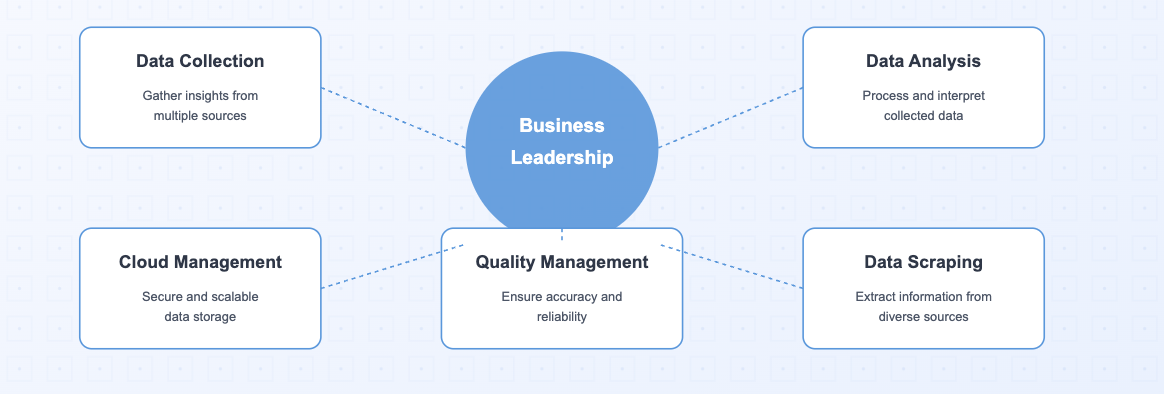
In 2026, businesses that harness the power of data collection tools will lead their industries. These tools allow you to gather, analyze, and act on critical insights faster than ever. With advancements in cloud data management and data quality management, you can now ensure accuracy and reliability in every decision. Modern tools even integrate data scraping capabilities, enabling you to extract valuable information from diverse sources effortlessly.The following is Top 10 Data Collection Tools for 2026:
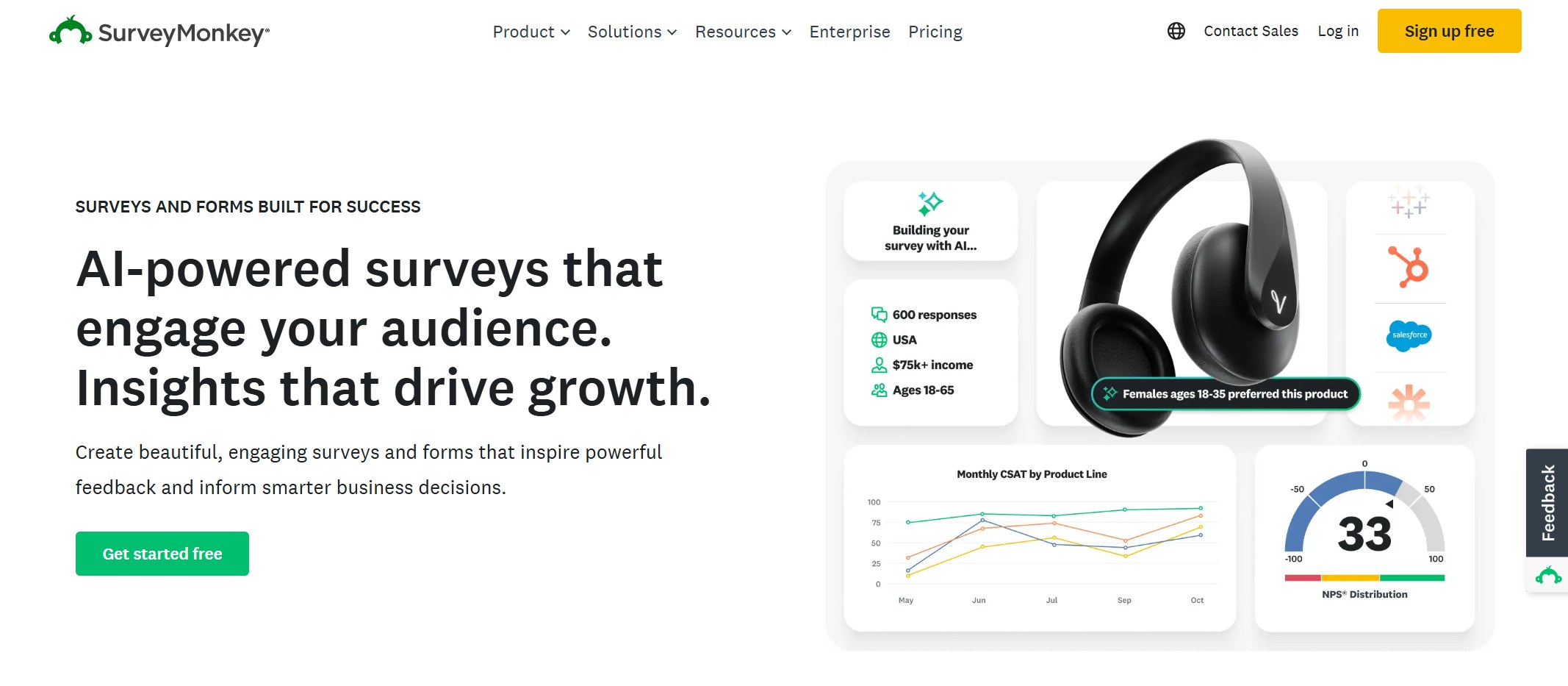
SurveyMonkey
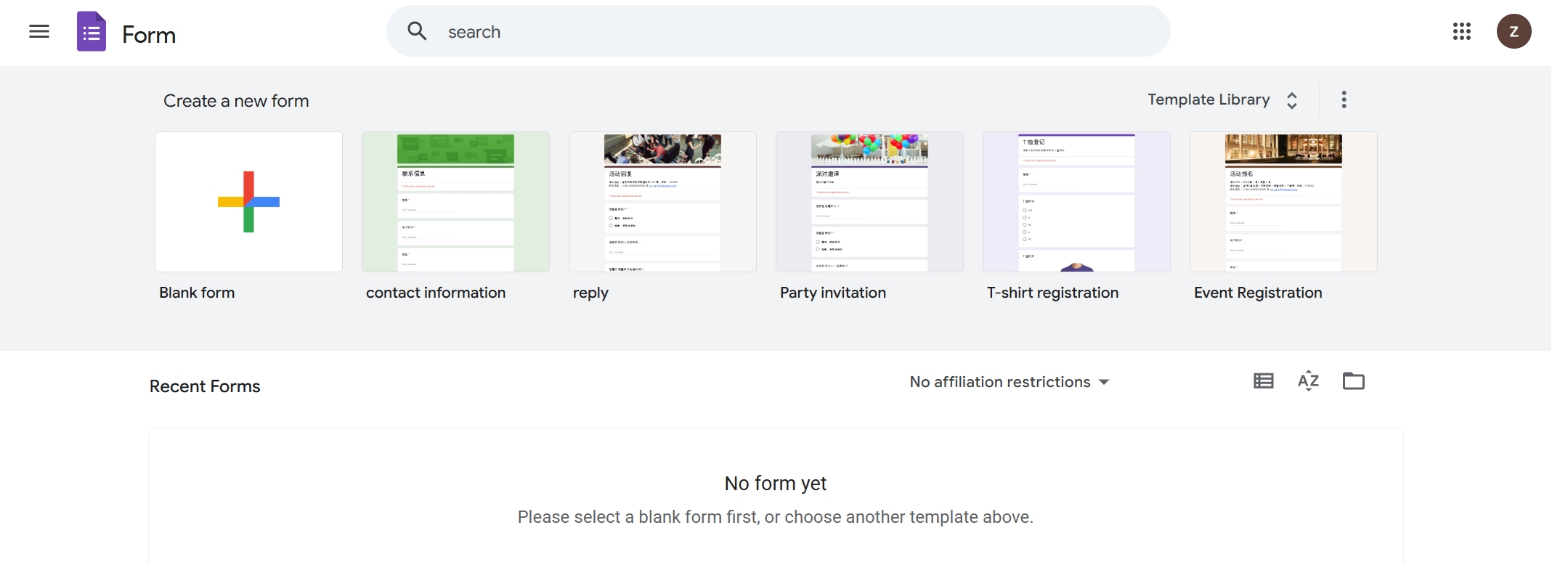
Google Forms
Fanruan’s FineDataLink
Jotform
Zonka Feedback
Tableau
Power BI
HubSpot
DataRobot
Snowflake
Fanruan’s innovative solutions, like FineDataLink, stand out by offering unmatched precision and scalability. Unlike traditional tools, they combine cutting-edge technology with user-friendly interfaces, making them ideal for businesses of all sizes. By adopting these tools, you position your business to thrive in a data-driven world.
Key Takeaways on Data Collection Tools
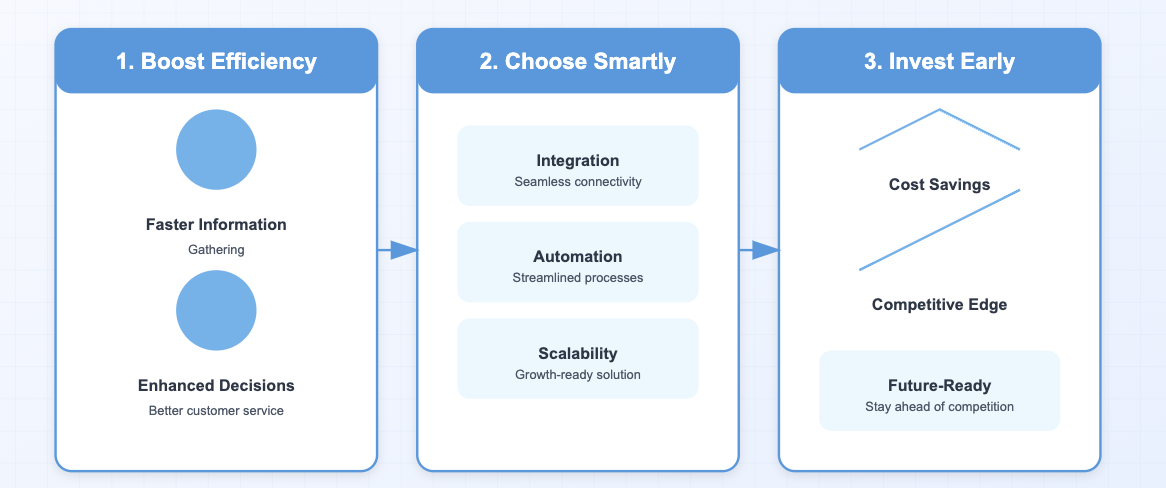
Boost Efficiency: Data collection tools speed up information gathering, enhancing decisions and customer service.
Choose Smartly: Prioritize tools with integration, automation, and scalability to maximize productivity.
Invest Early: Adopting advanced tools now saves costs and keeps your business ahead in a competitive landscape.
What Are Data Collection Tools and Why Are They Essential?
Definition of Data Collection Tools
Data collection tools are instruments designed to gather information for analysis. These tools streamline the process of collecting data from various sources, ensuring accuracy and efficiency. Examples include online surveys, mobile surveys, and even observation techniques. Tools like GoCanvas and Coupler.io simplify this process by offering customizable forms and automated data flows. Fanruan’s FineDataLink stands out by combining advanced data extraction tools with seamless integration capabilities, making it a leader in the field.
Tip: Choosing the right tool can save you time and resources while improving the quality of your data.
Importance of Data Collection for Businesses
In 2026, data collection is no longer optional—it’s essential. It helps you understand customer interactions and behaviors, enabling you to improve services and enhance the customer experience. For example, AI-powered data management software like Fanruan’s solutions can predict customer preferences, allowing you to tailor your marketing strategies. By focusing on specific audience segments, you can achieve higher engagement rates and better ROI. Additionally, data collection tools help you stay competitive by providing insights that drive innovation and efficiency.
Businesses that fail to adopt effective data management tools risk falling behind in a data-driven world.
Key Features to Look for in Data Collection Software
When selecting data collection software, prioritize features that enhance efficiency and accuracy. Here’s what to look for:
Feature
Importance
Integration Capabilities
Ensure seamless data flow between systems to avoid silos.
Automation
Reduce human error and save time with automated processes.
Scalability
Choose tools that grow with your business needs.
Data Transformation
Simplify the process of converting raw data into actionable insights.
Fanruan’s FineDataLink excels in all these areas. Unlike traditional tools, it offers advanced data transformation features and robust integration with other data management solutions. This makes it a top choice for businesses aiming to optimize their data collection methods.
Note: Investing in tools with these features ensures you collect high-quality data, which is crucial for market research and improving customer feedback processes.
Top 10 Data Collection Tools for Businesses in 2026
Tool 1: SurveyMonkey
Key Features
SurveyMonkey is one of the most popular data collection tools for conducting online surveys. It offers:
A user-friendly interface for creating surveys quickly.
Advanced analytics to interpret survey results.
Integration with third-party apps like Slack and Salesforce.
SurveyMonkey simplifies the process of gathering customer feedback. Its intuitive design ensures you can create surveys without technical expertise. The tool’s analytics provide actionable insights, helping you improve customer experience and refine your strategies.
Use Cases
Businesses use SurveyMonkey for:
Conducting market research to understand customer preferences.
Gathering employee feedback to enhance workplace satisfaction.
Collecting customer insights to tailor products and services.
Tool 2: Google Forms
Key Features
Google Forms is a free and versatile tool for creating surveys and quizzes. Key features include:
Google Forms is ideal for businesses seeking a cost-effective solution. Its integration with Google Sheets allows for efficient data management. The tool’s simplicity ensures you can collect data without a steep learning curve.
Use Cases
Google Forms is widely used for:
Gathering customer feedback through online surveys.
Managing event registrations and RSVPs.
Conducting internal surveys to assess team performance.
Tool 3: Fanruan’s FineDataLink
Key Features
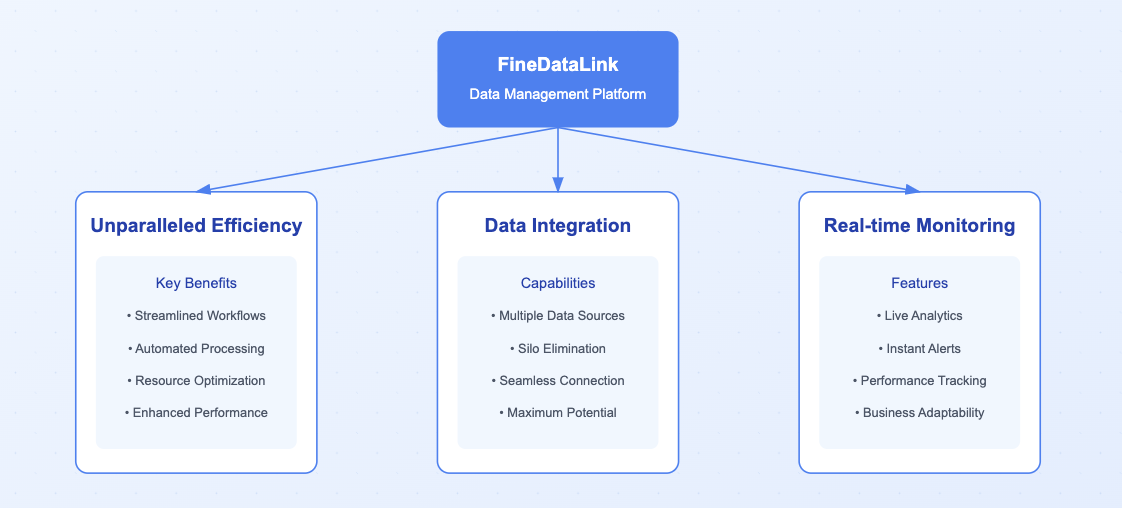
Fanruan’s FineDataLink stands out among data management tools with its advanced capabilities:
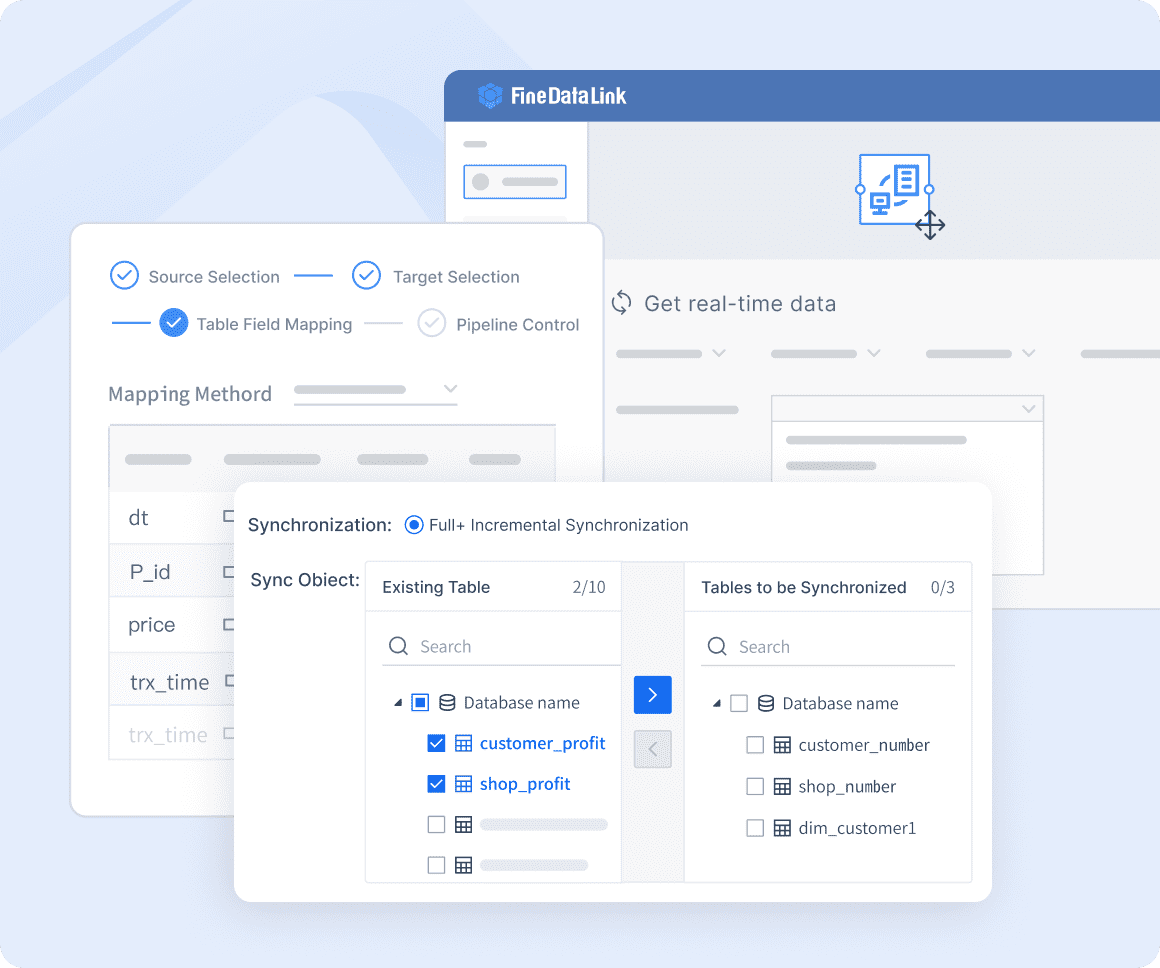
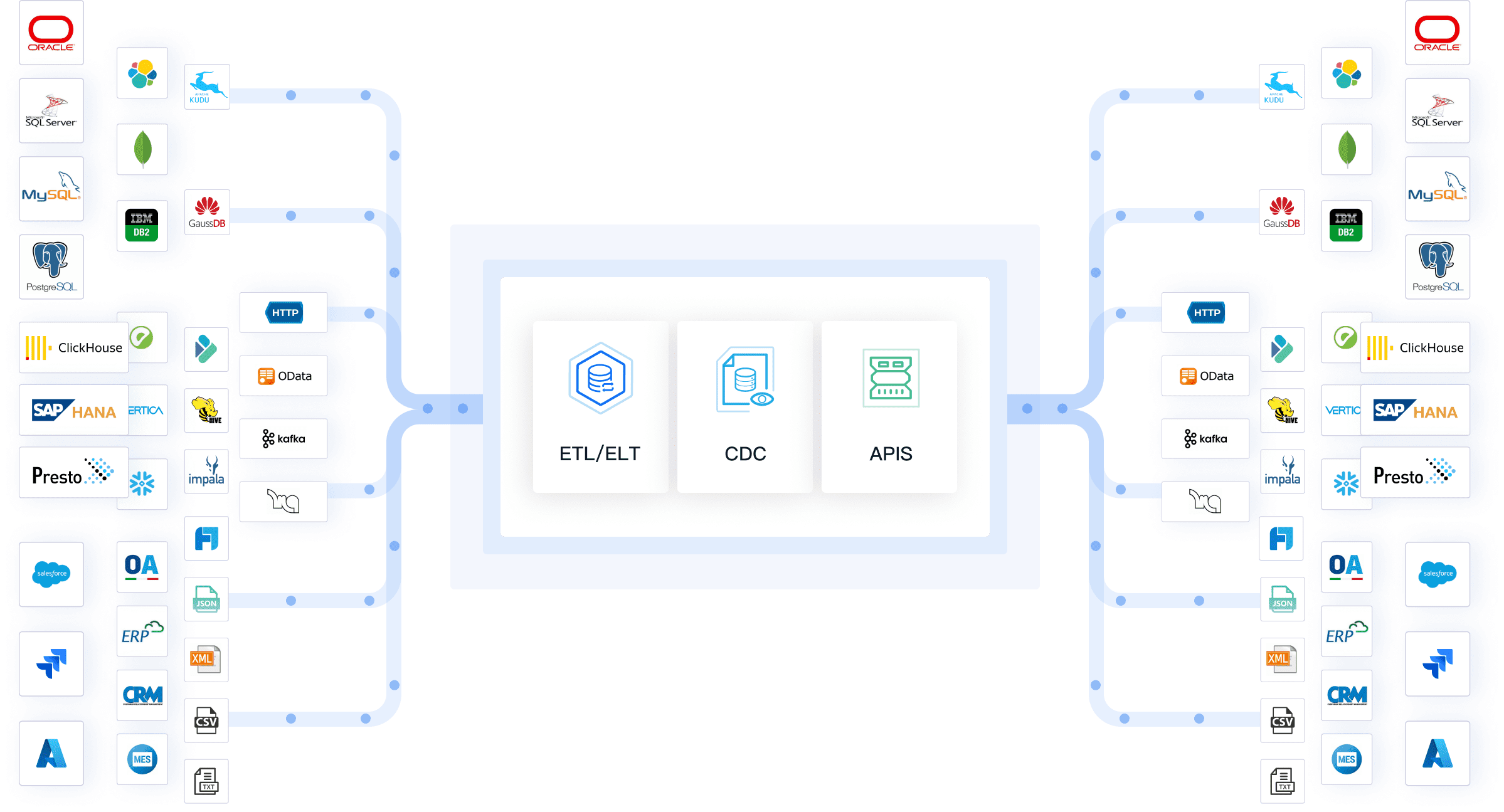
Multi-source data collection from various databases.
FineDataLink offers unparalleled efficiency in data management software. Its ability to integrate heterogeneous data sources eliminates silos, enabling you to maximize your data potential. The platform’s real-time monitoring ensures smooth operations, while its adaptability caters to diverse business needs.
Use Cases
FineDataLink is perfect for:
Building robust data warehouses for comprehensive analysis.
Streamlining data collection methods for market research.
Enhancing customer experience by leveraging real-time customer insights.
Why Choose FineDataLink? Unlike traditional data extraction tools, FineDataLink combines advanced data transformation and visualization capabilities. This makes it a superior choice for businesses aiming to stay ahead in a data-driven world.
Tool 4: Jotform
Key Features
Jotform is a versatile platform for creating and managing surveys. Its standout features include:
Drag-and-drop form builder for effortless customization.
Over 10,000 pre-designed templates to suit various industries.
Integration with popular apps like Google Drive, Dropbox, and PayPal.
Advanced conditional logic for dynamic form behavior.
Secure data storage with HIPAA compliance for sensitive information.
Jotform simplifies data collection methods with its intuitive interface and robust functionality. You can create professional surveys without technical expertise. Its integrations with other data management tools streamline workflows, saving time and effort. The platform’s secure storage ensures your data remains protected, making it ideal for industries handling sensitive information.
Use Cases
Jotform serves a wide range of industries, including:
Healthcare: Collect patient feedback and manage appointment forms.
Nonprofits: Streamline donation forms and volunteer registrations.
Business Services: Conduct market research and gather customer feedback.
Field Service Management: Simplify work order submissions.
Government: Manage public surveys and feedback forms.
Education: Create student assessments and feedback forms.
Tip: Jotform’s drag-and-drop builder makes it easy to design surveys tailored to your needs, whether for customer insights or internal evaluations.
Tool 5: Zonka Feedback
Key Features
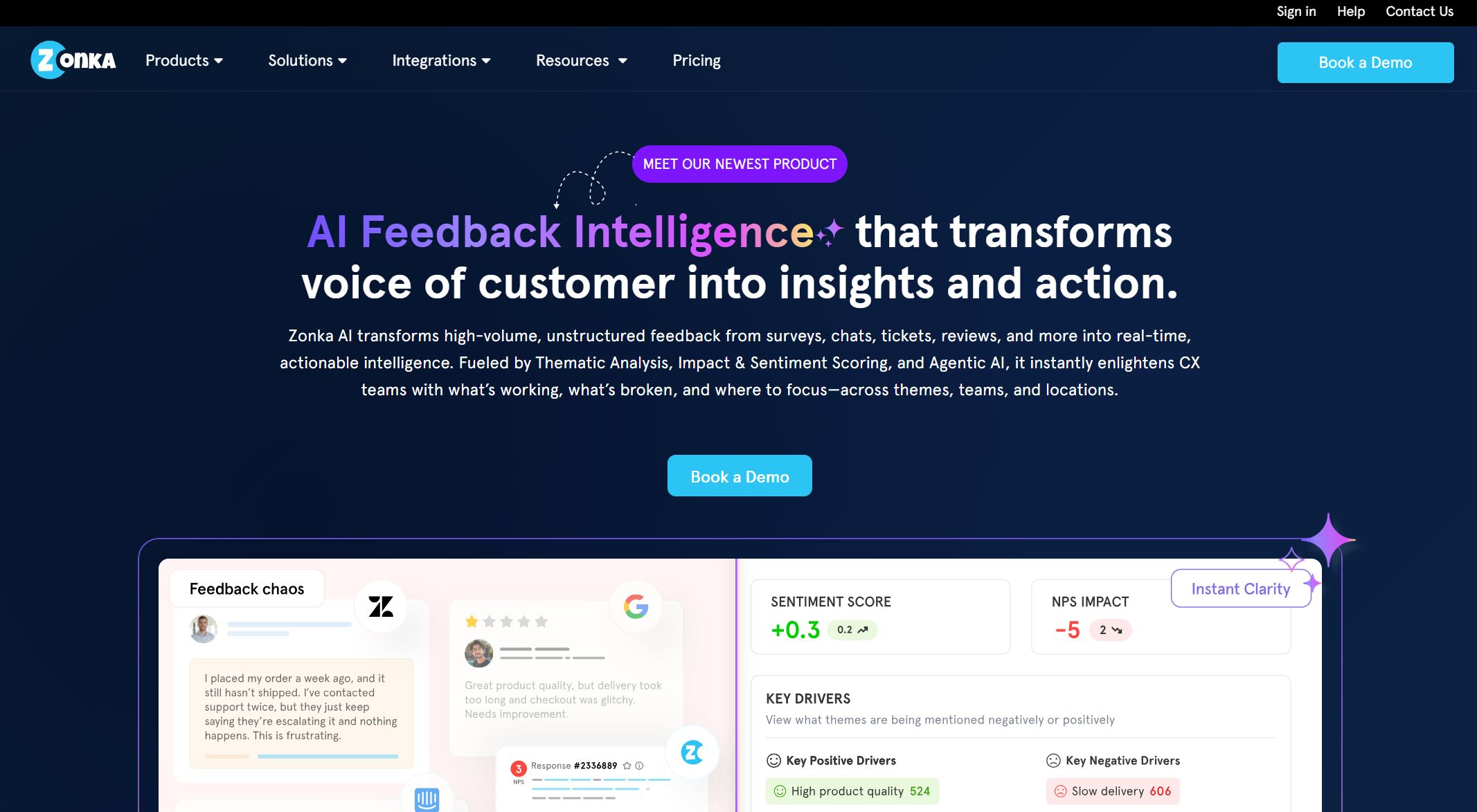
Zonka Feedback excels in customer feedback collection with its extensive survey capabilities. It allows you to create tailored surveys for metrics like CSAT and NPS. The platform supports multi-channel distribution, enabling you to gather feedback via email, SMS, websites, and kiosks. Automation tools simplify feedback management, while advanced analytics transform raw data into actionable insights.
Zonka Feedback empowers you to enhance the customer experience by understanding their needs better. Its multi-channel approach ensures you can reach your audience wherever they are. The automation features save time, allowing you to focus on improving services. With its analytics, you can identify trends and make data-driven decisions to boost satisfaction and loyalty.
Use Cases
Zonka Feedback is ideal for:
Measuring customer satisfaction through CSAT surveys.
Tracking loyalty with NPS surveys.
Collecting feedback during events or at physical locations using kiosks.
Improving employee engagement with internal surveys.
Why Choose Zonka Feedback? Its multi-channel distribution and automation tools set it apart from traditional data collection tools, making it a top choice for businesses aiming to optimize customer feedback processes.
Tool 6: Tableau
Key Features
Tableau is a leading data visualization software that integrates seamlessly with other business tools. Key features include:
Feature
Description
Flexible Integration
Leverages existing technology investments for seamless data access.
Extensibility
Enables developers to create interactive dashboard objects.
Embedding
Allows embedding analytics into custom web portals and applications.
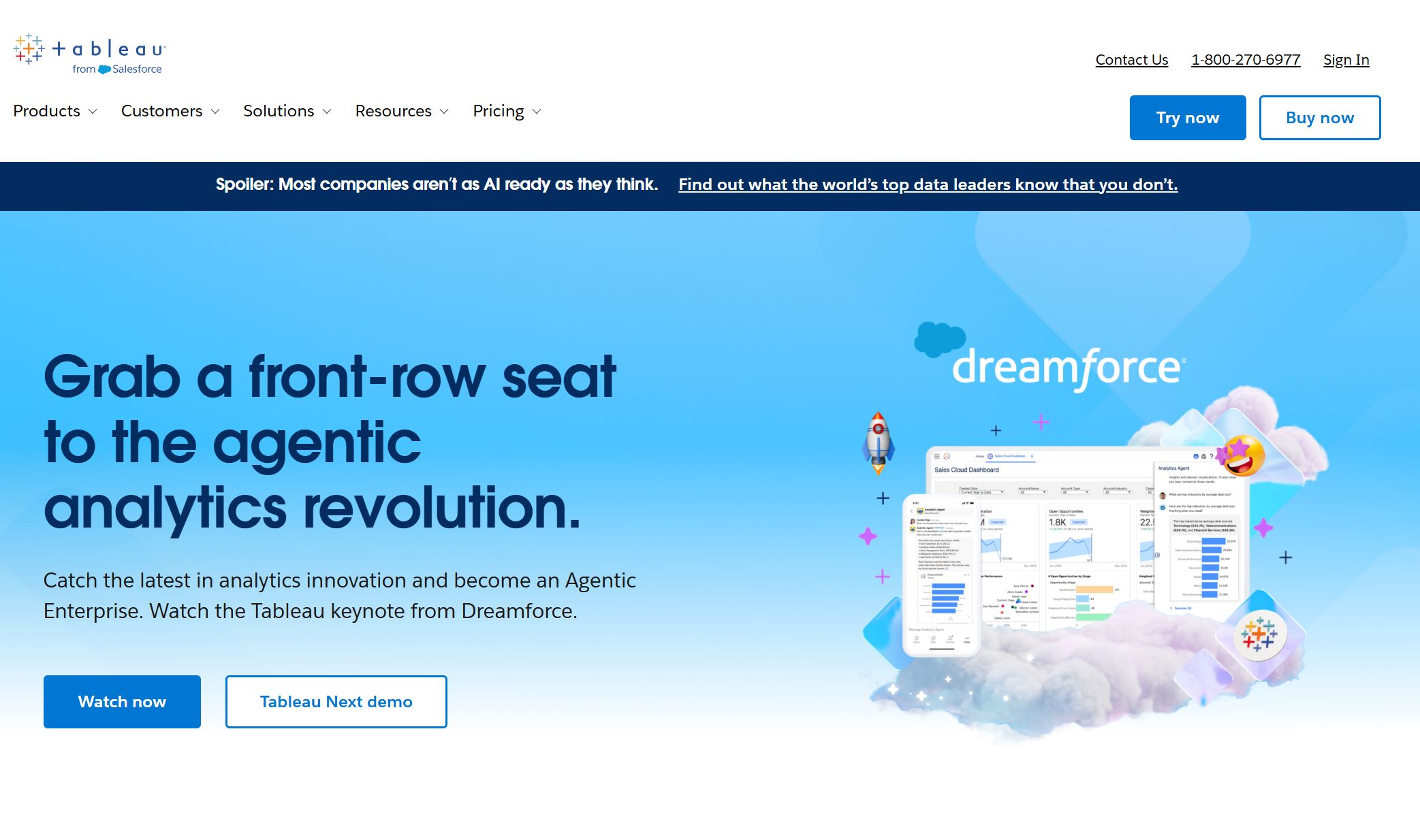
Tableau transforms complex data into visually appealing dashboards, making it easier to identify trends and insights. Its integration capabilities allow you to connect with existing data management solutions, enhancing efficiency. The platform’s flexibility ensures it adapts to your business needs, whether you’re conducting market research or analyzing customer feedback.
Use Cases
Tableau is widely used for:
Creating interactive dashboards for real-time decision-making.
Enhancing customer insights by visualizing feedback trends.
Conducting in-depth market research with advanced analytics.
Integrating with data extraction tools for seamless analysis.
Fanruan Advantage: While Tableau excels in data visualization, Fanruan’s FineDataLink offers superior data integration tools, ensuring a smoother transition from raw data to actionable insights.
Tool 7: Power BI
Key Features
Power BI offers a comprehensive suite of tools for data visualization and analysis. Its standout features include:
Strategic Data Roadmap: Aligns your data strategy with business goals.
End-to-end Implementation: Ensures seamless setup and integration.
Data Modeling and Visualization: Creates effective dashboards for actionable insights.
User Training and Support: Empowers your team to use the platform efficiently.
Advanced Analytics and Machine Learning: Identifies patterns and trends for proactive decisions.
Power BI simplifies complex data into visually engaging dashboards, making it easier for you to uncover insights. Its advanced analytics capabilities allow you to predict trends and make informed decisions. The platform’s user-friendly interface ensures your team can quickly adapt, saving time and resources. For small to medium-sized businesses, Power BI provides a cost-effective way to enhance data management software and improve operational efficiency.
Use Cases
Power BI is ideal for:
Creating interactive dashboards to monitor business performance.
Conducting market research to identify emerging trends.
Enhancing customer experience by analyzing feedback data.
Streamlining data collection methods for better decision-making.
Fanruan Advantage: While Power BI excels in visualization, Fanruan’s FineDataLink offers superior data integration tools, ensuring a seamless transition from raw data to actionable insights.
Tool 8: HubSpot
Key Features
HubSpot’s data management tools are designed to support marketing and sales teams. Key features include:
Marketing Analytics Software for tracking campaign performance.
Lead capture forms that sync seamlessly with the CRM.
Sales reporting software for real-time updates on pipeline and team performance.
Personalized dashboards for monitoring key performance indicators.
HubSpot empowers your marketing team to refine strategies using data-driven insights. Its lead capture forms automate data collection, ensuring your sales team has access to organized information for targeted outreach. The sales reporting software provides real-time updates, enabling you to prioritize efforts and close deals faster. With HubSpot, you can streamline workflows and improve overall efficiency.
Use Cases
HubSpot is widely used for:
Monitoring marketing campaigns to optimize performance.
Collecting customer feedback through lead capture forms.
Enhancing customer experience by personalizing outreach efforts.
Managing sales pipelines and tracking team performance.
Why Choose HubSpot? Its integration of marketing and sales tools makes it a one-stop solution for businesses looking to optimize their data management solutions.
Tool 9: DataRobot
Key Features
DataRobot stands out with its advanced AI-driven capabilities:
Explainability tools like Feature Lineage and Prediction Explanations for better collaboration.
A leaderboard feature to compare algorithms and preprocessing methods.
MLOps command center for simplified model deployment and monitoring.
Bias and fairness analysis to ensure ethical AI practices.
DataRobot helps you harness the power of AI to make smarter decisions. Its explainability tools enhance collaboration by making model predictions easier to understand. The MLOps command center ensures your models remain accurate and reliable over time. By addressing bias and fairness, DataRobot builds trust in your AI systems, making it a valuable addition to your data management software.
Use Cases
DataRobot is perfect for:
Conducting market research with AI-driven insights.
Enhancing customer feedback analysis through predictive modeling.
Improving customer experience by identifying trends and preferences.
Ensuring fairness and transparency in AI-driven decisions.
Fanruan Advantage: While DataRobot excels in AI, Fanruan’s FineDataLink offers unmatched scalability and integration capabilities, making it a more versatile choice for businesses of all sizes.
Tool 10: Snowflake
Key Features
Snowflake is a cloud-based data management software designed to handle large-scale data operations with unmatched efficiency. Its standout features include:
Cloud-native architecture that separates storage and compute resources, ensuring flexibility and cost efficiency.
Support for structured, semi-structured, and unstructured data, making it versatile for diverse business needs.
Virtual warehouses that allow independent scaling of compute resources, enabling you to manage workloads seamlessly.
Optimized query performance through automatic clustering and result caching, delivering faster insights.
Secure data sharing capabilities that maintain governance while enabling collaboration.
These features make Snowflake a preferred choice for businesses aiming to streamline their data operations and improve decision-making processes.
Benefits
Snowflake empowers you to manage your data with precision and scalability. Its cloud-native design eliminates the need for costly on-premise infrastructure, saving you money and resources. The ability to handle multiple data types ensures you can consolidate all your information in one place. With virtual warehouses, you can scale compute power independently, avoiding performance bottlenecks during peak usage.
The platform’s optimized query performance accelerates your data analysis, helping you uncover trends and insights faster. Its secure data sharing capabilities allow you to collaborate with partners and stakeholders without compromising data governance. This makes Snowflake an ideal solution for businesses that prioritize efficiency and security in their data management software.
Use Cases
Snowflake is versatile and caters to various industries and applications:
Retail: Analyze customer feedback to enhance the shopping experience and boost loyalty.
Healthcare: Manage patient data securely while ensuring compliance with regulations.
Finance: Perform real-time analytics to detect fraud and optimize investment strategies.
Technology: Integrate with data extraction tools to streamline workflows and improve operational efficiency.
Marketing: Leverage customer experience data to create personalized campaigns and drive engagement.
Fanruan Advantage: While Snowflake excels in scalability and performance, Fanruan’s FineDataLink offers superior integration with heterogeneous data sources. This ensures a smoother transition from raw data to actionable insights, giving you a competitive edge in a data-driven world.
Comparing the Top Data Collection Tools
Key Differences Between the Tools
When comparing the top data management tools, you’ll notice significant differences in features and pricing. Some tools focus on specific functionalities, while others offer comprehensive solutions. Here’s a quick comparison to help you decide:
Tool Name
Features
Pricing
Fulcrum
Advanced geolocation, custom map layers, geo-tagging, drag-and-drop forms
$15/month for 10 GB storage
FastField
Easy form builder, unlimited forms, 24-hour support
Free trial, $25/user/month
Jotform
10,000+ templates, payment options, offline data collection
Free for 5 forms, $39/month
KoboToolbox
Open source, easy form builder, data visualization
Fanruan’s FineDataLink stands out by offering multi-source data integration, real-time synchronization, and advanced data transformation capabilities. Unlike many competitors, it combines affordability with scalability, making it ideal for businesses of all sizes.
Best Data Collection Tools for Specific Business Needs
Different tools excel in specific areas. Here’s a breakdown to guide your choice:
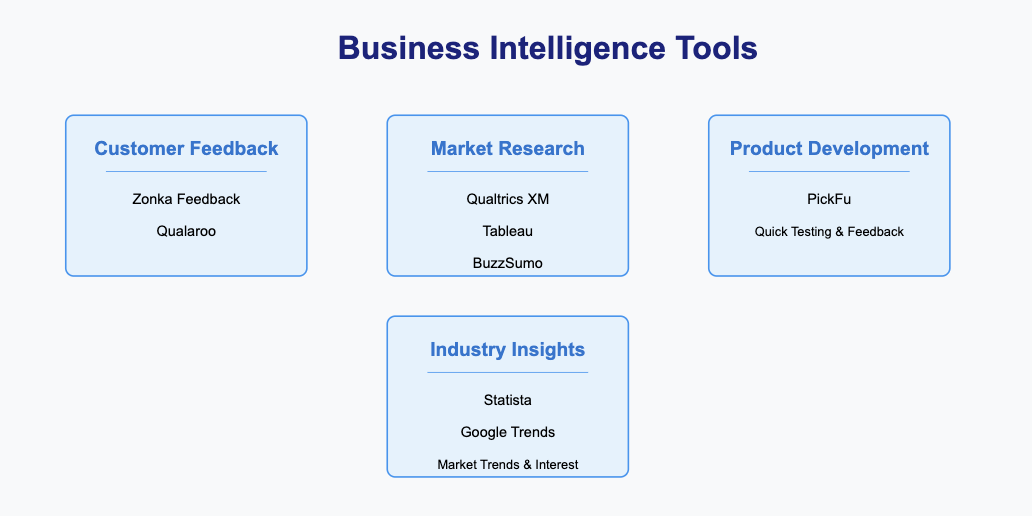
Customer Feedback: Zonka Feedback and Qualaroo are excellent for gathering customer insights.
Market Research: Qualtrics XM, Tableau, and BuzzSumo provide robust tools for analyzing trends and conducting research.
Product Development: PickFu allows you to test ideas and gather consumer feedback quickly.
Industry Insights: Statista and Google Trends help you stay informed about market trends and public interest.
Fanruan’s FineDataLink offers unmatched versatility, making it suitable for both customer feedback and market research. Its real-time data synchronization ensures you never miss critical insights.
Choosing the right data collection software can transform your business in 2025. The right tool helps you unlock insights, improve decision-making, and stay ahead of competitors. To align your choice with your strategic goals, follow these steps:
Decide how you will use the data to drive decisions.
Identify the sources that provide the most valuable information.
Assess your current data maturity to ensure the tool fits your needs.
Fanruan’s FineDataLink stands out by offering unmatched integration and real-time synchronization, making it a top choice for businesses aiming to scale efficiently. Unlike traditional tools, it bridges data silos and ensures seamless workflows. By adopting innovative solutions like this, you position your business to thrive in a rapidly evolving market.
Tip: The right software doesn’t just collect data—it empowers you to innovate and grow. Take the first step toward smarter decisions today.
Click the banner below to experience FineDataLink for free and empower your enterprise to convert data into productivity!
Access a wealth of case studies, industry insights, and solution guides to accelerate digital transformation.
FAQ
What makes Fanruan’s FineDataLink stand out from other data collection tools?
Fanruan’s FineDataLink excels with its multi-source integration and real-time synchronization. Unlike competitors, it eliminates data silos and ensures seamless workflows. Its advanced data transformation capabilities allow you to turn raw data into actionable insights faster, giving your business a competitive edge in 2025.
How do I decide which data collection tool is right for my business?
Start by identifying your goals. Do you need customer feedback, market research, or operational insights? Compare tools based on features like integration, automation, and scalability. Fanruan’s FineDataLink offers unmatched versatility, making it ideal for businesses seeking a comprehensive solution.
Are cloud-based tools like Snowflake better than traditional data management systems?
Yes, cloud-based tools like Snowflake offer flexibility, scalability, and cost efficiency. However, Fanruan’s FineDataLink goes a step further by integrating heterogeneous data sources seamlessly. This ensures smoother transitions from raw data to actionable insights, making it a superior choice for modern businesses.
Can small businesses benefit from advanced tools like FineDataLink?
Absolutely! FineDataLink’s cost-effective API-based services and user-friendly interface make it accessible for small businesses. Its scalability ensures you can start small and expand as your needs grow. This adaptability helps you stay competitive without overspending on resources.
How do data collection tools impact future business trends?
In 2025, businesses will rely heavily on real-time insights to stay competitive. Tools like Fanruan’s FineDataLink lead the way by offering advanced analytics and seamless integration. By adopting such tools, you can predict trends, enhance customer experiences, and drive innovation in your industry.