An example of expense report is most useful when employees, managers, and finance teams need one thing: a fast, accurate way to document business spending and get reimbursements approved without back-and-forth. If your organization struggles with missing receipts, unclear business purposes, delayed approvals, or manual bookkeeping errors, a standardized expense report process solves those operational gaps and protects both payroll accuracy and audit readiness.
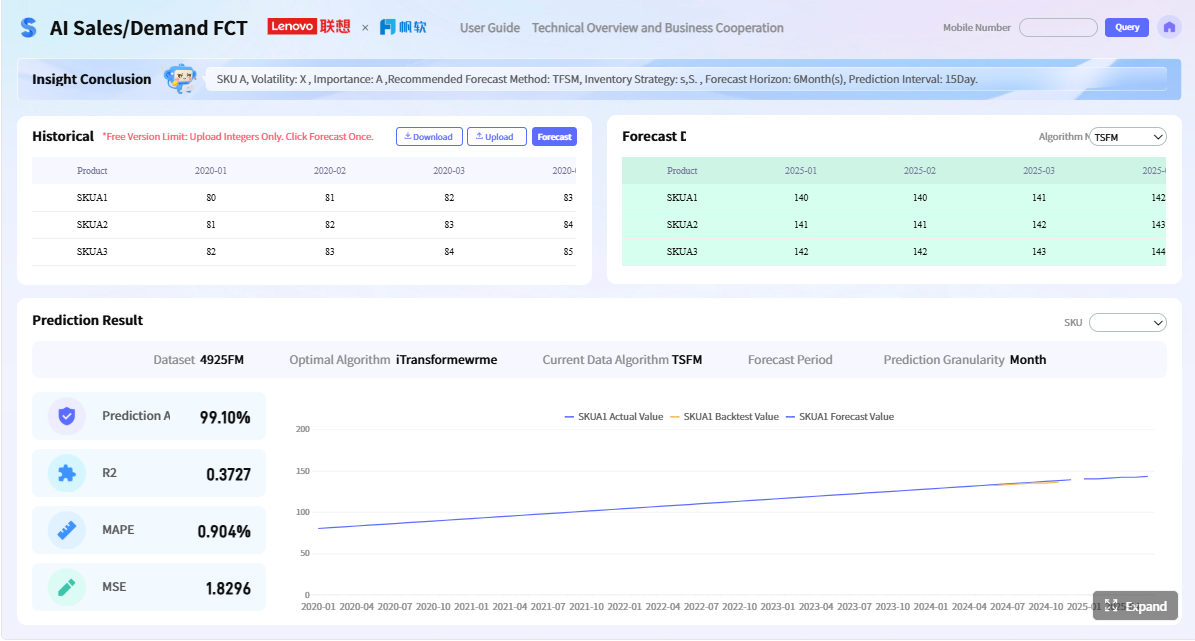 Click To Try The Dashboard
All reports in this article are built with FineReport
Example of Expense Report for Employee Reimbursements
An expense report is a document employees use to record out-of-pocket business expenses and request repayment from the company. It is typically submitted after a business trip, client meeting, local travel, supply purchase, or any approved work-related spend made with personal funds.
In practice, expense reports matter because they connect three critical workflows:
- Employee reimbursement: ensuring staff are paid back correctly and on time
- Manager approval: confirming each expense follows company policy
- Accounting accuracy: recording expenses under the right categories for bookkeeping, payroll, and audit support
For enterprise finance and operations leaders, the value is straightforward: a strong expense reporting process reduces disputes, speeds reimbursement cycles, and improves spend visibility across departments.
Key Metrics (KPIs)
To manage employee reimbursements effectively, track these core metrics:
- Total Reimbursable Amount: The full amount the company owes the employee for approved expenses.
- Expense Submission Cycle Time: The number of days between the expense date and report submission.
- Approval Turnaround Time: How long managers or finance teams take to approve or reject a report.
- Receipt Match Rate: The percentage of expense lines supported by valid receipts or invoices.
- Policy Violation Rate: The share of submitted expenses that break company rules, such as missing business purpose or exceeding limits.
- Duplicate Claim Rate: The number of repeated transactions submitted more than once.
- Category Spend Distribution: The breakdown of expenses across travel, lodging, meals, mileage, supplies, and client-related costs.
- Reimbursement Accuracy Rate: The percentage of reports paid correctly without adjustment or correction.
- Outstanding Claims Value: The total monetary value of reports still pending review or payment.
- Tax-Recoverable Amount: The portion of expenses where tax treatment matters for accounting or compliance.
A line-by-line example makes these elements easier to understand. In the sections below, you will see what a complete report includes, how sample entries should look, and how to build a reusable template employees can fill out correctly the first time.
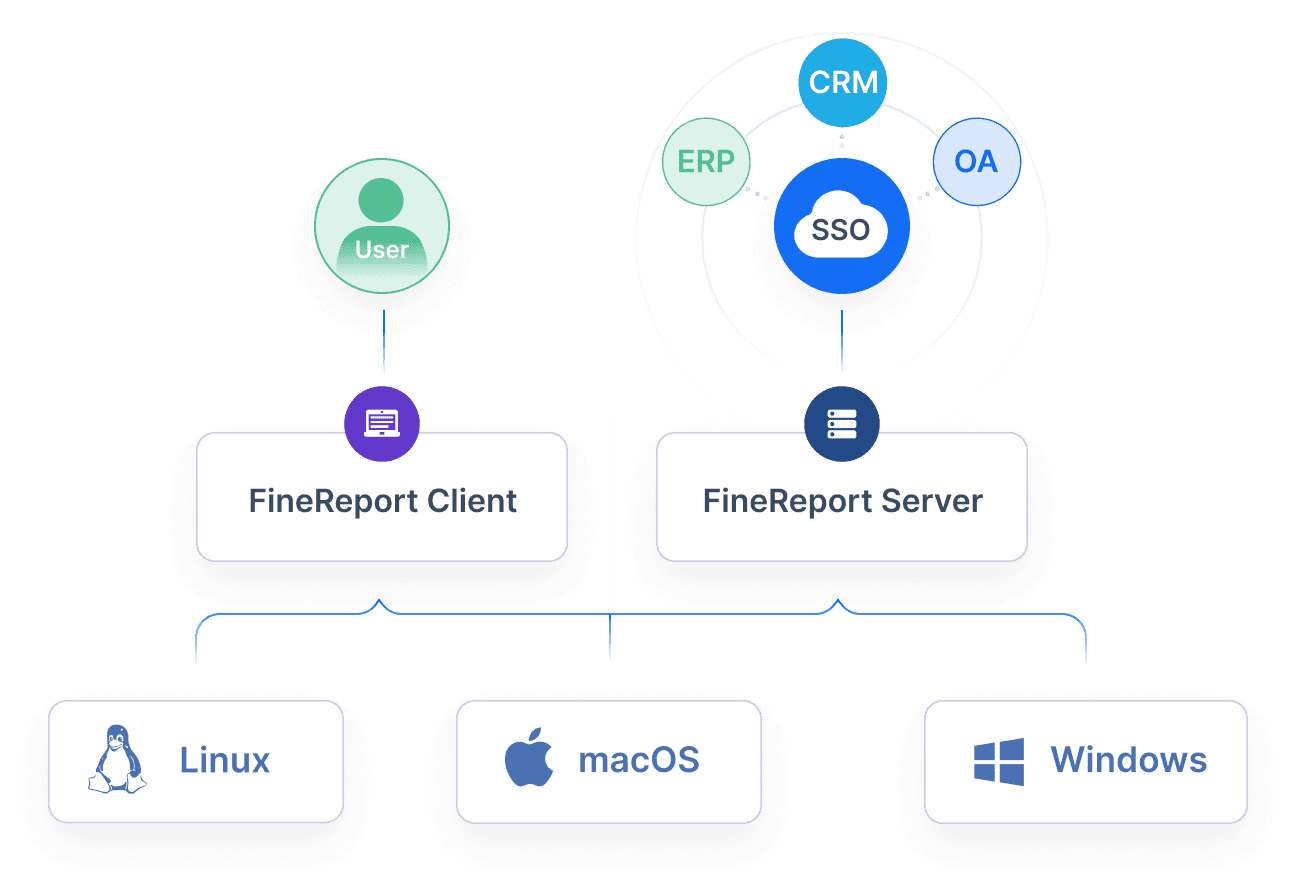
What an Expense Report Includes, Line by Line
A reimbursement report should be detailed enough for approval and accounting, but simple enough that employees can complete it quickly. The most effective format is a structured table backed by receipts and a short approval section.
Employee and report details
At the top of the expense report, include the employee and reporting information that identifies who is requesting reimbursement and why.
Typical fields include:
- Employee name
- Employee ID
- Department or cost center
- Manager name
- Reporting period
- Submission date
- Business purpose
The business purpose is especially important. A line such as “Client meeting in Chicago” or “Office supplies for regional training session” gives approvers immediate context and reduces follow-up questions.
A clean header might look like this:
| Field | Example |
|---|---|
| Employee Name | Jordan Lee |
| Department | Sales |
| Reporting Period | May 1–May 15, 2026 |
| Submission Date | May 16, 2026 |
| Business Purpose | Client visit and regional sales presentation |
Expense categories and transaction fields
The center of the report is the itemized transaction table. Each line should represent one reimbursable expense.
Essential transaction fields include:
- Date
- Vendor
- Description
- Category
- Payment method
- Amount
- Tax
- Receipt attached
- Notes or project code
A standard layout could look like this:
| Date | Vendor | Description | Category | Payment Method | Amount | Receipt |
|---|---|---|---|---|---|---|
| 2026-05-03 | Shell | Fuel for client site visit | Local Travel | Personal Card | 42.80 | Yes |
| 2026-05-03 | Downtown Parking | Parking during client meeting | Travel Misc. | Cash | 18.00 | Yes |
| 2026-05-04 | Hilton Chicago | Hotel stay for client presentation | Lodging | Personal Card | 189.00 | Yes |
To keep reports audit-ready, categories should be consistent. Common reimbursement categories include:
- Meals: Breakfast, lunch, dinner during approved business activity
- Lodging: Hotels and business accommodations
- Mileage: Personal vehicle use for approved work travel
- Airfare: Flights tied to approved business trips
- Office Supplies: Printing, stationery, cables, or minor equipment
- Client Expenses: Approved meals, hosting, or event costs related to customer engagement
- Ground Transportation: Taxi, rideshare, parking, tolls, rail, or subway
- Miscellaneous: Only when a specific category does not exist and a clear note is added
The biggest mistake many companies make is letting employees mix unlike expenses in vague categories such as “Other.” That creates approval delays and weakens reporting quality downstream.
Receipts, totals, and approval section
Every line item should tie back to supporting documentation where required by policy. That usually means:
- A scanned or photographed receipt
- A digital invoice
- A booking confirmation for travel
- Mileage notes showing origin, destination, and miles driven
Then calculate:
- Category subtotals
- Tax totals
- Cash advance deduction, if applicable
- Final reimbursement total
Example summary block:
| Summary Field | Amount |
|---|---|
| Travel Subtotal | 60.80 |
| Lodging Subtotal | 189.00 |
| Meals Subtotal | 48.50 |
| Office Supplies Subtotal | 22.40 |
| Total Claimed | 320.70 |
| Less Cash Advance | 0.00 |
| Total Reimbursement Due | 320.70 |
The approval section should include:
- Manager review
- Policy compliance check
- Finance sign-off
- Approval date
- Payment status
This final sign-off closes the loop between the employee, approver, and accounting team.
Step-by-Step Expense Report Example
Below is a practical example of expense report content based on common reimbursement scenarios. This is the level of detail finance teams expect when they want faster approvals and fewer corrections.
Sample entries for common reimbursement scenarios
1. Local travel and mileage reimbursement
When an employee uses a personal vehicle for business purposes, the report should include the trip date, route, reason, mileage, reimbursement rate, and total claim amount.
| Date | Vendor/Route | Description | Category | Calculation | Amount |
|---|---|---|---|---|---|
| 2026-05-06 | Office to Client Site and Return | On-site implementation meeting | Mileage | 38 miles x $0.67 | 25.46 |
| 2026-05-06 | City Parking Garage | Parking during client meeting | Travel Misc. | Actual | 14.00 |
Best practice: always add a short note such as “client implementation review” instead of just “meeting.”
2. Hotel, airfare, and meal expenses for a business trip
For a multi-day trip, each major expense should be logged separately rather than bundled into one total.
| Date | Vendor | Description | Category | Payment Method | Amount |
|---|---|---|---|---|---|
| 2026-05-10 | Delta Airlines | Round-trip airfare for annual conference | Airfare | Personal Card | 420.00 |
| 2026-05-10 | Marriott | 2-night hotel stay | Lodging | Personal Card | 358.00 |
| 2026-05-11 | Corner Cafe | Dinner after client workshop | Meals | Personal Card | 36.50 |
| 2026-05-12 | Airport Shuttle | Hotel to airport transfer | Ground Transportation | Personal Card | 24.00 |
Approvers will usually check whether meals, hotel rates, and travel timing align with internal policy. Clear notes help justify the spend.
3. Small purchases such as parking, printing, or office supplies
Minor purchases often cause the most delays because employees forget receipts or use vague descriptions.
| Date | Vendor | Description | Category | Payment Method | Amount |
|---|---|---|---|---|---|
| 2026-05-14 | FedEx Office | Printing handouts for sales training | Office Supplies | Personal Card | 17.80 |
| 2026-05-14 | Stationery World | Markers and flipchart pads for workshop | Office Supplies | Personal Card | 29.60 |
| 2026-05-14 | Central Parking | Parking for training venue | Travel Misc. | Cash | 12.00 |
A better description is “printing 50 training packets for distributor onboarding” rather than just “printing.”
How to review the report before submission
Before submitting, employees should perform a short quality check. This step dramatically reduces reimbursement delays.
Review for:
- Missing receipts
- Duplicate entries
- Incorrect dates
- Wrong currency
- Unclear business purpose
- Expenses outside policy limits
- Math or formula errors
- Personal charges mixed with business expenses
A simple pre-submission checklist:
- Match every receipt to the correct line item.
- Confirm dates fall within the reporting period.
- Verify totals and category subtotals.
- Add business purpose notes where needed.
- Make sure reimbursement method and approver name are included.
From a consultant’s perspective, this review step is where organizations save the most time. Most reimbursement bottlenecks come from incomplete submissions, not from approval capacity.
Free Expense Report Template and How to Use It
A reusable template is the fastest way to standardize expense reporting across teams. It creates consistency for employees and makes approvals easier for finance and operations leaders.
What to include in a simple reusable template
A strong template should include these columns and fields:
- Employee name
- Department
- Report period
- Submission date
- Manager name
- Business purpose
- Expense date
- Vendor
- Description
- Category
- Payment method
- Pre-tax amount
- Tax amount
- Total amount
- Receipt attached
- Notes or project code
- Category subtotal
- Final reimbursement due
- Approval signature fields
For spreadsheet-based templates, useful formulas include:
- Automatic row total
- Category subtotal
- Grand total
- Cash advance deduction
- Final reimbursement balance
This template can also be adapted by use case:
- Travel expense template: add airfare, hotel, mileage, and per diem fields
- Remote work template: add home office and internet reimbursement categories
- Team spending template: add project code, client code, and multi-approver fields
How employees and managers should use the template
Employee steps
-
Capture expenses in real time
Record each expense when it happens instead of waiting until the end of the month. -
Attach receipts immediately
Store digital copies in the same order as the line items. -
Use approved categories only
Select standardized categories to avoid reclassification later. -
Write clear business purpose notes
Give enough context for managers to approve without follow-up. -
Submit on schedule
Follow weekly or monthly deadlines to keep payroll and bookkeeping current.
Manager steps
-
Review policy compliance first
Check limits, categories, and business relevance before reviewing totals. -
Verify supporting documentation
Make sure receipts and explanations support every reimbursable claim. -
Approve or return quickly
Fast decisions improve employee trust and reduce accounting backlog. -
Document approval status
Record who approved the report and when. -
Ensure finance handoff is complete
Approved reports should flow directly into payroll or accounts payable processing.
Best practices for implementation
If you want expense reporting to work at scale, use these practical steps:
-
Publish one company-wide expense policy
Define reimbursable categories, spending limits, receipt rules, submission timelines, and approval paths. -
Standardize the report structure across departments
Do not let sales, operations, and support teams use completely different formats unless absolutely necessary. -
Require receipt-to-line-item matching
This prevents disputes and improves audit readiness. -
Automate validation checks
Flag missing receipts, duplicate transactions, and out-of-policy amounts before manager review. -
Track approval and reimbursement performance
Measure turnaround time, rejection rates, and outstanding claims to continuously improve the process.
These are the controls experienced finance leaders put in place early. They reduce administrative cost and make reimbursement more predictable for everyone involved.
Common Expense Report Mistakes and Practical Tips
Expense reporting errors do more than slow down repayment. They create payroll friction, distort financial records, and weaken policy enforcement.
Errors that delay reimbursement
The most common issues include:
- Incomplete descriptions: “meal” or “travel” is too vague
- Mixed personal charges: personal and business expenses on the same claim
- Missing receipts: especially for parking, taxi, and meal expenses
- Incorrect totals: manual addition errors or broken spreadsheet formulas
- Tax handling mistakes: entering tax inconsistently or including it twice
- Late submissions: reports sent long after the reporting period closes
- Duplicate lines: the same charge entered more than once
- Missing approval fields: no manager sign-off or policy confirmation
These problems are avoidable, but only if the process is standardized and supported by clear review rules.
Tips for faster, cleaner reporting
Use these practical habits to improve reporting quality:
- Keep receipts organized as expenses happen
- Use consistent categories every time
- Submit reports on a regular cadence
- Write specific, business-focused descriptions
- Review before submitting
- Separate reimbursable and non-reimbursable charges
- Use digital templates instead of ad hoc spreadsheets
Final Checklist for Accurate Employee Reimbursements
Before a reimbursement is approved and paid, confirm the report meets these minimum standards:
- Every expense has a clear business purpose
- Every required line item has a supporting receipt
- Dates, vendors, and descriptions are complete
- Categories are assigned correctly
- Totals, taxes, and reimbursement calculations are accurate
- Any cash advance or company-paid amount is deducted properly
- The reimbursement method is confirmed
- The manager approval status is complete
- A final copy is saved for payroll, accounting, and audit records
This checklist may seem basic, but it is the backbone of a reliable reimbursement process. In growing organizations, even a small volume of inaccurate reports can create significant manual rework.
Build a Better Expense Reporting Workflow with FineReport
Building this manually is complex; use FineReport to utilize ready-made templates and automate this entire workflow.
For organizations that want more than a static spreadsheet, FineReport helps turn expense management into a controlled, trackable process. Instead of relying on disconnected files and email approvals, teams can build standardized reimbursement forms, automate calculations, monitor approval status, and visualize reimbursement trends in real time.
That matters for enterprise decision-makers because expense reporting is not just a form problem. It is a workflow, compliance, and visibility problem. FineReport can support:
- Standardized digital expense report templates
- Automated totals and validation rules
- Multi-level approval workflows
- Dashboard views for pending, approved, and rejected claims
- Department, category, and employee reimbursement analysis
- Easier handoff to finance and payroll teams

Get Ready-to-Use Dashboard Templates in Fine Gallery
If your goal is to reduce reimbursement delays, improve policy compliance, and gain real-time visibility into employee spending, FineReport gives you a more scalable way to do it.
FAQs
An expense report is a document employees use to record business-related purchases they paid for personally and request repayment from the company. It helps managers approve claims and gives finance teams the details needed for accurate accounting.