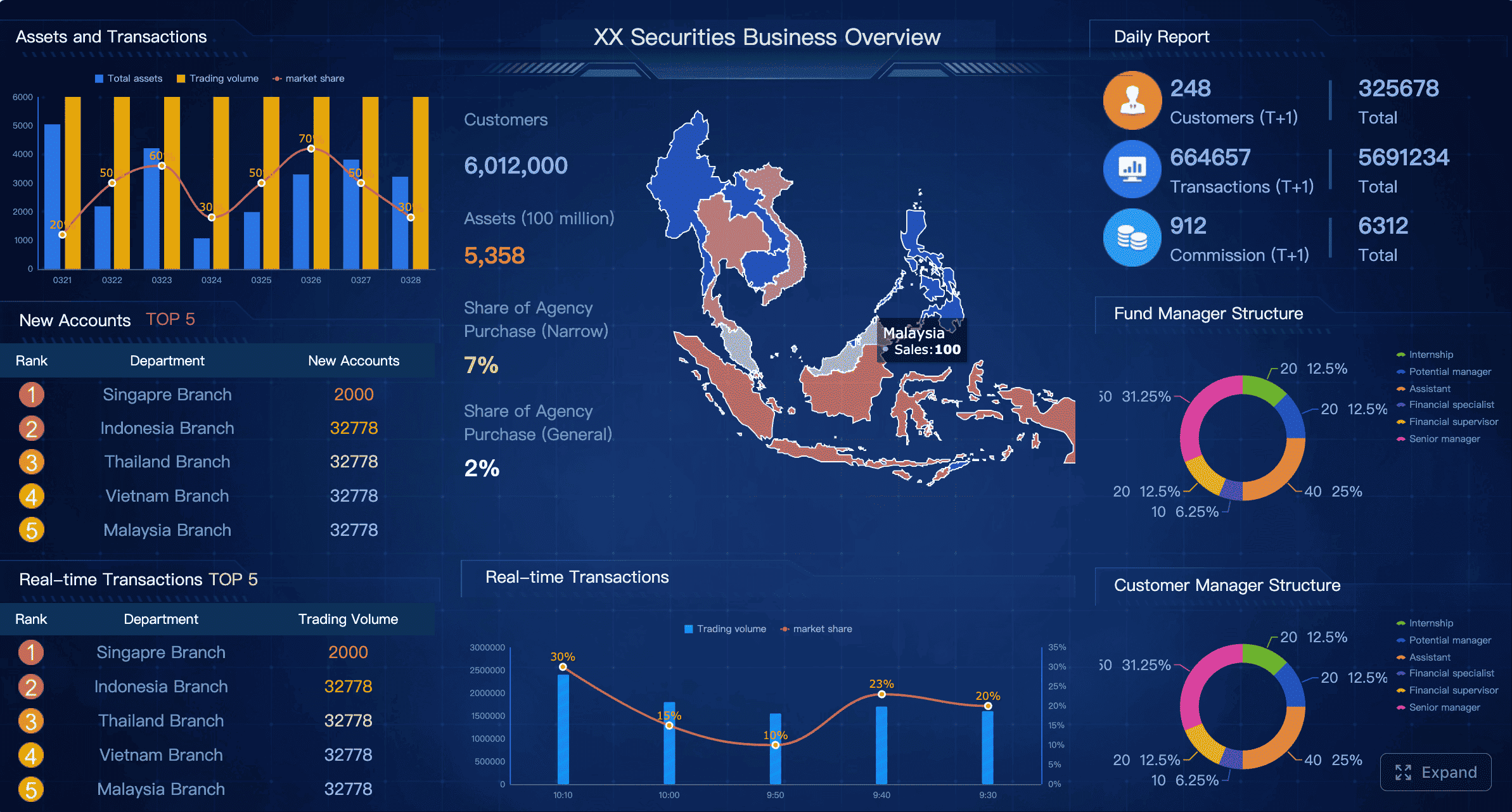
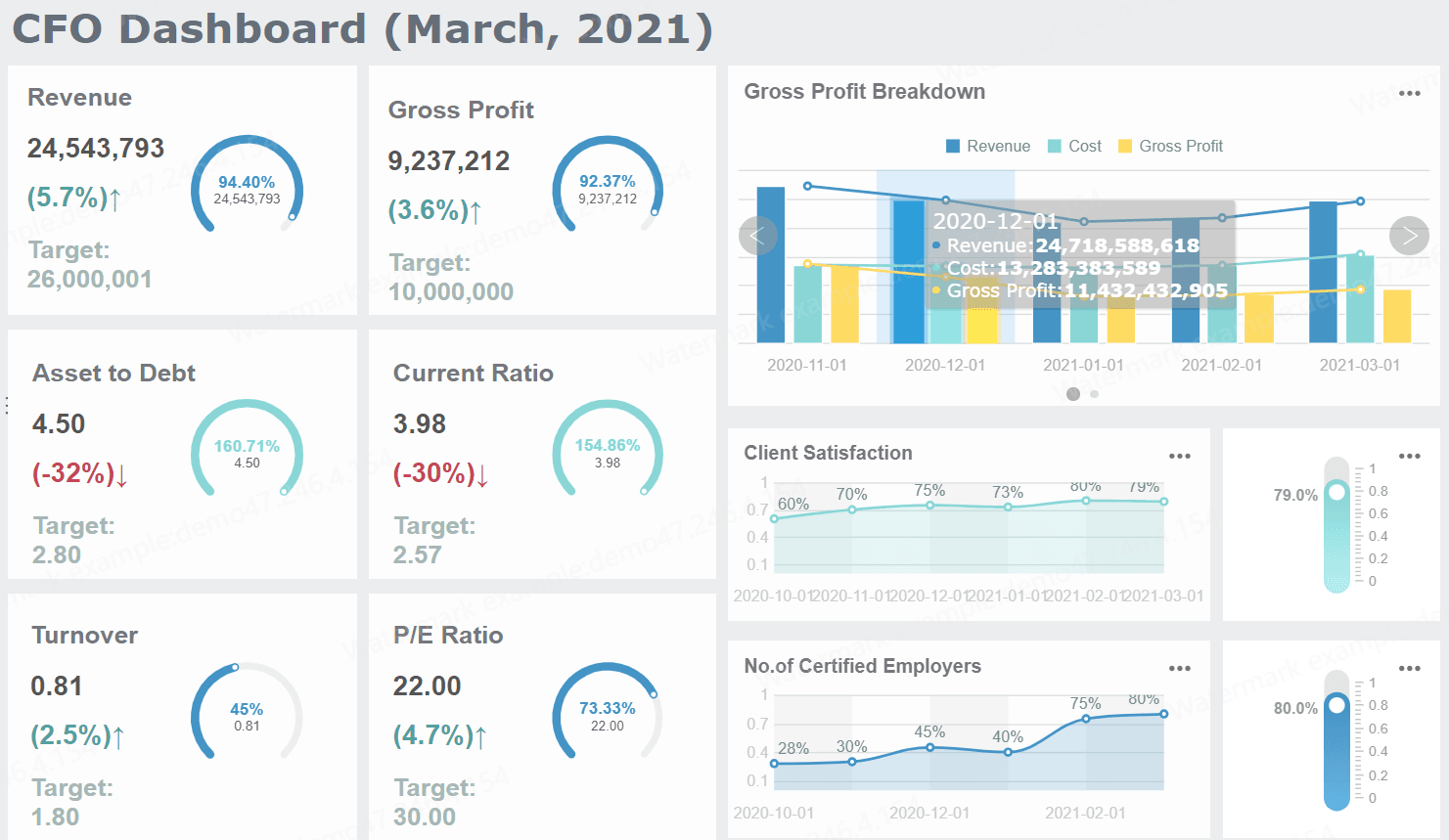
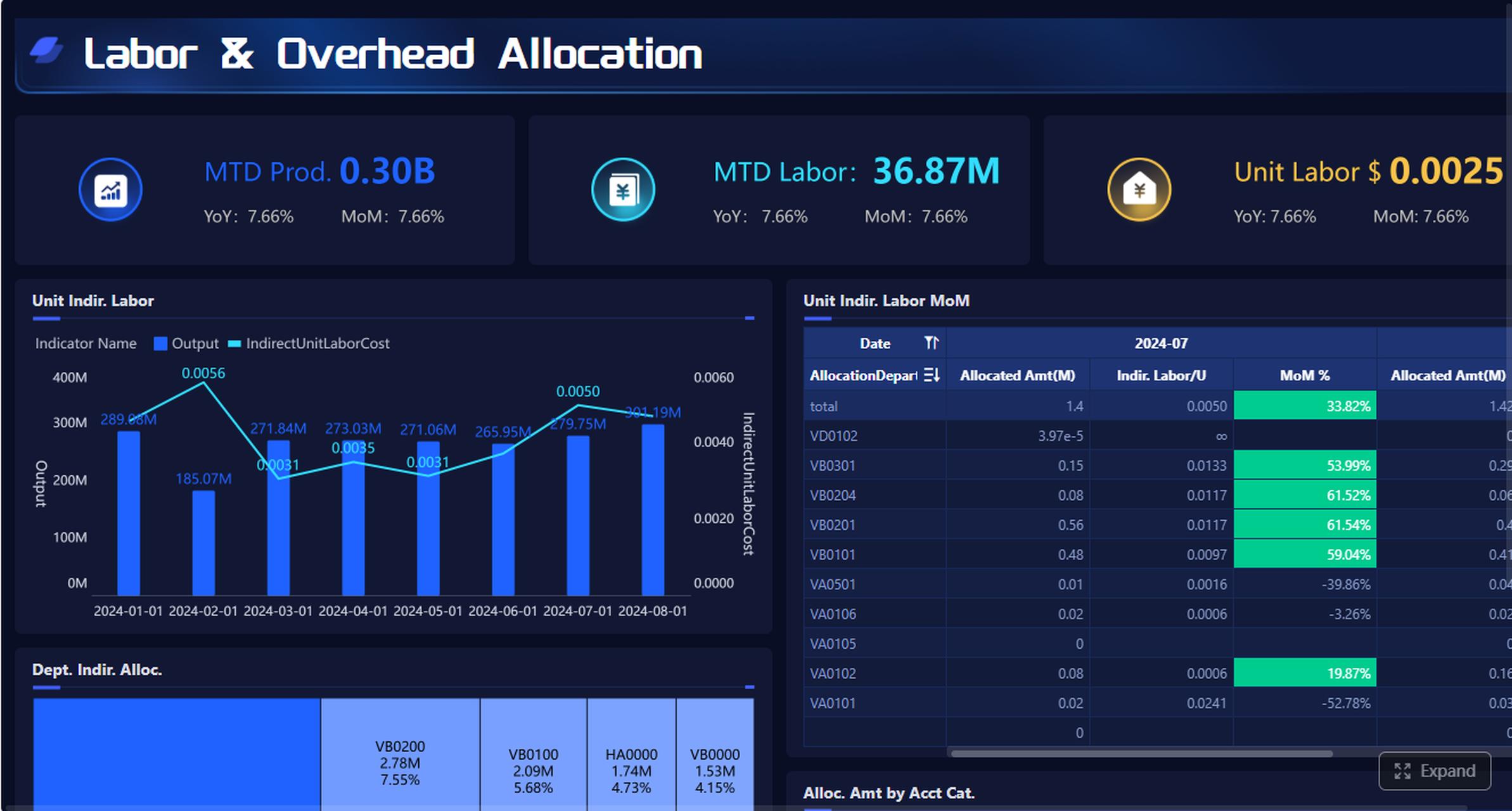
A business travel expense report template helps small businesses control travel spend, speed up reimbursements, and reduce bookkeeping errors without adding unnecessary admin work. If you are an owner, finance lead, operations manager, or office administrator, the real challenge is not just recording receipts. It is creating a process that employees will actually follow, managers can approve quickly, and finance can trust at month-end.
All reports in this article are built with FineReport.
What a business travel expense report template should include
A strong business travel expense report template should do more than list costs. It should create a standardized record of who traveled, why the trip happened, what was spent, how it was paid, and whether the reimbursement has been approved. For small businesses, this consistency matters because even a modest number of trips can create confusion if every employee submits expenses differently.
Core fields every small business needs
At minimum, your template should capture these fields:
Traveler details: employee name, department, job title, employee ID, and contact info
Trip purpose: reason for travel, client name, project, event, or business objective
Trip dates: departure date, return date, and submission date
Destination: city, state, country, and trip route if relevant
Expense categories: transportation, lodging, meals, mileage, parking, tolls, and incidentals
Payment method: personal card, company card, cash, or advance
Totals: line-item totals, category subtotals, and grand total
Approval status: submitted, under review, approved, rejected, reimbursed
These fields create a clear audit trail and eliminate back-and-forth emails asking for missing basics.
Common travel cost categories such as transportation, lodging, meals, mileage, parking, tolls, and incidentals
Your template should group travel costs in a way that matches how finance reviews spending. Typical categories include:
Meals: breakfast, lunch, dinner, client meals where policy allows
Mileage: personal vehicle reimbursement based on approved mileage rate
Parking: airport parking, hotel parking, meeting-site parking
Tolls: road or bridge tolls incurred during business travel
Incidentals: baggage fees, tips, internet, laundry, visa fees, or small trip-related charges
A category-based layout makes reimbursement easier and improves expense reporting later when you want to analyze travel trends.
Receipts, tax details, and reimbursement information to keep reports accurate and audit-ready
A template is only useful if it supports documentation. Your form should include space or instructions for:
Receipt attachment
Merchant or vendor name
Tax amount
Currency used for the transaction
Exchange rate, if international
Reimbursable vs. non-reimbursable flag
Advance amount received
Final reimbursement due
Without this information, expense reports become difficult to validate, especially during audits or financial reviews.
Key Metrics (KPIs)
To make the template operationally useful, small businesses should track these KPIs:
Total Travel Spend: overall cost of each trip or reporting period
Average Cost per Trip: total travel spend divided by number of trips
Expense Category Share: percentage of spend going to lodging, transport, meals, and other categories
Approval Cycle Time: time from employee submission to manager approval
Reimbursement Turnaround Time: time from approval to payout
Receipt Compliance Rate: percentage of expense items with valid supporting receipts
Policy Violation Rate: percentage of submitted items outside travel policy
Manual Correction Rate: number of reports requiring edits after submission
Duplicate Expense Rate: frequency of repeated or double-submitted charges
Outstanding Reimbursement Balance: total amount still unpaid to employees
Manual spreadsheet or automated tool for your business travel expense report template: which fits a small business best?
For many small businesses, the decision is not whether to track expenses. It is whether to start with a simple spreadsheet or move directly to an automated system. The right answer depends on travel volume, policy complexity, and how much administrative time your team can absorb.
When Excel or Word templates make sense
Excel and Word are practical options when your business travel process is still simple.
They usually make sense when:
You have a low number of monthly travel reports
Approvals go through one manager or one finance reviewer
Employees need a free starting point
Your business wants a format that can be edited internally
You do not yet need integrations with accounting or ERP systems
Excel is especially useful because it can calculate totals automatically, summarize categories, and support basic formatting rules. Word works better when you want a printable, fixed-layout form that employees complete manually.
For a small team with occasional trips, a spreadsheet may be enough.
When an automated expense tool is the better choice
As soon as travel increases, manual templates start to create hidden costs. Missing receipts, duplicate files, delayed approvals, and inconsistent categories consume finance time that could be spent elsewhere.
An automated expense tool is usually better when you need:
If your business checks more boxes in the right-hand column, the spreadsheet stage may already be costing you more than it saves.
How to use a free downloadable business travel expense report template step by step
A free template only works if employees use it consistently and finance can process it quickly. The implementation process matters as much as the form itself.
Set up the template for your company
Start by customizing the template so it reflects your internal policy. Do not hand out a generic file and expect consistent results.
Here is what to add:
Company branding such as logo and business name
Reimbursement rules including submission deadline, mileage rate, meal limits, and excluded expenses
Approval fields for employee, manager, and finance sign-off
Standard travel categories aligned with your chart of accounts or bookkeeping process
Receipt instructions including what must be attached and acceptable file formats
This step prevents confusion and creates one standard process for everyone.
Record each trip expense correctly
Employees should enter expenses as they happen or immediately after the trip, not weeks later. Delayed reporting leads to missing details and weak documentation.
Best practice is to:
Enter each expense by date
List the vendor or merchant clearly
Select the correct category
Attach the matching receipt
Separate personal and business costs
Identify company-card vs personal-card charges
Double-check totals and tax amounts
If mileage is reimbursable, add fields for origin, destination, miles driven, reimbursement rate, and calculated total.
Review, submit, and reimburse faster
A template by itself does not guarantee speed. You also need a clear workflow.
A simple approval process should look like this:
Employee completes and submits the report
Manager reviews business purpose and policy compliance
Finance verifies receipts, totals, and payment method
Approved amount is recorded for reimbursement
Payment status is updated to closed
The clearer this process is, the less time employees spend waiting and the less time finance spends chasing corrections.
Best free business travel expense report template formats for small businesses
Different formats solve different problems. The best option depends on whether you prioritize flexibility, printability, or collaboration.
Excel and Google Sheets templates
Excel and Google Sheets are the most common formats for a business travel expense report template because they support formulas, category totals, and quick customization.
Best for:
Automatic calculations
Subtotals by category
Mileage formulas
Simple edits by finance or admin staff
Shared use for small teams
Main tradeoff:
Version control gets messy as more people use the file
Formula errors are easy to introduce
Manual uploads and approvals slow down over time
Word templates
Word templates are useful when the business wants a cleaner, more formal-looking document or a printable form for handwritten completion.
Best for:
Printable travel reimbursement forms
Highly structured submissions
Organizations with very simple reporting needs
Main tradeoff:
Weak for calculations
Poor fit for recurring reporting
Harder to summarize data across many reports
Google Drive and shared-file options
Shared cloud folders can help teams collaborate without emailing files back and forth. This works reasonably well at an early stage.
Best for:
Remote teams
Shared access to templates
Quick deployment with no extra software
Main tradeoff:
Duplicate files become common
Permissions can be inconsistent
Multiple edits may create confusion
There is limited control over workflow discipline
For growing businesses, these issues usually appear before leadership expects them.
Common mistakes to avoid in a business travel expense report template
Expense reporting problems are rarely caused by the template alone. They usually come from inconsistent usage, unclear rules, and weak review practices.
The most common mistakes include:
Missing receipts that delay approval or create audit risk
Unclear business purpose that makes review harder
Mixed personal charges within business submissions
Duplicate entries from resubmitted or copied lines
Late submissions that slow reimbursement and month-end close
Incorrect tax amounts or omitted tax details
No payment-method tracking for company card reconciliation
No approval status field to track where the report is stuck
A good template reduces these risks. A disciplined process removes most of the rest.
How to choose the right business travel expense report template or tool for long-term growth
Small businesses often start with a downloadable spreadsheet because it is fast and free. That is a sensible first move. But growth changes the economics of expense reporting. What works for five trips a month may fail badly at fifty.
To choose the right long-term option, evaluate your process against these practical criteria:
Travel frequency: How often do employees submit travel expenses?
Team size: How many people travel and how many people approve?
Approval complexity: Is there one approver or several layers?
Reporting needs: Do you only need reimbursement totals, or do you need spend analysis?
Ease of use: Can employees complete the report without training?
Customization: Can the format match your categories and policies?
Integrations: Does the solution connect to accounting, ERP, or HR systems?
Total admin time: How many hours per month go into reviewing, correcting, and paying reports?
Actionable best practices for implementation
If you want this process to scale without becoming a finance bottleneck, follow these consultant-level best practices:
Standardize one approved template or workflow
Do not allow departments to use different forms.
Standardization is the fastest way to improve compliance and reporting quality.
Set a fixed submission deadline
For example, require expense reports within 3 to 5 business days after travel.
This reduces missing receipts and speeds up month-end close.
Define policy rules inside the template
Add notes for meal caps, mileage rates, and non-reimbursable items.
Employees should not need to search another file to understand the rules.
Track approval and reimbursement timing
Measure how long reports sit with employees, managers, and finance.
Delays usually reveal process bottlenecks more than staffing issues.
Review category data monthly
Analyze spend by employee, trip type, client, and category.
This turns expense reporting from clerical work into a budgeting insight tool.
Build a smarter business travel expense reporting workflow with FineReport
Building this manually is complex; use FineReport to utilize ready-made templates and automate this entire workflow.
For small businesses, the real value is not just replacing paper or spreadsheets. It is creating a repeatable reporting system that improves accuracy, shortens reimbursement cycles, and gives management immediate visibility into travel spend.
Create dashboards for travel spend, approval status, and reimbursement timing
Automate category summaries and totals
Centralize receipt and report data
Support approval workflows
Improve audit readiness
Scale from simple reporting to enterprise-grade management without rebuilding the process from scratch
Instead of maintaining disconnected Excel files, chasing receipts by email, and manually compiling monthly summaries, your team can manage travel expense reporting in one structured environment.
If your travel volume is still low, start with a free template and a clean process. If your team is already feeling the pain of manual tracking, late approvals, or reporting errors, it is time to move beyond spreadsheets.
It should capture employee details, trip purpose, dates, destination, expense categories, payment method, totals, receipt support, and approval status. These fields help small businesses standardize submissions and reduce reimbursement errors.
Excel is usually better for calculations, category totals, and easier editing, while Word works best for a simple printable form. Small businesses with low travel volume often start with Excel because it is more flexible.
A small business should consider automation when travel volume grows, approvals involve multiple people, or finance spends too much time fixing manual errors. Automated tools are also useful when you need faster approvals, stronger policy control, and better reporting.
A clear template reduces missing information and makes manager review faster. When employees submit receipts, dates, categories, and totals in a consistent format, finance can approve and reimburse expenses more quickly.
Most small businesses should track transportation, lodging, meals, mileage, parking, tolls, and incidentals. These categories make reports easier to review and help finance analyze travel spending over time.
Product Trial
FineReport
Pixel-perfect reports · Interactive dashboards · Easy data entry · Digital twins