

A travel expense report template is the operational backbone of business travel reimbursement. If your employees travel for client meetings, events, site visits, or internal business reviews, you need a repeatable way to record costs, verify policy compliance, and reimburse people quickly. Without a standard template, finance teams deal with missing receipts, inconsistent categories, approval delays, and audit risk. For operations leaders, HR managers, finance teams, and small business owners, a clean travel expense reporting process directly improves control, speed, and accountability.
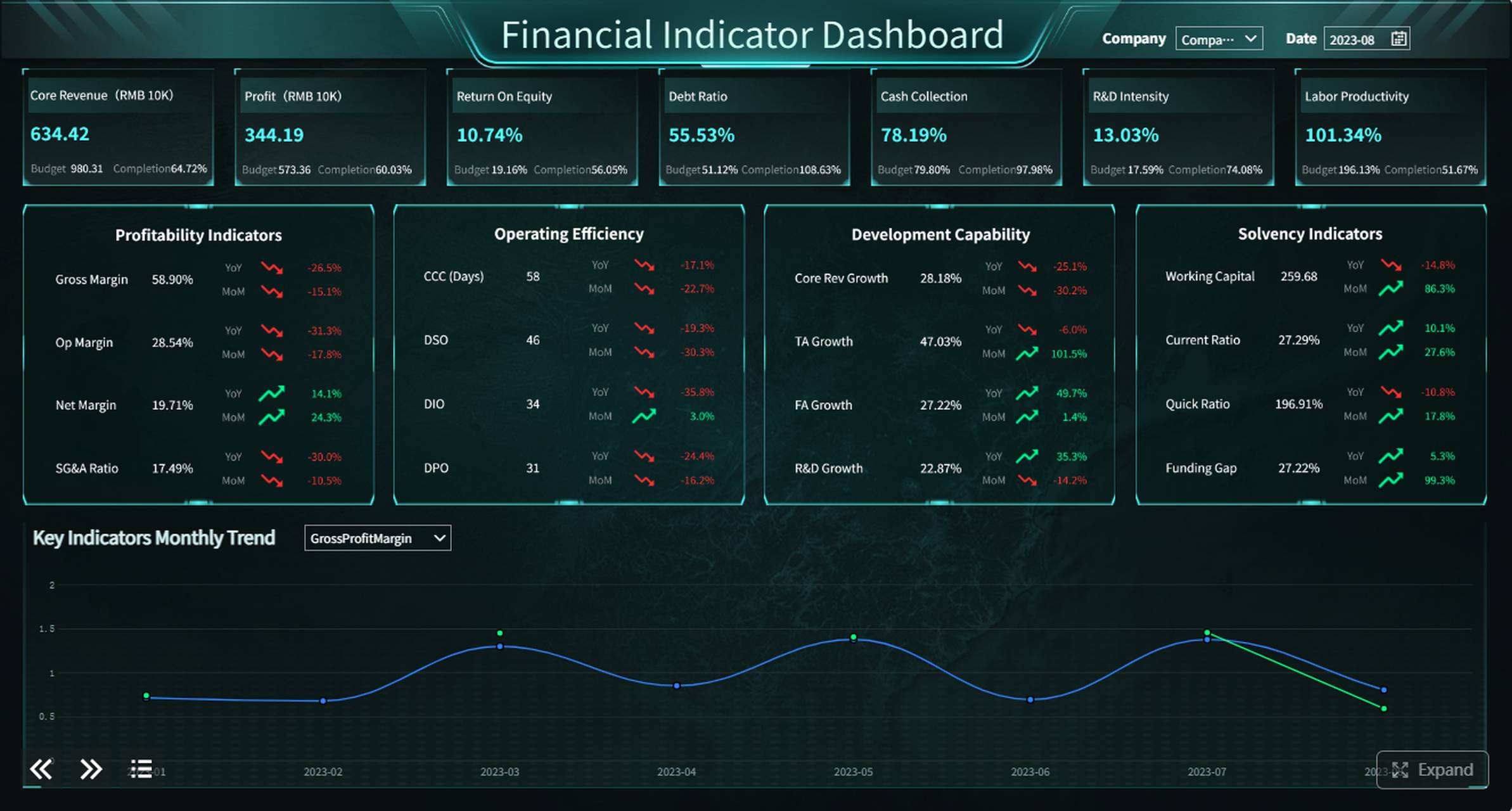
All reports in this article are built with FineReport.
What a Travel Expense Report Template Is and Why It Matters
A travel expense report template is a preformatted form or spreadsheet used to record business travel costs in a consistent structure. It gives employees a clear place to list trip details, itemize expenses, attach supporting receipts, and submit the report for approval and reimbursement.
In practical terms, it standardizes how travel spending is captured. Instead of receiving one employee’s hotel expense in an email, another employee’s taxi costs in a spreadsheet, and a third employee’s meal receipts in a folder of photos, finance gets one repeatable format every time.
This matters because multiple stakeholders rely on the same data:
- Employees use it to request reimbursement accurately
- Finance teams use it to validate expenses and process payments
- Managers use it to approve business necessity and policy compliance
- Small business owners use it to monitor travel spend and maintain clean records
- Auditors and controllers use it to trace expenses back to business purpose and proof of payment
A standardized template reduces friction across the entire workflow. It helps companies:
- Speed up reimbursement
- Enforce travel and expense policy
- Improve budget visibility
- Reduce duplicate or unsupported claims
- Create defensible records for tax and audit purposes
Key Metrics (KPIs) for Travel Expense Reporting
If you want your travel expense report template to support better decision-making, track these KPIs consistently:
- Total Trip Cost: The full reimbursable cost of a business trip across all categories.
- Cost by Category: Spend split into transportation, lodging, meals, mileage, and incidentals.
- Receipt Completion Rate: Percentage of listed expenses with valid supporting documentation.
- Policy Exception Rate: Share of expense items that exceed limits or violate policy rules.
- Approval Cycle Time: Time from submission to manager or finance approval.
- Reimbursement Turnaround Time: Time from approved report to employee reimbursement.
- Average Cost per Traveler: Useful for benchmarking departments, trip types, or event attendance.
- Duplicate Claim Rate: Measures how often the same expense is submitted more than once.
- Late Submission Rate: Percentage of reports submitted after the required deadline.
- Tax-Recoverable Amount: Portion of travel expenses eligible for VAT, GST, or other tax recovery where applicable.
What to Include in a Travel Expense Report Template
A strong travel expense report template should be easy to complete, easy to review, and detailed enough to support approval, reimbursement, and audit needs.
Traveler and trip details
Start with the administrative basics. These fields tell reviewers who traveled, why the trip happened, and what time period the report covers.
Include:
- Employee name
- Employee ID, if applicable
- Department or business unit
- Job title, if needed
- Manager name
- Trip purpose
- Destination
- Travel start date
- Travel end date
- Report submission date
These fields are not just administrative. They provide the context finance and approvers need to determine whether the expenses are reasonable and business-related.
Expense categories and required fields
This is the heart of the template. Each expense line should capture enough detail for validation and reimbursement without making the form overly complex.
Typical travel expense categories include:
- Transportation
- Lodging
- Meals
- Mileage
- Incidentals
- Taxes
- Fees
For each line item, include these required fields:
| Field | Why It Matters |
|---|---|
| Date | Confirms when the expense occurred |
| Expense category | Helps organize review and reporting |
| Vendor | Identifies who was paid |
| Description | Clarifies the charge |
| Business purpose | Explains why the expense was necessary |
| Payment method | Distinguishes personal card, company card, or cash |
| Currency | Supports international travel reporting |
| Amount | Captures the original charge |
| Tax amount | Helps with accounting and tax recovery |
| Receipt status | Confirms whether support is attached |
| Notes or attendees | Adds context for meals or group expenses |
A practical category structure often looks like this:
Transportation
Include airfare, train tickets, taxi, rideshare, parking, tolls, public transit, fuel, and car rental.
Lodging
Include hotel, apartment stay, lodging taxes, and approved internet or booking fees tied to accommodation.
Meals
Include breakfast, lunch, dinner, client meals, and per diem tracking where relevant. If the meal involved clients or colleagues, add attendee names and meeting purpose.
Mileage
If employees use personal vehicles, include:
- Date
- Start location
- Destination
- Business purpose
- Number of miles or kilometers
- Reimbursement rate
- Calculated total
Incidentals
Include baggage fees, laundry during extended trips, tips, visa fees, or other policy-approved minor charges.
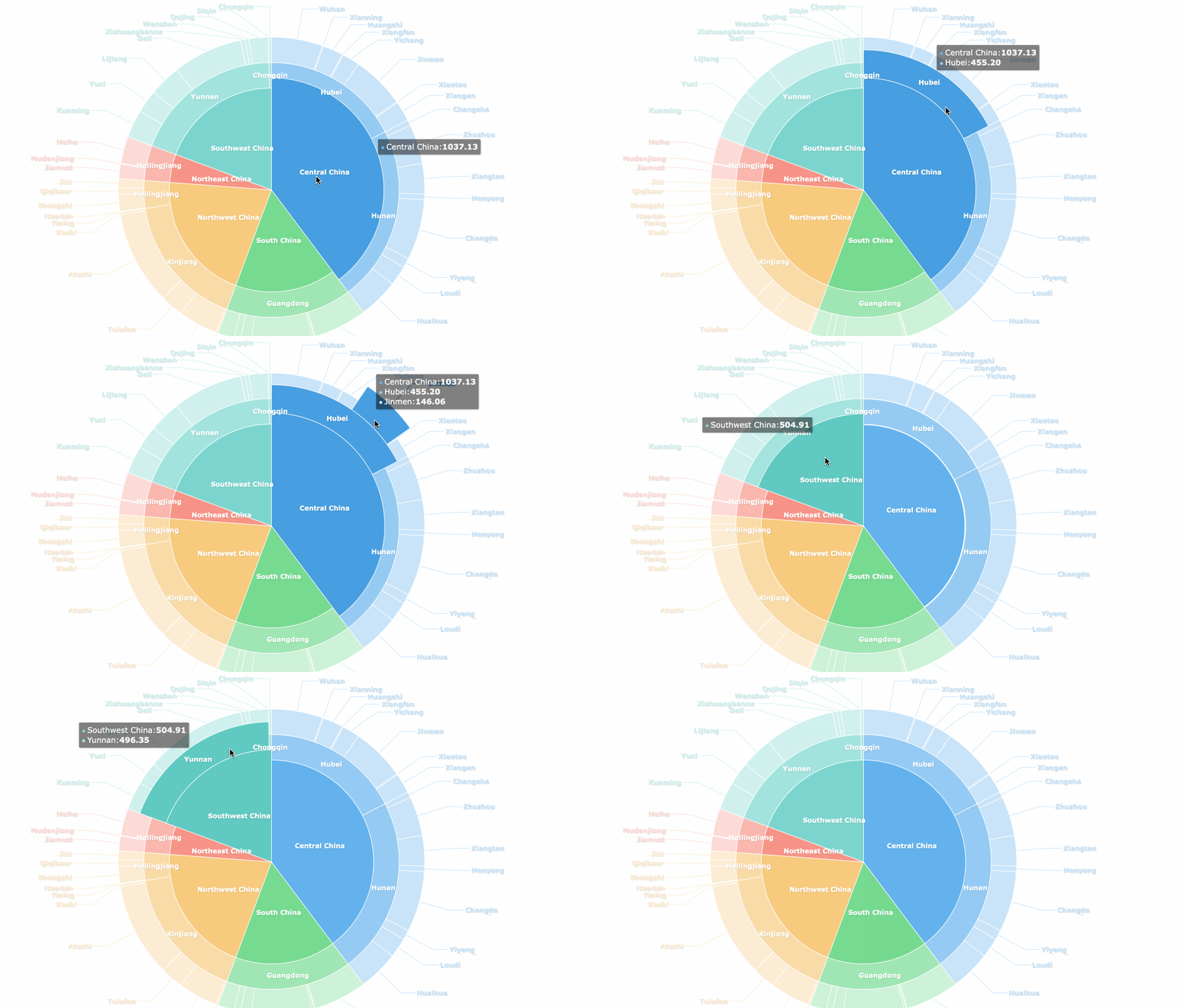
Use a pie chart to make every catagory clear.
Approval and reimbursement information
Many templates fail because they stop at data capture. A complete travel expense report template should also support the approval and payment process.
Add fields for:
- Manager approval name
- Approval date
- Policy compliance check
- Advance amount received
- Company card amount
- Employee-paid reimbursable total
- Final reimbursement amount
- Payment status
- Payment date
These fields help finance reconcile what the company already paid directly versus what the employee paid out of pocket.
How to Fill Out a Travel Expense Report Step by Step
A template is only as effective as the process around it. Here is the most reliable way to complete a travel expense report without creating extra back-and-forth for finance.
Gather receipts and confirm company policy
Before entering any numbers, collect every relevant receipt and compare your expenses against company policy. This prevents a common problem: employees filling out the form first and discovering later that some charges are out of policy or missing support.
Do this first:
- Gather paper and digital receipts
- Match each transaction to a charge on your card or payment record
- Confirm spending limits for hotel, meals, transport, and incidentals
- Check whether per diem rules apply
- Separate personal expenses immediately
If your company requires receipt images, name and store files in a clear format such as 2026-05-12_Hotel_Chicago_245.00.
Enter expenses clearly and calculate totals
Once receipts are ready, enter each expense in chronological order or by category. The key is consistency. Finance teams can review faster when every report follows the same logic.
Best practice:
- Enter trip details at the top of the report
- Add each expense line with the correct category
- Use the exact amount shown on the receipt
- Record tax separately if your template includes a tax column
- Note currency for international travel
- Calculate subtotals by category
- Confirm the grand total
- Subtract company-paid items or cash advances where required
If you are using Excel or Google Sheets, formulas can automate:
- Category totals
- Mileage reimbursement
- Currency conversion references
- Reimbursement net of advances
Review for errors before submission
A final review can save days of delay. Most rejected expense reports fail for very predictable reasons.
Check for:
- Missing receipts
- Duplicate charges
- Incorrect dates
- Personal items mixed with business expenses
- Missing business purpose
- Incomplete attendee information for meals
- Wrong currency or exchange rate
- Math errors in subtotals or reimbursement totals
A good rule: if a reviewer cannot understand an expense in five seconds, add more context.
Common Mistakes to Avoid When Using a Travel Expense Report Template
Even a good template will fail if employees use it inconsistently. These are the most common breakdown points I see in travel expense operations.
Leaving out business purpose or attendee details
A meal receipt alone rarely explains why the expense is reimbursable. If the report does not state who attended and what business purpose the meal served, approvers may have to send it back.
Fix this by requiring short but specific notes, such as:
- Client dinner after contract review
- Team lunch during on-site implementation workshop
- Airport taxi to customer office
Submitting reports late or without required receipts
Late reports cause accounting delays, weaker budget visibility, and more missing documentation. The longer employees wait, the more likely they are to lose receipts or forget details.
Set a standard submission deadline, such as within 5 business days after the trip ends.
Mixing personal and business expenses
This is one of the fastest ways to create confusion. Personal items should never appear in reimbursable totals. If a shared hotel bill or transport charge includes personal costs, the employee should clearly separate and note them.
Using inconsistent categories that slow approval
If one employee logs airport parking as transportation, another as miscellaneous, and another as fees, reporting becomes messy. Templates should enforce standard category choices through dropdowns or fixed labels.
Free Travel Expense Report Template Example and Customization Tips
A free travel expense report template should be simple enough for everyday use but structured enough for audit-ready reporting.
What a good example looks like
A practical template usually has three sections:
-
Trip summary
- Employee name
- Department
- Trip purpose
- Destination
- Start and end dates
-
Itemized expenses table
- Date
- Category
- Vendor
- Description
- Payment method
- Currency
- Amount
- Tax
- Receipt attached
- Business purpose
-
Approval and reimbursement summary
- Total expenses
- Cash advance
- Company-paid charges
- Amount due to employee
- Approver name
- Submission date
- Approval date
Here is a simple layout example:
| Date | Category | Vendor | Description | Payment Method | Currency | Amount | Receipt | Business Purpose |
|---|---|---|---|---|---|---|---|---|
| 2026-05-10 | Airfare | Delta | Round-trip flight | Personal card | USD | 420.00 | Yes | Client site visit |
| 2026-05-10 | Taxi | Uber | Airport to hotel | Personal card | USD | 48.50 | Yes | Travel to meeting location |
| 2026-05-11 | Hotel | Marriott | 2-night stay | Company card | USD | 360.00 | Yes | Client workshop |
| 2026-05-11 | Meals | Corner Bistro | Lunch with client | Personal card | USD | 32.40 | Yes | Project review lunch |
How to customize a free template for your business
Most businesses should not use a generic template without adjustments. A strong template reflects your reimbursement policy and approval workflow.
Customize it by adding:
- Policy reminder notes at the top
- Predefined expense categories
- Approval signature or digital approval fields
- Cost center or project code columns
- Tax columns for recoverable and nonrecoverable tax
- Currency conversion fields for international trips
- Per diem fields where applicable
- Receipt-required threshold indicators
If you manage multiple departments, consider a version with mandatory fields for:
- Client name
- Project number
- Event code
- Region or office location
When to use Word, Excel, Google Drive, or expense software
Each format has a different use case. The right choice depends on your reporting volume, collaboration needs, and control requirements.
| Format | Best For | Pros | Cons |
|---|---|---|---|
| Word | Very simple one-off reports | Easy to edit and print | Weak calculations, harder to standardize |
| Excel | Structured manual reporting | Formulas, totals, customization | Version control issues if shared poorly |
| Google Sheets/Drive | Collaborative small teams | Real-time updates, easy sharing | Can get messy without governance |
| Expense software | Growing or complex organizations | Automation, policy controls, audit trail | Requires setup and process change |
For many companies, spreadsheets are a strong starting point. But once travel volume rises, manual review becomes expensive. That is the point where automated dashboards, approval workflows, and centralized reporting become operationally valuable.
Actionable Best Practices for Implementing a Better Travel Expense Reporting Process
If I were advising a finance or operations team rolling this out across the business, I would focus on these four practices first.
1. Standardize categories and required fields
Do not let each employee invent their own reporting logic. Define standard categories, lock key fields where possible, and use dropdowns for items like payment method, department, and receipt status.
This improves:
- Review speed
- Reporting consistency
- Policy enforcement
- Spend analytics
2. Build submission deadlines into the process
Set a simple rule such as: all travel expense reports must be submitted within 5 business days of trip completion. Then align approvals to an SLA, for example manager review within 3 business days.
This prevents month-end surprises and improves accrual accuracy.
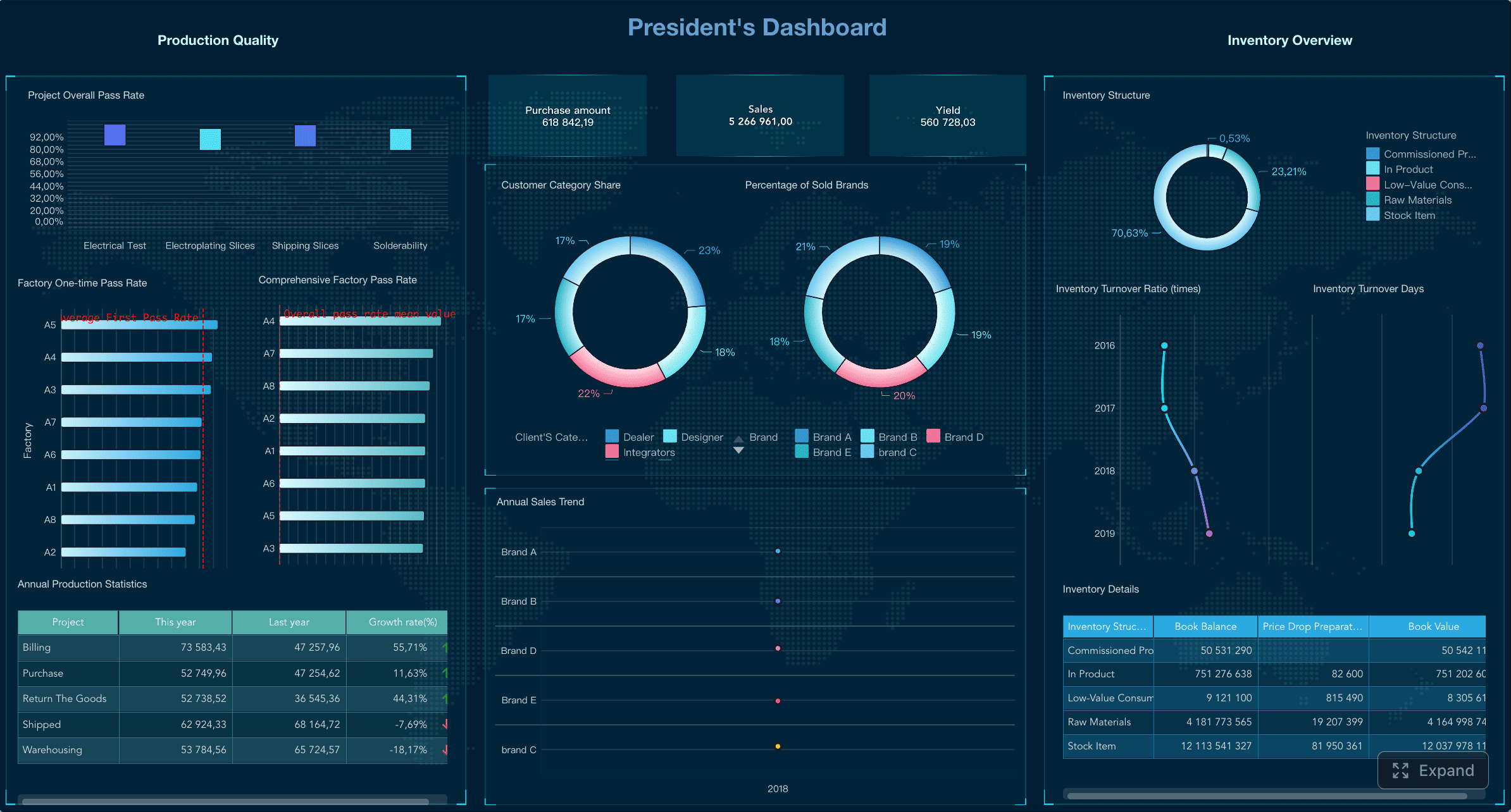
3. Separate reimbursement, compliance, and analytics views
The employee only needs a clean entry form. Finance needs validation fields. Leadership needs dashboards. Do not force all users into the same interface.
A better design includes:
- Employee submission form
- Manager approval view
- Finance reconciliation view
- Executive dashboard for travel spend trends
4. Automate calculations and exception flags
Wherever possible, automate:
- Mileage calculations
- Category subtotals
- Grand totals
- Currency conversion support
- Receipt missing alerts
- Out-of-policy warnings
This reduces manual errors and makes the template much more scalable.
5. Keep reports audit-ready from day one
Do not treat audit readiness as an afterthought. Every submitted travel expense report should stand on its own with:
- Clear business purpose
- Itemized expenses
- Receipts
- Approval trail
- Payment status
That discipline protects the company and speeds up internal review.
A reporting platform like FineReport can help teams move beyond static spreadsheets by turning expense data into approval dashboards, compliance views, and reimbursement tracking reports that are much easier to manage at scale.
Final Checklist for Faster Travel Expense Report Making
Before submitting any travel expense report template, run through this checklist:
- Confirm all traveler and trip details are complete
- Make sure every expense has the right category
- Verify business purpose is listed for each relevant charge
- Attach or document all required receipts
- Recalculate subtotals, taxes, and grand total
- Confirm mileage and currency conversions are correct
- Remove any personal expenses
- Check for duplicate entries
- Ensure approval information is included where required
- Submit to the correct approver before the deadline
A well-designed travel expense report template does more than document spending. It creates a cleaner reimbursement workflow, stronger policy compliance, and more reliable financial visibility. If you want to move from manual forms to more scalable reporting, dashboards, and approvals, FineReport is a practical next step for building professional travel expense reporting systems.
FAQs
A travel expense report template should include traveler details, trip purpose, travel dates, destination, itemized expense lines, receipt status, payment method, and total reimbursement amount. Many companies also add approval fields and policy checks for easier review.




