

An expense report online workflow should do one thing exceptionally well: move employee spend from submission to reimbursement with less delay, less rework, and less finance overhead. For operations leaders, finance managers, and IT teams, the pain is familiar—employees submit incomplete reports, managers approve late, finance has to chase receipts, and reimbursements drag on for days or weeks. A better workflow reduces approval lag, enforces policy upfront, and gives every team clear ownership from submission through payout.
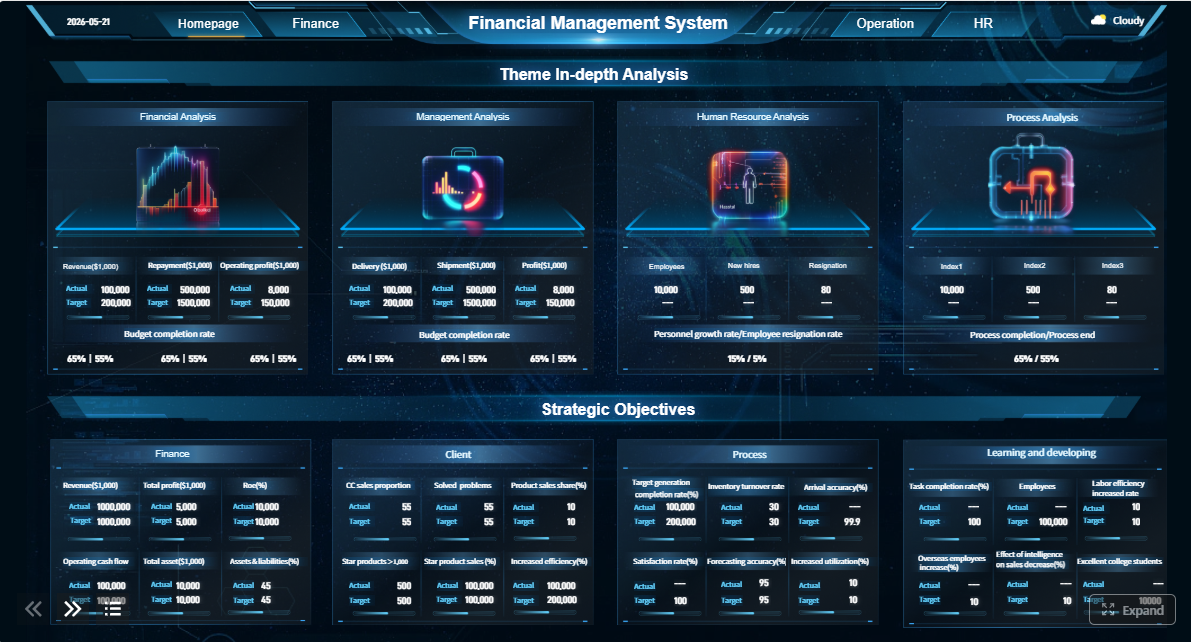 Click To Try The Dashboard
All reports in this article are built with FineReport
What an expense report online workflow should accomplish
A strong online reimbursement process is not just a digital version of a paper form. It should actively improve cycle time, data quality, and visibility.
At a minimum, your workflow should help you:
- Shorten approval cycles by routing each report to the right reviewer immediately
- Reduce manual follow-up by validating required fields and receipts before submission
- Reimburse employees faster by connecting approved reports to finance and payroll workflows
- Improve policy compliance by flagging out-of-policy spend early
- Create audit-ready records with timestamps, approval history, and receipt attachments
Traditional expense reporting slows down for predictable reasons. Forms are inconsistent, employees omit business purpose details, receipts are hard to read, and approvals rely on email forwarding or manual reminders. In many companies, finance becomes the cleanup team for upstream process problems.
Ownership should also be explicit. The workflow runs faster when each stage has a clear accountable team:
- Employees submit complete expense reports with receipts and business justification
- Managers review necessity, budget alignment, and team compliance
- Finance checks policy, coding, and reimbursement readiness
- Payroll or AP releases payment and records the transaction properly
The core framework for a high-performing expense report online process
If you want your process to scale, build around measurable control points rather than informal habits.
Key Metrics (KPIs)
- Average reimbursement time: Total time from employee submission to payment completion
- Approval lag: Time reports spend waiting for manager or department approval
- Finance review time: Time needed for policy checks, coding, and final validation
- Exception rate: Percentage of reports flagged for missing receipts, policy violations, or incomplete fields
- Resubmission rate: Percentage of reports returned to employees for correction
- Receipt completion rate: Share of submitted line items with valid supporting documentation
- First-pass approval rate: Percentage of reports approved without rework
- Policy compliance rate: Share of expense entries that meet policy thresholds and documentation rules
- Payment release time: Time from final approval to employee reimbursement
- Employee satisfaction score: Feedback on submission ease, transparency, and reimbursement speed

Core elements every workflow needs
An effective expense report online setup usually includes:
- Standardized submission form
- Receipt upload or capture process
- Policy validation rules
- Automated approval routing
- Finance handoff logic
- Reimbursement status tracking
- Dashboard reporting for bottlenecks and SLA performance
Without these elements, teams end up relying on spreadsheets, inboxes, and manual interpretation—which is exactly where delays multiply.
Step 1: Map your current reimbursement process from submission to payment
Before changing tools or forms, document how the current process actually works. Most reimbursement delays come from hidden handoffs, unclear ownership, and inconsistent approval behavior.
Document every handoff and approval point
Start by listing each role involved from the moment an expense occurs to the moment payment is issued.
Document:
- Who submits expenses
- Who approves them first
- Whether a second approval is required
- Who checks receipts and policy compliance
- Who releases reimbursement
- Which systems are used at each stage
Also identify where reports typically stall:
- Waiting for missing receipts
- Sitting in the wrong approver’s queue
- Delayed by unclear cost center ownership
- Returned for incomplete business purpose descriptions
- Held up because finance must recode categories manually
Set baseline metrics before making changes
Do not optimize blindly. Establish a baseline so you can measure improvement after rollout.
Track:
- Average reimbursement time
- Error rate per report
- Number of resubmissions
- Approval turnaround by manager
- Receipt validation time
- Policy check duration
- Final payout delay
This baseline becomes your control group. If you later introduce automation, you need proof that it reduced cycle time rather than simply shifting work to another team.
Step 2: Standardize the data employees must submit
Speed improves when employees know exactly what is required and the system captures it consistently every time.
Build a simple online expense report form
Your online form should ask only for data needed for approval, finance coding, and audit support.
Required fields usually include:
- Date
- Expense category
- Amount
- Currency
- Business purpose
- Project or client code
- Department or cost center
- Receipt upload
- Payment method
- Mileage details when relevant
Keep optional fields to a minimum. The more unnecessary fields you add, the more likely employees are to hesitate, skip details, or abandon the form.
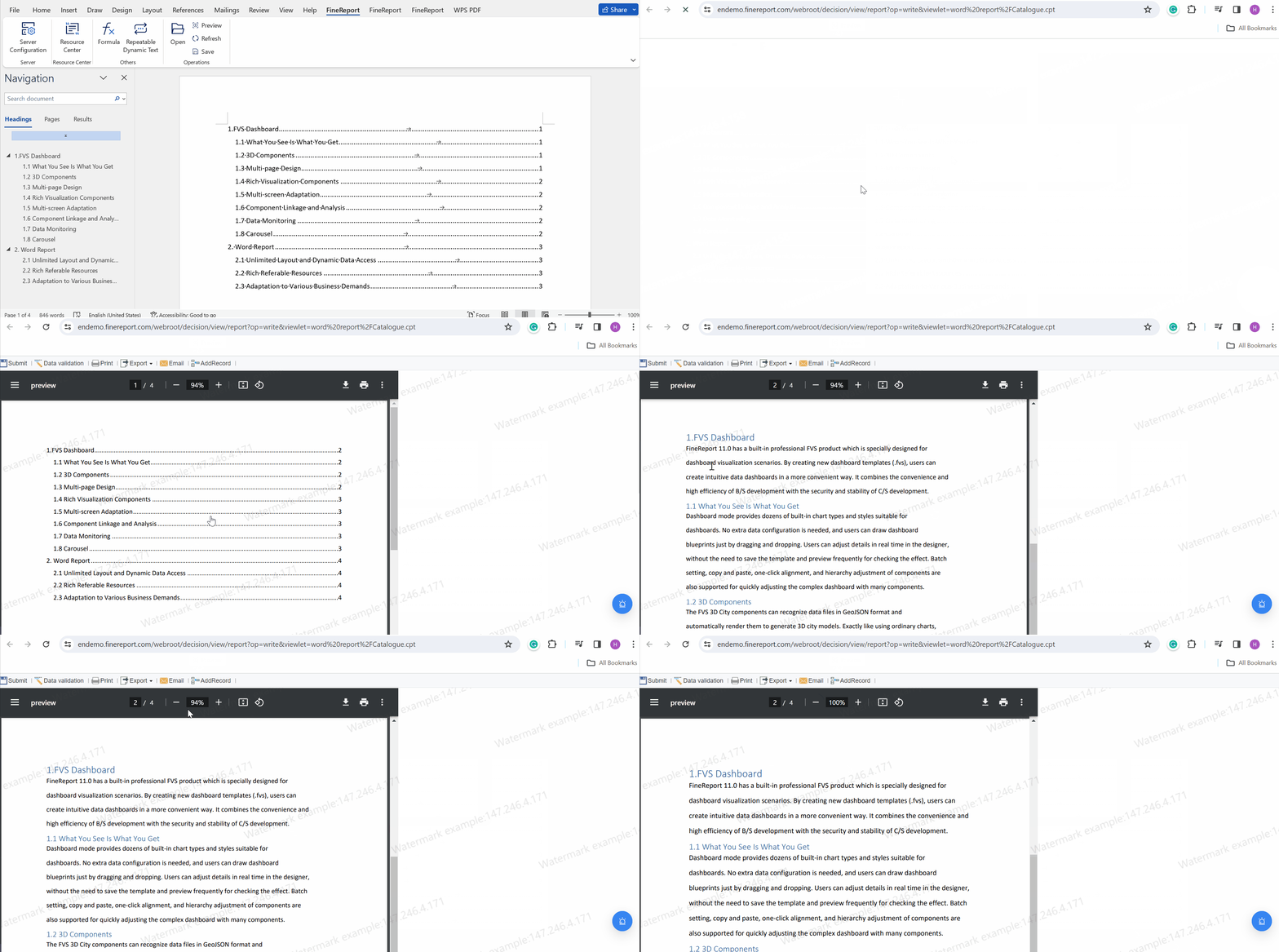
A good rule: if a field does not support routing, policy enforcement, accounting, or auditability, reconsider whether it belongs on the form.
Create policy rules employees can understand at a glance
Many delays happen because policy exists in a handbook, not inside the submission experience.
Make the rules visible and practical:
- Spending limits by category
- Receipt threshold requirements
- Mileage reimbursement rules
- Non-reimbursable expense types
- Rules for client entertainment or travel
- Time limit for submission after purchase
Add examples directly in the workflow. Employees should be able to see what an acceptable taxi receipt, meal claim, hotel expense, or mileage entry looks like without emailing finance for clarification.
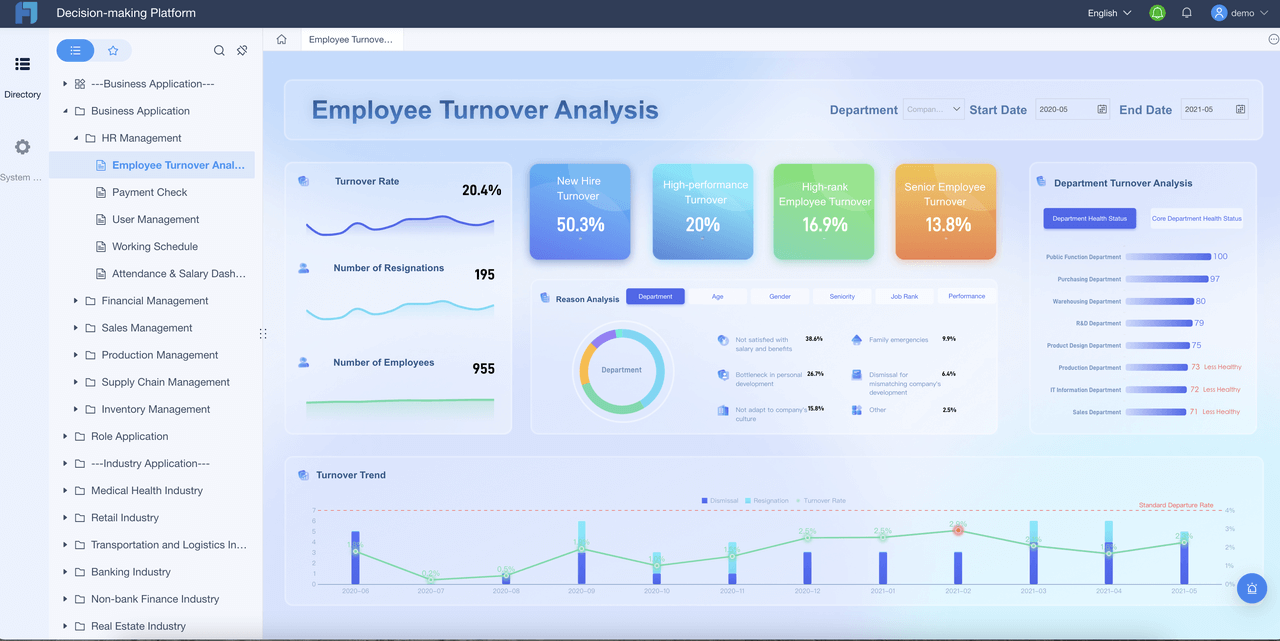
Step 3: Use templates or generators to reduce manual work
Not every team needs a full spend management platform on day one. But every team benefits from consistency.
Choose the right starting format for your team
The right format depends on submission volume, control requirements, and system maturity.
Here is a practical breakdown:
- Editable forms: Good for small teams with simple reimbursement rules
- Spreadsheets: Useful for early-stage organizations, but error-prone at higher volume
- Guided tools or generators: Better for teams that need standardization and faster completion
- Integrated reporting platforms: Best for companies that need approvals, dashboards, and finance handoff automation together
When evaluating formats, ask whether you need:
- PDF export
- Mobile receipt capture
- Approval routing
- Ledger code mapping
- Audit trail history
- Integration with accounting or payroll systems
Evaluate free tools without sacrificing consistency
Free tools can work for simple use cases, especially when your team is still building a basic reimbursement process. But low cost should not mean low control.
Use a free expense reporting option only if it can maintain:
- Standard field structure
- Required receipt support
- Clear approval ownership
- Export consistency
- Repeatable categorization
A free expense report template may be enough for low volume. A free expense reporting template can help teams standardize monthly reporting. An online free expense report generator may be a smarter option if your priority is speed and uniform submission.
The key question is not whether the tool is free. It is whether the tool reduces rework.
Step 4: Automate approvals, receipt checks, and routing
This is where reimbursement speed usually improves the most. Manual routing is one of the biggest causes of delay in expense processing.
Route reports to the right approver automatically
Approval assignment should not depend on email forwarding or employees guessing who owns the request.
Build routing rules based on:
- Department
- Cost center
- Project
- Client
- Entity
- Expense amount
- Region
- Policy threshold
For example:
- Claims under a set amount go to the direct manager
- Client-billable expenses go to both project owner and finance
- Travel claims above threshold go to a second approver
- Department-specific costs route to the department head automatically
This removes inbox confusion and makes approval queues visible.
Add validation before finance review
Finance should not be the first team to discover problems.
Use pre-submission validation to flag:
- Missing receipts
- Duplicate entries
- Out-of-policy amounts
- Incomplete descriptions
- Missing project or cost center codes
- Date mismatches
- Unsupported file types
Catching issues before final submission reduces back-and-forth, lowers exception rates, and improves first-pass approval.
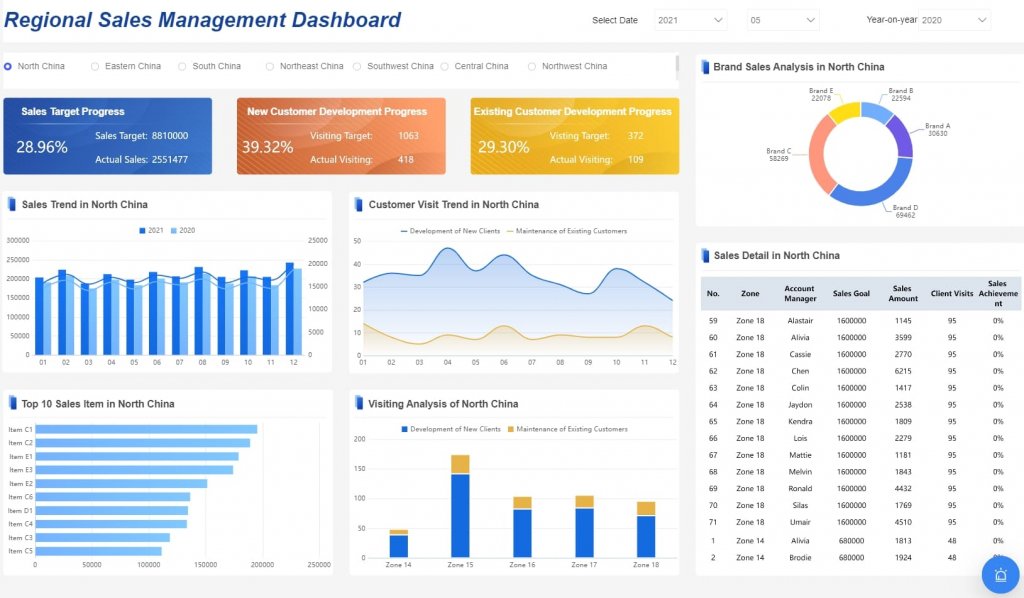
Step 5: Connect reimbursements to finance and payroll systems
A fast approval process still fails if approved reports sit outside the systems that actually pay people.
Sync expense data with your accounting workflow
Approved expenses should transfer cleanly into accounting operations.
That means mapping each expense line to:
- Ledger code
- Cost center
- Department
- Project or client
- Tax treatment
- Reimbursement type
Build a repeatable handoff from approved report to reimbursement processing. Ideally, finance should not need to re-enter approved data manually.
The more often finance rekeys the same information, the more likely errors and delays become.
Plan for scale as volume grows
A simple form works at low volume. But once submission counts rise, you need stronger controls.
Plan ahead for:
- Audit trails
- Role-based permissions
- Bulk review workflows
- Department-level dashboards
- SLA monitoring
- Historical search and retrieval
- Integration with ERP, payroll, or accounting systems
This is often the point where organizations outgrow ad hoc spreadsheets and start investing in workflow-driven reporting infrastructure.
Step 6: Train employees and managers on the new workflow
Even the best expense report online design fails if people do not understand how to use it.
Make submission and approval steps easy to follow
Keep training short and operational.
Show employees:
- What fields are required
- How to upload valid receipts
- How to write a clear business purpose
- When reports are due
- What happens after submission
Show managers:
- How to review quickly without skipping policy checks
- Which exceptions require escalation
- How approval delays affect reimbursement speed
- What to do when information is incomplete
Quick-start guides, short videos, and sample reports usually outperform long policy documents.
Reinforce adoption with feedback loops
After rollout, collect real user feedback.
Ask:
- Which fields are confusing?
- Which expense categories are unclear?
- Where do users get stuck?
- Which approvals take longest?
- What causes the most returned reports?
Use that feedback to simplify instructions, improve field labels, and update policy examples. Good reimbursement workflows improve through iteration, not one-time configuration.
Step 7: Track results and keep improving reimbursement speed
A workflow is only successful if it stays fast as policies, teams, and transaction volume evolve.
Review the metrics that show workflow health
Monitor the KPIs that reveal friction early:
- Reimbursement turnaround time
- Manager approval lag
- Finance review time
- Exception rate
- Resubmission rate
- Receipt completion rate
- Employee satisfaction
- Payment release speed
Compare these results against the baseline from Step 1. That is how you prove whether your new process actually improved reimbursement performance.
Refine the process over time
Continuous improvement usually means removing low-value friction.
Look for opportunities to:
- Eliminate unnecessary approval layers
- Adjust thresholds for low-risk spend
- Update forms as policies change
- Improve routing rules by department
- Add new validation checks for recurring errors
- Expand dashboard reporting for leadership visibility
A reimbursement workflow should become simpler for users and more controlled for finance at the same time.
Actionable best practices to implement faster
If you want practical guidance, start with these consultant-level moves.
1. Fix the highest-friction step first
Do not redesign the entire process at once. Identify whether your biggest issue is:
- Incomplete submissions
- Slow approvals
- Receipt collection
- Finance recoding
- Payment handoff
Then solve that first. This gives you faster ROI and less rollout resistance.
2. Enforce required fields at the point of entry
Never rely on downstream teams to clean up missing information. Mandatory fields, dropdown categories, and upload rules prevent most avoidable rework.
3. Set approval SLAs and make them visible
If managers are expected to approve within 24 or 48 hours, track it openly. Visibility changes behavior faster than reminders alone.
4. Use dashboards to manage exceptions, not just totals
Many teams only report how much was submitted. Better teams report where reports are stuck, why they were returned, and which approvers create the longest delays.
5. Review the workflow quarterly
Policies change. Teams restructure. Transaction volume grows. Quarterly process reviews keep your expense report online workflow aligned with real operating conditions.
Common mistakes that slow down online expense reporting
Several issues appear again and again in underperforming reimbursement workflows:
- Overly complex forms that employees complete incorrectly
- Inconsistent receipt formats that require manual review
- Missing business purpose details that force finance follow-up
- Manual routing that sends reports to the wrong approver
- Weak policy guidance that causes preventable exceptions
- Disconnected finance handoffs that delay payment after approval
- Overreliance on free tools after reimbursement volume has outgrown them
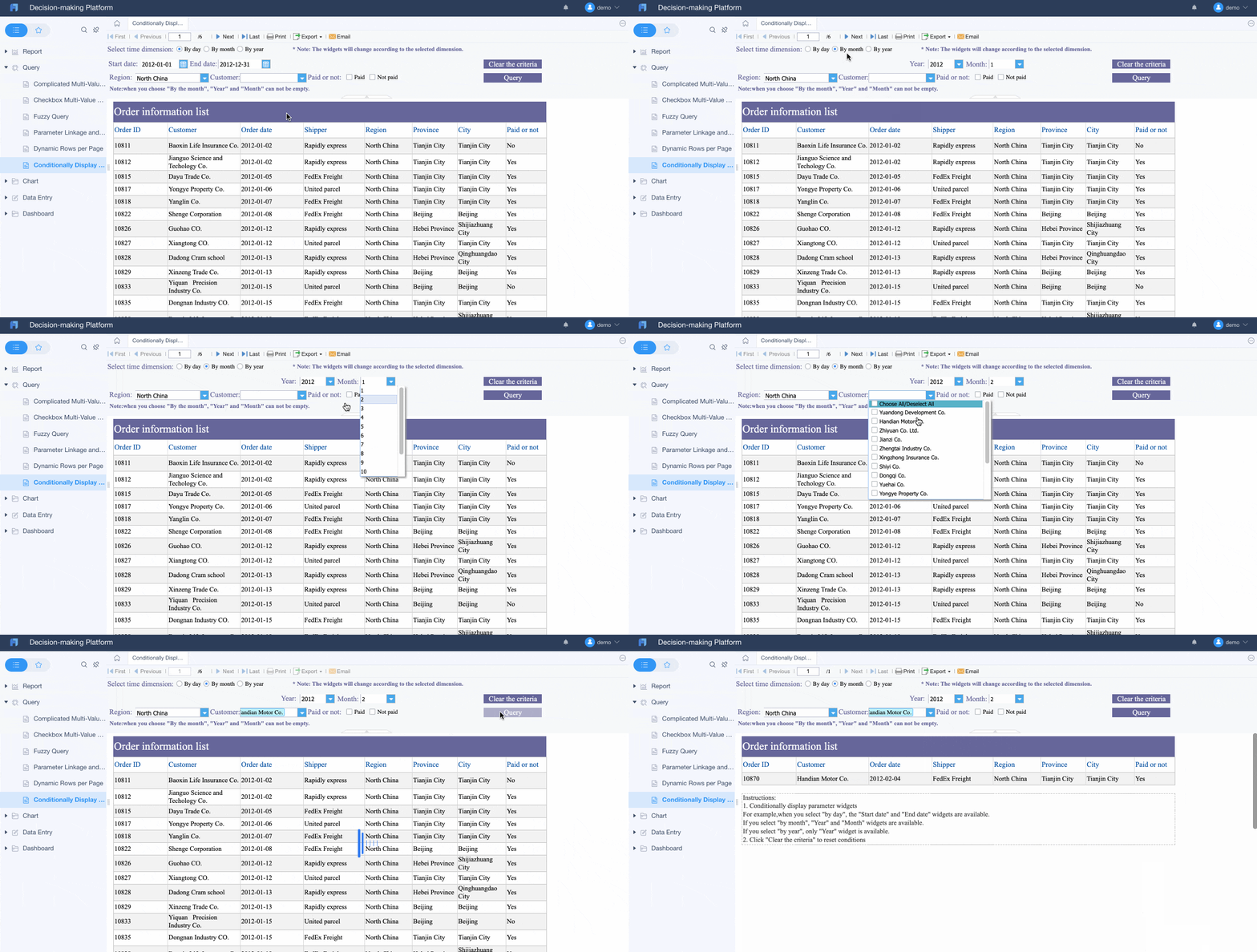
If reimbursement is slow, the cause is usually not one giant system failure. It is often the accumulation of small process gaps.
How to choose the best next step for your team
The smartest next step depends on your current bottleneck.
If your issue is poor submissions, start with form standardization. If approvals are slow, automate routing. If finance is overloaded, connect approvals to accounting and payroll workflows. If employees are confused, simplify policy guidance and examples.
Choose the lightest solution that solves today’s problem while giving you room to grow. For some teams, that may be a standardized online form. For others, it means a full reporting and workflow platform with dashboards, validation, permissions, and integration support.
Build a scalable expense report online workflow with FineReport
Building this manually is complex; use FineReport to utilize ready-made templates and automate this entire workflow.
FineReport helps teams turn expense reporting from a disconnected admin task into a controlled, visible, and scalable reimbursement system. You can standardize online forms, route approvals automatically, validate receipts and policy rules, connect data to downstream finance processes, and monitor reimbursement performance through live dashboards.
That matters for enterprise teams because reimbursement speed is not just an employee experience issue. It is an operational efficiency issue, a compliance issue, and a finance control issue.

Get Ready-to-Use Dashboard Templates in Fine Gallery
With FineReport, you can build:
- Expense submission portals
- Approval routing workflows
- Reimbursement tracking dashboards
- Exception monitoring reports
- Finance-ready exports and integrations
- Department and executive KPI scorecards
If your current process depends on spreadsheets, inboxes, and manual reconciliation, this is the moment to simplify it. Start with the biggest bottleneck, standardize the workflow, and automate where delays repeat.
FAQs
An online expense report should capture the date, amount, merchant, business purpose, category, and supporting receipt for each expense. It should also include approval status and a clear reimbursement trail for audit readiness.




