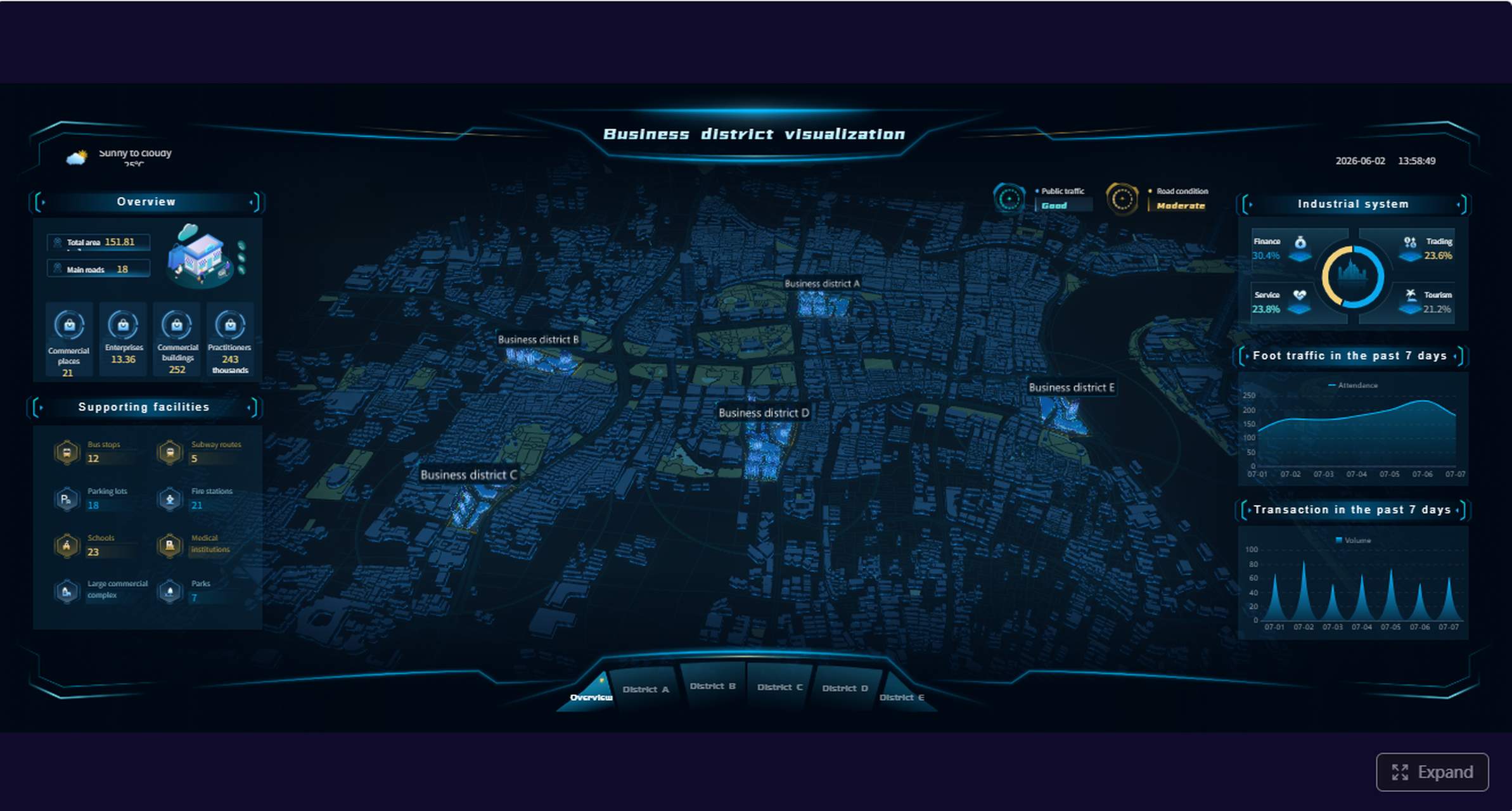
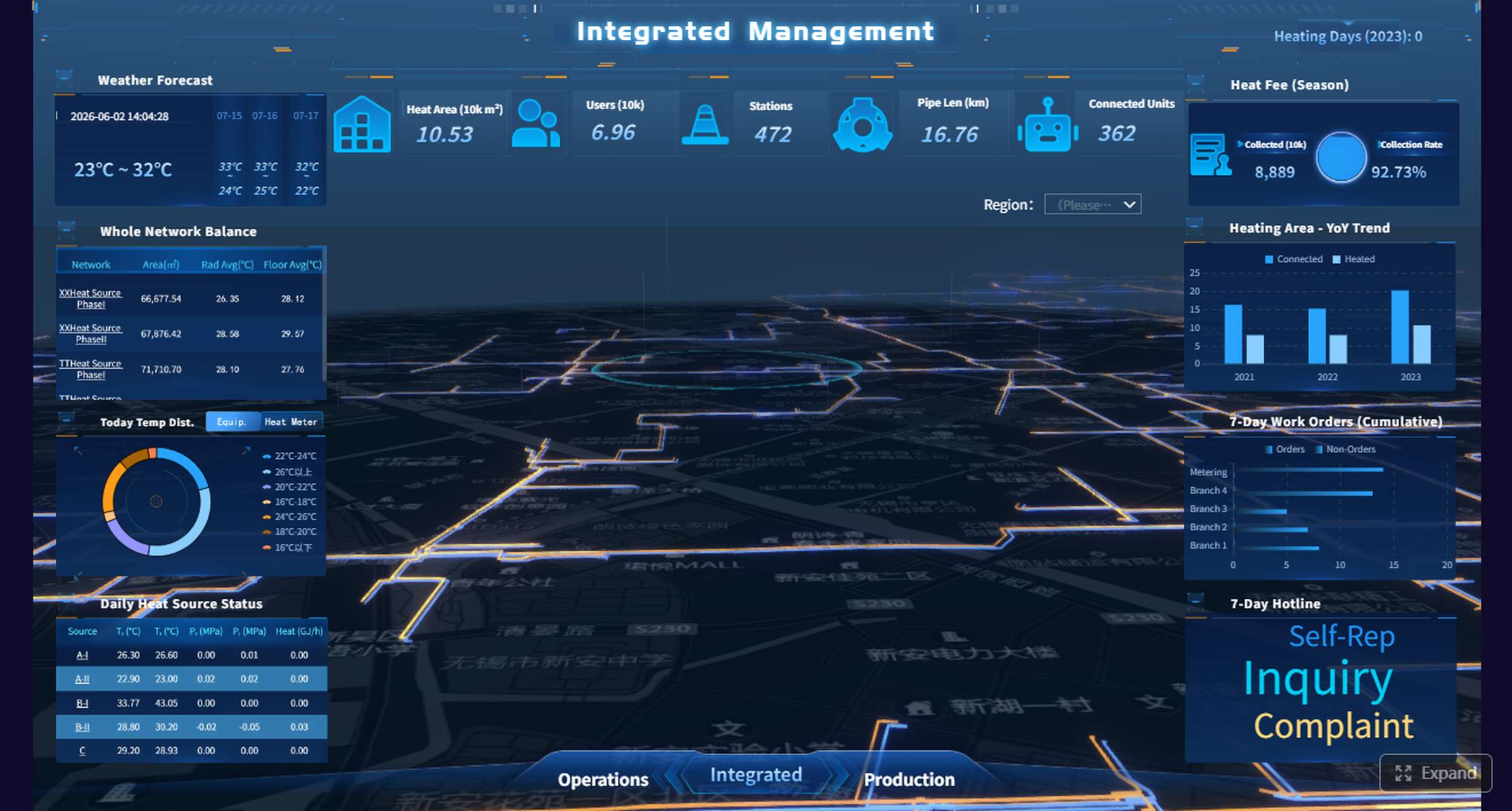
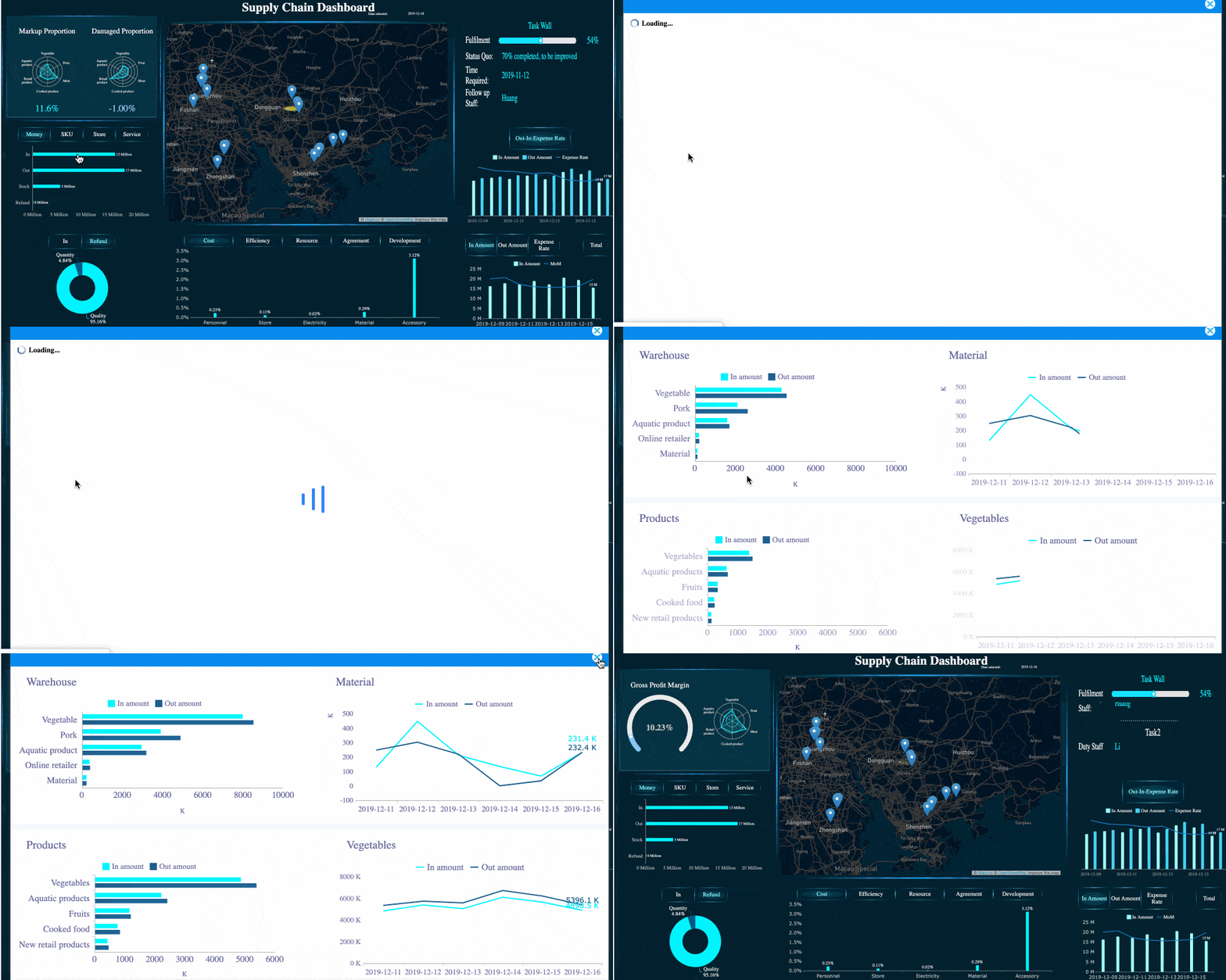
A community management report helps social teams turn fast-moving conversations into clear decisions. If you manage brand communities, support inboxes, moderation queues, or campaign engagement, you already know the challenge: activity is constant, but leadership only cares about what changed, what is at risk, and what to do next. A strong report gives social media managers, community leads, and marketing teams a reliable way to measure engagement, response quality, sentiment, and support outcomes without drowning in raw data.
All reports in this article are built with FineReport.
A practical community management report should do more than list activity. It should explain the health of the community, the quality of engagement, the efficiency of moderation and support, and the business implications behind the numbers.
For most teams, the report serves several audiences at once:
Social media managers who need weekly operational visibility
Community leads who monitor engagement quality and risk
Marketing teams who want campaign feedback and audience reactions
Support or operations stakeholders who care about resolution trends
Clients or leadership teams who need concise, decision-ready summaries
Daily monitoring data is useful for handling comments, messages, and incidents in real time. But weekly and monthly reporting should be different. Those summaries need to consolidate noise into trends, patterns, exceptions, and actions. That is what makes them useful for staffing, strategy, campaign optimization, and executive communication.
Key Metrics (KPIs)
Below are the core KPIs most teams should include in a decision-ready community management report:
Engagement rate: Measures how actively the audience interacts with posts, discussions, or community content.
Comment volume: Tracks how many comments are generated in a reporting period.
Message volume: Shows the number of direct inquiries, support questions, or private conversations.
Community growth: Monitors follower growth, member growth, or active participant increases.
Sentiment: Indicates whether audience reactions are positive, neutral, or negative.
First response time: Measures how quickly the team acknowledges incoming questions or issues.
Resolution time: Tracks how long it takes to solve a community or customer problem.
Escalation rate: Shows how often issues need support, legal, PR, or product team involvement.
Recurring themes: Identifies repeated questions, complaints, requests, or content interests.
Campaign support impact: Measures how community activity contributed to launches, events, or promotions.
Retention or repeat participation: Shows whether members are returning and engaging consistently.
Core elements every report should contain
A useful report is usually built around these sections:
Reporting period
Audience and owner
Top-line summary
Performance metrics
Service and moderation results
Community insights
Risks and escalations
Recommended actions
Owners and deadlines
How to use a community management report template effectively
Using a template saves time, but only if the structure supports decisions. The best community reporting templates are consistent, goal-based, and easy to scan.
Start with a clearly defined reporting period. Mark whether the report is weekly or monthly, who owns it, and who will read it. A team lead may need operational detail, while leadership may only need takeaways, risks, and recommendations.
Next, tie each metric to a business goal. If the objective is stronger engagement, track engagement rate, active discussions, and top content themes. If the focus is support quality, prioritize first response time, resolution time, and escalations. If retention matters, monitor repeat participation and churn signals.
Numbers alone are not enough. Every good report should include short commentary that explains:
What changed
Why it changed
Whether it matters
What action should follow
Finally, standardize your format. If every weekly and monthly report uses the same sections, stakeholders can compare trends over time without re-learning the layout. This is especially important for agencies, distributed teams, and brands managing multiple communities or platforms.
Best practices for implementation
If you want your reporting process to actually improve performance, use these consultant-style best practices:
Define one reporting owner per period
Assign clear ownership for data collection, commentary, and final sign-off. Reports without a single owner often arrive late and lack accountability.
Separate operational detail from executive insight
Keep raw moderation logs and detailed activity exports in supporting tabs or drill-down views. The main report should focus on summary trends and decisions.
Use thresholds for risk metrics
Set acceptable ranges for sentiment drops, response time delays, escalation spikes, or moderation incidents. This helps the team spot issues quickly.
Add commentary directly next to KPI changes
Do not force readers to interpret swings on their own. Explain major increases or declines in one or two lines.
End every report with actions, owners, and due dates
Reporting without follow-through creates documentation, not improvement. Always conclude with operational next steps.
The 7 free community management report templates for social teams
Below are seven practical formats social teams can use to build a repeatable reporting system. Each template serves a different purpose, from rapid weekly monitoring to strategic monthly review.
1. Weekly community snapshot template
This template gives a fast overview of the week. It is ideal for social media managers and community leads who need a concise pulse check.
Best for: weekly team reviews, standups, and client updates
What to include:
Reporting period
Top-line engagement metrics
Community growth
Sentiment summary
Top conversations or trending topics
Urgent issues or risks
Recommended actions for next week
Sample sections:
Section
What to report
Top-line summary
One-paragraph recap of the week
Engagement
Engagement rate, comments, messages, reactions
Community health
Growth, active participants, sentiment
Risks
Escalations, complaints, moderation concerns
Next actions
Content adjustments, support follow-up, moderation updates
2. Weekly moderation and response template
This report is designed for teams handling high volumes of comments, DMs, user-generated content, or policy enforcement.
Best for: community operations, moderation teams, trust and safety workflows
What to include:
Incoming volume by channel
First response time
Resolution time
Number of moderation actions
Escalations by type
Policy-related incidents
Staffing or workflow issues
Key metrics to track:
Total comments reviewed
Total messages handled
Average first response time
Average resolution time
Hidden or deleted content
Warning and ban counts
Escalation categories
Accuracy or QA score for moderation decisions
This format is especially useful when service quality and compliance matter as much as engagement.
3. Weekly campaign support template
Campaigns generate bursts of conversation that need special reporting. This template shows how the community team supported launches, promotions, live events, or content pushes.
Best for: campaign managers, brand teams, launch reporting
What to include:
Campaign name and timeline
Community activity volume during campaign
Top campaign-related questions or concerns
Positive audience reactions and user-generated content themes
Support issues or conversion blockers
Influencer or advocate participation
Recommendations for optimization
Use this report to connect community activity to campaign performance, not just vanity metrics.
4. Monthly performance overview template
A monthly performance overview pulls together broad trends and operational outcomes. It should help stakeholders understand whether the community is growing healthier and more efficient over time.
Best for: monthly business reviews, agency reporting, department updates
What to include:
Engagement trends over the month
Audience or member growth
Sentiment patterns
Response and resolution trends
Top-performing community content or discussion themes
Operational wins
Emerging risks
This template works well when paired with charts that compare current month versus previous month and month versus target.
5. Monthly stakeholder summary template
Leadership teams do not need every moderation detail. They need a crisp story: what happened, what it means, and what should happen next.
Best for: directors, executives, clients, cross-functional stakeholders
What to include:
Executive summary
Top business takeaways
High-level KPI movement
Key risks or reputational issues
Impact on campaigns, brand health, or customer experience
Priority recommendations
Resource or process asks
Keep this format concise. One to two pages or a tightly structured dashboard is often enough.
6. Monthly customer feedback and insights template
Community teams are often the first to detect product friction, messaging confusion, and unmet customer needs. This template turns audience voice into strategy input.
Best for: product marketing, customer experience, product teams, support leadership
What to include:
Recurring questions
Frequent complaints
Feature requests
Praise themes
Content gaps
Customer language and phrasing
Recommended actions for product, support, or marketing
This report is particularly valuable when your community channels function as an informal feedback system.
7. Monthly crisis and escalation review template
When a difficult incident occurs, your reporting needs to go beyond surface metrics. This template documents what happened, how the team responded, and what should improve before the next event.
Best for: brand risk reviews, PR coordination, trust and safety retrospectives
What to include:
Incident summary
Timeline of events
Channels affected
Volume and sentiment spike
Escalation path used
Response effectiveness
Missed signals or process gaps
Lessons learned
Process improvements
A crisis review should be factual, calm, and action-oriented. Its purpose is organizational learning, not blame.
Metrics and sections of a community management report to customize for your team
No two community teams operate exactly the same way. The right structure depends on whether your primary job is engagement, customer support, moderation, advocacy, or campaign amplification.
Core performance metrics
These are the metrics most social teams use to measure community health and growth:
Engagement rate for content interaction quality
Comment volume to track conversation intensity
Message volume to understand direct support demand
Reach or impressions for visibility context
Sentiment to measure audience mood
Community growth to track audience expansion
Active participants to assess how many members are meaningfully engaged
Service and moderation metrics
For support-heavy or highly regulated communities, these metrics matter most:
First response time
Resolution time
Escalation volume
Escalation rate
Moderation action count
Moderation accuracy
Rule enforcement trends
Repeated offender patterns
Backlog volume
These metrics help operations directors and team leads understand whether service levels are stable and whether workflows are sustainable.
Insight and strategy sections
The strongest reports also include qualitative insight. This is often the part leadership remembers most.
Track sections such as:
Top audience questions
Recurring content themes
Campaign feedback
Feature requests
Customer complaints
Competitor mentions or signals
Emerging risks
Recommended actions
A modern reporting platform like FineReport can help teams combine KPI dashboards with commentary panels, trend comparisons, and drill-down views, making it much easier to move from reporting to action.
Common mistakes of a community management report to avoid
Even experienced teams can undermine reporting value with avoidable mistakes.
Reporting too many metrics without explaining what decisions they support
More data does not create more clarity. If a metric does not help someone make a better decision, it probably belongs in a supporting worksheet, not the main report.
Mixing raw activity logs with executive summaries
Executives need patterns and implications. Community specialists may need row-level detail. Keep those two views separate so neither audience is overwhelmed.
Ignoring context such as campaigns, seasonality, staffing changes, or platform shifts
A spike in comments may be good, bad, or neutral depending on what caused it. Always frame KPI changes with business context.
Failing to end each report with clear actions, owners, and follow-up dates
Without explicit next steps, reports become archives instead of management tools. Every report should answer: what happens now?
How social teams can turn a community management report into action
A well-built community management report should change how the team operates week by week and month by month.
Weekly reports help teams:
Spot response-time issues early
Identify moderation bottlenecks
Adjust publishing based on audience reaction
Catch reputation risks before they grow
Align support, social, and campaign teams quickly
Monthly reports help teams:
Identify longer-term sentiment and engagement trends
Justify staffing or tooling investments
Improve cross-functional communication
Surface recurring product or customer experience issues
Show the strategic value of community management to leadership
The goal is to build a repeatable cadence. When teams review the same metrics, ask the same questions, and assign next steps consistently, they learn faster and demonstrate impact more clearly.
If you want to operationalize this at scale, use a reporting system that can standardize templates, automate data refreshes, and present different views for managers, analysts, and executives. FineReport is well suited for this kind of reporting because it supports dashboard design, structured reporting, and flexible views for weekly and monthly community management workflows.
Get Ready-to-Use Dashboard Templates in Fine Gallery
A community management report summarizes engagement, support, moderation, and sentiment data so teams can spot trends and make decisions. It helps leadership understand what changed, what risks exist, and what actions to take next.
Most reports should include engagement rate, comment and message volume, community growth, sentiment, first response time, resolution time, escalations, and moderation actions. Many teams also track recurring themes and campaign impact.
Weekly and monthly reports are the most useful for most social and community teams. Weekly reports support operational visibility, while monthly reports are better for trend analysis and strategic planning.
A weekly report focuses on short-term changes, service performance, and immediate risks. A monthly report gives a broader view of patterns, recurring issues, and longer-term recommendations.
A template creates a consistent structure for KPIs, commentary, risks, and action items, so teams do not rebuild reports from scratch each period. It also makes it easier for stakeholders to compare results over time.
Product Trial
FineReport
Pixel-perfect reports · Interactive dashboards · Easy data entry · Digital twins