A small business expense report is more than a list of purchases. It is the document that helps owners, finance teams, office managers, and operations leads control spending, justify reimbursements, close the books faster, and reduce tax-time chaos. If your business is still tracking expenses through inbox searches, paper receipts, and vague spreadsheet notes, reporting will eventually break down under growth, audits, or reimbursement disputes.
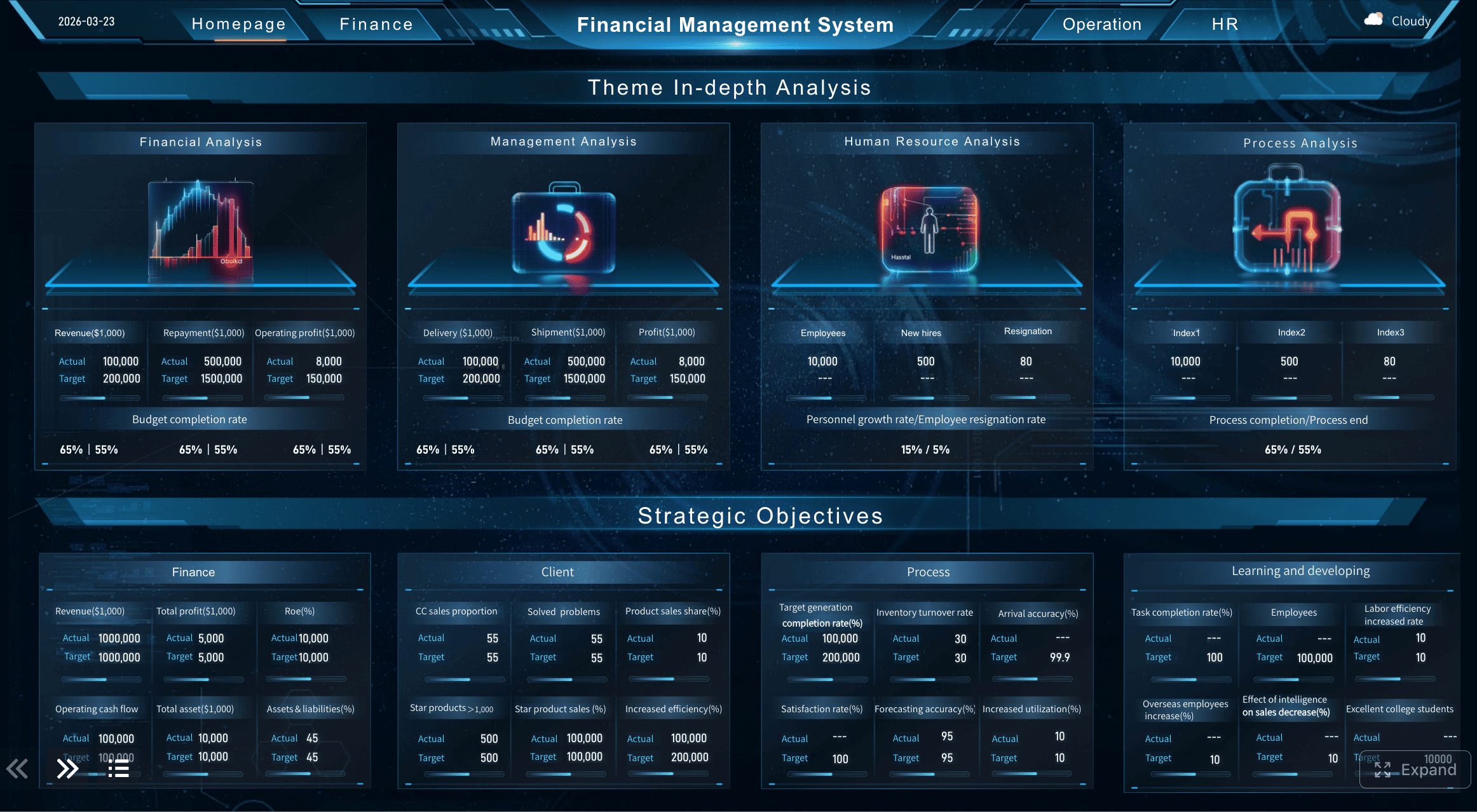
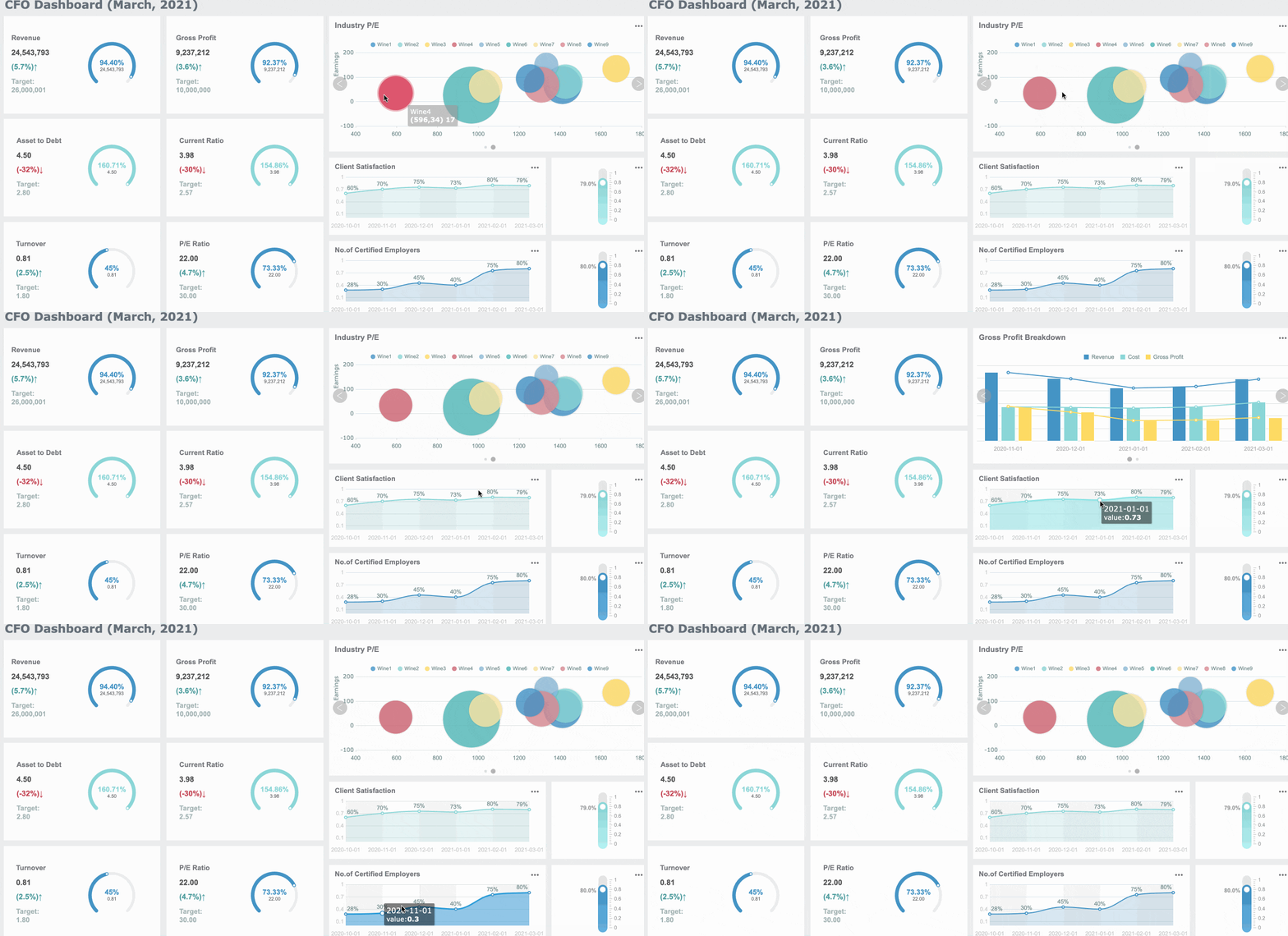
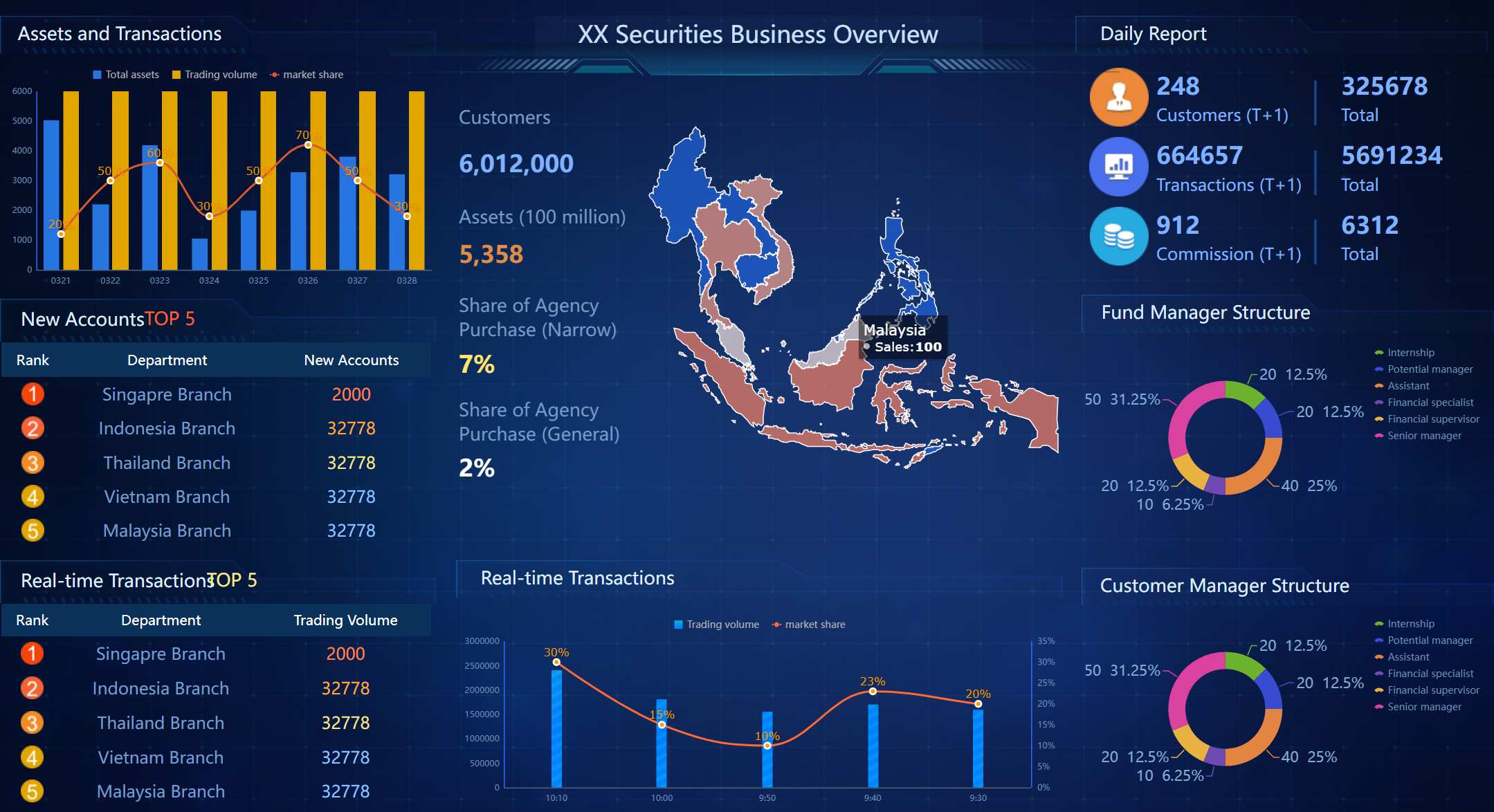
All reports in this article are built with FineReport.
What a Small Business Expense Report Is and Why It Matters
A small business expense report is a structured record of business-related spending. It usually includes the date of purchase, vendor name, category, amount, payment method, receipt reference, business purpose, and reimbursement or approval status. In a small company, this report may be used by employees requesting repayment, by owners tracking deductible expenses, or by accountants organizing records for month-end and tax filing.
At a practical level, expense reports bring discipline to bookkeeping. They turn scattered transactions into categorized, reviewable financial data. That matters because messy expense records lead directly to budgeting errors, duplicate reimbursements, and weak audit trails.
There is also an important difference between day-to-day expense tracking and a formal expense report:
Expense tracking is the ongoing act of recording purchases as they happen.
Expense reporting is the formal summary used for reimbursement, accounting review, compliance, and financial documentation.
For example, a founder may track card purchases daily in an app, but the accountant still needs a monthly expense report grouped into proper accounting categories. Likewise, an employee might save receipts during a business trip, but reimbursement only happens after those charges are submitted in a report.
Budgeting accuracy: You can see where money actually goes by category and by team.
Tax preparation: Cleanly documented expenses are easier to deduct and defend.
Audit readiness: Every transaction has context, proof, and approval history.
Key Metrics (KPIs) for a Small Business Expense Report
A well-managed reporting process should track these core metrics:
Total expenses: The full amount submitted in a report period.
Expense by category: Spend grouped into travel, meals, software, office supplies, and other operating classes.
Reimbursable amount: The portion of employee-paid expenses owed back to staff or contractors.
Company-paid amount: Expenses charged directly to company cards or accounts.
Missing receipt rate: Percentage of transactions without supporting documentation.
Approval cycle time: How long a report takes from submission to approval.
Policy exception rate: Number or percentage of expenses outside company rules.
Duplicate entry count: Transactions submitted more than once.
Monthly spend trend: Changes in total expenses over time.
Tax-deductible expense share: The portion of expenses likely eligible for deduction, subject to local rules.
Common Small Business Expense Report Categories
The quality of a small business expense report depends heavily on category structure. If categories are too broad, financial analysis becomes useless. If they are too narrow, employees and managers waste time classifying every line item. The goal is a clear, repeatable framework that matches how your business actually spends money.
Travel and transportation
This category covers costs incurred while employees, owners, or contractors travel for business purposes. It often includes:
Mileage reimbursement
Airfare
Train or bus tickets
Rideshares and taxis
Parking fees
Tolls
Lodging or hotel stays
Car rentals
Fuel for approved business travel
Travel is one of the most common areas for reimbursement disputes, so every line item should include destination, purpose, and travel dates where relevant.
Meals and client entertainment
Meals can be legitimate business expenses, but they need clear documentation and should follow your local tax and policy rules. Common items include:
Team meals during business travel
Employee meals during approved overtime or offsite work
Client lunches or dinners
Conference meal expenses
Incidental food expenses tied to travel
For every meal-related line, add the business purpose, attendees if needed, and whether the spend was employee-related or client-related. This keeps bookkeeping cleaner and supports compliance later.
Office and operating costs
This category captures recurring expenses that keep the business running. These are often less dramatic than travel costs but more important for monthly financial control.
Typical entries include:
Office supplies
Printer and shipping costs
Software subscriptions
Cloud storage
Utilities
Internet service
Business phone plans
Rent or coworking fees
Equipment maintenance
Small tools or operational purchases
For many small businesses, office and operating costs form the most consistent monthly expense base. Tracking them well helps with cash flow planning and recurring budget reviews.
Marketing, professional services, and other recurring expenses
This category usually includes growth and support functions that are essential but not always tied to a single sale.
Examples include:
Advertising spend
Social media promotions
Design or freelance services
Legal fees
Accounting services
Insurance premiums
Payment processing charges
Bank fees
Memberships and subscriptions
Consulting retainers
These expenses often hit multiple vendors and platforms each month. A formal reporting process makes it easier to distinguish fixed overhead from discretionary spending.
How to Organize a Small Business Expense Report Step by Step
If you want expense reporting to stay manageable as your business grows, the process must be simple, repeatable, and documented. Below is the consultant-style workflow I recommend for small businesses.
1. Gather receipts, invoices, and payment records in one place
Start by centralizing supporting documents. Pull data from:
Paper receipts
Email invoices
Credit card statements
Bank transaction exports
Accounting software records
Employee reimbursement submissions
Do not wait until month-end to collect everything. Late collection leads to missing details, forgotten business purposes, and more manual cleanup.
2. Sort each expense by date, vendor, amount, payment method, and category
Every line item should contain a consistent minimum data set. At a minimum, include:
Field
Why it matters
Date
Supports period-based accounting and reconciliations
Vendor
Identifies who was paid
Amount
Records the exact charge
Payment method
Distinguishes company card, cash, ACH, or personal payment
Category
Enables reporting and tax classification
Receipt attached
Confirms proof of purchase
Business purpose
Justifies why the expense was necessary
This structure creates reports that are usable by both operations and accounting.
3. Add business purpose notes so every line item is easy to justify later
This is where many businesses fail. A receipt alone does not explain why the expense happened. A short note can save hours later.
Good examples:
“Client meeting lunch with ABC Corp to discuss contract renewal”
“Hotel for 2-night stay during regional sales conference”
“Adobe subscription for design team monthly use”
“Mileage to customer site for equipment inspection”
Weak examples:
“Meal”
“Travel”
“Software”
“Office”
Specificity is what makes a small business expense report useful during reimbursement review, tax preparation, and audits.
4. Review totals, approvals, and reimbursement status before submitting or filing
Before final submission, confirm:
Totals match receipts and payment records
Categories are used consistently
Required approvals are recorded
Reimbursement amounts are clearly separated from company-paid charges
Duplicate expenses are removed
Missing documents are flagged
This final review step is the difference between a usable report and a spreadsheet that creates more work downstream.
Small Business Expense Report Examples for Real Scenarios
Expense reporting becomes easier when you understand how real transactions should be grouped. The examples below show how a small business expense report works in common situations.
Employee travel reimbursement example
Imagine a sales employee attends a two-day trade event in another city. Their expense report may include:
Date
Vendor
Category
Amount
Payment Method
Business Purpose
Mar 5
Delta Airlines
Travel and transportation
320.00
Personal card
Flight to client expo
Mar 5
Hilton Hotel
Travel and transportation
410.00
Personal card
Two-night stay for expo attendance
Mar 6
Uber
Travel and transportation
28.50
Personal card
Airport to hotel transfer
Mar 6
Conference Cafe
Meals
19.75
Personal card
Lunch during conference day
Mar 7
City Parking
Travel and transportation
24.00
Personal card
Parking at client meeting
In this scenario, the report should also include trip dates, destination, event name, and manager approval. That keeps reimbursement straightforward and limits questions from accounting.
Monthly owner-operator expense summary example
A small business owner often needs a monthly summary rather than a single reimbursement form. This report helps group recurring business costs for bookkeeping and budgeting.
A monthly summary might include:
Rent or coworking fees
Internet and phone bills
Software subscriptions
Office supplies
Bank charges
Insurance
Marketing spend
Contractor payments
For example, instead of recording each software vendor in a random spreadsheet tab, the owner can use one monthly report that shows total software costs, total marketing costs, and total operating overhead. This makes it easier to compare actual spending to budget.
Contractor or remote team purchase example
Remote work creates a different expense pattern. Contractors or distributed employees may purchase items needed for client delivery or home-office productivity.
Examples include:
Project software subscriptions
Approved home office equipment
Shipping costs for client samples
Internet reimbursement where policy allows
Printing or presentation materials
Equipment accessories such as webcams or headsets
These expenses should always include a note on whether they are:
Reimbursable to the individual
Company-paid directly
One-time or recurring
Tied to a client project or internal operations
That distinction matters because finance teams need to know whether an expense belongs in overhead, project cost, or reimbursement liability.
Free Small Business Expense Report Templates and Tools to Simplify Reporting
A good template gives small businesses structure without forcing a full software rollout too early. The best option depends on transaction volume, approval complexity, and how many people submit expenses.
If your team has outgrown basic templates, reporting platforms with dashboards and automated workflows can dramatically reduce finance admin time.
A tool such as FineReport can be especially valuable when you want to build custom expense dashboards, track category-level trends, monitor missing receipts, and connect reporting data across finance and operations.
Mistakes to Avoid in a Small Business Expense Report and Best Practices for Cleaner Bookkeeping
Small businesses usually do not struggle because expense reporting is conceptually difficult. They struggle because the process is inconsistent. The same preventable mistakes appear again and again.
Common mistakes to avoid
Vague categories: Using labels like “miscellaneous” too often hides spending patterns.
Missing receipts: Missing proof slows approval and weakens audit readiness.
Duplicate entries: The same expense gets submitted from a card feed and a manual form.
Mixed personal and business spending: This creates bookkeeping confusion and tax risk.
No business purpose notes: Without context, expenses become harder to justify later.
Irregular submission timing: Waiting too long causes missing details and delayed close cycles.
Best practices for cleaner bookkeeping
Here are practical implementation steps I advise small businesses to adopt:
1. Create a short, written expense policy
Define:
Allowed categories
Receipt requirements
Submission deadlines
Approval levels
Reimbursement timelines
Rules for personal card use
A one-page policy is often enough to eliminate most avoidable confusion.
2. Standardize categories across all reports
Do not let each employee invent new category names. Use a fixed list aligned with your chart of accounts or bookkeeping structure.
3. Reconcile reports regularly with bank and card statements
Reconciliation should happen monthly at minimum. This catches duplicates, omissions, and uncategorized charges before they affect financial statements.
4. Use approvals as a control point, not a formality
Managers should verify that expenses are legitimate, necessary, and properly documented. Approval should mean review, not just rubber-stamping.
5. Keep records organized for tax season and financial reviews
Store reports, receipts, invoices, and approval records together by period. When records are searchable and complete, tax filing becomes much faster and less stressful.
After your process is standardized, the next improvement is visibility. Decision-makers should be able to see expense trends, policy exceptions, and reimbursement bottlenecks in one place rather than digging through multiple files.
Build a Repeatable Small Business Expense Reporting Workflow
A strong small business expense report process does four things well: it captures the right details, uses consistent categories, supports reimbursement and accounting, and keeps records audit-ready. Whether you use a spreadsheet template or a more advanced reporting system, the real objective is the same: make every expense easy to track, justify, approve, and analyze.
For most small businesses, the right starting point is simple:
Use standard categories
Require receipts
Add clear business purpose notes
Review reports before filing
Reconcile every month
As your company grows, dashboards and automated reporting workflows become far more valuable. They help management see spending trends early, reduce finance friction, and make bookkeeping substantially cleaner.
A small business expense report should include the date, vendor, category, amount, payment method, receipt reference, business purpose, and approval or reimbursement status. Adding clear notes helps accounting teams verify each transaction faster.
Expense tracking is the ongoing recording of purchases as they happen, while an expense report is the formal summary used for reimbursement, review, and bookkeeping. Tracking captures raw activity, but reporting organizes it for action.
Common categories include travel, meals, office supplies, software, utilities, marketing, and professional services. The right category structure should be simple enough for employees to use consistently and detailed enough for useful analysis.
Most small businesses review expense reports weekly or monthly, depending on transaction volume and reimbursement needs. A regular schedule helps prevent missing receipts, delayed approvals, and month-end cleanup.
Yes, a template can work well for small teams with simple reporting needs and low expense volume. As the business grows, software usually becomes more effective for approvals, receipt collection, and audit-ready records.
Product Trial
FineReport
Pixel-perfect reports · Interactive dashboards · Easy data entry · Digital twins