

A per diem expense report template is not just a travel form. It is the control point that keeps reimbursement accurate, speeds up approvals, and protects finance teams from overpayments, missing documentation, and policy disputes. If you manage employee travel, accounts payable, or expense compliance, the right template helps you standardize how daily allowances are recorded, reviewed, and reimbursed across every trip.
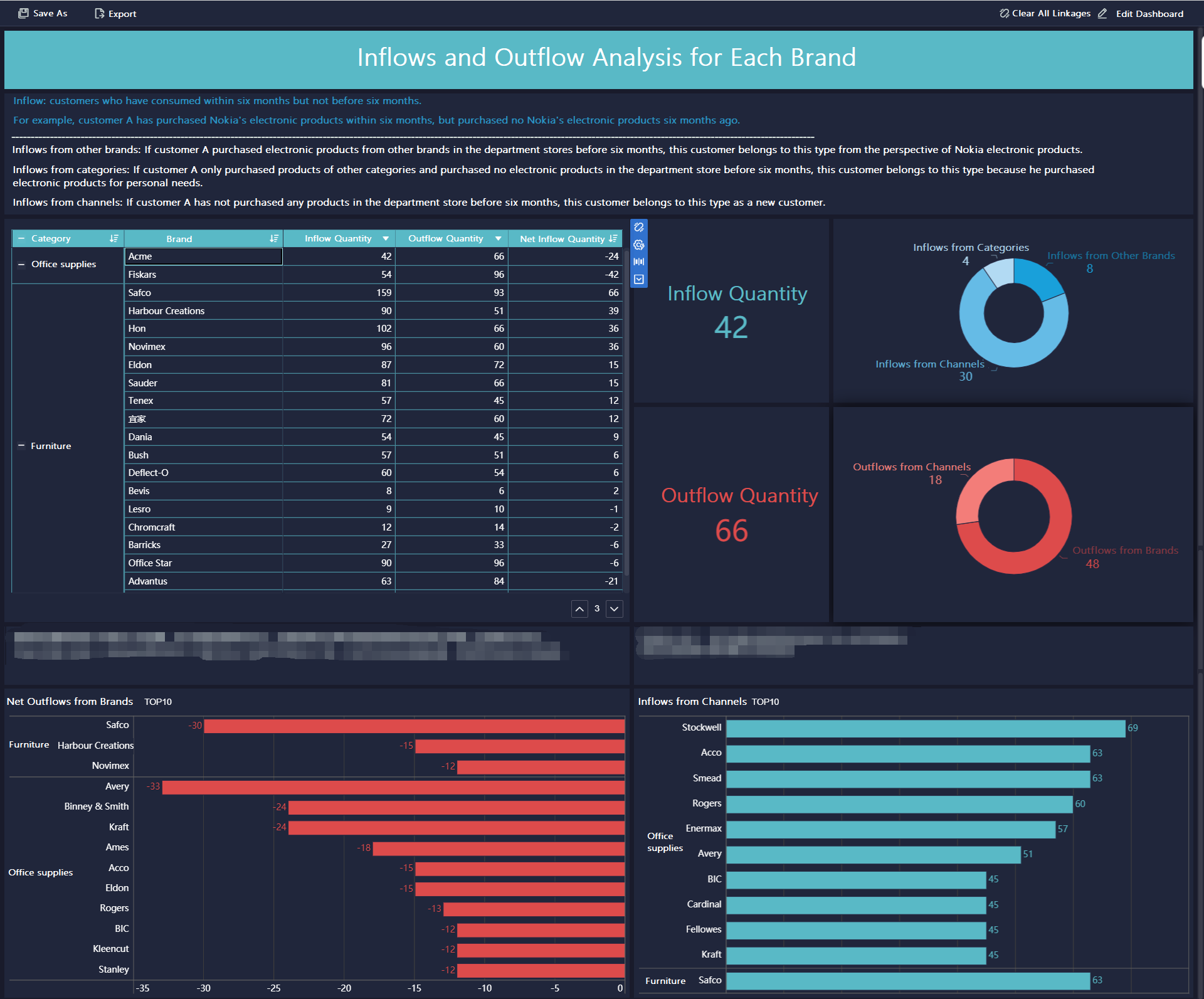
All reports in this article are built with FineReport
What a per diem expense report template should accomplish
A strong per diem expense report template should help employees submit complete claims the first time and help managers review them without guesswork. That means the form must capture policy-based allowances, actual travel details, deductions, and approvals in one clear structure.
For most organizations, the business value is straightforward:
- Faster reimbursement processing because reviewers can verify trips quickly
- Fewer payment errors caused by wrong rates, missing dates, or unclear deductions
- Better compliance with internal travel policies and audit expectations
- Consistent records across employees, managers, finance teams, and business units
Key Metrics (KPIs) for per diem expense reporting
To make the template operationally useful, track these core metrics:
- Submission completeness rate: Percentage of reports submitted with all required fields filled in
- Approval cycle time: Average time from employee submission to manager or finance approval
- Reimbursement accuracy rate: Share of claims processed without adjustment or correction
- Policy exception frequency: Number of reports requiring special notes for meals provided, prepaid lodging, or shared expenses
- Rate mismatch rate: Percentage of claims using the wrong per diem rate for location or travel period
- Resubmission rate: Share of reports returned due to missing signatures, receipts, or incomplete details
- Average reimbursement amount: Typical reimbursable total per trip, employee, or department
- Advance deduction accuracy: How often travel advances or company-paid items are properly offset
- On-time submission rate: Percentage of employees submitting before the deadline
- Audit readiness score: Internal measure of whether the report includes complete documentation and approvals
The 10 must-have fields in a per diem expense report checklist
If your form is missing any of the fields below, reimbursement delays become much more likely. These ten elements create the minimum structure needed for accuracy, reviewability, and policy compliance.
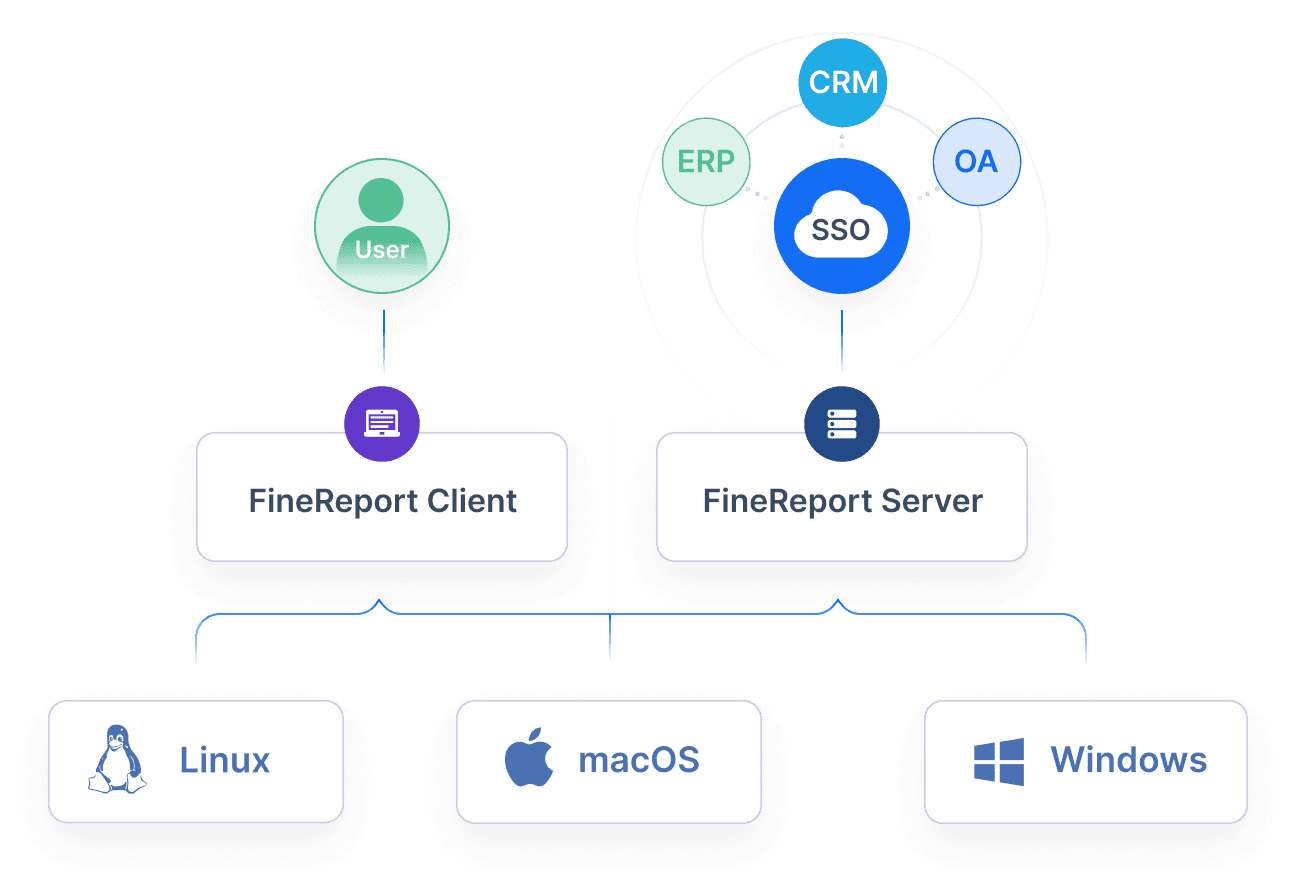
1. Employee name, department, and contact details
This identifies who incurred the travel expense and where the reimbursement should be routed internally. It also gives finance or approvers a way to follow up if clarification is needed.
Include:
- Full employee name
- Employee ID if used
- Department or cost center
- Email or phone contact
2. Travel dates, destination, and business purpose
These fields establish the business context of the claim. Without them, reviewers cannot confirm whether the selected rate and reimbursement period are correct.
The template should capture:
- Departure date
- Return date
- City, state, or country of travel
- Purpose of the trip, such as client meeting, conference, audit, or site inspection
3. Per diem rate by location or policy tier
Per diem is rarely one flat number. Rates may vary by destination, travel band, or internal company policy. This field should show the exact rate used and the source logic behind it.
Best practice is to include:
- Daily lodging allowance
- Daily meals allowance
- Incidentals allowance
- Policy tier or rate class if applicable
4. Lodging, meals, and incidental allowance breakdown
Even when the policy uses bundled per diem, finance teams still need visibility into the components. A breakdown makes it easier to validate deductions and explain totals.
Typical categories include:
- Lodging
- Breakfast, lunch, dinner
- Incidentals
- Local policy-specific travel items
5. First and last travel day calculation method
This is one of the most overlooked but important fields in a per diem expense report template. Many policies reduce reimbursement on the first and last day of travel. If the method is not shown clearly, reviewers must recalculate the claim manually.
The form should indicate:
- Full-day rate
- Reduced-day percentage or rule
- Number of partial travel days
- Applied calculation method
6. Advances received or company-paid expenses
If the employee received a travel advance or the company prepaid hotel, airfare, or meals, those costs must be deducted from the final reimbursement. Missing this field is a common source of duplicate payment.
Add clear spaces for:
- Cash advance amount
- Corporate card or company-paid items
- Prepaid lodging
- Meal deductions
- Total offsets
7. Required receipts and supporting documentation notes
Some per diem items may not require receipts, but exceptions and out-of-pocket purchases often do. This section helps reviewers know what is attached and what is intentionally omitted under policy.
Useful subfields include:
- Receipt attached yes/no
- Missing receipt explanation
- Supporting document type
- Notes for conference agenda, hotel folio, or transport record
8. Total reimbursable amount and policy exceptions
The report should calculate the amount actually owed after deductions, exceptions, and adjustments. This is where the employee and finance team see the same final number.
This section should show:
- Total eligible allowance
- Less company-paid items
- Less travel advances
- Plus approved out-of-pocket additions
- Final reimbursement amount
- Exception notes
9. Employee certification and signature
The employee must confirm that the information is complete, accurate, and in line with company policy. This reduces disputes and creates accountability.
Include:
- Certification statement
- Signature
- Date submitted
10. Manager or finance approval section
A claim is not complete until someone with approval authority signs off. This section should make the workflow explicit so reports do not stall in email threads or informal chats.
Capture:
- Approver name
- Approval date
- Approval status
- Comments or rejection reason
- Secondary finance review if required
How to organize the form for faster and more accurate reimbursement
A checklist of fields is essential, but layout matters just as much. The way the form is organized directly affects how quickly employees can complete it and how easily managers can verify it.
Group traveler information at the top
Place identification fields and the trip summary first. Reviewers should be able to confirm the employee, destination, dates, and purpose in seconds.
A practical top section includes:
- Employee details
- Department or project code
- Trip period
- Destination
- Business purpose
This prevents reviewers from hunting through the report for basic context before checking calculations.
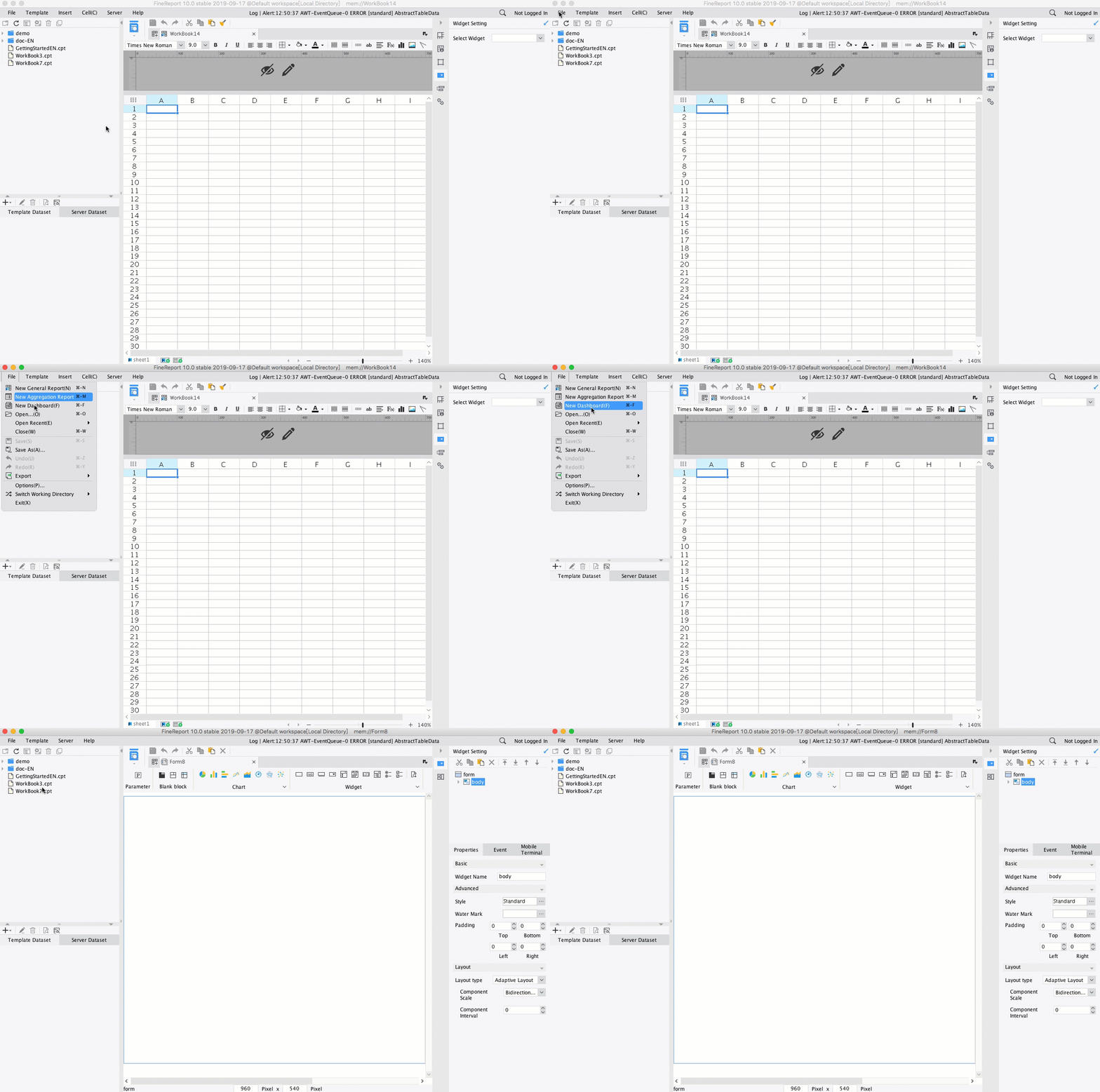
Separate fixed allowances from out-of-pocket expenses
Per diem allowances and reimbursable purchases are not the same thing. Combining them in one table creates confusion and increases the risk of paying twice for the same cost.
Use separate sections for:
- Fixed daily per diem allowances
- Actual reimbursable expenses outside per diem
- Company-paid or prepaid costs
- Non-reimbursable items
This structure makes policy enforcement much easier.
Include a clear calculation summary
At the bottom or side of the form, show all subtotals, deductions, and the final amount in one visible block. Finance reviewers should not have to inspect multiple sections to figure out what is owed.
A clean summary should display:
- Allowance subtotal
- Out-of-pocket approved expenses
- Deductions
- Exceptions
- Final reimbursement amount
Common mistakes that lead to reimbursement delays
Even a good template can fail if users miss key inputs. These are the issues I see most often when organizations rely on loosely structured spreadsheets or manual review.
Using the wrong rate or travel dates
If the employee selects the wrong city rate, policy tier, or date range, the reimbursement result becomes unreliable immediately. This often leads to back-and-forth clarification and revised submissions.
To reduce this risk:
- Link rates to location fields
- Standardize date entry
- Use automated lookups where possible
- Require trip start and end dates before calculations appear
Leaving out policy exceptions
Provided meals, shared lodging, prepaid conference packages, and company-paid hotels all affect the final reimbursement. When these details are not recorded, finance teams must follow up manually.
Examples of exceptions that should always be noted:
- Breakfast included by hotel
- Lunch provided at event
- Shared room arrangement
- Corporate card payment
- Travel advance already issued
Submitting incomplete approval details
An otherwise correct form can still sit unpaid if the approval block is blank or undated. In many organizations, this is a bigger delay driver than the expense data itself.
Required control checks should include:
- Employee signature present
- Manager approval completed
- Finance sign-off recorded when needed
- Submission date entered correctly
Where to find and adapt ready-made expense report templates
Many companies start with a spreadsheet or printable form, which is fine at first. The problem appears when travel volume grows and finance teams need consistency, audit trails, and automated calculations.
Compare spreadsheet, PDF, and printable options
Each format suits a different level of process maturity.
- Spreadsheet templates: Best for formulas, editable fields, and lightweight customization
- PDF forms: Best for controlled formatting and printable submission
- Printable paper forms: Best for low-tech environments, but weakest for automation and tracking
If your team reviews dozens or hundreds of travel claims each month, spreadsheets and static PDFs quickly become hard to govern at scale.
Review sample and downloadable versions before customizing
Before building your own form, compare a few examples. Focus on whether they include the ten must-have fields, visible calculations, and a proper approval structure.
What to evaluate:
- Required data fields
- Calculation logic
- Space for exceptions
- Receipt notes
- Sign-off workflow
- Ease of use for travelers and reviewers
Match the template to your company travel policy
No template works well unless it reflects the actual rules employees are expected to follow. That means your form should mirror your reimbursement policy, not the other way around.
Customize for:
- Approved per diem categories
- Location-based rates
- First and last day rules
- Receipt requirements
- Approval hierarchy
- Submission deadlines
Final checklist before submitting a per diem expense report
Before an employee hits submit, use this quick review checklist to catch the errors that most often delay payment.
- Confirm all required fields are complete and readable
- Verify rate calculations, deductions, and reimbursement totals
- Attach supporting documents and note any exceptions
- Check signatures, approval workflow, and submission deadline
Build a scalable per diem reporting workflow with FineReport
Building this manually is complex; use FineReport to utilize ready-made templates and automate this entire workflow.
For enterprise teams, the issue is rarely just creating one clean form. The real challenge is managing hundreds of submissions across departments, applying the correct policy logic, tracking approval status, and giving finance leaders visibility into reimbursement trends. That is where a reporting platform becomes far more effective than disconnected spreadsheets.
With FineReport, you can:
- Standardize every per diem expense report template across teams
- Automate calculations for rates, deductions, and first or last day rules
- Add approval workflows for managers and finance
- Monitor pending, approved, rejected, and reimbursed reports in real time
- Build dashboards for travel spend, exception tracking, and processing speed
- Reuse ready-made templates instead of designing every report from scratch
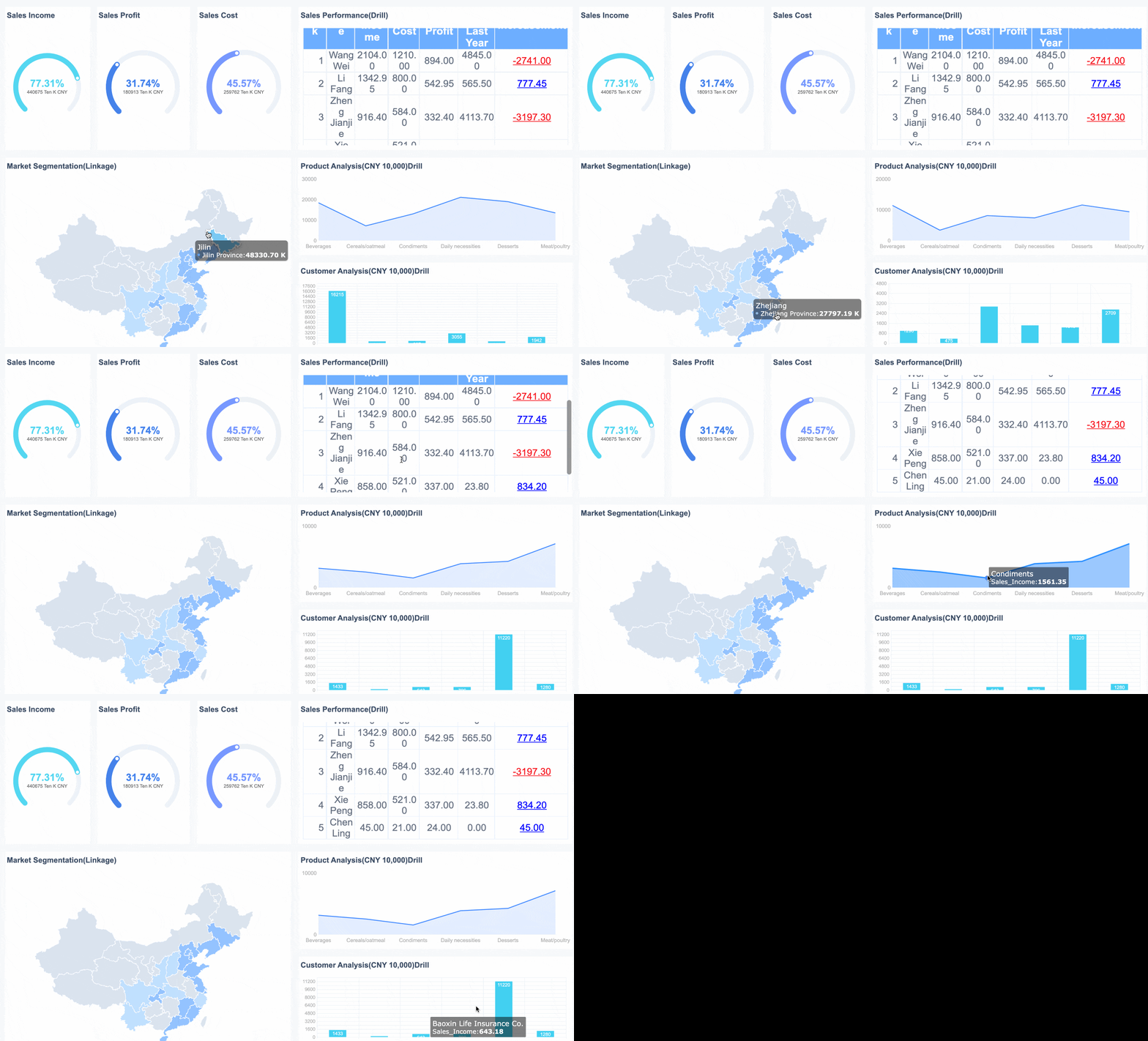

Get Ready-to-Use Dashboard Templates in Fine Gallery
If your current process depends on emailed spreadsheets, manual review, and separate approval records, now is the time to modernize it. FineReport helps operations, HR, and finance teams turn a basic reimbursement form into a controlled, scalable reporting workflow.
A reliable per diem expense report template should do more than collect numbers. It should guide employees, enforce policy, reduce rework, and give decision-makers confidence that every reimbursement is accurate.
FAQs
It should include employee details, travel dates, destination, business purpose, per diem rate by location, allowance breakdown, partial-day calculation rules, offsets for advances or company-paid items, supporting document notes, and approval fields.




