Construction daily report software is a digital tool that helps field and office teams record daily site activity, including labor, equipment, weather, progress, delays, photos, and approvals, in a faster and more standardized way.
9 best construction daily report software options for 2026
Quick note:FineReport is included first as a strong option for teams that need flexible, highly customizable construction reporting and dashboarding alongside daily report workflows.
1. FineReport
Best for customizable construction reporting, dashboards, and enterprise-grade daily report workflows
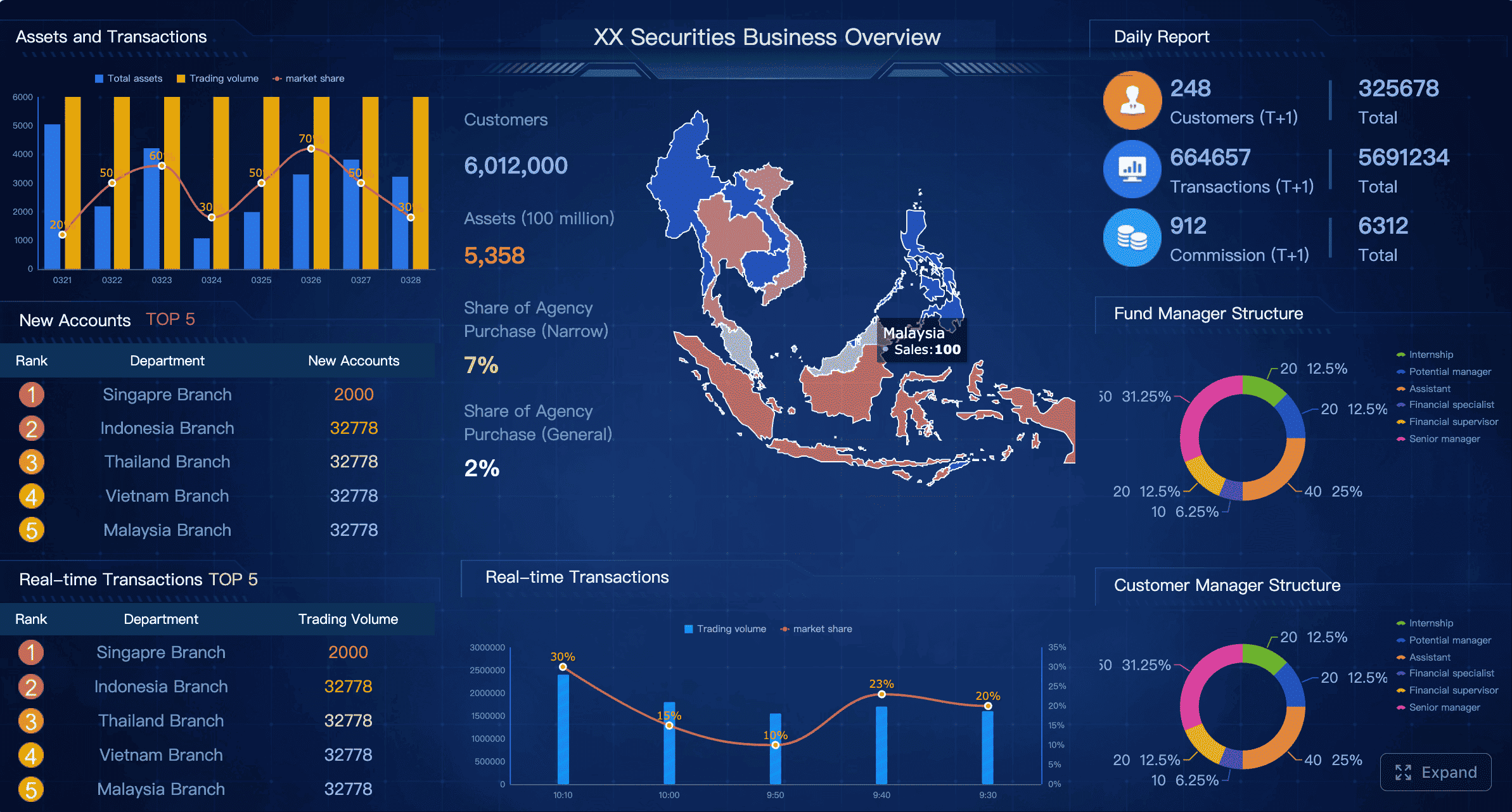
FineReport is a reporting and dashboard platform that construction companies can use to build structured daily report systems, automate site data collection workflows, and create highly formatted outputs for field, project, and executive teams.
One-sentence overview:FineReport is best for contractors and construction organizations that want more control over daily report templates, data integration, analytics, and cross-project reporting than a fixed out-of-the-box app typically offers.
Key Features:
Custom construction daily report templates
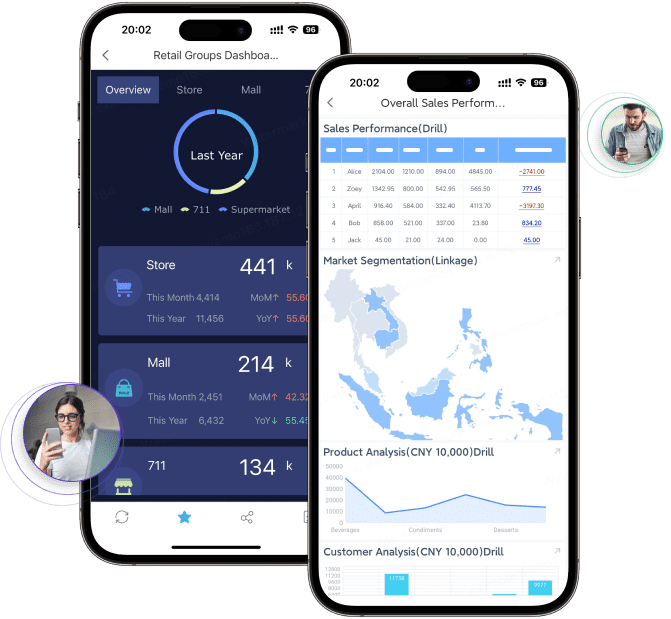
Dashboard design for site progress, labor, equipment, and weather tracking
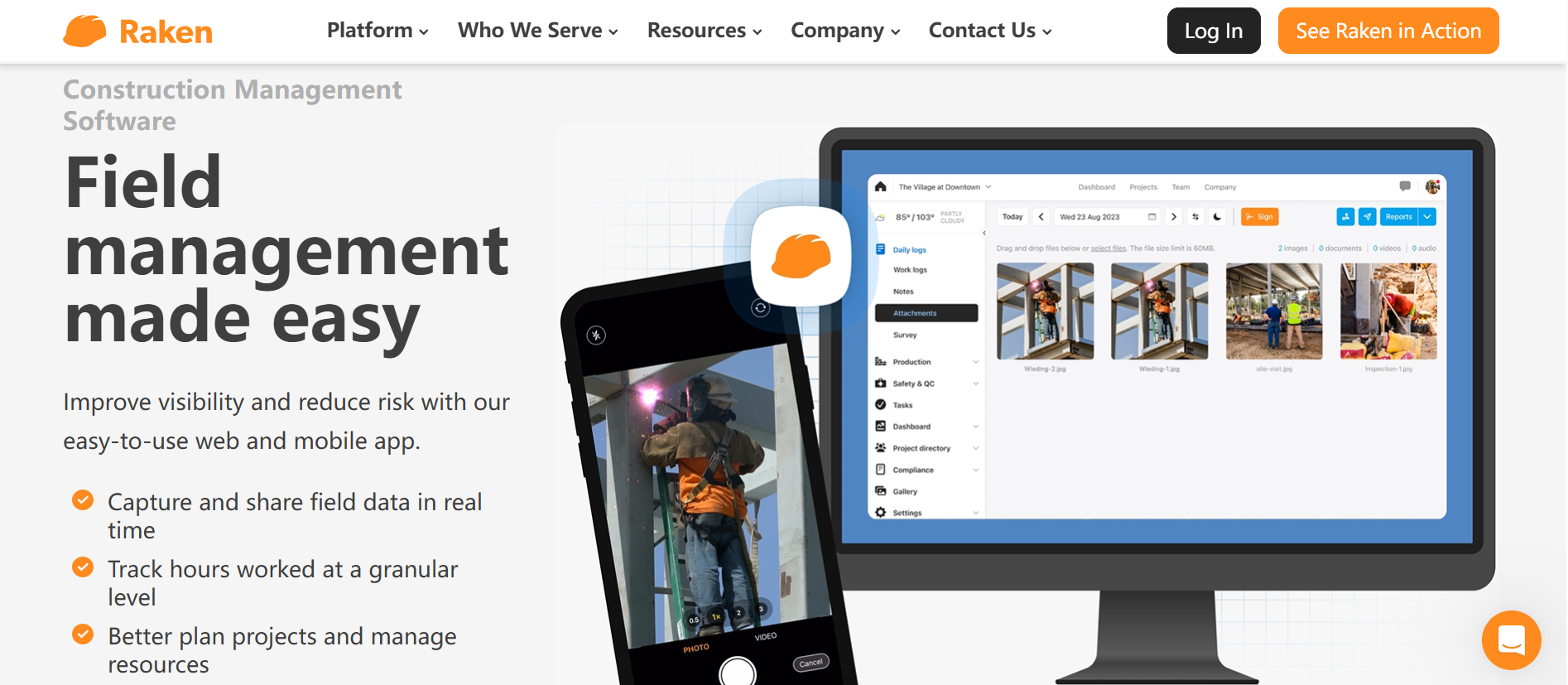
Raken focuses on making daily field reporting easier for crews and supervisors, with an emphasis on quick input and straightforward adoption.
One-sentence overview: Raken is a practical choice for contractors that want to speed up daily logs without adding unnecessary complexity for field teams.
Key Features:
Daily report forms for work completed, manpower, and site events
Photo and video attachments
Weather capture
Time and production-related field inputs
Mobile-friendly submission workflows
Standardized reporting across projects
Pros & Cons:
Pros:
Easy for field staff to learn
Well suited for daily reporting as a primary workflow
Good mobile usability for superintendents and foremen
Cons:
Less depth than broader construction management suites
Pricing is not always transparent
Organizations with complex integration needs may want more flexibility
Best For (Target user/scenario):
General contractors and subcontractors that want quick daily reporting adoption
Teams replacing paper logs or text-message-based updates
Pricing approach: Custom quote; trial availability may vary.
3. Procore
Best for teams that want daily reports inside a broader construction platform
Procore includes daily logs within a larger project management ecosystem, which can reduce tool sprawl for companies already using the platform.
One-sentence overview: Procore is best for construction firms that want daily reporting to sit inside a unified platform for project management, documentation, financial workflows, and collaboration.
Key Features:
Daily log tracking for labor, equipment, materials, visitors, and delays
Photo documentation and project communication tools
Strong document management
Workflow connectivity with RFIs, submittals, and project records
Mobile apps for field teams
Integration ecosystem
Pros & Cons:
Pros:
Centralized data across multiple project workflows
Strong ecosystem and brand familiarity in construction
Good for reducing duplicate entry between modules
Cons:
Can be costly for smaller firms
Implementation and admin effort may be significant
More platform than some teams need if daily reporting is the only priority
Best For (Target user/scenario):
Mid-market and enterprise contractors
Teams already using or planning to use Procore broadly
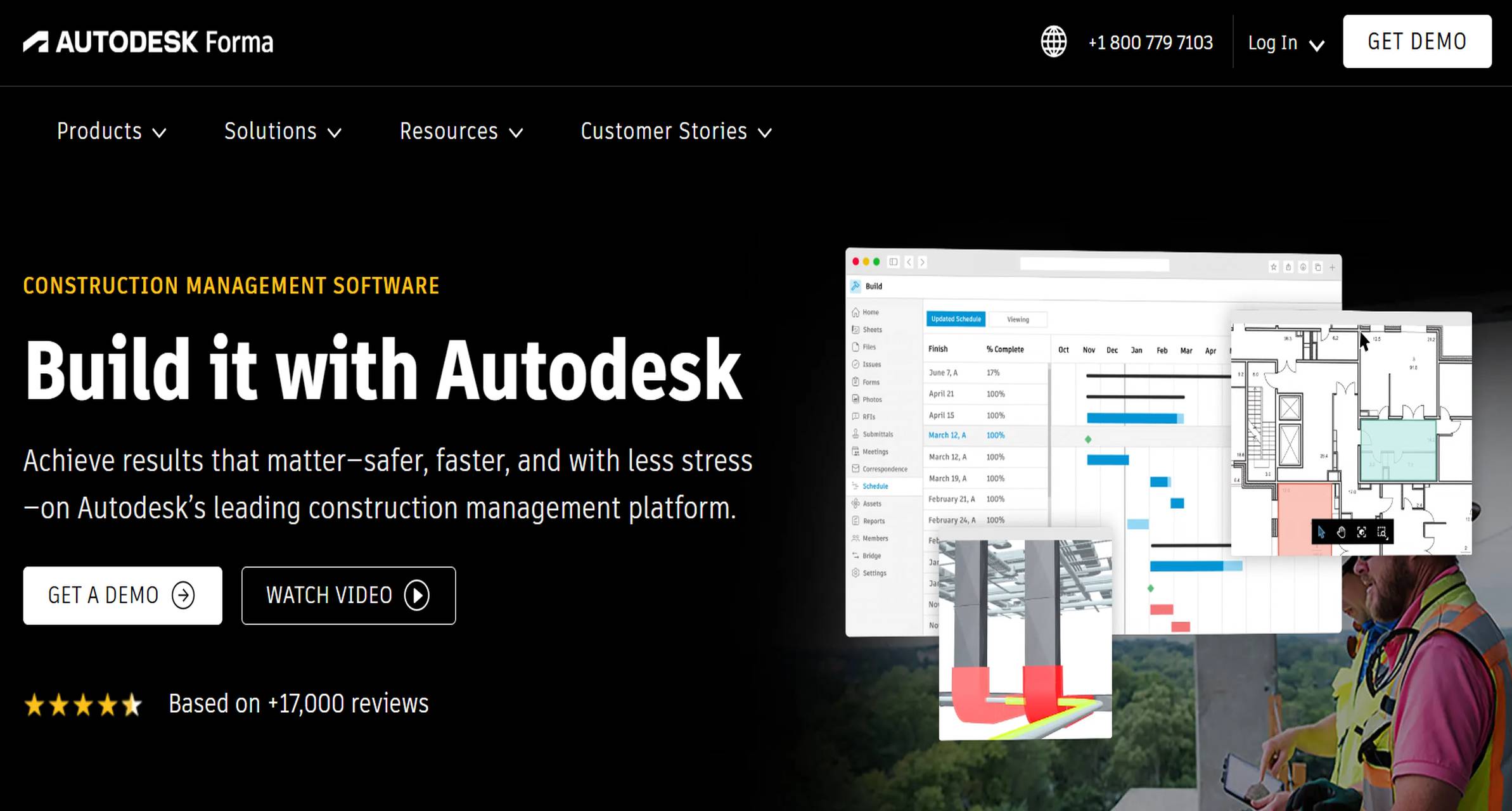
Autodesk Build is designed for firms that want field execution, issue tracking, reporting, and document control inside a connected project environment.
One-sentence overview: Autodesk Build is a strong option for larger builders that need daily reporting tied closely to document control, issue management, and enterprise project data.
Key Features:
Configurable construction report templates
Scheduled and recurring reports
Document control and centralized project records
Issue tracking and field collaboration
Visibility into trends and project performance
Integration within Autodesk’s broader construction ecosystem
Pros & Cons:
Pros:
Strong reporting framework for larger projects
Good document management and connected workflows
Suitable for teams standardizing across business units
Cons:
Can require more training and setup
Better fit for larger organizations than small contractors
Cost may be high for teams seeking only daily logs
Best For (Target user/scenario):
Enterprise contractors
Builders managing complex projects with heavy documentation requirements
Pricing approach: Custom pricing.
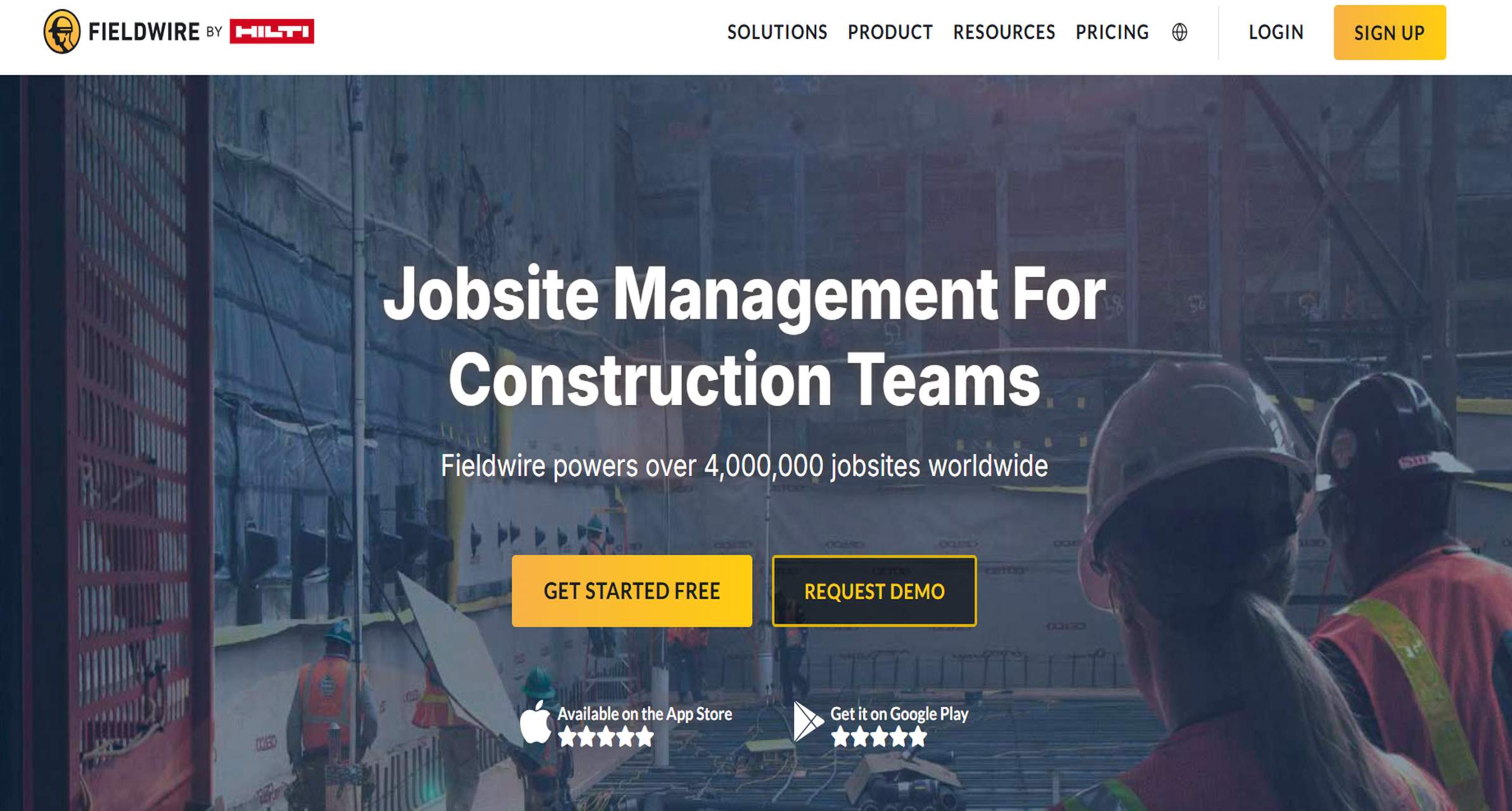
5. Fieldwire
Best for crews that need task coordination plus daily reporting
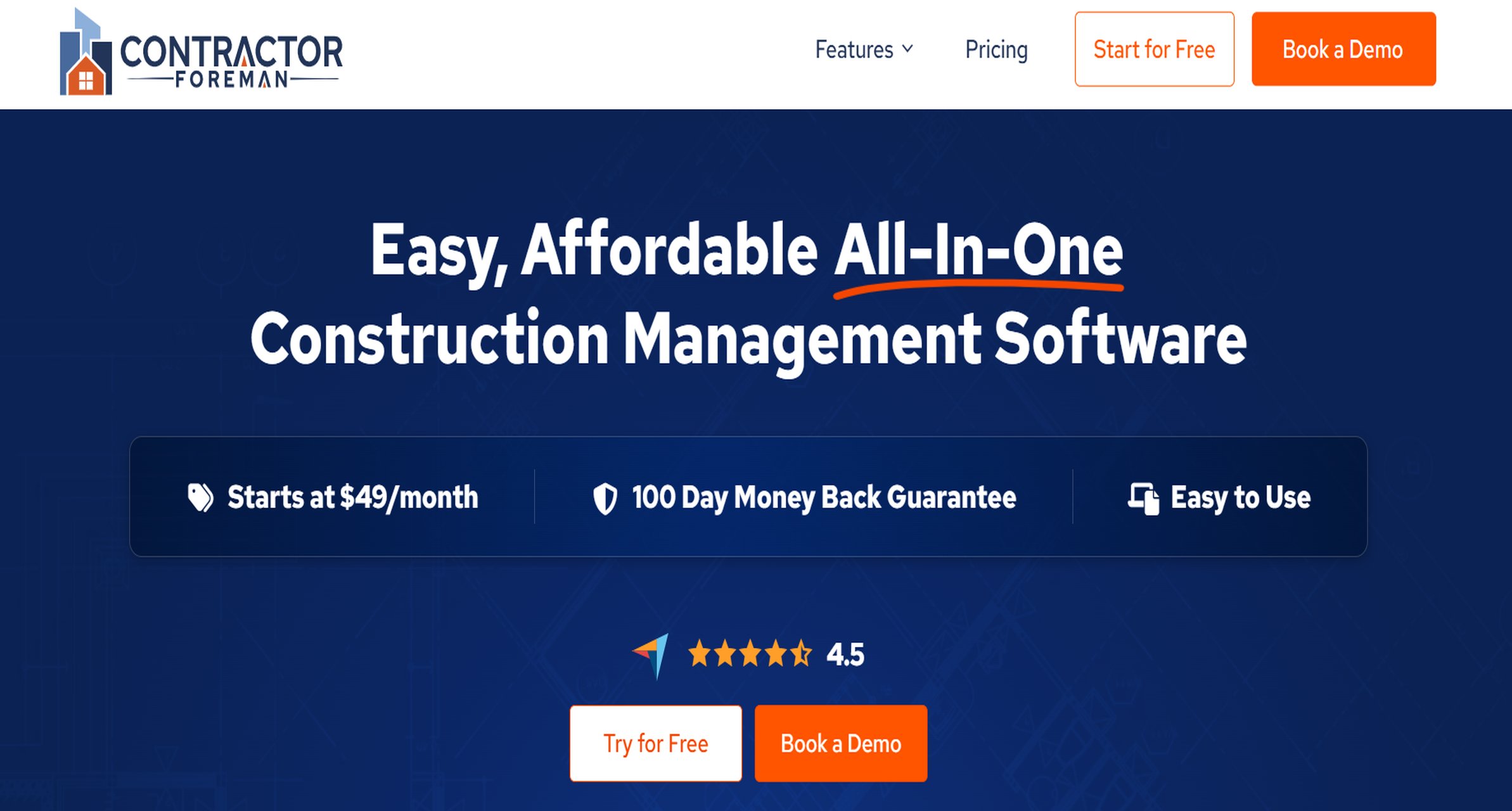
Contractor Foreman targets smaller contractors that want many features at a lower cost than enterprise construction platforms.
One-sentence overview: Contractor Foreman is a broad-featured option for smaller contractors that want daily reporting alongside project management, scheduling, and administrative tools.
Key Features:
Daily logs and project documentation
Time tracking and forms
Scheduling and task tools
File storage and communication features
Safety and compliance-related workflows
Estimating and project administration features
Pros & Cons:
Pros:
Cost-conscious positioning
Wide feature coverage for SMB contractors
Useful if you prefer one system over multiple niche apps
Cons:
Interface can feel busy because of feature breadth
Some teams may outgrow it as complexity increases
Not as specialized in daily reporting UX as simpler field apps
Best For (Target user/scenario):
Small contractors
Growing firms that want all-around construction management features at manageable cost
Pricing approach: Tiered subscription plans, generally more accessible than enterprise platforms.
7. eSUB
Best for subcontractors focused on labor reporting and field productivity
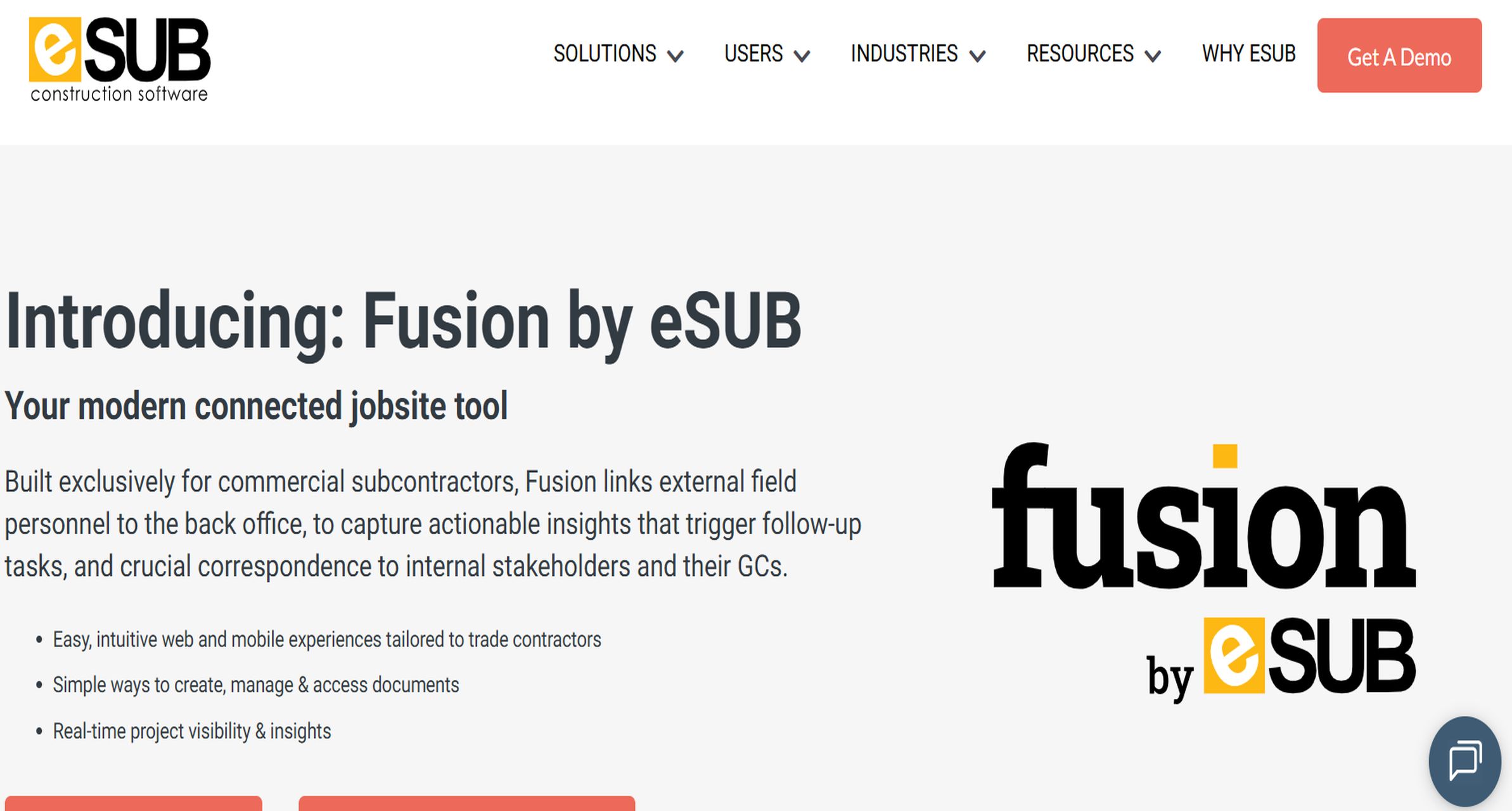
eSUB is built with subcontractor workflows in mind, especially around labor, field notes, and productivity visibility.
One-sentence overview: eSUB is best for trade contractors that need construction daily report software tied closely to labor tracking and field documentation.
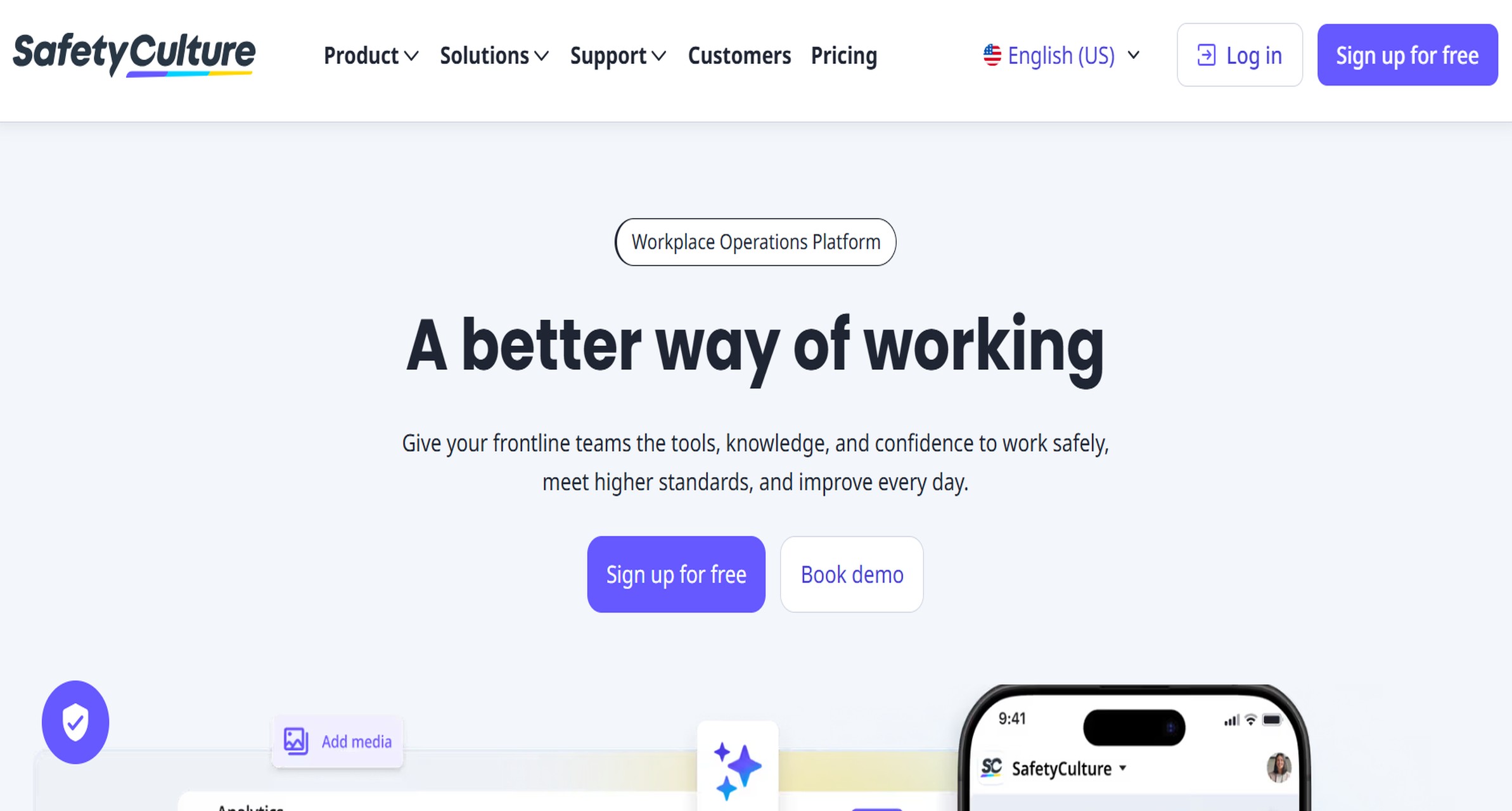
SafetyCulture is known for inspection and checklist workflows, but it also works well for construction teams that want flexible daily reporting templates.
One-sentence overview: SafetyCulture is a good choice for teams that want daily reports, inspections, safety checks, and corrective actions in a mobile-first environment.
Key Features:
Customizable templates
Photo and video capture
Digital sign-offs
Action assignment and follow-up workflows
Mobile app with strong usability
Analytics and operational insights
Pros & Cons:
Pros:
Flexible for multiple field reporting use cases
Strong checklist and inspection workflows
Useful for combining safety and daily reporting processes
Cons:
Not a full construction management suite
May require template design effort for ideal construction use
Some construction-specific workflows may need adaptation
Best For (Target user/scenario):
Construction teams with strong safety and compliance reporting needs
Operations leaders wanting standardized mobile inspections plus daily reporting
Pricing approach: Free version available for small teams; paid plans are typically per seat.
9. GoCanvas
Best for customizable mobile forms and report templates
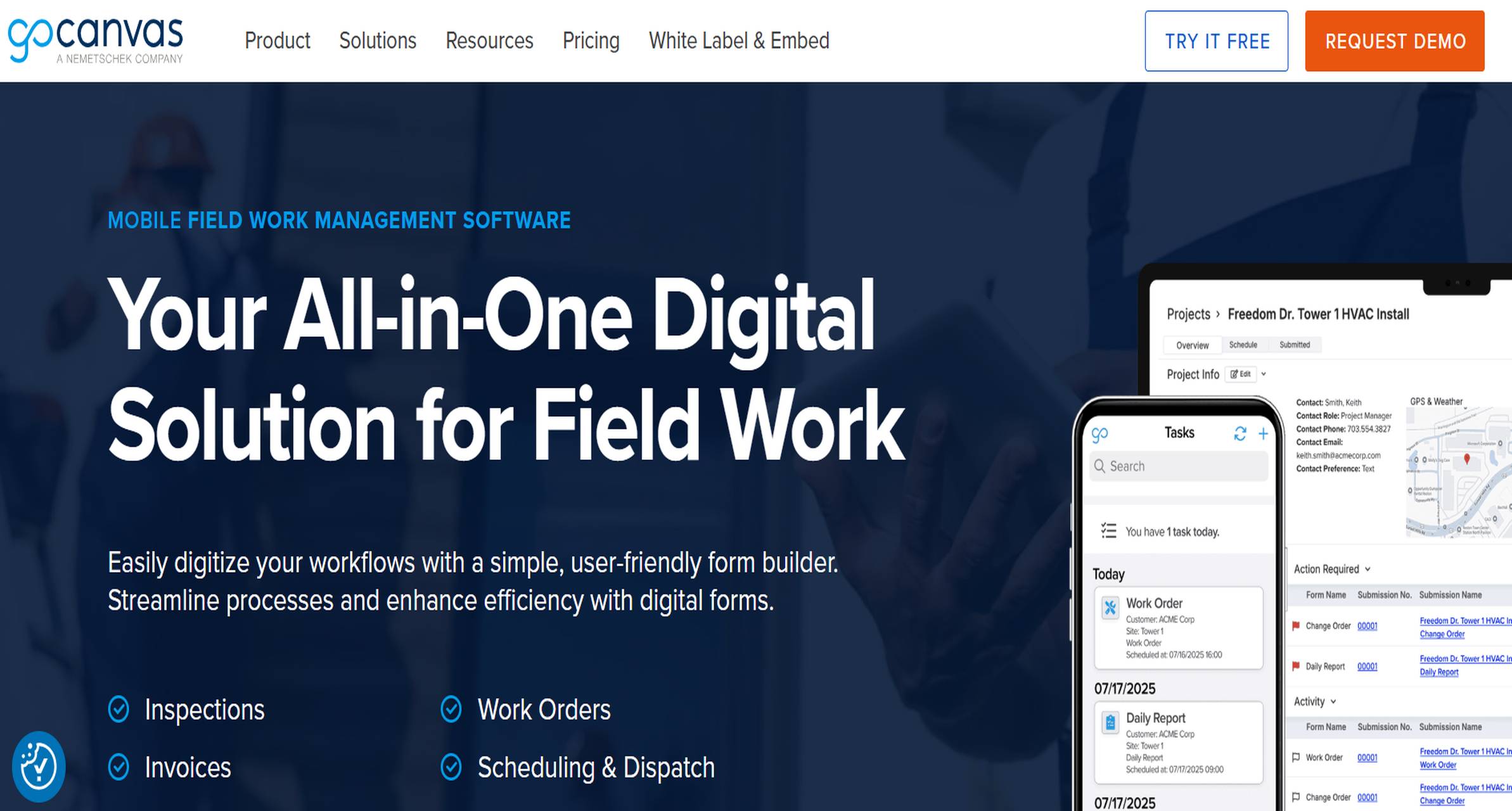
GoCanvas is a mobile forms platform that allows teams to digitize paper-based construction reporting processes.
One-sentence overview: GoCanvas is best for teams that primarily need customizable mobile forms for daily reports without adopting a full construction management platform.
Key Features:
Drag-and-drop mobile form builder
Construction report templates
Signature capture
Photo attachment
Workflow automation
Integrations with selected business systems
Pros & Cons:
Pros:
Good flexibility for custom form-based workflows
Useful for digitizing paper-heavy processes
Mobile-first reporting approach
Cons:
Less construction-suite depth than Procore or Autodesk Build
Reporting experience depends heavily on template design
Can require admin time to maintain forms at scale
Best For (Target user/scenario):
Firms moving from manual forms to digital reporting
Teams with unique templates that standard construction apps do not match well
Pricing approach: Quote-based or tiered pricing depending on plan and usage.
What to look for in construction daily report software in 2026
Choosing the right construction daily report software is less about finding the tool with the longest feature list and more about finding one your field teams will actually use every day.
Core functions that save time on site
The best tools should reduce end-of-day admin work, not shift paperwork from paper to screen. At minimum, look for support for:
Daily logs
Labor tracking
Equipment tracking
Material usage entries
Weather capture
Delay and incident tracking
Photo documentation
Signatures and approvals
Custom notes and attachments
If your team deals with claims, compliance reviews, or owner disputes, consistent time-stamped records matter. This is where structured data fields and photo evidence become especially important.
Mobile usability for field teams, including offline access and fast form completion
Field reporting succeeds or fails on usability. If superintendents, foremen, or subcontractor leads need too many taps to complete a report, adoption drops quickly.
Prioritize tools that offer:
Fast mobile entry
Clean smartphone and tablet interfaces
Offline mode for poor-coverage sites
Auto-save and sync
Speech-to-text or quick note entry
Easy photo upload directly from the field
For many contractors, a simpler interface like Raken may improve completion rates, while more complex organizations may prefer the broader configurability of FineReport, Procore, or Autodesk Build.
Reporting quality, export options, and integrations with project management, accounting, and document tools
A construction daily report is only useful if the data can be shared, reviewed, and reused. Compare:
PDF and Excel export quality
Branded report options
Searchability across projects
Dashboard visibility
Integration with accounting tools
Integration with project management platforms
Integration with document storage systems
This is where FineReport stands out, especially for firms that want both polished operational reports and management dashboards from the same reporting environment.
Pricing models, implementation effort, and support quality
Software cost is not just the monthly subscription. Also evaluate:
Per-user vs company pricing
Onboarding fees
Setup effort
Admin time required
Training needs
Customer support responsiveness
Contract flexibility
A cheaper subscription can become expensive if your teams need weeks of setup or heavy admin maintenance.
Feature and pricing comparison of construction daily report software at a glance
Below is a practical comparison to help narrow your shortlist.
Enterprise tools often require stronger implementation discipline.
How to choose the right construction daily report software for your team
The right software depends on your workflow, team size, and how much structure you want in the field.
Match the tool to your workflow
Start with the practical questions:
Who completes the report each day?
How many reports are submitted per project?
What data must be captured every day?
Do you need approval workflows?
Do you need one report template or multiple by project type?
Will reports feed dashboards, owner updates, or claims documentation?
If you only need simple daily logs, a focused tool like Raken may be enough. If you want daily reports to feed executive dashboards, cross-project analytics, and integrated reporting, FineReport is a stronger choice.
Also decide whether you want:
A standalone reporting app
A mobile forms platform
A daily report module inside a larger construction platform
Test real-world usability
Always pilot before buying. A demo is not enough.
Run a short test with:
Superintendents
Project managers
Foremen
At least one office reviewer
During the pilot, measure:
Time to complete a report
Offline performance
Photo upload speed
Number of incomplete submissions
Ease of end-of-day approval
User complaints about friction
If the app slows down the field, adoption will fail regardless of feature depth.
Ask vendors the right questions
Before signing, ask each vendor:
Who owns the data?
Can we export all reports in bulk?
What export formats are available?
How customizable are templates?
How does offline mode work?
What integrations are included vs paid extra?
What support is included during onboarding?
Are there minimum contract lengths?
How difficult is it to change workflows later?
These questions matter just as much as the feature checklist.
Common mistakes to avoid before you buy a construction daily report software
Many teams overbuy, under-test, or ignore adoption risks. These are the most common mistakes.
Choosing a tool with too much complexity for field crews
A feature-rich platform is not automatically the best choice. If field staff avoid using it, report quality drops. Pick the simplest tool that still captures your required data.
Ignoring template flexibility and approval workflows
Construction reporting varies by client, project type, trade, and contract requirements. If templates are rigid, your teams will create workarounds in spreadsheets or PDFs.
This is one reason customizable tools like FineReport and GoCanvas appeal to organizations with specialized reporting standards.
Overlooking adoption, training, and reporting consistency across projects
Even a strong platform can fail if each project team uses it differently. Standard templates, role permissions, and onboarding matter.
Look for:
Admin controls
Repeatable workflows
Easy field training
Clear approval rules
Focusing only on base price instead of long-term value
The cheapest option may cost more over time if it causes:
Long-term value comes from faster reporting, better visibility, and fewer disputes.
Final recommendation and next steps
If you are narrowing the market, start with three categories:
Best for customizable reporting and dashboards:FineReport
Best for simple field-first daily logs: Raken
Best for all-in-one construction platform use: Procore or Autodesk Build
Use a simple scorecard to compare each option on:
Criteria
Weight
Notes
Mobile ease of use
25%
Can crews finish reports quickly?
Daily report feature depth
20%
Labor, weather, photos, delays, approvals
Template flexibility
15%
Can it match your process?
Reporting and exports
15%
PDF, Excel, dashboards, searchability
Integrations
10%
PM, ERP, accounting, document systems
Support and onboarding
10%
Vendor responsiveness and implementation help
Price and total cost
5%
Include admin and training time
Shortlist your top three options based on team size, reporting needs, and budget. Then:
Book a trial or demo.
Test with real field users.
Measure reporting speed, accuracy, and adoption.
Compare reporting outputs side by side.
Choose the tool your crews will consistently use.
For teams that need more than a basic app and want daily reports to become part of a broader reporting and decision-making system, FineReport is a strong first option to evaluate.
Construction daily report software helps contractors document what happened on a jobsite each day, including labor, equipment, weather, progress, delays, photos, and notes. It replaces paper logs and makes reports easier to standardize, share, and store.
A strong daily report usually includes crew hours, work completed, equipment used, materials, weather conditions, delays, safety incidents, site photos, and approvals or signatures. The goal is to create a clear record of daily jobsite activity.
Digital reports give office staff and project managers faster access to field updates without waiting for paper forms or end-of-day calls. This reduces miscommunication and helps teams respond more quickly to issues, delays, and changes.
Start by looking at ease of use, mobile access, customization, photo capture, integrations, reporting quality, and pricing. Small crews may prefer simple daily log apps, while larger contractors may need platforms like FineReport that support deeper customization and cross-project reporting.
Yes, it creates a time-stamped digital record of site conditions, work performed, delays, and issues as they happen. That documentation can be valuable when resolving claims, verifying progress, or protecting against disputes later.
Product Trial
FineReport
Pixel-perfect reports · Interactive dashboards · Easy data entry · Digital twins


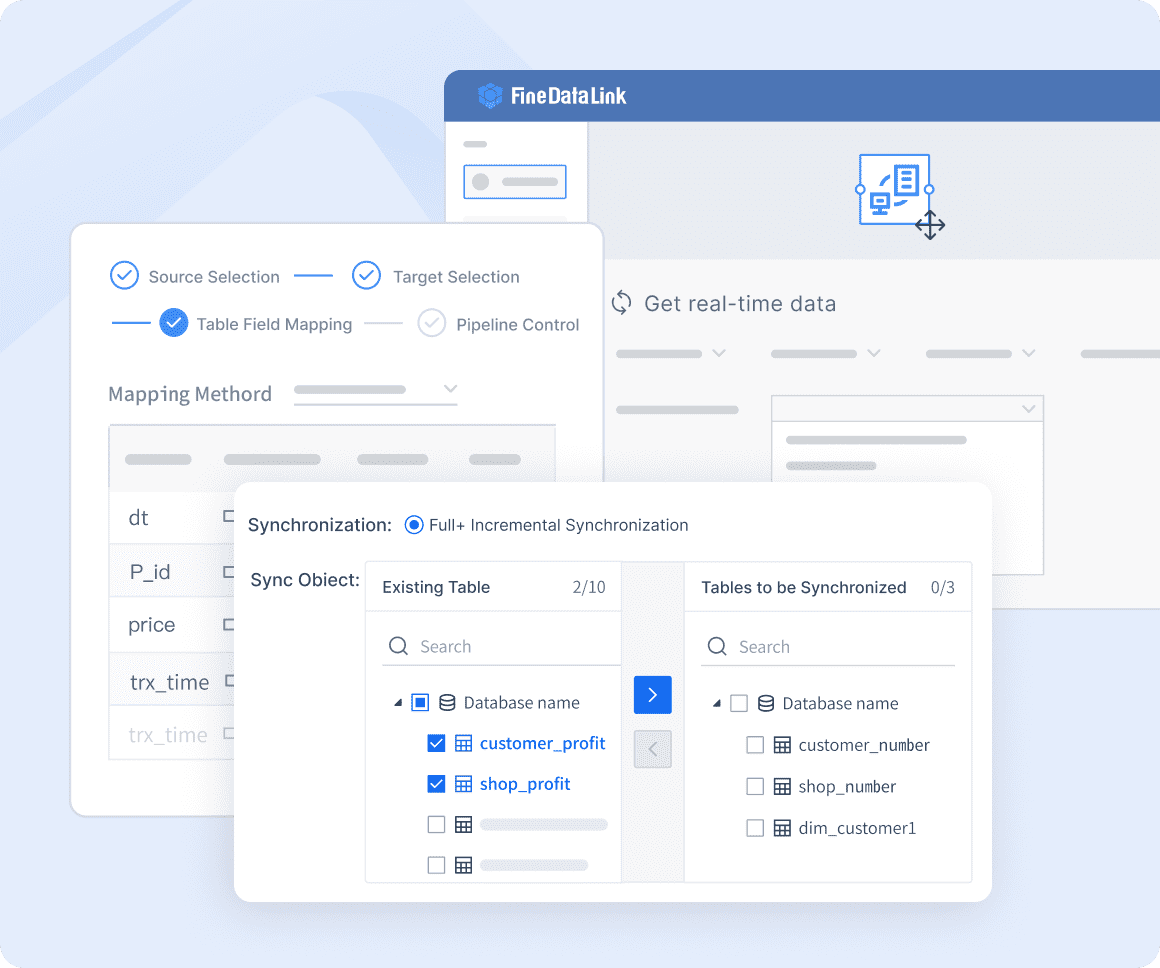 Real-time Data Integration
 Website:
  Website:
  Website:
  Website:
  Website:
  Website:
  Website:
  Website: