FineReport is an enterprise reporting and analytics platform that helps finance teams turn expense data from multiple systems into fast, customizable, decision-ready reports.
10 best expense management software tools in 2026
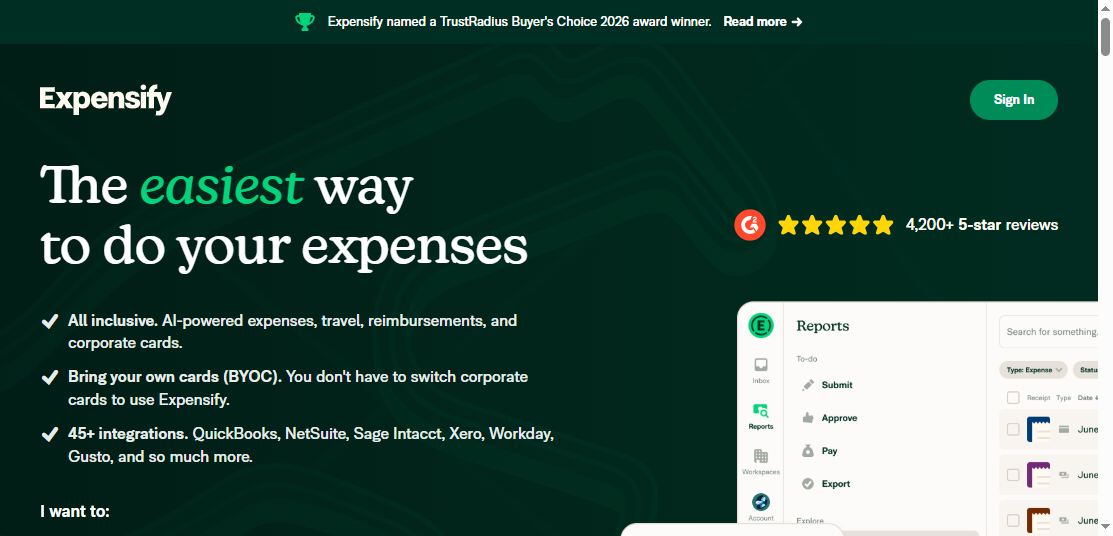
1. Expensify
One-sentence overview: Expensify is one of the most recognizable expense reporting software options for businesses that want fast receipt capture, simple submissions, and efficient employee reimbursements.
Mobile expense submission and email receipt forwarding
Approval workflows and policy controls
Corporate card support and transaction matching
Reimbursement tools and accounting integrations
Mileage and travel expense support
Pros & Cons
Pros
Very easy for employees to learn
Strong receipt capture and quick report creation
Good mobile experience for frequent travelers
Broad ecosystem integrations for accounting workflows
Cons
Advanced configuration may feel limited for highly complex enterprises
Costs can increase as teams add more capabilities
Some organizations may want deeper native spend controls beyond classic expense reporting
Best For (Target user/scenario)
Small and mid-sized businesses
Teams with high volumes of travel and receipt-based reimbursements
Companies prioritizing speed of adoption and user-friendly expense reporting software
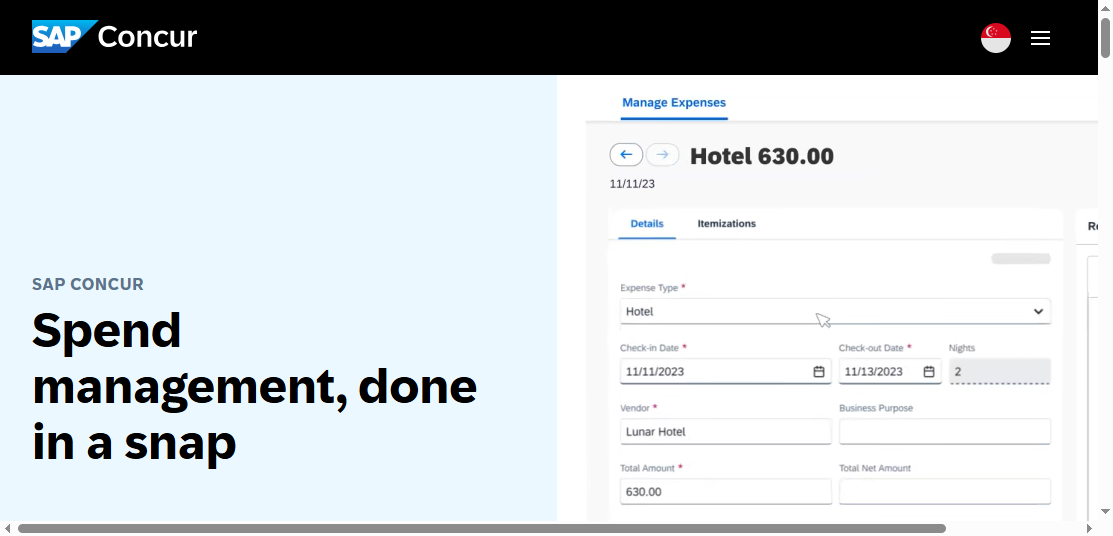
2. SAP Concur
One-sentence overview: SAP Concur is a mature enterprise platform built for organizations that need detailed travel and expense controls, layered approvals, and global compliance support.
Key Features
Integrated travel and expense management
Advanced policy enforcement and audit rules
Multi-level approval workflows
ERP and large-system integrations
Global tax, currency, and compliance capabilities
Detailed reporting and administrative controls
Pros & Cons
Pros
Strong fit for large enterprises with complex policies
Deep travel booking and expense connections
Extensive compliance and approval capabilities
Well-suited for multinational organizations
Cons
Implementation can be lengthy
User experience may feel heavier than newer tools
Pricing is often less transparent than SMB-focused products
Best For (Target user/scenario)
Large enterprises
Global finance teams with strict controls
Businesses that need an expense reporting software platform tightly linked to travel and ERP processes
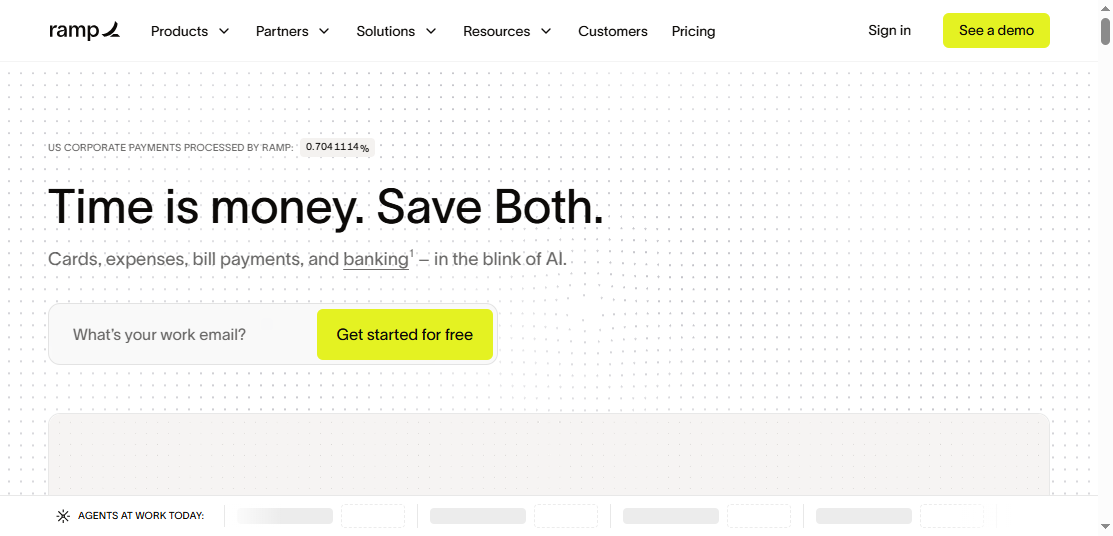
3. Ramp
One-sentence overview: Ramp combines corporate cards, spend controls, automation, and expense reporting in a single platform designed to reduce manual finance work.
Key Features
Corporate cards with built-in controls
Automated receipt collection and transaction matching
Approval workflows and policy-based spend controls
Real-time visibility into card spend
Accounting integrations and automation
Vendor and spend tracking tools
Pros & Cons
Pros
Strong automation for card-first spending environments
Good visibility into company-wide spend
Helps finance teams reduce manual reconciliation
Combines controls and expense workflows in one system
Cons
Best value often depends on adopting the card ecosystem
Less ideal for businesses centered on reimbursement-heavy workflows alone
Some organizations may need more specialized international features
Best For (Target user/scenario)
U.S.-based and fast-scaling companies
Finance teams seeking all-in-one spend management
Businesses that want expense reporting software plus card controls and automation
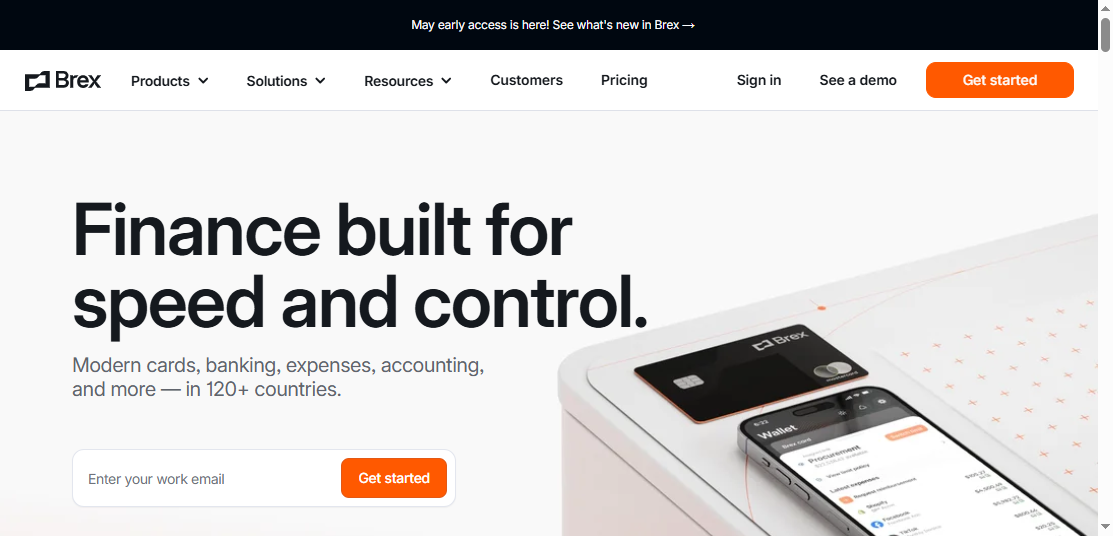
4. Brex
One-sentence overview: Brex is a spend management platform aimed at startups and growing companies that need cards, reimbursements, approvals, and cross-border support in one place.
Key Features
Corporate cards and virtual cards
Expense reimbursements and receipt capture
Policy controls and approval routing
Multi-entity and international spend support
Accounting and ERP integrations
Real-time spend visibility
Pros & Cons
Pros
Strong fit for startups and growth-stage companies
Good support for distributed and global teams
Combines cards and expense workflows effectively
Modern interface with strong finance controls
Cons
Product fit varies depending on geography and eligibility
May be more platform than very small businesses need
Some organizations may prefer deeper standalone expense specialization
Best For (Target user/scenario)
Startups and venture-backed businesses
Fast-growing teams with global spending needs
Companies seeking modern expense reporting software within a broader spend platform
5. Zoho Expense
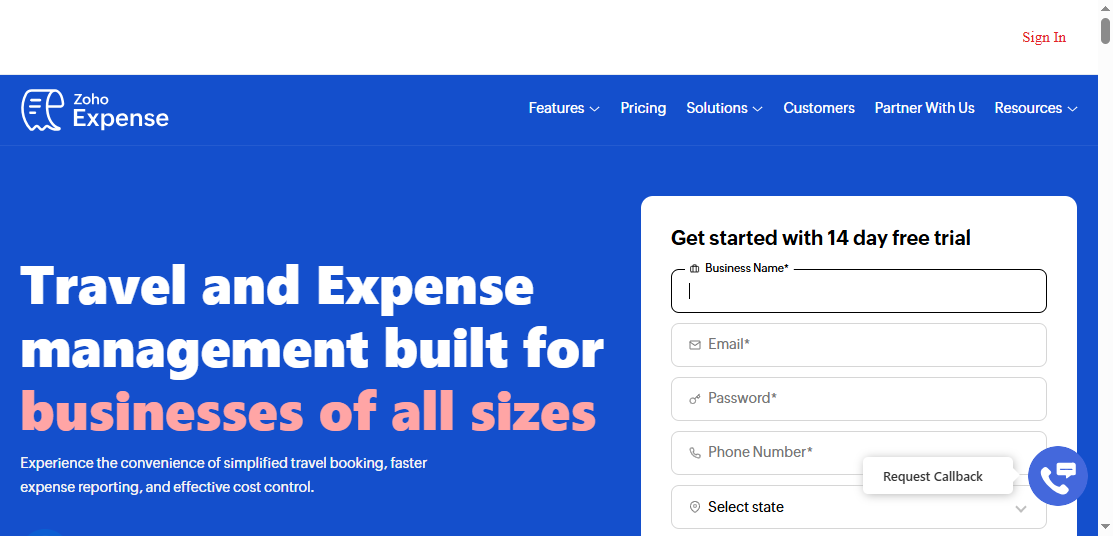
One-sentence overview: Zoho Expense is a budget-friendly expense reporting software solution that offers solid mobile tools, receipt capture, and policy enforcement for growing businesses.
Key Features
Receipt scanning and auto-extraction
Mileage tracking and travel expense logging
Multi-stage approvals
Policy checks and fraud flags
Integration with Zoho apps and accounting platforms
Mobile app for submitting and approving expenses
Pros & Cons
Pros
Competitive pricing for small businesses
Strong mobile usability
Good balance of features and simplicity
Especially attractive for teams already using Zoho products
Cons
Enterprise-grade complexity may require a more advanced platform
Some integrations and custom workflows may be less robust than larger competitors
One-sentence overview: Emburse Spend focuses on flexible spend controls, configurable approvals, and expense workflow management for organizations that need more policy precision.
Key Features
Spend controls and budget management
Receipt capture and expense submission
Custom approval chains
Card and transaction management
Integration with accounting and finance systems
Administrative oversight and spend visibility
Pros & Cons
Pros
Flexible configuration for finance-led controls
Strong workflow management capabilities
Useful for organizations with department-level policies
Supports tighter oversight of employee spend
Cons
Interface and setup may feel more admin-oriented than employee-friendly
Best-fit value may depend on organization size and complexity
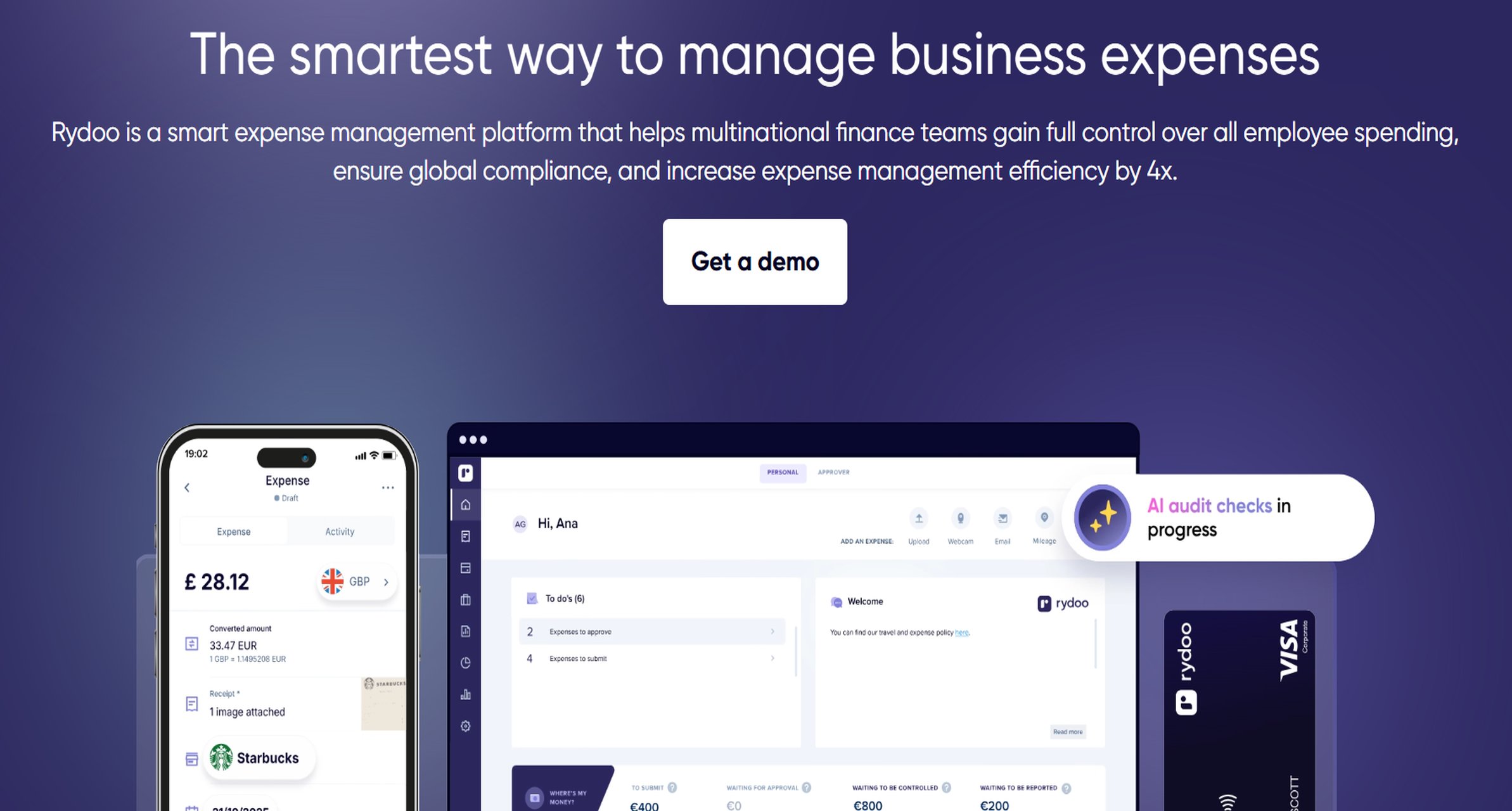
One-sentence overview: Rydoo is an expense management tool designed for fast submissions, travel-heavy teams, and employees who need a simple way to report expenses on the go.
Key Features
Mobile-first receipt capture
OCR for expense entry
Travel expense management
Approval workflows
Per diem and mileage support
Integrations with finance and HR systems
Pros & Cons
Pros
Fast and intuitive employee submission experience
Good fit for travel-related expenses
Mobile capabilities are a core strength
Helps reduce delays in report completion
Cons
Broader spend management scope may be narrower than all-in-one platforms
Some larger enterprises may want deeper procurement or AP features
Advanced analytics may not match dedicated BI tools
Best For (Target user/scenario)
Travel-heavy teams
Businesses prioritizing ease of expense submission
Companies seeking expense reporting software with strong mobile usability
8. Airbase
One-sentence overview: Airbase brings together expense management, bill pay, approvals, and card-based spend controls for finance teams that want a more unified back-office process.
Key Features
Expense management and employee reimbursements
Corporate cards and spend controls
Bill payments and approval workflows
Accounting automation and ERP integrations
Real-time spend visibility
Multi-workflow finance operations support
Pros & Cons
Pros
Strong all-in-one finance operations approach
Good for reducing tool sprawl
Helpful for centralizing spend approvals
Solid fit for finance teams managing both expenses and payables
Cons
May be more than companies need if they only want simple expense reporting
Setup can require coordination across finance processes
Pricing and packaging may better suit mid-market companies than very small teams
Best For (Target user/scenario)
Mid-sized finance teams
Businesses wanting one platform for expenses, approvals, and bill pay
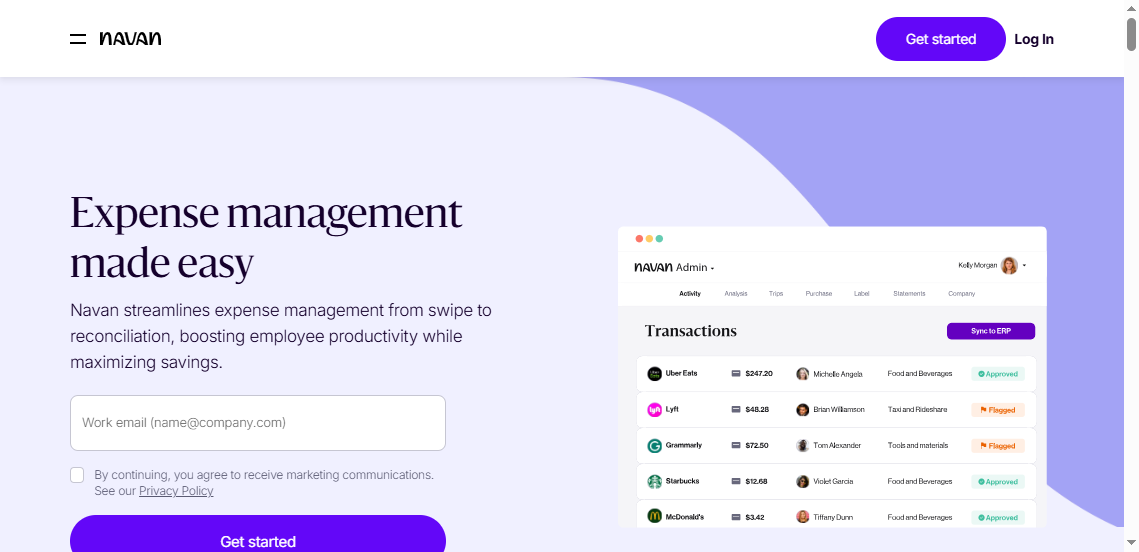
One-sentence overview: Navan is a travel and expense platform built for companies that want employees to book business travel and manage expense reporting in a connected workflow.
Key Features
Integrated travel booking and expense capture
Corporate card and payment options
Automated policy checks
Receipt matching and mobile expense tools
Approval workflows
Spend and travel visibility dashboards
Pros & Cons
Pros
Strong alignment between travel booking and expense reporting
Convenient for companies with frequent business travel
Helps reduce disconnected T&E processes
Modern user experience
Cons
Best value is strongest when travel use is significant
Less compelling for businesses with minimal travel spend
Some organizations may prefer standalone expense reporting software if travel is not core
Best For (Target user/scenario)
Companies with frequent employee travel
Teams wanting unified travel and expense operations
One-sentence overview: Sage’s expense solution is a practical option for businesses that want expense workflows connected to broader accounting and finance operations, especially within the Sage ecosystem.
Key Features
Expense capture and report submission
Approval workflows and reimbursement support
Integration with Sage finance tools
Policy enforcement and audit trail support
Mobile access for employees and managers
Reporting for finance visibility
Pros & Cons
Pros
Good fit for organizations already using Sage products
Familiar path for finance teams standardizing on Sage
Cons
May be less attractive for businesses outside the Sage ecosystem
Feature breadth can depend on selected Sage products and deployment model
UI and flexibility may differ from newer specialist vendors
Best For (Target user/scenario)
Sage customers
Businesses wanting connected accounting and expense processes
Teams seeking expense reporting software that aligns with existing finance infrastructure
Why expense reporting software matters in 2026
Finance teams in 2026 expect more than digital receipt storage. Modern expense reporting software is now expected to reduce manual review, shorten reimbursement cycles, improve policy compliance, and give finance leaders clearer visibility into company spending.
For employees, the baseline expectation is simple: snap a receipt, submit from mobile, and get reimbursed quickly. For managers, the priority is faster approvals with fewer back-and-forth questions. For finance teams, the goal is stronger control without creating friction for the business.
That is why automation matters so much. OCR helps convert receipts into structured data. Policy engines flag out-of-policy items before they reach accounting. Automated routing shortens approval cycles. Connected reimbursement workflows reduce delays and errors. These capabilities directly affect accuracy, employee satisfaction, and month-end close speed.
It is also important to distinguish between basic expense tracking and full spend management platforms. Basic tools focus on receipt capture, expense reports, approvals, and reimbursements. Full spend management platforms go further by adding corporate cards, bill pay, procurement, travel booking, vendor controls, and broader spend analytics. Many buyers searching for expense reporting software in 2026 are really deciding between these two categories.
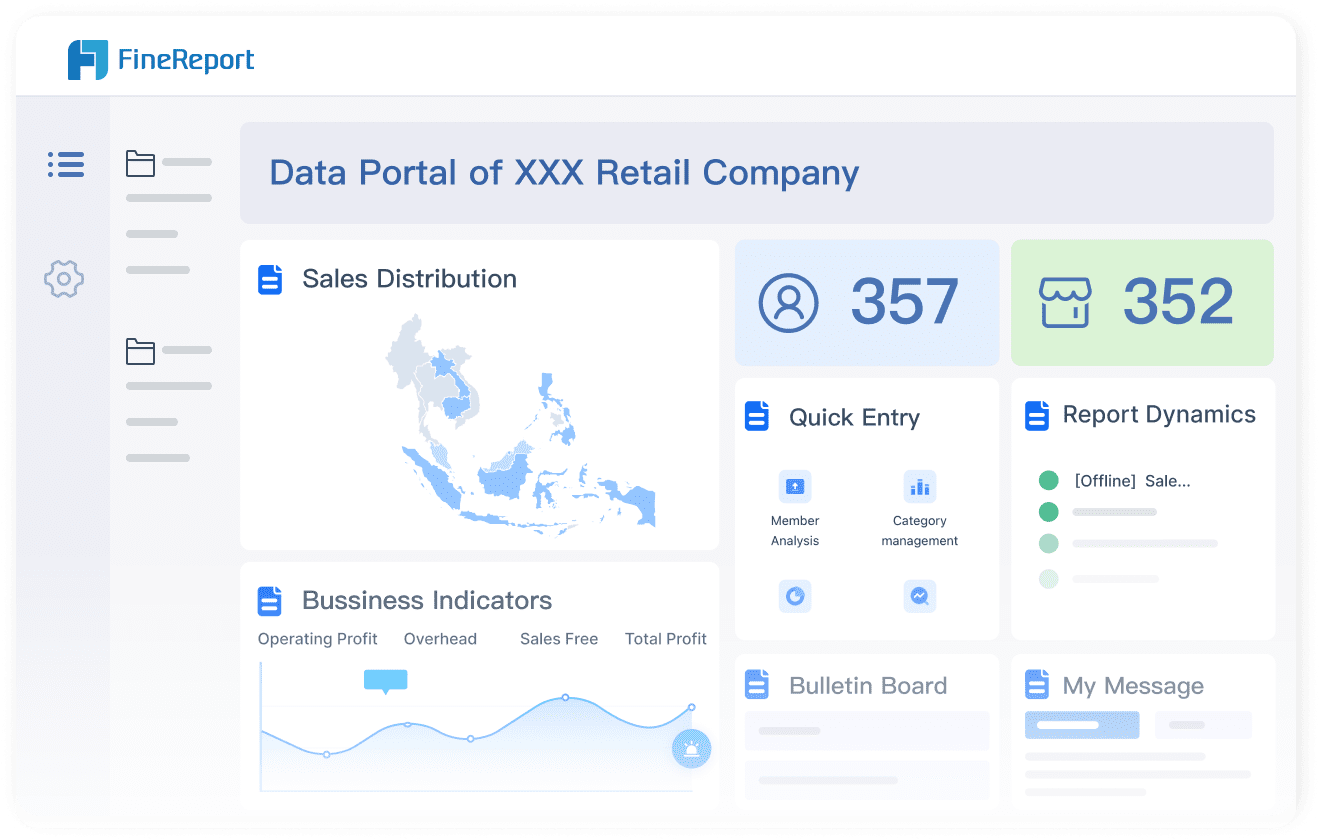
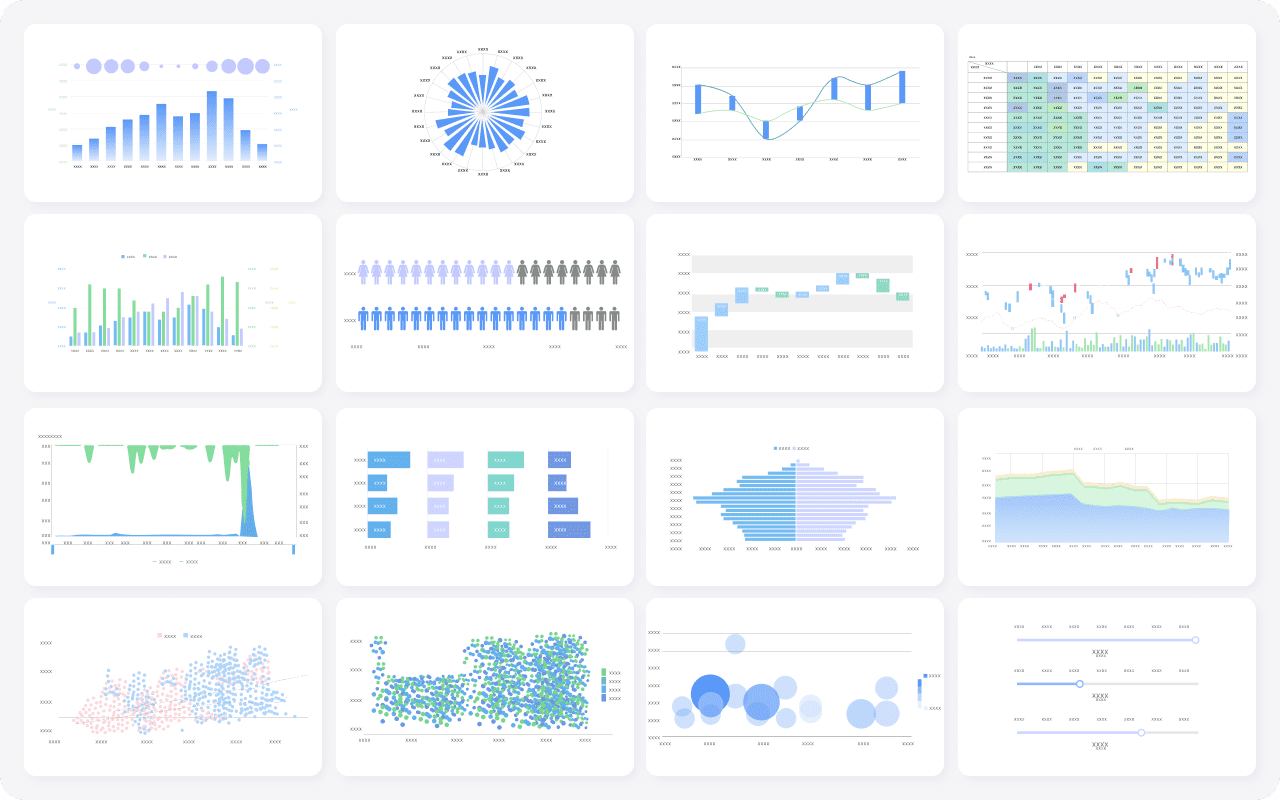
For companies that want better reporting after expense data is collected, tools like FineReport can add another layer of value. FineReport helps finance teams consolidate expense data from ERP, accounting, HR, and spend platforms into dashboards and pixel-perfect reports, which is especially useful when native reporting inside an expense app is not enough.
How we evaluated the best expense reporting software
To identify the best expense reporting software options in 2026, we focused on the factors that most directly affect adoption, finance efficiency, and long-term fit.
Core criteria we used
Ease of use: Can employees submit expenses quickly without training-heavy workflows?
Receipt capture: How well does the platform handle OCR, mobile uploads, forwarded receipts, and transaction matching?
Approval workflows: Does it support flexible routing, policy checks, and manager visibility?
Integrations: Can it connect to accounting systems, ERP platforms, payroll tools, travel systems, and corporate cards?
Reporting: Does it provide useful spend visibility, audit trails, and export-ready reporting?
Mobile experience: Can users submit, review, and approve expenses effectively from mobile devices?
Pricing transparency: Is it reasonably easy for buyers to understand packaging and expected costs?
What buyers should compare by company size
Small businesses usually need quick deployment, intuitive workflows, low admin overhead, and predictable pricing. Overbuying is a real risk in this segment.
Mid-sized companies often need a balance of usability and control. They may require accounting integrations, policy customization, multi-step approvals, and department-level reporting.
Global teams and enterprises usually prioritize compliance, tax handling, currency support, audit readiness, ERP integration, and scalable approval structures across entities or regions.
How pros, cons, and best-fit use cases were weighed
A tool can be excellent and still be the wrong fit. That is why each product in this list is evaluated not only on features, but also on where it works best. We weighed:
Day-to-day employee experience
Depth of finance controls
Reporting quality
Scalability
Ecosystem fit
Complexity relative to business size
This approach helps buyers choose the right expense reporting software based on operational reality, not just feature checklists.
For small businesses, the best expense reporting software usually combines fast setup, intuitive receipt capture, and affordable pricing.
Top fits:
Zoho Expense for value-conscious teams that still want mobile tools and policy controls
Expensify for easy receipt capture and quick employee reimbursement workflows
Rydoo for simple mobile submissions, especially for teams with regular travel
Small teams should usually prioritize ease of adoption over advanced customization. If approvals are simple and accounting needs are straightforward, a lightweight tool often delivers the best return.
Best for mid-sized companies
Mid-sized businesses often need stronger controls without sacrificing usability.
Top fits:
Emburse Spend for customizable approvals and policy enforcement
Airbase for combining expenses, approvals, and payable workflows
Ramp for teams that want card-based automation and broad spend visibility
At this stage, integrations become more important. Finance leaders should evaluate whether the platform can support departmental approvals, accounting sync, reimbursement logic, and more detailed reporting as the company grows.
Best for enterprises and global teams
Large organizations need scalability, control, and cross-border readiness.
Top fits:
SAP Concur for mature enterprise travel and expense governance
Brex for fast-growing global teams needing modern spend controls
Navan for enterprises with significant travel volume and connected T&E workflows
For this group, the best expense reporting software is rarely the simplest product. Instead, it is the platform that can maintain compliance, support multiple entities, and standardize approval logic without breaking under complexity.
Best for all-in-one spend management
Some companies no longer want a standalone expense tool. They want a unified system for cards, reimbursements, approvals, accounts payable, and travel.
Top fits:
Ramp
Brex
Airbase
Navan
These tools go beyond classic expense reports. They can be a better long-term fit for finance teams trying to centralize spend operations and reduce the number of disconnected point solutions.
Click To Try The Dashboard
How to choose the right tool for your team
Choosing expense reporting software is less about picking the platform with the longest feature list and more about matching the tool to your finance processes.
Questions to ask before buying
How difficult is implementation?
Which accounting, ERP, payroll, and HR systems need to integrate?
Do employees mostly submit reimbursements, or does the company mainly use corporate cards?
How complex are approval chains?
How important are travel booking and travel policy controls?
Does the business need global reimbursements, tax handling, or multi-currency support?
How much customization is necessary for policy enforcement?
What reporting gaps will remain after implementation?
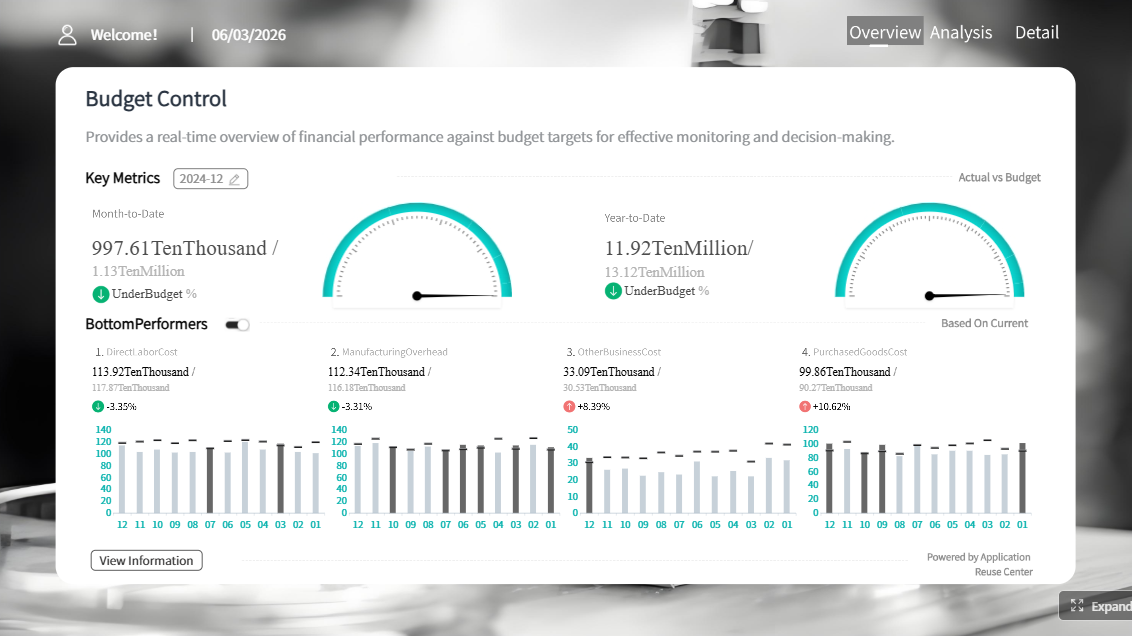
That last question matters more than many teams realize. Native dashboards in expense reporting software are useful, but finance teams often outgrow them. If executives need consolidated reporting across expenses, AP, procurement, projects, and ERP data, a reporting platform like FineReport can help close that gap. It allows teams to build custom financial reports and dashboards on top of transactional systems without being limited to one vendor’s default templates.
Common trade-offs to expect
Usability vs. control:
The easiest tools for employees are not always the most configurable for finance teams.
Customization vs. speed:
Highly flexible enterprise systems may take longer to deploy and maintain.
Reporting depth vs. workflow simplicity:
Some tools excel at submission and approvals but offer limited analytics compared with broader BI platforms.
Standalone expense tools vs. all-in-one spend platforms:
Standalone tools may be easier to adopt, while broader platforms can deliver better long-term control and consolidation.
Lower cost vs. broader capability:
Budget-friendly platforms can be excellent for simple workflows, but may require switching later if complexity increases.
Final tips for narrowing down the best-fit platform
Match the product to your dominant workflow: reimbursements, card spend, travel, or all-in-one spend management.
Shortlist tools based on company size and finance complexity, not just brand recognition.
Test the employee mobile experience early, because adoption often rises or falls there.
Confirm how policy violations, duplicate receipts, and exceptions are handled.
Think ahead about reporting needs beyond expense submission and approvals.
The best expense reporting software in 2026 is the one that improves compliance, reduces manual work, and fits naturally into the way your company already spends and reports money. For many businesses, that will be a specialized expense tool like Expensify or Zoho Expense. For others, it will be a broader platform like Ramp, Brex, Airbase, or Navan. And for finance teams that need stronger reporting across all spend data, pairing an expense system with FineReport can create a much more complete finance reporting stack.
FAQs
Expense reporting software helps businesses capture receipts, track employee spending, route approvals, enforce policies, and reimburse employees faster. Many tools also sync expense data with accounting, payroll, or ERP systems.
Start with your company size, spending model, and workflow complexity. Small teams often prioritize ease of use and pricing, while larger or global organizations usually need stronger approvals, compliance controls, and deeper integrations.
The most important features usually include receipt scanning, mobile submission, approval workflows, policy enforcement, reimbursements, and integrations with accounting systems. If your team travels often, mileage tracking and travel expense support are also valuable.
Expense reporting software mainly focuses on submitting, approving, and reimbursing employee expenses. Spend management software typically goes further by adding corporate cards, real-time spend controls, budget visibility, and broader finance automation.
Small businesses often prefer tools like Expensify or Zoho Expense for affordability and quick setup. Enterprises usually look at platforms such as SAP Concur when they need advanced approvals, policy controls, and global compliance support.
Product Trial
FineReport
Pixel-perfect reports · Interactive dashboards · Easy data entry · Digital twins