Enterprise BI and AI initiatives fail quietly when data quality breaks first. A dashboard can look polished while showing stale revenue, duplicated customers, or misclassified transactions. Forecasting models can drift because upstream schemas changed. Automation can trigger the wrong action because a key field was incomplete. For IT leaders, that is why choosing the right data quality management tools is no longer a side project. It is a core platform decision.
The challenge is bigger now because enterprises are not only serving dashboards to analysts. They are also supporting self-service analytics, governed KPIs, and AI-assisted workflows. With FineBI + Dora, business users can ask for analysis in chat, generate chart-based answers or dashboard-style views from trusted BI assets, and receive scheduled summaries before the next meeting. But that only works at enterprise scale when the underlying data is monitored, governed, and consistently trusted.
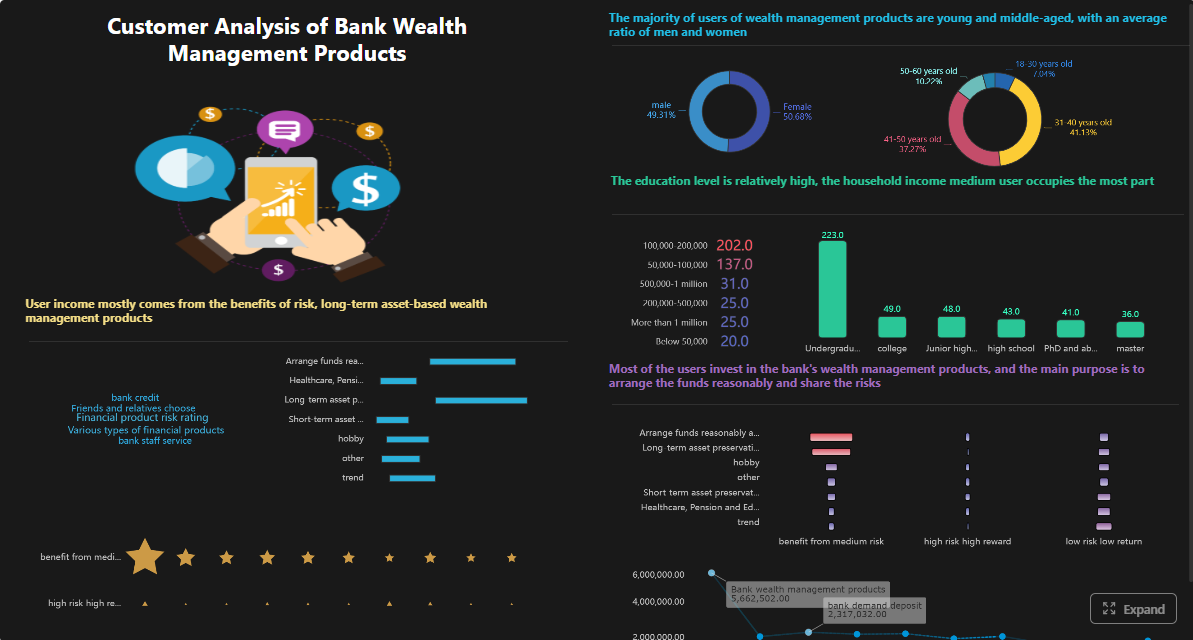 Click To Try The Dashboard
All dashboards in this article are built with FineBI
Why data quality management tools matter for enterprise BI and AI
Poor data quality does not stay isolated in a warehouse table. It spreads downstream into executive dashboards, operational reports, planning models, and AI outputs.
For enterprise BI, unreliable data leads to familiar but costly failures:
- KPI disputes in leadership meetings
- inconsistent numbers across reports
- slow manual reconciliation by analysts
- reduced adoption of self-service dashboards
- low confidence in planning and forecasting
For AI, the risks multiply:
- bad training or inference inputs
- unreliable summaries and recommendations
- false anomaly alerts
- automation errors in business workflows
- lower trust in AI assistants and digital employees
This is especially important when an enterprise wants to move from passive reporting to Agentic BI. FineBI provides the trusted dashboard, metric, and semantic foundation. Dora adds the AI assistant layer that can retrieve metrics, answer questions in natural language, generate chart-based answers, push summaries, and follow up on exceptions. If source data quality is weak, AI does not solve that weakness. It amplifies it.
Business risks from poor data quality usually show up in three forms:
- Rework: engineering, analytics, and operations teams spend time fixing incidents instead of improving the platform.
- Compliance exposure: inconsistent customer, financial, or operational records can create audit and regulatory risk.
- Loss of trust: once leaders stop trusting dashboards, they return to spreadsheets, side calculations, and manual requests.
That is why IT and data leaders need a structured buying process for data quality management tools rather than selecting tools ad hoc based on a demo, one team’s preference, or a market list. The right choice must support current BI accuracy and future AI readiness.
Define your enterprise requirements before comparing vendors
Many tool evaluations fail because teams compare feature lists before agreeing on what business problem they are solving. A better process starts with requirements, ownership, and measurable outcomes.
Map priority use cases across BI, analytics, and AI
Start by identifying where data quality issues cause the highest business impact. Do not treat all datasets as equally important.
Typical enterprise priorities include:
- revenue and margin reporting
- order, inventory, and fulfillment tracking
- financial close and management reporting
- customer master data consistency
- compliance reporting
- AI-ready datasets for forecasting, recommendations, or exception handling
Separate your needs across four major categories:
- Reporting accuracy: Are the numbers in dashboards complete, timely, and consistent?
- Master data consistency: Are customer, product, supplier, or account records standardized across systems?
- Pipeline reliability: Are freshness, schema, volume, and transformation issues detected early?
- AI readiness: Are trusted definitions, semantic mapping, and governed access strong enough to support AI assistants and digital employees?
In a FineBI environment, reporting accuracy and governed metrics are foundational. In a FineBI + Dora environment, AI readiness becomes equally important because Dora relies on trusted BI assets, KPI definitions, permissions, and semantic rules to deliver controlled, useful answers.
Align stakeholders, ownership, and governance needs
A data quality tool is not just a technical utility. It sits inside an operating model.
Before comparing vendors, clarify:
- who defines business rules
- who owns datasets and KPIs
- who investigates incidents
- who approves rule changes
- who receives escalations
- who can see what data
- which teams need auditability and evidence
Most enterprises need alignment across:
- IT: platform standards, security, deployment, access control
- Data engineering: pipeline checks, remediation workflows, integration effort
- Analytics/BI: metric consistency, dashboard trust, semantic definitions
- Governance/compliance: policy enforcement, lineage, audit trails
- Business teams: usability, alert relevance, operational ownership
This matters even more when AI is introduced. Dora should not be treated as a generic chatbot that bypasses controls. It should work as an enterprise Data Agent on top of governed BI and enterprise data assets. That means your tool and operating model should support permission boundaries, KPI governance, and approved workflows.
Set technical and operational evaluation criteria
Once use cases and ownership are clear, define how you will evaluate options.
Your technical criteria may include:
- data volume and dataset count
- batch, scheduled, or streaming latency requirements
- cloud, on-premises, hybrid, or multi-cloud deployment
- support for warehouses, lakes, ETL/ELT, catalogs, and orchestration tools
- API and webhook support
- security, encryption, and audit requirements
- metadata and lineage integration
- rule management flexibility
- alert routing and ticketing integration
Your operational criteria should include:
- time to implement first production checks
- ease of rule creation and maintenance
- incident triage workflow
- false positive management
- collaboration between engineering and business owners
- training burden
- support model and vendor maturity
Define success metrics early, such as:
- fewer recurring data incidents
- faster time to detect issues
- faster time to resolution
- improved dashboard trust
- lower analyst rework
- better readiness for self-service analytics and AI workflows
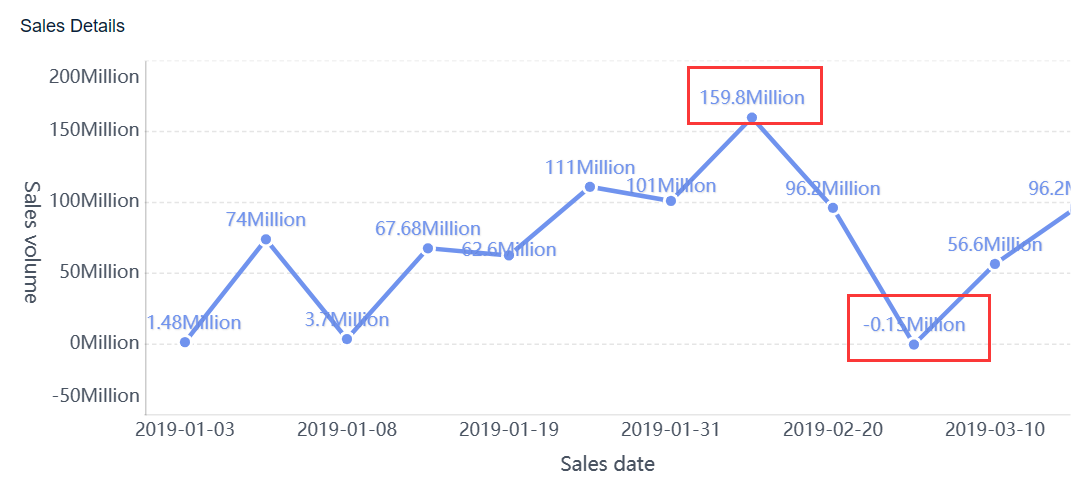
Core capabilities to look for in data quality tools and solutions
Not every enterprise needs the same product depth, but most should evaluate capabilities across monitoring, remediation, integration, and governance.
Data profiling, monitoring, and anomaly detection
Strong data quality management tools should help teams understand what “normal” looks like and detect deviations early.
Look for support for:
- automated profiling
- freshness and timeliness checks
- volume and distribution monitoring
- schema validation
- null, duplicate, and uniqueness checks
- trend-based anomaly detection
- upstream and downstream impact visibility
The key question is not only whether a tool can flag bad data, but whether it can catch issues before they distort dashboards or AI workflows.
KPI areas to validate in BI and AI scenarios
Below are the practical KPI categories IT leaders should test when evaluating a solution.
-
Data freshness: How current a dataset is compared with the required reporting schedule.
Business value: Prevents stale dashboards, delayed decisions, and outdated AI summaries.
AI use: Dora can retrieve freshness status through chat, warn users when a source is outdated, and include freshness exceptions in scheduled briefings. -
Completeness: Whether required records and fields are present.
Business value: Reduces inaccurate reporting, broken segmentation, and incomplete operational actions.
AI use: Dora can surface missing-field risks in a chart-based answer and notify responsible owners when thresholds are breached. -
Consistency: Whether the same business entity or metric aligns across systems and reports.
Business value: Prevents disputes over KPI values and improves trust in executive dashboards.
AI use: Dora can compare governed KPI definitions from FineBI semantic assets and explain which source or rule is being used. -
Accuracy: Whether values reflect real-world business truth.
Business value: Supports reliable finance, operations, and sales decisions.
AI use: Dora can help users investigate suspicious deviations by retrieving trusted FineBI analysis views and summarizing likely causes. -
Uniqueness: Whether duplicate records are controlled.
Business value: Protects customer, product, and transaction reporting from double counting.
AI use: Dora can alert users when duplicate-driven KPI distortion affects dashboard outputs or operational summaries. -
Validity: Whether data conforms to allowed formats, ranges, and business rules.
Business value: Improves downstream processing and reduces manual cleansing.
AI use: Dora can include rule violations in exception digests and route issues to designated owners.
Rule management, remediation workflows, and collaboration
Detection alone is not enough. Good tools should also support how teams respond.
Evaluate whether the platform allows teams to:
- define reusable business and technical rules
- organize rules by domain, dataset, or criticality
- assign incident ownership
- manage exception approvals
- route alerts to the right teams
- track status and resolution history
- document root cause and corrective action
Cross-functional accountability matters here. A pipeline issue may belong to engineering, but a business threshold may need input from finance or operations. Tools that support collaboration reduce the gap between detection and business response.
In a FineBI deployment, this collaboration supports more trusted dashboards. In a FineBI + Dora deployment, it also improves AI outcomes because Dora can reference governed metrics and known issue states rather than relying on ambiguous data.
Integration, scalability, and support for modern data stacks
The best tool on paper can still fail if it does not fit your architecture.
Review support for:
- cloud warehouses
- lakehouse environments
- relational databases
- ETL and ELT pipelines
- orchestration platforms
- data catalogs and lineage systems
- ticketing and messaging tools
- hybrid and multi-cloud deployments
Also confirm performance at enterprise scale. Ask practical questions:
- How many datasets can be monitored without excessive tuning?
- What is the operational overhead?
- Can the platform support multiple business domains?
- How well does it handle changing schemas and new pipelines?
- Is deployment flexible enough for regulated environments?
AI augmentation, observability, and governance support
This is where many evaluations become too shallow. AI features can help, but they should improve efficiency without weakening control.
Look for:
- intelligent rule suggestions
- anomaly prioritization
- metadata-aware diagnostics
- root-cause support
- lineage-aware impact analysis
- auditable workflows
- role-based permissions
- semantic and business glossary alignment
For enterprises planning AI-driven analytics, these capabilities matter because they connect data quality to governed AI execution.
FineBI provides the trusted metric, dashboard, and semantic layer. Dora extends that foundation into a governed AI workflow. It can retrieve trusted BI assets, interpret KPI definitions and business terms, generate chart-based answers, push scheduled updates, and support follow-up. That is very different from a raw prompt-only agent that lacks stable business context, permissions, and reusable Skills.
How to compare vendors and narrow your shortlist
A disciplined shortlist process saves time and reduces the risk of buying a tool that looks strong in demos but struggles in production.
Build a practical scoring framework
Create a weighted model based on business impact, implementation effort, and total cost of ownership.
A simple scoring framework may include:
- monitoring and anomaly detection capability
- rule creation and lifecycle management
- remediation workflow support
- integration fit
- security and governance alignment
- scalability
- usability for technical and non-technical users
- reporting and auditability
- AI support and metadata awareness
- implementation effort and support quality
Weight criteria based on your actual priorities. If you are trying to improve trust in executive dashboards quickly, usability and BI alignment may matter more than feature breadth. If AI readiness is strategic, governance and semantic integration should score higher.
Use proof-based scoring. Require vendors to demonstrate your scenarios with your data patterns where possible.
Compare open source, commercial, and hybrid options
Different operating models justify different approaches.
- Open source can offer flexibility and lower license cost, but often needs more engineering effort for maintenance, packaging, workflow design, and support.
- Commercial tools may provide faster deployment, stronger enterprise support, and packaged collaboration or observability workflows.
- Hybrid approaches can work when a team wants engineering control in some layers and commercial support in others.
The right choice depends on your team capacity, control requirements, and time to value. Many enterprises underestimate the operational burden of stitching together multiple tools.
This same principle applies to BI and AI. FineBI builds the trusted analytics foundation. Dora adds a practical AI assistant layer on top of governed assets. That combination often lands better than disconnected experiments because it links data, metrics, permissions, and business workflows in one controllable path.
Use peer feedback, reviews, and market roundups carefully
Reviews, forums, and annual tool lists are useful inputs, but they should not decide the purchase.
Use them to identify:
- recurring integration concerns
- support quality patterns
- deployment tradeoffs
- common fit by team maturity or architecture
Then validate those findings through:
- hands-on testing
- reference calls
- architecture reviews
- incident workflow walkthroughs
- security assessment
A tool may rank highly in public content yet still fit poorly with your governance model, enterprise architecture, or AI roadmap.
Run a proof of value before full rollout
A proof of value is where many buying decisions become clear. It should test real workflows, not a sanitized demo environment.
Design a pilot around real data quality problems
Pick critical datasets and realistic failure scenarios, such as:
- stale revenue data feeding executive dashboards
- schema drift breaking a finance report
- duplicate customer records affecting segmentation
- missing operational events causing fulfillment gaps
- threshold breaches that should trigger business alerts
Measure:
- detection accuracy
- false positive rate
- ease of rule creation
- remediation workflow usability
- integration effort
- alert usefulness
- response speed
- fit with existing governance controls
If your future-state architecture includes AI, the pilot should also test whether trusted BI outputs can support governed AI workflows.
How an AI Data Agent Handles This Scenario
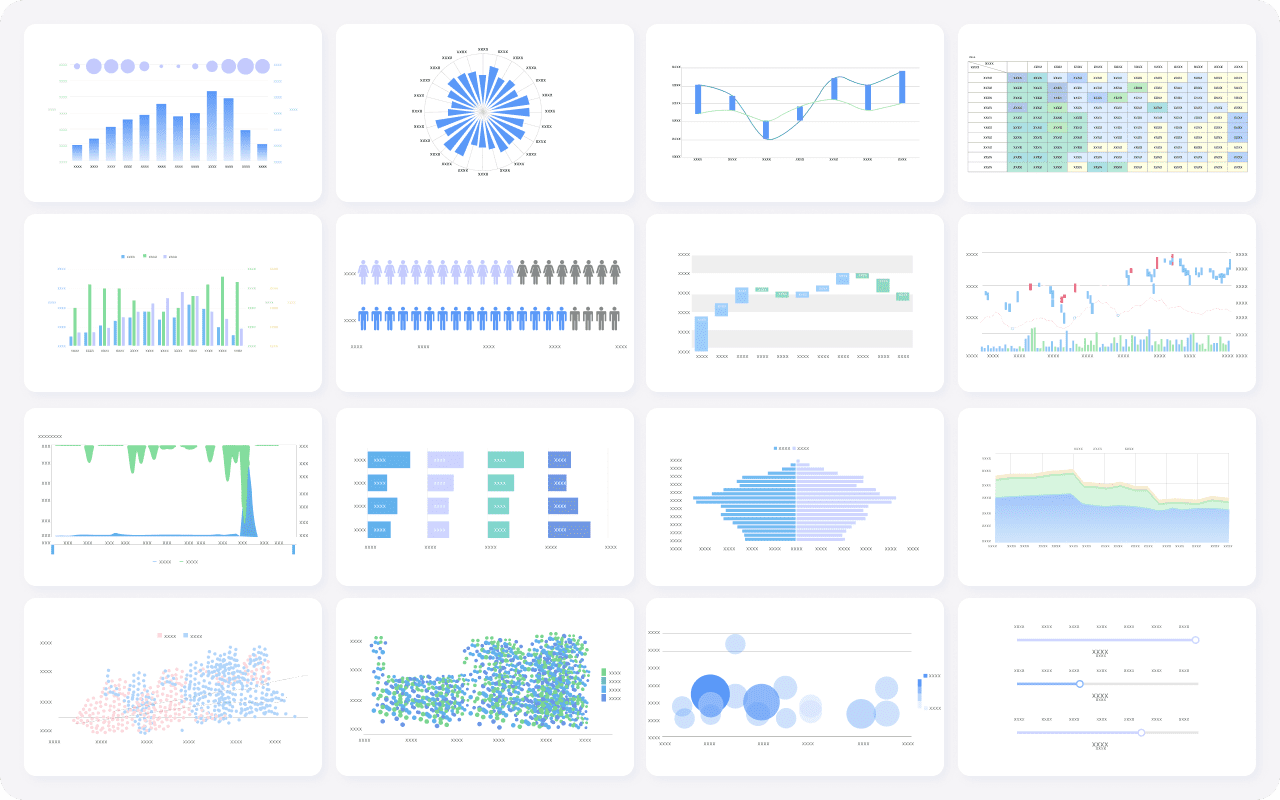
For IT leaders evaluating enterprise readiness, the most relevant Dora digital employee here is the Risk Alert Officer, supported by the Data Analyst digital employee for follow-up analysis.
The scenario is practical: a critical KPI dashboard in FineBI shows a sudden drop in order completion rate. Instead of waiting for analysts to inspect multiple reports manually, Dora can use governed BI assets and enterprise rules to help the team respond faster.
Example chat query:
“Show me today’s order completion rate issue, compare it with the last 7 days, identify affected regions, and summarize possible data quality or operational causes.”
Here is how the governed AI workflow works:
-
Retrieve trusted FineBI assets.
Dora accesses the relevant FineBI dashboard, analysis subject, or metric model rather than guessing from raw text alone. -
Interpret semantic rules and KPI definitions.
Dora understands governed metric definitions, filter logic, business terms, and permission rules defined in FineBI. -
Generate a chart-based answer or dashboard-style analysis view.
The user receives a structured answer in chat, with trend comparison, breakdown by region, and cited data source context. -
Check for abnormalities or threshold breaches.
If the completion rate deviates beyond expected thresholds, Dora can support anomaly review and highlight suspicious upstream indicators such as freshness gaps or unusual record drops. -
Push alerts and suggested follow-up.
Dora can notify the responsible operations or data owner, provide a concise summary, and route the issue into the team’s workflow. -
Produce a management-ready summary.
Before the next meeting, Dora can generate a scheduled update explaining status, likely causes, and next actions.
This is where FineBI + Dora becomes more than dashboard delivery. FineBI provides the trusted BI and semantic foundation. Dora turns that foundation into a scenario-specific enterprise Data Agent that helps users ask, analyze, generate, push, alert, and follow up.
For IT teams, the value is not just convenience. It is control. Dora uses governed AI workflows and reusable Skills, making execution more auditable and stable than raw prompt-only agents. For business users, the value is lower friction: they get timely answers, summaries, and exception pushes without searching across dashboards or waiting for custom analysis.
Define rollout, adoption, and operating model expectations
A successful rollout needs more than installation.
Plan for:
- rule ownership by domain
- incident triage model
- training for engineering and analytics users
- executive reporting on quality health
- lifecycle management for rules and thresholds
- permission governance for BI and AI outputs
- phased expansion from high-value datasets to broader coverage
If FineBI and Dora are part of your roadmap, define how data quality status will feed the semantic layer, dashboard trust model, and AI workflow design. That creates a stronger enterprise landing path than treating quality, BI, and AI as separate workstreams.
Common buying mistakes and how IT leaders can avoid them
Several mistakes appear repeatedly in enterprise tool selection.
- Choosing based on feature breadth alone: A long list of capabilities means little if daily operation is confusing or maintenance-heavy.
- Ignoring ownership and stewardship: Tools do not solve unresolved governance questions. Someone must own rules, exceptions, and escalations.
- Underestimating integration complexity: Data quality often spans multiple systems, teams, and workflows. Hidden integration effort can erase expected ROI.
- Buying only for current reporting needs: A tool may support dashboard trust today but still fall short for future AI readiness, semantic governance, and controlled automation.
- Treating AI as a shortcut: AI augmentation is useful, but it cannot replace data quality discipline, KPI governance, and permission controls.
- Failing to test business usability: If alerts are noisy or outputs are hard to interpret, adoption will stall even if the technology is capable.
Actionable Best Practices
To improve your buying process and implementation success, use these practical best practices.
1. Standardize KPI definitions, synonyms, filters, and metric ownership
Data quality issues often look like technical failures when the real problem is inconsistent business meaning. Define KPI logic, naming, and ownership before scaling monitoring and AI use.
2. Build a semantic layer inside the BI workflow
A governed semantic layer helps analytics teams, business users, and AI assistants work from the same definitions. FineBI is especially valuable here because it provides trusted dashboards, metric modeling, and semantic assets that Dora can use later for controlled AI interaction.
3. Treat data quality as part of AI implementation
If you plan to introduce an AI assistant or digital employee, do not wait until later to address trust. Dora works best when the BI foundation is governed, data quality signals are visible, and permissions are clear.
4. Start with recurring, high-value workflows
Do not automate everything at once. Focus first on scenarios such as executive KPI briefings, finance exception monitoring, order risk alerts, or report reconciliation. These are easier to measure and more likely to land.
5. Preserve permission governance and use human review where needed
AI outputs should respect FineBI access boundaries. Use human review for AI-generated reports and summaries early on, then gradually expand reusable Skills as confidence and governance maturity improve.
FineBI + Dora Solution Pitch
Building this manually is complex. FineBI helps teams build trusted dashboards, metrics, and semantic assets. Dora turns those assets into an AI assistant that can answer questions in chat, generate dashboard-style analysis views, push scheduled summaries, monitor anomalies, and follow up with responsible owners.
For IT leaders evaluating data quality management tools, this matters because tool choice should support the full chain of trust:
- quality controls on enterprise data
- governed metrics and dashboards in BI
- semantic consistency across business terms
- controlled AI execution for business scenarios
FineBI + Dora is not only a BI upgrade; it is a practical fourth-generation Agentic BI path. FineBI provides governed metrics and visual analysis. Dora provides the AI assistant layer for scenario execution, with more controlled Skills, lower token waste, faster execution paths, and more stable workflows than prompt-only agents.

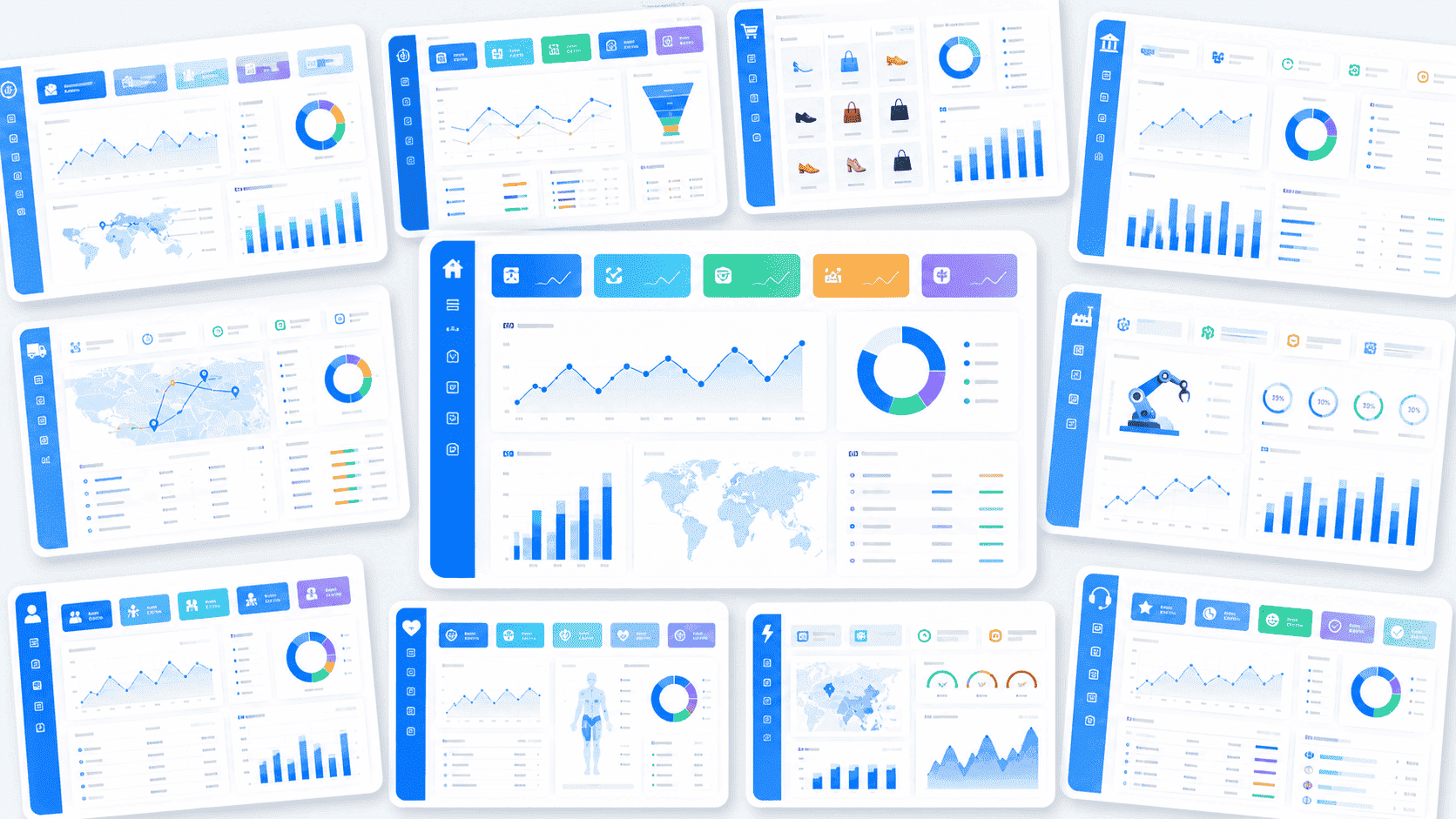
Get Ready-to-Use Dashboard Templates in Fine Gallery
The strongest Dora pitch is scenario + product + service: FineBI provides the trusted BI foundation, Dora provides the AI digital employee, and implementation service connects data, governance, semantic setup, Skills, and rollout.
If your enterprise is choosing data quality tools today, make sure the decision supports not only cleaner pipelines, but also more trusted dashboards and enterprise-ready AI tomorrow.
FAQs
The most important features usually include profiling, automated validation, monitoring for freshness and schema changes, lineage, alerting, and auditability. For enterprise BI and AI, you should also look for governance support, permissions, and integration with your existing data stack.