An expense report form is the document employees, contractors, and business owners use to record business spending, request reimbursement, and maintain clean financial records. If you manage travel expenses, employee claims, client-billable costs, or monthly bookkeeping, a clear form reduces approval delays, prevents duplicate claims, and makes audits far less painful.
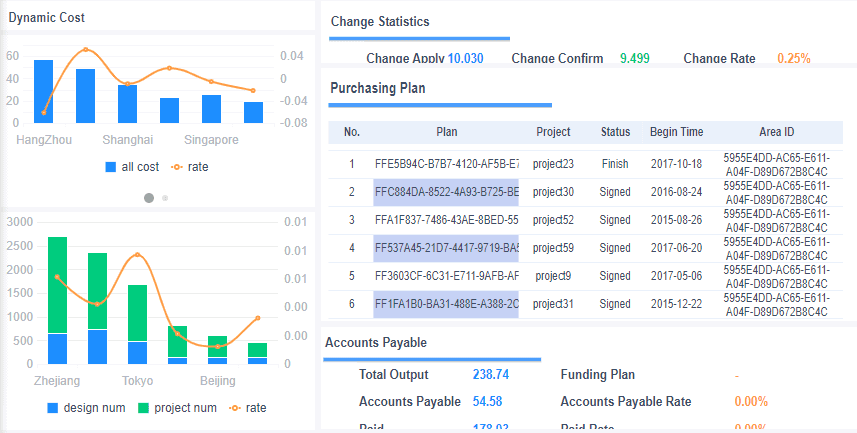
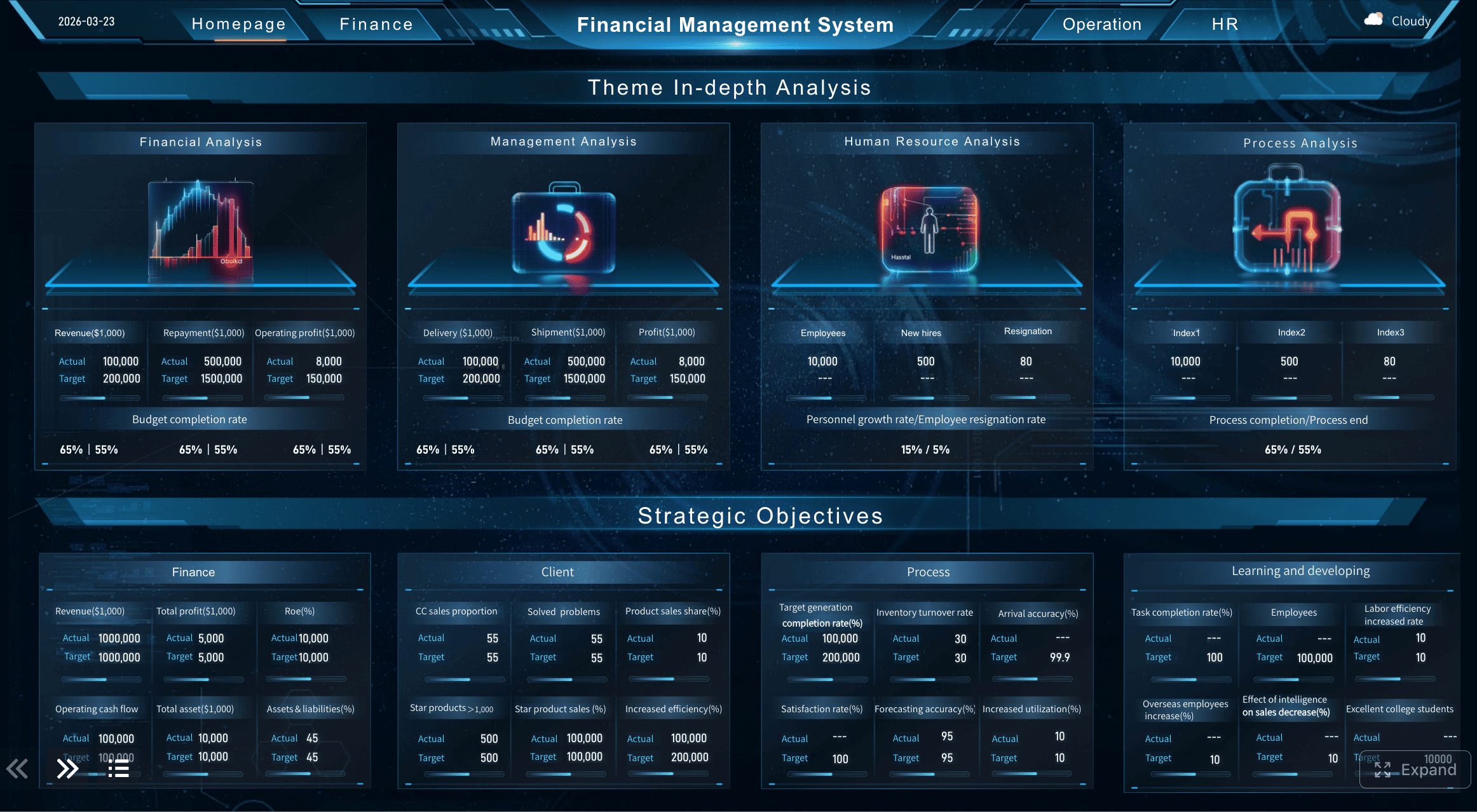
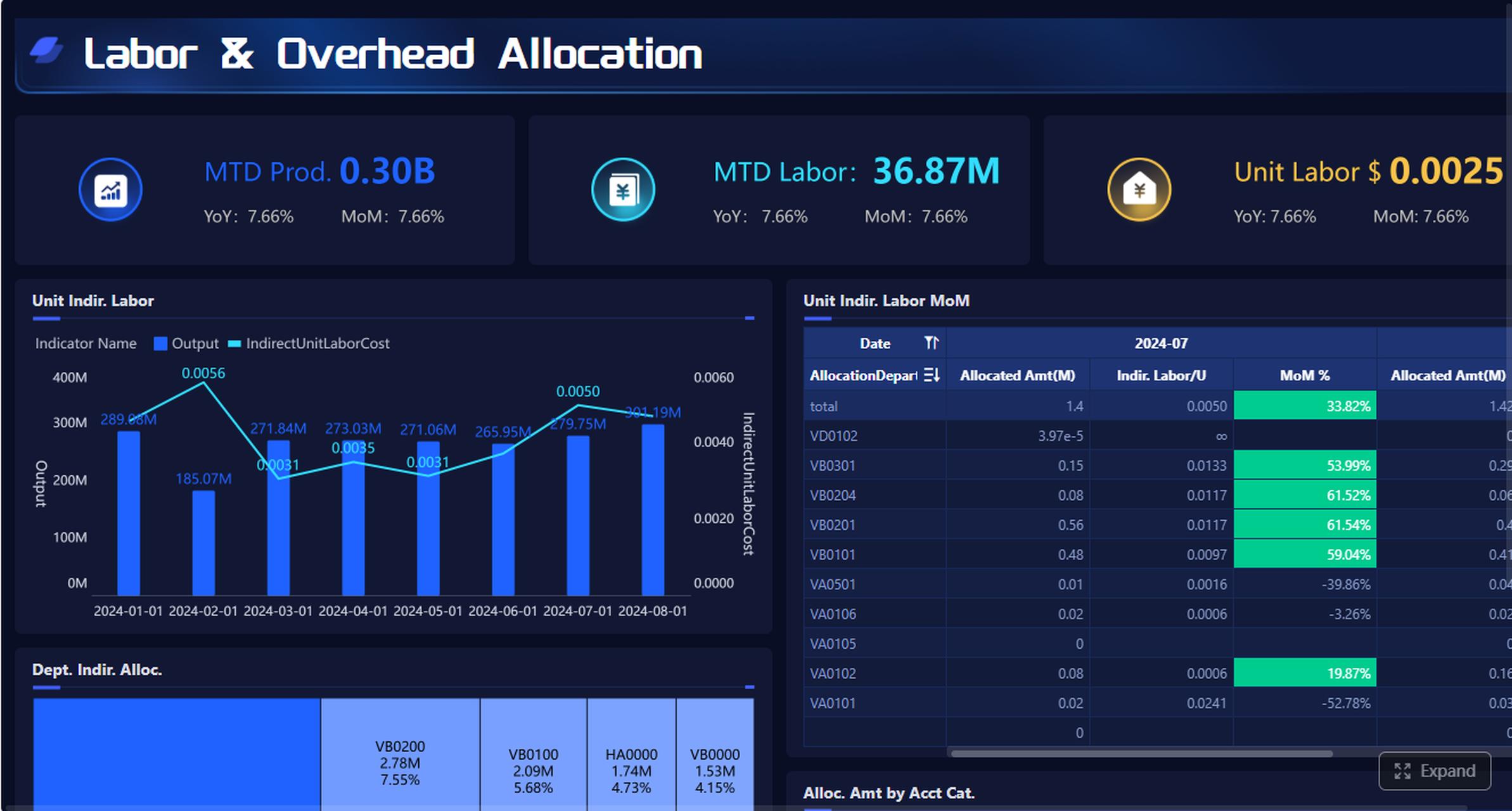
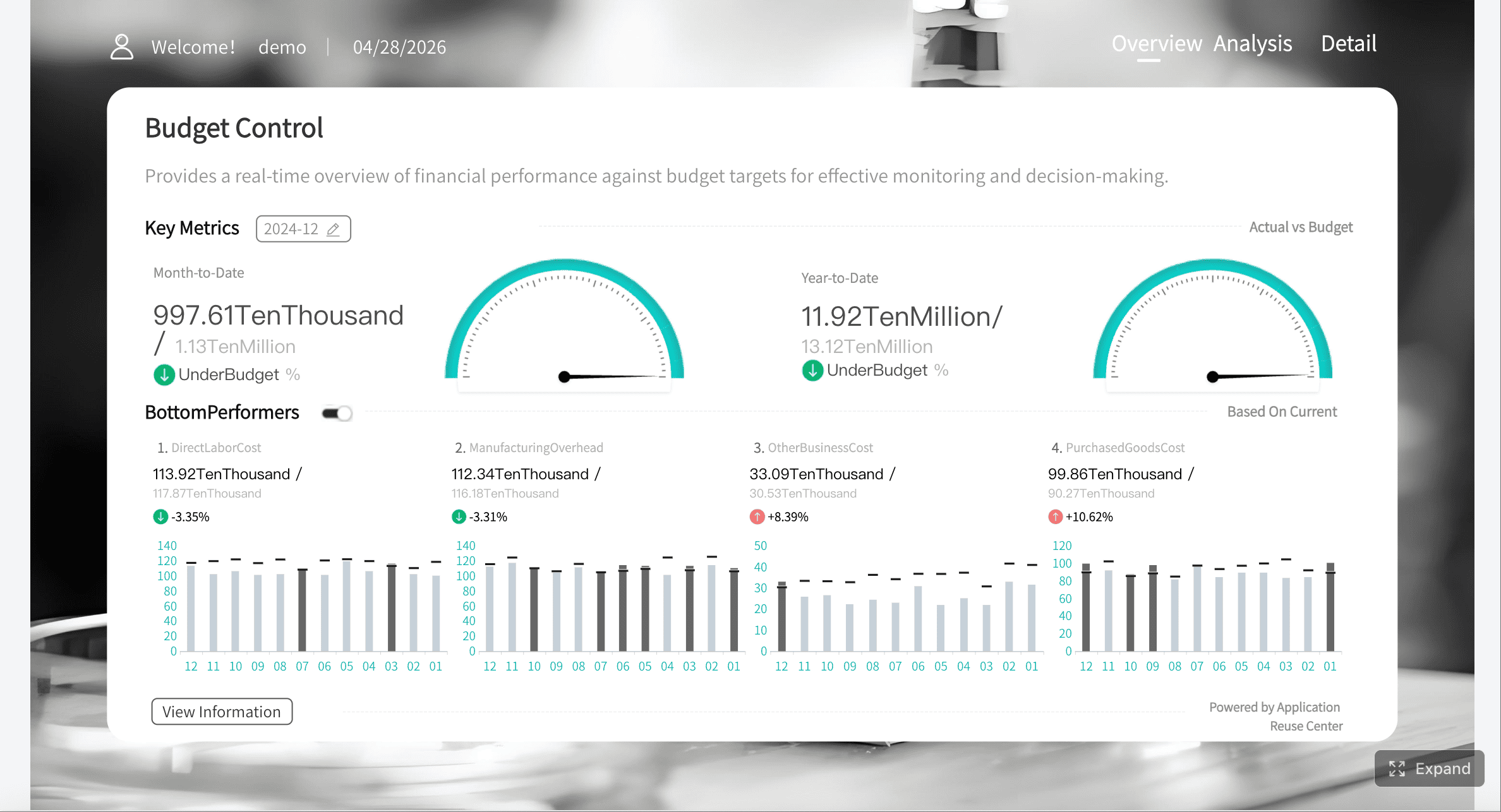
All reports in this article are built with FineReport.
What an expense report form is and when you need one
An expense report form is a structured record of business-related costs. It typically includes the date of the expense, vendor, category, payment method, amount, business purpose, and approval details. In practical terms, it gives finance teams a consistent format for reviewing expenses and gives employees a reliable way to get reimbursed.
For operations managers, finance teams, and department heads, the value is simple: standardized expense reporting improves visibility and control. Instead of chasing receipts across email threads and chat messages, you get one reviewable record tied to policy and approval workflow.
Expense tracking vs reimbursement requests vs tax documentation
These terms are related, but they are not the same.
Expense tracking means recording spending as it happens for budgeting, monitoring, and reporting.
Reimbursement requests are submissions asking a company to repay an employee or contractor for approved business costs.
Tax documentation supports deductions, bookkeeping, and compliance during tax filing or an audit.
A single expense report form may support all three, but the goal matters. A reimbursement form focuses on approval and payment. A bookkeeping record emphasizes categorization and accuracy. Tax support requires complete documentation and strong retention practices.
Common situations where accurate reporting matters
An expense report form is especially important in these scenarios:
Business travel: airfare, hotels, taxis, rideshare, parking, tolls
Meals and entertainment: client lunches, team meals, approved event expenses
Mileage reimbursement: personal vehicle use for business trips
Project costs: expenses linked to a specific client, cost center, or internal initiative
Remote work expenses: approved home office or communication costs
When these costs are not documented clearly, the result is predictable: delayed reimbursement, accounting rework, policy disputes, and incomplete reporting at month-end.
The core framework of a strong expense report form
A good expense report form is not just a list of costs. It is a control mechanism. It should help reviewers answer three questions quickly:
Was the expense business-related?
Was it categorized correctly?
Is the reimbursement amount accurate and compliant?
Key Metrics (KPIs) for expense reporting
Below are the core elements every strong expense process should monitor:
Total claimed amount: The full reimbursement value submitted in the report.
Expense date: The date the transaction occurred; critical for accounting periods and audit trails.
Submission date: When the form was filed; helps track late reports and process delays.
Category accuracy rate: The percentage of expenses assigned to the correct category.
Receipt attachment rate: The share of line items with valid supporting documents.
Approval turnaround time: Time from submission to manager or finance approval.
Policy exception count: Number of expenses that violate limits, missing fields, or required proof.
Duplicate claim rate: Frequency of repeated submissions for the same expense.
Mileage reimbursement amount: Total vehicle reimbursement based on approved rates and miles logged.
Tax-inclusive vs tax-exclusive amount: Helps accounting teams handle VAT, GST, or sales tax correctly.
Department or project allocation: Identifies which team, client, or job should absorb the cost.
Reimbursement status: Whether the expense is pending, approved, paid, or rejected.
Core fields every expense report form should include
Whether you use a spreadsheet, PDF, or automated workflow, your form should contain these essentials:
Completing an expense report form correctly is mostly about discipline. The fewer assumptions reviewers need to make, the faster your report moves through approval.
Gather receipts, dates, and payment details before you start
Before filling out anything, collect all supporting information for each line item. This prevents incomplete entries and last-minute guesswork.
You should have:
Receipt or invoice
Transaction date
Vendor name
Amount paid
Payment method
Business purpose
Tax amount, if applicable
Project, department, or client code if required
Match each receipt with your card statement, invoice log, or bank transaction history. This step catches common issues such as tip mismatches, duplicate entries, rounded numbers, and missing charges.
If a receipt is missing, note it immediately and follow your company’s missing-receipt policy instead of waiting until submission day.
Enter employee, project, and reporting period information
The header section matters more than many people think. Finance teams often review dozens or hundreds of reports at once. If names, departments, dates, and project codes are incomplete, the report slows down before anyone reviews the actual expenses.
Make sure you enter:
Full employee or contractor name
Department or team
Employee ID if required
Manager name
Reporting period start and end dates
Project, job, or client code
Submission date
Common errors include misspelled names, outdated department names, wrong reporting periods, and invalid client codes. These errors cause routing problems and can delay reimbursement even when the expense lines themselves are correct.
Categorize each expense the right way
Correct categorization affects budgeting, reimbursement rules, and tax treatment. A meal is not transportation. A hotel is not miscellaneous. A software subscription should not be buried in office supplies.
Meals: breakfast, lunch, dinner, client meals where permitted
Supplies: office supplies, printer ink, stationery, minor tools
Communication: mobile charges, internet, approved calling expenses
Miscellaneous: only for items that do not fit a standard category and are allowed by policy
Sometimes one purchase must be split across categories. For example:
A hotel bill may include lodging, meals, and parking
A conference invoice may include registration, materials, and travel
A retail receipt may include office supplies plus a client-facing promotional item
In those cases, split the expense line by actual purpose instead of forcing the full amount into one category.
Review totals, approvals, and supporting documents
Before submission, do one final review. This is where most preventable mistakes get caught.
Check the following:
All amounts match the receipts
Totals calculate correctly
No duplicate line items appear
Categories are consistent with policy
Receipts are attached and readable
Mileage calculations use the correct rate
Approval fields or manager information are complete
Any company-card charges are identified properly
Cash advances are deducted where required
A clean final review helps accounting teams process claims faster and reduces back-and-forth emails.
Real examples of a completed expense report form
Examples make the structure easier to understand. Below are three common use cases.
Example: simple employee reimbursement report
This is the most basic format. An employee pays for a few business expenses during the month and submits one report.
Sample entries:
Date
Vendor
Description
Category
Payment Method
Amount
2026-05-03
Office Depot
Printer paper and pens
Supplies
Personal card
$42.80
2026-05-05
Uber
Ride to client office
Transportation
Personal card
$18.50
2026-05-07
Starbucks
Coffee during approved client meeting
Meals
Personal card
$12.40
Total reimbursement: $73.70
This format works well for small teams, occasional purchases, and simple monthly reimbursements.
Example: business travel expense report
Travel reports are more detailed because multiple categories appear in one trip.
Sample entries:
Date
Vendor
Description
Category
Amount
2026-05-10
Delta
Round-trip airfare
Transportation
$420.00
2026-05-10
Marriott
2 hotel nights
Lodging
$360.00
2026-05-11
Taxi
Airport to hotel
Transportation
$34.00
2026-05-11
Restaurant
Client dinner
Meals
$68.00
2026-05-12
Mileage
Personal car to airport
Mileage
$29.40
Total trip expenses: $911.40
A travel expense report form should also capture trip purpose, destination, dates of travel, and manager approval.
Example: freelance or self-employed expense record
Freelancers and self-employed professionals may not submit reimbursement requests to a company, but the same structure is still useful for bookkeeping and tax prep.
Typical entries might include:
Software subscriptions
Coworking fees
Internet or communication costs
Client travel
Office supplies
Professional education
The key difference is that the report supports internal records, profit tracking, and tax preparation rather than employer reimbursement.
Free expense report form templates you can use
Choosing the right template depends on volume, complexity, and team workflow. A solo consultant can work well in a spreadsheet. A multi-department company usually needs shared approvals, tracking, and reporting.
Best formats for different needs
Here is a quick comparison:
Format
Best for
Pros
Limits
Excel template
Small teams, offline use
Flexible, familiar, easy formulas
Version control issues, manual updates
Google Sheets template
Remote teams, shared editing
Real-time collaboration, easy access
Can become messy without controls
Printable PDF form
Field use, manual signatures
Simple, standardized, easy to print
Hard to analyze, more manual entry
Cloud-based template
Growing teams, finance workflows
Centralized, auditable, scalable
Usually needs setup and governance
Use Excel when a single person or small finance team manages structured reports locally. Use Google Sheets when multiple stakeholders need shared access. Use a shared-drive template only if naming conventions, approval steps, and ownership are very clear.
The best templates reduce manual errors with drop-down categories, locked formulas, required fields, and clearly labeled totals.
How to customize a template for your workflow
A generic template is a starting point, not the end state. Customize it based on how your organization spends and reviews money.
You may want to add:
Mileage fields: start point, destination, miles driven, reimbursement rate
Per diem fields: meal allowance by travel day
Client billing tags: mark reimbursable costs that should pass through to clients
Department budget fields: tie expenses to cost centers
Policy flags: meal cap, hotel cap, missing receipt warning
Payment source fields: personal card, company card, cash advance
This is where many organizations move from static forms to dashboard-driven reporting.
Mistakes to avoid and best practices for an expense report form
Most reporting issues are not caused by fraud. They come from inconsistent habits. But even small mistakes create finance friction.
Common mistakes include:
Missing receipts
Vague descriptions like “meeting” or “supplies”
Duplicate claims
Incorrect categories
Wrong reporting period
Unclear business purpose
Illegible attachments
Forgetting to deduct company-paid charges or cash advances
4 best practices from a consultant’s perspective
1. Log expenses continuously, not at month-end
Enter expenses as they happen or at least weekly. This improves accuracy and reduces missing documentation.
2. Standardize categories and policy rules
Do not let every employee invent their own category names. Use a controlled list tied to finance reporting.
3. Require receipt validation before approval
Approvers should confirm that each claim has matching proof and a clear business purpose before signing off.
4. Build a simple review checklist
Every submitter should confirm totals, duplicates, dates, and attachments before hitting submit.
These practices are what separate an expense process that merely functions from one that scales cleanly.
How an expense report form connects to tax and legal forms
An expense report form is usually an internal business document, but it often supports more formal reporting later.
When expense records support tax filing
For self-employed individuals, partnerships, and small businesses, organized expense records can make tax preparation much easier. Well-maintained reports help you identify deductible business expenses, reconcile transactions, and support the numbers used in bookkeeping and tax filings.
This does not mean every expense report becomes a tax form. It means the data inside the report often supports tax calculations, year-end summaries, and document retention requirements.
When legal or court-related financial forms require similar details
Some official legal and court-related forms also ask for income and expense information in a more formal structure. The details may look familiar: dates, amounts, recurring obligations, business costs, and supporting evidence.
The key difference is that legal or government documents must be completed exactly as instructed. If you are dealing with a court filing, regulatory disclosure, or government form, do not rely on your standard business expense report format alone. Follow the official instructions precisely.
Turn the expense report form into a controlled reporting system with FineReport
If your team is still using scattered spreadsheets, email approvals, and manually checked receipts, the problem is not just inefficiency. It is lack of visibility. Finance leaders need more than a form. They need a system that shows reimbursement status, exceptions, approval bottlenecks, and spending trends in real time.
FineReport helps organizations move from static expense report forms to interactive, governed reporting workflows. With it, teams can:
Create dashboards for pending approvals and reimbursement status
Track spend by department, project, employee, or vendor
Monitor policy violations and missing documents
Analyze travel, meals, mileage, and office purchase trends
Support audit-ready reporting with clearer data structures
For enterprise teams, that means fewer manual checks, faster approvals, and much stronger control over operational spending. For growing businesses, it means building a reporting process that scales before finance complexity becomes a bottleneck.
If you want to standardize your expense report form process and gain real reporting visibility, FineReport is the practical next step.
An expense report form is used to record business-related spending, support reimbursement requests, and keep financial records accurate. It helps managers and finance teams review whether each expense is valid, properly categorized, and documented.
A strong expense report form should include the submitter name, expense date, vendor, category, amount, business purpose, payment method, and receipt status. It should also include approval details and any project, department, or client code needed for cost allocation.
Enter each expense with the exact date, amount, vendor, and business reason, then attach matching receipts whenever required. Review totals, categories, and policy rules before submitting to avoid delays or rejection.
Common mistakes include missing receipts, vague descriptions, incorrect categories, duplicate claims, and wrong totals. Submitting late or leaving out approval information can also slow reimbursement.
Yes, many expense report templates can be customized for travel, meals, lodging, mileage, and project costs. For mileage, include trip dates, business purpose, distance traveled, and the approved reimbursement rate.
Product Trial
FineReport
Pixel-perfect reports · Interactive dashboards · Easy data entry · Digital twins