

An employee expense report is the operational bridge between business spending in the field and accurate reimbursement in finance. For operations directors, finance managers, and department heads, the challenge is not just collecting receipts. It is building a workflow that pays employees quickly, enforces policy consistently, prevents duplicate or non-compliant claims, and creates a clean audit trail. When the process is unclear, reimbursement slows down, approvers make inconsistent decisions, and finance teams spend too much time fixing preventable errors.
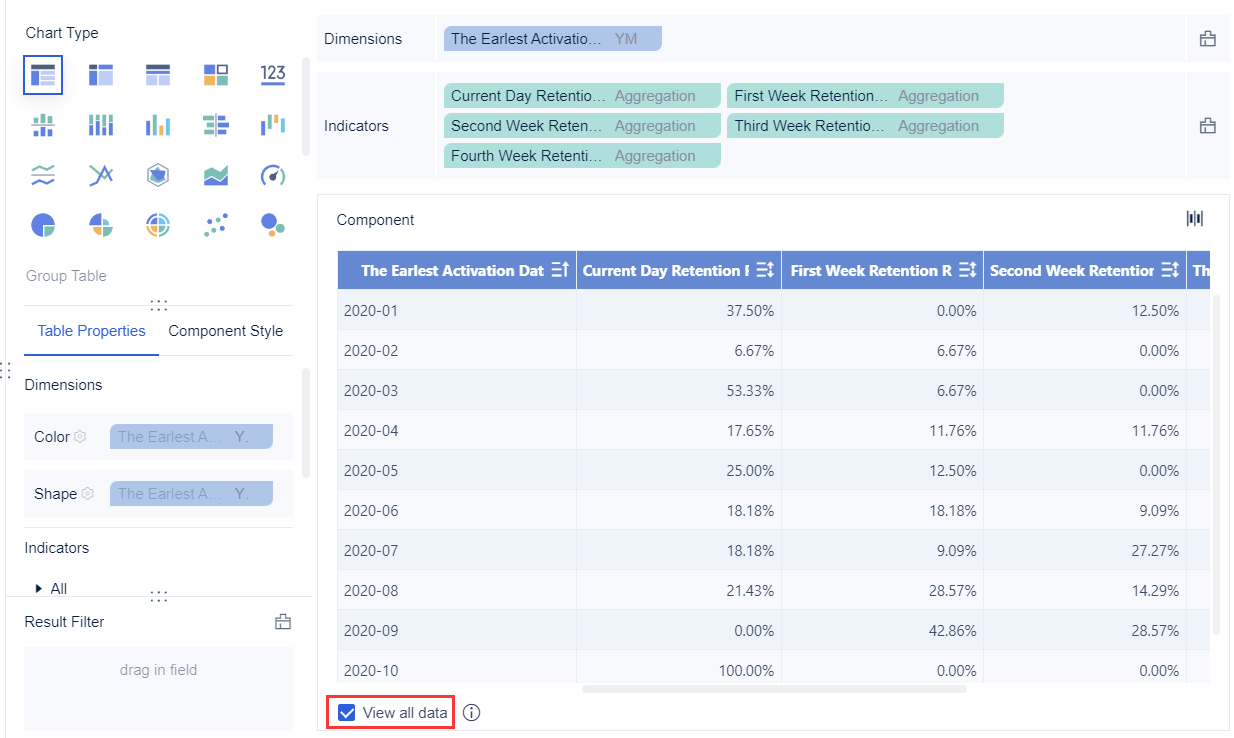
All reports in this article are built with FineReport
Employee expense report workflow: from submission to payout
A reimbursement workflow exists to move a business expense from employee submission to verified payment with speed, control, and accountability. At a minimum, it should support four business outcomes: timely employee reimbursement, policy compliance, accurate accounting, and audit-ready documentation.
Without a defined workflow, companies usually face the same issues repeatedly: delayed approvals, missing receipts, duplicate claims, incorrect coding, and disputes over what qualifies as reimbursable. A clear process reduces manual back-and-forth and gives every stakeholder a known role and timeline.
In a well-designed employee expense report process, responsibilities are distributed across the organization:
- Employee submits expenses with required documentation
- Manager reviews business purpose, necessity, and budget alignment
- Finance or AP validates policy, accounting treatment, and reimbursement eligibility
- Payroll or Accounts Payable executes payout
- Audit or compliance teams review exceptions, controls, and record retention when needed
Key Metrics (KPIs)
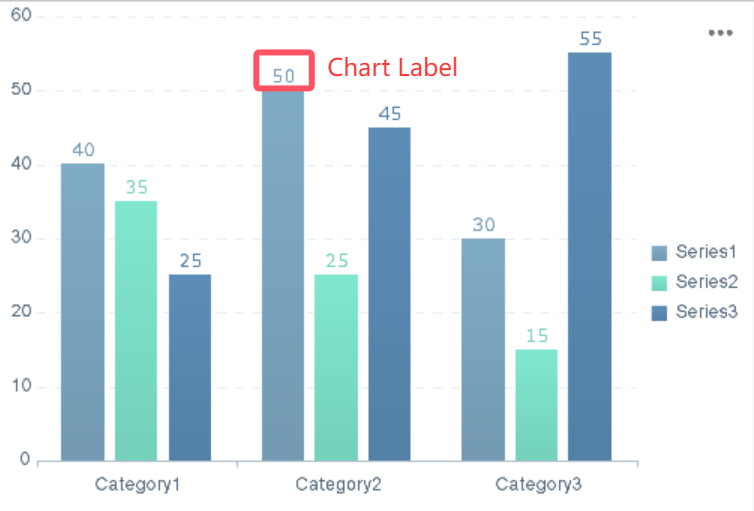
For enterprise teams, reimbursement performance should be managed like any other operational workflow. Track these KPIs consistently:
- Submission Timeliness: Percentage of expense reports submitted within the policy deadline
- Approval Cycle Time: Average time from employee submission to manager decision
- Finance Verification Time: Average time finance takes to validate and clear reports
- Reimbursement Turnaround Time: Total time from submission to employee payout
- Exception Rate: Share of reports flagged for policy violations, missing receipts, or unclear business purpose
- Rejection Rate: Percentage of reports rejected outright
- Return-for-Correction Rate: Percentage of claims sent back to employees for fixes
- Duplicate Claim Rate: Number of repeat or overlapping claims identified
- Out-of-Policy Spend: Total amount submitted outside policy rules
- Receipt Compliance Rate: Percentage of expense lines that meet receipt and documentation thresholds
What an expense report is and when employees should use one
An employee expense report is a structured document or digital form used to request reimbursement for business-related expenses that an employee paid out of pocket. It captures the information finance needs to validate the expense, code it correctly, and process payment.
A complete expense report usually includes:
- Employee name and department
- Reporting period
- Expense date
- Expense category
- Vendor or merchant
- Amount and currency
- Business purpose
- Project, client, or cost center
- Receipt or proof of purchase
- Reimbursement method
- Approval record
Employees should use an expense report when they personally incur approved business costs and need repayment from the company. This is different from purchases made through corporate cards, centralized procurement, or company-paid travel accounts, which often follow separate reconciliation workflows.
A useful policy must also distinguish reimbursable expenses from non-reimbursable or company-paid purchases. For example, airfare booked through a corporate travel platform may not belong on an employee expense report, while a taxi to the airport paid personally likely does.
Common reimbursable expense types include:
- Travel
- Meals
- Mileage
- Lodging
- Office supplies
- Remote work items
- Client-related costs
- Training or event fees
Common types of expense reports
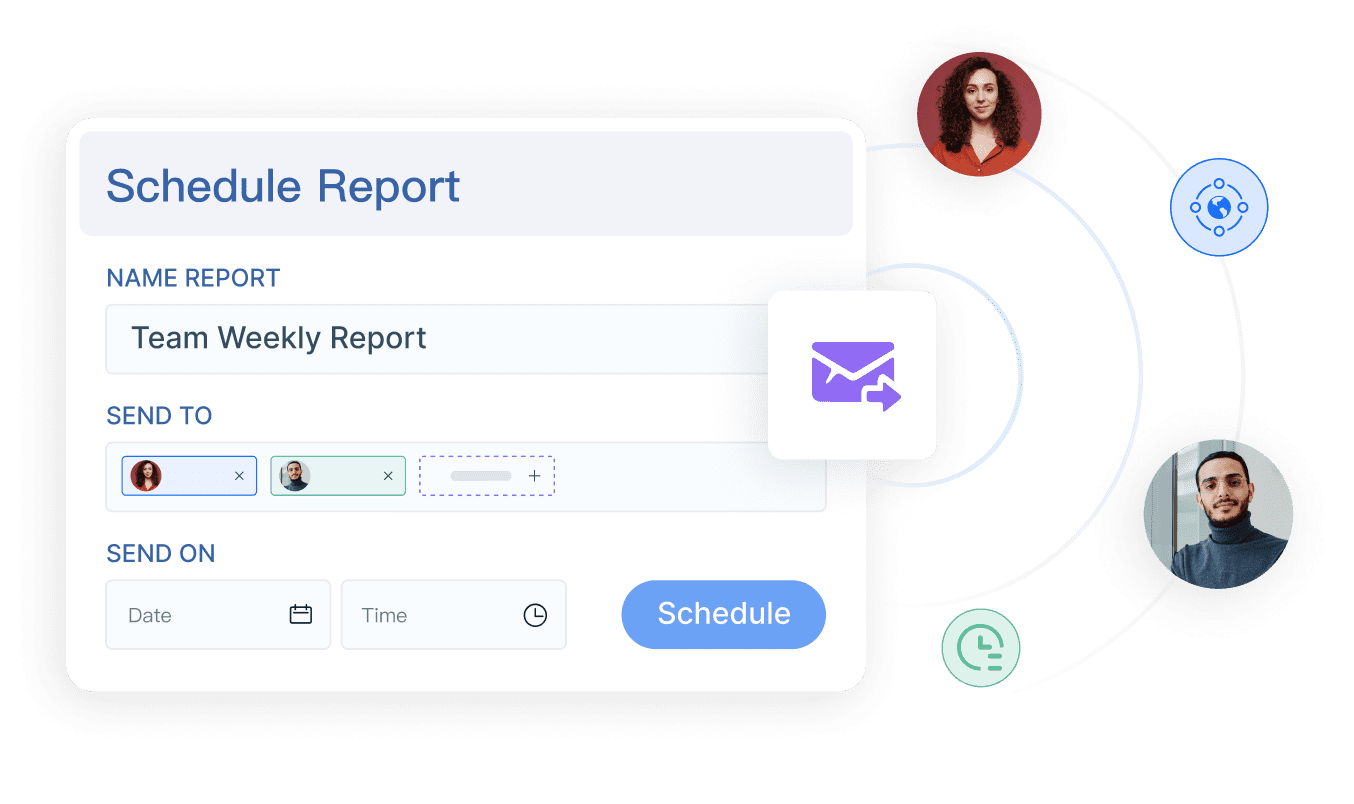
Different operating models require different report structures. The most common types are:
Single-trip reports for travel or events
These reports group expenses tied to one business trip, conference, or client visit. They typically include transportation, lodging, meals, parking, and event-related charges. This format works well because the business purpose and reporting period are clear.
Recurring monthly reports for remote work or mileage
Some expenses occur repeatedly, such as mileage reimbursement, mobile phone stipends, internet support, or approved home office costs. A recurring report format simplifies submission and makes trend analysis easier for finance.
Project-based reports tied to departments, clients, or cost centers
Professional services, consulting, construction, and field operations teams often need expenses tagged to billable projects, internal departments, or client engagements. In these cases, the expense report should support accounting codes and cost allocation fields.
Build a policy-compliant expense reporting process
A policy-compliant process starts with written rules, not verbal assumptions. If employees and approvers interpret the rules differently, the workflow becomes inconsistent and expensive to manage. Your policy should define what must be submitted, when it must be submitted, who can approve it, and how exceptions are handled.
At a minimum, the process should establish:
- Submission deadlines
- Receipt requirements
- Approval thresholds
- Documentation standards
- Reimbursement timing
- Audit responsibilities
You also need clear rules for common edge cases. These include missing receipts, per diem claims, mileage reimbursement rates, personal charges on corporate cards, and card reconciliation mismatches. If these scenarios are not codified, managers make judgment calls and finance spends time resolving disputes one by one.
Approval paths should be based on real business logic. Typical routing criteria include:
- Expense amount
- Department
- Project or client
- Employee seniority
- Budget owner
- Specific high-risk categories such as travel or entertainment
Core policy elements to document
Document these elements explicitly so the employee expense report workflow is enforceable and scalable.
Eligible expense categories and spending limits
Define what can be reimbursed and set limits where needed. Examples include meal caps, lodging class restrictions, daily per diem amounts, and mileage reimbursement rules.
Required fields and receipt thresholds
Specify the minimum fields needed for every claim and identify when receipts are mandatory. For example, your policy may require receipts for all lodging and airfare, or for any transaction above a stated threshold.
Tax, audit, and record-retention requirements
Expense data affects tax treatment, statutory reporting, and internal audit readiness. Define how long reports and receipts must be stored, what tax fields are needed, and when additional supporting documents are required.
Escalation steps for out-of-policy claims
Not every exception is fraudulent. Some are legitimate but unusual. Your process should define who reviews exceptions, what documentation is needed, and when escalation to finance leadership or compliance is required.
How to create a simple expense report template
A strong template reduces processing time because it standardizes what employees submit. Whether you use a spreadsheet, form, or expense tool, include the fields finance needs for review, coding, and payout.
A simple template should include:
- Employee name, ID, department, and manager
- Reporting period
- Expense lines with date, category, vendor, and amount
- Currency and exchange rate if applicable
- Total reimbursement amount
- Business purpose for each line or report
- Payment or reimbursement method
- Approval sign-off
- General ledger or accounting codes
- Project, client, or cost center fields where relevant
Use a standardized format that is easy to review, export, and audit. Avoid free-text-heavy forms that force approvers to interpret inconsistent descriptions.
Step-by-step reimbursement workflow
A reliable employee expense report process should be simple enough for employees to follow and controlled enough for finance to trust. The following four-stage workflow is a practical model for most organizations.
1. Employee submission
The employee submits expenses within the required time frame, including itemized receipts and concise business purpose notes. This is the most important control point for data quality. Poor submissions create downstream delays for everyone.
Best practices at submission include:
- Enter expenses promptly after the trip or purchase
- Attach itemized receipts, not just card slips
- Use specific business purpose descriptions
- Check for duplicates before submitting
- Exclude personal or company-paid items
- Confirm coding for department, project, or cost center
2. Manager approval
The manager reviews whether the claim is business-related, reasonable, within budget, and compliant with policy. This step should not become a rubber stamp. Managers are the first line of control over unnecessary or excessive spend.
The manager should be able to:
- Approve compliant expenses
- Reject clearly non-reimbursable items
- Return reports with comments when corrections are needed
- Escalate exceptions above approval authority
3. Finance verification
Finance verifies receipt quality, tax treatment, expense categorization, and exception handling. Depending on the organization, finance may also cross-check claims against travel bookings, card statements, expense limits, or project budgets.
This stage typically includes:
- Validating totals and calculations
- Reviewing tax implications
- Confirming category mapping
- Investigating duplicate or suspicious claims
- Checking exception approvals
- Preparing records for posting and reimbursement
4. Reimbursement payout and recordkeeping
Once approved, payment is scheduled through payroll or accounts payable based on company policy. The final step is just as important as approval: the organization must retain approved reports and supporting documents for future audits and reporting needs.
Key tasks include:
- Trigger payment through payroll or AP
- Notify the employee of reimbursement status
- Archive approved reports and receipts
- Maintain searchable records for audit and reporting
- Reconcile payouts against submitted claims
Tools, tracking, and controls that improve accuracy
The right tool depends on process complexity, report volume, and control requirements. Small teams may start with spreadsheets or shared forms, but those methods break down quickly when multiple approvers, tax rules, exception paths, and audit requirements are involved.
For low-volume environments, spreadsheets may appear sufficient. But as claim volume increases, manual templates create issues with version control, missing fields, delayed approvals, and limited visibility. Dedicated expense reporting tools or reporting platforms provide stronger structure, routing, and oversight.
At an operational level, finance leaders should track these performance indicators continuously:
- Report volume by department
- Average time to approve
- Average time to reimburse
- Policy exception count
- Rejection and correction rates
- Expense totals by category
- Out-of-policy spend trends
- Aging of pending claims
Automation delivers the biggest gains in four areas:
- Receipt capture: Extract details from uploaded receipts
- Duplicate detection: Flag repeated amounts, merchants, or dates
- Approval routing: Send reports to the right manager automatically
- Status updates: Keep employees informed without manual follow-up
Internal controls that protect the process
A fast workflow still needs controls. The best expense processes are both efficient and defensible.
Use these internal controls to reduce risk:
- Separate submission, approval, and payment duties where possible
- Apply approval limits based on role and amount
- Run spot checks on high-risk categories such as meals, entertainment, and mileage
- Audit unusual patterns, frequent exceptions, and repeat offenders
- Maintain version control for policy and template updates
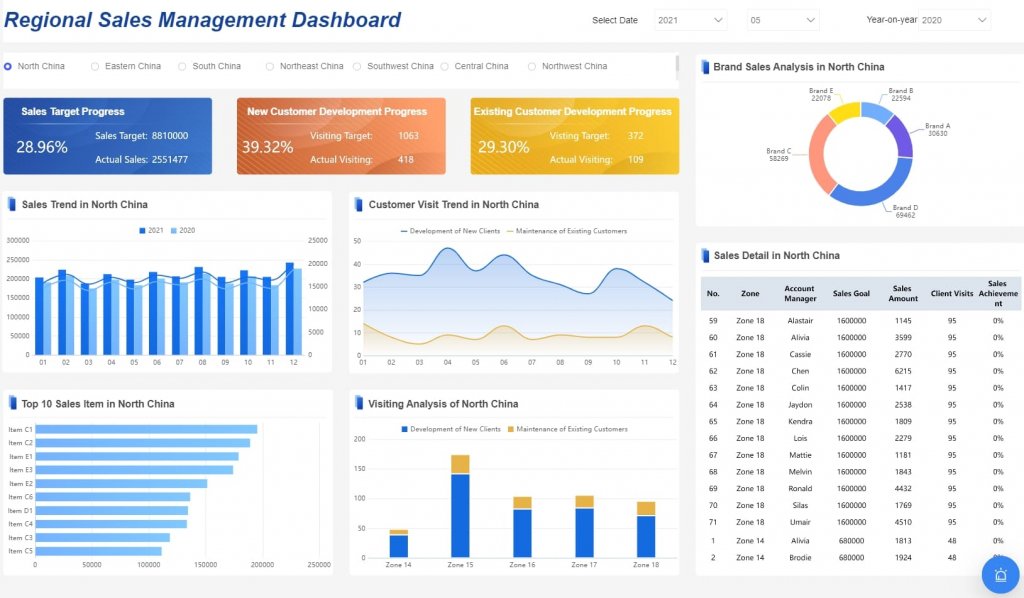
- Use dashboards to give finance real-time visibility into pending and problematic claims
Common mistakes and practical tips for faster reimbursement
Most reimbursement delays are caused by a short list of preventable mistakes. Employees submit vague descriptions, receipts are incomplete, categories are coded incorrectly, and reports arrive long after the expense occurred. Managers then approve inconsistently, and finance has to fix the problem manually.
Common mistakes include:
- Vague business purpose entries
- Late submissions outside policy windows
- Missing or unreadable receipts
- Incorrect expense categories
- Submitting company-paid charges for reimbursement
- Ignoring project or cost center coding
- Combining unrelated trips into one report
To improve reimbursement speed and accuracy, use these consultant-level best practices:
1. Standardize policy language and examples
Do not rely on broad statements like “reasonable meals” or “business-related travel.” Define what those terms mean with real examples, category limits, and receipt requirements. Ambiguity creates inconsistent approvals.
2. Train both employees and approvers
Most companies train employees once and ignore managers. That is a mistake. Approvers need guidance on policy interpretation, exception handling, and budget accountability just as much as submitters need help with receipts and coding.
3. Build validation into the submission stage
Catch errors early. Required fields, receipt thresholds, duplicate warnings, and category rules should be enforced before the report reaches the approver. This reduces rework across the workflow.
4. Monitor cycle time and bottlenecks weekly
If reports are sitting with managers too long, that is a workflow issue, not an employee issue. Track aging by approver, department, and category so you can fix the real constraint.
5. Review policy and thresholds as the business scales
A startup policy often fails in a multi-entity or multi-department environment. Reassess approval limits, category rules, and control points regularly as spending patterns and reporting complexity grow.
Build the workflow faster with FineReport
Designing a policy-compliant employee expense report workflow manually is possible, but it quickly becomes complex. You need templates, routing logic, validation rules, status tracking, exception dashboards, and audit-ready reporting. Building all of this in disconnected spreadsheets and email chains is slow, fragile, and hard to scale.
Building this manually is complex; use FineReport to utilize ready-made templates and automate this entire workflow. FineReport helps enterprises standardize expense report templates, visualize approval pipelines, track reimbursement KPIs, and give finance teams the visibility they need to manage compliance proactively.
With FineReport, teams can:
- Create standardized employee expense report forms and dashboards
- Consolidate expense data across departments and entities
- Monitor approval cycle time and reimbursement SLAs
- Highlight missing receipts and out-of-policy claims automatically
- Build finance dashboards for exceptions, trends, and audit review
- Export data cleanly for accounting, payroll, or AP processes

Get Ready-to-Use Dashboard Templates in Fine Gallery
For finance teams that want faster reimbursement without losing control, FineReport offers a practical way to operationalize policy, automate visibility, and improve employee trust in the reimbursement process.
FAQs
An employee expense report is a form or digital submission used to request repayment for approved business costs paid personally by an employee. It records key details like date, amount, category, business purpose, and supporting receipts.




