

Expense report templates are the fastest way to standardize business spending records, reduce reimbursement delays, and give finance teams cleaner data for approval, audit, and reporting. If your employees submit incomplete expenses, managers approve inconsistent forms, or accounting spends too much time fixing totals and chasing receipts, the problem is rarely just process discipline. It is usually the template itself. A well-built expense report template creates consistency from the first entry to the final reimbursement.
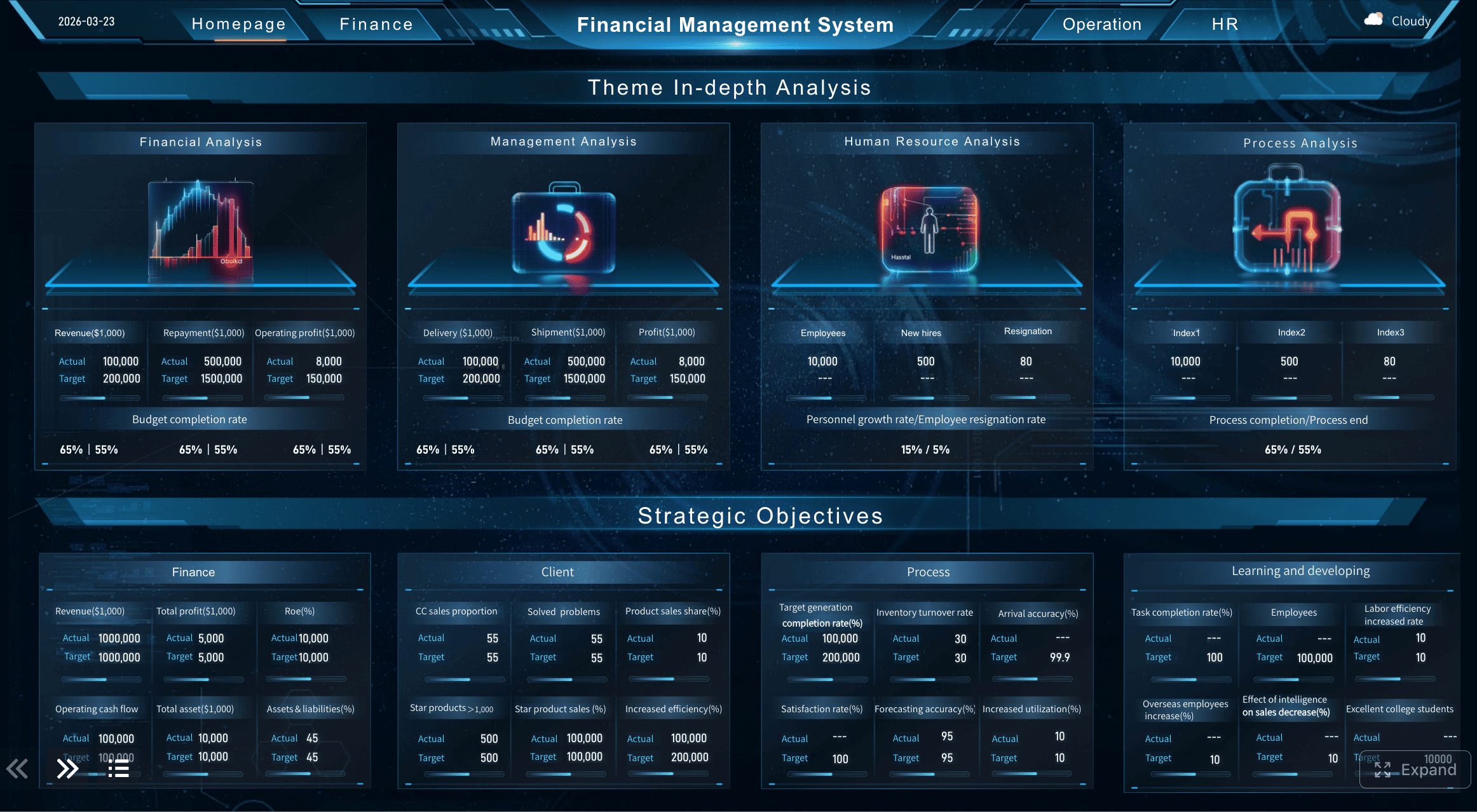
All reports in this article are built with FineReport.
For employees, managers, finance teams, and small business owners, the value is practical: fewer back-and-forth emails, faster month-end close, better policy compliance, and clearer visibility into where money is going. The key is knowing which fields are mandatory, which columns are optional, and which design mistakes quietly make the template harder to use.
What expense report templates should include
An expense report records business-related spending so organizations can review, approve, reimburse, and analyze costs. In practice, it is the operational bridge between a purchase and an accounting record. Good expense report templates do more than hold line items. They enforce structure.
For most organizations, a template should help teams do four things well:
- Capture complete expense data
- Support manager approval
- Simplify reimbursement
- Enable reporting and audit review
That is why the best expense report templates are not just forms. They are lightweight control tools.
The most frequent users of expense report templates include:
- Employees submitting reimbursable travel, meals, supplies, or client-related costs
- Managers reviewing business purpose, budget impact, and policy compliance
- Finance teams reconciling payments, validating receipts, and posting expenses
- Small business owners tracking spending without a full expense management system
It is important to set expectations early: every template should separate required fields from nice-to-have tracking columns. Required fields support reimbursement, bookkeeping, and compliance. Optional columns improve analysis, job costing, or project tracking. Mixing them together without clear logic is one of the biggest reasons templates become bloated.
Required fields every expense report should have
If you want an expense report template that works across departments, geographies, and approval levels, start with the minimum viable structure. Every report should capture enough information to answer three questions:
- Who submitted the expense?
- What was spent, when, and why?
- How will it be approved and reimbursed?
Employee and report identification details
At the top of the template, include the information needed to identify the employee and the reporting period. This sounds basic, but missing header details create unnecessary manual work for finance teams.
Required identification fields should include:
- Employee name: Identifies the submitter
- Department: Helps route approvals and allocate costs
- Manager: Clarifies the direct approver
- Report period: Defines the date range covered by the report
- Submission date: Supports processing timelines and audit traceability
- Report number or unique ID: Makes tracking, follow-up, and audit review much easier
A unique report ID is especially valuable in organizations handling high expense volume. It prevents confusion when multiple reports are submitted by the same employee in the same month.
Expense entry details
This section is the core of all expense report templates. Each row should represent one expense entry with enough detail for finance and approvers to validate the claim quickly.
Required entry-level fields include:
- Transaction date: When the expense occurred
- Vendor or merchant: Where the money was spent
- Business purpose: Why the expense was necessary for work
- Category: Such as travel, meals, lodging, office supplies, or client entertainment
- Amount: The value of the expense
Depending on your business, you may also need:
- Payment method: Personal card, corporate card, cash, or advance
- Currency: Essential for global teams or cross-border travel
- Tax information: VAT, GST, sales tax, or recoverable tax fields where applicable
The goal is clarity, not complexity. If an approver cannot understand the line item in five seconds, the template is underperforming.
Approval and reimbursement information
An expense report template should not stop at data capture. It should also support the final downstream actions: approval and reimbursement.
Required approval and payout fields include:
- Approval status: Pending, approved, rejected, or returned
- Approver name: Who reviewed the report
- Reimbursement method: Payroll, bank transfer, petty cash, or AP payment
- Total amount due: Final reimbursable amount after adjustments
- Receipt attachment status: Attached, missing, exempt, or pending
- Policy confirmation: Checkbox or confirmation that expenses follow company rules
These fields reduce disputes later. Without them, finance teams are forced to reconstruct the report status through emails, chats, and disconnected spreadsheets.
Key Metrics (KPIs) for effective expense report templates
For enterprise teams and growing businesses, expense report templates should support monitoring, not just submission. These are the most useful KPIs to track:
- Total expense amount: The full claimed value of the report
- Reimbursable amount: The amount actually payable after exclusions or policy adjustments
- Approval cycle time: Time from submission to final approval
- Reimbursement cycle time: Time from approval to employee payout
- Receipt compliance rate: Percentage of expenses with valid receipts attached
- Out-of-policy expense rate: Share of expenses that violate company rules
- Expense category distribution: Spend by category such as meals, travel, and lodging
- Average report value: Mean value of submitted reports over a period
- Exception count: Number of missing fields, rejected items, or policy violations
- Project or cost center spend: Total expenses allocated to a specific budget owner
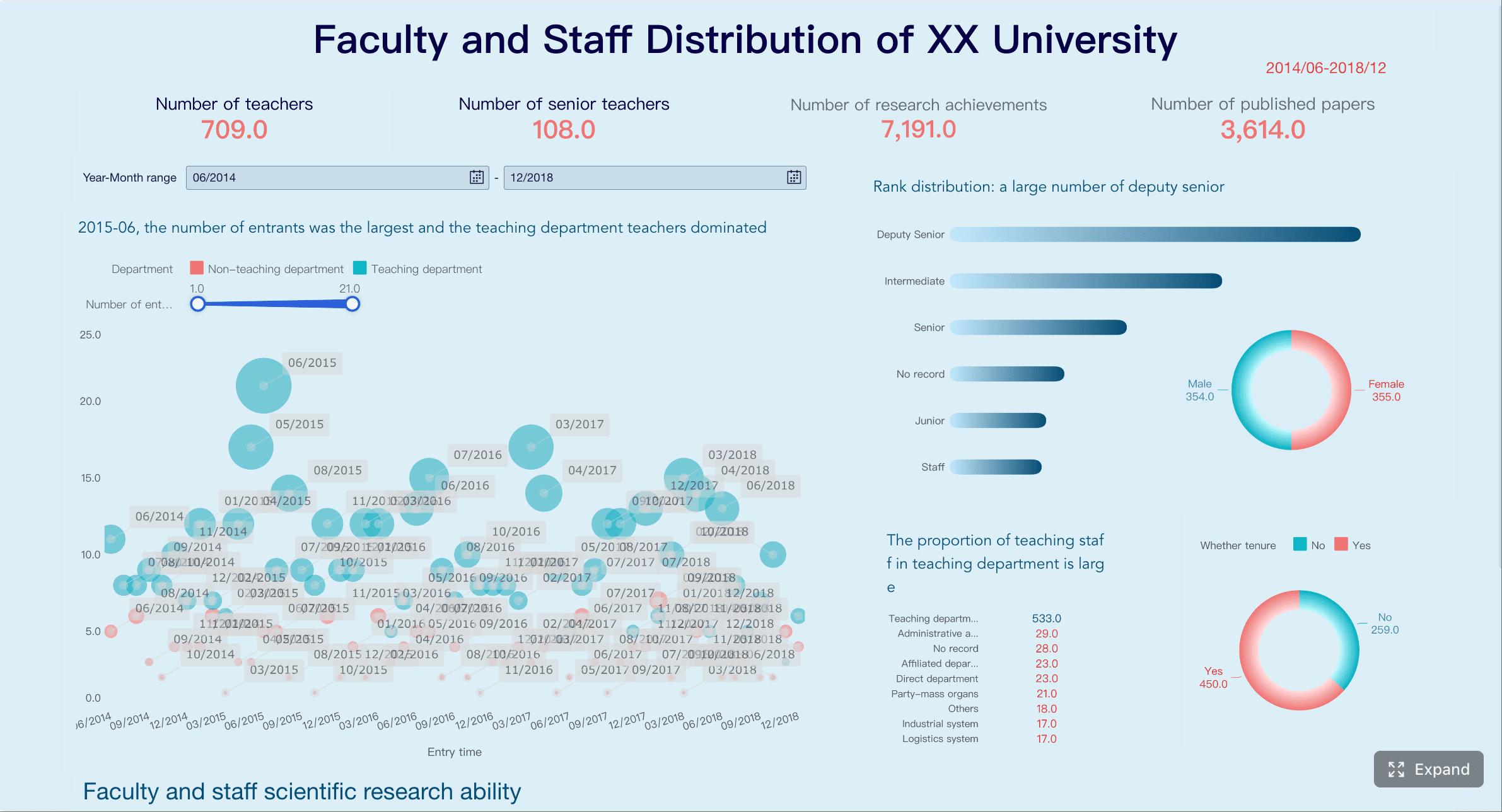
For teams that need a stronger reporting layer on top of standardized expense report templates, FineReport can help convert raw submissions into approval dashboards, compliance summaries, and reimbursement tracking views without forcing finance teams to manually rebuild reports every month.
Optional columns that improve tracking and reporting
Once the required fields are set, optional columns can make expense report templates far more useful for budgeting, client billing, and management insight. The rule is simple: add optional fields only when they support a real reporting need.
Budget and project tracking fields
For project-based businesses, agencies, consultancies, and multi-department organizations, these columns can significantly improve cost allocation:
- Cost center
- Client name
- Project code
- Event name
- Job number
- Billable or non-billable status
These fields help finance teams answer higher-value questions, such as:
- Which clients generate the most reimbursable spend?
- Which projects are running over budget?
- Which expenses can be billed back to customers?
- Which departments are driving discretionary travel costs?
Travel and mileage details
If your expense report templates are used for business travel, field visits, or mileage reimbursement, a generic format will usually fall short. Add travel-specific columns only where relevant.
Useful travel and mileage fields include:
- Origin
- Destination
- Mileage
- Mileage reimbursement rate
- Travel dates
- Lodging notes
- Per diem
- Meal breakdown
- Transportation type
These details are valuable for both reimbursement accuracy and policy monitoring. Mileage claims, for example, are much easier to validate when the origin, destination, and rate are listed clearly.
Custom fields for small teams and growing businesses
Small businesses often need flexibility more than complexity. A lean set of custom columns can help them monitor spending patterns without making the template intimidating.
Common optional fields for smaller teams include:
- Notes
- Policy exception reason
- Recurring expense tag
- Tax-deductible marker
- Cash flow priority flag
These fields can be especially useful when the business has no dedicated procurement or expense platform yet. The template becomes a lightweight operating system for expense control.
How to choose the right format for your team
Not all expense report templates should look the same. The right format depends on volume, review workflow, collaboration habits, and reporting needs.
Spreadsheet, document, or branded design format
Most teams choose between three common formats:
| Format | Best for | Strengths | Limitations |
|---|---|---|---|
| Spreadsheet | Ongoing expense tracking and calculations | Editable, formula-friendly, easy to summarize | Can become messy without controls |
| Document form | Printable or simple one-off submissions | Easy for manual review and signatures | Weak for analysis and aggregation |
| Branded design layout | Executive-facing or client-facing presentation | Professional look and polished output | Less practical for everyday data entry |
In most cases:
- Google Sheets works well for collaborative editing and lightweight workflows
- Google Drive is useful for shared access and version control across teams
- Excel-based templates remain strong for formula-heavy internal processes
- Design-based tools are best when visual presentation matters more than data operations
If your business needs both clean submission forms and management dashboards, pairing structured templates with a reporting tool is usually the best move.
Free template options and what to look for
Free expense report templates can be a good starting point, especially for startups, freelancers, and small businesses. But usefulness depends on the template design, not the price.
Look for these features in free options:
- Clear formulas for totals and subtotals
- Flexible expense categories
- Receipt tracking support
- Easy customization
- Space for approval and reimbursement details
- Simple layout that employees can complete quickly
The pros of free templates:
- Low barrier to entry
- Fast to deploy
- Easy to test before formal rollout
- Useful for small or low-volume teams
The limits of free templates:
- Weak approval workflow support
- Manual version control
- Higher error risk
- Limited reporting visibility
- Poor scalability as expense volume grows
When companies outgrow static spreadsheets, they typically need reporting automation, validation rules, and centralized dashboards. That is where a platform like FineReport becomes useful as a reporting and operational visibility layer, especially for finance leaders who need real-time oversight across multiple departments.
 Get Ready-to-Use Dashboard Templates in Fine Gallery
7 common mistakes to avoid when building or using a template
Most expense reporting problems are predictable. They show up as missing data, slow approvals, formula errors, and frustrated employees. Below are the seven mistakes I see most often in real operating environments.
Missing or vague expense details
If employees leave out business purpose, vendor, dates, or category labels, approvers have to guess. Guessing slows everything down and introduces compliance risk.
Avoid this by making the following non-negotiable:
- Transaction date
- Merchant name
- Business purpose
- Expense category
- Amount
A line item that says “meeting expense” is not good enough. A line item that says “client lunch with ABC Corp to discuss renewal terms” is review-ready.
Inconsistent formatting and category names
Mixed date formats, inconsistent labels, and duplicate category naming make expense report templates hard to review and impossible to analyze cleanly.
Typical examples include:
05/06/2026vs6 May 2026MealsvsFoodvsClient LunchTravelused for flights in one report and taxis in another
Standardize date format, category dropdowns, and currency display from day one.
No receipt tracking process
A template without a receipt status column invites confusion. Finance should not need to ask whether documentation is attached.
Add a clear field such as:
- Attached
- Missing
- Pending
- Not required
This one column saves a surprising amount of follow-up.
Overloading the template with unnecessary fields
Teams often try to future-proof expense report templates by adding every field anyone might need. The result is a bloated form that employees avoid or complete poorly.
A better rule:
- Keep required fields universal
- Add optional columns only for real reporting use cases
- Hide advanced fields unless specific teams need them
Good template design balances control with speed of completion.
Skipping approval and policy checks
If the template does not include sign-off steps or policy confirmation, non-compliant expenses slip through more easily. That creates friction later when finance rejects or adjusts claims.
At minimum, include:
- Approver name
- Approval status
- Policy confirmation
- Exception notes if applicable
Formula and total errors
Broken spreadsheets create direct financial risk. Manual totals, incorrect cell references, and hidden formula mistakes lead to overpayments, underpayments, and reconciliation issues.
Best practice is to lock formula cells, test edge cases, and validate:
- Category subtotals
- Mileage calculations
- Cash advance deductions
- Total reimbursable amount
Choosing a template that does not fit the business
A generic layout may work for occasional office supply reimbursement, but it often fails for travel-heavy teams, client project environments, or small businesses tracking tax-deductible expenses.
Choose or adapt templates based on use case:
- Travel teams need mileage, lodging, and meal fields
- Client services teams need billable and project tracking columns
- Small businesses need simplicity with cash flow visibility
- Enterprise finance teams need audit-ready consistency and reporting outputs
Best practices for implementing expense report templates
A strong template is only effective if rollout is disciplined. Here is the implementation approach I recommend most often.
1. Start with a minimum required field set
Do not launch with a complex all-purpose form. Build a core version with only the fields every user truly needs. Then add optional columns for specific teams like travel, field service, or client delivery.
2. Standardize categories and validation rules
Create one approved category list and one date format. Use dropdowns wherever possible. This reduces data cleanup and gives finance cleaner downstream reporting.
3. Define the receipt and approval workflow before rollout
Do not treat the template as a standalone file. Map who submits, who approves, who verifies receipts, and how reimbursement is triggered. A template without workflow clarity becomes an inbox problem.
4. Test with real expense scenarios
Run examples before rollout:
- A single office supply purchase
- A multi-day business trip
- A mileage reimbursement case
- A client-billable project expense
This reveals missing columns, broken totals, and confusing labels before employees rely on the form.
5. Add reporting visibility early
Even if you start with spreadsheets, connect the process to a dashboard as soon as possible. Finance leaders need visibility into pending approvals, reimbursement delays, and spend trends. FineReport is a practical option for building these dashboards on top of your operational data without forcing a complete process redesign.
Final checklist before using expense report templates
Before rolling out expense report templates company-wide, review this checklist:
- Confirm all required fields are present and easy to understand
- Make sure each expense line captures date, vendor, purpose, category, and amount
- Include approval status, approver name, and reimbursement method
- Add receipt tracking status
- Keep optional columns aligned to reporting needs, not personal preferences
- Use consistent category names and date formats
- Test formulas for subtotals, totals, and deductions
- Pilot the template using real expense scenarios
- Check whether the template fits your actual business model
- Plan how management will monitor submissions, delays, and policy exceptions
The right expense report templates reduce friction for employees and create better control for managers and finance teams. The wrong ones create hidden administrative cost. If you want a scalable process, start with a clean template, validate it against real workflows, and build reporting visibility into the process early.
FAQs
At a minimum, an expense report template should include employee details, reporting period, transaction date, vendor, business purpose, category, amount, approval status, and reimbursement information. Receipt status and a unique report ID also help with audit tracking and faster processing.




